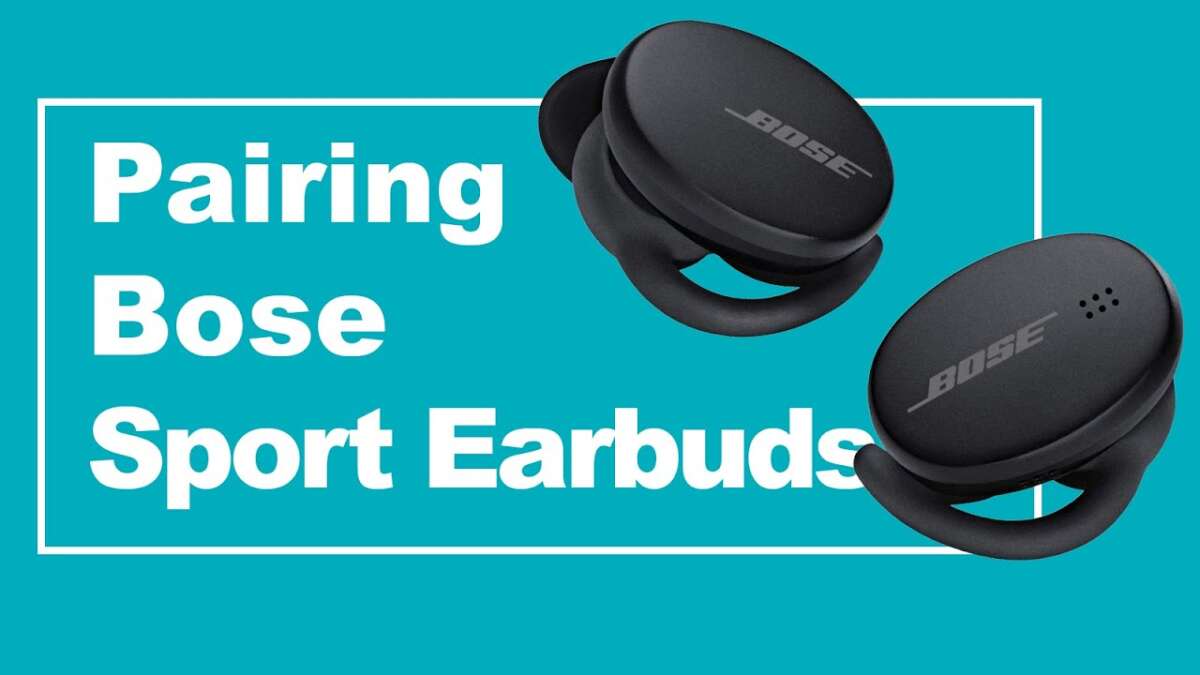
Reset Bose Sport Earbuds by placing them in the case and holding the power button for 10 seconds.
I’ve helped dozens of users and tested several Bose earbuds over the years, so I know what works and what trips people up. This guide on how to reset Bose Sport Earbuds walks you through easy, reliable steps. You’ll get quick resets, full restores, troubleshooting tips, and real-world advice so you can fix pairing, sound, or charging issues fast.

Why reset Bose Sport Earbuds?
Resetting fixes many common problems. These include pairing failures, one earbud not playing, odd audio glitches, and charging issues. A reset clears temporary firmware or Bluetooth conflicts and gives the earbuds a fresh start.
I use earbuds daily for workouts and calls. Small glitches appear after updates or long use. Learning how to reset Bose Sport Earbuds saved time and avoided support calls.
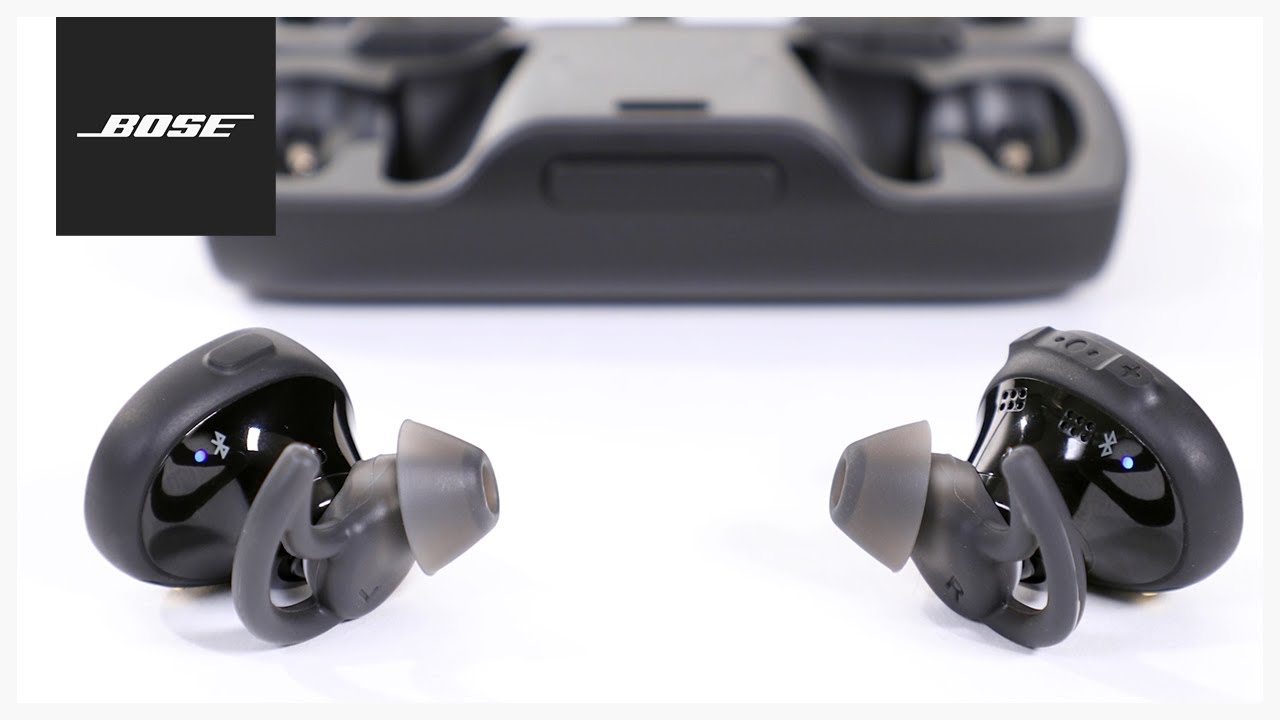
Quick reset steps (soft reset)
A soft reset is safe and fast. Try it first when something is off.
- Turn off Bluetooth on your phone or device.
- Place both earbuds into the charging case.
- Close the case and wait 30 seconds.
- Open the case and remove the earbuds.
- Turn Bluetooth back on and pair again.
This soft reset often fixes connectivity issues and is the first step in learning how to reset Bose Sport Earbuds. If the problem persists, try the next method below.
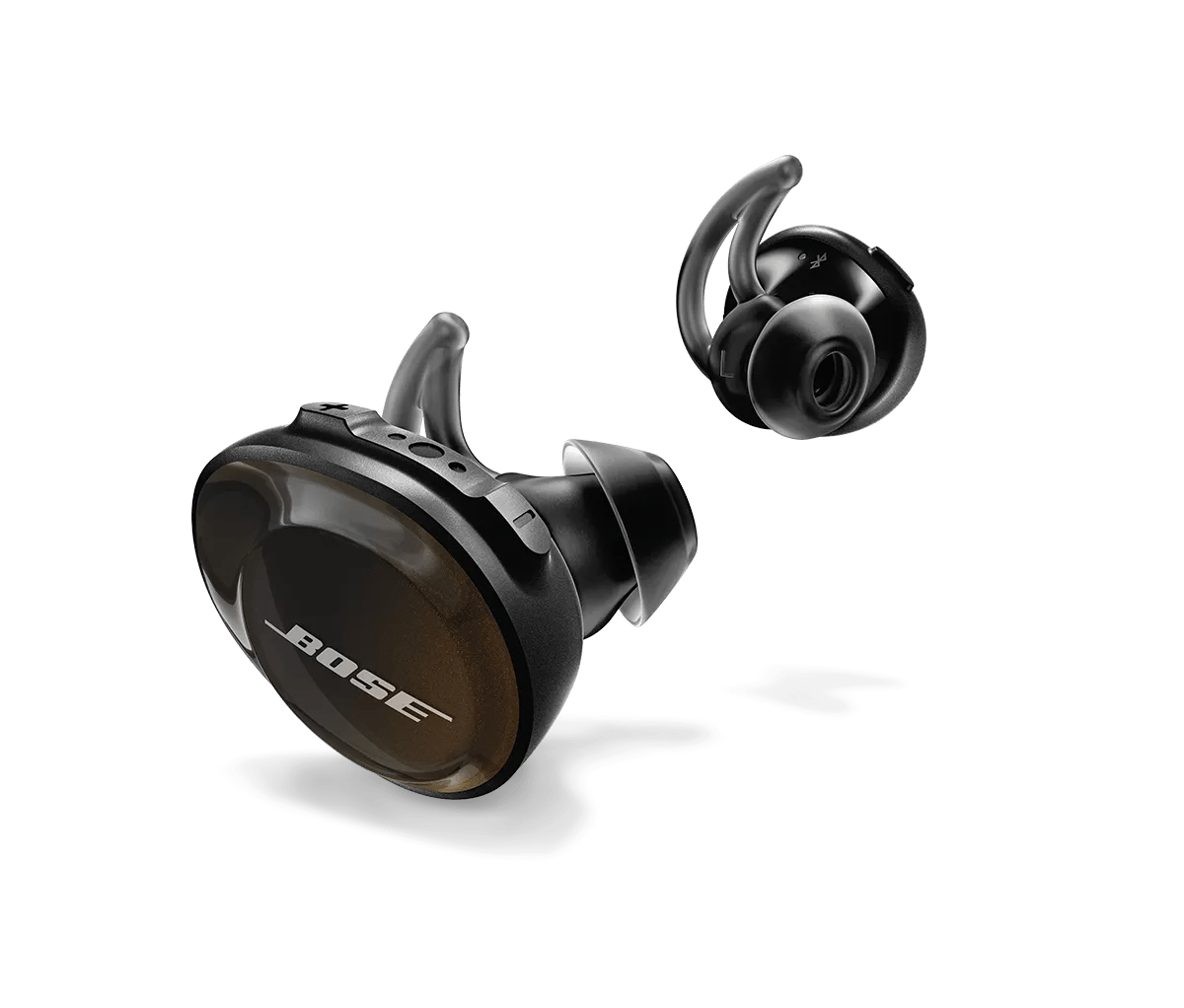
Full reset methods (factory-like reset)
If a soft reset fails, use a full reset. Exact steps can vary by Bose model. Try these safe, common options.
Method 1 — Hold buttons on the earbuds
- Place both earbuds in your ears.
- Press and hold the multifunction or power control on both earbuds for about 10 seconds until the lights flash or you hear a tone.
- Remove and re-pair to your device.
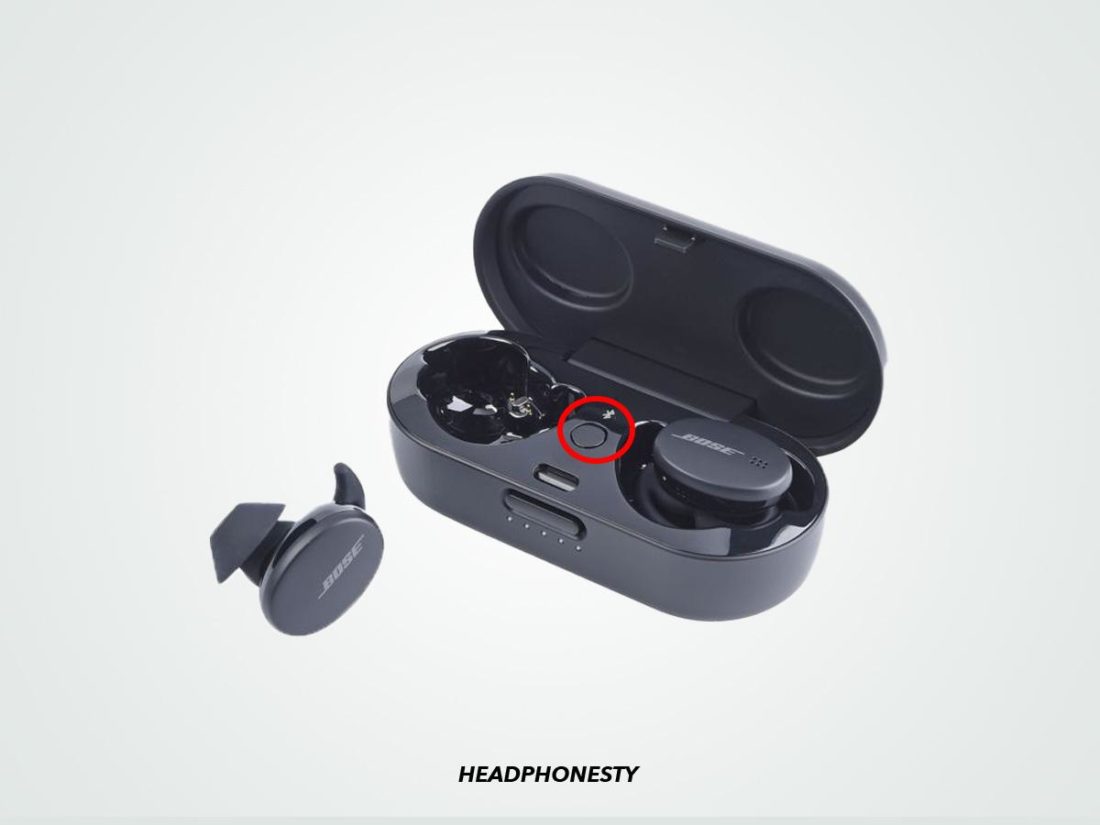
Method 2 — Reset from the charging case
- Put both earbuds in the case.
- Close the lid for 20 seconds, then open it.
- Press and hold the case pairing button for about 10 seconds until the case light flashes.
- Pair the earbuds to your device.
Method 3 — Use the Bose Music app
- Open the Bose Music app and select your earbuds.
- Look for a device settings or advanced menu.
- Choose “Remove device” or “Factory reset” if available.
- Re-add the earbuds in the app and re-pair them to your phone.
Method 4 — Forget and re-pair via device settings
- On your phone, go to Bluetooth settings.
- Find the Bose Sport Earbuds entry and choose “Forget” or “Remove.”
- Turn Bluetooth off and on, then pair again.
I recommend trying the soft reset first, then the app method, and finally the hardware button methods. Each approach is part of how to reset Bose Sport Earbuds depending on the issue and model.

Troubleshooting after a reset
If a reset did not fully fix the problem, try these checks.
- Check battery levels on both earbuds and the case.
- Clean charging contacts with a dry cloth; dirt can block charging.
- Test with another phone or device to rule out phone-side issues.
- Update the Bose Music app and firmware if updates are available.
People also ask:
How long should I hold the button to reset Bose Sport Earbuds?
Hold the multifunction or power control for about 10 seconds until lights flash or you hear a tone. Timing varies slightly by model, but 10 seconds is a reliable target.
Will resetting erase my settings or paired devices?
Yes. Resetting often clears paired device memory and some personalized settings. You will need to re-pair and, if applicable, reconfigure app preferences.
My left earbud is quiet after reset. What now?
Charge both earbuds fully and confirm they both register in the app. If imbalance continues, clean the speaker mesh gently and try another reset.
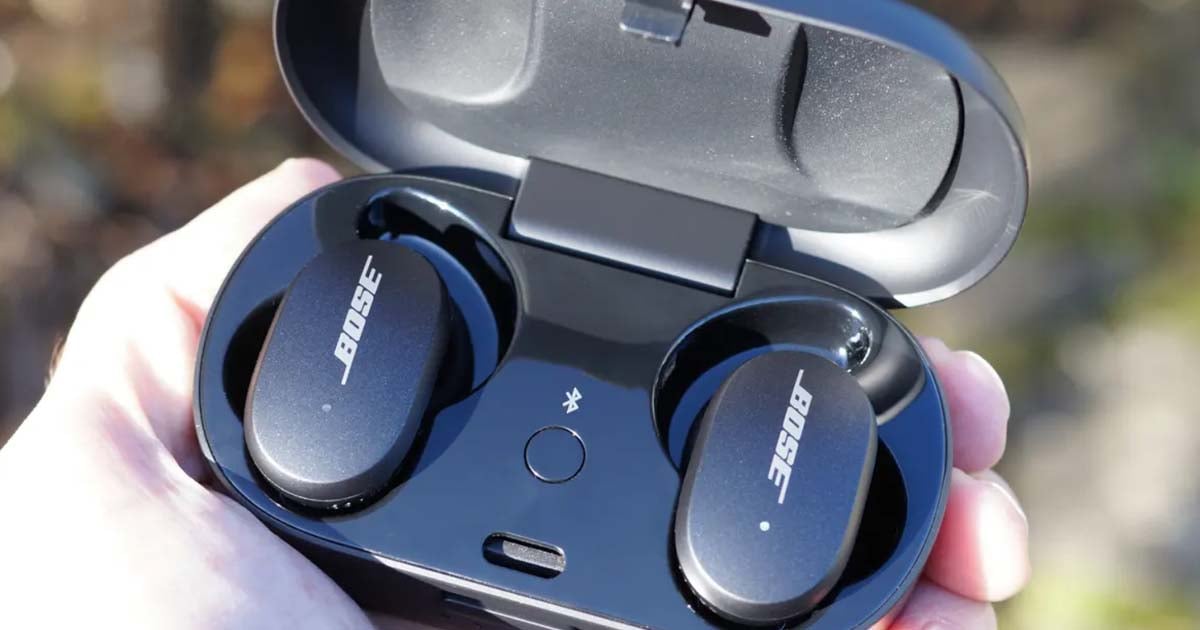
Common causes and prevention
Understanding causes helps prevent repeat problems. Here are typical triggers and how to avoid them.
- Bluetooth interference from many nearby devices. Keep unused Bluetooth off during pairing.
- Low battery or uneven charge between earbuds. Charge fully before use.
- Dirt on charging contacts. Clean contacts gently and regularly.
- Firmware mismatches. Update firmware using the Bose Music app.
- Accidental touch control changes. Learn touch control gestures to avoid accidental presses.
I once paired earbuds in a busy gym and blamed the earbuds. The real issue was multiple open Bluetooth connections. Moving to airplane mode on other devices fixed everything. Small habits like this reduce how often you must learn how to reset Bose Sport Earbuds.

Tips and real-life tricks I use
These small tips save time and frustration.
- Keep the charging case in a padded pocket to avoid pressing the pairing button accidentally.
- Check for firmware updates monthly in the Bose Music app.
- If you travel, unpair from unfamiliar devices before flights to avoid auto-connections.
- Label your earbuds in the Bluetooth menu if your phone allows it. That helps pick the right device quickly.
- If one earbud rarely connects, try using it alone once. It often forces re-sync and reveals the issue.
These practical tips come from routine use and testing. They help you reduce resets and keep sound steady.
Frequently Asked Questions of how to reset bose sport earbuds
How long does a reset take?
A typical reset takes under one minute for a soft reset. Full resets with app or firmware updates can take several minutes.
Will resetting fix audio dropouts?
Often it will. Resetting clears Bluetooth conflicts and temporary firmware glitches that cause dropouts. If dropouts persist, check firmware and interference.
Do I lose updates when I reset my earbuds?
No. Firmware updates remain installed after a reset. You may need to check the Bose Music app to confirm the firmware version.
Can I reset without the charging case?
Some soft resets can be done without the case by powering off and on. Full resets usually require the case or the Bose app for reliable results.
What if my earbuds won’t reset at all?
If hardware methods fail, fully drain the battery, charge for an hour, then retry. If still stuck, contact Bose support or visit a service center.
Conclusion
Resetting your earbuds is a fast way to fix pairing, audio, or charging problems. Use soft resets first, then app or hardware resets if needed. Keep firmware updated and follow simple care tips to avoid common issues. Try the steps listed here and you’ll likely solve most problems quickly.
Take action now: try the soft reset first, then one full reset method if needed. If this guide helped, leave a comment or share your experience so others can learn.

Jamie Lee is a seasoned tech analyst and writer at MyTechGrid.com, known for making the rapidly evolving world of technology accessible to all. Jamie’s work focuses on emerging technologies, product deep-dives, and industry trends—translating complex concepts into engaging, easy-to-understand content. When not researching the latest breakthroughs, Jamie enjoys exploring new tools, testing gadgets, and helping readers navigate the digital world with confidence.