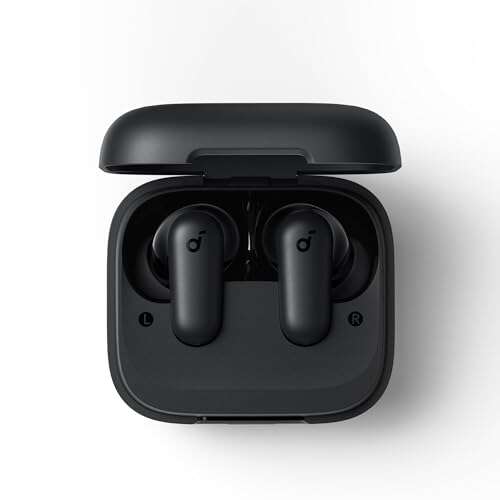
For most true wireless earbuds sold in the United States, you cannot charge the earbuds without their charging case. The case contains the battery, charging circuit, and contact points that send power to each earbud.
A few exceptions exist. Some wireless earphones have a USB-C or Lightning port on the earbud itself. Neckband-style Bluetooth earphones may also charge directly. But standard models such as Apple AirPods, Samsung Galaxy Buds, Google Pixel Buds, and many similar products normally need their matching case.
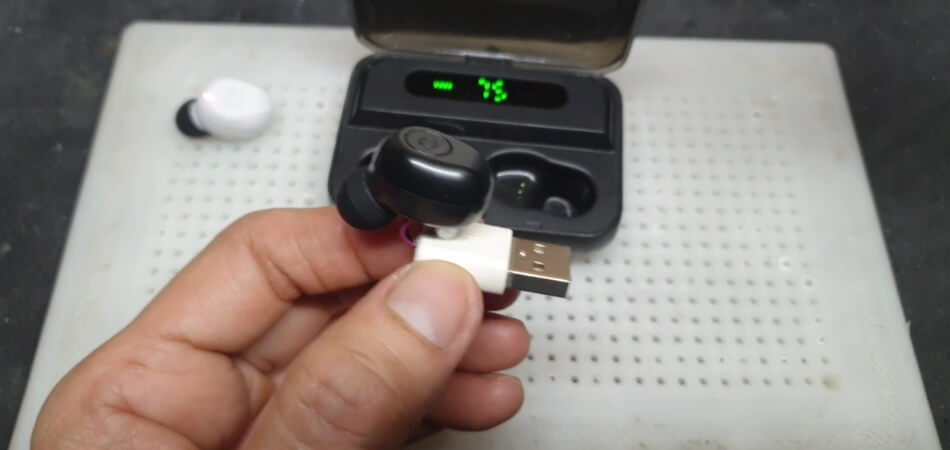
Why Most Wireless Earbuds Need the Charging Case
Most true wireless earbuds do not have their own charging port. Instead, they use small metal contacts on the bottom or side of each earbud. These contacts touch matching pins inside the case.


The case does three jobs:
- Stores power in its own battery
- Controls the charging current
- Transfers power to the earbuds through contact pins
The earbuds contain small lithium-ion batteries, but the case usually contains the parts needed to safely charge them. It manages voltage, current, and charging status.
Think of the case as both a battery pack and a small charging station. Without it, the earbuds usually have no safe way to receive power.
The charging path
The normal charging path looks like this:
- A USB cable or wireless charging pad charges the case.
- The case stores that energy in its internal battery.
- The earbud contacts touch the case pins.
- The case sends controlled power to each earbud.
- The earbuds stop or reduce charging when their batteries are full.
The case may also contain magnets that hold the earbuds in the correct position. This helps the charging contacts line up.
Why a random power source is unsafe
The exposed contacts on an earbud are not designed for direct connection to a phone charger, battery, or USB wire. Applying power to them may:


- Send the wrong voltage
- Reverse the electrical polarity
- Damage the battery
- Overheat the earbud
- Cause a short circuit
- Create a fire or burn risk
A USB charger does not automatically make every device safe. The device must have the right charging circuit to control the power.

Can You Charge AirPods Without the Case?
You generally cannot charge Apple AirPods without their compatible charging case. AirPods charge through the contacts inside the case, and the earbuds do not have a user-accessible USB-C, Lightning, or wireless charging surface.
The same basic rule applies to AirPods Pro. You can charge the case with a Lightning cable, USB-C cable, or wireless charging pad, depending on the case version. You cannot place the loose earbuds directly on a Qi charging pad.
If you lose an AirPods case, the practical options are:
- Use the original case if you find it
- Buy a compatible replacement case
- Borrow a compatible case for a short charge
- Contact Apple Support or an Apple Store
- Replace the earbuds if a case costs too much
A replacement case must match the correct AirPods generation and model. A case that looks similar may not pair or charge correctly.

Can You Charge Samsung Galaxy Buds Without the Case?
Most Samsung Galaxy Buds also require their charging case. The earbuds charge through small contacts that connect to the case.
Some Galaxy phones support Wireless PowerShare. This feature can charge a compatible Galaxy Buds case wirelessly. However, the phone charges the case, not the loose earbuds. You still need the case to hold and align the earbuds.
To use a compatible Samsung phone as a power source:
- Turn on Wireless PowerShare on the phone.
- Place the Buds case on the back of the phone.
- Align the case with the phone’s wireless charging area.
- Wait for the case’s charging indicator.
- Place the earbuds inside the case after the case has enough power.
Wireless PowerShare will not normally charge loose Galaxy Buds because the earbuds do not contain the charging coil needed for direct wireless charging.

Can You Charge Pixel Buds Without the Case?
Google Pixel Buds generally need their charging case. The earbuds use charging contacts rather than an independent charging port.
Some Pixel Buds cases support wireless charging, depending on the model. A compatible Qi charger can charge the case, but it cannot charge the loose earbuds by themselves.
If the case is missing, check the exact Pixel Buds model before buying a replacement. Pixel Buds A-Series and other Pixel Buds versions may use different cases, and a case from another model may not work.


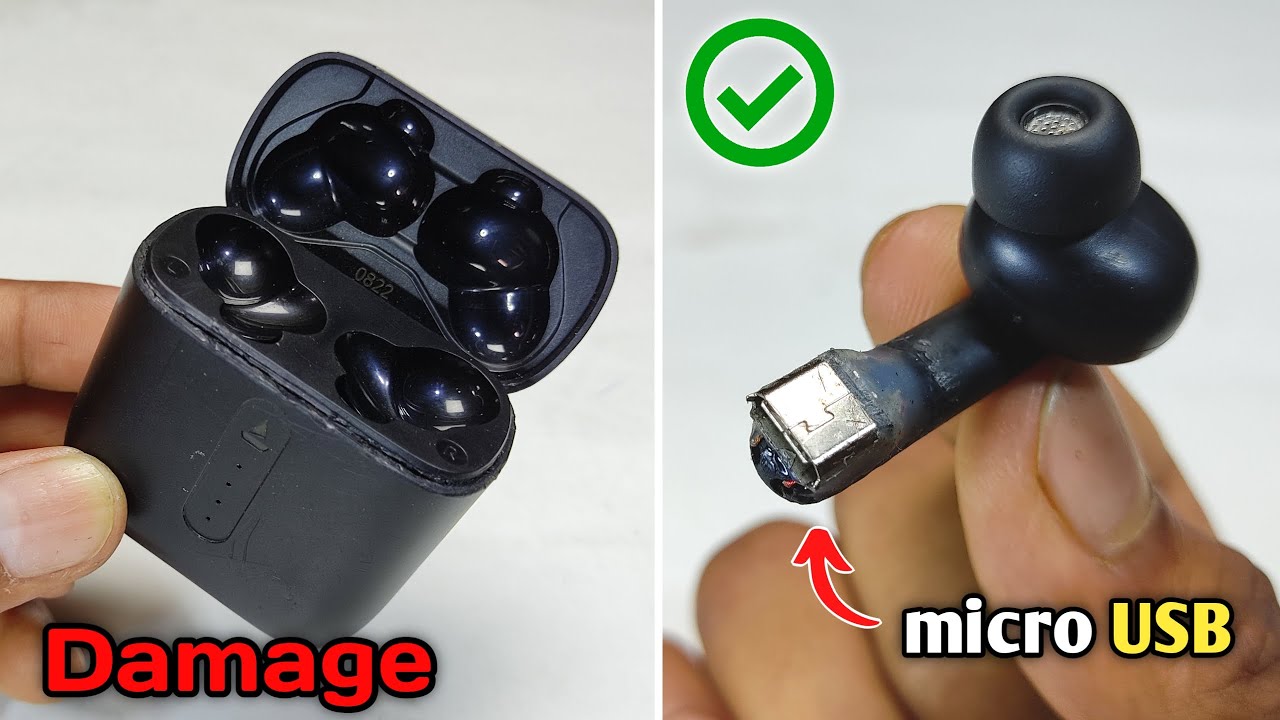
Rare Exceptions: Earbuds That Charge Directly
A small number of wireless earphones can charge without a case. These products usually have one of the following designs:
- A USB-C port on the earbud
- A Lightning port on the earbud
- A built-in cable
- A neckband with a charging port
- A special charging accessory made for that model
These are less common than case-based true wireless earbuds.
How to check your earbuds
Look for a clearly marked charging port. It may be covered by a rubber flap or located near the controls. If you find one, check the product manual before connecting a cable.
Do not assume that two small metal contacts are a charging port. They may be used for factory testing, docking, or communication with the case.
The product manual, official support page, or model label is the safest way to confirm the design. Search the manufacturer’s website using the full model name, not just the brand.
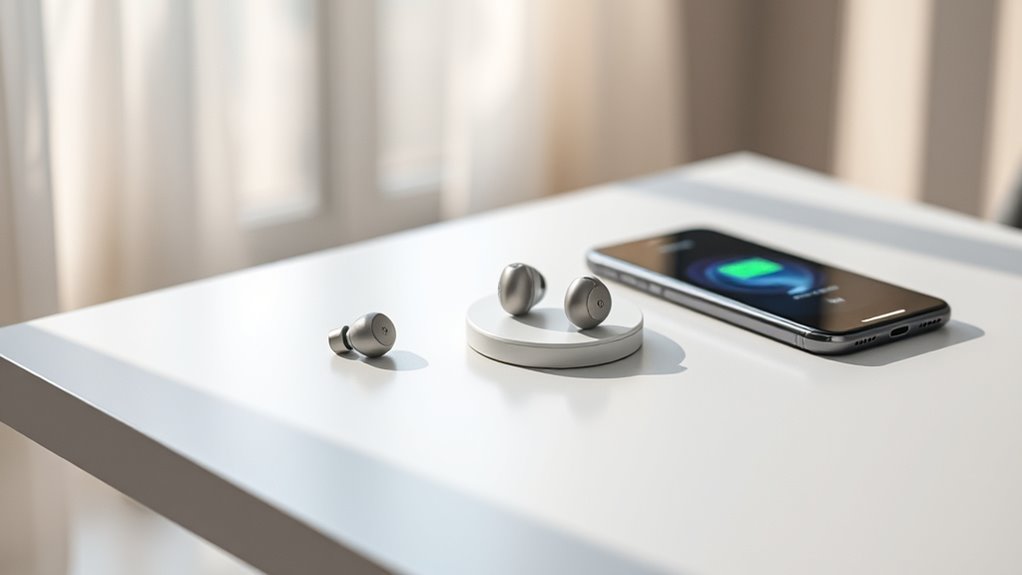
What to Do If You Lost the Charging Case
If your earbuds are still in good condition, a compatible replacement case is usually the best solution. Start with the manufacturer. Official replacement cases are more likely to support the correct charging system, firmware, pairing process, and battery protection.
Before buying a replacement case, verify these details:
| Check | Why it matters |
|---|---|
| Exact earbud model | Similar names may use different cases |
| Generation or version | Newer and older versions may not fit |
| Left and right earbud compatibility | Some cases work only with matching earbuds |
| Charging method | USB-C, Lightning, or wireless charging may differ |
| Pairing procedure | A replacement case may need a reset |
| Seller return policy | Third-party listings may be mislabeled |
A third-party case may work, but its fit and charging behavior can vary. Avoid products with poor labeling, damaged contacts, or no clear model information.
Pairing a replacement case
The usual process is:
- Charge the replacement case.
- Put both earbuds into the case.
- Close and reopen the lid.
- Press and hold the case’s setup button, if it has one.
- Follow the phone’s Bluetooth instructions.
- Remove the old Bluetooth entry if pairing fails.
- Reset the earbuds according to the manufacturer’s instructions.
The exact process differs by brand and model. Follow the manual for the specific earbuds.

Can Another Earbud Case Charge Your Earbuds?
Usually, no. A case from another brand or model may have a different shape, pin layout, charging voltage, or software design.
Even earbuds from the same brand may not be interchangeable. The pins may not line up, or the case may not recognize the earbuds.


A different case can be used only when the manufacturer confirms compatibility. Do not force earbuds into a case that feels tight or leaves the contacts misaligned.
Signs of a compatible case include:
- The earbuds sit firmly in the correct wells
- The charging indicators respond
- The case recognizes both earbuds
- The manufacturer lists the case as compatible
- The earbuds charge without unusual heat
If the case becomes hot, smells unusual, or shows erratic charging, remove the earbuds and stop using it.

Can You Make a DIY Charger for Wireless Earbuds?
Making a DIY charger is not a safe solution for most people. The earbud battery is small, and its contacts are easy to short. A homemade connection can damage the battery or bypass important safety controls.
Do not try to:
- Tape bare wires to the charging contacts
- Connect the earbuds to a USB cable
- Use a 9-volt battery
- Press the earbuds against a power bank
- Modify the case contacts
- Place the earbuds on a wireless charging pad
- Use foil, paper clips, or metal shims to bridge contacts
Lithium-ion batteries can vent, swell, ignite, or become permanently damaged when charged incorrectly. If an earbud is swollen, cracked, very hot, or leaking, stop using it. Keep it away from heat and flammable items, and follow local battery recycling guidance.
Troubleshooting: The Case Is Available but the Earbuds Will Not Charge
If the case is present but the earbuds do not charge, check the simple causes first.
1. Clean the contacts
Dust, skin oil, and earwax can block the connection. Turn off charging equipment and gently clean the metal contacts with a dry, soft cotton swab.
Do not pour liquid into the case. Avoid sharp tools that can bend the pins.
2. Check the case battery
The case may look closed while having no power. Connect it to a known-good cable and charger. Wait several minutes, then check the status light or the manufacturer’s app.
3. Make sure the earbuds are seated
Each earbud must sit in the correct side. Magnets should pull it into place. If the earbud lifts slightly or the contacts do not touch, it may not charge.
4. Remove protective film
New earbuds sometimes have clear film over the charging contacts. Remove it before use.
5. Check for moisture
Sweat and water can interrupt charging. Let wet earbuds dry fully before placing them in the case. Do not use a hair dryer or place them on a heater.


6. Reset and update
If the contacts work but the earbuds remain unrecognized, use the manufacturer’s reset process. Update the earbuds and case through the official app when possible.

How to Tell Whether the Earbuds Are Charging
A charging sign may appear in one or more places:
- An LED on the case
- An LED on the earbud
- A battery icon on the phone
- The manufacturer’s mobile app
- A charging sound or voice prompt
A light does not always mean the battery is increasing. If possible, check the battery level before and after 10 to 15 minutes.
If the battery percentage does not change, inspect the contacts and case battery. Also check whether one earbud is charging while the other is not. That often points to a dirty contact, a stuck spring pin, or a seating problem.

Charging Case Options Compared
The best option depends on whether you still have the earbuds, how old they are, and the replacement cost.
| Option | Best for | Main limitation |
|---|---|---|
| Original case | Reliable daily use | May cost more |
| Official replacement case | Lost or damaged case | Must match the model |
| Compatible third-party case | Older or budget earbuds | Fit and safety may vary |
| Borrowed matching case | Temporary emergency charge | Not a long-term solution |
| New earbud set | Very old or damaged products | Higher upfront cost |
| DIY wiring | None | Unsafe and not recommended |
If the earbuds are several years old, compare the cost of a replacement case with the price of a new set. A case may be worthwhile when the earbuds still hold a good charge and work well.

Common Mistakes to Avoid
The most common mistake is treating wireless earbuds like wired earphones with a removable cable. True wireless earbuds are designed as a system: earbuds, charging case, firmware, and contacts work together.
Avoid these errors:
- Buying a case based only on appearance
- Using a case from a different generation
- Charging wet earbuds
- Cleaning contacts with metal tools
- Leaving damaged batteries connected to power
- Assuming a wireless charging pad charges loose earbuds
- Trusting a listing that does not show the exact model
- Forcing earbuds into an ill-fitting case
The safe rule is simple: use the charging method documented for the exact model.

Quick Decision Guide
Use this guide to choose your next step:
- The earbuds have a USB-C or Lightning port: Check the manual, then charge them directly.
- The earbuds have only metal contacts: They almost certainly need the charging case.
- You lost the case: Find an official replacement for the exact model.
- The case will not charge: Test the cable, charger, outlet, and case port.
- The earbuds will not charge in the case: Clean the contacts and check their fit.
- The earbuds are hot, swollen, cracked, or leaking: Stop using them and follow safe battery disposal guidance.
- You are considering a DIY charger: Do not attempt it.
FAQs
Can I charge wireless earbuds with a phone?
Usually, not directly. A phone may charge the earbuds’ case through reverse wireless charging, such as Wireless PowerShare on some Samsung Galaxy phones. The earbuds normally must be inside the case.
Can a wireless charging pad charge earbuds without the case?
Most wireless earbuds cannot. The charging coil and power-control system are usually in the case, not in the earbuds.
Can I use a different brand’s charging case?
Almost always, no. The shape, contacts, charging system, and software may not match. Use another case only when the manufacturer confirms compatibility.
How long can wireless earbuds sit without the case?
They can remain outside the case until their internal batteries run down. However, they cannot recharge unless they have a direct charging port or another documented charging method.
Should I buy a replacement case or new earbuds?
Buy a replacement case when the earbuds work well, still have useful battery life, and the case is reasonably priced. Consider a new set when the earbuds are damaged, several years old, or the replacement case costs close to a complete replacement.
Conclusion
For most true wireless earbuds in the United States, the answer is no: you cannot charge them without the case. The case supplies the power, charging control, and physical contacts that the earbuds need.
Check the exact model before trying another case or charger. If the earbuds have no built-in charging port, use an official or confirmed-compatible replacement case rather than attempting a homemade connection.

Everett Ashford is a tech reviewer at mytechgrid.com specializing in SSDs, cameras, TVs, earbuds, headphones, and other consumer electronics. He provides honest, data-driven reviews based on hands-on testing and real-world performance analysis. Everett simplifies complex tech details to help readers make smart, confident buying decisions.