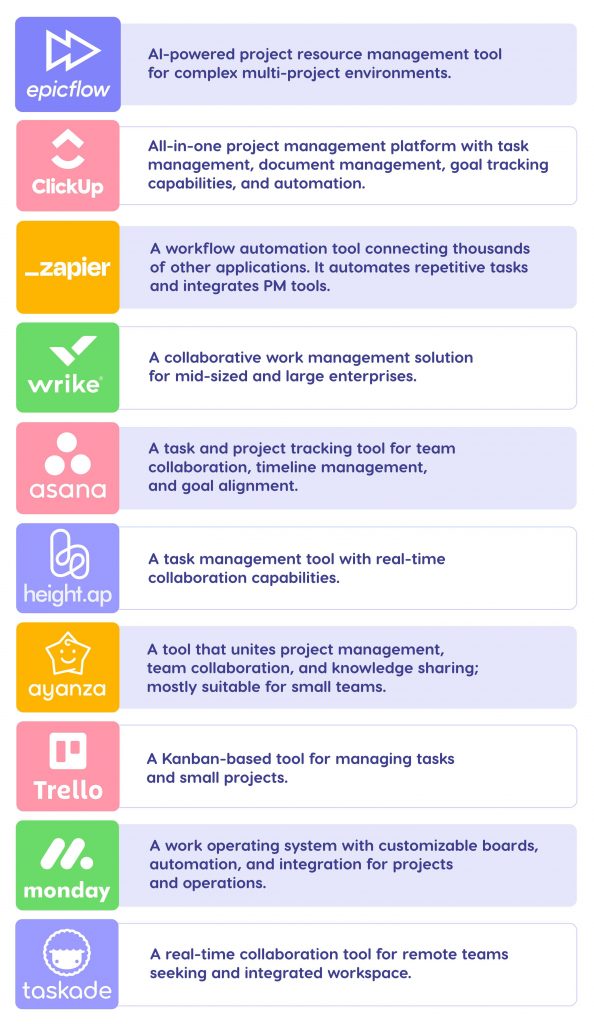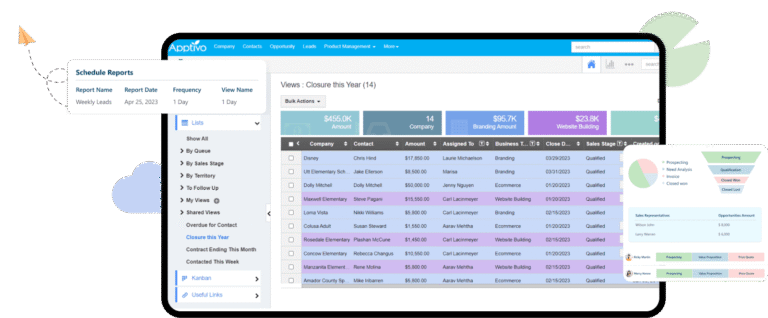
If you’re managing a remote team or juggling projects from different locations, having the right dashboard tools can make all the difference. Imagine being able to see your team’s progress, key metrics, and important updates—all in one clear, easy-to-understand view.
This isn’t just convenient; it’s essential for staying on top of your work without the chaos. You’ll discover the best tools designed specifically for creating dashboards that keep your remote work organized, productive, and connected. Ready to transform how you track and manage your work?
Keep reading to find the perfect dashboard solution for your remote setup.
Remote Work Dashboard Needs
Remote work has changed how teams operate daily. Dashboards have become essential tools for managing tasks and information. They help keep everyone on the same page despite physical distance. Understanding the needs of remote work dashboards is key to choosing the right tool.
Tracking Productivity
Remote teams need to measure work progress clearly. Dashboards must show task status and deadlines at a glance. Simple charts and lists help managers see who is on track. Tracking productivity helps keep projects moving forward smoothly. It also supports fair and timely feedback for employees.
Collaborative Features
Working apart requires strong communication tools. Dashboards should allow team members to share updates quickly. Comment sections and file sharing keep discussions in one place. Collaboration features reduce email overload and confusion. They create a virtual workspace that feels connected and organized.
Real-time Data Access
Remote work needs up-to-date information all the time. Dashboards must update instantly as changes happen. Real-time data lets teams react quickly to new challenges. It improves decision-making and avoids delays in critical tasks. Fast access to data boosts team confidence and efficiency.
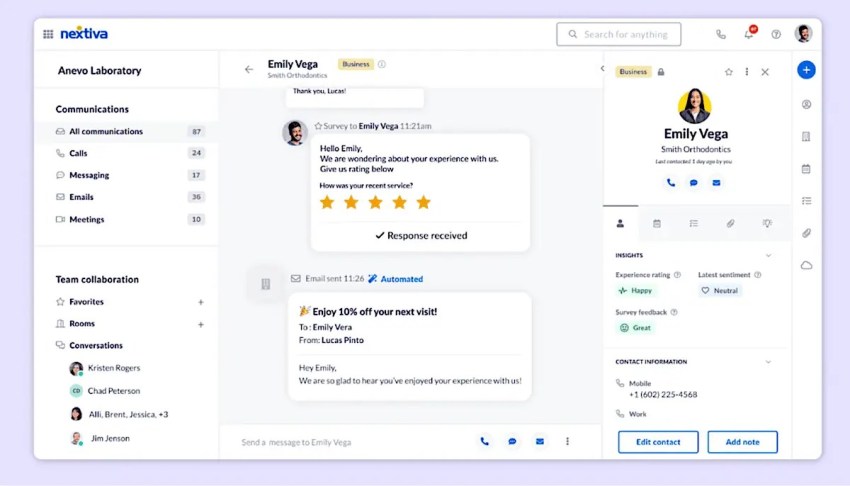
Credit: www.nextiva.com
Top Dashboard Tools
Choosing the right dashboard tool can improve productivity in remote work environments. Dashboards help teams track progress and share data clearly. They bring all important information into one easy-to-read place. This makes decision-making faster and teamwork smoother. Here are some top tools to consider for creating effective dashboards.
Microsoft Power Bi
Microsoft Power BI offers strong data visualization features. It connects to many data sources quickly. Users can create interactive reports with simple drag-and-drop tools. Power BI works well for businesses of all sizes. It also supports real-time data updates, keeping teams informed at all times.
Tableau
Tableau is known for its powerful analytics and visualizations. It lets users explore data deeply with easy-to-use controls. Tableau supports collaboration by allowing sharing of dashboards securely online. It handles large datasets smoothly and helps reveal trends and patterns.
Google Data Studio
Google Data Studio is free and integrates well with Google products. It offers flexible dashboard creation with customizable templates. Teams can share dashboards easily and work together in real-time. The tool is user-friendly, making it perfect for beginners and small teams.
Miro
Miro is a visual collaboration platform with dashboard features. It allows teams to build boards that combine charts, notes, and tasks. Miro supports brainstorming and project tracking in one place. It is especially useful for creative teams and remote workshops.
Clickup
ClickUp combines project management and dashboard tools. It provides customizable views to track goals, tasks, and timelines. Teams can automate updates and keep everyone aligned. ClickUp works well for teams needing both task tracking and data visualization.
Collaboration And Integration
Collaboration and integration are key to effective dashboards in remote work settings. These features help teams share data and insights easily. They also keep everyone updated in real time. Using the right tools ensures smooth communication and workflow across different platforms.
Connecting With Communication Apps
Dashboards link directly to popular communication apps. This connection allows team members to chat and share updates without switching tools. Alerts and changes in the dashboard can appear as messages. This keeps the team informed and ready to act fast. Tools like Slack and Microsoft Teams often offer these integrations.
Integrating Project Management Tools
Project management software syncs with dashboards to show task progress clearly. This integration helps track deadlines and workloads in one place. Team members can see project status and update tasks easily. Common tools like Trello, Asana, or Jira work well with dashboards. This keeps everyone aligned on goals and priorities.
Syncing Cloud Storage
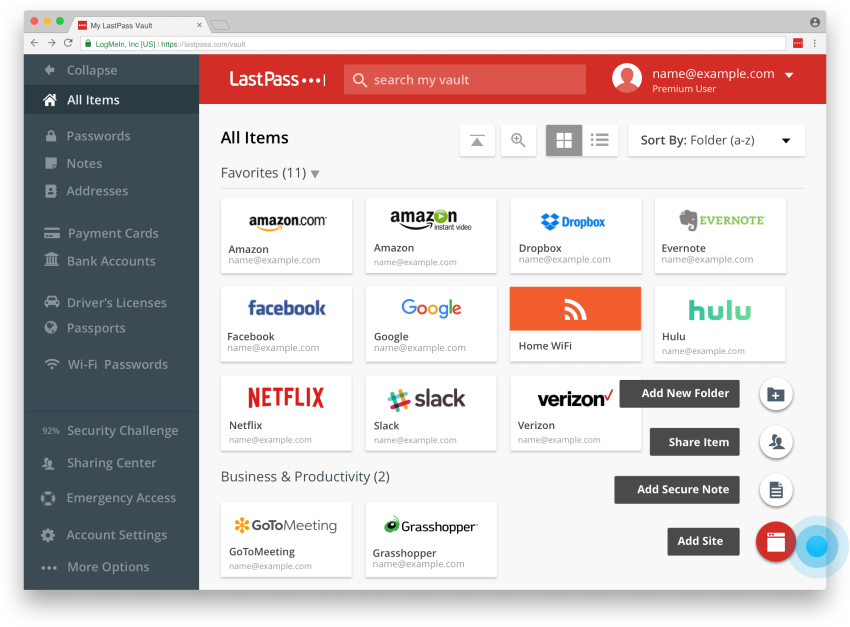
Cloud storage services connect with dashboards to store and access files quickly. This makes sharing documents and reports simple for remote teams. Files stay updated and available from anywhere. Platforms like Google Drive, Dropbox, and OneDrive are popular choices. Syncing these services boosts productivity and saves time.
Credit: www.nextiva.com
Ai-powered Dashboard Creation
AI-powered dashboard creation is transforming how remote teams track and understand data. These tools use artificial intelligence to build dashboards faster and smarter. They reduce manual work and improve accuracy. Remote workers can see key metrics clearly, helping them make better decisions.
By automating complex tasks, AI makes dashboards accessible for everyone. Even those with little technical skill can create useful visual reports. AI adapts to changing data, keeping dashboards updated in real time. This technology helps teams stay aligned and focused on their goals.
Automated Data Visualization
AI tools automatically turn raw data into clear charts and graphs. They choose the best visual formats based on the data type. This saves time and avoids confusion over which visuals to use. Users get instant, easy-to-understand reports. Automated visualization helps remote teams spot trends and outliers quickly.
Smart Insights And Alerts
AI systems analyze dashboard data to find important patterns and changes. They send alerts when numbers fall outside normal ranges. Teams get notified about issues or opportunities early. Smart insights guide users on what actions to take. This proactive approach keeps remote work efficient and responsive.
Security And Privacy
Security and privacy are vital for dashboards used in remote work. Protecting sensitive data builds trust and keeps business information safe. Remote teams share and access data from various locations, increasing risks. Strong security measures reduce chances of breaches and data leaks. Privacy ensures only authorized users see the right information.
Data Encryption
Data encryption changes information into a secret code. This protects data during transfer and storage. Even if hackers intercept data, they cannot read it. Encryption keeps dashboards safe from unauthorized access. It is essential for remote work tools handling confidential data.
User Access Controls
User access controls limit who can see or change data. Dashboard creators set permissions based on roles. This stops unauthorized users from viewing sensitive information. Access controls help manage different levels of data visibility. They keep the dashboard secure and organized for remote teams.
Compliance Standards
Compliance standards are rules to protect data privacy. Many industries follow strict laws like GDPR or HIPAA. Dashboard tools must meet these rules to avoid fines. Compliance ensures data is handled responsibly and safely. Remote work dashboards that follow standards gain more trust.
Choosing The Right Tool
Choosing the right dashboard tool is essential for remote teams. The right choice boosts collaboration and clarity. It helps track progress and share insights easily. Selecting a tool depends on several key factors. Understanding these can make your decision simple and effective.
Assessing Team Size And Needs
Start by evaluating your team size. Small teams need simpler tools with basic features. Larger teams benefit from advanced options like multi-user access and detailed analytics. Consider the types of data your team handles. Choose a tool that supports your specific workflow and goals.
Budget Considerations
Set a clear budget before exploring options. Many tools offer free versions with limited features. Paid plans provide more customization and integration capabilities. Balance cost with the features your team truly needs. Avoid paying for extras that add little value.
Ease Of Use And Support
Pick tools that are user-friendly and quick to learn. Remote teams need smooth onboarding without long training sessions. Check for available support like tutorials, forums, or customer service. Good support helps solve problems fast and keeps work moving.
Future Trends In Remote Dashboards
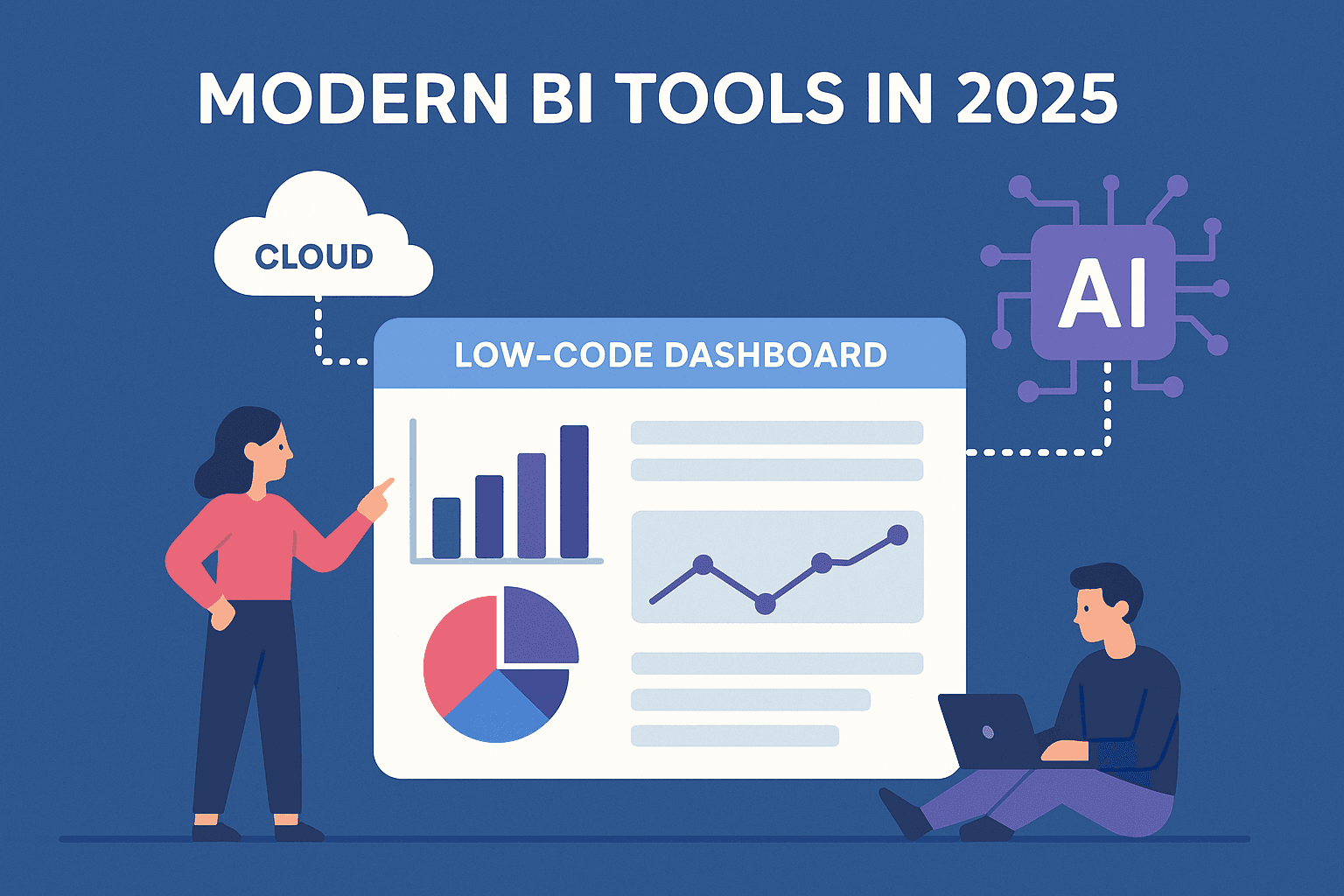
The future of remote dashboards is evolving fast. New trends aim to meet the needs of hybrid teams and mobile users. Technology will make dashboards smarter and more accessible. These changes will help teams track goals and share insights easily.
Hybrid Work Adaptations
Dashboards will adapt to hybrid work models. They will support both in-office and remote employees seamlessly. Real-time updates will keep all team members informed. Integration with collaboration tools will improve communication. Custom views will allow users to focus on relevant data. This flexibility will enhance productivity across diverse work settings.
Enhanced Mobile Access
Mobile-friendly dashboards will become standard. Employees will access data anytime, anywhere. Interfaces will simplify navigation on small screens. Push notifications will alert users to important changes quickly. Offline access will ensure data availability without internet. These features will empower remote workers on the go.
Advanced Analytics
Dashboards will include smarter analytics tools. Artificial intelligence will identify trends and predict outcomes. Visualizations will become more interactive and intuitive. Users will receive personalized insights based on their roles. Automated reports will save time and reduce errors. These analytics will help teams make faster, better decisions.
Credit: www.refontelearning.com
Frequently Asked Questions
What Software Do Remote Workers Use?
Remote workers use collaboration software like Google Drive, Microsoft Teams, and Confluence for real-time teamwork. Communication tools such as Zoom and Slack also support remote productivity and connectivity.
Is Remote Work Dying In 2025?
Remote work is not dying in 2025. Hybrid models combine flexibility and collaboration, supported by advanced technology. Employers value productivity and talent access, making remote work a lasting trend.
How To Monitor Staff Working Remotely?
Use monitoring software to track activity and productivity. Schedule regular video check-ins via Zoom or Teams. Set clear goals and deadlines to measure performance. Encourage open communication to stay updated on progress.
What Tools And Software Have You Used To Manage Remote Customer Experience Teams And Track Performance?
I use tools like Microsoft Teams, Slack, and Zoom for communication. Performance tracking involves Asana, Trello, and Google Analytics. These tools enhance collaboration and monitor team productivity effectively.
Conclusion
Choosing the right dashboard tools helps remote teams stay organized and informed. Clear visuals make data easy to understand. Good dashboards improve communication and track progress well. Teams can make faster decisions with real-time updates. Simple, reliable tools fit best for remote work.
Regularly updating dashboards keeps information fresh and useful. Investing time in these tools supports team success. Remote work thrives with strong, clear data sharing.

Everett Ashford is a tech reviewer at mytechgrid.com specializing in SSDs, cameras, TVs, earbuds, headphones, and other consumer electronics. He provides honest, data-driven reviews based on hands-on testing and real-world performance analysis. Everett simplifies complex tech details to help readers make smart, confident buying decisions.