When it comes to your remote legal consultations, security is not just an option—it’s a necessity. You need a video platform that protects your sensitive conversations, client information, and case details from prying eyes.
But with so many options out there, how do you find the one that offers the highest level of privacy and compliance with legal standards? This article will guide you through the most secure video platforms designed specifically for remote legal consultations.
By the end, you’ll know exactly which tools can keep your meetings confidential, reliable, and easy to use—so you can focus on what matters most: winning your case and serving your clients. Stay with us to discover the top solutions that put your security first.
Credit: www.dacast.com
Security Needs In Legal Consultations
Secure video platforms play a vital role in remote legal consultations. Legal professionals handle sensitive information daily. Protecting this data is crucial to maintain client trust and comply with laws. Remote consultations demand high security standards to ensure confidentiality and integrity.
Choosing the right platform means understanding specific security needs. These needs focus on privacy, regulatory compliance, and protecting against data breaches. Each aspect helps create a safe environment for legal discussions online.
Privacy Concerns
Privacy is the top priority in legal consultations. Clients share personal and confidential information. Platforms must ensure no unauthorized access to this data. Features like end-to-end encryption protect conversations from eavesdropping. Secure login methods prevent identity theft. Only authorized participants should join the consultation. Privacy safeguards build trust between lawyers and clients.
Regulatory Requirements
Legal consultations must follow strict rules and laws. Regulations like GDPR and HIPAA set standards for data protection. Platforms must comply with these rules to avoid penalties. They must offer secure data storage and controlled access. Some jurisdictions require data to stay within specific locations. Compliance ensures legal practices meet ethical and legal obligations.
Risks Of Data Breaches
Data breaches pose serious risks in legal work. Cybercriminals target sensitive legal information. Breaches can lead to financial loss and damage reputation. Secure platforms use strong encryption and regular security updates. They monitor for suspicious activity and provide quick response options. Reducing breach risks protects clients and legal firms alike.
Credit: www.blaze.tech
Top Secure Video Platforms
Choosing the right secure video platform is vital for remote legal consultations. Security protects sensitive client information. Ease of use helps clients and lawyers connect smoothly. The platforms below offer strong privacy, encryption, and user-friendly features. They fit legal professionals who need reliable video communication.
Google Meet
Google Meet offers secure video calls with strong encryption. It integrates well with Google Workspace tools. This makes scheduling and sharing documents easy. Meet supports large groups and records sessions safely. Its simple interface suits both lawyers and clients.
Facetime
FaceTime provides end-to-end encryption for private video chats. It works only on Apple devices. The app is easy to use and secure by design. FaceTime ensures that conversations stay confidential. It is ideal for quick, secure calls between Apple users.
Zoom For Healthcare
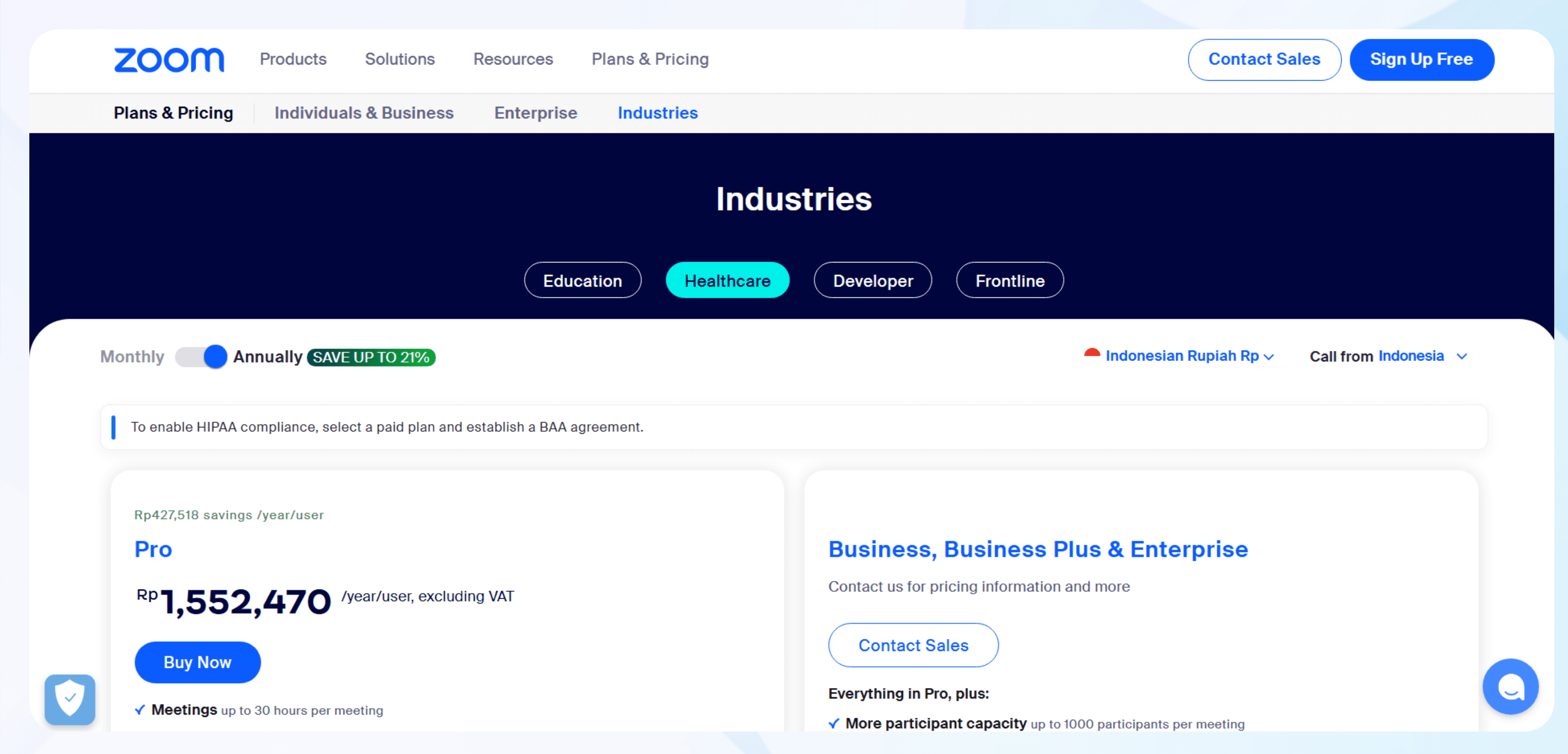
Zoom for Healthcare meets HIPAA compliance standards. It offers advanced security like meeting passwords and waiting rooms. The platform supports high-quality video and screen sharing. Zoom’s healthcare version allows signing Business Associate Agreements. It is trusted by many legal and health professionals.
Doxy.me
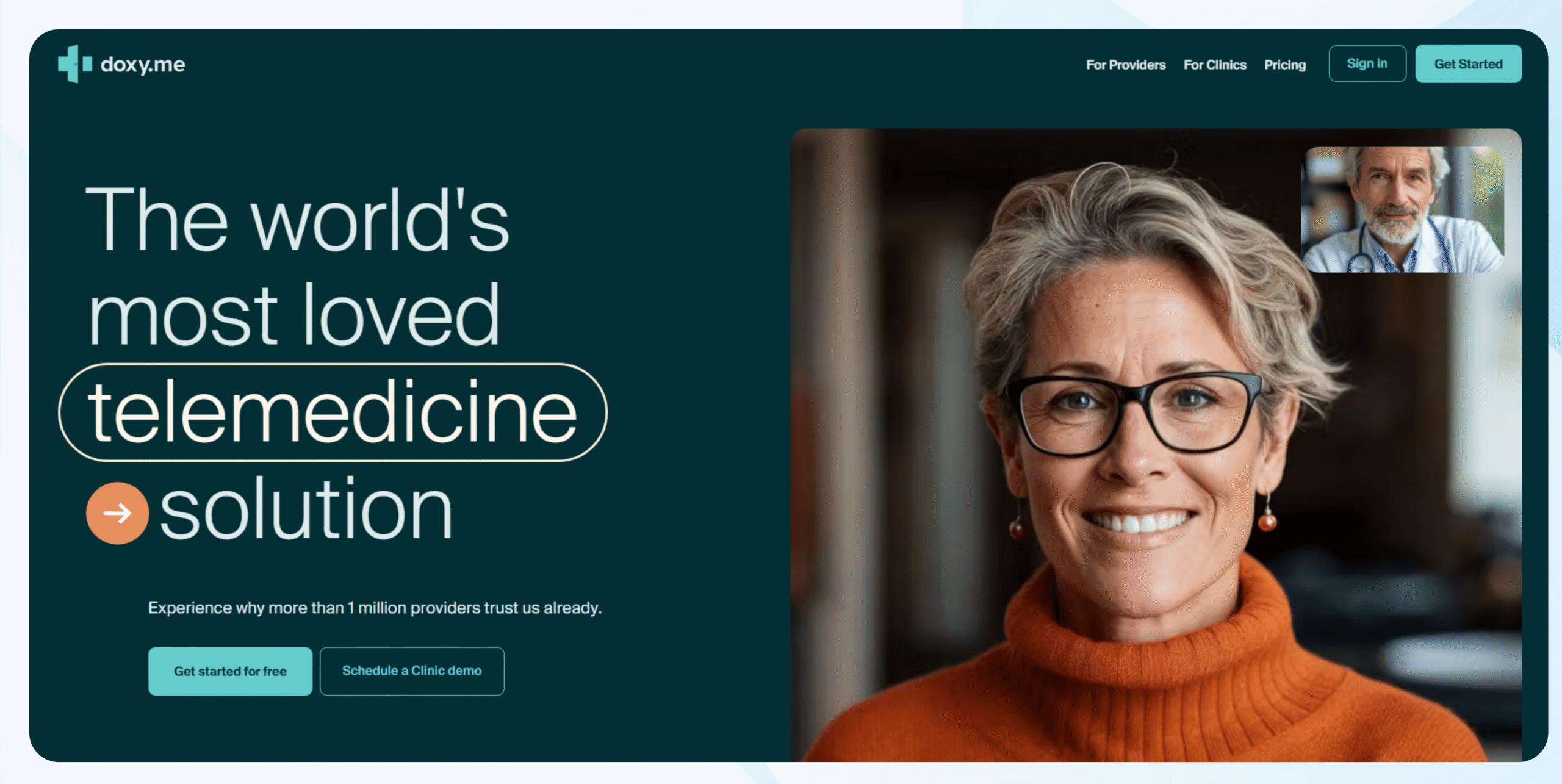
Doxy.me is a browser-based platform needing no downloads. It provides HIPAA-compliant video calls with encryption. The platform is simple for clients and lawyers to use. It includes waiting rooms and session timers. Doxy.me is a popular choice for secure remote consultations.
Vsee
VSee focuses on secure telemedicine and remote meetings. It offers encrypted video and easy appointment management. The platform works well for users with limited tech skills. VSee supports file sharing and chat within sessions. Its security features protect client confidentiality.
Webex For Healthcare
Webex for Healthcare ensures HIPAA compliance and strong encryption. It supports large meetings with secure access controls. The platform integrates with calendars and document sharing. Webex allows lawyers to hold private, safe video consultations. It suits firms needing robust security and reliability.
Hipaa Compliance Essentials
HIPAA compliance is vital for secure video platforms used in remote legal consultations. Protecting client privacy and sensitive health information is a legal requirement. Platforms must follow strict rules to keep data safe during video calls.
Understanding the essentials of HIPAA compliance helps legal professionals choose the right video platform. These platforms must use strong security measures. They also need clear agreements and controls to manage access. Secure communication methods and patient portals are also important.
Encryption Standards
Encryption protects data by turning it into unreadable code. HIPAA requires end-to-end encryption for video calls. This stops hackers from intercepting sensitive information. Platforms should use strong encryption protocols like AES-256. Encryption must cover video, audio, and any shared files.
Business Associate Agreements
A Business Associate Agreement (BAA) is a contract between the legal firm and the video platform provider. It ensures the provider will protect client data. HIPAA mandates BAAs for any third party handling health information. Without a BAA, the platform cannot be HIPAA compliant.
Access Control Features
Access controls limit who can join or view the video consultation. Platforms must offer password protection and waiting rooms. User authentication helps verify identities. Role-based permissions control what each participant can do. These features reduce the risk of unauthorized access.
Secure Messaging
Secure messaging allows confidential communication before or after video calls. Messages must be encrypted and stored safely. This protects private information shared outside the video session. Platforms often include secure chat to support ongoing client interactions.
Patient Portals
Patient portals provide a safe place for clients to access documents and messages. HIPAA-compliant portals use encryption and strong access controls. They allow clients to share files and view consultation notes securely. These portals improve communication while keeping data private.
Standalone Vs Integrated Platforms
Choosing the right video platform for remote legal consultations requires understanding the difference between standalone and integrated solutions. Standalone platforms focus only on video calls. Integrated platforms combine video with other tools like case management and document sharing. Each type suits different law firm needs and workflows.
Benefits Of Standalone Solutions
Standalone video platforms offer simplicity and focus. They are easy to use with fewer features to manage. These platforms often have strong security built specifically for video calls. Setup is quick, making them ideal for firms needing fast deployment. They usually work well on any device, reducing technical barriers. Standalone solutions allow firms to pick the best video tool without extra software.
Advantages Of Integrated Systems
Integrated platforms combine video with legal practice tools. They let lawyers access case files during calls. This reduces switching between apps and saves time. Integrated systems improve workflow and client communication. They often support scheduling, billing, and document sharing in one place. Security controls cover all features, keeping data safe. These platforms suit firms wanting an all-in-one solution.
Examples Of Integrated Platforms
Several integrated platforms serve remote legal consultations well. Clio offers video meetings linked to case management and billing. MyCase combines secure video with client messaging and document storage. PracticePanther integrates video calls with task tracking and payment processing. These platforms streamline client interaction and case handling in a single system.
Choosing The Right Platform
Choosing the right secure video platform is vital for remote legal consultations. The platform must protect client confidentiality and support smooth communication. It should also fit within legal workflows and budgets. Careful evaluation helps find a tool that meets all these needs.
Assessing Security Features
Security is the top priority for legal consultations. Look for platforms with end-to-end encryption. Strong data protection prevents unauthorized access. Check if the platform offers compliance with laws like GDPR or HIPAA. Features like secure login and session timeout add safety. Verify if the provider signs a confidentiality agreement or Business Associate Agreement.
User Experience And Accessibility
The platform should be easy for both lawyers and clients. A simple interface reduces confusion during calls. Accessibility features help clients with disabilities join meetings smoothly. No need for complex downloads or technical skills. Support for multiple devices ensures flexibility. Clear audio and video quality improve communication.
Compatibility With Legal Workflows
Integration with case management software saves time. The platform should allow scheduling, recording, and note-taking. Secure file sharing helps exchange sensitive documents safely. Look for tools that fit the daily routines of legal professionals. Customizable settings can improve efficiency. Reliable customer support aids quick problem solving.
Cost Considerations
Budget matters for law firms of all sizes. Compare subscription plans and hidden fees. Some platforms charge per user or per session. Free trials allow testing before buying. Balance cost with security and features. Choose a solution that offers value without compromising safety.
Best Practices For Secure Remote Consultations
Secure remote consultations protect sensitive legal information and build client trust. Following best practices ensures confidentiality and smooth communication. These steps reduce risks and maintain compliance with legal standards.
Setting Up Secure Meetings
Use platforms with end-to-end encryption to protect conversations. Require passwords or meeting codes to prevent unauthorized access. Enable waiting rooms to control who joins the meeting. Disable recording unless necessary and inform all participants. Limit screen sharing to hosts or trusted users only.
Educating Clients On Security
Explain the importance of using private, secure internet connections. Advise clients to avoid public Wi-Fi during consultations. Encourage them to update their devices and software regularly. Teach clients how to recognize phishing or suspicious links. Remind clients to keep meeting details confidential.
Regular Software Updates
Keep video platform software up to date to fix vulnerabilities. Enable automatic updates if available for convenience. Check for updates on all devices used for consultations. Update antivirus and firewall software regularly. Regular updates improve overall system security and performance.
Monitoring And Auditing
Review access logs to detect unusual or unauthorized activity. Monitor meeting attendance and participation closely. Audit recorded sessions if recording is enabled, following privacy laws. Set alerts for repeated failed login attempts. Use monitoring tools to maintain a secure consultation environment.

Credit: www.esquiresolutions.com
Frequently Asked Questions
What Is The Most Secure Virtual Meeting Platform?
The most secure virtual meeting platforms offer end-to-end encryption and HIPAA compliance. Examples include Zoom for Healthcare, Webex, Doxy. me, and VSee. These platforms ensure privacy and data protection for professional and healthcare meetings.
What Is The Safest Video Call Platform?
The safest video call platforms offer end-to-end encryption and strong privacy features. FaceTime, Google Meet, and Zoom for Healthcare are top secure options. For healthcare, HIPAA-compliant platforms like Doxy. me, VSee, and Webex ensure data protection and privacy.
Which Video Platform Is Hipaa Compliant?
HIPAA-compliant video platforms include Doxy. me, Zoom for Healthcare, VSee, GoToMeeting, Webex for Healthcare, and RingCentral. These platforms offer strong encryption and Business Associate Agreements (BAA). They ensure secure, private communication for healthcare providers and patients. Choose platforms with user-friendly interfaces and verified security features.
Is Zoom Hipaa Compliant For Telehealth?
Zoom offers a HIPAA-compliant version called Zoom for Healthcare. It includes encryption and a Business Associate Agreement (BAA) for telehealth use.
Conclusion
Choosing a secure video platform protects client privacy and builds trust. Strong encryption and easy use matter most for legal consultations. Platforms with healthcare-grade security also meet legal standards. Clear video and sound improve communication between lawyers and clients. Prioritize platforms that offer compliance, reliability, and user-friendly features.
This ensures smooth, confidential remote meetings every time. Secure video calls are key to effective, remote legal advice.

Everett Ashford is a tech reviewer at mytechgrid.com specializing in SSDs, cameras, TVs, earbuds, headphones, and other consumer electronics. He provides honest, data-driven reviews based on hands-on testing and real-world performance analysis. Everett simplifies complex tech details to help readers make smart, confident buying decisions.