Looking for a way to spark creativity and keep your team engaged during online ideation sessions? Whiteboard tools can transform your virtual meetings into dynamic, collaborative experiences where ideas flow freely and solutions emerge fast.
Whether you’re brainstorming a new project or solving complex problems, mastering these digital canvases puts the power of real-time teamwork right at your fingertips. In this guide, you’ll discover simple, practical tips to use whiteboard tools effectively—so your next online ideation session becomes your team’s most productive and inspiring yet.
Ready to unlock your team’s full creative potential? Let’s dive in.
Credit: lucid.co
Choosing The Right Whiteboard Tool
Choosing the right whiteboard tool is crucial for successful online ideation sessions. The tool should fit your team’s needs and make collaboration easy. Picking the wrong tool can slow down creativity and cause confusion. Focus on platforms that offer clear features and smooth user experience. Keep your team’s size and technical skills in mind. The right tool helps everyone share ideas freely and stay organized.
Popular Whiteboard Platforms
Several whiteboard platforms are popular among teams. Miro offers a flexible canvas with many templates. Microsoft Whiteboard integrates well with Microsoft Teams. Jamboard from Google is simple and works great with Google Workspace. Zoom Whiteboard allows quick sketches during meetings. Each platform has different strengths. Choose one that matches your team’s style and workflow.
Key Features To Look For
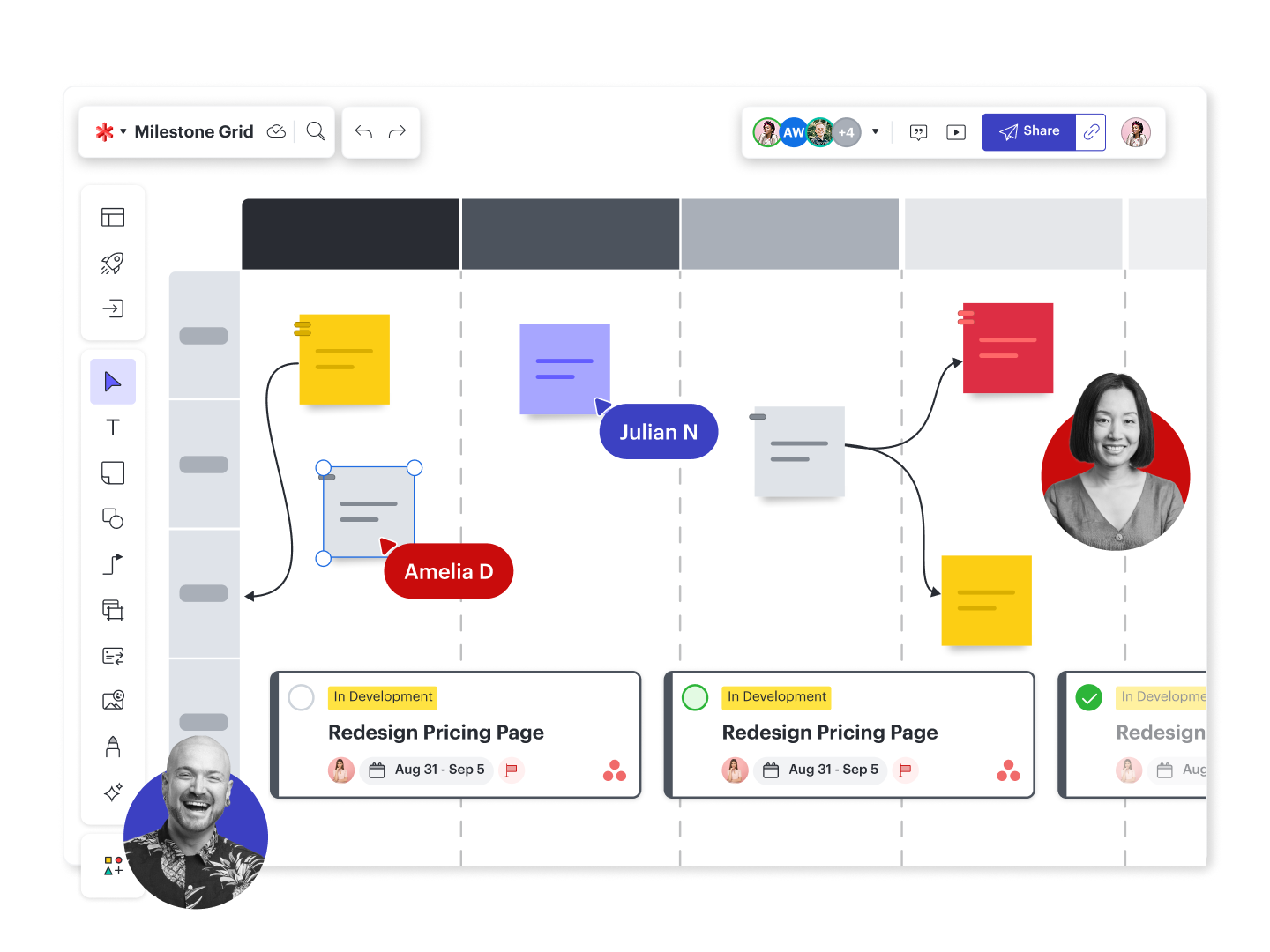
Look for tools with easy drawing and writing options. Sticky notes and shapes help organize ideas clearly. Real-time collaboration is a must for smooth teamwork. Search and zoom features improve navigation on large boards. Templates save time by providing ready-made layouts. Check if the tool supports exporting or saving your work. Security features protect your shared ideas.
Integration With Other Tools
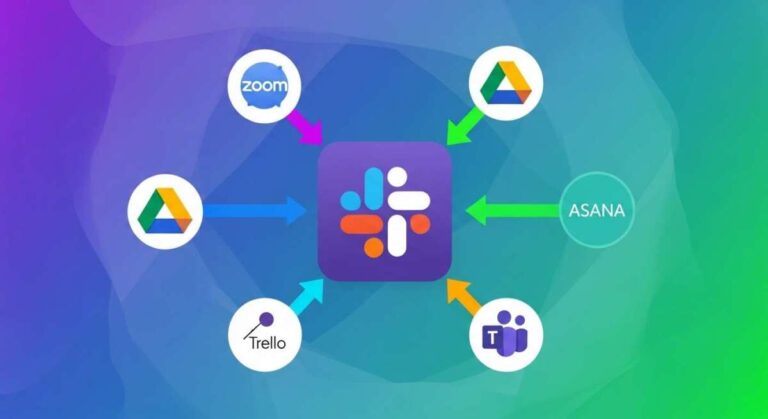
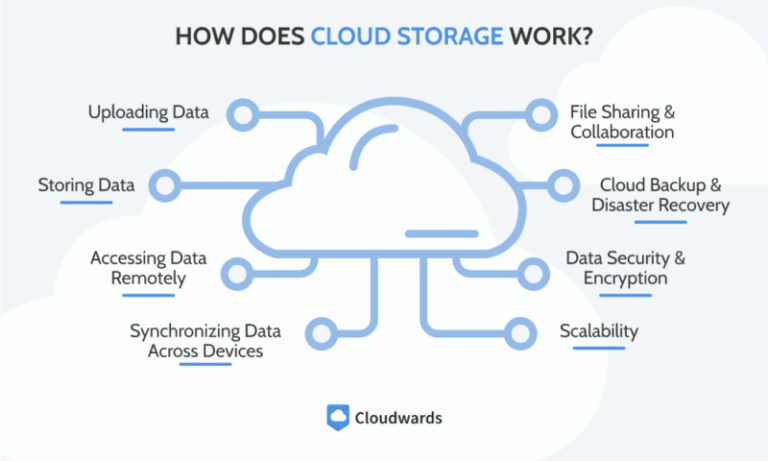
Whiteboard tools should connect with apps your team uses daily. Integration with video calls keeps meetings seamless. Syncing with project management tools helps track tasks easily. Cloud storage support ensures your boards are safe and accessible. Check if the tool works with email or calendars. Good integration reduces switching between apps and saves time.
Setting Up Your Online Ideation Session
Setting up an online ideation session is essential for a smooth and productive meeting. It creates the right environment for sharing ideas and collaborating effectively. Proper preparation helps avoid technical issues and keeps participants focused.
Clear organization and planning make the session run well. Each step builds a foundation for creativity and teamwork. The following sections explain how to prepare your virtual space, invite participants, and set important ground rules.
Preparing The Virtual Space
Choose a whiteboard tool that fits your team’s needs and skills. Test the software beforehand to check for bugs or connection problems. Arrange the virtual whiteboard with sections for different ideas or topics. Upload any files or templates needed for the session in advance. Make sure the whiteboard is easy to navigate and visually clear. Confirm all participants have access to the tool before starting.
Inviting And Engaging Participants
Send invitations with clear details about time, platform, and goals. Include simple instructions on how to join and use the whiteboard tool. Encourage participants to prepare ideas or questions ahead of time. Use reminders to reduce no-shows and keep people informed. During the session, involve everyone by asking direct questions. Use features like sticky notes or drawing tools to boost interaction.
Establishing Ground Rules
Set basic rules to keep the session focused and respectful. Explain how to use the whiteboard properly to avoid confusion. Ask participants to mute microphones when not speaking to reduce noise. Encourage open-mindedness and respect for all ideas. Limit talking time to give everyone a chance. Remind the team to stay on topic and avoid distractions.
Techniques For Effective Brainstorming
Effective brainstorming fuels creativity and drives innovation during online ideation sessions. Using whiteboard tools, teams can share ideas in real time, making collaboration more dynamic and inclusive. Applying specific techniques boosts engagement and helps turn scattered thoughts into clear, actionable plans.
Using Templates And Frameworks
Templates provide structure and save time during brainstorming. They guide participants through the process step-by-step. Frameworks like mind maps or SWOT analysis help organize ideas logically. Using these tools keeps the session focused and productive. Many whiteboard apps offer ready-made templates to choose from.
Encouraging Open-ended Contributions
Invite everyone to share thoughts without judgment. Open-ended questions spark creativity and diverse ideas. Use sticky notes or text boxes to capture all inputs quickly. Avoid limiting answers to yes or no. This approach creates a safe space where all voices matter and new ideas flow freely.
Organizing Ideas Visually
Visual organization helps teams see connections between ideas. Group related concepts with colors, shapes, or clusters. Use arrows or lines to show relationships. This clarity makes complex ideas easier to understand. Visual sorting also highlights the most promising solutions for follow-up action.
Credit: www.it-champion.co.uk
Enhancing Collaboration And Interaction
Enhancing collaboration and interaction is key to successful online ideation sessions. Whiteboard tools create a shared space where team members can contribute ideas freely. They help break down barriers and make communication smoother. These tools offer features that keep everyone engaged and involved throughout the session.
Real-time Annotations And Drawing
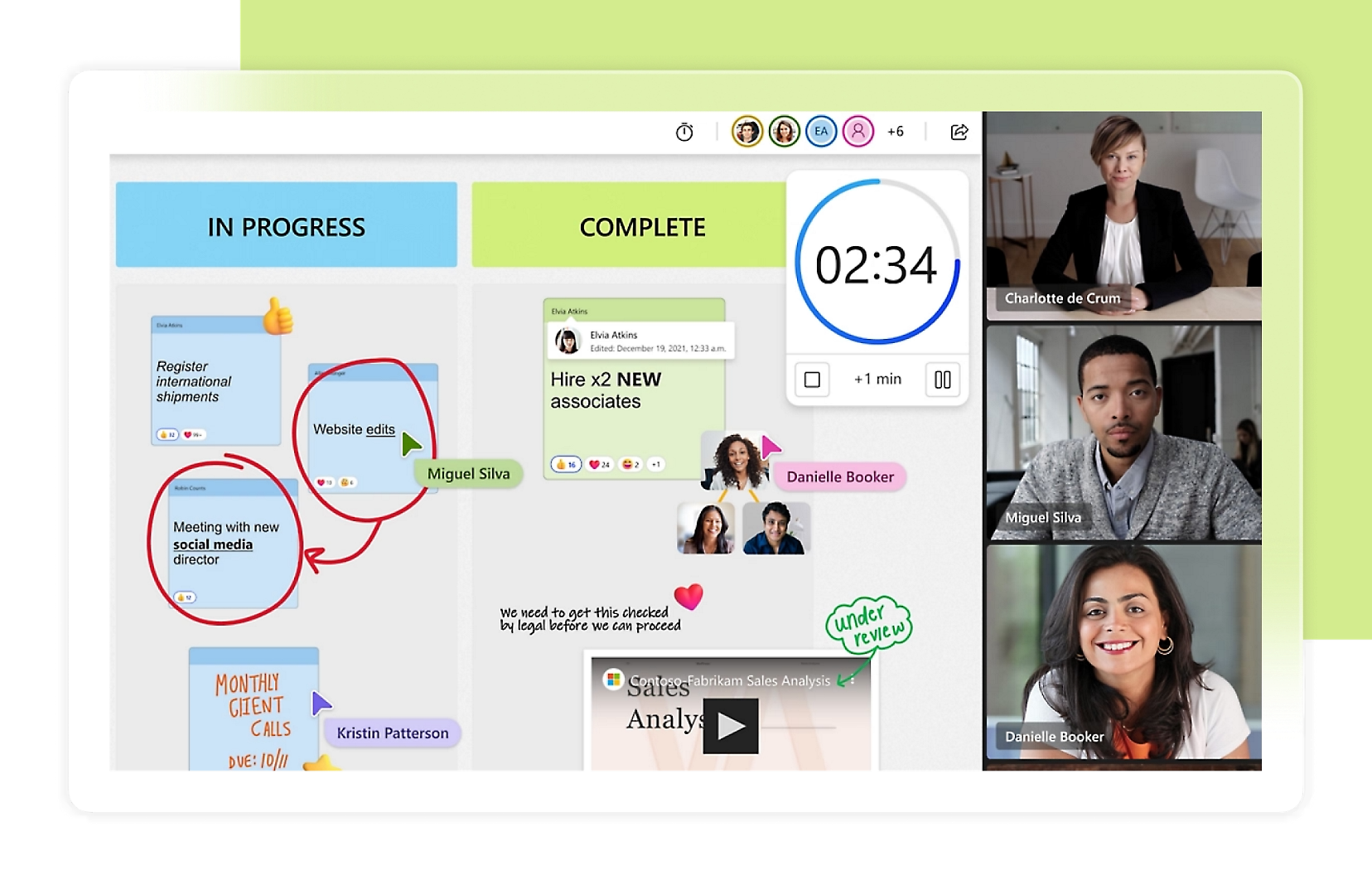
Whiteboard tools allow participants to write and draw simultaneously. This real-time interaction helps express ideas clearly and quickly. Team members can highlight important points or sketch concepts as they discuss. It makes the session dynamic and visually rich. Everyone can see updates instantly, which keeps the energy high.
Sticky Notes And Voting Features
Sticky notes let users add quick thoughts or reminders anywhere on the board. They organize ideas visually, making it easy to group similar concepts. Voting features allow the team to prioritize ideas democratically. Participants can select the best suggestions with simple clicks. This promotes fair decision-making and focuses the discussion.
Assigning Tasks And Follow-ups
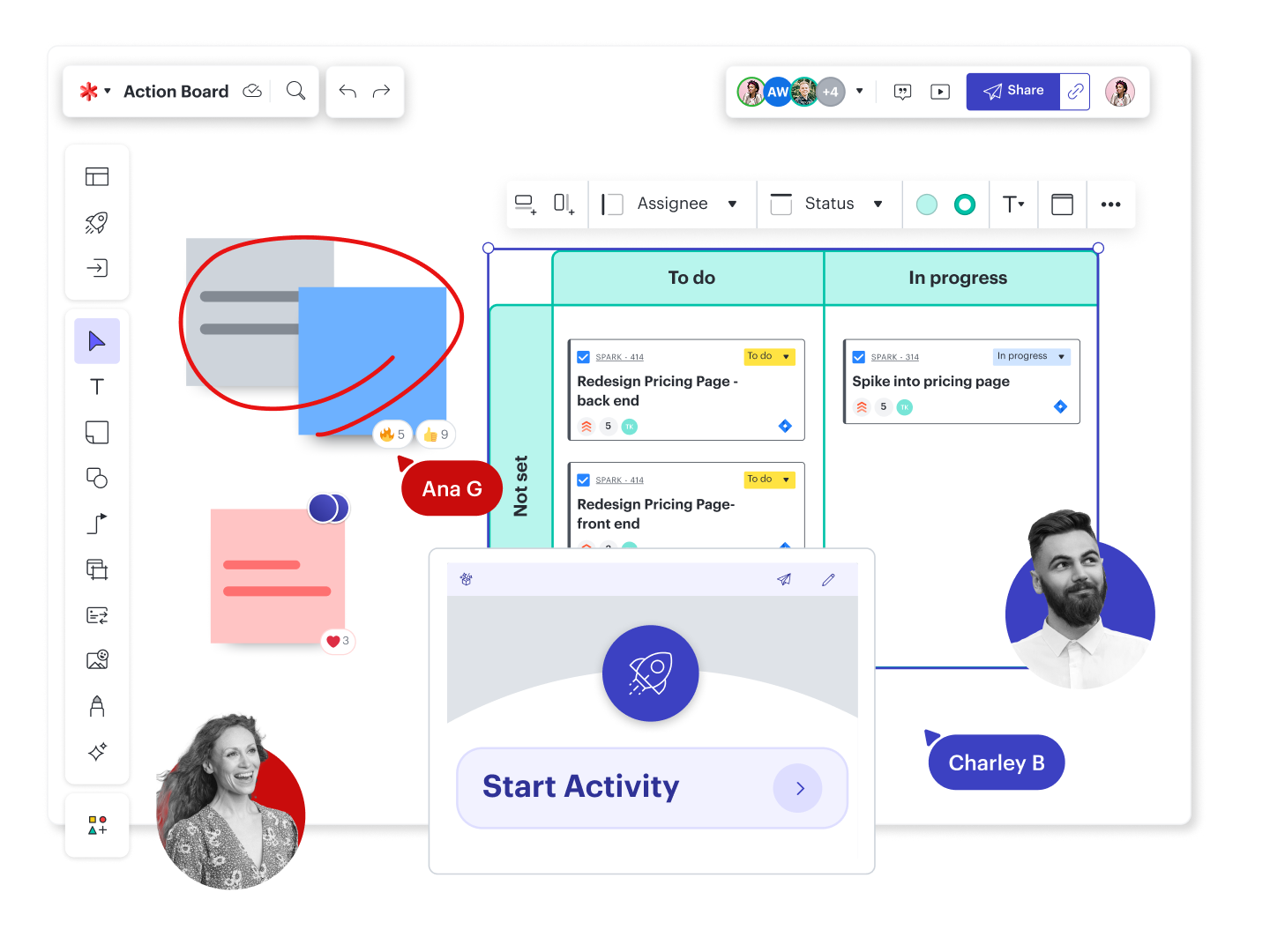
After ideation, assigning tasks keeps momentum going. Whiteboard tools often include options to tag people and set deadlines. This clarity ensures everyone knows their responsibilities. Follow-up features help track progress and keep the team accountable. It turns ideas into actionable steps efficiently.
Overcoming Common Challenges
Online ideation sessions often face hurdles that can disrupt creativity and flow. Addressing common challenges helps keep the session productive and engaging. The goal is to create a smooth experience where all voices are heard and ideas flow freely.
Managing Technical Issues
Technical problems can slow down or stop an ideation session. Test the whiteboard tool before the meeting starts. Ensure everyone knows how to use the main features. Have a backup plan like a phone call or chat group. Keep instructions clear and simple to avoid confusion. Encourage participants to update their apps and browsers for best performance.
Keeping Participants Focused
Distractions reduce the effectiveness of the session. Set clear goals at the beginning and remind participants often. Use timers to limit discussion on each idea. Ask direct questions to engage quiet members. Break the session into smaller parts to maintain energy. Use visual cues and highlights on the whiteboard to guide attention.
Balancing Contributions
Some people may dominate the discussion, while others stay quiet. Create rules that encourage equal participation. Assign turns or use a round-robin method for sharing ideas. Encourage participants to build on others’ thoughts. Use anonymous input features if available to reduce bias. Summarize contributions regularly to validate everyone’s input.
Tips For Boosting Creativity Quickly
Boosting creativity quickly in online ideation sessions can transform ordinary meetings into powerful idea factories. Using whiteboard tools effectively encourages team members to think freely and express ideas visually. Simple techniques help spark creativity fast and keep energy high throughout the session.
Warm-up Activities And Icebreakers
Start with fun, simple exercises to activate minds. Ask participants to draw something related to the session topic. Use quick word associations or simple puzzles on the whiteboard. These activities break the ice and prepare everyone for creative thinking. Warm-ups ease tension and invite participation early.
Leveraging Visual Elements
Use colors, shapes, and images to make ideas clear and engaging. Encourage drawing sketches or diagrams instead of just writing. Visuals help teams see connections and inspire fresh thoughts. Adding stickers or icons on the whiteboard adds variety and keeps the session lively. Visual tools make brainstorming more dynamic and memorable.
Timeboxing And Pacing
Set strict time limits for each ideation phase. Short bursts of focused work stop distractions and boost energy. Use timers visible on the whiteboard to remind everyone of remaining time. Change pace by switching between group discussions and individual brainstorming. Proper pacing keeps creativity flowing and prevents fatigue.
Measuring Session Success
Measuring session success helps understand the impact of your online ideation. It shows how well participants engaged and how ideas developed. Clear metrics guide improvements and boost future sessions.
Collecting Feedback
Ask participants to share their thoughts after the session. Use surveys or quick polls to gather opinions. Focus on what worked well and what can improve. Honest feedback reveals the true value of the session.
Tracking Idea Progression
Follow each idea from the initial spark to its current state. Use your whiteboard tool to label and organize ideas by status. Tracking progress helps spot which ideas have potential and which need more work. It keeps the team motivated and focused.
Iterating On The Process
Use feedback and idea tracking to refine your approach. Change session structure, tools, or timing based on what you learn. Small adjustments lead to better participation and clearer results. Keep improving to make each session more effective.
Credit: lucid.co
Frequently Asked Questions
How To Use Whiteboard While Teaching Online?
Use online whiteboards to write, draw, and annotate during lessons. Share your screen for real-time student collaboration and interaction.
How To Do A Virtual Whiteboard Session?
Start by choosing a virtual whiteboard tool like Microsoft Whiteboard or Zoom Whiteboard. Share the board link with participants. Encourage team members to add ideas using drawings, text, or sticky notes. Guide the discussion with open-ended questions. Summarize key points and assign follow-up tasks to ensure progress.
What Is The Interactive Whiteboard For Online Meetings?
An interactive whiteboard for online meetings is a digital tool that enables real-time collaboration. Users can draw, write, and add notes together, enhancing brainstorming and idea sharing during virtual sessions. It boosts team engagement and visual communication effectively.
How To Conduct A Brainstorming Session Virtually?
Schedule a video call and use online whiteboard tools like Microsoft Whiteboard or Miro. Encourage open ideas, assign roles, and summarize key points to keep focus and collaboration strong.
Conclusion
Using whiteboard tools makes online ideation clear and simple. Teams can share thoughts quickly and visually. This helps everyone stay engaged and creative. Try different features to find what fits best. Keep sessions focused by guiding ideas step-by-step. Practice improves how smoothly meetings run.
Whiteboards turn ideas into action fast. Start using these tools to boost your team’s online creativity today.

Everett Ashford is a tech reviewer at mytechgrid.com specializing in SSDs, cameras, TVs, earbuds, headphones, and other consumer electronics. He provides honest, data-driven reviews based on hands-on testing and real-world performance analysis. Everett simplifies complex tech details to help readers make smart, confident buying decisions.