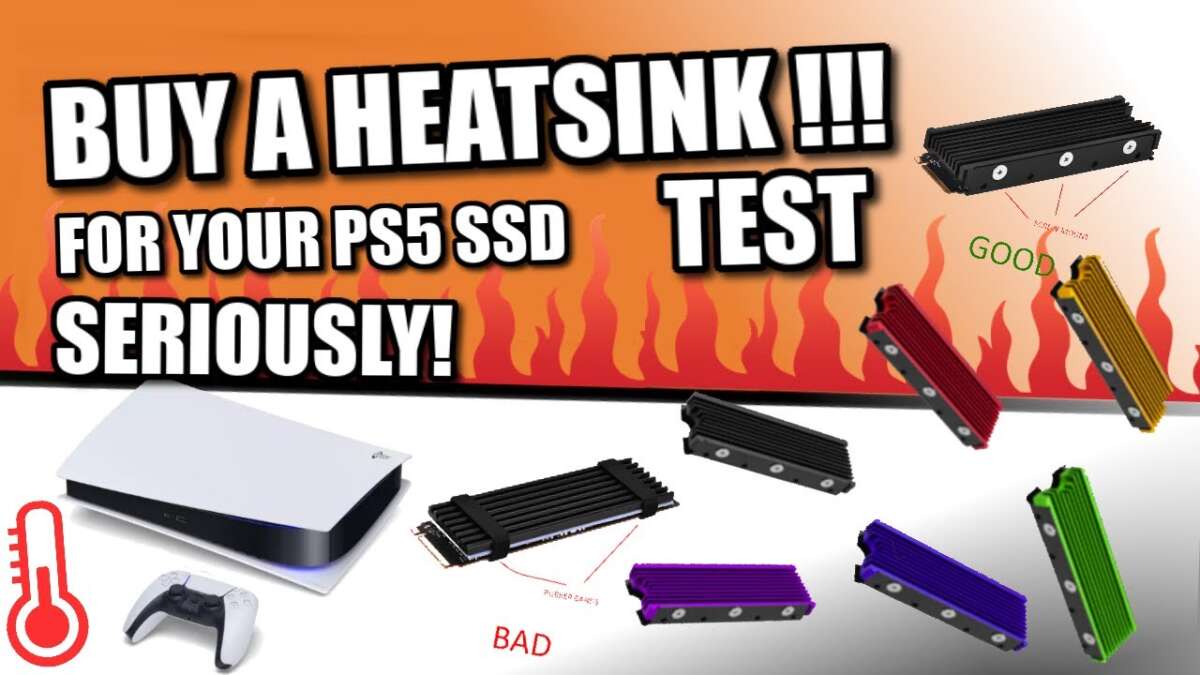
Yes, your PS5 SSD absolutely needs a heatsink to prevent overheating, performance issues, and potential damage.
You've finally unboxed your brand-new NVMe SSD, ready to expand your PlayStation 5's storage and banish those dreaded "cannot install" messages forever. But as you prepare for the upgrade, a critical question arises: does a PS5 SSD need a heatsink? As someone who has navigated countless console upgrades and witnessed the consequences of cutting corners, I can tell you this isn't just a minor detail—it's a crucial requirement. This guide will break down exactly why Sony insists on a heatsink, what happens if you ignore this advice, and how to choose the right one to protect your console and your investment.
Why Your PS5 SSD Gets Hot in the First Place
It's easy to think of a solid-state drive (SSD) as a simple, cool-running piece of hardware. Unlike old hard drives with spinning platters, there are no moving parts. However, the technology that makes modern NVMe SSDs so incredibly fast is also what makes them generate a surprising amount of heat. Think of it like a high-performance sports car engine; immense power creates intense heat as a byproduct.
The NVMe SSD's controller chip is the brain of the operation, managing the lightning-fast transfer of data between the NAND flash memory and your PS5. When you're loading a massive open-world game like Horizon Forbidden West or transferring gigabytes of data, this controller works overtime. This intense electrical activity generates significant heat, which needs to go somewhere. Without a proper cooling solution, that heat gets trapped, creating a scenario that can negatively impact your gaming experience. The PS5’s internal SSD expansion slot is a tight, enclosed space, which further limits natural airflow, making a dedicated cooling solution essential.

What Sony Officially Says About PS5 SSD Heatsinks
When it comes to upgrading your console, it's always best to listen to the manufacturer. In this case, Sony's guidance is crystal clear and leaves no room for debate. The company explicitly states that any M.2 SSD you install in the PlayStation 5's expansion slot must have a heat-dissipation mechanism, such as a heatsink. This isn't just a friendly suggestion; it's a mandatory requirement for compatibility and proper function.
Sony even provides specific dimension requirements to ensure the drive and its heatsink will physically fit inside the console. The total height of the SSD combined with its heatsink cannot exceed 11.25mm. This strict guideline is in place for a reason. Sony's engineers designed the PS5's cooling system with this in mind, and deviating from their specifications means you're operating the hardware outside of its intended, safe parameters. Ignoring this official directive is a gamble with your expensive hardware.
The Real-World Risks of Using a PS5 SSD Without a Heatsink
So, what actually happens if you decide to skip the heatsink? It might work for a little while, but eventually, you will run into problems, especially during long or demanding gaming sessions. From my own testing and from countless reports within the gaming community, the consequences are predictable and frustrating. The primary risk is a phenomenon known as thermal throttling.
When the SSD's controller chip gets too hot, it activates a self-preservation protocol, intentionally slowing down its performance to cool off and prevent permanent damage. For a gamer, this translates to tangible issues:
- Slower Loading Times: The seamless, near-instant load times the PS5 is famous for will start to disappear. You'll find yourself waiting longer for games and levels to load.
- In-Game Stuttering: In severe cases, the drive's slow performance can cause assets to load in too slowly, leading to stuttering, texture pop-in, or freezes during gameplay.
- Reduced Lifespan: Constantly running an SSD at high temperatures can degrade the NAND flash memory cells over time, shortening the overall lifespan of your drive.
Think of it as trying to run a marathon in a winter coat on a hot day. You'd have to slow down or stop completely to avoid overheating. Your SSD does the same thing, and the "stop" is a throttled, frustrating gaming experience.
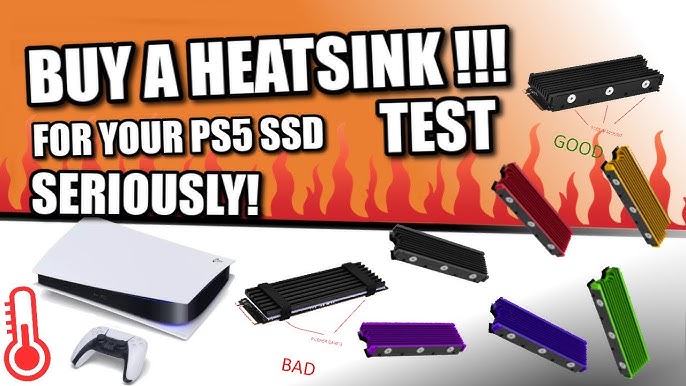
Choosing the Right Heatsink for Your PS5 SSD
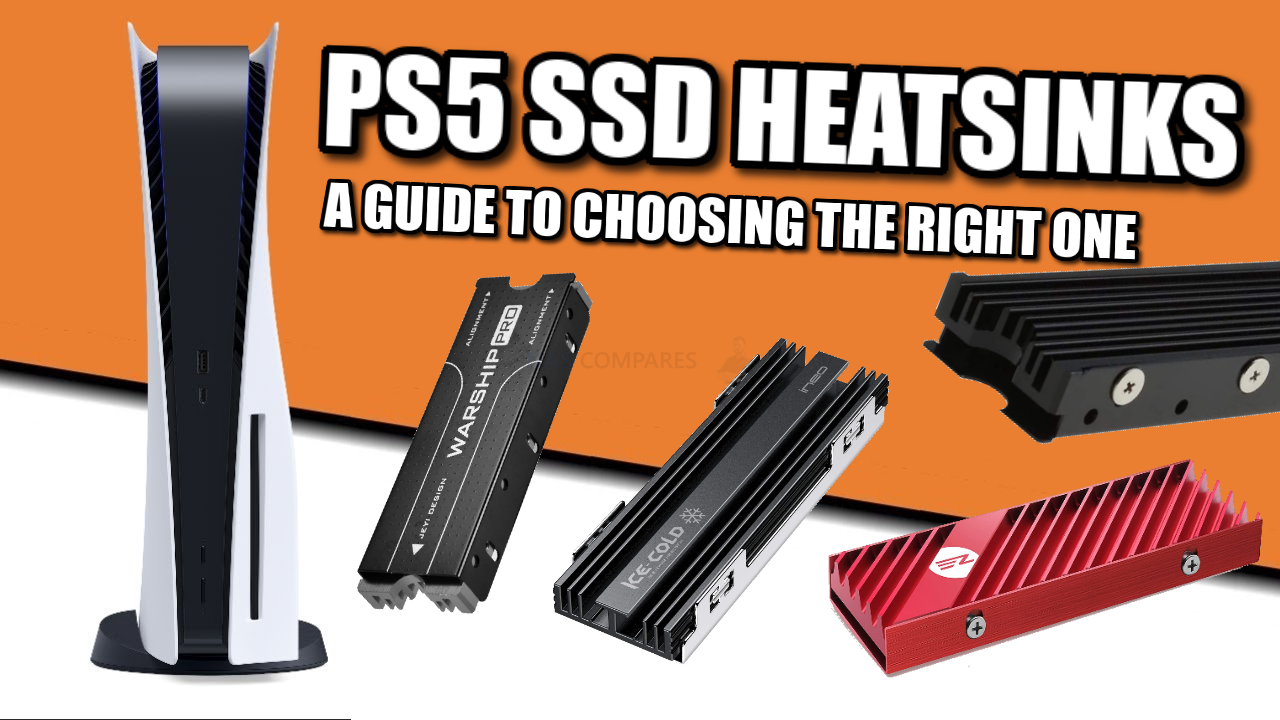
Now that we've established that a PS5 SSD needs a heatsink, the next step is choosing the right one. You have two main paths, both of which are excellent options depending on your comfort level with minor hardware installation. Your goal is to find a solution that effectively dissipates heat while meeting Sony's strict size requirements.
Here are your options:
- Buy an SSD with a Pre-installed Heatsink: This is the simplest and most foolproof method. Manufacturers like WD_BLACK, Seagate, and Samsung offer models specifically marketed as "PS5-Ready," which come with a perfectly sized heatsink already attached. It's a plug-and-play solution that guarantees compatibility.
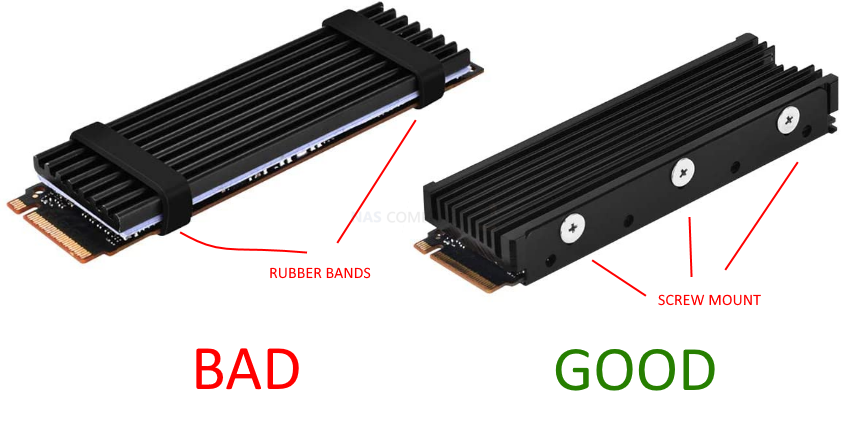
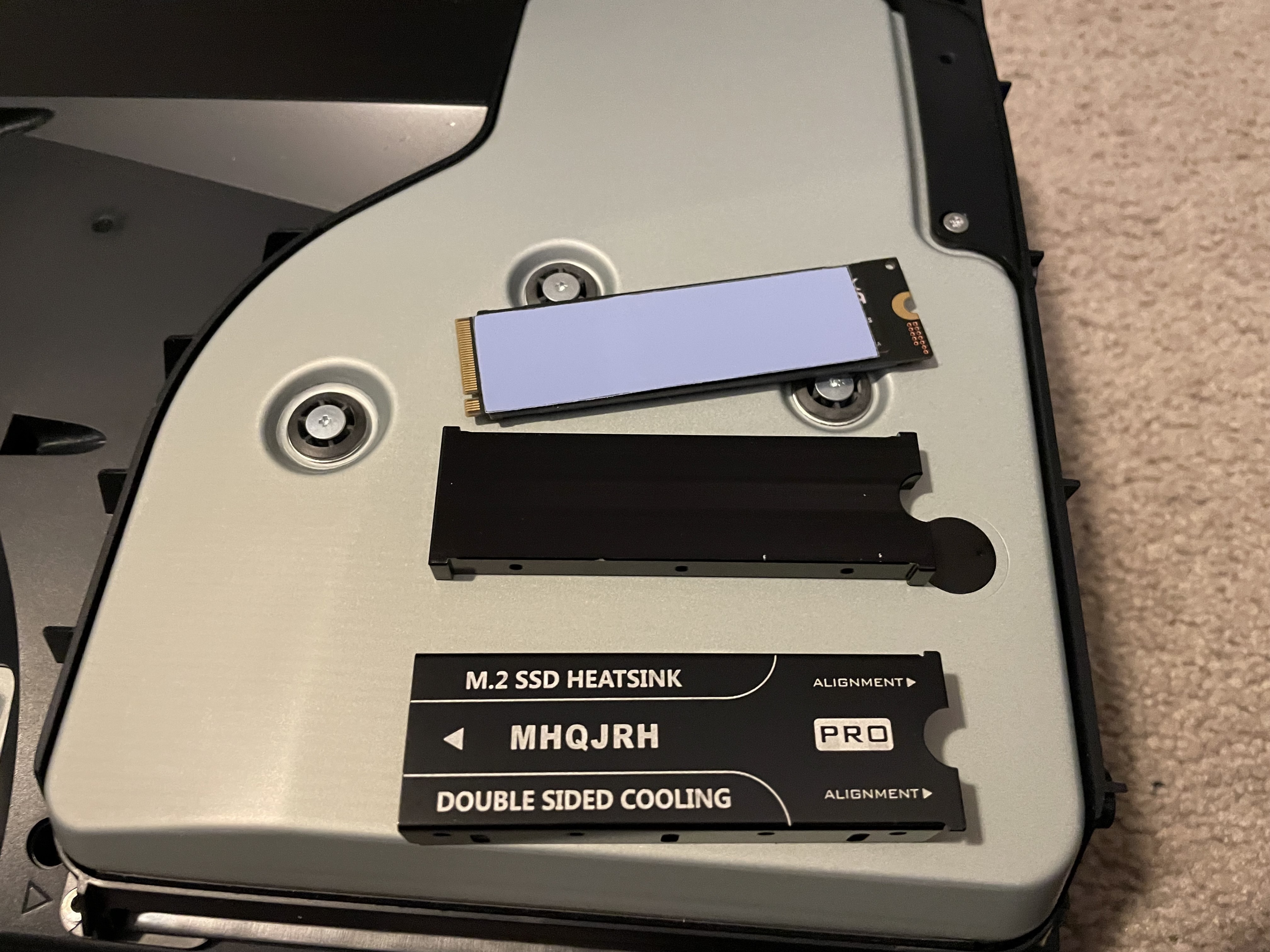
- Buy a Separate Heatsink: If you find a great deal on a bare SSD or already own one, you can purchase a third-party heatsink. When doing so, you must verify its dimensions. Look for a "low-profile" or "PS5-compatible" heatsink made of aluminum or copper. Installation is usually very simple, involving peeling adhesive from thermal pads and clamping the heatsink onto the drive.
Whichever path you choose, double-check that the total height is 11.25mm or less. This simple step ensures your drive will fit perfectly and run cool, giving you the best possible performance for years to come.
Frequently Asked Questions of does ps5 ssd need heatsink
Can I use my PS5 without an expanded SSD?
Absolutely. The internal storage expansion is completely optional and is only needed if you want to install more games than the console's built-in 825 GB drive can hold. The base console functions perfectly on its own.
Will any M.2 SSD with a heatsink work in the PS5?
No, not just any drive will work. Besides needing a heatsink, the SSD must also be a PCIe Gen4 x4 M.2 NVMe SSD and meet Sony's minimum recommended sequential read speed of 5,500MB/s or faster.
Does the PS5's built-in fan cool the SSD slot?
While the PS5 has a powerful main fan, it is not designed to provide direct, concentrated airflow to the M.2 SSD slot. The slot is somewhat isolated, which is why Sony mandates a dedicated heatsink to handle heat dissipation locally.
Is a more expensive heatsink always better?
Not necessarily. As long as the heatsink is made from a thermally conductive material like aluminum and fits within Sony's size specifications, it will do the job. A simple, well-designed heatsink is often just as effective as a more expensive, flashy one for PS5 use.
What happens if my heatsink is too big for the PS5?
If the heatsink is too tall or wide, you simply won't be able to reinstall the metal cover over the SSD expansion slot. This cover is important for shielding and proper airflow within the console, so it must be put back in place.
Conclusion
The answer to whether a PS5 SSD needs a heatsink is a definitive yes. It is not an optional accessory but a fundamental requirement set by Sony to ensure your console and your new SSD perform at their peak while remaining protected from heat-related damage. Skipping it leads to thermal throttling, slower performance, and a shorter lifespan for your drive.
Protect your investment and guarantee a seamless gaming experience by either purchasing an SSD with a pre-installed heatsink or adding a compatible one yourself. With the right setup, you can expand your game library with confidence, knowing your hardware is running cool, fast, and reliably. Now go ahead and upgrade your storage—your next gaming adventure awaits

Everett Ashford is a tech reviewer at mytechgrid.com specializing in SSDs, cameras, TVs, earbuds, headphones, and other consumer electronics. He provides honest, data-driven reviews based on hands-on testing and real-world performance analysis. Everett simplifies complex tech details to help readers make smart, confident buying decisions.