Most external SSD disconnects come from weak power, bad cables, or USB sleep settings.
You want answers you can use right now. If you have asked yourself why does my external ssd keep disconnecting, you are in the right place. I work with storage in real workflows, from edit bays to field backups. I will break down real causes, clear fixes, and smart habits so your drive stays online.
The real reasons your external SSD keeps disconnecting
If you keep asking why does my external ssd keep disconnecting, start with power, cables, and ports. These three cause most dropouts. The rest are settings, heat, firmware, and file issues.
Here are the most common reasons, in plain words:
- Cable problems. Loose fit, worn ends, USB 2.0 cables used by mistake, or long cables that drop signal.
- Port issues. Low power ports, dirty ports, or wobbly connectors on laptops and hubs.
- Power limits. Bus power cannot cover peak draw, so the bridge chip resets and the SSD vanishes.
- USB power saving. The system puts the port to sleep. The link does not wake cleanly.
- Hubs and docks. Cheap hubs cause voltage dips. Unpowered hubs struggle with SSD bursts.
- Firmware or driver glitches. Outdated SSD firmware or USB controller drivers cause resets.
- Heat. NVMe drives in tight cases overheat and throttle or reset.
- File system errors. Bad sectors or unsafe unplug events trigger disconnects under load.
- EMI and ESD. Electrical noise or static can break a weak link.
- Physical stress. A tug on the cable can cause a short drop that looks like a full disconnect.
You might wonder again, why does my external ssd keep disconnecting during big copies. It is often power dips or heat. Fix those first, then fine tune settings.
Quick checks and fast fixes
Before deep work, do fast checks. This alone fixes many cases of why does my external ssd keep disconnecting.
Do these first:
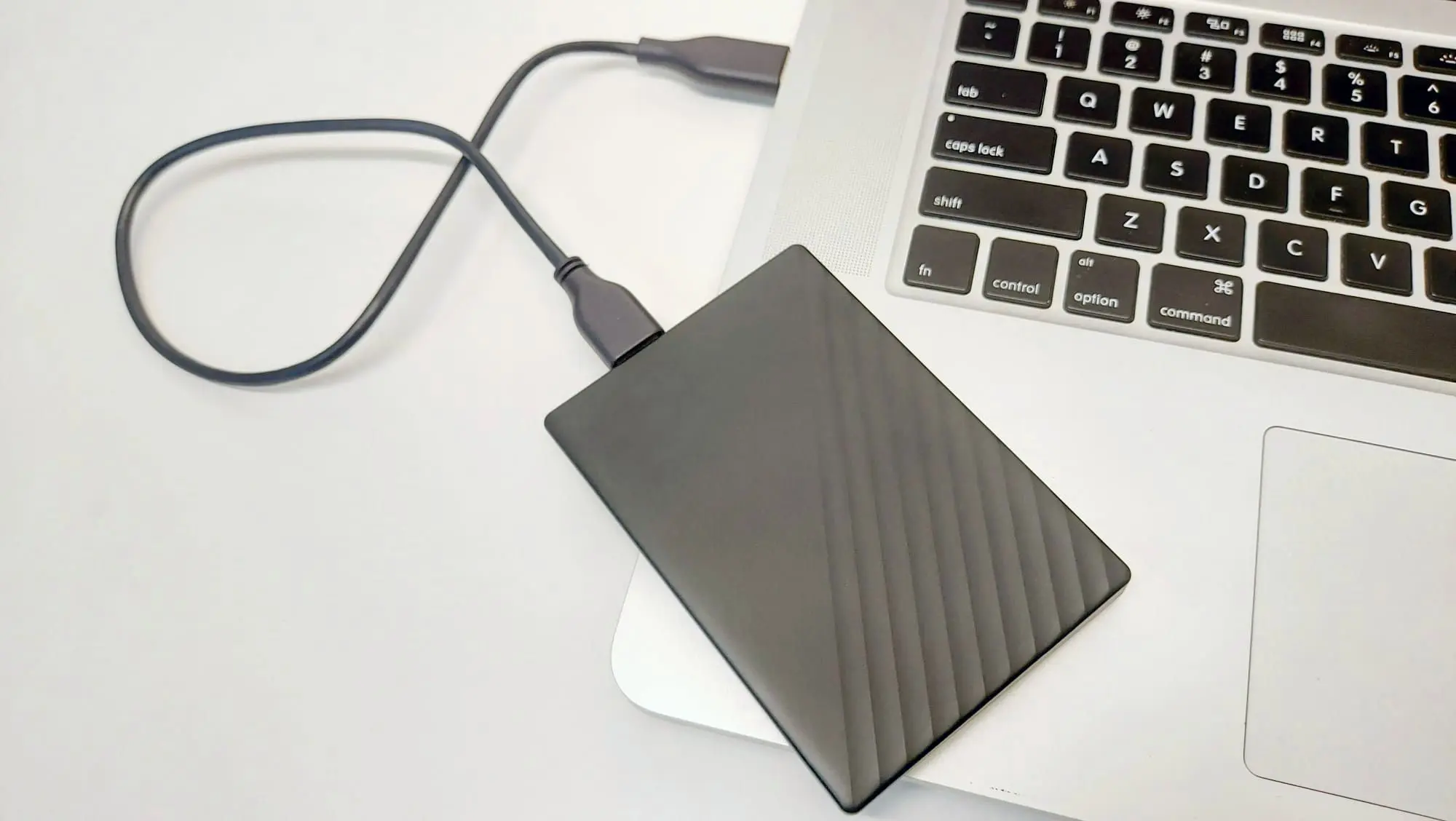
- Try a new, short USB‑C to USB‑C or USB‑C to USB‑A 10 Gbps cable.
- Plug into a direct port on the computer. Avoid hubs for now.
- Use a different port. Try both sides of a laptop if you can.
- Test on another computer. If it works there, it is likely a host issue.
- Copy a large file and watch for drops. Keep notes on steps and results.
Windows 10 and 11
- Turn off USB selective suspend. Go to Power Options, advanced settings, USB settings, set to Disabled.
- In Device Manager, open each USB Root Hub. Uncheck Allow the computer to turn off this device to save power.
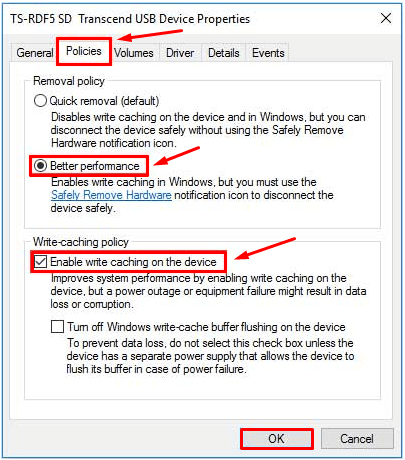
- For the SSD entry under Disk drives, set Removal policy to Better performance, and always use Eject.
- Update chipset, USB controller, and storage drivers from the laptop or motherboard maker.
- If you still ask why does my external ssd keep disconnecting on Windows, check Event Viewer for disk or USB errors.
macOS
- Open System Settings, Energy. Turn off Put hard disks to sleep when possible.
- Prevent sleep during long copies. Use a simple keep-awake app if needed.
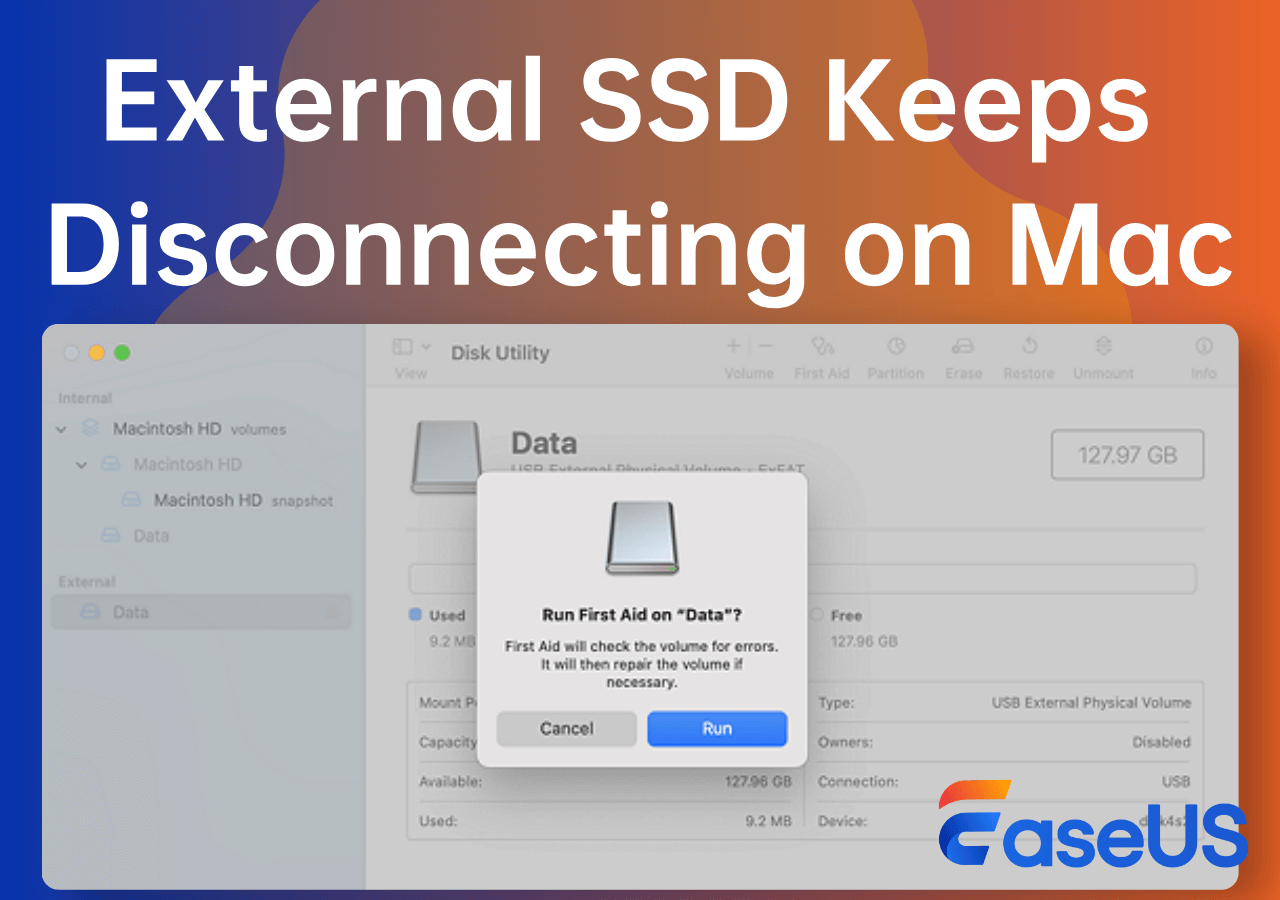
- Run Disk Utility First Aid on the external drive.
- Reset SMC and NVRAM if power behavior seems odd.
- Update macOS. Bridge chips often behave better on newer builds.
Linux
- Check dmesg as the drop happens. Look for USB reset, I/O error, or power messages.
- Disable USB autosuspend. For a quick test, set autosuspend to -1 in your power tools or kernel params.
- Install smartmontools and use smartctl via SAT if supported. Check for errors.
- Mount with uid and sync options only if needed. Avoid heavy write cache if disconnects persist.
If the drive is stable after these steps, you have found the root. If not, keep going.

Cable, port, and hub best practices
Cables are the silent killer here. Many kits ship with weak or slow cables. That alone explains why does my external ssd keep disconnecting for many users.
Use these rules:
- Use a 10 Gbps rated cable if your drive supports it. Keep it under 1 meter.
- Try both ends. Some cables work one way due to wear.
- Skip adapters and dongles if you can. Each joint adds loss.
- Prefer ports on the laptop or desktop. If you must use a hub, use a powered one.
- For USB‑C, use a cable with proper e‑mark if longer or for high power.
- Clean the port and the plug with a soft brush and a bit of air.
If a different cable or port fixes it, replace that part for good. Do not go back to a flaky link.

File system, drivers, and firmware care
Corruption can trigger resets during reads or writes. Old firmware can mis-handle errors. That can look like a random drop.
Try this care plan:
- Run a file system check. Use chkdsk on Windows, First Aid on macOS, and fsck on Linux.
- Update the SSD firmware with the maker’s tool. Also update the USB bridge firmware, when the maker offers it.
- Update the OS and chipset drivers. This improves UASP and power states.
- Reformat only after backups. Use exFAT for cross‑platform, NTFS for Windows, APFS for macOS, ext4 for Linux.
- Enable write caching only if you always eject. Unsafe pulls cause damage.
If your system rebuilds the file system and the drops stop, a clean map likely fixed it. If not, test the hardware next.

Heat, power, and environment
Thermals and power matter a lot. Many NVMe-to-USB cases run hot under load. Heat can explain why does my external ssd keep disconnecting after a few minutes.
Keep it cool and steady:
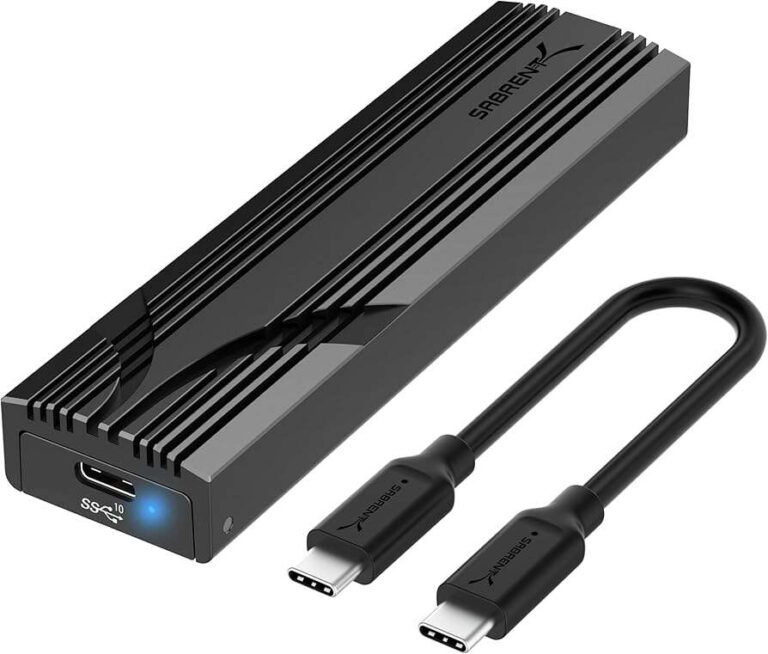
- Use an aluminum enclosure with thermal pads on the NVMe stick.
- Do not cover the drive during long copies. Give it airflow.
- Avoid sun and hot cars. Heat soak builds fast.
- Use a powered hub if your laptop ports are weak.
- Avoid long copies on battery saver modes. These modes can drop power.
If the drive gets hot to the touch and then drops, add cooling and shorten transfers. It is a simple fix that helps a lot.
Protect your data when disconnects happen
If the drive drops, protect your files first. Solving why does my external ssd keep disconnecting is important, but your data matters more.
Do this right away:
- Stop heavy writes. Writes on a shaky link risk damage.
- Copy critical files off in small chunks. Start with the most important folders.
- Run SMART health if your bridge supports it. Watch for reallocated sectors or media errors.
- Keep a second copy on another drive or in the cloud.
- If you hear odd sounds or see many errors, stop and call a pro.
Once your data is safe, you can test longer. Peace of mind helps you work with care.

Advanced diagnostics for stubborn cases
Some cases fight back. When you still think why does my external ssd keep disconnecting after all fixes, go deeper.
Try these methods:
- Windows: Check Event Viewer, Reliability Monitor, and use USBView to see link speed and errors.
- macOS: Use Console for kernel logs. Run ioreg to inspect power states for the USB path.
- Linux: Use lsusb -v, dmesg -w, and smartctl -a -d sat to watch live events.
- Force a slower link for a test. USB 3.2 to USB 2.0 lowers speed but may stay stable. That points to signal issues.
- Check if the drive uses UASP. UASP is faster but needs clean links. If it falls back to BOT, that hints at trouble.
- Try a different enclosure with the same NVMe or SATA stick. Bridge chips vary a lot.
In my work, a new enclosure with a better bridge fixed three “unsolvable” cases. The SSDs were fine. The old bridges were the problem.
Preventive habits for a stable external SSD
Make these habits routine. You may never need to ask why does my external ssd keep disconnecting again.
Build a stable setup:
- Eject before you unplug. Always.
- Label good cables. Retire flaky ones at once.
- Keep the SSD in a padded case. Avoid stress on the port.
- Do a monthly quick check. Copy a test file and run a health readout.
- Update firmware and drivers each quarter.
- Choose drives with good enclosures, thermal pads, and UASP support.
These small steps pay off. Your workflow will feel calm and quick.

Frequently Asked Questions of why does my external ssd keep disconnecting
Why does my external SSD keep disconnecting on Windows 11?
USB selective suspend and hub power saving are common causes. Disable those, update drivers, and test with a short, rated cable.
Why does my external SSD keep disconnecting during large file transfers?
Heat and power dips often hit during long writes. Improve cooling, use a powered hub, and avoid cheap hubs.
Can a bad cable cause random disconnects?
Yes, a weak cable is the top cause I see in the field. Replace it with a short, 10 Gbps rated cable to test.
Will using a powered USB hub help?
It helps when a laptop port cannot supply steady current. Use a quality powered hub with enough wattage and good reviews.
How do I know if my SSD is failing?
Check SMART data, run file system checks, and test on another computer. If errors follow the drive across systems, plan a backup and a warranty claim.
Should I update SSD firmware to fix disconnects?
Yes, if the maker offers an update. Firmware can fix power handling, error recovery, and link stability.
Why does my external SSD keep disconnecting on macOS?
Disk sleep, old bridge firmware, or heat can trigger drops. Turn off disk sleep, run First Aid, and keep the drive cool.
Conclusion
Most dropouts trace back to three things: cable quality, power limits, and sleep settings. Fix those and you solve most cases fast. If the problem holds on, update firmware, cool the drive, and check logs.
Take action today. Swap the cable, pick a direct port, and turn off USB sleep. Back up key files before long tests. Want more help like this? Subscribe for fresh guides, or leave a comment with your setup and I will help you troubleshoot.

Jamie Lee is a seasoned tech analyst and writer at MyTechGrid.com, known for making the rapidly evolving world of technology accessible to all. Jamie’s work focuses on emerging technologies, product deep-dives, and industry trends—translating complex concepts into engaging, easy-to-understand content. When not researching the latest breakthroughs, Jamie enjoys exploring new tools, testing gadgets, and helping readers navigate the digital world with confidence.