Finite write endurance. SSDs wear out with writes, and recovery is harder than HDDs.
If you want the short answer to what is the biggest drawback to ssd drives, it’s this: flash memory has a limited number of writes before it wears out. I’ve deployed and stress-tested SSDs in laptops, workstations, and servers for years. In this guide, I’ll unpack what is the biggest drawback to ssd drives with clear examples, real-world tips, and up-to-date best practices so you can make smart choices and avoid costly mistakes.

The core issue: finite write endurance
People often ask what is the biggest drawback to ssd drives, and the answer is simple. Flash cells can only be erased and rewritten so many times. Each write and erase cycle wears the cells down. Over time, the drive hits its endurance limit and shifts to read-only or fails.
Think of an SSD like a whiteboard. You can write and erase a lot, but not forever. SSD controllers try to spread writes across the whole drive. This is called wear leveling. It helps, but it cannot defeat physics.
Vendors publish endurance specs. You’ll see terms like TBW and DWPD. When you hit those numbers, the drive is past its rated life. It may keep working, but it is living on borrowed time.
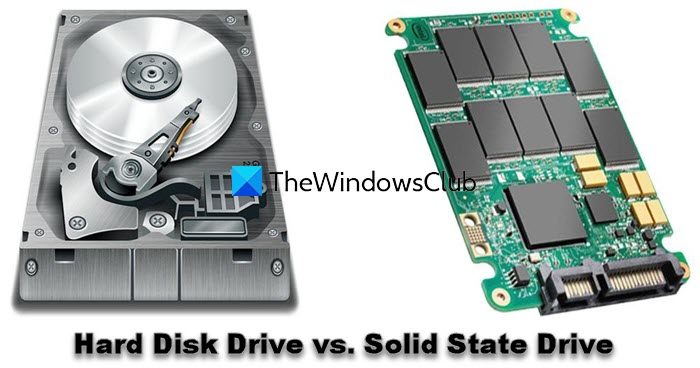
How endurance works in practice
This is where what is the biggest drawback to ssd drives shows up in day-to-day use. Not all writes are equal, and not all SSDs are built the same.
TBW and DWPD made simple
- TBW means terabytes written. It is the total data you can write before the drive’s rated life ends.
- DWPD means drive writes per day. It tells you how many times you can write the whole drive per day during the warranty.
- Higher numbers are better. Enterprise SSDs have higher ratings than budget consumer models.
A quick example to frame it
- Say your 1 TB SSD has a 600 TBW rating.
- If you write 200 GB per day, that is about 3 TB per month.
- You would reach 600 TBW in about 16–17 years at that rate. Heavy users can hit it far sooner.
Data retention and heat
- Worn cells hold data for less time when powered off.
- High temperatures speed up data loss in worn flash.
- Back up before storage or travel. Do not leave a worn SSD in a hot car.
/images/2025/11/17/godaddy_maindashboard.png)
Why this matters for different users
Understanding what is the biggest drawback to ssd drives helps you plan. Different users write data at very different rates.
Everyday users
- Web, email, and light office work write little data.
- Your SSD may last many years. You are unlikely to hit TBW soon.
- Keep free space and enable TRIM to stay fast and healthy.
Creators and developers
- Video edits, compiles, Docker images, and VMs write a lot.
- You can burn through TBW in a few years on a consumer SSD.
- Use a higher-end drive for scratch or a separate scratch disk.
Servers and NAS
- Databases, logging, and virtualization write nonstop.
- Use drives with clear DWPD ratings and power-loss protection.
- Plan replacements before the SMART percentage-used hits 100%.
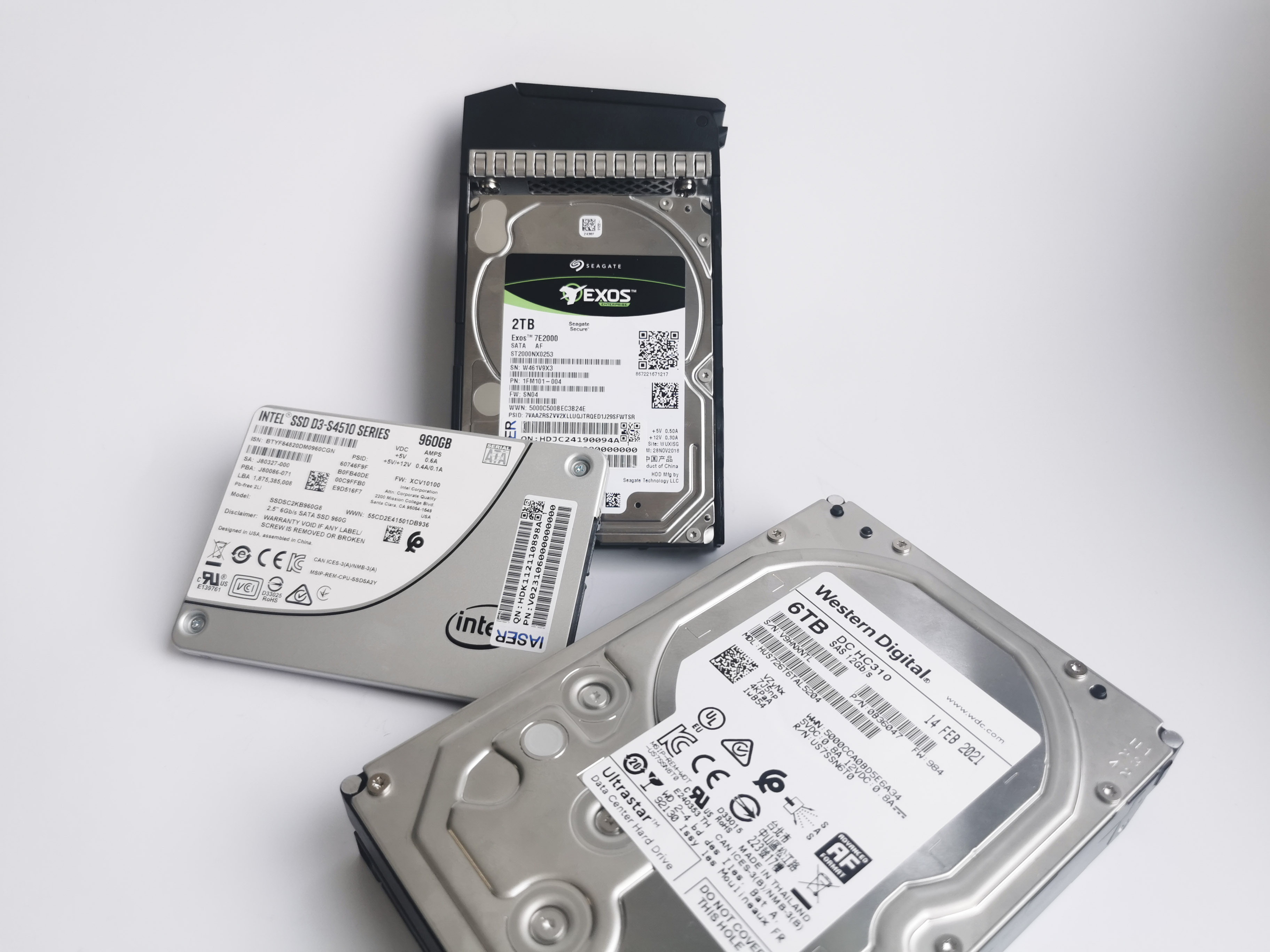
Other SSD drawbacks you should know
We have named what is the biggest drawback to ssd drives: write endurance. But a few related issues also matter.
Data recovery is tough
- SSDs use wear leveling and encryption by default on many models.
- Recovery is harder and costlier than with HDDs. Sometimes it is not possible.
- Backups are your safety net. Not a lab.
Sudden or silent failure modes
- SSDs can fail without the classic clicking of HDDs.
- You may see corruption, read-only mode, or a dead drive.
- SMART can help, but it cannot predict all failures.
Performance cliffs under heavy write
- Many SSDs cache writes in fast SLC mode.
- When the cache is full, speeds can drop a lot.
- Leave free space and avoid sustained heavy writes on budget models.
Cost per gigabyte and capacity
- SSDs cost more per GB than HDDs, especially at high capacities.
- QLC drives are cheaper, but they have lower write endurance.
- Match the drive type to your workload to avoid surprises.
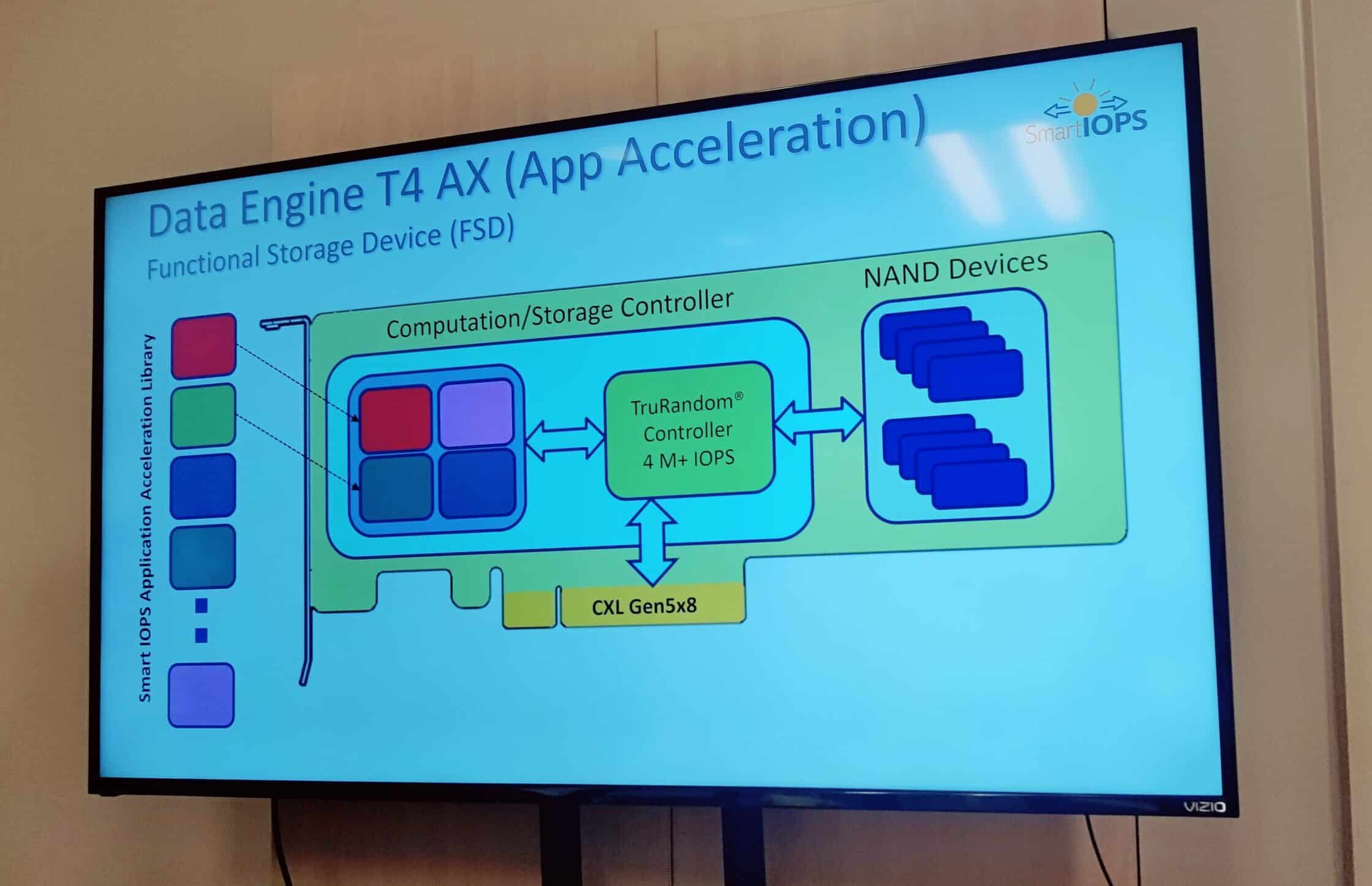
How to mitigate the drawback
The best answer to what is the biggest drawback to ssd drives is to plan for it. You can cut writes and extend lifespan with a few habits.
Reduce unnecessary writes
- Keep 10–20% free space to help wear leveling.
- Enable TRIM on your OS. Most modern systems do this by default.
- Move heavy-write caches and scratch files to a separate drive if possible.
- Limit constant logging and telemetry where you can.
Pick the right drive for the job
- Check TBW, DWPD, and warranty. Do not assume all 1 TB drives are equal.
- Prefer TLC for balanced endurance. Use QLC only for light, cold data.
- For workstations and servers, consider drives with power-loss protection and DRAM.
Monitor health and plan replacements
- Watch Total Bytes Written and Percentage Used in SMART.
- Update firmware. Vendors fix bugs that can affect life and stability.
- Replace critical drives before the warranty or percentage-used limit.
Back up like you mean it
- Follow the 3-2-1 rule. Three copies, two media types, one off-site.
- Test restores. A backup you cannot restore is not a backup.
- Automate it. Humans forget. Scripts and services do not.
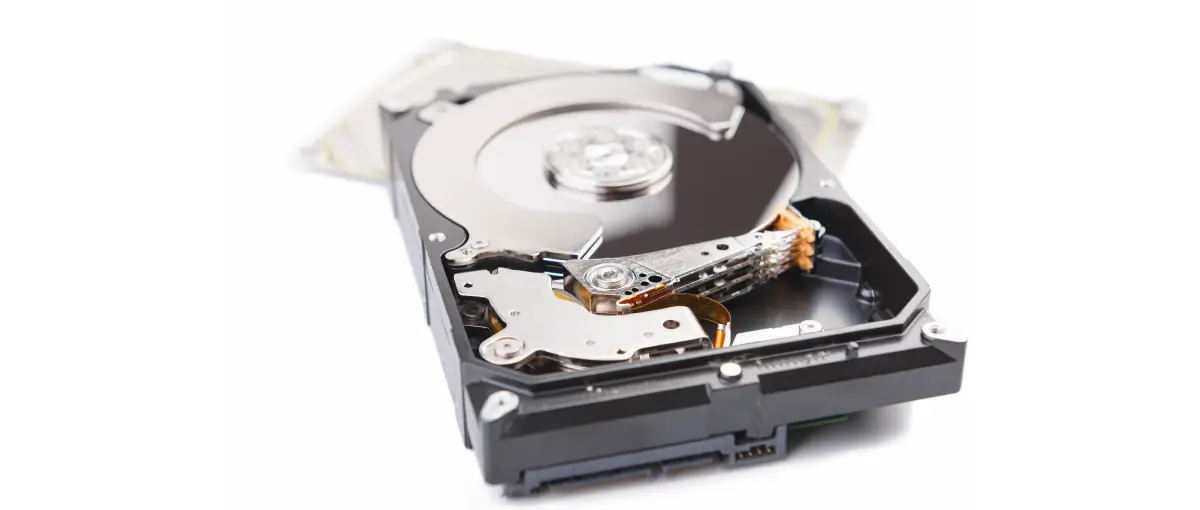
Personal experience and lessons learned
When clients ask what is the biggest drawback to ssd drives, I share a few stories. Our video team once wore out a consumer SSD in under two years. The drive did its job, but the scratch workflow was rough on it. We moved cache and previews to a higher-end SSD and doubled the life.
In a small database server, logs were the write hog. We switched to drives with higher DWPD and tuned logging. Writes dropped, performance rose, and wear slowed down. The lesson is simple. Measure your writes, then buy and tune for them.
I also learned to keep spare drives on hand. When SMART showed a high percentage used, we swapped early. No drama, no downtime, no data loss.
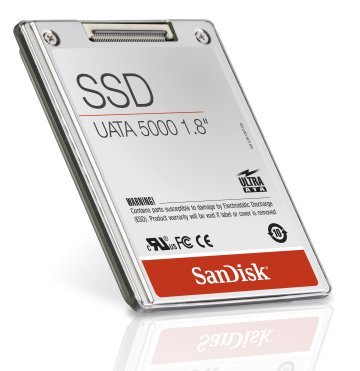
Buying guide cheat sheet
If you still wonder what is the biggest drawback to ssd drives when shopping, use this checklist. It will steer you toward the right model.
- Endurance first. Look for TBW or DWPD that matches your workload.
- NAND type. TLC balances life and cost. QLC is best for light, cold data.
- Capacity headroom. Bigger drives spread wear better and stay faster.
- DRAM cache. DRAM-based SSDs handle mixed workloads more smoothly.
- Power-loss protection. Important for servers and critical work.
- Warranty and support. Longer coverage often signals higher endurance.

Frequently Asked Questions of what is the biggest drawback to ssd drives
What is the biggest drawback to SSD drives in one sentence?
Finite write endurance. Flash cells wear out after a certain amount of data is written, which limits lifespan.
Does write endurance matter for everyday users?
Usually not right away. Light users write little data and may replace the computer before hitting TBW.
What is the biggest drawback to SSD drives for video editors?
High sustained writes from previews and renders. Use higher-end SSDs for scratch and keep plenty of free space.
Are HDDs better for long-term cold storage?
For cold, rarely accessed archives, HDDs can be more forgiving. SSD data retention drops as cells wear and with heat.
Can SMART warn me before an SSD dies?
Sometimes, but not always. Monitor Percentage Used, Total Bytes Written, and reallocated blocks, and keep good backups.
What is the biggest drawback to SSD drives in laptops?
Endurance plus sudden failure risk without warning. Back up often and avoid filling the drive to the brim.
Do enterprise SSDs remove this drawback?
They reduce the impact with higher DWPD and better controllers. They do not remove the fundamental limit of flash cells.
Conclusion
The clear answer to what is the biggest drawback to ssd drives is finite write endurance. It is baked into flash technology and shows up faster in heavy-write workloads. The good news is you can plan for it, buy the right drive, monitor health, and back up well.
Match the SSD to your workload, keep free space, and protect your data with a solid backup plan. Ready to go deeper? Explore our other storage guides, subscribe for expert tips, or drop your questions in the comments so we can help you pick the perfect drive.

Jamie Lee is a seasoned tech analyst and writer at MyTechGrid.com, known for making the rapidly evolving world of technology accessible to all. Jamie’s work focuses on emerging technologies, product deep-dives, and industry trends—translating complex concepts into engaging, easy-to-understand content. When not researching the latest breakthroughs, Jamie enjoys exploring new tools, testing gadgets, and helping readers navigate the digital world with confidence.