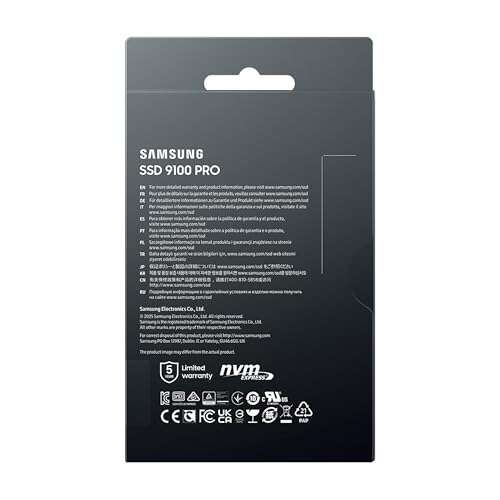
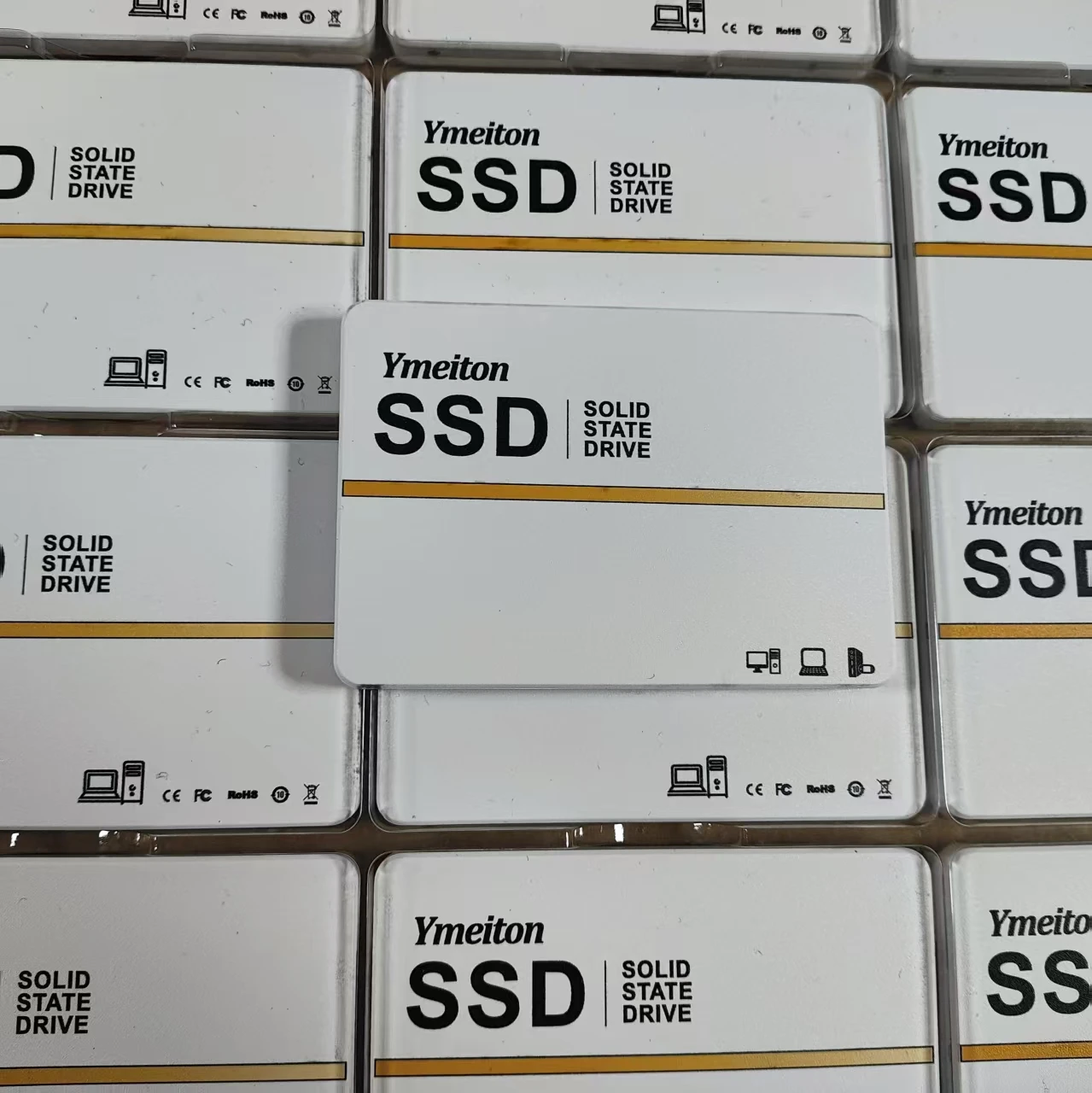
A 256GB SSD is a solid-state drive with 256 gigabytes of storage.
If you have ever wondered what does 256gb ssd mean, you are in the right place. I have set up, upgraded, and tested hundreds of systems, and I’ll break it down in plain English. In this guide, you’ll learn what a 256GB SSD really offers, how it performs, how much space you actually get, who it suits best, and smart ways to use it so you do not run out of room.
What Does 256GB SSD Mean?
A 256GB SSD is a storage drive that holds up to 256 gigabytes of data when measured in decimal units. It uses flash memory instead of spinning disks, which makes it fast, silent, and durable. You can install your operating system, apps, and files on it.
Now, let’s answer what does 256gb ssd mean in a practical way. It means you get a quick system, fast boot times, and snappy app loads, but with limited space for large game libraries or big media folders. For many people, 256GB is enough for daily work, school, and light gaming.
One catch: the usable space is less than 256GB. Due to how storage is measured and system files, you will usually see about 220–240GB free on a new drive after setup. That is normal and not a sign of a problem. It is just how drives are labeled and formatted.
SSD vs HDD: What You Feel Day to Day
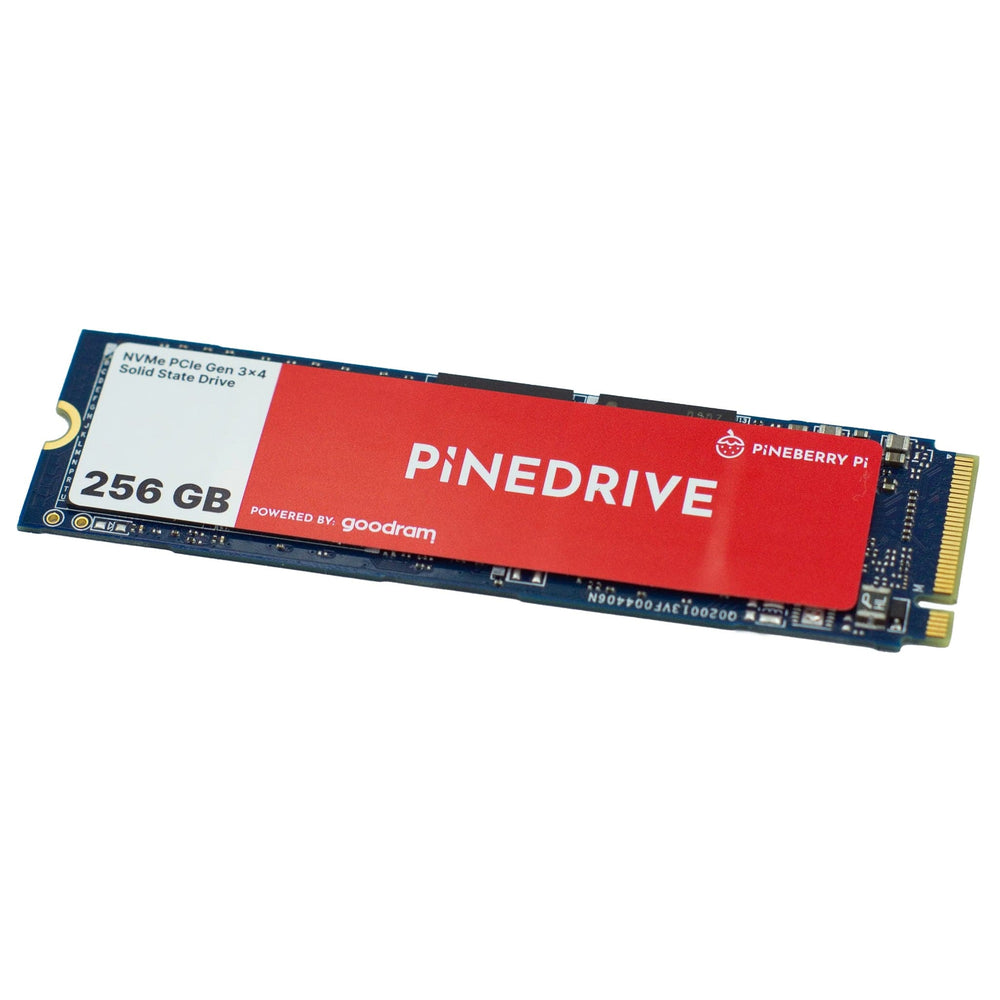
SSDs have no moving parts. That makes them faster, cooler, and more shock resistant than hard drives. You feel the difference right away when your laptop boots in seconds, not minutes.
Here is what you can expect compared to an HDD:
- Faster boots and logins, often under 15 seconds.
- Apps open in a snap; big projects feel smoother.
- Much less noise and heat, plus better battery life in laptops.
If you are asking what does 256gb ssd mean for real life use, it means fewer delays and more focus. The system feels new, even on older hardware. I have revived many slow laptops by swapping in a 256GB SSD, and users thought they got a brand-new machine.
Is 256GB Enough for You?
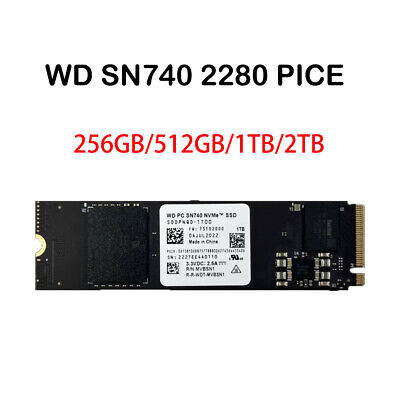
It depends on what you do each day. Think about your files, apps, and habits. Here is a simple guide:
- Students and office users: Usually enough. OS, browser, office apps, email, and some photos fit fine.
- Light gamers: Fine for a few favorite titles. Many popular games are 20–60GB each.
- Creators: Often too small. Raw photos, 4K video, and sample libraries eat space fast.
- Developers: Mixed. A few SDKs and Docker images can fill it. Use external or cloud storage.
- Home use: Great for web, streaming, banking, and family photos with cloud sync.
If you are unsure what does 256gb ssd mean for your case, check your current storage use. If you are under 150GB now, 256GB should be fine with room to grow.
Real Capacity: GB vs GiB and Why You See Less Space
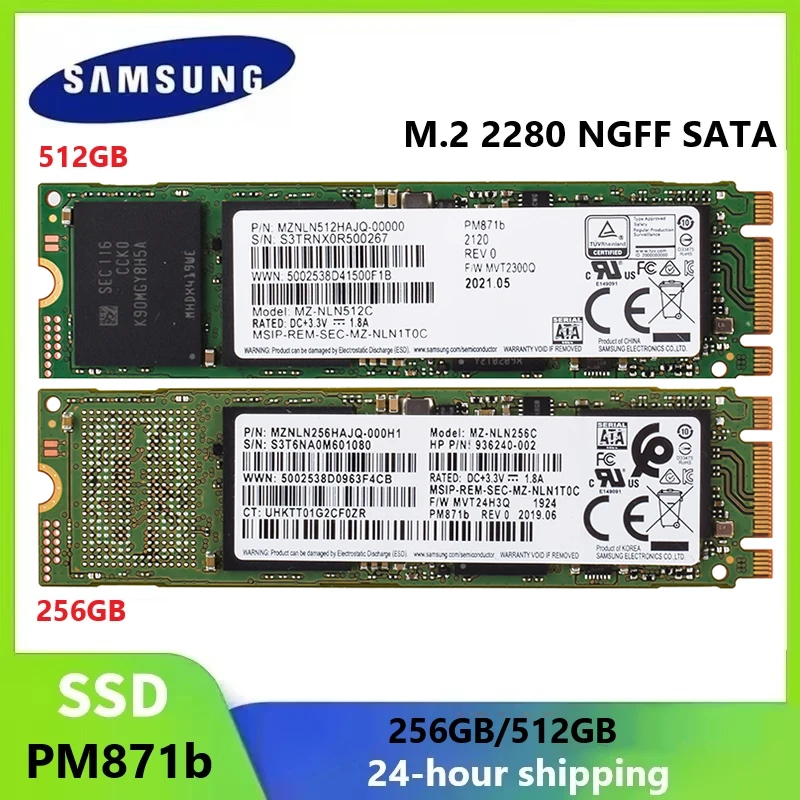
Drive makers use decimal gigabytes (GB), where 1GB = 1,000,000,000 bytes. Your computer shows gibibytes (GiB), where 1GiB = 1,073,741,824 bytes. That is why a 256GB SSD shows about 238GiB when empty.
After you install the OS and updates, you may see around 210–230GB free. Recovery partitions and hidden system files take space. So, what does 256gb ssd mean in practice? It means plan for about 200GB of usable room for your apps and files.
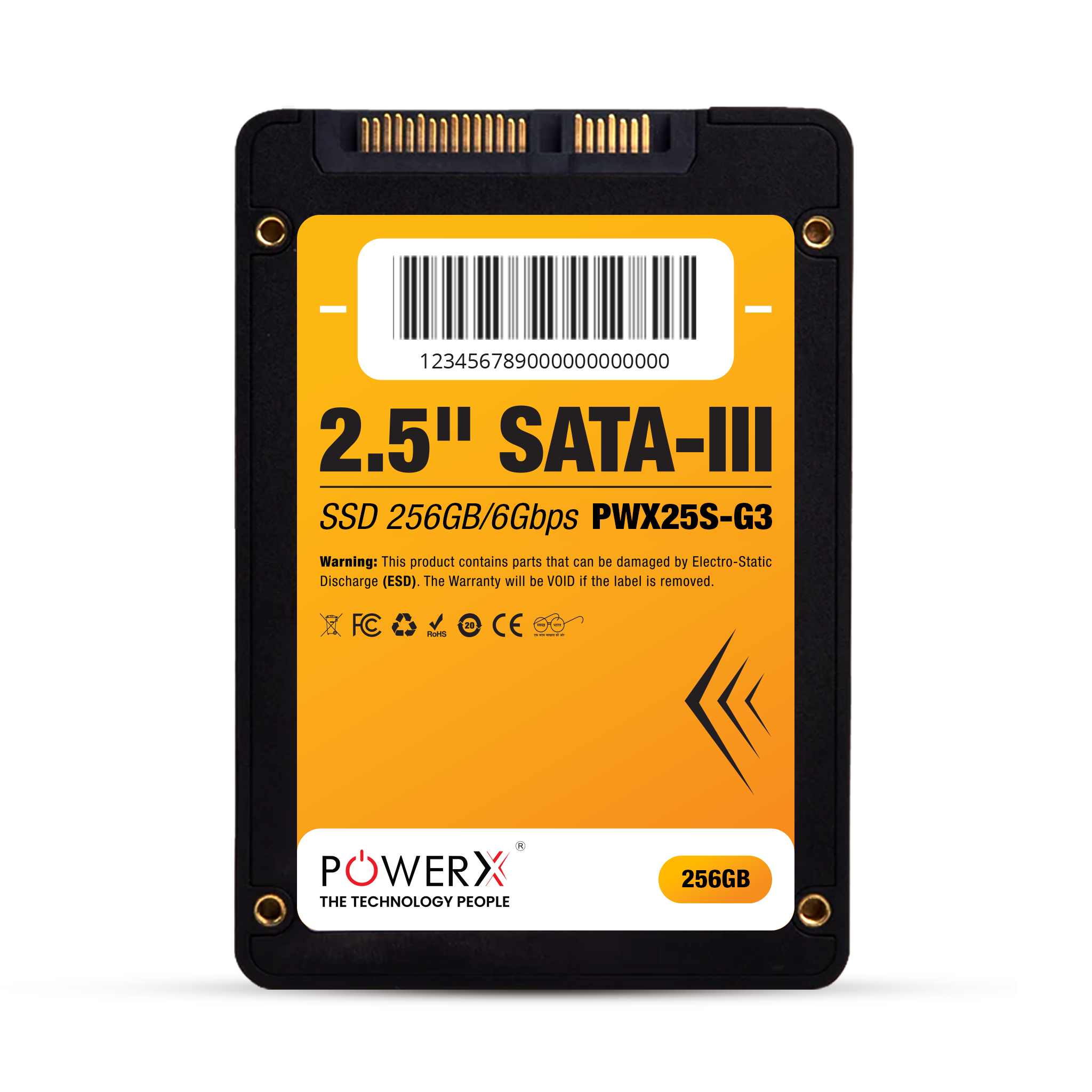
Types of 256GB SSDs: SATA, NVMe, TLC, QLC, DRAM vs DRAMless
Not all SSDs are the same. The form and tech inside affect speed and feel.
- Interface
- SATA: Up to about 550 MB/s. Great upgrade for older systems.
- NVMe (PCIe): Much faster on paper, often 2000–3500+ MB/s for Gen 3. Feels snappier in heavy tasks.
- NAND type
- TLC: Good balance of speed, cost, and endurance.
- QLC: Cheaper, slower for long writes, lower endurance, but fine for light workloads.
- DRAM vs DRAMless
- DRAM SSDs cache mapping tables for steady performance.
- DRAMless drives are cheaper but can slow down under load.
For small drives like 256GB, the fast cache fills sooner during large transfers. If you wonder what does 256gb ssd mean for long file copies, expect a quick start that slows after a few gigabytes on budget models.

Speed You Will Feel: Boot, Launch, Copy
With a 256GB SSD, you should see quick boots, fast app launches, and smooth updates. On NVMe, large app installs and big project loads feel faster than SATA, but both beat HDDs by a lot.
Real-world notes from my work:
- Windows or macOS boots fast, often under 15–20 seconds.
- Office apps and browsers open almost instantly.
- Large game installs start fast; sustained write speed can drop once the cache fills.
So, what does 256gb ssd mean for speed? It means daily tasks fly, and even on SATA, the system feels sharp and responsive.

How to Manage a 256GB SSD Well
Good habits let a 256GB SSD last longer and feel fast. Here are simple tips I teach clients:
- Keep 10–20% free space to help wear leveling and speed.
- Store the OS and apps on the SSD; keep bulky media on an external drive or the cloud.
- Move default save folders for downloads and videos to another drive.
- Empty recycle and temp folders often; uninstall apps you do not use.
- Enable TRIM and keep firmware updated.
If you ask what does 256gb ssd mean for daily care, it means small, steady housekeeping pays off with speed and life.

How to Choose a 256GB SSD for Your Laptop or Desktop
Pick what fits your device and use case. Check your manual or run a system info tool.
- Form factor and slot
- 2.5-inch SATA for older laptops and desktops.
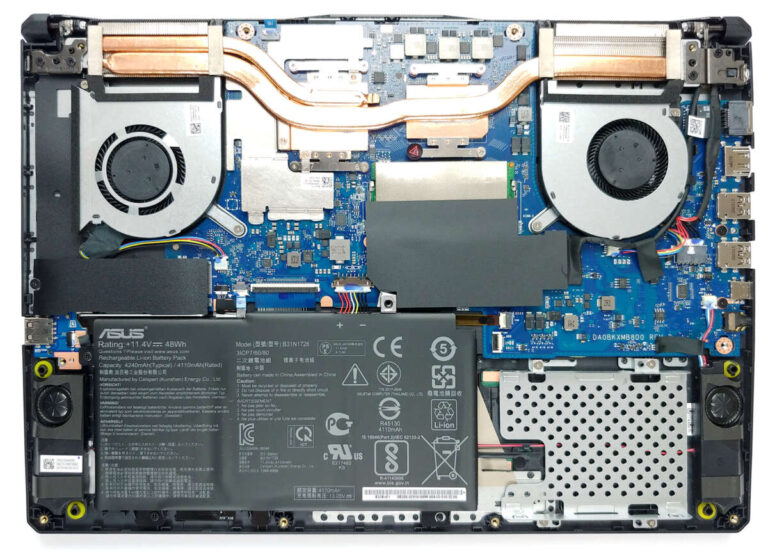
- M.2 2280 for most modern systems; confirm SATA vs NVMe support.
- Performance and features
- Prefer TLC NAND and a DRAM cache if budget allows.
- Look for good TBW ratings and a 3–5 year warranty.
- Heat and power
- Thin laptops may need a cooler NVMe or a small heatsink.
- Desktops can use a motherboard heatsink or add one.
In short, when you think what does 256gb ssd mean for buying, it means match the slot, choose TLC if you can, and check endurance.

Upgrades and External Options
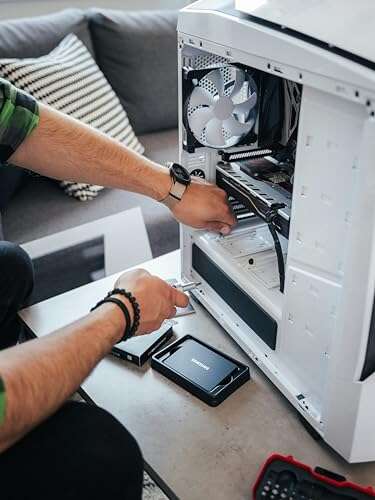
Upgrading to a 256GB SSD is simple with the right steps. I use this process in the field:
- Back up your files to the cloud or another drive.
- Clone the old drive to the SSD with a USB adapter.
- Swap drives and boot; then expand partitions if needed.
- Keep the old drive as a backup or put it in an external case.
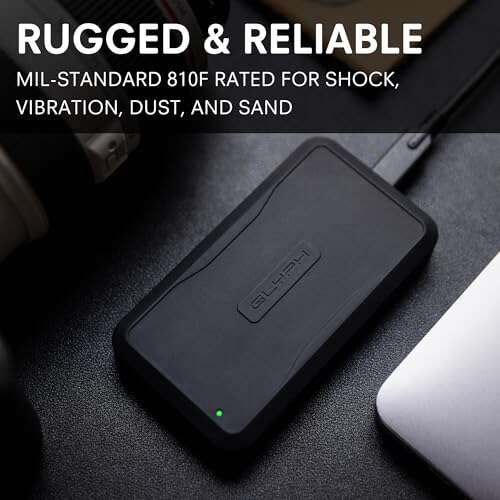
You can also use a 256GB NVMe in a USB enclosure for fast portable storage. If you wonder what does 256gb ssd mean for travel or work on the go, it is a light, fast drive you can carry in your pocket.
Price, Value, and When to Go Bigger
256GB SSDs are often the cheapest way to speed up an old PC. Prices shift, but they tend to offer great value for basic use. That said, price per GB is often better at 512GB or 1TB.
Ask yourself: will you install big games, keep 4K videos, or run VMs? If yes, go larger. If not, 256GB is a smart budget pick. From a value view, what does 256gb ssd mean today? It means fast performance at a low price, with trade-offs in space.
Common Myths and Mistakes
Let’s clear a few myths I still hear from clients:
- You must defrag an SSD. No. Defrag is for HDDs. SSDs use TRIM and wear leveling.
- SSDs die fast. Modern drives last years. Most 256GB SSDs have TBW ratings to cover normal use.
- It is fine to fill to 100%. Bad idea. Leave headroom for speed and health.
- All NVMe drives are the same. Not true. Controller, NAND, and DRAM matter a lot.
If someone asks you what does 256gb ssd mean in terms of limits, say it works great if you manage space and avoid these mistakes.
Security, Reliability, and Lifespan
A 256GB SSD can last for many years under normal use. Endurance ratings (TBW) often range from about 100 to 300 terabytes written on consumer models. For everyday tasks, you will not reach that.
Want better protection?
- Turn on device encryption like BitLocker or FileVault.
- Keep firmware and OS updates current.
- Monitor SMART health with a vendor tool.
- Back up often, even if the drive seems fine.
From a safety view, what does 256gb ssd mean? It means fast, reliable storage as long as you keep backups and use basic security.
Frequently Asked Questions of what does 256gb ssd mean
Is 256GB enough for a laptop in 2025?
Yes, for web, office work, and school, it is enough. For big games, media, or pro work, consider 512GB or 1TB.
How much usable space is on a 256GB SSD?
After formatting and the OS, expect around 210–230GB free. This varies by system and updates.
Is a 256GB SSD faster than a 1TB SSD?
Speed depends on the interface and model, not just size. Larger drives can be faster in sustained writes because they have more NAND dies.
Should I buy SATA or NVMe for a 256GB SSD?
If your system supports NVMe, choose it for better performance. If not, SATA still gives a huge boost over HDDs.
How many games fit on 256GB?
It depends on game size, which ranges widely. Think 3–8 large AAA titles, or many indie games, plus the OS and apps.
Can I add a second drive later?
Often yes, if your device has an extra bay or M.2 slot. If not, use an external SSD over USB.
Will a 256GB SSD improve battery life?
Usually yes. SSDs draw less power than HDDs and finish tasks faster, which saves energy.
Conclusion
A 256GB SSD gives you the jump in speed you want without a big price tag. You get fast boots, quick app loads, and a smoother day, as long as you manage space with care. If your work is light to moderate, it is a sweet spot; if you handle large files, step up to 512GB or more.
Put these tips to work today. Check your current storage use, pick the right drive, and set up smart habits. Want more guides like this? Subscribe, ask a question, or share your experience in the comments.

Jamie Lee is a seasoned tech analyst and writer at MyTechGrid.com, known for making the rapidly evolving world of technology accessible to all. Jamie’s work focuses on emerging technologies, product deep-dives, and industry trends—translating complex concepts into engaging, easy-to-understand content. When not researching the latest breakthroughs, Jamie enjoys exploring new tools, testing gadgets, and helping readers navigate the digital world with confidence.