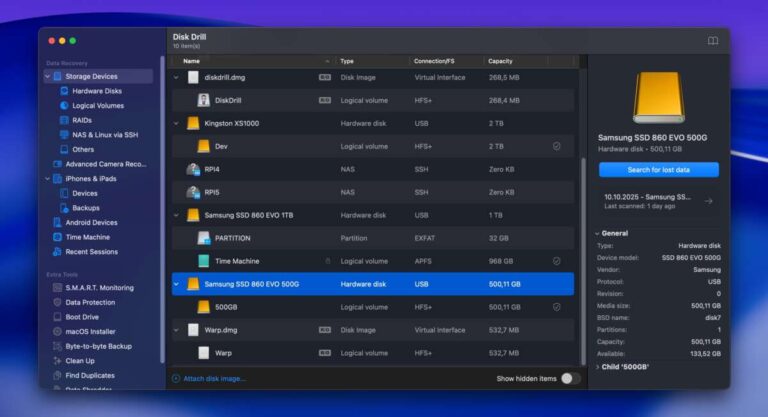
Yes, 500GB can be enough for gaming, but only if you manage it well.
If you are asking is 500gb ssd enough for gaming, you already care about speed, space, and value. I build and tune gaming PCs for a living, and I have run full libraries on 500GB more than once. In this guide, I will break down what fits, what does not, and how to stretch that space without pain. Stick with me, and you will know exactly whether 500GB makes sense for your games and your budget.
What 500GB really gives you in the real world
A 500GB SSD does not give you 500GB of usable space. After formatting, you get about 465GB. Now take out your operating system and tools. Windows 11, drivers, and launchers often eat 30 to 45GB.
There is more. The page file, hibernation file, and restore data can use 10 to 30GB or more. Daily updates also add up. In total, most players end up with around 350 to 400GB free for games.
In my tests, a clean 500GB NVMe build left me with 370GB for installs. With a few apps, it dropped closer to 340GB. That is the space you should plan around when you ask is 500gb ssd enough for gaming.
Is 500GB SSD enough for gaming? It depends on your play style
The fast answer is about your habits. Different players need different space. Here is how to judge your fit.
- Casual or esports only. If you rotate two to four small or mid-size games, 500GB feels fine.
- Single-player focused. If you keep one big AAA and two mid-size games, 500GB is okay.
- Live-service or heavy AAA rotation. If you keep five to eight large games, 500GB is tight.
- Modders or creators. If you love huge mods or record clips, 500GB can feel cramped.
If your main search is is 500gb ssd enough for gaming, the honest answer is yes for light and focused play. It is a maybe for average players. It is a no for large libraries and big mods. The rest of this guide will help you pick with confidence.
Game sizes in 2025: what actually fits on 500GB
Game sizes keep growing, though compression helps. Here are recent install sizes I see day to day.
- Call of Duty (latest, MP + Warzone). 150 to 220GB depending on packs.
- Baldur’s Gate 3. Around 120GB with updates.
- Red Dead Redemption 2. Around 120GB.
- Cyberpunk 2077 with Phantom Liberty. 70 to 100GB.
- Forza Horizon 5. About 110 to 120GB.
- Fortnite. 35 to 50GB, but updates are frequent.
- Apex Legends or Valorant. 25 to 40GB each.
Big texture packs, high-res voice packs, and patches stack up. On a 500GB SSD with 350GB free, two large AAA games plus two mid-size titles is the safe zone. If your question is is 500gb ssd enough for gaming with these sizes, it can be, but you must rotate installs.

NVMe vs SATA: will speed change the answer?
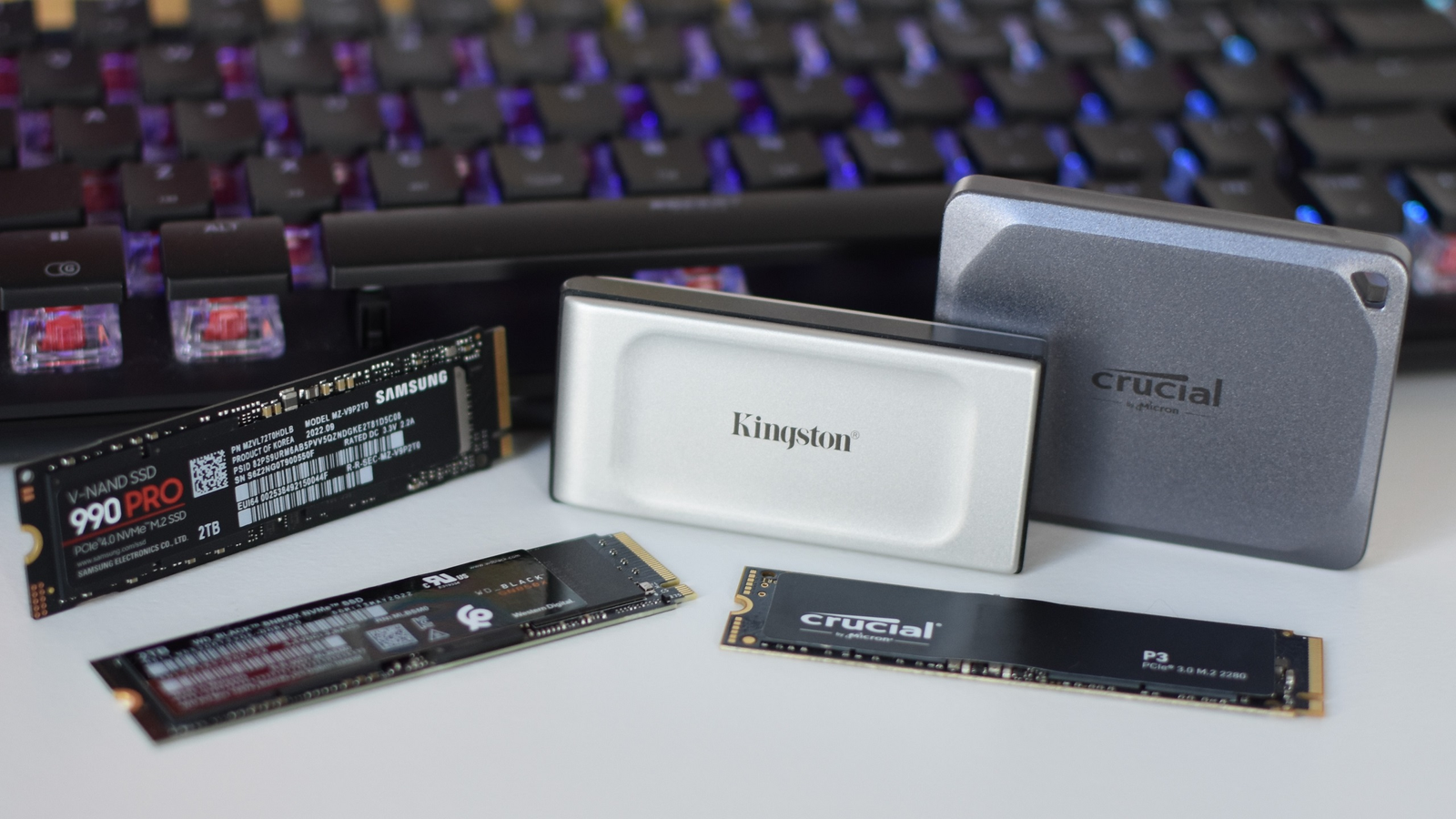
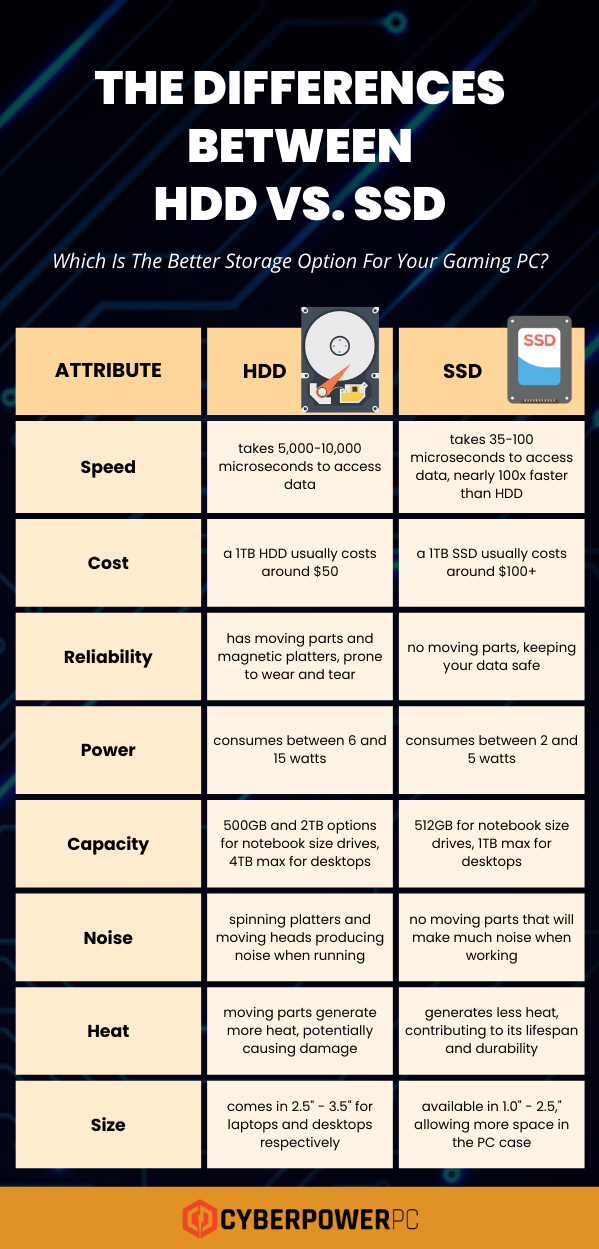
Speed helps feel, not space. A PCIe 3.0 or 4.0 NVMe SSD can load assets two to ten times faster than SATA in benchmarks. In real games, it often cuts load times by a few seconds.
But capacity is the hard limit. If you ask is 500gb ssd enough for gaming because you plan to buy a faster NVMe, remember that speed does not add space. Your choice here is about smooth loads and quick updates, not about how many games fit.
How to make 500GB work without stress
You can make a 500GB SSD feel bigger with smart habits. Here is a simple plan I use on client builds.
- Keep only your active games installed. Uninstall the rest. Cloud saves will keep your progress in most titles.
- Use a second drive for cold storage. A cheap 1TB SATA SSD or HDD holds games you play later.
- Move games between drives with launchers. Steam, Battle.net, and EA app let you relocate installs.
- Trim Windows bloat. Turn off hibernation if you do not need it. Use Storage Sense to clear temp files.
- Watch record folders. Screenshots and clips can eat tens of gigabytes fast.
- Leave 10 to 15% free space. SSDs stay fast and healthy with room to spare.
If your core goal is is 500gb ssd enough for gaming, this setup makes it work well for many people.
Recording, mods, and creators: do they change the math?
Yes, and fast. Recording gameplay at 1080p60 can use about 75 to 150MB per minute at common bitrates. At 4K60, your footage can jump to 400MB per minute or more.
Mods can balloon storage. A heavily modded Skyrim or Starfield can add 50 to 150GB. Texture mods alone can add 20 to 60GB. If this is your world, is 500gb ssd enough for gaming becomes a hard sell. Go 1TB or 2TB.
The next two years: should you future-proof?
Game sizes trend upward due to higher texture detail and bigger worlds. New engines stream data better and use smart compression. That helps, but big titles still sprawl.
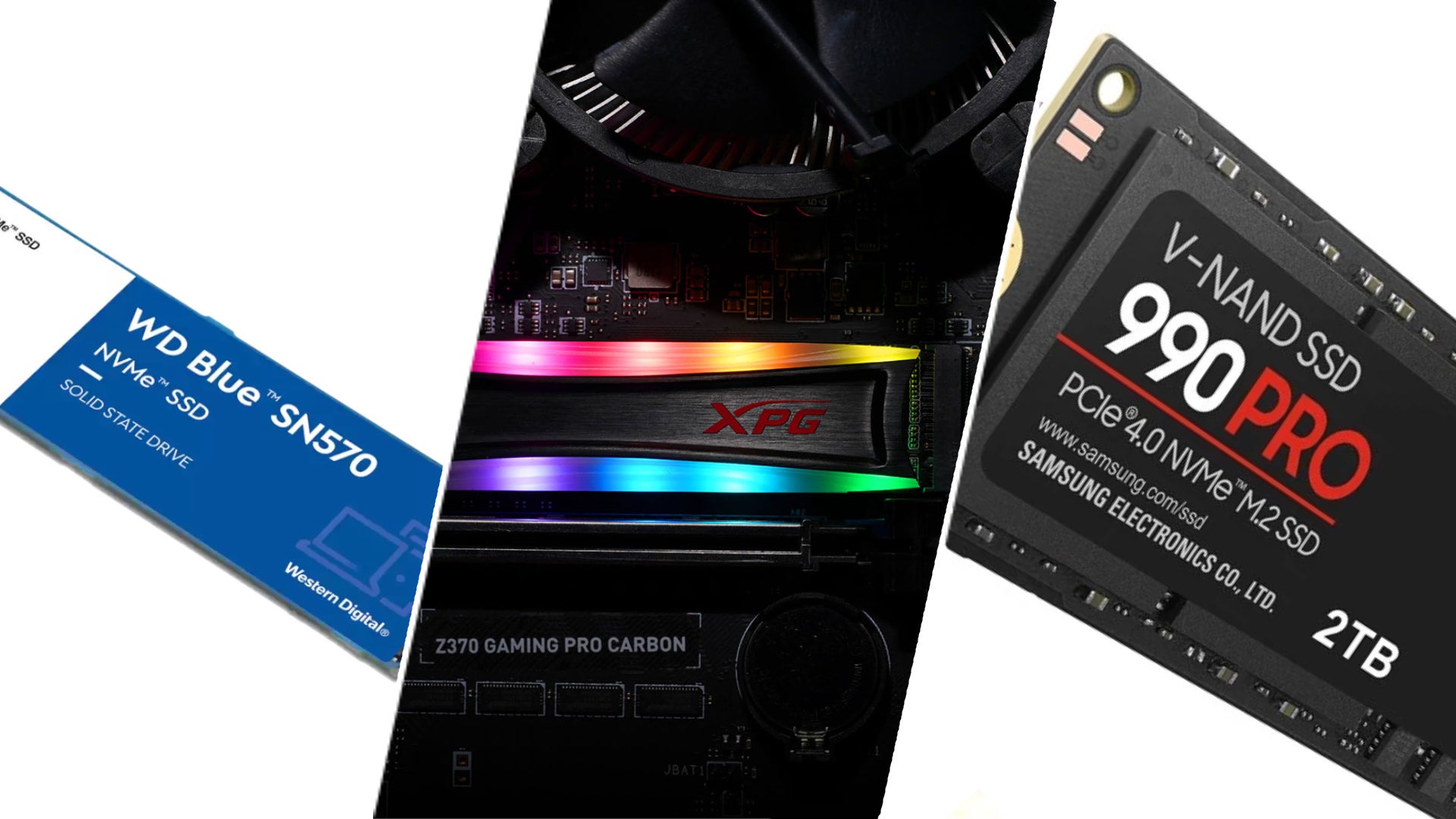
Right now, 1TB is the sweet spot for most gamers. It matches real libraries and future patches. If you can stretch your budget, 2TB feels roomy and lasts longer. If you stay at 500GB, think rotation and a second drive. Ask yourself again is 500gb ssd enough for gaming next year with your likely library growth.
Real builds and upgrade paths that make sense
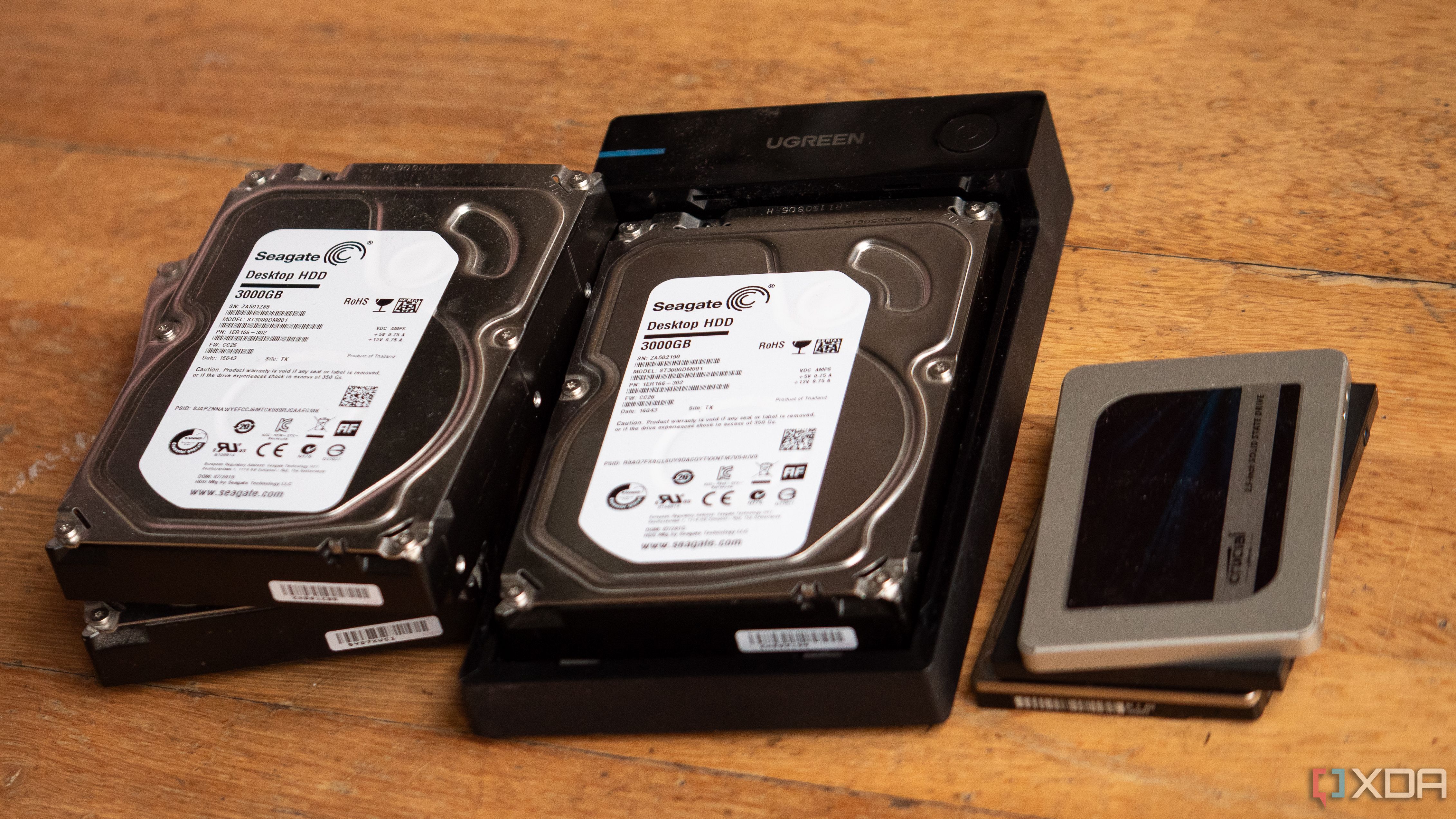
I have shipped many budget rigs with 500GB NVMe plus a cheap 1TB SATA SSD. Daily play stays on NVMe. The rest lives on the SATA drive. It is fast enough and keeps costs down.
If your board has two M.2 slots, start with 500GB NVMe and add a 1TB or 2TB NVMe later. Pick TLC NAND for better endurance if you record a lot. If you ask is 500gb ssd enough for gaming and money is tight, this path gives you speed now and room later.
Quick calculator: how many games fit on 500GB?
Use this simple rule. Plan for 340 to 380GB free after Windows. Divide by your average game size.
- If your average game is 40GB, you can hold 8 to 9 games.
- If your average game is 80GB, you can hold 4 to 5 games.
- If your average game is 120GB, you can hold 2 to 3 games.
If you need more at once, then 500GB may feel small. If not, is 500gb ssd enough for gaming might be perfect for you today.
Frequently Asked Questions of is 500gb ssd enough for gaming
Is 500GB good for a gaming laptop?
Yes, if you play a few titles at a time and rotate installs. For big libraries and recording, 1TB is safer.
How many AAA games can a 500GB SSD hold?
Plan for two to five, based on size. Large games can be 100GB or more each, so space goes fast.
Will an external SSD help if I only have 500GB?
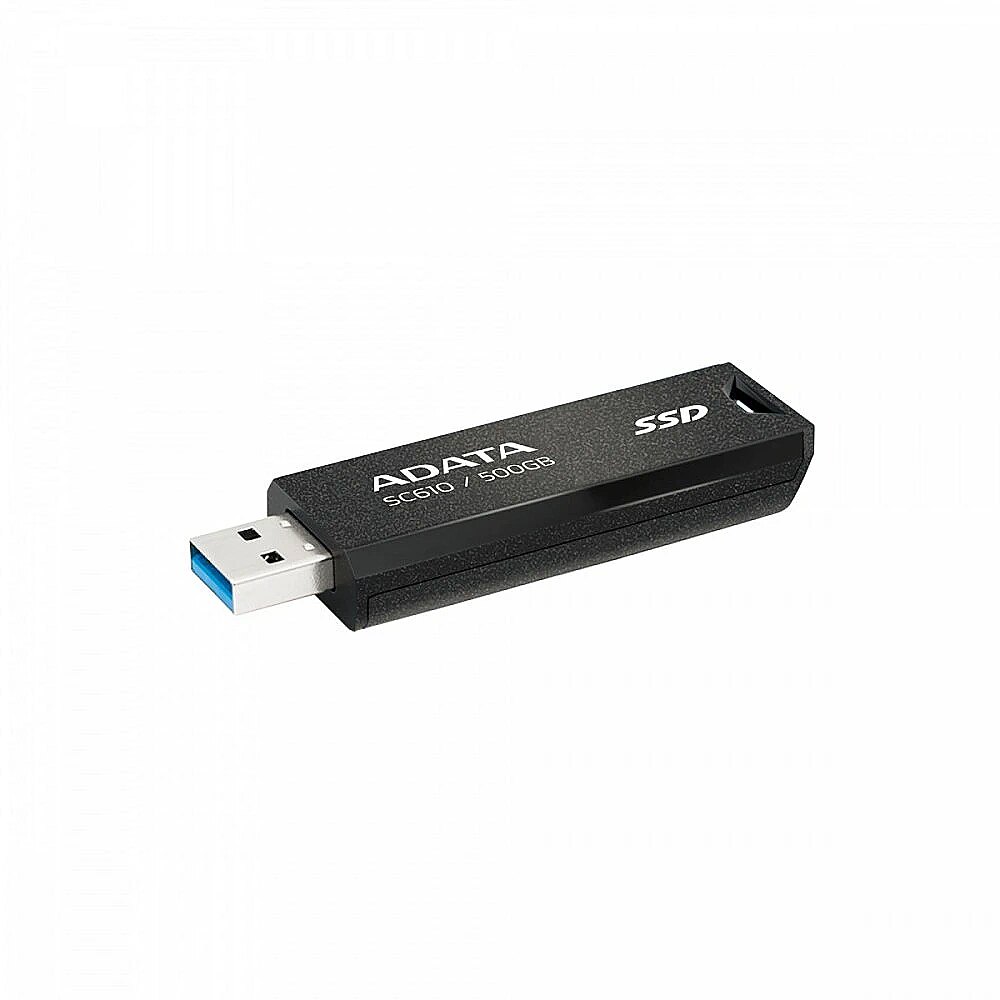
Yes. A USB 3.2 external SSD can store less-played games and free your main drive. Load times are still solid.
Does uninstalling and reinstalling games hurt the SSD?
Normal reinstall cycles are fine. Modern SSDs have wear leveling, and game writes are not extreme for typical use.
Is NVMe required for gaming, or is SATA fine?
SATA is fine, but NVMe feels snappier. NVMe does not change capacity, but it cuts load times and installs.
Can I make Windows smaller to save space?
You can. Disable hibernation, clear optional features, and run Storage Sense. Aim to free 10 to 20GB safely.
Is 1TB worth the extra cost over 500GB?
For most players, yes. It reduces micro-management and fits more AAA games, which supports long-term use.
Conclusion
If you want a clear answer to is 500gb ssd enough for gaming, here it is. It works well for focused players who keep a small, active library. It is tight for big AAA stacks, heavy mods, and creators. It is not future-proof, but it is fine with smart habits.
Be honest about your library and your time. If you rotate a few games, go 500GB and add a second drive later. If you want freedom and less juggling, buy 1TB or 2TB now. Ready to choose? Compare prices, plan your library, and tell me in the comments what you decided.

Jamie Lee is a seasoned tech analyst and writer at MyTechGrid.com, known for making the rapidly evolving world of technology accessible to all. Jamie’s work focuses on emerging technologies, product deep-dives, and industry trends—translating complex concepts into engaging, easy-to-understand content. When not researching the latest breakthroughs, Jamie enjoys exploring new tools, testing gadgets, and helping readers navigate the digital world with confidence.