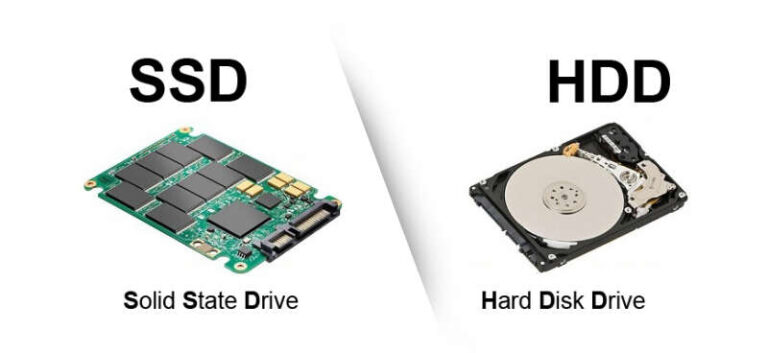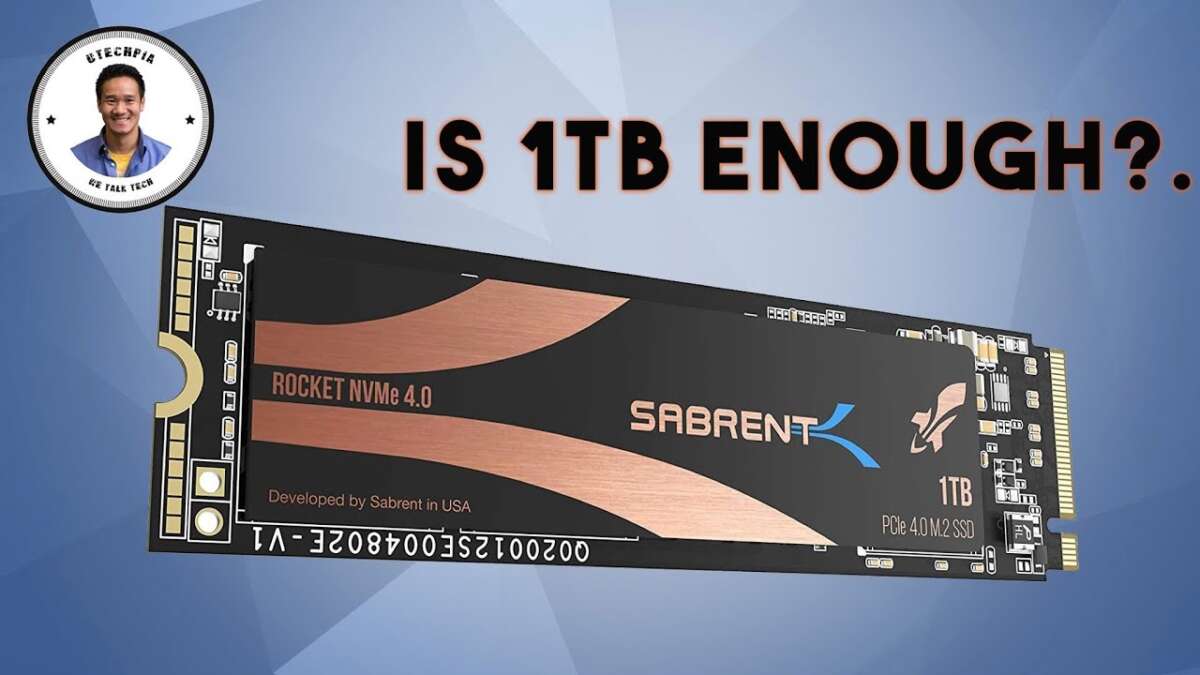
Yes, 1 TB is enough for most people, but heavy users may need more.
If you want a straight, real-world answer to is a 1 tb ssd enough, you’re in the right place. I build and tune PCs for work and play, and I’ve tested setups from budget laptops to high-end creator rigs. This guide breaks down storage needs by use case, shows where 1 TB shines, and when it falls short. Stick with me and you’ll know exactly whether is a 1 tb ssd enough for your life, or if 2 TB (or more) fits better.
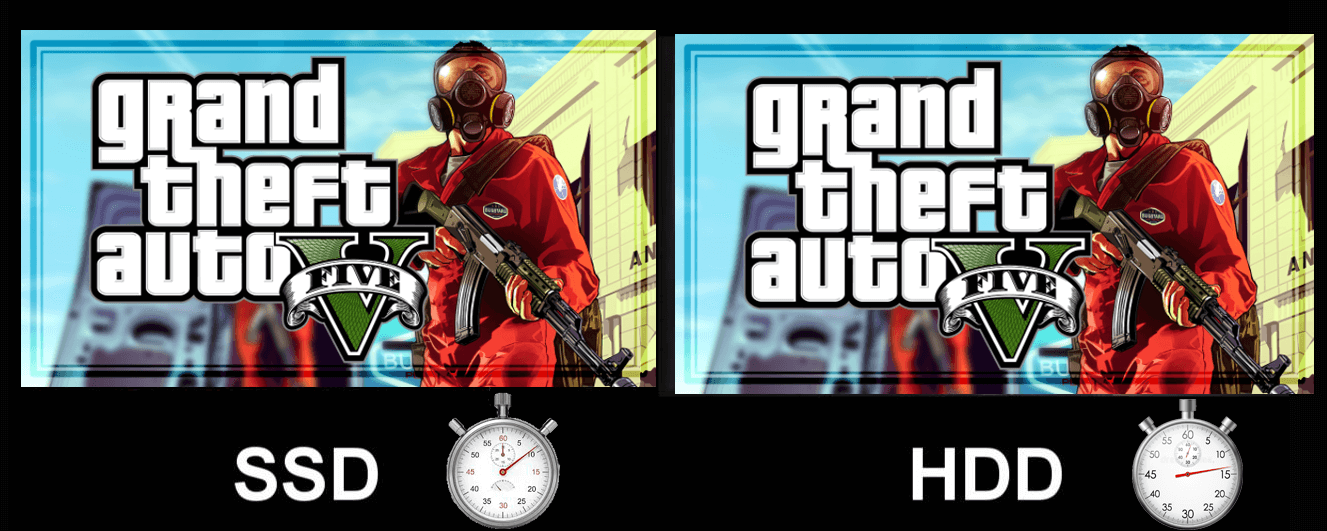
Who is 1 TB enough for?
For many, 1 TB hits the sweet spot. It feels fast. It keeps things simple. And it costs less than larger drives.
1 TB is usually enough if you:
- Browse, stream, and work in Office or Google Docs
- Store a modest photo library and a few home videos
- Play a handful of big games at a time
- Run school or work apps with light project files
I often suggest 1 TB to students, remote workers, and casual gamers. In these cases, is a 1 tb ssd enough? Yes. It offers room to breathe and keeps your system quick.

Storage math that actually helps you decide
Let’s map 1 TB to real files. Think of it like packing a carry-on. It holds more than you expect, but not everything.
Typical space on a fresh system:
- Windows 11, updates, and drivers: 40–70 GB
- Key apps (Office, Zoom, Chrome, Spotify): 10–20 GB
- Creative apps (Adobe suite, VS Code, tools): 20–50 GB
- Safety margin for performance: 100–200 GB free
Now the big hitters:
- AAA games: 80–150 GB each
- 4K video clips: 10–25 GB per minute, depending on codec
- RAW photos: 25–50 MB each; 10,000 photos ≈ 250–500 GB
- Virtual machines or Docker images: 20–100 GB each
If you keep three large games, a photo library, and work apps, is a 1 tb ssd enough? Yes, with discipline. If you want 20 games installed at once, not so much.

When 1 TB starts to feel tight
I see 1 TB strain most in these workflows:
- Creators who shoot 4K or 6K video
- Photographers with large RAW catalogs and previews
- Streamers recording long sessions
- Developers with multiple VMs, containers, or Android emulators
- Gamers who want a giant always-installed library
- Data folks who stage large datasets locally
In these cases, is a 1 tb ssd enough? It can work short-term, but you’ll juggle files a lot. I’ve been there: moving footage between drives, clearing caches mid-project, and babysitting free space. It kills flow.

Make 1 TB last longer with smart habits
If you want to stretch 1 TB, use simple rules. These are tactics I use on client rigs and my own:
- Keep 10–20% free at all times. SSDs slow down when full.
- Move archives off the SSD. Use an HDD, NAS, or cloud for cold storage.
- Uninstall games you finished. Re-download later. It’s quick on fast internet.
- Redirect large folders. Put Steam libraries, scratch disks, or project caches on a second drive.
- Tame caches. Clear Premiere, After Effects, and browser caches often.
- Use external SSDs for active projects. USB 3.2 or Thunderbolt drives are great scratch space.
With these habits, is a 1 tb ssd enough? Often, yes. You keep speed and avoid clutter.
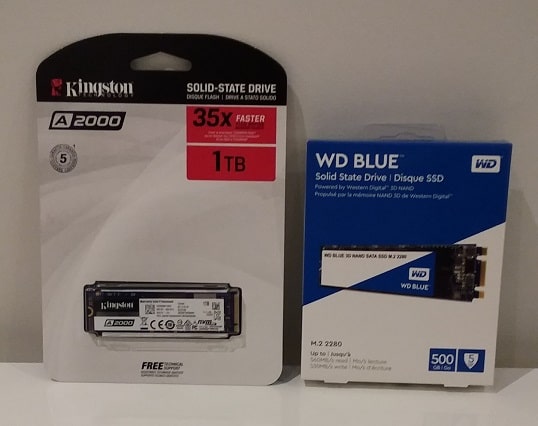
Performance, endurance, and the space you must leave free
Speed is not only about capacity. It’s also about type and headroom.
Key notes from real-world tuning:
- NVMe beats SATA in speed, but both slow when nearly full.
- Leave 10–20% free space for wear leveling and SLC cache. It keeps writes fast and steady.
- TLC NAND usually outlasts QLC. For heavy writes, pick TLC when you can.
- Drives with DRAM cache handle random workloads better than DRAM-less models.
- Firmware updates help stability and sometimes speed. Check your vendor tool.
If you care about low temps and steady speed, is a 1 tb ssd enough? Yes, as long as you manage free space and pick a solid drive.
Price and upgrade paths right now
Prices have dropped, but they swing with supply. Today’s trends are clear.
What to consider:
- 1 TB NVMe Gen4 TLC drives are a strong value for most PCs.
- 2 TB gives headroom for creators and serious gamers at a fair premium.
- Gen5 is fast, but it runs hot and costs more. Most users won’t notice the gain.
- If you edit video or run VMs, 2 TB TLC is a smart long-term buy.
- For laptops, check the second M.2 slot. A cheap 512 GB + 1 TB combo can work well.
Ask yourself: is a 1 tb ssd enough if the 2 TB price jump is small? If the extra cost is modest and you create content, 2 TB pays off in less hassle.

A fast decision framework you can trust
Use this quick guide to decide today.
Pick 1 TB if:
- You use Office apps, browse, and stream
- You play a few big games at a time
- You store photos and some home videos
- You are fine moving old files to the cloud
Pick 2 TB or more if:
- You edit 4K video or shoot RAW often
- You want a large always-installed game library
- You keep multiple VMs or big datasets
- You hate juggling files or deleting games
If you still wonder, is a 1 tb ssd enough, score your needs. If two or more heavy-use bullets fit you, go 2 TB. If not, 1 TB will be fine.

Real examples from the field
Here is what I see in day-to-day builds and audits.
Example 1: Student laptop
- Use: Notes, Zoom, light photo edits, two games
- Result: 1 TB stays 40–50% free. Smooth and easy.
- Verdict: is a 1 tb ssd enough? Yes, and it feels fast.
Example 2: Indie video editor
- Use: 4K b-roll, YouTube edits, After Effects
- Result: 1 TB fills weekly. Moves media to external SSD and NAS.
- Verdict: is a 1 tb ssd enough? It works, but 2 TB saves time.
Example 3: Mid-core gamer
- Use: 6–8 AAA titles, mods, Discord, streaming
- Result: Hovers at 100–200 GB free. Needs cleanup monthly.
- Verdict: is a 1 tb ssd enough? Barely. 2 TB is comfy.
These patterns repeat. If your work or play looks like the heavy cases, size up.
Frequently Asked Questions of is a 1 tb ssd enough
Is 1 TB enough for gaming in 2025?
Yes for a few big games at a time. If you keep a large library installed, 2 TB is better.
Is 1 TB enough for college?
Usually yes. You’ll have space for notes, apps, and some media. Cloud storage helps a lot.
Is 1 TB enough for video editing?
For short 1080p or light 4K projects, yes. For longer 4K or ProRes work, 2 TB or external SSDs are smarter.
Is 1 TB enough for a developer?
It depends on tools and VMs. Light web dev is fine; multiple VMs or Android emulators push you to 2 TB.
Is 1 TB enough for a MacBook?
For many users, yes. Creators and photographers do better with 2 TB due to large media and caches.
Is 1 TB enough for a PS5 or Xbox?
It’s workable, but big titles add up. Expect to rotate installs or use expansion storage.
Conclusion
If you want a clear, practical answer: is a 1 tb ssd enough for most people? Yes. It covers daily work, a few big games, photos, and room to grow. If you create content, run VMs, or want dozens of games always ready, step up to 2 TB and skip the juggling.
Use the frameworks above, match them to your habits, and buy once with confidence. Ready to dig deeper? Check our gear guides, ask a question, or share your setup so we can help you size it right.

Jamie Lee is a seasoned tech analyst and writer at MyTechGrid.com, known for making the rapidly evolving world of technology accessible to all. Jamie’s work focuses on emerging technologies, product deep-dives, and industry trends—translating complex concepts into engaging, easy-to-understand content. When not researching the latest breakthroughs, Jamie enjoys exploring new tools, testing gadgets, and helping readers navigate the digital world with confidence.