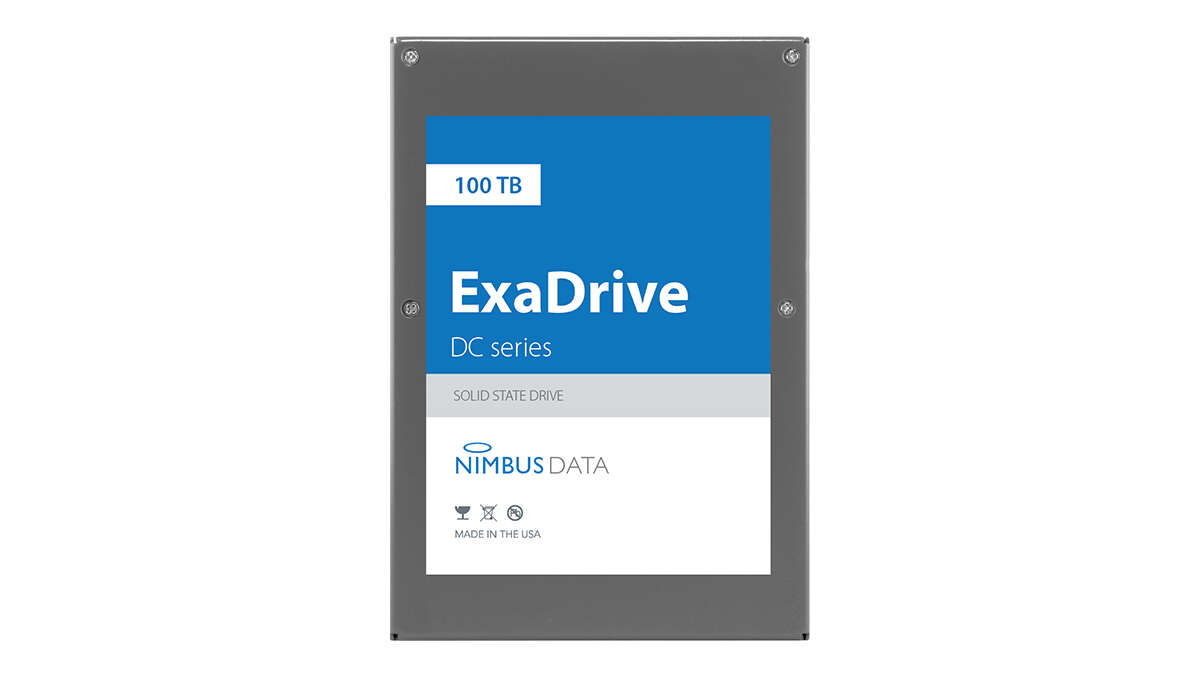
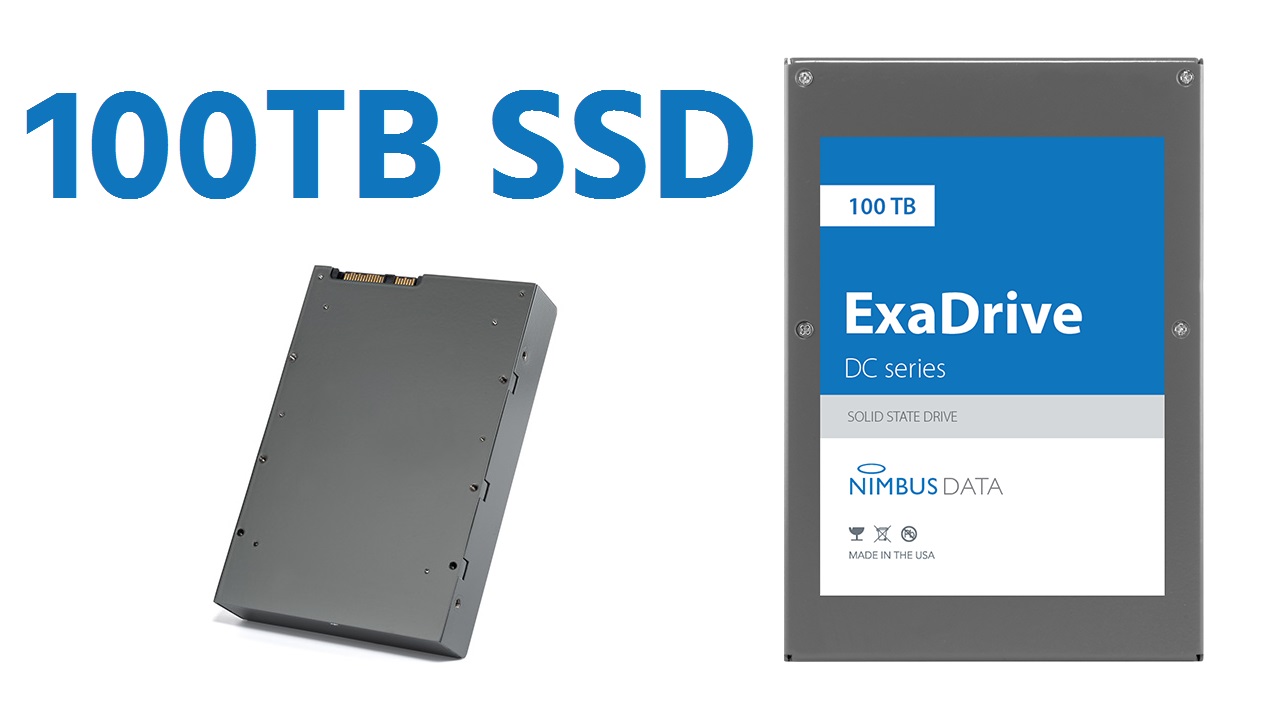
The largest SSD drive you can buy today is a 100 TB Nimbus ExaDrive.
If you want the full story behind what is the largest ssd drive, you’re in the right place. I work with enterprise storage and high-capacity builds. I know what is hype and what is proven. In this guide, I’ll break down what is the largest ssd drive, how it compares, and who should buy it. You’ll get clear examples, real prices, and practical tips you can use today.
What “largest SSD drive” really means
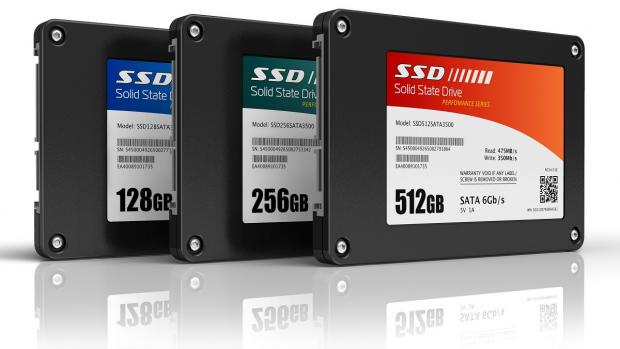
When people ask what is the largest ssd drive, they rarely mean the same thing. Are we talking about a single 2.5-inch NVMe? A 3.5-inch SATA unit? Or a custom module only big vendors can use?
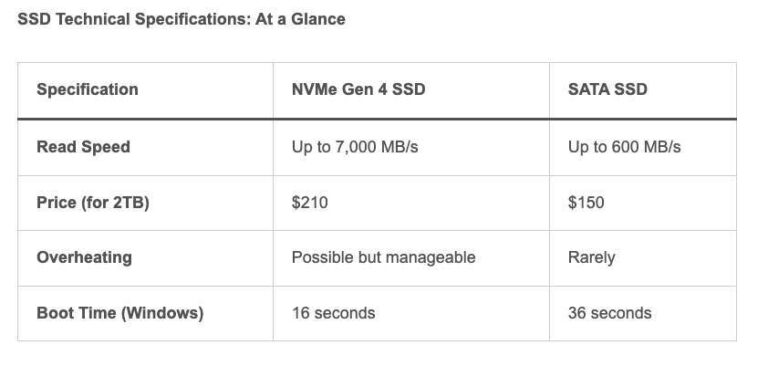
Capacity is one part. Form factor matters too. So does the interface. A 3.5-inch SATA SSD can hold far more flash than a slim M.2 stick. That is why the biggest drives today use larger cases and slower links.
Here is the bottom line. For a single, standard, shipping SSD, the leader is a 3.5-inch unit. That is the answer most buyers need when they ask what is the largest ssd drive.
The current record holder: 100 TB Nimbus Data ExaDrive
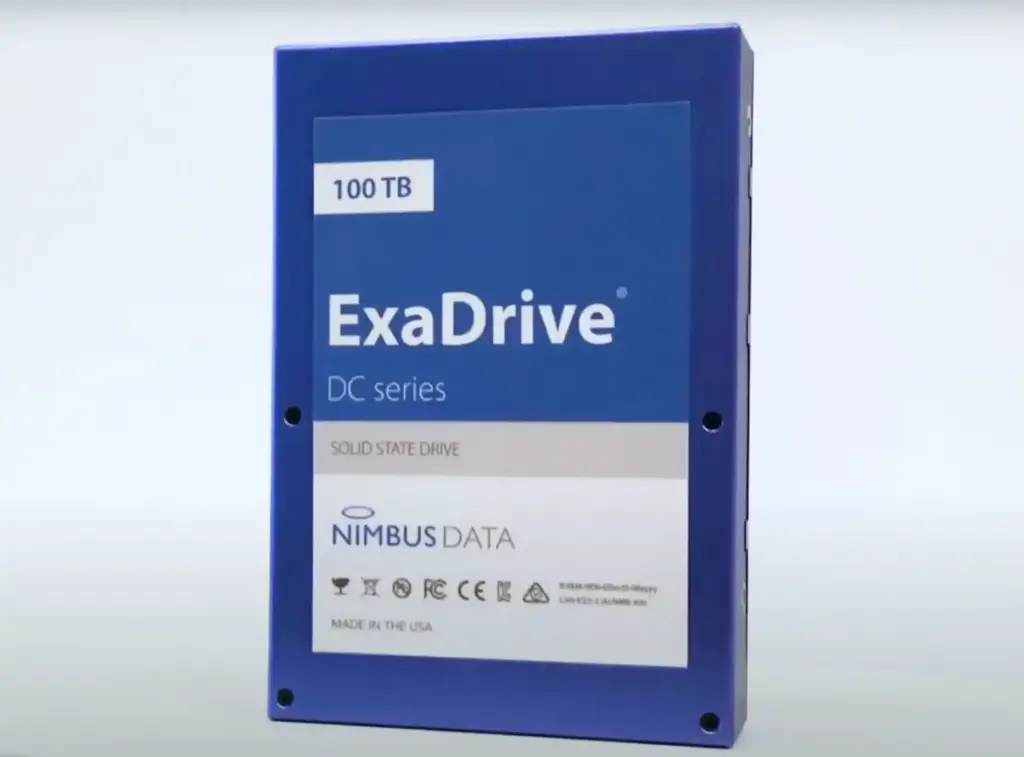
Today, the top spot goes to the Nimbus Data ExaDrive DC at 100 TB. It uses a 3.5-inch body and a SATA interface. That sounds old-school. But it allows massive density at safe power and heat levels.
Speed is limited by SATA. Think hard drive-like throughput, but with SSD latency. That is still great for large, random reads and many mixed workloads. It is built for archives, media, AI datasets, and cold-to-warm storage tiers.
From my experience, the appeal is simple. You can drop in a 100 TB SSD where a hard drive sat before. No special drivers. No exotic slots. If you came here asking what is the largest ssd drive, this is the clear, buyable answer.
Big alternatives close behind
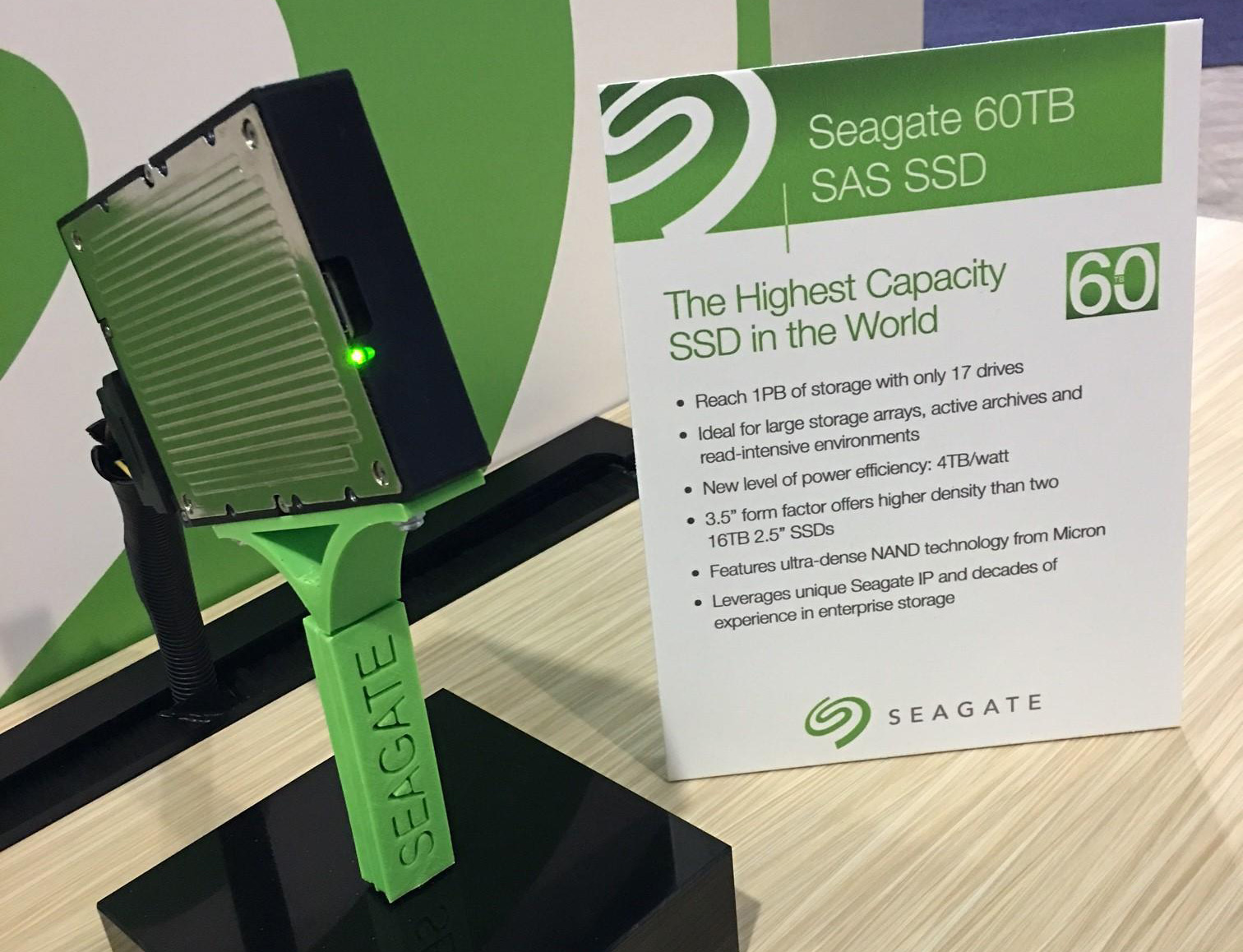
You may not need a 3.5-inch SATA drive. Many shops want NVMe. The good news: several vendors ship 61.44 TB U.2 NVMe SSDs. They give far higher throughput than SATA, with strong QoS.
Common high-capacity options you will see:
- 61.44 TB U.2 NVMe for read-heavy data lakes
- 30.72 TB NVMe or SAS for balanced loads
- 50 TB-class SAS units in 3.5-inch shells
These options matter if you need speed, not just size. Still, if someone asks what is the largest ssd drive, the single biggest one is the 100 TB SATA model.
The largest consumer SSDs you can actually buy
Let’s talk everyday builds. On consumer desktops, the biggest M.2 2280 drives you can buy are usually 8 TB. You can find 4 TB almost anywhere. 8 TB is common with PCIe 4.0. PCIe 5.0 options are catching up.
Some brands tease 16 TB M.2. Most are not widely sold or supported yet. Power and thermals get tricky on M.2. If you wonder what is the largest ssd drive for a PC, plan on 8 TB per slot today.
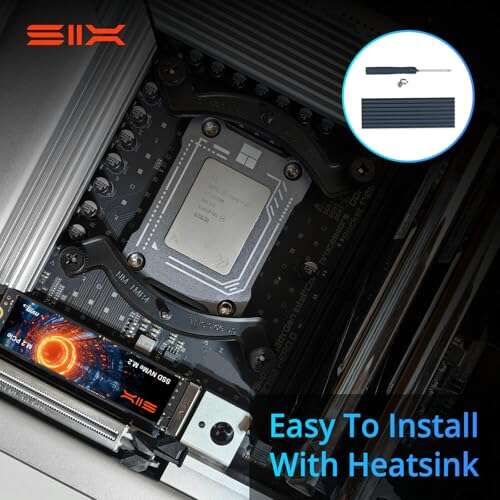
A tip from my bench time. If you want 16 TB on a gaming rig, use two 8 TB sticks. Keep them cool. Update the BIOS. It is simple and stable.

Who should buy a 100 TB SSD?
A 100 TB SSD is not a vanity buy. It is a tool. It shines when:
- You need dense flash in old 3.5-inch bays
- You archive huge video libraries
– You store AI datasets close to compute nodes - You want low power and low noise at scale
If your question is what is the largest ssd drive for a NAS, think about airflow. I have seen dense bays cook drives if fans fall behind. Plan cooling. Watch your SMART temps. Keep headroom.

How to choose a huge SSD the smart way
Capacity is step one. Fit and workload are next. Use this simple checklist:
- Form factor. 3.5-inch SATA for max capacity. U.2/U.3 NVMe for speed.
- Interface. SATA is simple and cheap to wire. NVMe is modern and fast.
- Endurance. Check DWPD and TBW. QLC suits read-mostly tiers.
- Power and heat. Dense flash likes good airflow. Read the spec sheet.
- Firmware and support. Enterprise drives get longer support windows.
- Filesystem. ZFS, XFS, ReFS, or ext4 all have trade-offs. Pick with care.
When I help teams who ask what is the largest ssd drive for their use, we start here. The right pick matches the workload, not the headline number.
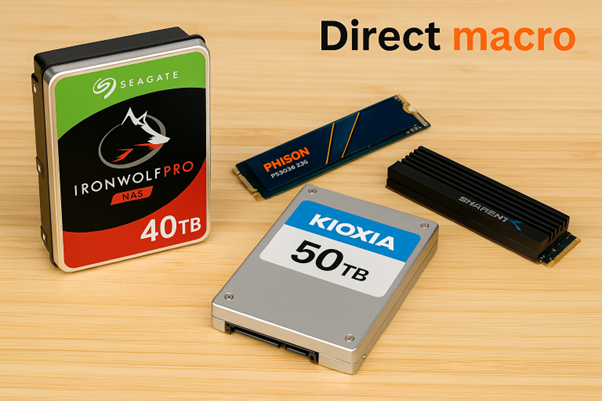
Cost per terabyte: SSDs vs HDDs
Let’s be real about budget. Hard drives still win on price per TB. A 20 TB HDD often costs far less per TB than any SSD. But SSDs cut power, rack space, and failure points. That can save money over time.
At the top end, 61.44 TB NVMe costs a lot. 100 TB costs even more. Prices move with NAND markets. Always compare price per TB and total cost over three to five years. That is how I answer what is the largest ssd drive that fits both your needs and your budget.

The future: 128 TB, 200 TB, and beyond
Vendors have shown larger prototypes. Layer counts keep rising. QLC is common now. PLC is being tested. Controllers get better at managing wear. We will see more than 100 TB in standard drives.
When will you buy them? Likely after data centers do. Enterprise gets the first waves. Consumer follows later with smaller sizes. For now, if someone asks what is the largest ssd drive you can order today, 100 TB holds the crown.

Real-world tips from the field
I have deployed 61.44 TB U.2 drives in media servers. The surprise was heat under burst writes. The fix was simple. We added stronger mid-plane fans and tuned the fan curve.
I also tested a 100 TB SATA unit as an archive tier. It was silent and steady. The lesson is clear. If you ask what is the largest ssd drive for quiet rooms, high-capacity SATA can be a dream. Just plan backups. One big drive still needs a second copy somewhere else.
Performance pitfalls and how to avoid them
Big QLC drives can slow down if you fill them to the brim. Keep 10 to 20 percent free space. That helps garbage collection and write speeds. Use scheduled trims on supported filesystems.
Do not RAID-5 dense SSDs without testing rebuild times. Rebuilds can be long and stressful. I often pick RAID-10 or erasure coding with more parity. When clients ask what is the largest ssd drive that will stay fast, I bring up free space and layout first.
Buying checklist for teams and creators
Before you buy, confirm these points:
- Firmware and qualification on your servers or NAS
- Power draw at peak and at idle
- Warranty and RMA logistics in your region
- Endurance for your daily write rates
- Backup and restore times for very large volumes
Walk through this list with your vendor. It keeps surprises away. It also ties your answer to what is the largest ssd drive that you can actually support on day one.
Frequently Asked Questions of what is the largest ssd drive
What is the largest SSD drive available right now?
The largest single SSD you can buy today is a 100 TB 3.5-inch SATA model. It is built for read-heavy and archive workloads.
Is a 100 TB SSD faster than NVMe drives?
Not on raw throughput. It uses SATA, so peak speed is lower, but latency and consistency are still solid.
What is the largest SSD drive for M.2 desktops?
Most users can buy up to 8 TB per M.2 slot today. Larger sizes exist in labs, but they are not common or supported yet.
How much does a 100 TB SSD cost?
Prices change with the NAND market and vendor. Expect a premium far above smaller enterprise NVMe per TB.
Are 61.44 TB NVMe SSDs a better choice?
If you need speed and NVMe features, yes. If you need the single biggest capacity, the 100 TB SATA drive is larger.
Will we see 128 TB or bigger SSDs soon?
Vendors have shown prototypes above 100 TB. Broad availability tends to follow enterprise adoption.
Conclusion
The simple answer stands. The largest SSD drive you can buy today is a 100 TB 3.5-inch SATA unit. It trades speed for massive density, easy drop-in use, and low power. If you care about raw throughput, 61.44 TB NVMe drives are a strong choice.
Match the drive to the job, not the headline. Plan cooling, endurance, and backups. Then your storage will run quietly and last. Ready to go deeper? Explore our other storage guides, subscribe for updates, or drop your questions in the comments.

Jamie Lee is a seasoned tech analyst and writer at MyTechGrid.com, known for making the rapidly evolving world of technology accessible to all. Jamie’s work focuses on emerging technologies, product deep-dives, and industry trends—translating complex concepts into engaging, easy-to-understand content. When not researching the latest breakthroughs, Jamie enjoys exploring new tools, testing gadgets, and helping readers navigate the digital world with confidence.