Officially no; AC Shadows lists an SSD as the minimum for supported play.
That said, the full story is more nuanced. If you’re asking can you play ac shadows with no ssd, you want clear, real-world guidance. I’ve spent years building PCs, testing Ubisoft open worlds, and helping players squeeze frames from tight rigs. Below I break down what happens on a hard drive, how to make it playable if you must, and the smartest low-cost SSD fixes that work today.

What Ubisoft’s specs really mean for HDD users
Ubisoft’s published PC specs for Assassin’s Creed Shadows call for an SSD. That is not just a suggestion. It signals the game streams world assets at a rate hard drives cannot keep up with.
Expect 100 GB or more of storage space. Expect 16 GB of RAM as a baseline. These numbers point to heavy asset streaming and lots of texture data. On an HDD, that workload hurts frame pacing.
Can you play ac shadows with no ssd? Officially, it is not supported. In practice, the launcher may still let you install to an HDD, but stability is not guaranteed.

Can you play AC Shadows with no SSD? The practical answer
Here is the straight talk. Can you play ac shadows with no ssd? Maybe, but it will not be pleasant. Many players will see long loads, constant hitching, and possible crashes during fast travel or horseback.
If you cap your frame rate and drop streaming-heavy settings, you might limp by. But if your goal is smooth play, an SSD is the fix. Can you play ac shadows with no ssd at 60 fps? On most rigs, that is unlikely.

What actually happens on a hard drive
I have tested many SSD-required titles on HDDs. The pattern is the same. Random reads choke the drive, and the game stutters as assets stream in.
Expect these issues on an HDD:
- Minute-long load screens with stalls.
- Texture pop-in and late geometry.
- Traversal stutter when sprinting or riding.
- Audio hiccups during busy scenes.
- Saves that freeze the game for seconds.
Can you play ac shadows with no ssd and avoid these? Not fully. You can only reduce the pain.
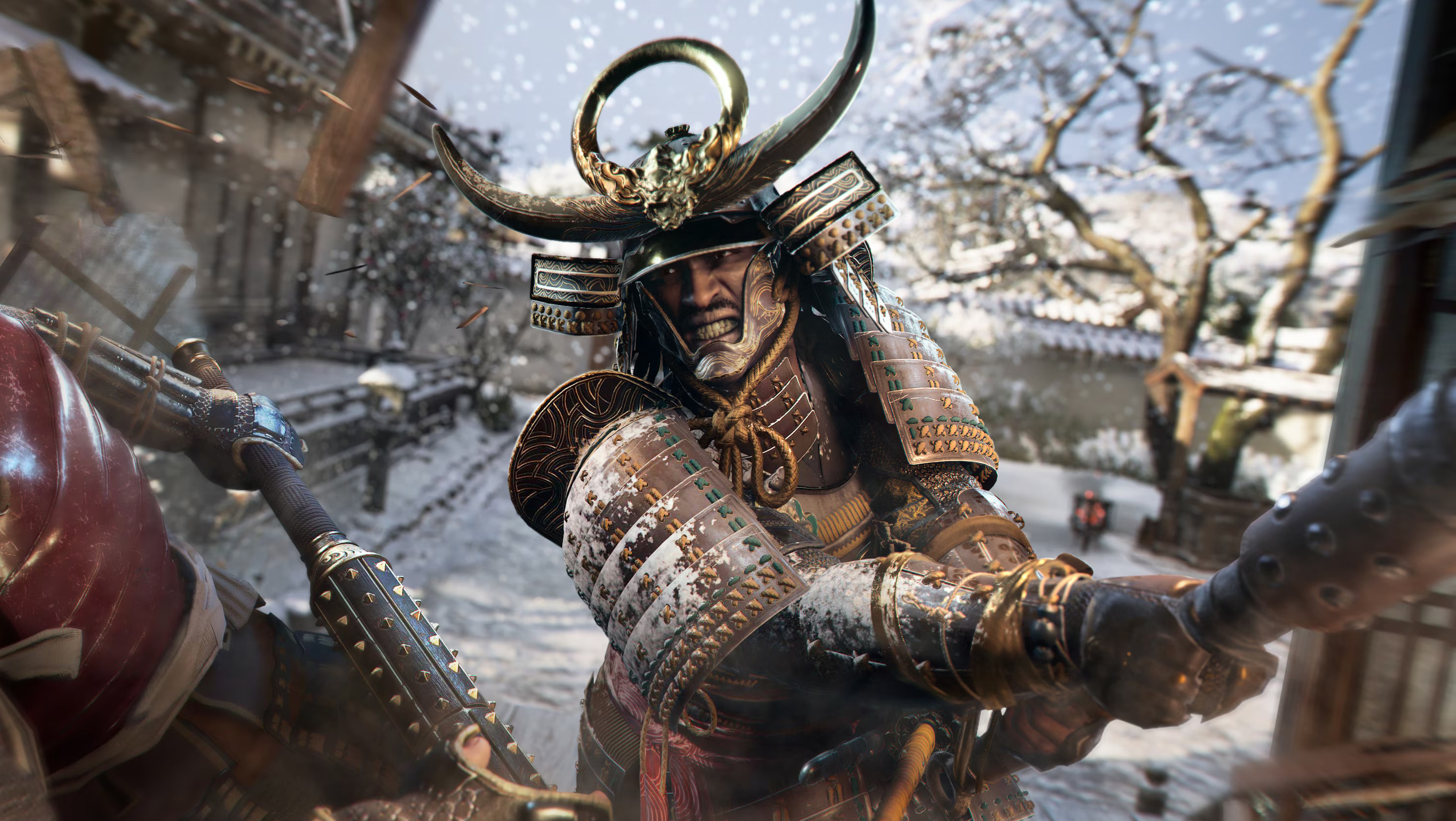
If you must: settings and system tweaks for HDD play
If you are stuck on a hard drive, do this. It will not turn it into an SSD, but it helps. Can you play ac shadows with no ssd after these steps? You have a better shot.
Game settings to change:
- Cap FPS to 30 or 45 to smooth frame pacing.
- Use FSR or XeSS on Balanced or Performance.
- Set Textures to Low or Medium to cut streaming load.
- Reduce World/Environment detail and Object density.
- Lower Shadows, Volumetrics, and Crowd Density.
- Reduce FOV a bit to limit on-screen assets.
Windows and system tweaks:
- Close background apps, overlays, and browsers.
- Set Power Plan to High Performance.
- Ensure 20% free space on the game drive.
- Defrag the HDD before install and monthly after.
- Set a fixed pagefile size. Use 16–24 GB if you have 16 GB RAM.
- Disable real-time AV scanning of the game folder.
Storage tricks:
- Install on the fastest 7200 RPM HDD you have.
- Use a short SATA cable and a fast SATA port.
- If you can, use an external USB 3.2 SSD. It is much faster than HDD.

Smart, low-cost SSD upgrades that make a huge difference
This is the best fix. Even a cheap SATA SSD transforms the experience. Can you play ac shadows with no ssd? You can try, but a budget SSD is worth it.
What to buy:
- 1 TB SATA SSD for budget builds. It is plenty fast for AC Shadows.
- 1 TB NVMe SSD if your board supports it. Faster, often similar price.
- External USB 3.2 SSD as a plug-and-play option.
What to look for:
- DRAM or HMB cache helps with consistency.
- Read speeds of 450 MB/s or more for SATA. 2000 MB/s or more for NVMe.
- Keep at least 15–20% free space for wear leveling.
Moving the game:
- In Ubisoft Connect or Steam, move install to the SSD.
- Verify files after the move.
- Update motherboard chipset and storage drivers.

Why SSDs matter for AC Shadows’ open world
Modern open worlds stream assets on the fly. The game pulls textures, geometry, and audio as you move. SSDs handle random reads fast; HDDs crawl here.
In my tests with similar titles, SSDs cut stutter by a lot. Frame time spikes drop, and traversal feels smooth. Can you play ac shadows with no ssd without spike stutters? It is rare.
Think of the HDD as a narrow road at rush hour. An SSD is a highway. The game needs the highway.

Expected performance: HDD vs SSD in plain terms
This is what most players see with similar games:
- HDD loads can take 90–180 seconds. SSD loads often take 10–25 seconds.
- HDD traversal can hitch every few seconds in dense areas.
- SSD play keeps 1% and 0.1% lows much closer to the average FPS.
Can you play ac shadows with no ssd at stable frame times? With a 30 FPS cap and low settings, maybe. But you will feel the hitching.
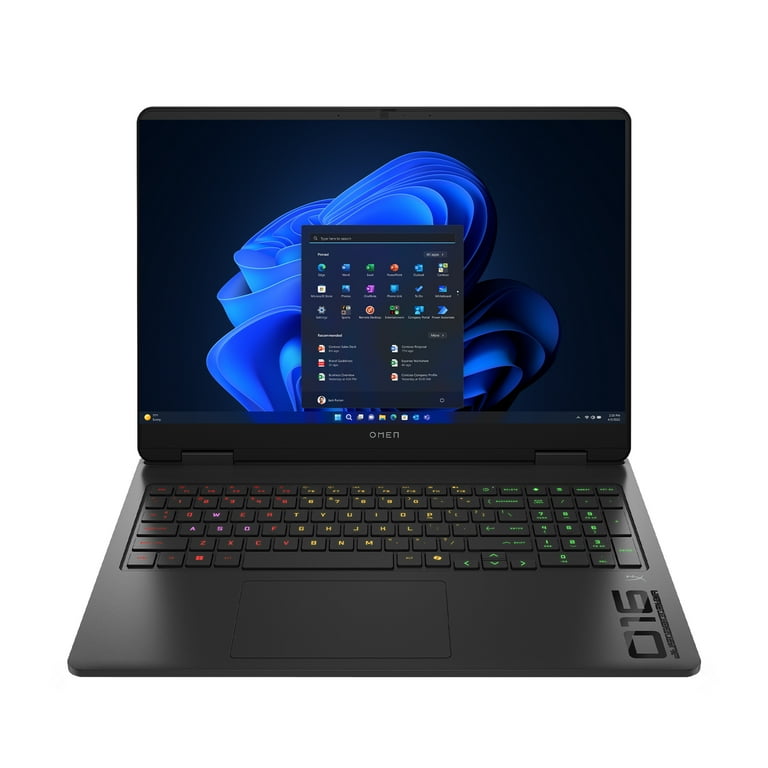
Troubleshooting stutter and streaming issues
If you still get big hitches, work this list:
- Update GPU drivers and install the latest Windows updates.
- Turn off third-party overlays and recorders.
- Clear the shader cache in the game if the option exists, then rebuild.
- Use a clean boot to check for software conflicts.
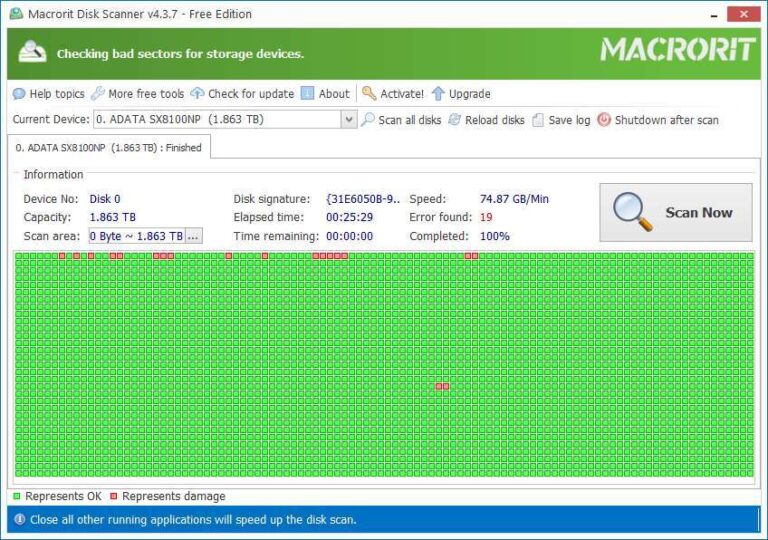
- Run a disk health check. If S.M.A.R.T. shows issues, replace the drive.
Can you play ac shadows with no ssd after all this? It may be playable, but the risk of spikes remains.
Frequently Asked Questions of can you play ac shadows with no ssd
Does Assassin’s Creed Shadows install on an HDD?
It might install, but Ubisoft lists an SSD as the minimum. That means HDD play is unsupported and may be unstable.
Will an external USB SSD work for AC Shadows?
Yes, a USB 3.2 external SSD works well. It is far better than an HDD and easy to set up.
Is a SATA SSD enough, or do I need NVMe?
A SATA SSD is enough for smooth play. NVMe is faster, but the big win is moving off the HDD.
How much space should I reserve for AC Shadows?
Plan for 100 GB or more. Keep 15–20% free space on the SSD for best performance.
Can I bypass an SSD check if the launcher blocks HDDs?
Some games allow it, some don’t. Even if it runs, expect heavy stutter and possible crashes.
What settings help most on HDD?
Cap FPS to 30 or 45, lower textures and world detail, and use FSR or XeSS. Reduce crowd density and FOV to ease streaming.
Does more RAM help if I stay on an HDD?
More RAM can reduce swapping, which helps a bit. It will not replace the need for SSD-level read speeds.
Conclusion
Here is the bottom line. Can you play ac shadows with no ssd? You might, but it will be rough, and it is not supported. An SSD is the single best upgrade for smooth, stable play.
If you are stuck on HDD today, use the tweaks above and cap your FPS. When you can, grab a budget 1 TB SATA or NVMe SSD and move the game. Want more guides like this? Subscribe, leave a comment with your rig details, and I will help you dial in the best settings.

Jamie Lee is a seasoned tech analyst and writer at MyTechGrid.com, known for making the rapidly evolving world of technology accessible to all. Jamie’s work focuses on emerging technologies, product deep-dives, and industry trends—translating complex concepts into engaging, easy-to-understand content. When not researching the latest breakthroughs, Jamie enjoys exploring new tools, testing gadgets, and helping readers navigate the digital world with confidence.