Programming a Cox remote to your TV uses either a quick code-entry or an automatic scan from the remote or set-top box.
I’ve programmed dozens of Cox remotes for clients and friends, so I know the fast, reliable ways to get your remote talking to your TV. This guide walks you through simple prep, step-by-step code entry, auto-search, pairing via your Cox set-top box, and real troubleshooting tips I learned from hands-on experience. Read on to master how do you program a cox remote to a tv and save time with clear, tested steps.
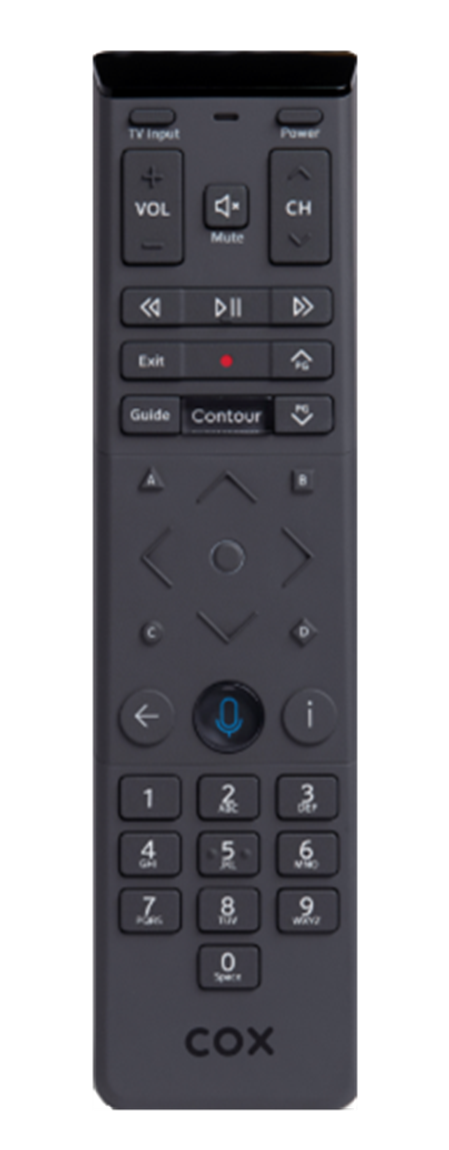
Why program your Cox remote to a TV?
Programming your Cox remote so it controls your TV makes life simpler. You get one device to change channels, adjust volume, and power the TV off and on. Knowing how do you program a cox remote to a tv stops you from juggling multiple remotes and cuts daily friction.
Preparation: what you need before you start
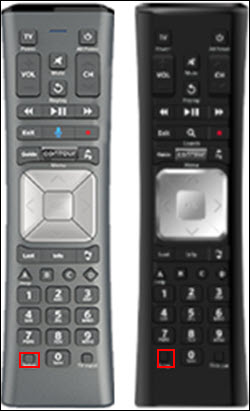
Good prep makes programming fast and stress-free. Have fresh batteries, the TV powered on, and the Cox remote that came with your set-top box. Keep your TV brand name handy and, if possible, the user guide or access to the Cox support code list. These small steps avoid common hiccups when you learn how do you program a cox remote to a tv.
Step-by-step: Program Cox remote to TV (code entry method)
This is the fastest method when you have a TV brand code.
- Turn on your TV and keep the Cox set-top box off or ignore it for now.
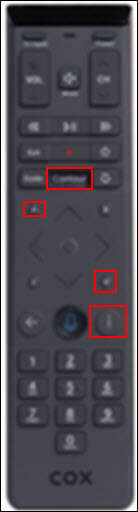
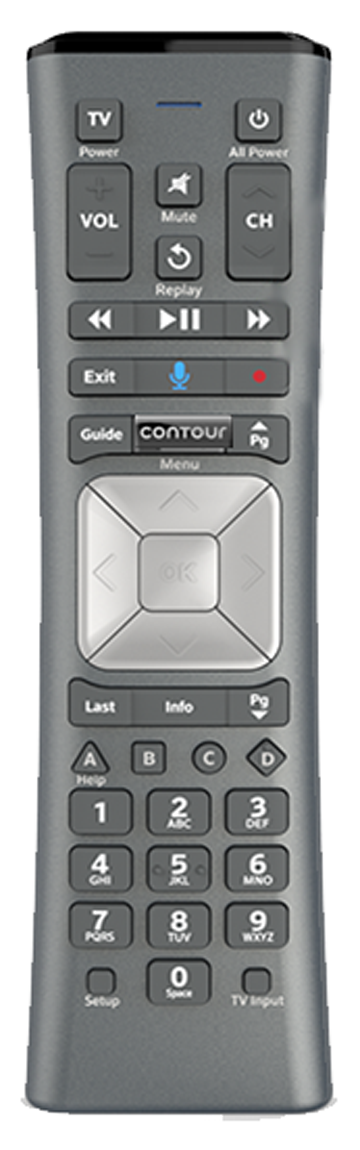
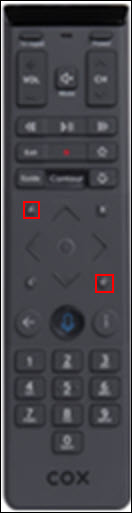
- Point the remote at the TV and press and hold the TV and OK buttons until the LED blinks twice.
- Enter the 4-digit TV code for your TV brand from the Cox code list.
- Watch the LED for confirmation; it usually blinks twice when the code is accepted.
- Test power and volume buttons. If they work, you’re done. If not, try the next code for your brand.
This method shows the basic flow when learning how do you program a cox remote to a tv. If you don’t have the right code, use the auto-search below.

Step-by-step: Program Cox remote to TV (auto-search method)
Auto-search finds the correct code without typing numbers.
- Turn on the TV and point the remote at it.
- Press and hold the TV and OK buttons until the LED blinks twice.
- Press the CH+ button repeatedly. Each press sends the next code to the TV.
- Stop and press OK when the TV turns off or responds correctly.
- Test volume and other keys. If a function fails, repeat the search to find another code.
Auto-search is helpful when you lack the exact TV code and want a quick, hands-on way to learn how do you program a cox remote to a tv.
Pairing through your Cox set-top box (on-screen setup)
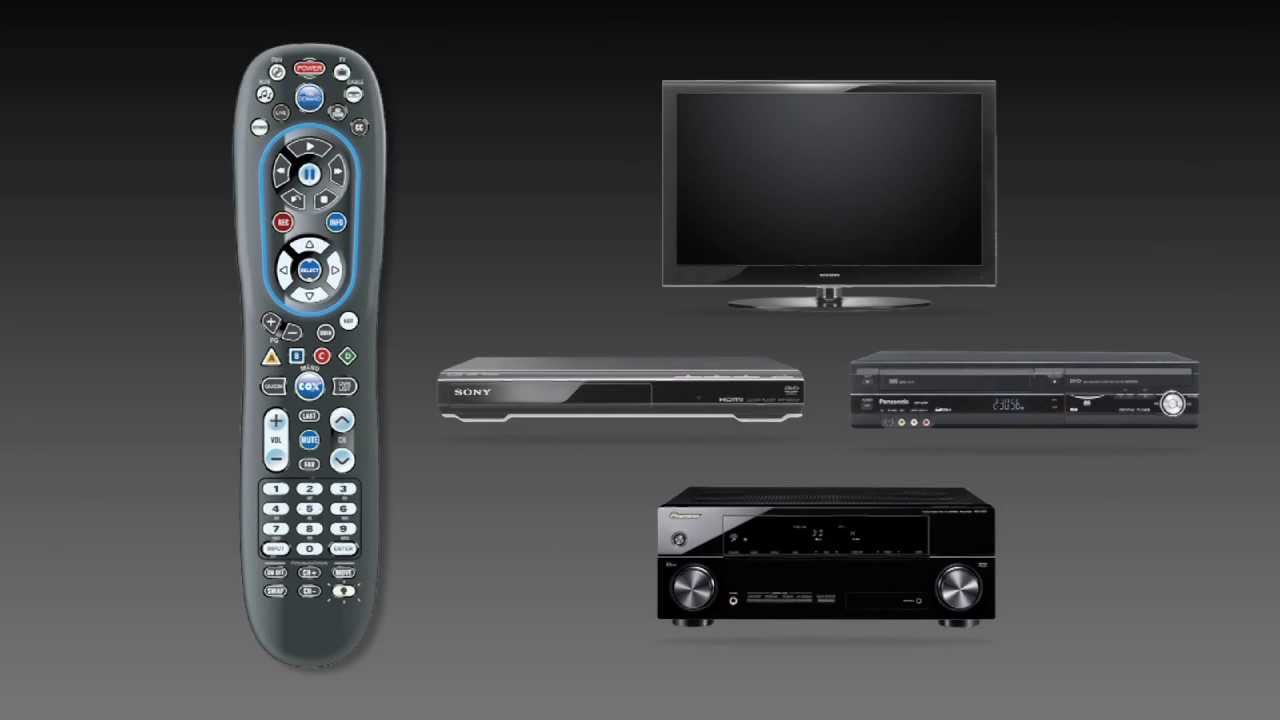
Some Cox set-top boxes can program your remote using on-screen prompts. This is very reliable.
- Turn on your TV and the Cox set-top box.
- Using the box remote, open Settings or System Settings from the main menu.
- Look for Remote Setup, Remote & Devices, or similar option and follow the on-screen steps.
- The box will send commands to the TV and ask you to confirm power and volume functions.
- Confirm when each function works and save the settings.
This box-driven method is often the easiest route to learn how do you program a cox remote to a tv. It also helps when your remote uses RF to the box but IR to the TV.

Troubleshooting common issues
If the remote won’t control the TV, check these things first.
- Batteries: Replace old batteries. Weak power causes incomplete programming.
- Line of sight: Make sure nothing blocks the remote and the TV’s IR sensor.
- Remote type: Confirm the remote is a Cox/Contour remote and not a universal you don’t own.
- IR vs RF: Cox remotes often use RF to the set-top box and IR to the TV. If the TV won’t respond, try the set-top box pairing method.
- Reset and retry: Remove batteries for 30 seconds, reinsert them, and repeat programming steps.
These fixes reflect what I’ve used in the field. They solve most problems when you ask how do you program a cox remote to a tv.

Best practices and tips from experience
Small habits make programming smooth and fast.
- Keep a small cheat sheet with your TV brand and likely code ranges.
- Use fresh batteries every few months to avoid intermittent failures.
- Test both power and volume first, then fine-tune other buttons.
- If you have a smart TV, enable remote control or CEC options in the TV menu to let the box control volume.
- If you lose the remote settings, save the code list or take a photo of on-screen confirmation for future reference.
These tips come from doing this work repeatedly. They reduce trial-and-error and speed up how do you program a cox remote to a tv.
Frequently Asked Questions of how do you program a cox remote to a tv
How long does it take to program a Cox remote to a TV?
Most setups take three to five minutes with the code-entry method. Auto-search can take a bit longer if several codes must be tested.
What if the remote pairs to the box but not the TV?
Check line-of-sight to the TV and confirm the remote sends infrared. Use the set-top box on-screen remote setup to bridge any RF/IR gaps.
Can I program the Cox remote to control volume only?
Yes. When testing codes, focus on confirming the volume buttons work. Save the code that controls volume even if some other buttons are limited.
Do I need special codes for newer smart TVs?
No special codes are usually needed, but some smart TV functions may not be supported. Use the Cox code list or on-screen pairing to get maximum compatibility.
What if none of the codes work?
Try replacing batteries, repositioning the remote, and using the set-top box pairing method. If that fails, contact Cox support for device-specific help or a replacement remote.
Conclusion
You can get your Cox remote to control your TV quickly by following a clear method. Start with fresh batteries, try code entry, use auto-search when needed, and use the box’s on-screen setup for a reliable pairing. Take a moment now to program your remote, test power and volume, and save the working setup—this single task will simplify daily TV time. If this guide helped, try the steps and leave a comment about your TV brand or challenges so others can learn from your experience.

Jamie Lee is a seasoned tech analyst and writer at MyTechGrid.com, known for making the rapidly evolving world of technology accessible to all. Jamie’s work focuses on emerging technologies, product deep-dives, and industry trends—translating complex concepts into engaging, easy-to-understand content. When not researching the latest breakthroughs, Jamie enjoys exploring new tools, testing gadgets, and helping readers navigate the digital world with confidence.