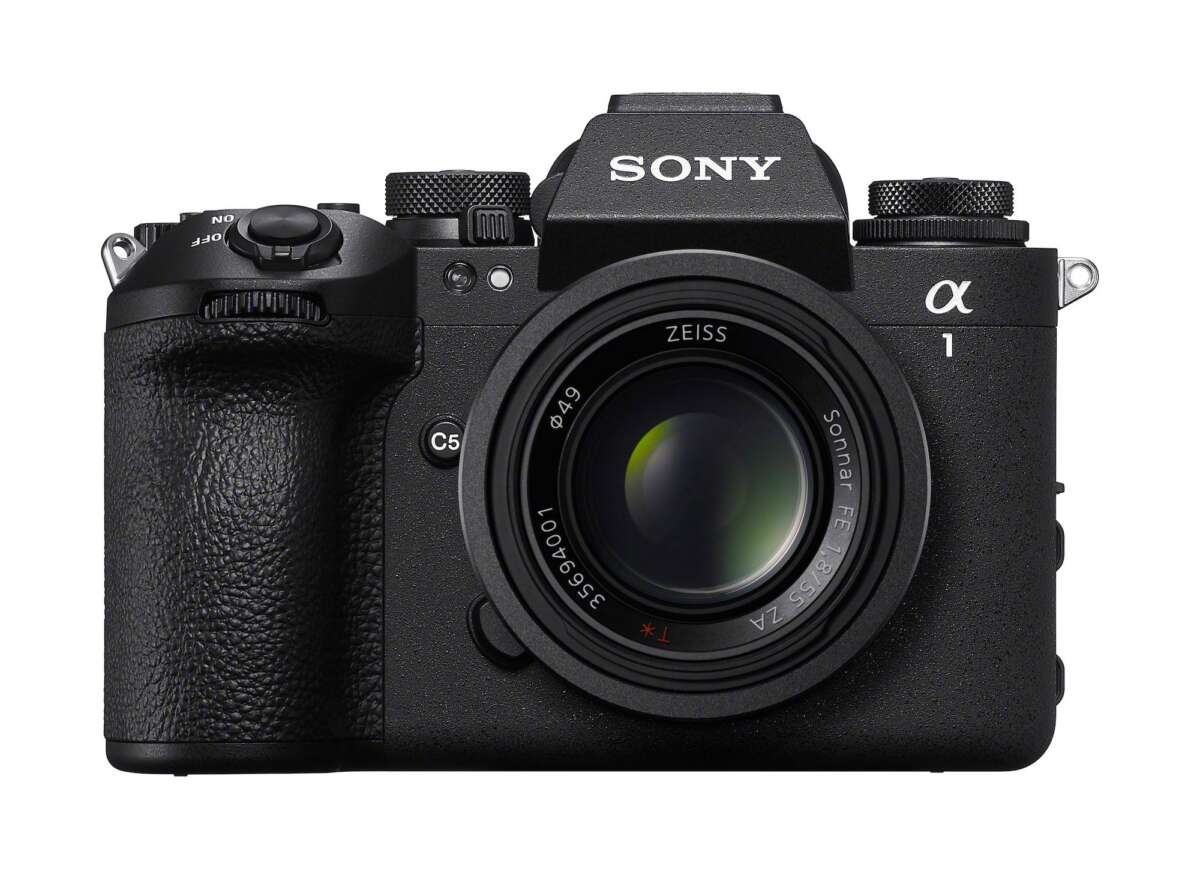
Pick A1 for speed; pick A7R V for ultimate resolution and studio detail.
I’ve shot commercial work and fine art prints for years, and I can walk you through how to choose A1 or A7R V for high-resolution work with clarity and real-world tests. I’ll explain the key differences, file and workflow impacts, lens choices, and use cases so you can make the right choice for your projects and budget.

Quick comparison: what each body is best at
Both cameras are top-tier. The A1 blends fast performance with high image quality. The A7R V pushes pixel count and detail further for large prints and tight crops. If you need to choose A1 or A7R V for high-resolution work, think about whether speed or absolute resolution matters more for your shoots.
I used the A1 for sports-brand lookbooks and the A7R V for landscape and product shoots. The results were consistent with the cameras’ design goals: the A1 delivered action-ready frames, and the A7R V delivered micro-detail.

Sensor, resolution, and image detail
Understanding sensors helps you choose A1 or A7R V for high-resolution work.
Both cameras use full-frame sensors tuned for different goals. The A1 favors a fast stacked sensor that balances resolution and speed. The A7R V favors a higher native megapixel count and pixel-shift tools for extreme detail. If your deliverable is large prints or heavy cropping, the A7R V typically delivers more native pixels and detail. If you need sharp frames in burst sequences or mixed video/photo jobs, the A1 is often the better fit.

Dynamic range and color: what to expect
Dynamic range affects highlight recovery and shadow detail. The A7R V’s higher pixel count can give slightly better tonal gradation at base ISO when you need fine detail. The A1 still offers excellent dynamic range and is often more forgiving at higher ISOs because of its sensor design. For critical studio work, the A7R V’s tone and color depth can give an edge. For run-and-gun assignments where usable frames matter more than the tiniest shadow nuance, the A1 is a safer bet.
Autofocus, speed, and practical shooting scenarios
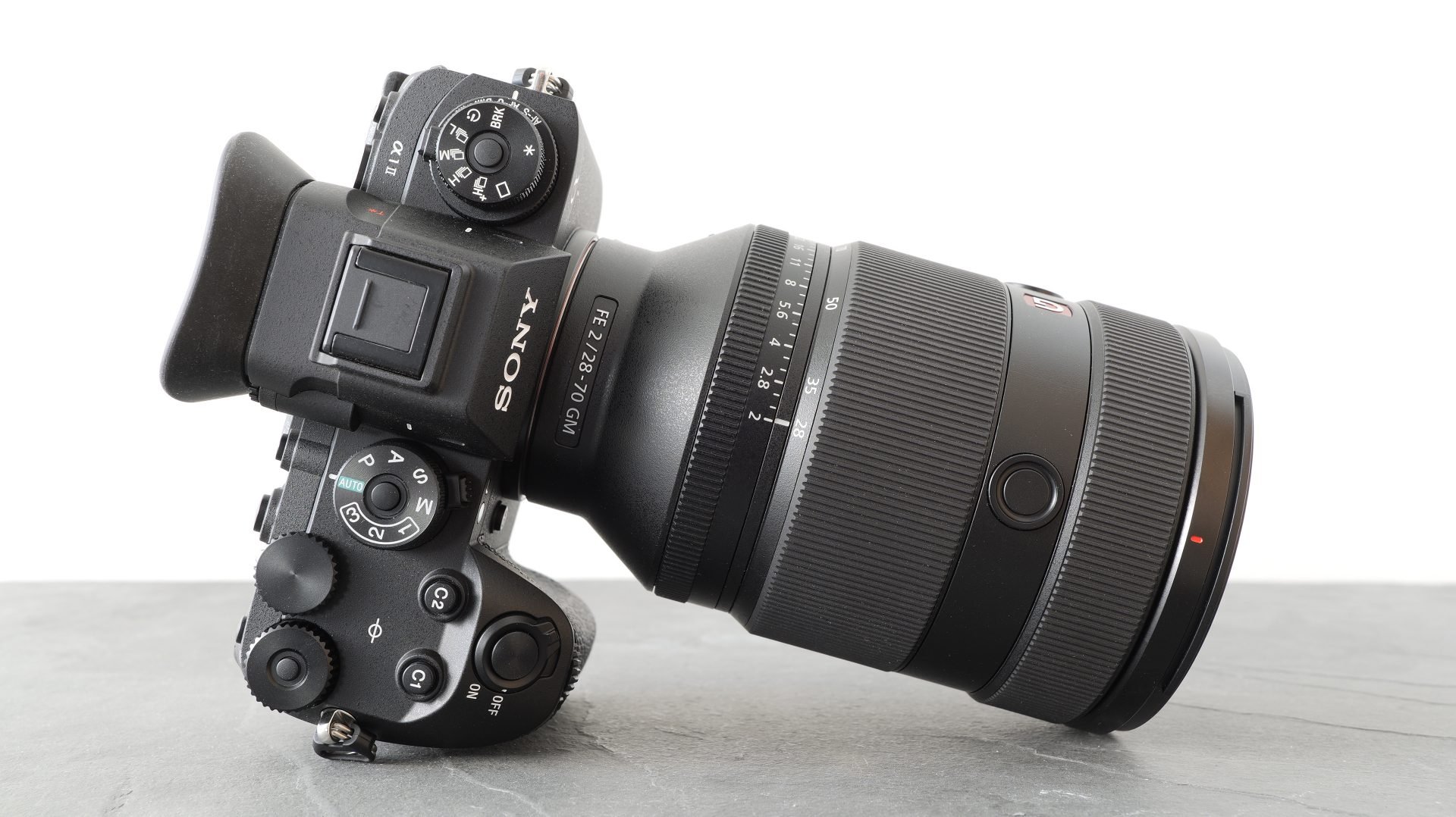
Autofocus and frame rate shape workflow. The A1 is built for speed and continuous tracking, and it handles fast-moving subjects and burst action with ease. The A7R V emphasizes refined subject detection and pixel-level AF for static subjects and portraits, plus strong low-light performance. If your work mixes high-res stills with fast subjects, you may prefer the A1. If most of your high-resolution work is studio, landscape, or product, the A7R V will likely win on final image detail.
Stabilization and handheld shooting
Both cameras have in-body stabilization. The A7R V has a strong IBIS system that helps with high-res handheld shots and pixel-shift workflows. The A1 also offers solid IBIS and often pairs well with faster shooting styles. If you plan long handheld sessions at lower shutter speeds, the A7R V’s stabilization and its ability to use multi-shot modes can produce cleaner, ultra-detailed images.
Pixel shift and multi-shot possibilities
Pixel shift can be a game-changer for ultra-high-resolution studio work. The A7R V includes advanced multi-shot or pixel-shift modes that capture more color and detail by moving the sensor across exposures. This produces images with far more pixel-level data than a single-frame capture. The A1 focuses on single-frame excellence and speed, so if you rely on multi-shot files for museum prints or archiving artwork, the A7R V is built for that workflow.
Lenses and optical resolution
Great glass is as important as the camera body when you choose A1 or A7R V for high-resolution work. High-megapixel sensors demand sharp, well-corrected lenses. Use prime lenses or top-tier zooms that resolve well at the sensor’s pixel density. If you pair the A7R V with weak optics, you lose the advantage of its resolution. The A1 will also benefit greatly from sharp lenses, especially when shooting at wider apertures or capturing action. My rule: buy the lens first, then the body.

File sizes, storage, and post-processing
High-resolution work strains storage and processing. The A7R V’s files can be very large, especially with multi-shot outputs. Expect more demands on SSDs, RAM, and backup workflows when you choose A1 or A7R V for high-resolution work. The A1 produces big, but slightly smaller, single-frame files compared to a multi-shot A7R V file. Plan for faster card throughput, robust catalogs, and color-managed editing to keep speed and quality high.

Video and hybrid needs
If you shoot hybrid projects, the A1 leans toward pro video and high-speed capture. The A7R V supports high-quality video too, but it is tuned for still-image detail. Choose the A1 if you need high frame-rate video, low rolling shutter, or a seamless mix of stills and broadcast-ready clips. Choose the A7R V when still-image quality is the dominant requirement and video is secondary.
Battery life, ergonomics, and real-world handling
Ergonomics matter over long shoots. Both cameras are well-built and comfortable. The A1 is slightly more pro-oriented with heat management for long bursts and video. The A7R V gives a balanced grip and great controls for studio use. I’ve run full-day shoots with each. The A1 kept pace with action shoots. The A7R V kept me deliberate and focused on framing and lighting. Think about how you hold the camera for hours when you choose A1 or A7R V for high-resolution work.
Price, value, and future-proofing
Cost and value influence the decision. The A1 sits at a premium price for speed and hybrid power. The A7R V offers higher pixel count and pixel-shift features that justify its price for print-focused pros. Consider resale value, lens investments, and software compatibility. If you plan to print very large images or archive high-detail work, the A7R V often gives better long-term value for pixel-heavy projects. If you need a single do-it-all body for action and occasional high-res needs, the A1 adds value.
How I decide for specific shoots — a practical checklist
I use a simple checklist when I need to choose A1 or A7R V for high-resolution work:
- Project output. Prints larger than 30 inches: favor A7R V.
- Subject motion. Fast motion or live events: favor A1.
- Studio controlled lighting. Pixel-shift and A7R V for ultimate detail.
- Workflow limits. If storage or editing speed is constrained: A1 can be easier.
- Lens readiness. Use top-tier glass to match the sensor.
This checklist helped me stop guessing and start shooting with confidence.
Final recommendation by use case
- Fine-art landscape and product photography: choose A7R V for maximum detail and multi-shot capability.
- Commercial lookbooks with action or mixed video: choose A1 for speed and hybrid performance.
- Portrait studios wanting both resolution and quick turnaround: choose A7R V if you prioritize final print quality, choose A1 if pace and tracking matter.
- Archive photography and museum reproductions: choose A7R V when you need ultra-high fidelity.
Personal tips and mistakes to avoid
I learned a few things the hard way. Don’t expect megapixels alone to fix bad lighting or bad glass. Don’t skip testing lenses at the apertures you plan to use. For pixel-shift files, always lock down your tripod and watch for subject motion. I once tried pixel-shift in the field with wind moving leaves — it cost me hours. Plan tests before a paid job. These small steps prevent big headaches when you choose A1 or A7R V for high-resolution work.
Frequently Asked Questions of How to choose A1 or A7R V for high-resolution work
Which camera gives more usable resolution for large prints?
The A7R V gives more native pixels and has pixel-shift modes for extreme detail, so it usually wins for large prints. The A1 still makes excellent large prints, but the A7R V is tailored to maximum resolution.
Is the A1 better for mixed photo and video work?
Yes. The A1 excels at hybrid tasks with faster readout, better burst handling, and strong video options. It’s a top pick when speed and video quality matter.
Will I need different lenses for the A7R V?
You need high-res lenses that resolve detail well. Prime lenses and premium zooms are best to match the A7R V’s sensor. Cheap or soft lenses will limit results on any high-megapixel body.
How much more storage should I plan for the A7R V?
Expect significantly larger files, especially with pixel-shift or RAW files at base resolution. Plan for high-capacity cards, fast drives, and more backup space than you use for lower-megapixel cameras.
Can the A1 handle studio work as well as the A7R V?
The A1 handles studio work very well and can produce excellent images. However, if ultimate pixel count and multi-shot fidelity are needed, the A7R V has the edge for studio detail.
Conclusion
Picking the right camera comes down to the final image and how you work. If you need absolute pixel detail and plan controlled-shoot workflows, the A7R V is the smarter choice. If you need speed, robust hybrid performance, and strong autofocus for fast subjects, the A1 is the better match. Use the checklist here, test with your lenses, and pick the body that matches your projects and workflow. Now take one decision step: test both bodies with your gear, and make your next shoot the proof. Leave a comment with your project type and I’ll suggest which camera fits best.

Jamie Lee is a seasoned tech analyst and writer at MyTechGrid.com, known for making the rapidly evolving world of technology accessible to all. Jamie’s work focuses on emerging technologies, product deep-dives, and industry trends—translating complex concepts into engaging, easy-to-understand content. When not researching the latest breakthroughs, Jamie enjoys exploring new tools, testing gadgets, and helping readers navigate the digital world with confidence.