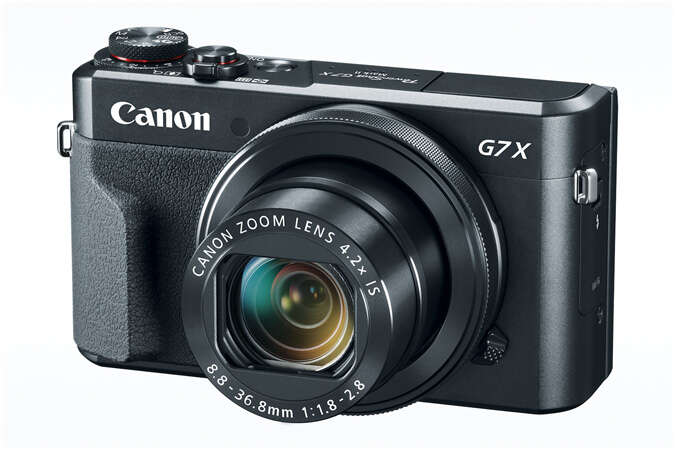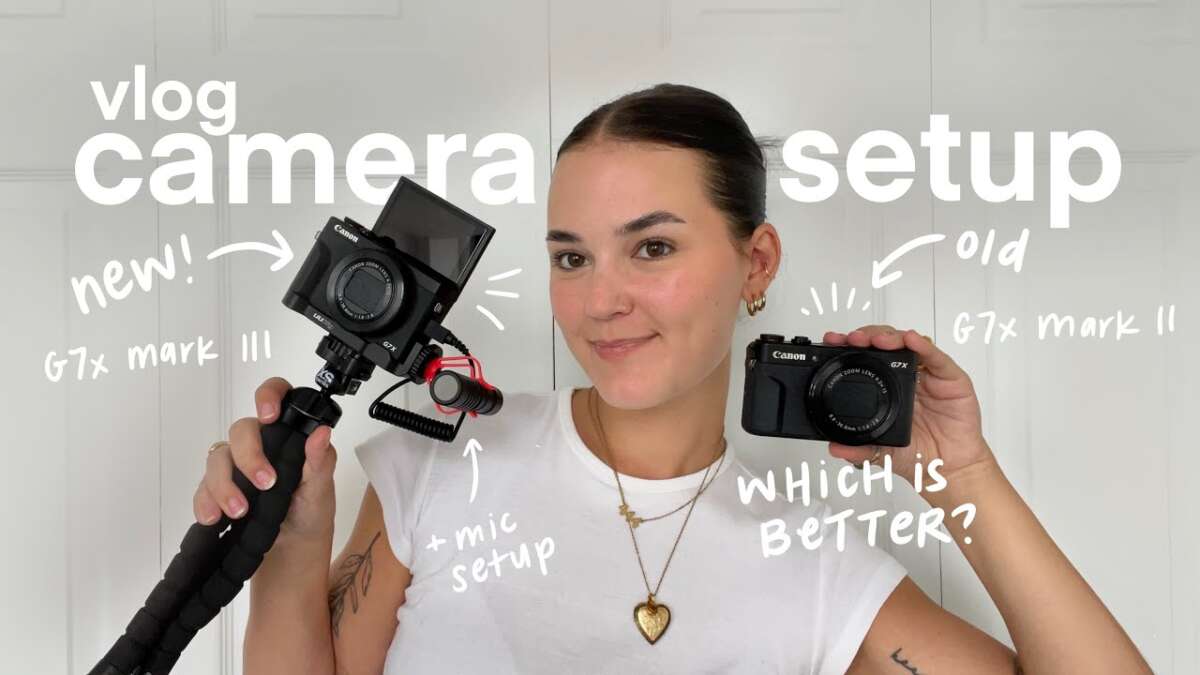
If you need 4K, mic input, and future-proofing, choose G7X III; for budget and great 1080p, choose G7X II.
I’ve tested both Canon G7X II and G7X III in real vlogging situations. I know the strengths and limits of each camera. This guide on How to choose G7X II or G7X III for vlogging walks you through specs, real-world performance, audio options, battery life, and the exact scenarios where one model wins. Read on for hands-on tips, clear comparisons, and a practical checklist to help you pick the right compact vlogging camera.
Quick spec comparison and what matters for vlogging
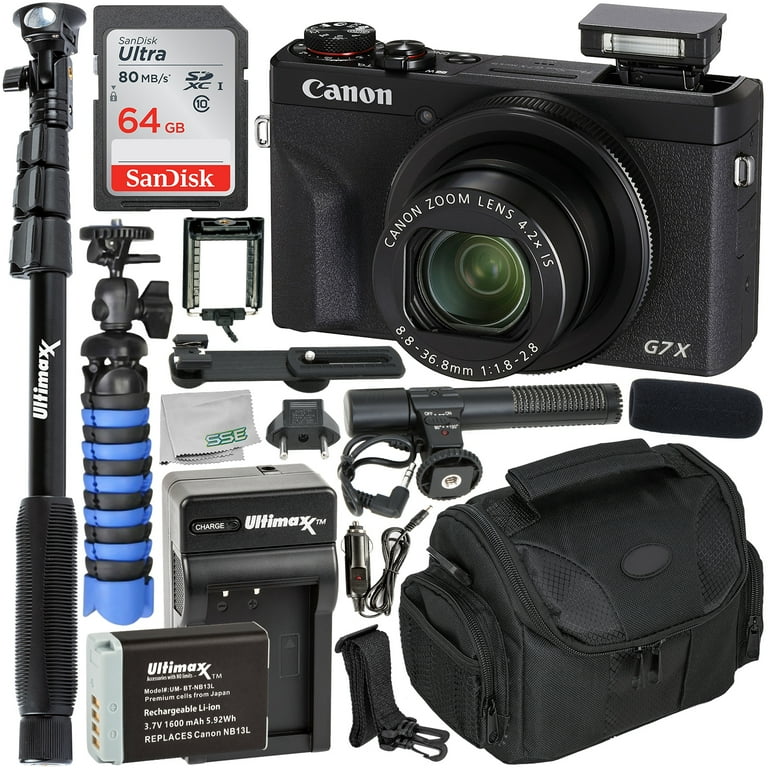
The core difference for most vloggers is 4K and mic support. The G7X III adds 4K video and a mic input, while the G7X II focuses on solid 1080p, image quality, and lower cost. Both have a 1-inch sensor and a fast zoom lens that is great for run-and-gun shooting.
Key specs to weigh when you think about How to choose G7X II or G7X III for vlogging:
- Sensor size: 1-inch for both, which balances low-light and compactness.
- Resolution: G7X III offers 4K, G7X II tops out at 1080p.
- Audio: G7X III has mic input and cleaner internal processing.
- Stabilization: Both rely on digital stabilization and lens stabilization.
- Screen: Flip-up touch screen for both models, ideal for selfie-style vlogs.
- Price and availability: G7X II is cheaper; G7X III is priced as the newer, feature-rich model.
If you want a quick call: pick G7X III for new content creators who need 4K and better audio flexibility. If your budget is tight and you mainly publish 1080p to social platforms, the G7X II still serves very well.
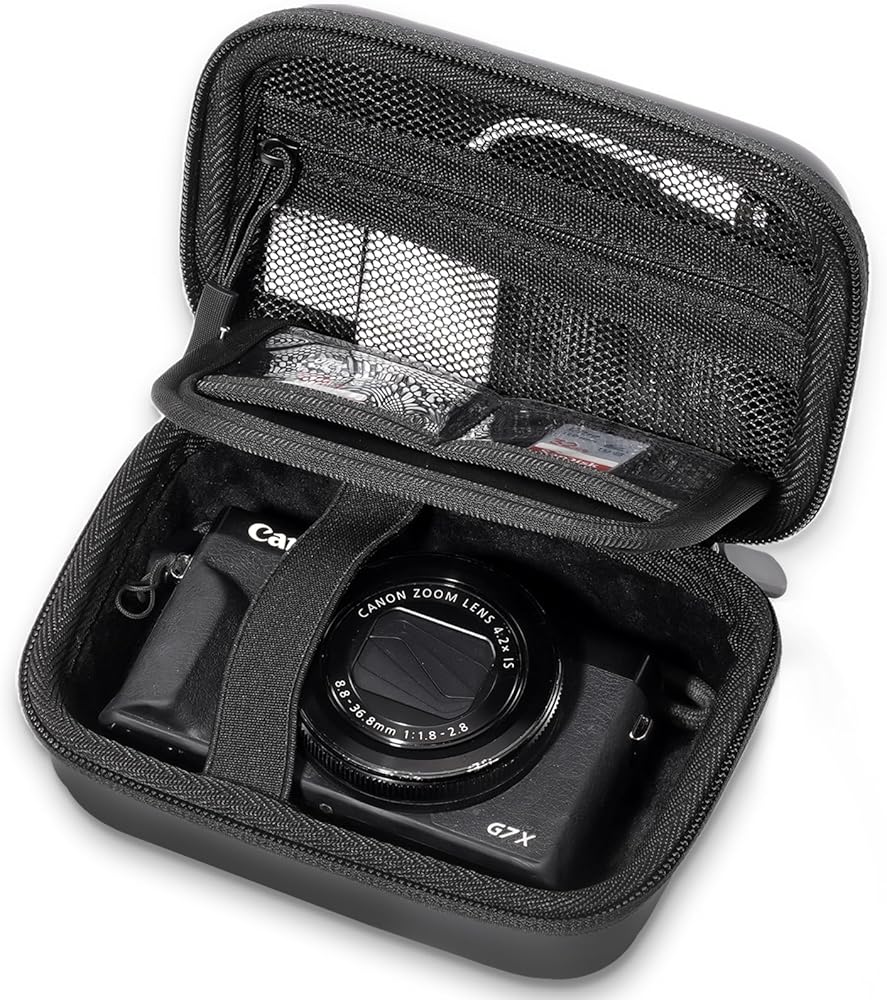
Image and video quality: real-world differences
Both cameras use 1-inch sensors that deliver good detail and pleasant background separation. In bright light, both produce sharp and colorful footage. In low light, noise appears earlier than on larger-sensor cameras, but the G7X III’s newer processing helps slightly.
Practical takeaways for How to choose G7X II or G7X III for vlogging:
- Daylight shooting: Both cameras perform excellently for outdoor and well-lit indoor scenes.
- Low-light shooting: G7X III handles noise reduction a bit better and keeps more detail thanks to newer processing.
- 4K vs 1080p: 4K on the G7X III gives more room to crop and stabilizes in post. If you never need 4K, 1080p from the G7X II looks great and saves storage.
From my vlogging sessions, using 4K on G7X III helped when I reframed shots in editing. But for fast Instagram uploads, the G7X II’s 1080p workflow was faster and simpler.
Audio and mic options: what changes your sound
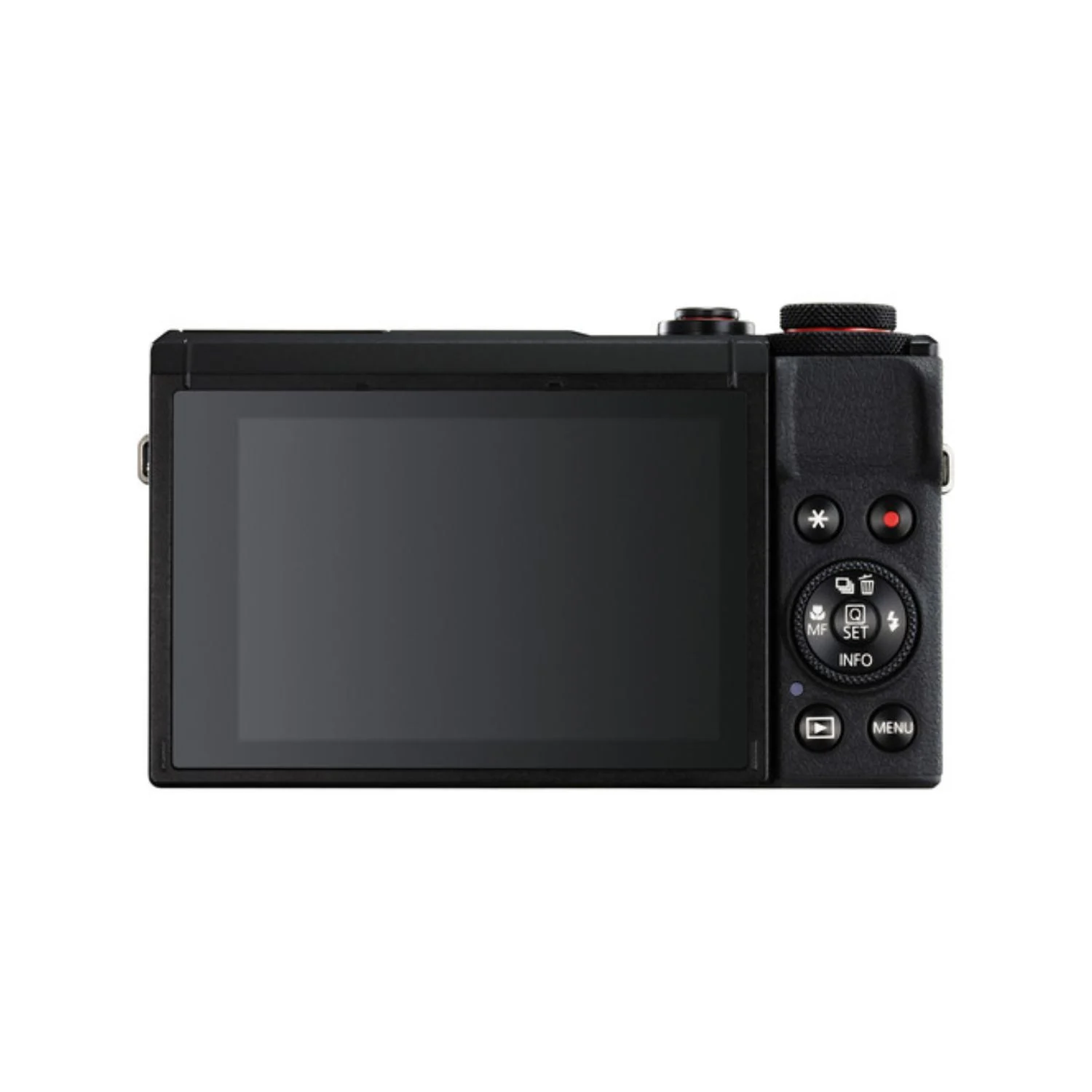
Audio is often the most underrated part of vlogging. The G7X III includes a mic input. The G7X II requires either a camera-top recorder or a separate audio recorder synced in post.
What audio means for How to choose G7X II or G7X III for vlogging:
- G7X III mic input: Plug a lavalier or shotgun mic directly for much cleaner voice capture.
- G7X II workflow: Use a separate audio recorder or smartphone, then sync audio in editing for best results.
- Internal audio: Both cameras record usable internal audio for casual vlogs, but wind and ambient noise reduce clarity.
In my experience, having a mic jack on the G7X III saved me editing time. I could record clean audio on the spot and avoid syncing headaches. If you value streamlined production, the G7X III is the practical choice.
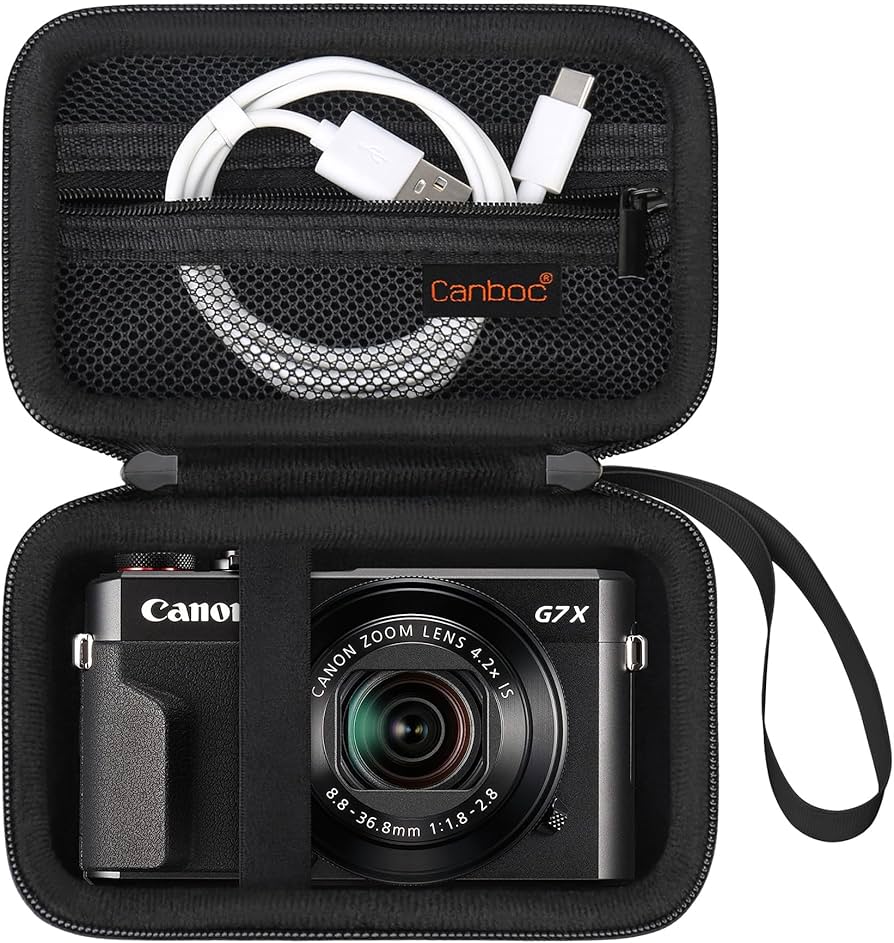
Autofocus and tracking: staying sharp on the move
Autofocus speed and reliability matter when you record while walking or moving the camera. Canon’s autofocus is generally good on both models, but implementation differs.
How autofocus affects How to choose G7X II or G7X III for vlogging:
- Face detection: Both cameras offer face detection that keeps subjects sharp for solo vloggers.
- Continuous AF: Works well for most selfie situations. The G7X III improves speed and stability slightly.
- Tracking moving subjects: Expect occasional hunting in low light or fast changes, especially with digital stabilization.
From vlogs where I moved a lot, both cameras tracked well. The G7X III felt a touch more confident in mixed lighting and faster subject moves. Still, for slow, talking-head vlogs either camera holds focus well.

Portability, ergonomics, and screen usability
Vloggers often shoot handheld or with small rigs. Both G7X II and G7X III are pocketable and lightweight. The flip-up screen is user-friendly for framing selfie shots.
Ergonomic notes for How to choose G7X II or G7X III for vlogging:
- Size and weight: Small and travel-ready. Both fit in a jacket pocket or small bag.
- Controls: Compact but usable. G7X III adds minor improvements to menus and responsiveness.
- Touchscreen: Useful for focus points and quick menu adjustments while vlogging.
I liked using both cameras for street vlogs and travel days. The small size lets you be discreet. If you carry extra mics or lights, the G7X III’s improved audio options make your kit feel more complete.

Battery life and practical shooting time
Battery drain matters for on-the-go creators. Both cameras share similar battery packs and modest runtimes, especially if you use Wi-Fi or 4K on the G7X III.
Battery tips for How to choose G7X II or G7X III for vlogging:
- Expect short runtimes: Plan for 45–90 minutes of continuous recording depending on settings.
- Bring spares: Carry at least one extra battery for a typical shoot day.
- Power solutions: Use a power bank and an adapter for long sits. The G7X III supports USB charging while recording with some setups.
From long shooting days, spares changed everything. I often carried two spare batteries and a USB power bank. That strategy prevented interruptions and kept me recording.
Accessories and workflow: what you'll actually need
The right accessories make a compact camera feel professional. Think audio, light, and mounting solutions.
Essential accessories when considering How to choose G7X II or G7X III for vlogging:
- External mic: Lav or shotgun for clearer voice recordings. G7X III lets you plug in directly.
- Small LED light: Improves skin tones in low light.
- Tripod or grip: A small handheld grip stabilizes selfie footage and acts as a tripod.
- Extra batteries and fast SD card: High-speed cards for 4K and fast continuous recording.
I once tried vlogging a whole day with only the camera body. I learned to pack a tiny LED panel and a lavalier. That pair improved my videos more than any extra lens or bigger camera would.

Which to pick: buyer profiles and clear recommendations
Choosing between models comes down to needs and budget. Below are clear profiles to help you decide How to choose G7X II or G7X III for vlogging.
Choose G7X III if you:
- Need 4K for future-proofing or cropping in post.
- Want direct mic input to simplify audio capture.
- Plan to shoot in mixed lighting and want slightly better processing.
- Can spend more for newer features and firmware updates.
Choose G7X II if you:
- Primarily publish 1080p to social platforms.
- Need the best value for image quality and portability.
- Are comfortable using separate audio gear or basic internal audio.
- Want a compact camera that performs well for run-and-gun vlogs.
From my testing, choose the G7X III if you see yourself upgrading and needing better audio now. Pick the G7X II if you want a proven, budget-friendly vlogging companion.

How to choose G7X II or G7X III for vlogging: a practical checklist
Use this checklist when you decide How to choose G7X II or G7X III for vlogging. Answer each question to find your best fit.
Checklist items:
- Do you need 4K? If yes, lean G7X III. If no, G7X II is fine.
- Do you want direct mic input? If yes, G7X III wins.
- Is battery life a top priority? Plan to carry spare batteries for either model.
- Do you value budget over latest features? Choose G7X II.
- Will you crop or stabilize in post? 4K on G7X III helps a lot.
- Do you shoot low-light often? G7X III has slight edge in processing.
I used this checklist before buying my second compact camera. It helped me avoid regrets and pick a camera that matched how I actually shoot.
Frequently Asked Questions of How to choose G7X II or G7X III for vlogging
Which camera is better for beginner vloggers?
Both cameras are beginner-friendly. The G7X III is more future-proof with 4K and a mic jack, while the G7X II offers strong performance at a lower cost.
Can the G7X II handle travel vlogs?
Yes. The G7X II is compact, lightweight, and produces excellent 1080p footage for travel and social platforms.
Is 4K on the G7X III worth the extra cost?
If you edit and crop footage or want sharper uploads for platforms that support 4K, the extra cost is worth it. If you mainly post 1080p, the value is smaller.
Do I need an external mic with either camera?
External mics improve audio quality significantly. The G7X III makes this easier with a mic input, while the G7X II requires separate solutions.
How many extra batteries should I carry?
At least one spare battery for short shoots and two for a full day. Using USB power banks can extend sessions when outlets are scarce.
Will either camera work for live streaming?
G7X III supports webcam modes more easily and has better compatibility for live streaming. G7X II can work with capture devices but needs more setup.
Conclusion
Choosing between the Canon G7X II and G7X III comes down to your priorities. If you want 4K, mic input, and slightly better low-light processing, opt for the G7X III. If you prefer a budget-friendly, compact camera with excellent 1080p quality and simpler workflow, the G7X II remains a strong choice. Use the checklist and buyer profiles above to match the camera to your real needs. Pick the camera that fits your workflow, pack the right accessories, and start making videos with confidence. Leave a comment about your shooting style or subscribe for more camera buying guides.

Jamie Lee is a seasoned tech analyst and writer at MyTechGrid.com, known for making the rapidly evolving world of technology accessible to all. Jamie’s work focuses on emerging technologies, product deep-dives, and industry trends—translating complex concepts into engaging, easy-to-understand content. When not researching the latest breakthroughs, Jamie enjoys exploring new tools, testing gadgets, and helping readers navigate the digital world with confidence.