Use in-camera USB, a dummy battery, or a universal USB charger safely.
Got stuck without your charger? You can still keep shooting. In this guide, I walk you through how to charge a Canon camera battery without a charger, step by step, with safe and proven methods. I have done these in the field and on set. You will learn what works, what to avoid, and how to protect your gear and yourself.

Safety first and what to expect
Lithium‑ion batteries are picky. Treat them with care. Wrong voltage or bad gear can damage your camera or cause heat.
Before you try any method, check your camera manual. Some Canon bodies allow USB charging. Others only allow power, not charging. If your model does not support in‑body charging, use a dummy battery or a universal charger.
You will see the phrase how to charge a canon camera battery without a charger many times here. The reason is simple. Searchers want clear and safe steps that work today. That is what you get below.
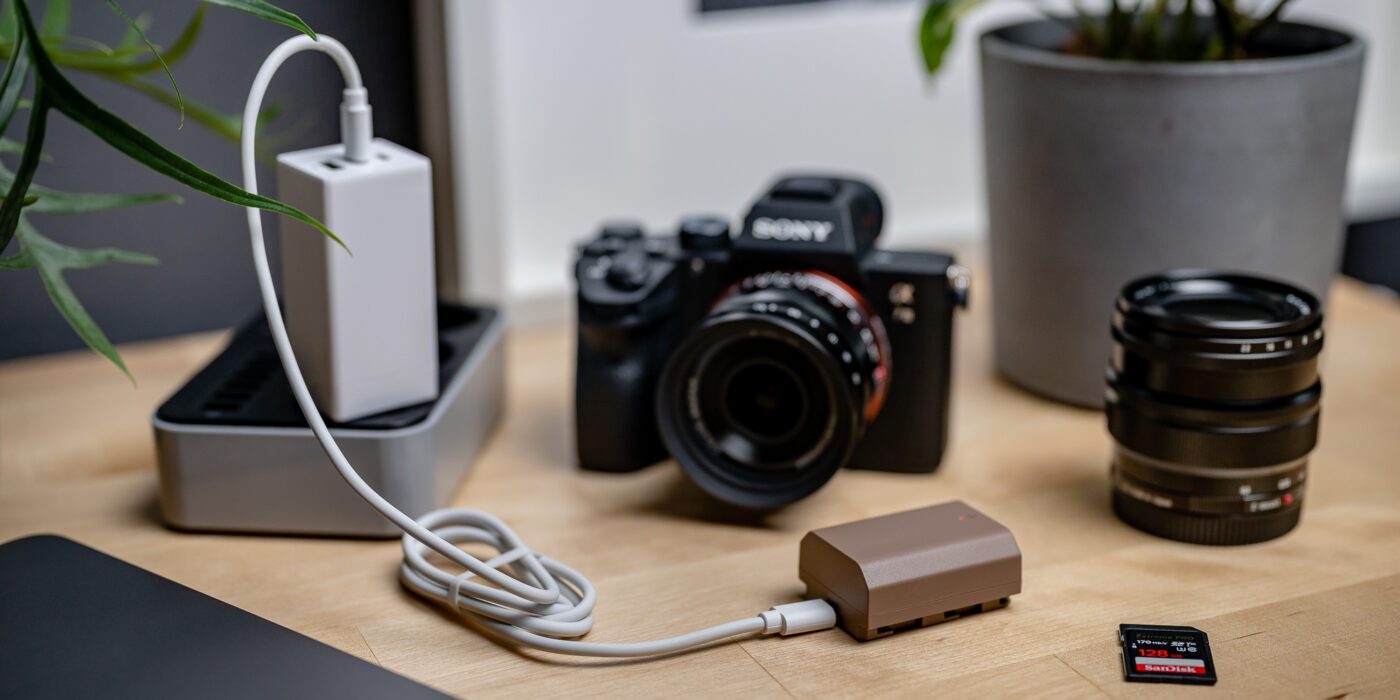
Method 1: Charge in‑camera with USB or a Canon power adapter
Some recent Canon cameras support in‑body charging. Many mirrorless models with USB‑C do. Some DSLRs do not. Always confirm support in the manual.
Do this:
- Power off the camera.
- Use a high‑quality USB‑C PD wall adapter.
- Use your camera’s approved cable.
- Plug into the camera’s USB‑C port and wait for the charge light.
Tips that help:
- Use a 18W to 30W PD adapter for stable power.
- Leave the battery door shut. Many models need it closed to charge.
- If the light does not show, your body may not support charging. Switch to another method.
This route is the cleanest way if your camera allows it. If you asked how to charge a canon camera battery without a charger and you own a newer Canon, try this first.
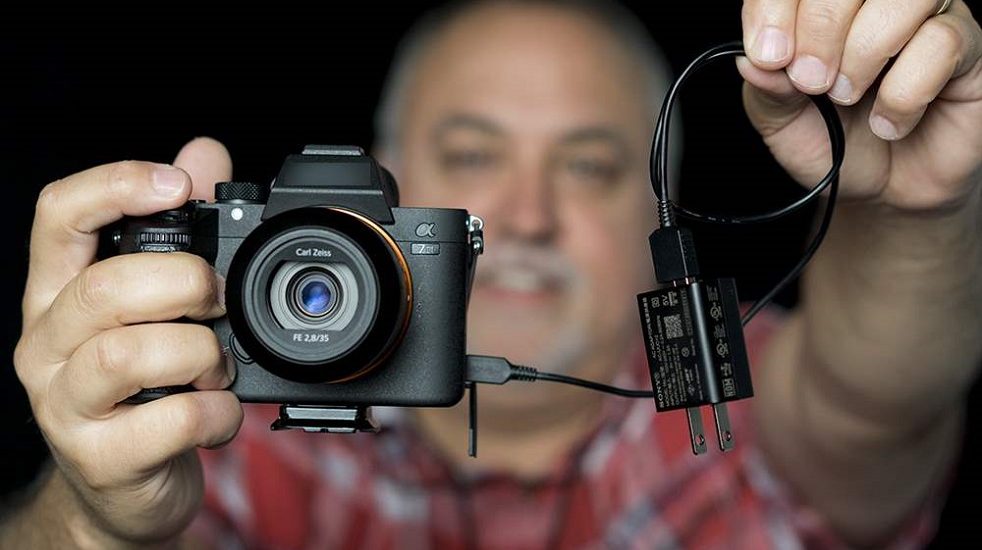
Method 2: Use a USB power bank with a dummy battery
A dummy battery is a battery‑shaped coupler that feeds power to your camera. It stands in for the real pack. Many kits step up 5V USB to the 7.2–8.4V your camera needs.
What you need:
- A dummy battery that matches your pack, like DR‑E6, DR‑E17, DR‑E12, or DR‑E10.
- A USB step‑up power module or a DC coupler with regulator.
- A good USB power bank with at least 10,000 mAh.
How to set it up:
- Insert the dummy battery into the camera.
- Route the cable through the rubber door in the battery cover.
- Connect to the power bank and check that the camera powers on.
- Some kits only power the camera. Others also charge inside the body if supported.
Field note from my shoots:
- I keep a dummy battery kit in my bag. It has saved me on dawn hikes and long events.
- If your question is how to charge a canon camera battery without a charger while traveling, this is my top pick.
Safety notes:
- Use a regulated kit that outputs the right voltage.
- Do not hot‑swap cables during recording to avoid spikes.

Method 3: Use a universal USB battery charger
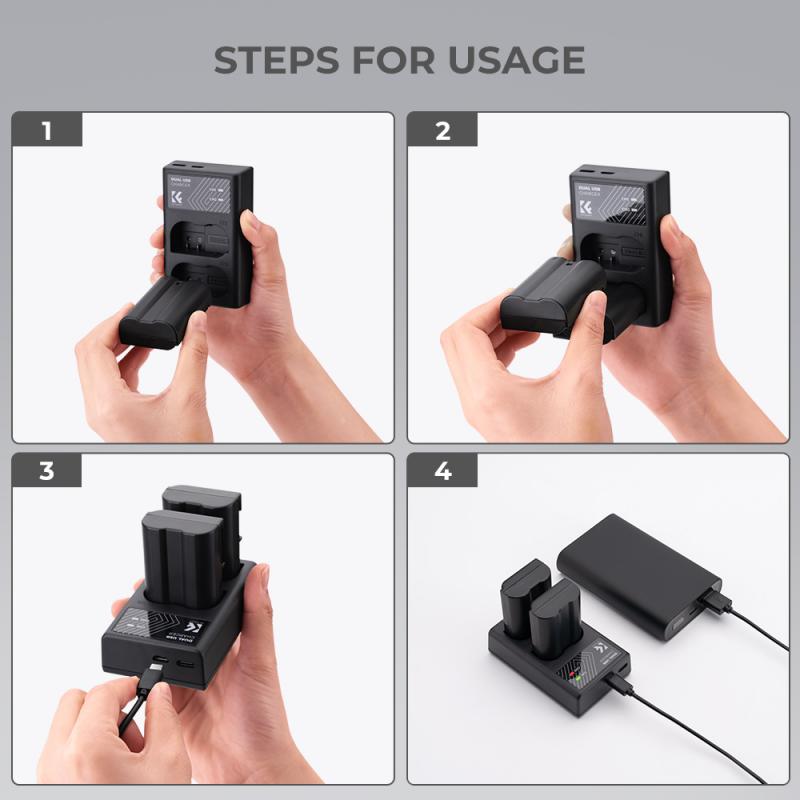
A universal USB charger has spring pins that touch the battery contacts. It charges the cell outside the camera. It works with many Canon packs like LP‑E6, LP‑E17, LP‑E12, LP‑E10, and more.
Steps to follow:
- Align the positive and negative pins to the battery terminals.
- Plug the charger into a USB wall adapter or power bank.
- Watch the indicator for charge status. Most show red while charging and green when done.
- Expect a slower rate than the OEM cradle.
Best practices:
- Double‑check polarity before you start. Many units have marks on the clamp.
- Do not leave it charging on a soft surface. Give it airflow.
- If you are learning how to charge a canon camera battery without a charger at home, this is the most flexible option.
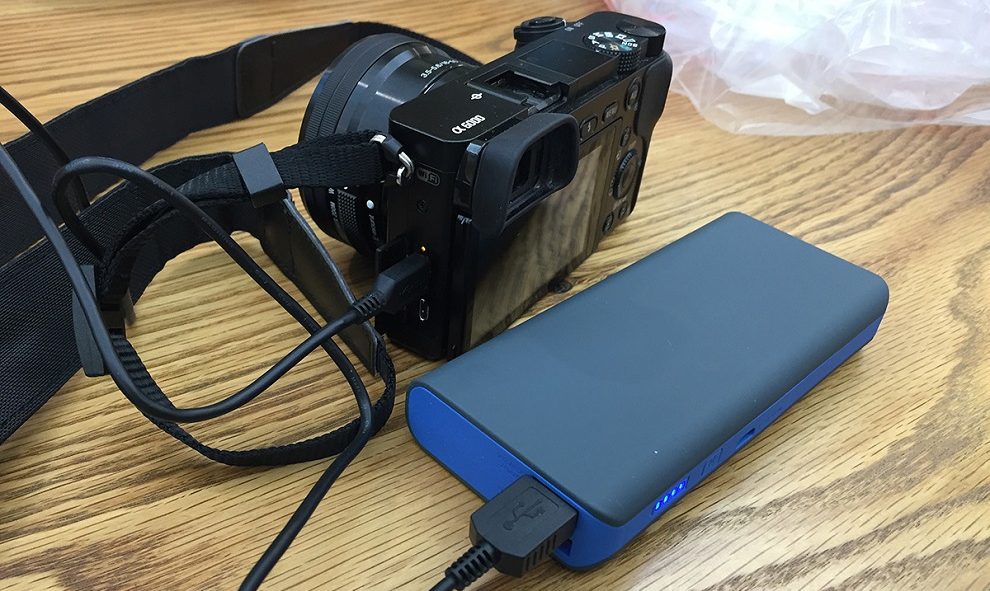
Method 4: Emergency options in the field
When you are far from a wall outlet, you still have options. These are practical and can save a shoot.
Try these:
- Laptop USB‑C PD port. Many laptops output 15W to 65W. Use a PD cable into your camera if it supports USB charging.
- Solar panel to power bank. Charge a power bank first, then your camera. Use a panel with a built‑in regulator.
- Car USB adapter. Use a 12V socket with a quality PD charger. Then follow Method 1 or 3 above.
These do not replace a proper charger. But they get you the shot when time is tight. If you need how to charge a canon camera battery without a charger on a road trip, this section is for you.

What not to do and common mistakes
Avoid risky hacks. They can kill a good battery or worse.
Never do this:
- Do not clip wires to the battery with raw leads.
- Do not plug a battery straight into a 5V USB port.
- Do not use no‑name boost modules with no voltage regulation.
- Do not leave a battery charging in a hot car.
Watch for these signs:
- Battery gets hot to the touch. Stop and let it cool.
- Smell of chemicals or swelling. Retire the battery.
A note on warranties:
- Third‑party chargers and dummy batteries can void warranties.
- If that matters, stick to official gear.
These points matter if you care about safe ways for how to charge a canon camera battery without a charger.
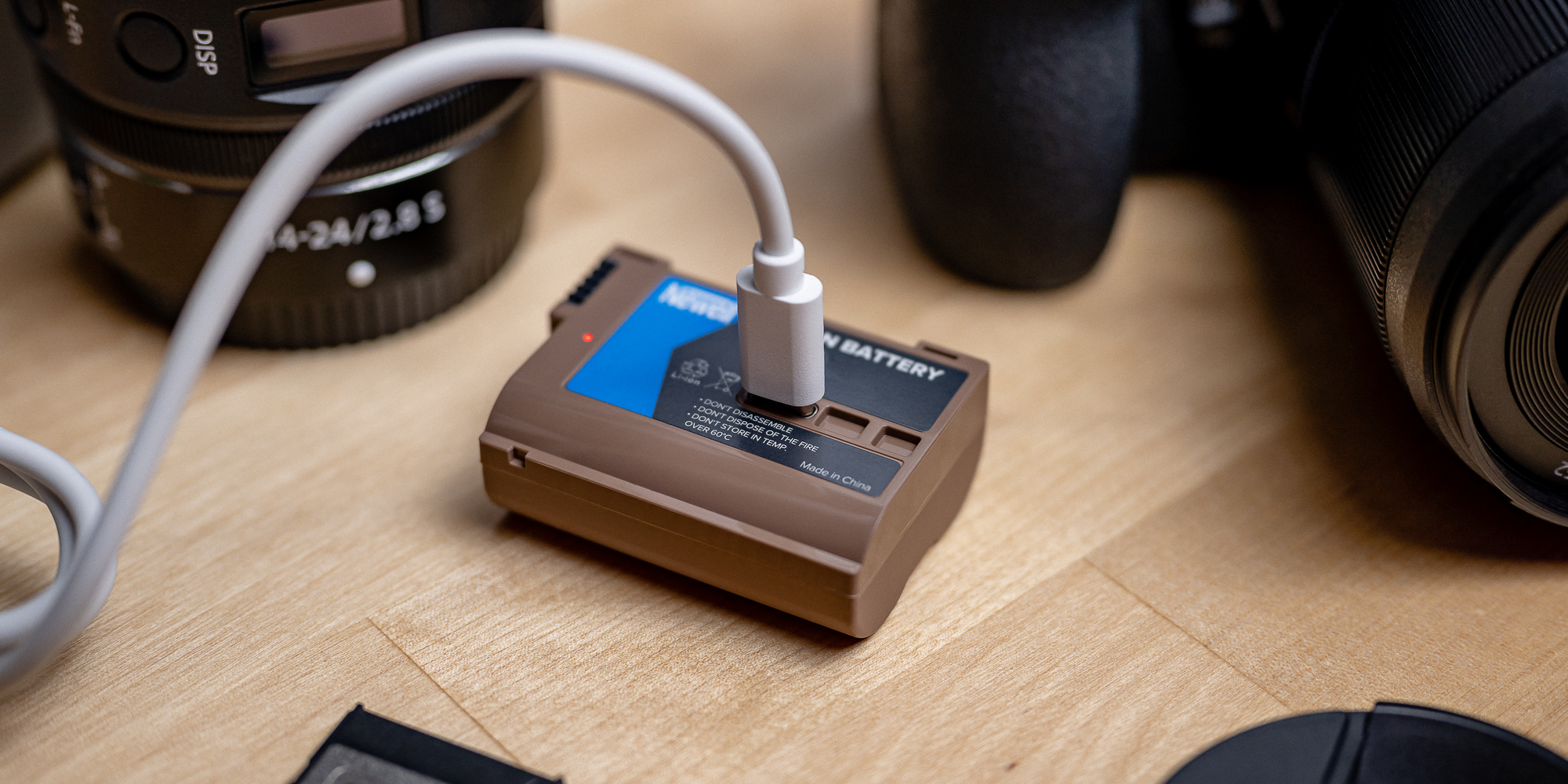
How long does it take? Charge times and tips
Charge time depends on battery size and charge current. A simple rule of thumb helps. Hours ≈ battery capacity in mAh ÷ charge current in mA × 1.2.
Examples:
- LP‑E6N at 1865 mAh on a 1000 mA charger takes about 2.2 hours.
- LP‑E17 at 1040 mAh on a 700 mA charger takes about 1.8 hours.
- Slow is kinder to cells. Fast is fine if the gear is rated for it.
More tips:
- Start charging at 20–30% left. It shortens time to full.
- Stop at 80–90% if you need to leave fast. It also helps cell life.
- If you plan how to charge a canon camera battery without a charger on set, bring a 30W PD adapter and a smart cable.

Battery care, storage, and lifespan
Good care saves money and stress. It also makes your camera more reliable.
Do this:
- Store at 40–60% charge if you will not use it for weeks.
- Keep packs cool and dry. Heat kills lithium cells fast.
- Cycle packs monthly if they sit. A light use and top‑up keeps them healthy.
Label and rotate:
- Mark batteries A, B, C and rotate them.
- Track age and behavior. Recycle tired cells.
If you use how to charge a canon camera battery without a charger often, care is key. It keeps you safe and your gear ready.
Frequently Asked Questions of how to charge a canon camera battery without a charger
Can I charge my Canon battery through the camera’s USB port?
Some Canon models support in‑body USB charging, but many do not. Check your manual for support and required adapters.
Is a dummy battery safe for long shoots?
Yes, if it is regulated and matched to your model. I use them for hours with a good power bank and have had no issues.
Will a universal USB charger damage my battery?
A quality unit with correct polarity and cutoff is safe. Avoid cheap units with no protection and monitor heat.
Can I use a phone charger to power my camera?
If your camera supports USB‑C PD, a 18W or higher phone charger can work. Use a certified cable and test before a paid shoot.
How many times can I recharge a Canon battery?
Most packs last 300–500 cycles with normal use. Heat, fast charging, and deep drains reduce that number.
What if my camera powers on via USB but does not charge?
Some bodies allow power but not charging. Use a dummy battery or a universal charger to charge the pack outside the camera.
Is it okay to leave a battery charging overnight?
Use chargers with auto cutoff and place them on a hard, cool surface. I avoid overnight charging in hotel rooms as a habit.
Conclusion
You have several safe ways to keep shooting without the OEM cradle. In‑camera USB charging, a dummy battery kit, and a universal USB charger all work when set up right. Pick the method that fits your camera and your field needs.
If this guide helped, try one method today and test it at home. Want more gear tips and field‑tested tricks? Subscribe for updates or drop a question in the comments.

Jamie Lee is a seasoned tech analyst and writer at MyTechGrid.com, known for making the rapidly evolving world of technology accessible to all. Jamie’s work focuses on emerging technologies, product deep-dives, and industry trends—translating complex concepts into engaging, easy-to-understand content. When not researching the latest breakthroughs, Jamie enjoys exploring new tools, testing gadgets, and helping readers navigate the digital world with confidence.