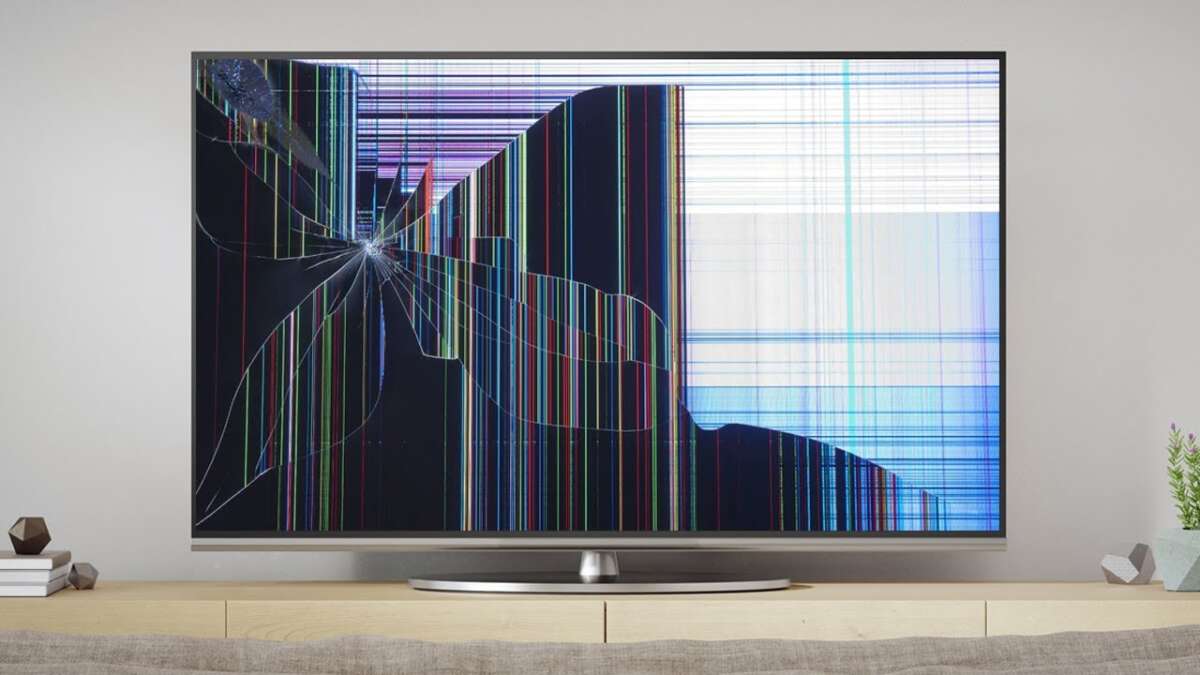
Most cracked TV screens need panel replacement; small bezel cracks can sometimes be repaired at home.
I’ve fixed several TVs and coached others through repairs, so I’ll walk you through practical, safe steps for how to fix a cracked TV. This guide covers diagnosis, simple fixes, full panel replacement, cost trade-offs, tools, and when to call a pro — all in plain language so you can decide the best path for your set.
How to assess the damage and decide if repair is possible
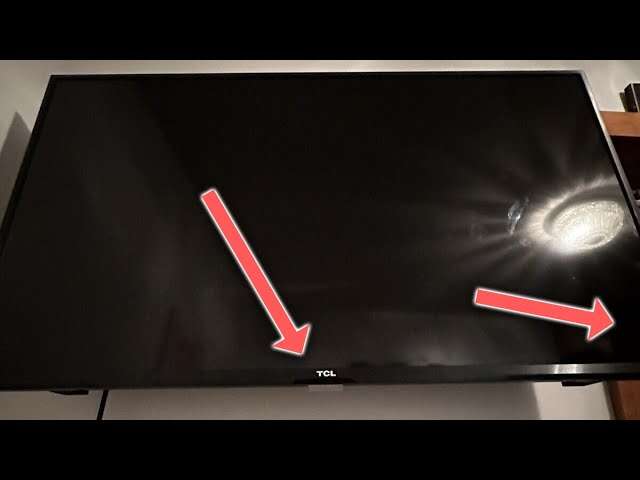
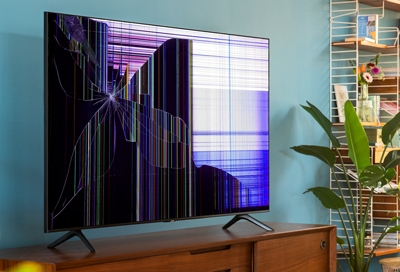
Start by checking exactly what’s cracked. Look for glass-only cracks on the bezel, cracks on the protective outer layer, and damage to the actual display pixels or backlight. A cracked bezel or plastic cover is an easy fix. A cracked LCD, LED, or OLED panel usually means the panel must be replaced.
Check these signs to decide how to fix a cracked TV:
- The image is perfect but there is a visible line in the glass: Likely the bezel or outer layer.
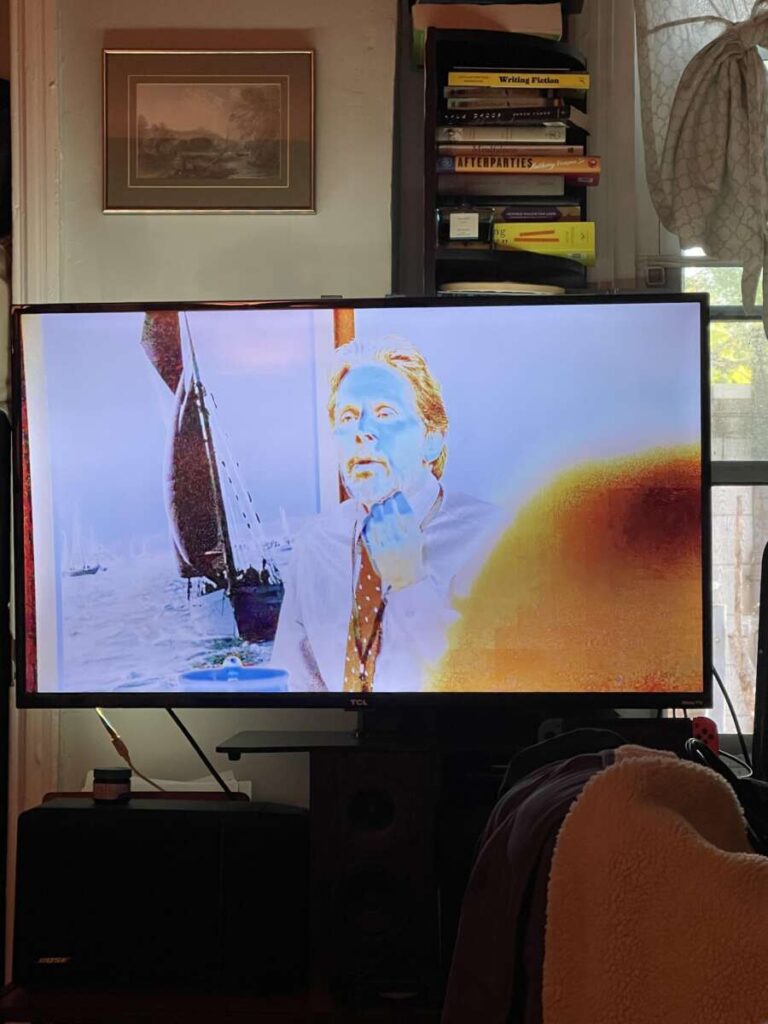
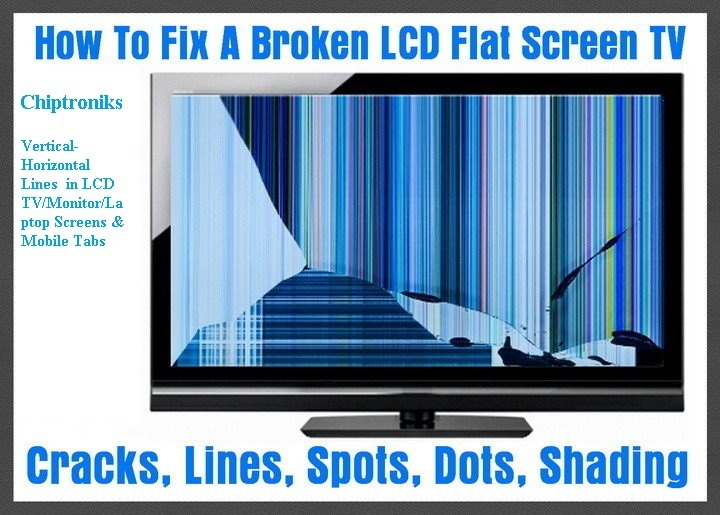
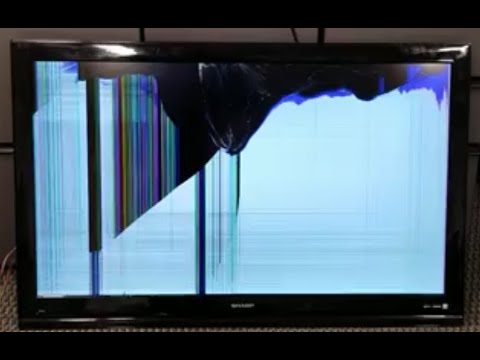
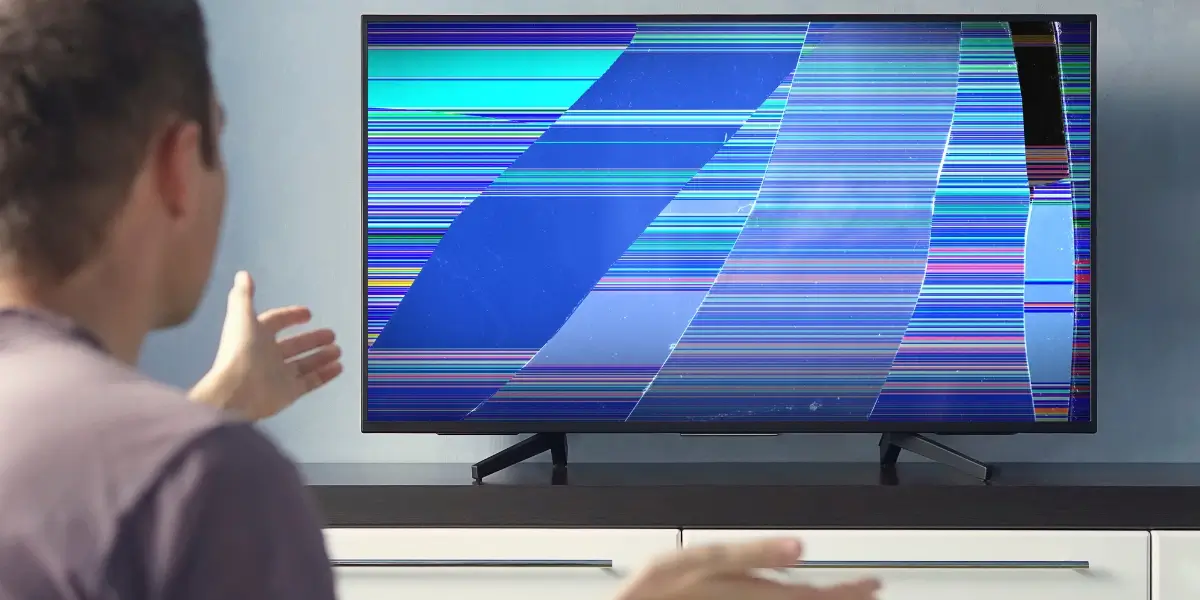
- Black splotches, colored lines, or dead pixels: The actual panel is damaged.
- Flickering or no backlight but visible image under light: Backlight or driver board issue.
From my experience, the most common case I see is a cracked LCD panel after an impact. In those situations, knowing the model and serial number is key. If you can’t find the model, use the receipt or check the sticker on the back.
Tools and parts you’ll need
Having the right tools makes repair faster and safer. For minor fixes, you need simple hand tools. For panel replacements, you’ll need parts specific to your TV model.
Essential tools and parts:
- Screwdrivers: Phillips and Torx set
- Plastic pry tools and suction cups
- ESD wrist strap to avoid static damage
- Replacement parts: bezel, outer glass, or exact panel (match model number)
- Tweezers, soft cloth, and isopropyl alcohol (90%+) for cleaning
- Adhesive strips or double-sided tape for reassembly
I always buy parts from reputable suppliers and confirm part numbers twice. Replacing the wrong panel wastes money and time. If the screen is large or expensive, consider professional installation to avoid accidental damage.
Step-by-step: fixing small bezel or outer glass cracks
When the crack is only in the bezel or a plastic cover, repair is simple and often affordable.
Steps to fix small bezel or outer glass cracks:
- Power down and unplug the TV. Let it sit for 10 minutes.
- Remove the stand or wall mount. Lay TV face-down on a soft, flat surface.
- Use small screws and a plastic pry tool to remove the bezel. Keep screws organized.
- If an outer glass or plastic cover is cracked, order the correct part using your model number.
- Clean the area with isopropyl alcohol and soft cloth.
- Install the new bezel or outer glass and reassemble, testing power before fully tightening.
I once repaired a cracked plastic bezel on a mid-range LED TV in under an hour. The part cost $20 and the TV looked like new. Small fixes like this save money and keep your set working.

Step-by-step: replacing a cracked LCD, LED, or OLED panel
Replacing a display panel is more advanced and requires care. This process is for people comfortable with electronics and careful work.
Before you start:
- Confirm the exact panel part number.
- Know that panel replacements can cost 50–80% of a new TV for some models.
- If the TV is under warranty, contact the manufacturer first.
Panel replacement steps:
- Unplug the TV and remove the stand. Lay it on a padded table face-down.
- Remove the back panel screws and carefully lift the back cover off.
- Disconnect cables from the main board, T-con board, and any inverter/backlight connectors.
- Remove any brackets and unscrew the panel frame. Have a second person if the panel is large.
- Gently lift the old panel and set it aside. Avoid bending the panel.
- Align and install the new panel. Reconnect all ribbon cables and power cables.
- Reassemble the TV. Power it on and check for image issues before sealing the case fully.
I replaced a cracked 55-inch LCD panel once and learned to label every cable during disassembly. That simple habit saved me an hour during reassembly. If you feel unsure at any step, stop and consult a repair manual or a pro.

Troubleshooting common problems after repair
After any repair, you may face common issues. Here’s how to troubleshoot.
Common post-repair symptoms and fixes:
- No power: Check the power board connections and fuse. Verify wall outlet.
- No image but sound: Check T-con cable and backlight connectors. Re-seat ribbon cables.
- Lines or artifacts: Re-seat the panel cables and check for bent pins.
- Flicker or dim display: Inspect the backlight driver and power board voltages.
Use a step-by-step approach. Re-check every cable. If problems persist, compare voltages to the service manual. I’ve fixed several cases by simply re-seating a loose ribbon cable.
Cost breakdown: repair vs replace
Deciding how to fix a cracked TV involves cost and time trade-offs. Here’s what typical costs look like.
Typical cost estimates:
- Bezel or outer glass replacement: $20–$80
- Small parts and labor (local shop): $50–$150
- Panel replacement (DIY part only): $100–$600+ depending on size and model
- Professional panel replacement (parts + labor): $200–$1000+
If panel cost is more than 50% of a new TV, replacement is often the better choice. Also factor in your time and the TV’s age. I once recommended replacement for a 7-year-old set because a new TV offered better warranty and features at a close price.

Safety and warranty considerations
Safety matters. A cracked TV has sharp edges and fragile electronics. Also, repairs can void warranties.
Key safety tips:
- Always unplug the TV before working on it.
- Wear cut-resistant gloves if handling broken glass.
- Use an ESD strap when touching boards and connectors.
- Keep liquids away; isopropyl alcohol only on cloth for cleaning.
Warranty notes:
- Manufacturer warranties rarely cover accidental cracks.
- Third-party repair may void remaining warranty. Check terms before DIY.
I once advised a friend to use an authorized repair center because they had an extended warranty. That saved them hundreds of dollars.
Preventing future cracks and extending TV life
Preventing damage is cheaper than repair. Small changes reduce risk a lot.
Prevention tips:
- Use a wall mount or a sturdy TV stand to avoid tipping.
- Keep children and pets away from the TV area.
- Use a tempered glass screen protector for large screens.
- Secure cables and avoid placing objects behind the TV where they can fall into it.
These small steps helped me avoid a second repair after a toddler incident. A simple wall mount made the set far safer.

How to choose a repair shop or technician
If you decide not to DIY, choose a trusted technician. Here’s how to pick one.
Choosing a repair service:
- Look for certified shops or technicians experienced with your brand.
- Read recent reviews and check for clear warranty on labor.
- Ask for a written estimate including parts and labor.
- Confirm turnaround time and parts sourcing.
I found a reliable shop by asking for references and checking that they sourced OEM panels. A good shop will explain options and risks plainly.
Frequently Asked Questions of how to fix a cracked tv
Is it safe to repair a cracked TV myself?
Yes, if you have basic tools and follow safety steps. Unplug the TV, work on a soft surface, and use an ESD strap for electronics.
Can a cracked TV screen be repaired without replacing the panel?
If the crack is only on the bezel or outer protective glass, yes. If the LCD/LED/OLED panel is cracked, the panel usually needs replacement.
How much does it cost to replace a TV screen?
Costs vary widely by model and size; expect $100 to $600+ for the part, and more with labor. For some TVs, panel costs approach the price of a new TV.
How long does panel replacement take?
A DIY replacement can take 1–3 hours depending on size and experience. A repair shop usually takes a few days due to parts sourcing.
Will fixing a cracked TV void my warranty?
DIY or third-party repairs often void manufacturer warranties. Check your warranty terms before attempting a repair.
Conclusion
Fixing a cracked TV means making a clear choice: a small DIY repair for bezels or outer glass, or a panel replacement that needs careful parts matching and skill. Start by diagnosing the damage, weigh repair cost against replacement value, and proceed with safety and the right tools. If you feel unsure, a reputable repair shop can save time and risk.
Take action now: inspect your TV, find the model number, and decide if you can handle how to fix a cracked TV yourself or if you should get a quote. If this guide helped, share your repair story below or subscribe for more hands-on tips.
Related Posts


Everett Ashford is a tech reviewer at mytechgrid.com specializing in SSDs, cameras, TVs, earbuds, headphones, and other consumer electronics. He provides honest, data-driven reviews based on hands-on testing and real-world performance analysis. Everett simplifies complex tech details to help readers make smart, confident buying decisions.