Yes — install Windows on an M.2 NVMe SSD for the best balance of speed and reliability.
I have built and tuned dozens of PCs and laptops, and I can say with confidence that choosing where to install Windows matters. This guide breaks down the difference between a traditional SATA SSD and an M.2 NVMe drive. You will learn real-world performance, compatibility issues, cost trade-offs, and actionable steps for installing Windows. Whether you are upgrading an old laptop or building a fast workstation, this article answers "should i install windows on ssd or m 2" and helps you choose the right option for your needs.
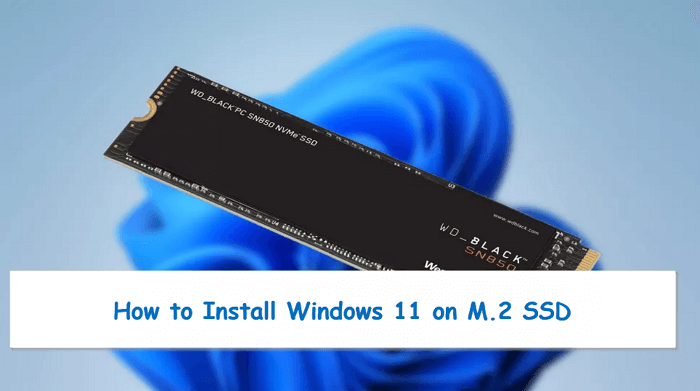
Key differences: SATA SSD vs M.2 NVMe
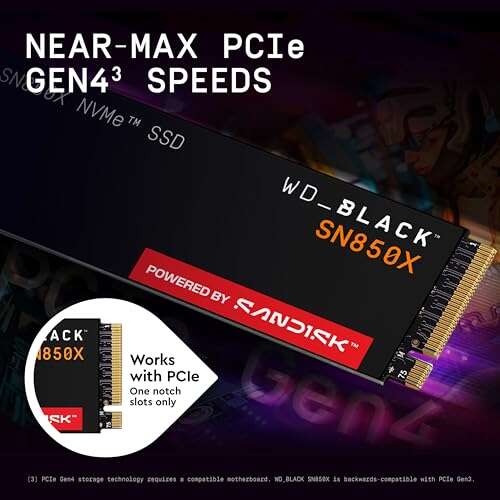
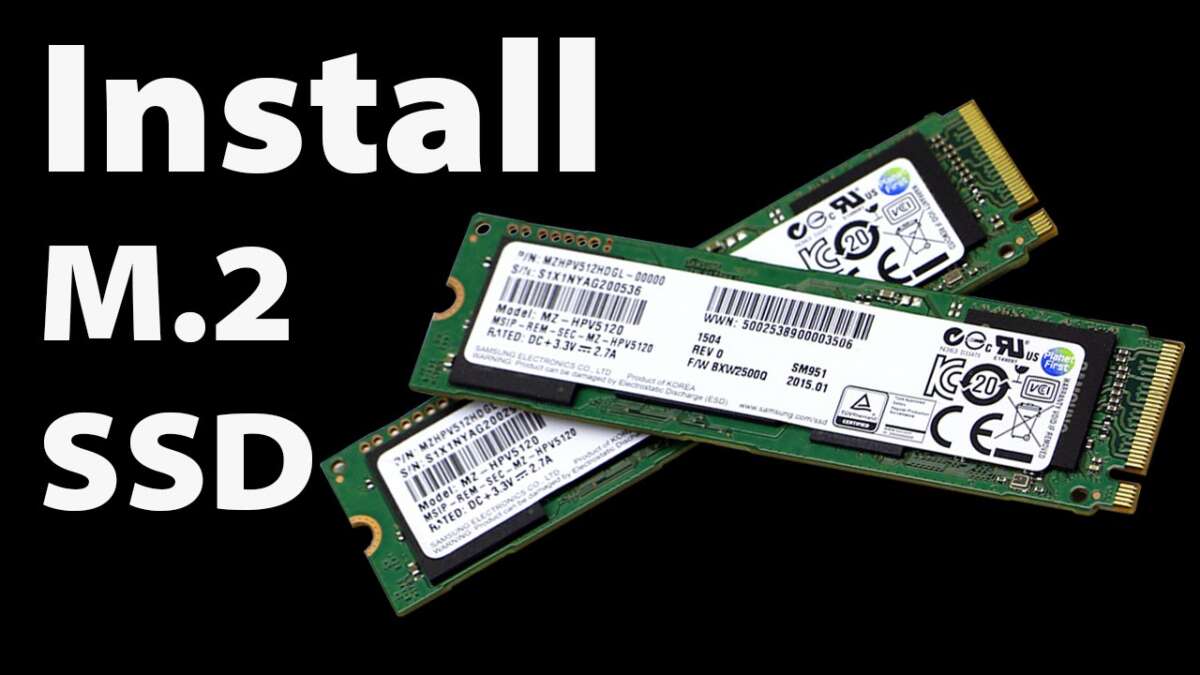
SATA SSDs use the older SATA interface. They are much faster than mechanical hard drives. M.2 is a form factor and can support either SATA or NVMe protocols. NVMe over PCIe delivers much higher bandwidth and lower latency than SATA. If you are asking "should i install windows on ssd or m 2", think of M.2 NVMe as the high-performance choice. It often boots faster, loads apps quicker, and feels snappier in daily use.
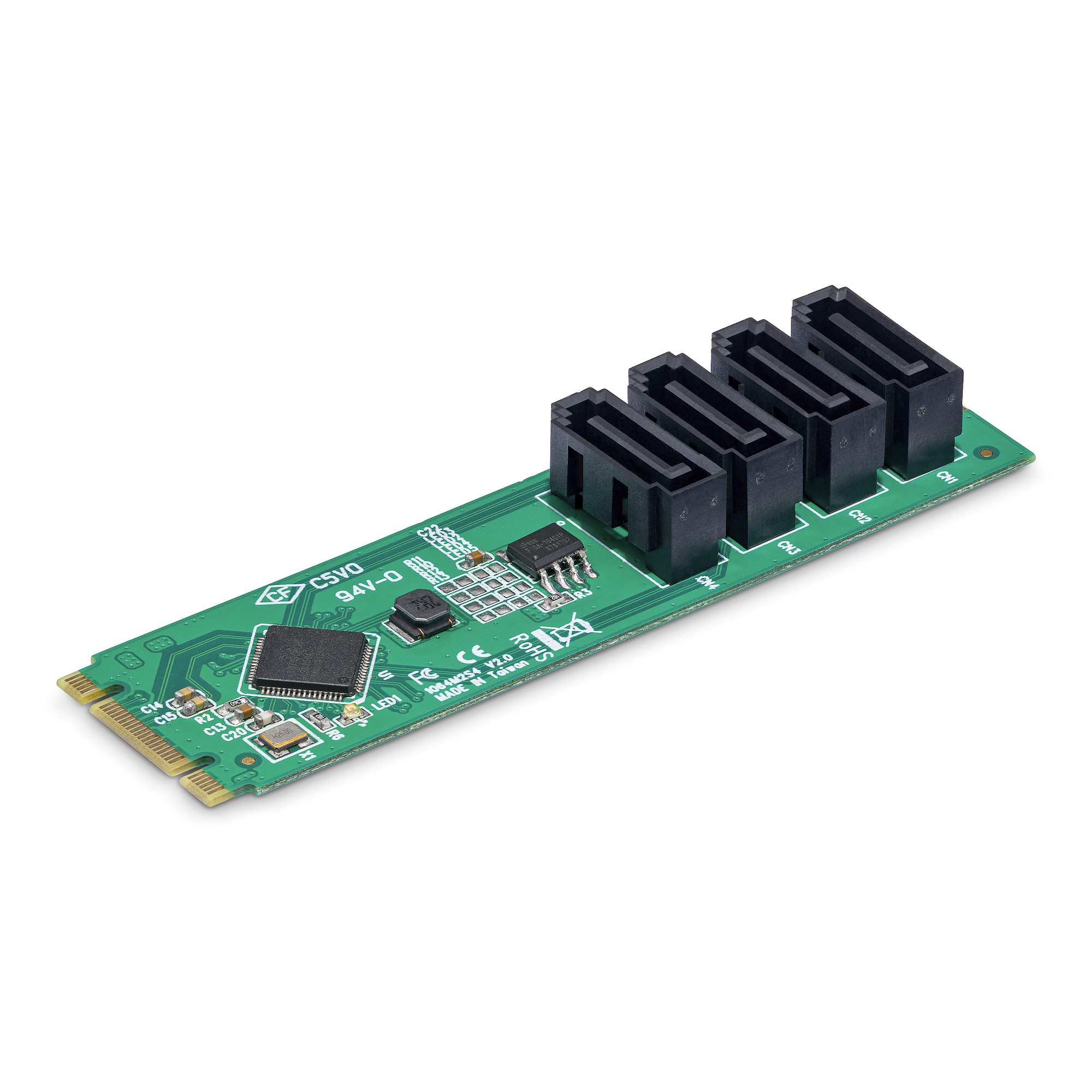
Real-world performance: what you will notice
Windows boots faster on NVMe than on SATA SSD. App launch times improve, especially for large programs. File copy and game load times are noticeably shorter with NVMe. For general office work, both SATA SSD and M.2 NVMe feel much better than HDD. If you care about raw speed and responsiveness, the answer to "should i install windows on ssd or m 2" is M.2 NVMe. For budget builds, a SATA SSD still offers great value and reliable results.

Compatibility and form factor
Not all M.2 slots support NVMe. Some only accept M.2 SATA. Check your motherboard or laptop specs. BIOS or UEFI must support booting from NVMe on older systems. For laptops, physical space and thermal constraints matter. If you are unsure and wonder "should i install windows on ssd or m 2", verify the slot type and boot support first. Use your device manual or system specifications to confirm.

Cost, capacity, and longevity
M.2 NVMe drives are generally pricier per gigabyte than SATA SSDs, though prices keep falling. SATA SSDs offer more affordable capacity for bulk storage. Endurance ratings (TBW) vary by model and matter for heavy write workloads. For most users, standard consumer NVMe drives provide plenty of endurance for years. When evaluating "should i install windows on ssd or m 2", weigh budget and storage needs against desired speed.

Use-case scenarios and recommendations
For gamers and content creators
- Choose M.2 NVMe if you want faster level loads and content handling.
- Use a larger SATA SSD for mass storage and games you play less often.
For office and everyday use
- A SATA SSD provides a huge upgrade from HDD.
- An M.2 NVMe will feel slightly faster but offers diminishing returns for basic tasks.
For laptops and ultrabooks
- Prefer M.2 NVMe if your laptop supports it and you want peak battery efficiency and speed.
- For older laptops, a SATA SSD is often the simplest upgrade.
For budget builds
- Install Windows on the fastest drive you can afford.
- If prices force a choice, a smaller NVMe for Windows and programs plus a SATA drive for files is ideal.
If you still ask "should i install windows on ssd or m 2", pick M.2 NVMe for speed and SATA SSD for value.
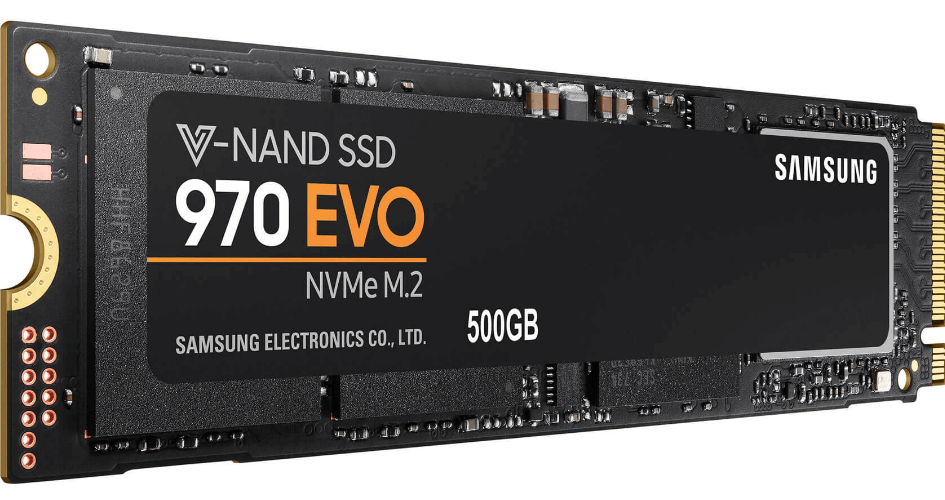
Installation tips and best practices
Backup first. Always image your current drive or create restore media. Prepare Windows installation media using a USB flash drive and official tools. In BIOS, set the drive mode to AHCI or the vendor-recommended setting. For NVMe, enable NVMe support and confirm boot order. Align partitions and install the OS fresh for best performance. After install, update chipset and storage drivers. Disable unnecessary startup apps and enable TRIM for SSD health. If you ask "should i install windows on ssd or m 2" and plan migration, cloning works but a clean install often yields better results.

Personal experience: mistakes I made and lessons learned
I once cloned an old HDD system to an NVMe and kept legacy drivers. The system booted, but stability suffered. I learned that a fresh Windows install avoids driver conflicts. I also undercooled an M.2 in a compact build and saw throttling during heavy loads. Proper cooling and slot placement matter. If you are deciding "should i install windows on ssd or m 2", learn from this: choose NVMe for speed, but plan cooling and do a clean install.
Troubleshooting common issues
Windows not booting from M.2
- Check BIOS boot mode and NVMe detection.
- Ensure the drive is initialized and has the right partition style (GPT for UEFI).
Driver or performance problems
- Install the latest storage and chipset drivers from your vendor.
- Verify TRIM is enabled and check firmware updates for the SSD.
Thermal throttling on M.2
- Add heatsinks or improve case airflow.
- Move the drive to a better-cooled slot if possible.
If these steps fail and you still wonder "should i install windows on ssd or m 2", consult your motherboard or laptop support resources.
Frequently Asked Questions of should i install windows on ssd or m 2
What are the main benefits of installing Windows on an M.2 NVMe drive?
Installing Windows on an M.2 NVMe drive gives faster boot times, quicker app launches, and better system responsiveness. It reduces wait times for heavy tasks like video editing and large file operations.
Can I install Windows on any M.2 slot?
Not all M.2 slots support NVMe or booting. Check your device specs to confirm slot type and boot support before installing Windows. Some slots support only SATA-based M.2 drives.
Is a SATA SSD still a good choice for Windows?
Yes. A SATA SSD still beats an HDD by a large margin and is a cost-effective way to speed up Windows. For many users, it is a practical and reliable option.
Will Windows wear out my SSD or M.2 quickly?
Modern SSDs and M.2 drives include wear-leveling and high endurance ratings. Normal Windows use will not wear them out quickly. Enable TRIM and avoid unnecessary writes to extend lifespan.
Should I clone my old system or do a fresh install on NVMe?
Cloning works and saves time, but a fresh install reduces driver conflicts and can give better performance. For best stability and cleanliness, reinstall Windows fresh on the new drive.
Conclusion
Installing Windows on an M.2 NVMe drive gives the best performance and user experience for most people. A SATA SSD remains a strong, budget-friendly choice that still outperforms HDDs by a large margin. Be sure to check compatibility, back up data, and consider thermal needs before you switch. Take action today: review your device specs, choose the drive that matches your goals, and plan a clean installation for the smoothest outcome. Share your upgrade plans or questions below, or subscribe for step-by-step setup guides.

Everett Ashford is a tech reviewer at mytechgrid.com specializing in SSDs, cameras, TVs, earbuds, headphones, and other consumer electronics. He provides honest, data-driven reviews based on hands-on testing and real-world performance analysis. Everett simplifies complex tech details to help readers make smart, confident buying decisions.