Check model numbers on the earcup, packaging, Bluetooth name, or in the Bose app to identify your headphones.
I’ve spent years fixing and reviewing audio gear, and I can tell you exactly how to tell which Bose headphones I have. This guide walks you through every clear, simple step to identify any Bose pair you own. I’ll share hands-on tips, common pitfalls, and quick checks that work whether your headphones are new, used, or found in a drawer.
Quick checklist to identify your Bose headphones
Start with a short list you can follow right now. These steps help you learn how to tell which Bose headphones I have in minutes.
- Look for a model number on the earcup, headband, or inside the charging case.
- Turn on the headphones and note the Bluetooth device name.
- Open the Bose app and check the device info screen.
- Inspect the box, receipt, or original manual for model and serial details.
- Compare visual cues like earcup shape, ANC switch, and button layout to known models.
Follow these in order. They solve most ID problems fast. If one step fails, move to the next.

Step-by-step: check physical markings
Physical markings are often the fastest proof. Many Bose sets have a small label or stamped code you can read.
- Inspect the inner headband and earcup foam. You may see a stamped model like “QC35 II” or “700.”
- Check the charging case base for earbuds. The small label commonly lists model and serial.
- Look at the inside of the right earcup for minute text printed near the hinge.
If text is worn, use a flashlight and a magnifier. Take a clear photo and zoom in. This step alone often answers how to tell which Bose headphones I have.
Use the Bose app, Bluetooth name, and device info
The software side makes identification easy. Bose devices often report their model to phones and apps.
- Pair the headphones with your phone and view the Bluetooth name. Many show models, like “Bose QC35 II.”
- Open the Bose Music or Bose Connect app. The app usually shows the model on the home screen.
- Check the device info page in your phone’s Bluetooth settings for manufacturer details.
If the name is generic, try resetting and pairing again. The app can also push firmware updates that reveal the exact model. This is one of the most reliable ways to know how to tell which Bose headphones I have.
Compare visual features to popular Bose models
A quick visual comparison often nails the model. Use these high-level cues.
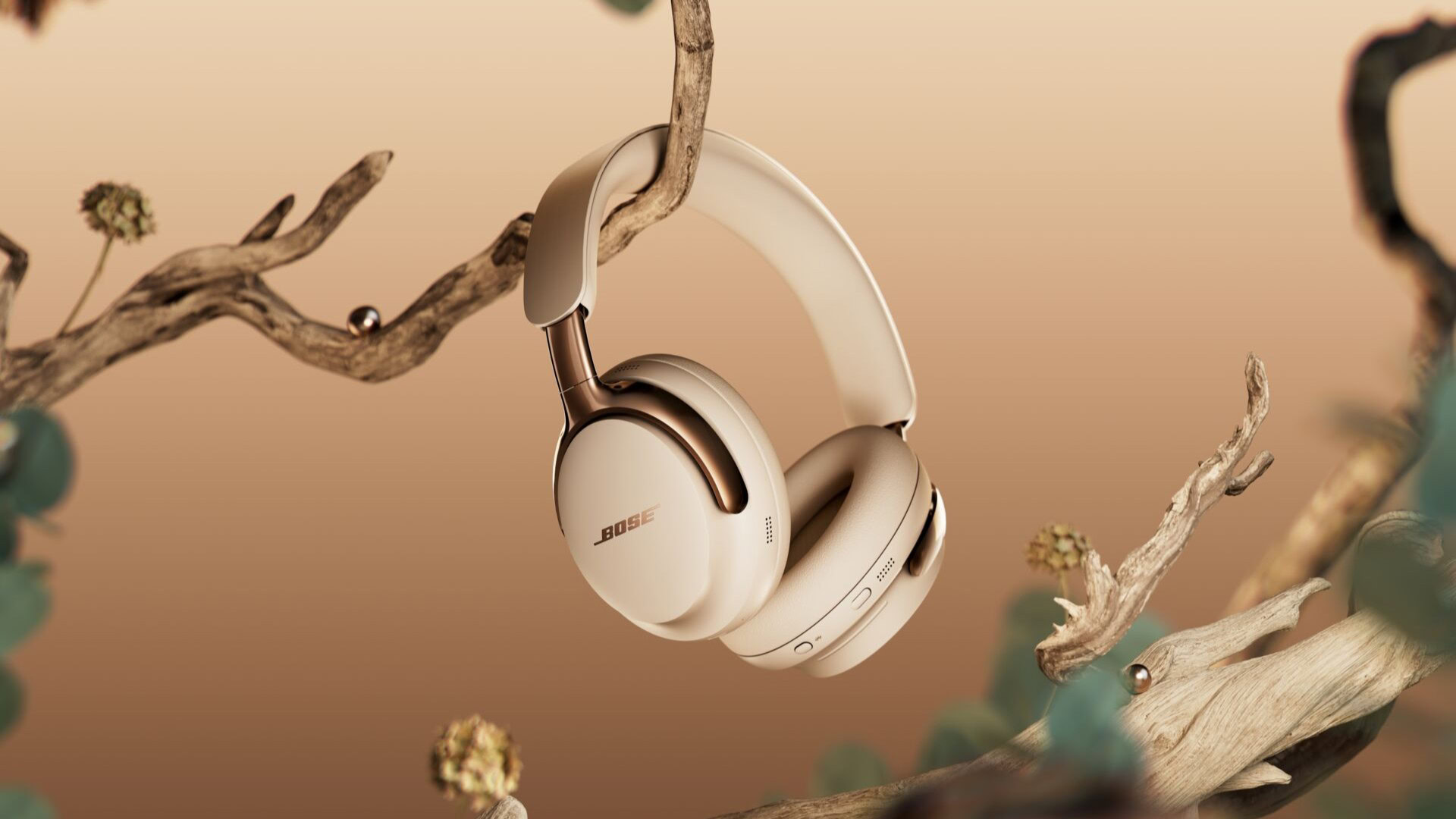
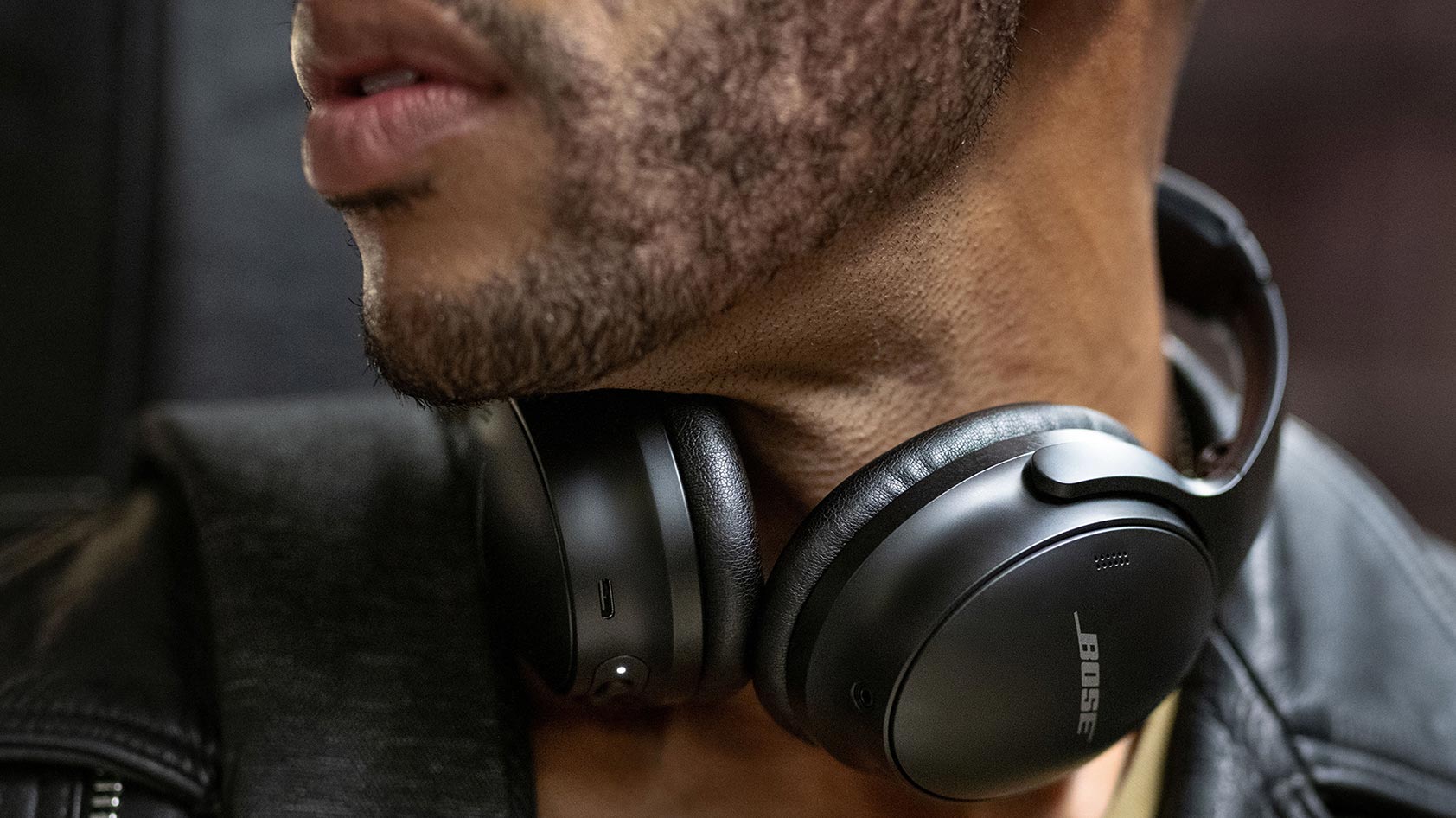
- QuietComfort series: round earcups and a soft foldable headband. Often labeled QC20, QC25, QC35.
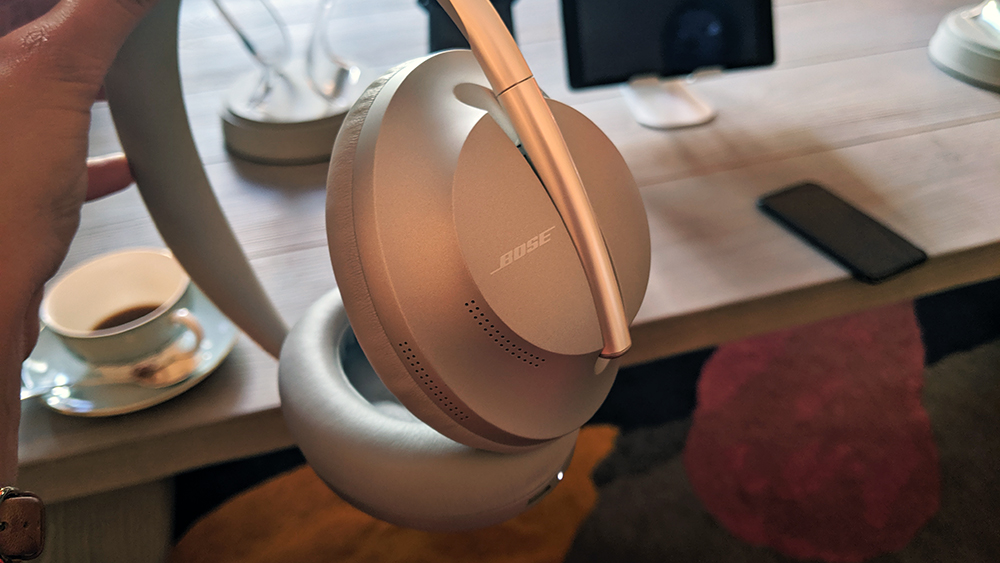
- Noise Cancelling Headphones 700: sleek, angular earcups and a slim headband with an exposed stainless-steel headband strip.
- SoundLink around-ear: less bulky than QC; often comes with a signature leather-like finish.
- Earbuds (QuietComfort Earbuds, Sport Earbuds): look for charging case shape and tip style.
Take photos of your headphones. Then compare to official images or retailer listings. This comparison helps confirm how to tell which Bose headphones I have without opening apps or boxes.

Find the model and serial on packaging and paperwork
If you kept the box or manual, identification is trivial.
- The retail box almost always lists the full model name and number on a sticker.
- Receipts and order confirmations will include the product name.
- Manuals and warranty cards show model names and the serial number.
If you bought used, ask the seller for a photo of the box label. That makes verifying authenticity easy and helps you know how to tell which Bose headphones I have.
Tips from personal experience and mistakes to avoid
I’ve identified dozens of Bose pairs for friends and clients. These lessons save time.
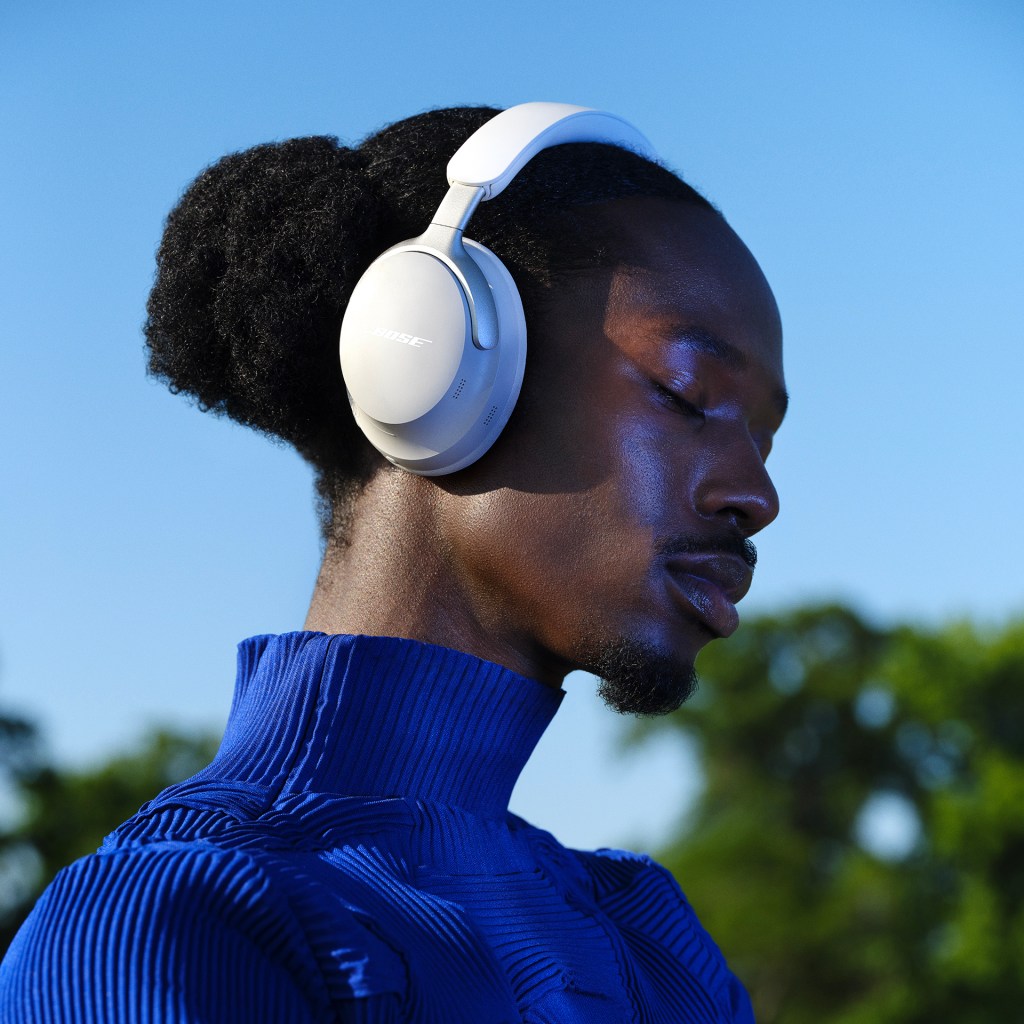
- Don’t assume similar-looking models are the same. QC35 and QC45 look close, but the QC45 has different controls.
- Avoid basing ID only on color. Bose often uses the same color across models.
- If the label is missing, use the Bose app and the Bluetooth device name first.
- Keep receipts and take a photo of the model number when new. It saves future headaches.
- If buying used, request a live pairing demo so you can see the Bluetooth name and app info.
These tips reflect real fixes I’ve made. They are practical and reduce mistakes when learning how to tell which Bose headphones I have.
When identification fails: support, repair, and serial lookup
If all else fails, there are fallback routes that work.
- Check online serial lookup tools available for warranty checks. Enter the serial found on the device.
- Contact Bose support with photos and any serial numbers. They can confirm the model.
- Visit an authorized service center. They can open the unit to read hidden labels.
Be ready to share purchase proof if you ask for warranty help. Using these channels is the last step when you still can’t tell how to tell which Bose headphones I have.
Frequently Asked Questions of how to tell which bose headphones i have
How do I find the model number on my Bose headphones?
Look inside the headband, on the earcup hinge, or on the charging case base. Many models have a small printed or stamped code near a seam.
Can the Bluetooth name tell me the exact model?
Yes, often the Bluetooth name shows the model, like “Bose QC35 II.” If it shows a generic name, use the Bose app for more detail.
What if my headphones have no markings or box?
Use the Bose app, serial lookup, or contact support with photos. Authorized service centers can identify hidden labels.
Are visually similar models interchangeable for parts?
Not always. Some models share parts, but many use unique components. Confirm the exact model before buying parts.
How can I identify Bose earbuds versus over-ear models quickly?
Check the form factor and case. Earbuds sit in a small charging case, while over-ear models have headbands and larger earcups.
Conclusion
You now have a clear, step-by-step path to figure out how to tell which Bose headphones I have. Start with physical markings, move to Bluetooth and the Bose app, and use packaging or support if needed. These steps reduce guesswork and protect you from mistakes when buying parts or selling a pair.
Try the checklist now on your headphones. If you still need help, leave a comment or take photos and reach out for a guided ID. Explore more guides, subscribe for updates, or share this post with someone hunting for their model.

Everett Ashford is a tech reviewer at mytechgrid.com specializing in SSDs, cameras, TVs, earbuds, headphones, and other consumer electronics. He provides honest, data-driven reviews based on hands-on testing and real-world performance analysis. Everett simplifies complex tech details to help readers make smart, confident buying decisions.