Open the case or long-press the earbuds' power/pairing button until the LED flashes, then pair.
I’ve guided dozens of people through Bluetooth issues and tested many Sony models. This guide shows exactly how to put Sony earbuds in pairing mode, step-by-step, with model-specific notes, common problems, and quick fixes. Read on for clear, practical instructions and real-world tips that save time and frustration.
How to put Sony earbuds in pairing mode — quick universal steps
Putting Sony earbuds in pairing mode is usually simple. Most true wireless Sony earbuds enter pairing by opening the case or long-pressing a button on the earbuds. Follow these steps to pair quickly.
- Make sure earbuds are charged.
- Turn on Bluetooth on your phone or computer.
- Open the charging case near your device or long-press the earbuds' power/pairing button until the LED flashes or a voice prompt says "pairing."
- Select the Sony earbuds from the device list and confirm pairing.
These steps work for most Sony models. If they don't, follow the model-specific instructions below. I often use these steps first when helping friends, and they resolve the issue in most cases.
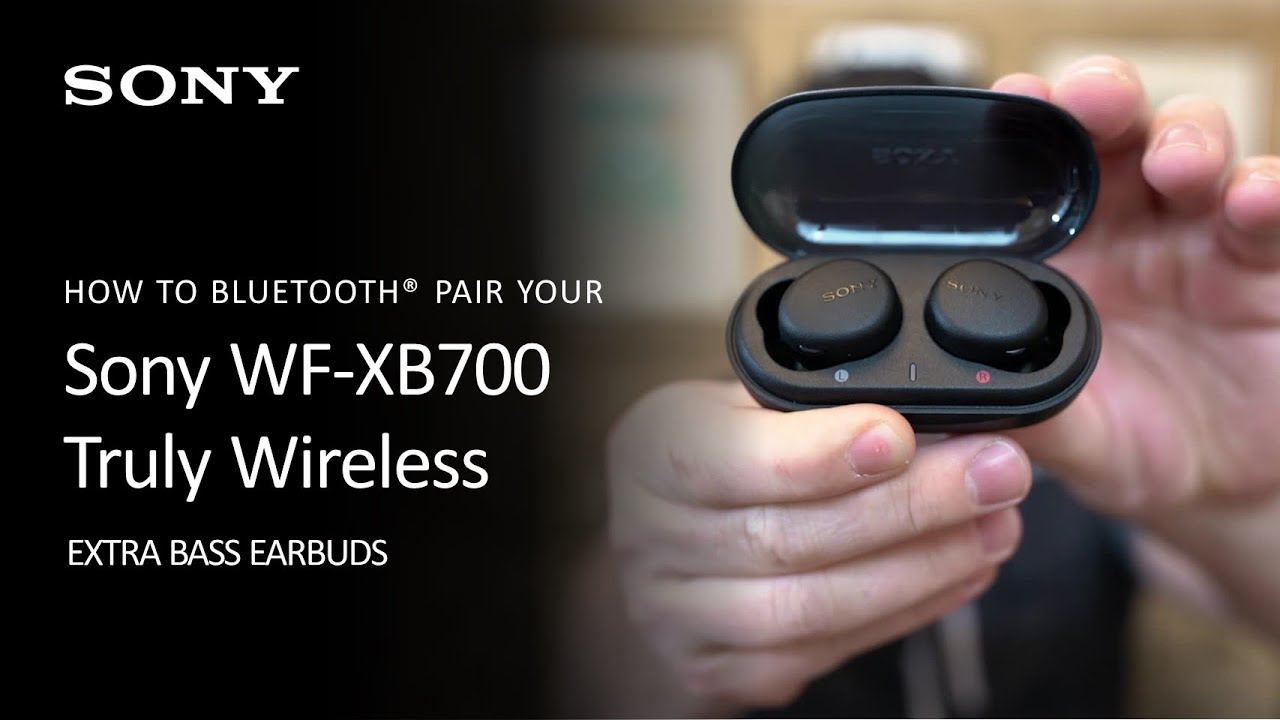
Model-specific instructions for how to put Sony earbuds in pairing mode
Different Sony models use slightly different methods. Here are clear steps for common models.
WF-1000XM4 and WF-1000XM5
- With earbuds in the case, open the lid near your device. The earbuds should enter pairing mode automatically the first time.
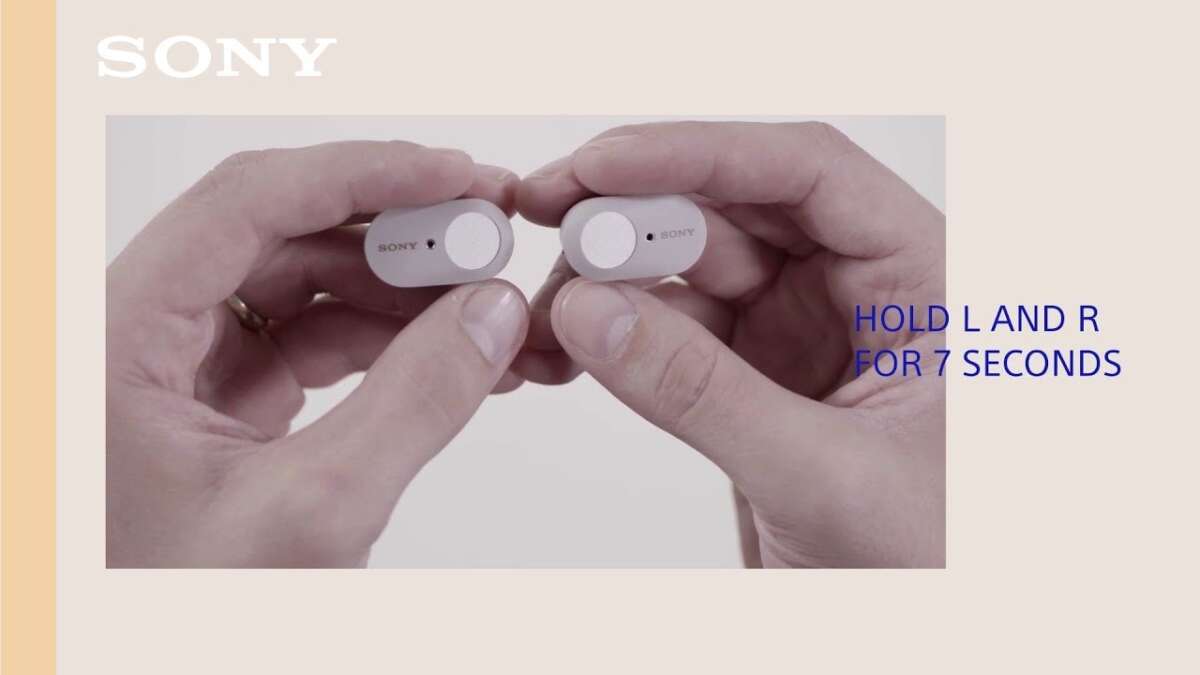
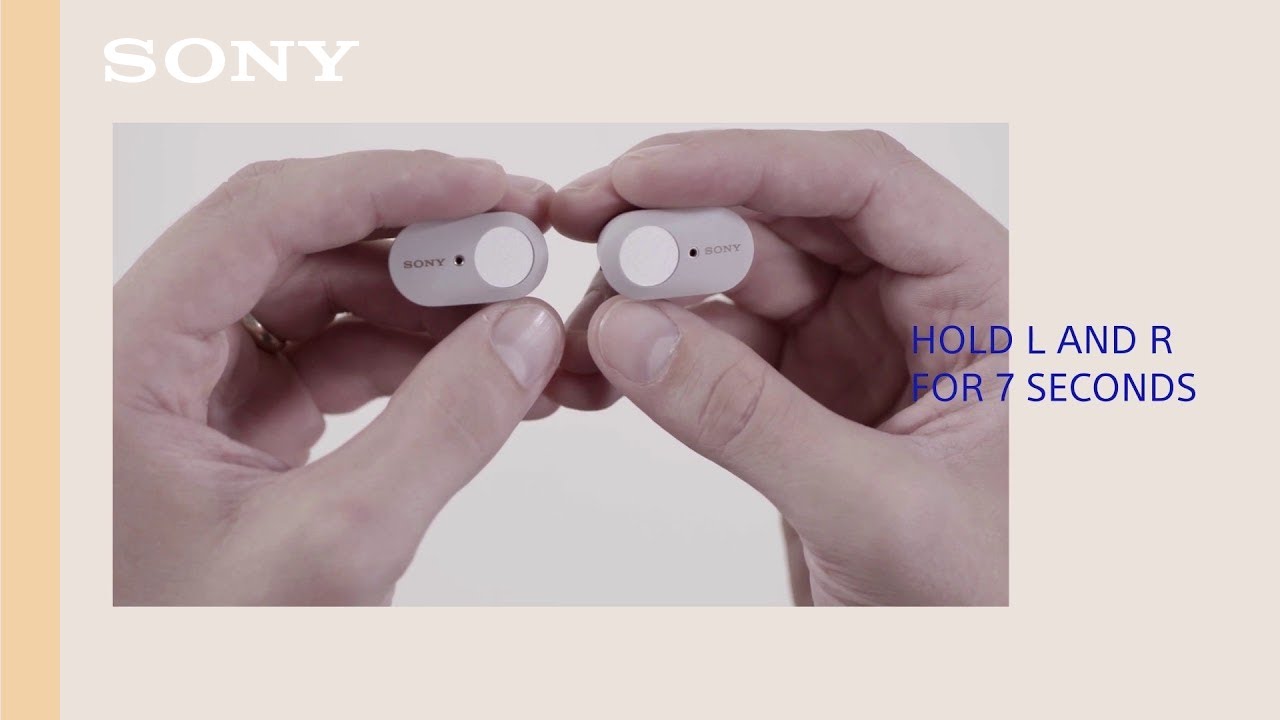
- If not, remove both earbuds and hold the touch sensor on both earbuds for about 7 seconds until the indicator flashes blue and red.
- Select the earbuds in your Bluetooth list.
WF-1000XM3
- Place earbuds in the case and close the lid. Open the lid to start pairing if first time.
- If not pairing, press and hold the button on the case for 7 seconds until the indicator blinks.
- Pair from your device.
WF-SP800N and WF-SP700N
- Remove earbuds and press and hold the power buttons for about 7 seconds until LED blinks.
- Pair from your phone or computer.
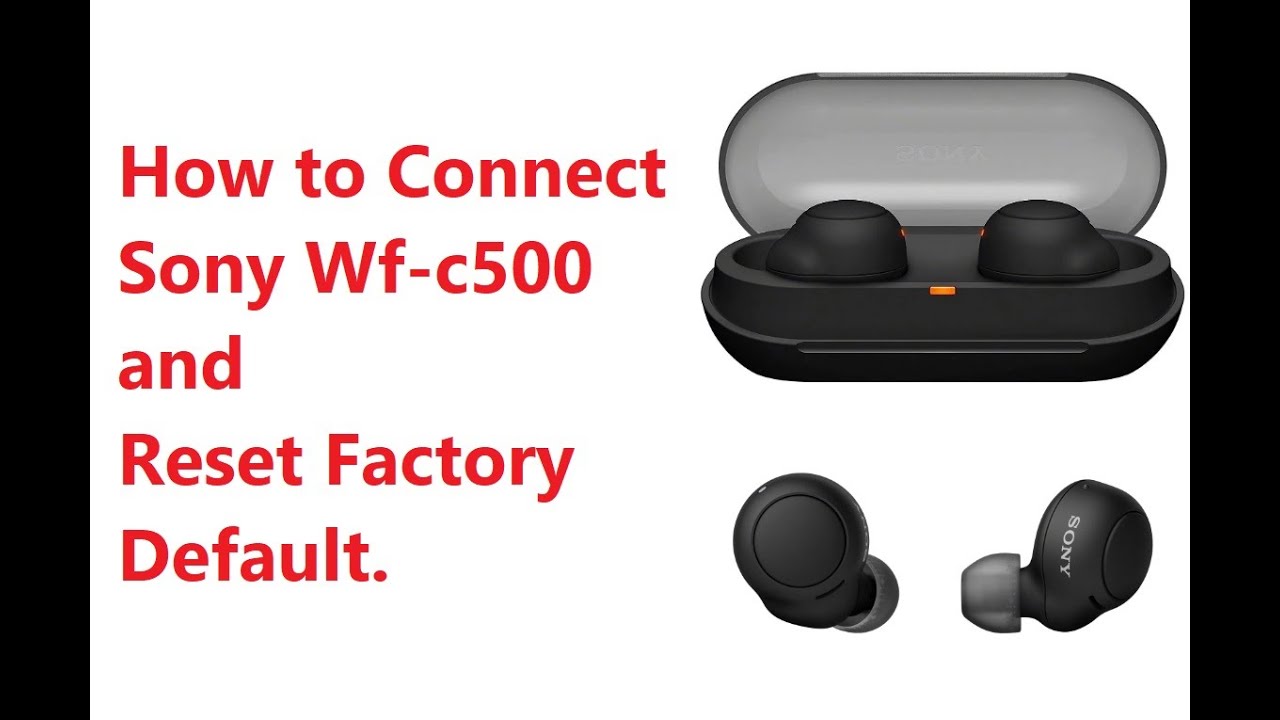
WF-C500 and more basic models
- Remove an earbud and press and hold its power button for several seconds until LED blinks.
- Look for the device name on your Bluetooth list and connect.
If your model supports Sony Headphones Connect, open the app. The app helps manage pairing and multi-device connections. My recommendation: use the app for firmware updates and smoother pairing.
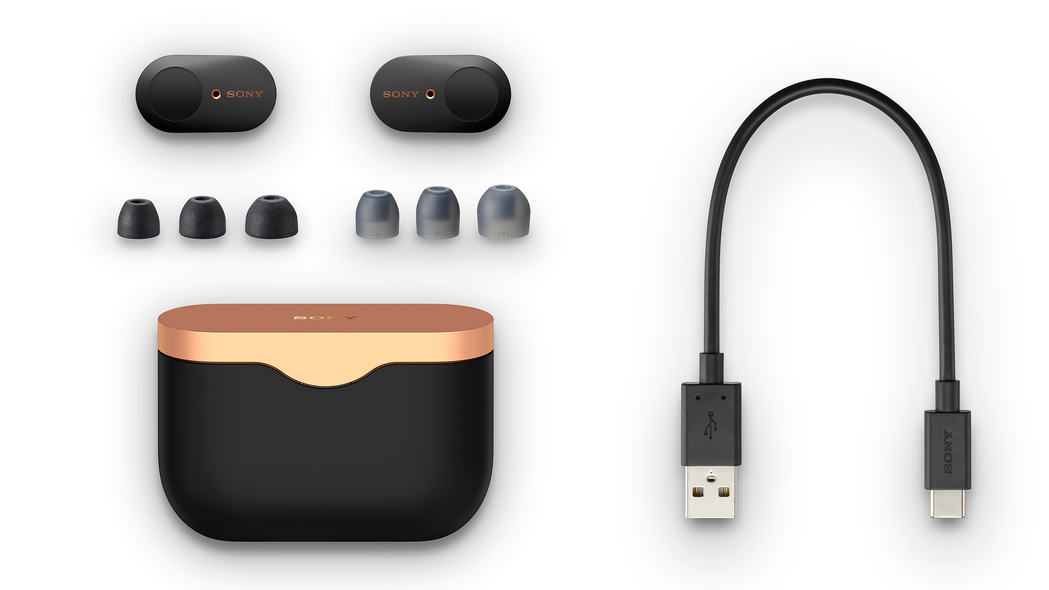
How to put Sony earbuds in pairing mode with different devices
Pairing steps are similar across devices, with small interface differences. Here are concise instructions for common platforms.
Android
- Open Settings > Bluetooth.
- Turn on Bluetooth.
- Put the earbuds in pairing mode.
- Tap the earbuds’ name to connect.
iPhone (iOS)
- Open Settings > Bluetooth.
- Turn on Bluetooth.
- Put earbuds in pairing mode.
- Tap the earbuds under “Other Devices” to pair.
Windows 10 / 11
- Open Settings > Bluetooth & devices > Add device.
- Choose Bluetooth.
- Put earbuds in pairing mode.
- Select the earbuds to connect.
Mac
- Open System Settings > Bluetooth.
- Turn on Bluetooth.
- Put earbuds in pairing mode.
- Click Connect beside the earbuds’ name.
I once paired a pair of Sony earbuds to a work laptop in under 90 seconds using these steps. Keep devices close and Bluetooth enabled while pairing for the best results.
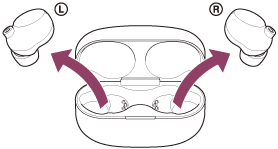
Troubleshooting: common problems when trying to put Sony earbuds in pairing mode
If pairing fails, try these quick fixes. Each step is simple and fast.
- Check battery level
- Low battery can prevent pairing. Charge the case and earbuds for at least 15 minutes.
- Reset the earbuds
- Many Sony earbuds have a reset sequence. For example, holding both touch sensors or pressing the case button for 20 seconds. Reset clears pairing memory.
- Forget device on phone
- Remove the earbuds from your phone’s Bluetooth list, then attempt pairing again.
- Turn Bluetooth off and on
- Toggle Bluetooth on your device before trying again.
- Move closer and reduce interference
- Bluetooth works best within 10 meters and away from Wi-Fi routers or microwaves.
If none of these work, a firmware update via Sony Headphones Connect often fixes bugs. I encountered one pair that required an update to connect properly; the update solved it immediately.
Tips, best practices, and mistakes to avoid when you put Sony earbuds in pairing mode
A few habits make pairing painless. Learn from my experience to avoid common errors.
- Keep firmware updated
- Firmware updates fix connectivity bugs and improve pairing stability.
- Use the Sony Headphones Connect app
- The app simplifies pairing, firmware updates, and settings.
- Pair one device at a time during setup
- Having multiple devices trying to connect can confuse earbuds.
- Avoid rapid on/off cycles
- Rapidly turning Bluetooth on and off can cause glitches.
- Know the model’s reset procedure
- Save the manual or a quick note with reset steps.
One mistake I often saw: users tried pairing with low battery. Charge first. That simple step avoids frustration.
Frequently Asked Questions of how to put sony earbuds in pairing mode
How long do I need to hold the button to enter pairing mode?
Hold the power or touch sensor for about 7 seconds until the LED blinks or you hear a voice prompt indicating pairing mode.
What if my Sony earbuds won't enter pairing mode?
Charge the earbuds, reset them using the model-specific reset steps, and remove them from your device’s Bluetooth list before trying again.
Can Sony earbuds pair with multiple devices at once?
Some Sony models support multipoint connection to two devices. Check your model’s specifications in the Sony Headphones Connect app.
Do I need the Sony Headphones Connect app to pair?
No, you can pair via Bluetooth settings without the app, but the app helps with setup and firmware updates.
How do I reset Sony earbuds to factory settings?
Reset procedures vary. Common methods include holding touch sensors on both earbuds for 10–20 seconds or pressing the case button. Refer to your model’s instructions for exact steps.
Conclusion
You can put Sony earbuds in pairing mode quickly by opening the case or long-pressing the power/pairing button until a flashing LED or voice prompt appears. Follow the model-specific steps, use the Sony Headphones Connect app when possible, and try simple fixes like charging and resetting if pairing fails. Take action now: check your earbuds' model, ensure firmware is updated, and use these steps to pair confidently. If this guide helped, leave a comment with your model or question, or subscribe for more practical tech tips.

Everett Ashford is a tech reviewer at mytechgrid.com specializing in SSDs, cameras, TVs, earbuds, headphones, and other consumer electronics. He provides honest, data-driven reviews based on hands-on testing and real-world performance analysis. Everett simplifies complex tech details to help readers make smart, confident buying decisions.