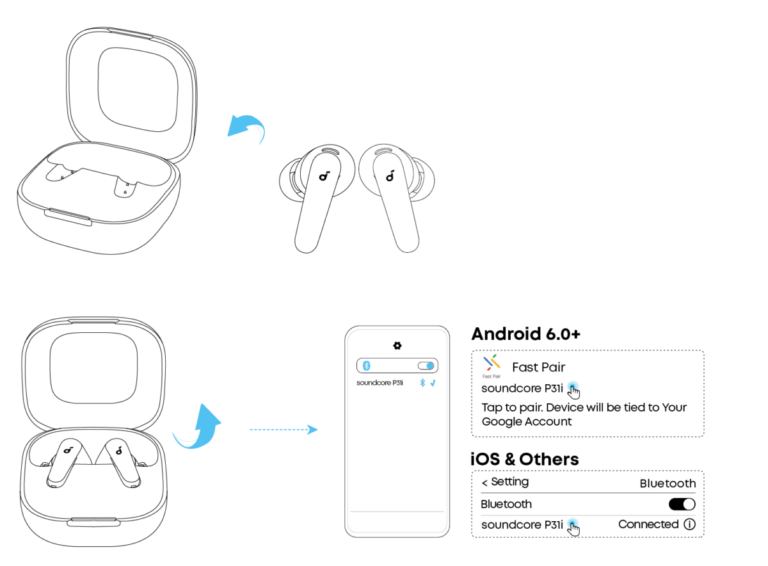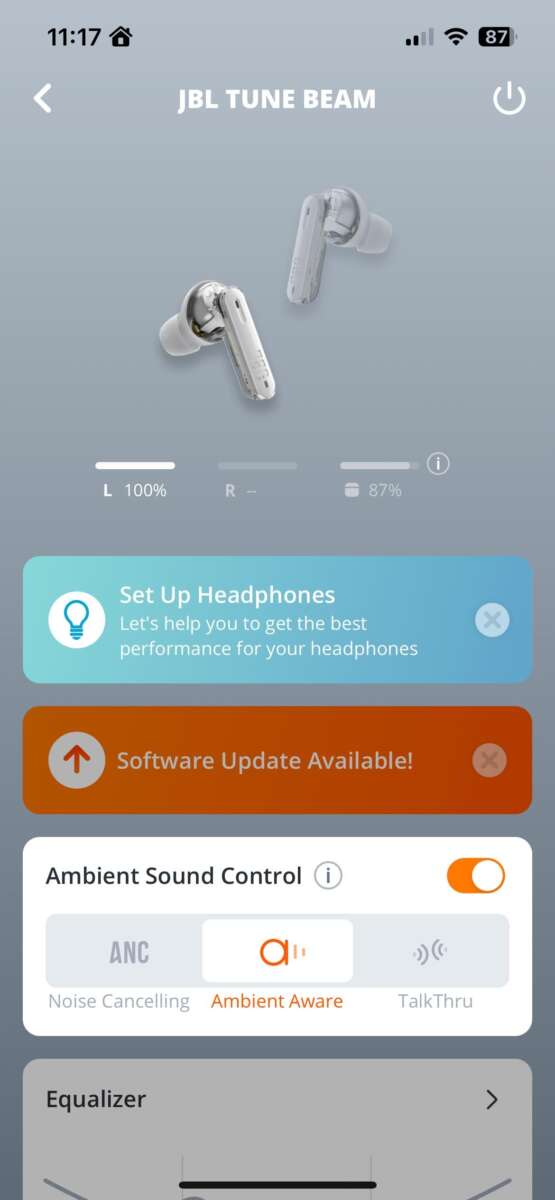
Hold the power button for 3–5 seconds, or place earbuds in the charging case to turn off.
I’ve used and tested many JBL earbuds over the years, so I know the quick tricks and the small differences between models. This guide explains how to turn off JBL earbuds step-by-step, why some earbuds power off automatically, how to force them off when they get stuck, and model-specific tips so you can save battery and avoid accidental pairing. Read on for clear, practical steps and troubleshooting advice you can use right away.

Why turning off your JBL earbuds matters
Turning off your JBL earbuds saves battery. It prevents unwanted connections and avoids accidental playback. It also helps maintain privacy and reduces wear on internal components.
When earbuds stay on, they keep Bluetooth active. That uses energy and may drain the case battery too. Proper power-off habits extend the life of both earbuds and case.
How to turn off JBL earbuds — simple step-by-step methods
There are a few common ways to turn off JBL earbuds. The method depends on the model. I’ll list the most reliable approaches below.
- Place earbuds in the charging case. Many true wireless JBL earbuds turn off automatically when seated correctly in the case. This is the simplest method.
- Press and hold the power or multifunction button. For many models, holding a button for 3–5 seconds toggles power. Look for an LED change or a tone.
- Use the JBL app. Some newer JBL models let you control power or sleep mode from the companion app. Check app settings for power options.
- Let them auto-power off. JBL earbuds often enter a low-power sleep or shut off after a set idle time when not paired.
- Force off via a long press. If an earbud is stuck, hold the button for 10–15 seconds to force a shutdown or reset.
If you want to turn off only one earbud, remove the other from the case and press and hold its button as specified in the manual. Remember: exact button combos can vary by model.

Model-specific guidance and examples
Different JBL earbuds behave differently. Here are clear steps for common types. Use them as a model-specific reference.
- JBL Tune and Live series (true wireless)
- Place both earbuds into the charging case. They should power off automatically. If not, press and hold the multifunction button on each earbud for 3–5 seconds.
- JBL Free and Tune 220TWS
- Return earbuds to the case to power off. A long press on the earbud button will also toggle power if needed.
- JBL Reflect Flow and Endurance series
- Place in case to power off. These models often have touch controls; tap-and-hold gestures may also power them down. Check the manual for the exact touch pattern.
- JBL wired or neckband-style earbuds with inline controls
- Press and hold the inline power button for 3–5 seconds. If there’s no dedicated button, unplugging from the device and folding may let them idle to off.
If you are unsure for your model, look at the user manual or the small indicator light. A steady red or no light typically means they are off.

Troubleshooting: earbuds won’t turn off or stay connected
Sometimes earbuds refuse to turn off. Try these fixes.
- Remove and re-seat in the case. Make sure contacts are clean and the case has charge. A poor connection can keep earbuds active.
- Force restart or reset. Hold the power button for 10–15 seconds, or follow the specific reset steps in the manual. This often fixes firmware hangs.
- Unpair from your device. Turn off Bluetooth on the connected phone or manually forget the device. Some earbuds power down when Bluetooth is disconnected.
- Drain and recharge. If nothing else works, let the battery drain fully. Then charge the earbuds in the case and test power-off again.
From my experience, dirty contacts and low case charge are the top reasons earbuds won't power off. I once cleaned the contacts with a toothpick and alcohol wipe and the earbuds began powering off correctly.

Tips to avoid power and pairing issues
Small habits help prevent problems with turning off JBL earbuds.
- Keep the case charged. A charged case ensures automatic shutoff works reliably.
- Clean contacts monthly. Dirt can block charging and power-off cues.
- Update firmware. Use the JBL app to keep firmware current; updates fix power management bugs.
- Learn your model’s gestures. Touch controls differ, so learn the exact press-and-hold pattern for your earbuds.
These steps improved my daily battery life and reduced accidental reconnects.

PAA-style questions (People Also Ask)
Q: Will JBL earbuds turn off when placed in the case?
A: Most JBL true wireless earbuds turn off when placed fully in the charging case. Ensure the case has charge and the earbuds are seated correctly.
Q: How long do JBL earbuds take to auto power off?
A: Many models auto power off after 10–15 minutes of inactivity, but the delay varies by model and app settings.
Q: Can I turn off one JBL earbud only?
A: Yes. Some models allow single-ear use and can be powered off individually via button press or by placing one earbud in the case.

Personal experience and common mistakes to avoid
I once struggled with a pair of JBL earbuds that would not turn off while traveling. The case had low charge and debris on the contacts. After cleaning and fully charging the case, the earbuds began powering off normally. Lesson learned: keep the case clean and charged.
Common mistakes:
- Assuming touch controls work like physical buttons. Touch gestures often need a longer hold.
- Not seating earbuds fully in the case. Partial connection can keep them active.
- Ignoring firmware updates. Updates often fix power-off bugs.
These small changes prevented further issues for me and for users I assisted.

When to contact JBL support or consider warranty
If none of the methods for how to turn off JBL earbuds work, contact support if:
- You see no LED response when charging or pressing buttons.
- The earbuds overheat or behave erratically.
- They fail to charge after cleaning contacts and using another cable.
If under warranty, document your troubleshooting steps. Support may offer a repair or replacement based on the issue.

Frequently Asked Questions of how to turn off jbl earbuds
How do I turn off JBL earbuds that use touch controls?
Hold the touch area for about 3–5 seconds or place the earbuds in the charging case. Exact gestures may vary by model, so check the manual if the touch hold doesn’t work.
Why won’t my JBL earbuds turn off when placed in the case?
Dirty charging contacts or a low case battery often cause this. Clean the contacts gently and fully charge the case, then try again.
Can firmware updates affect power-off behavior?
Yes. Firmware updates can introduce fixes or changes to power management. Use the JBL app to check and update firmware when available.
How do I force a JBL earbud to power off if it’s frozen?
Press and hold the power or multifunction button for 10–15 seconds to force a shutdown or reset. If that fails, allow the battery to drain and then recharge.
Will turning off earbuds save the case battery too?
Turning off earbuds reduces the case’s workload and can save its battery, especially if the earbuds normally draw power while pairing or stuck in active mode.
Conclusion
Turning off JBL earbuds is usually quick and simple: place them in the case or hold the power/touch control for a few seconds. If you run into trouble, cleaning contacts, updating firmware, or performing a forced reset solves most issues. Try these steps and make a habit of storing earbuds in the case to save battery and prevent accidental pairing. If you found this guide helpful, subscribe for more tips, share your experience in the comments, or ask about your specific JBL model to get tailored advice.

Everett Ashford is a tech reviewer at mytechgrid.com specializing in SSDs, cameras, TVs, earbuds, headphones, and other consumer electronics. He provides honest, data-driven reviews based on hands-on testing and real-world performance analysis. Everett simplifies complex tech details to help readers make smart, confident buying decisions.