Yes — you can play games off an external SSD on most devices.
That said, not every setup is equal. The answer depends on your platform, the SSD you pick, and how you connect it. I’ve set up and tested gaming on external SSDs across PC, consoles, and handhelds. In this guide, I’ll show you exactly when it works, how well it performs, and what to buy so your games load fast and run smooth. If you’ve wondered can you play games off an external SSD, this is your no-nonsense roadmap.

Can you play games off an external SSD? The short and long of it
Yes, you can play games off an external SSD on Windows PCs, Macs, Steam Deck, PS4, and Xbox One. On PS5 and Xbox Series X|S, there are rules. PS5 games must run from the internal NVMe, while PS4 games can run from USB. On Xbox Series X|S, “Optimized for Series X|S” games must run from the internal SSD or the official expansion card, while Xbox One and older titles can run from USB.
So, can you play games off an external SSD in real life? Absolutely, if your platform allows it and you use a fast USB connection. Modern external SSDs load games far faster than hard drives and feel close to internal SATA SSDs. If you’re thinking “can you play games off an external SSD without issues,” plan the right drive, port, and file system and you’ll be set.

How external SSD performance affects gaming
External SSD performance is driven by interface speed and the SSD’s controller and flash.
- Typical numbers you’ll see
- 2.5-inch HDD: 80–140 MB/s, very slow seeks.
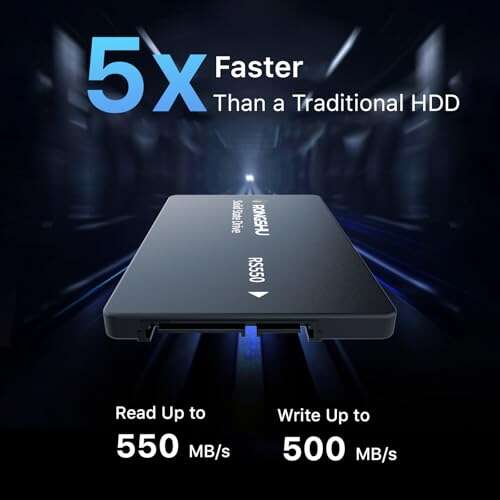
- SATA SSD: up to ~550 MB/s, fast seeks.
- USB 3.2 Gen 2 external SSD: up to ~1,000 MB/s real-world.
- Thunderbolt 3/4 NVMe enclosure: 2,000–3,000+ MB/s.
- Internal NVMe (PCIe 3.0/4.0): 3,000–7,000+ MB/s.
What this means: most games stream data in bursts. Load screens and texture streaming love SSDs because random reads are quick. Moving from HDD to any SSD usually cuts load times by 40–80%. A good USB 3.2 Gen 2 drive often feels close to a SATA SSD. High-end NVMe inside the PC is still fastest, and it matters for certain next-gen titles that rely on very fast streaming and GPU decompression.
Real-world example from my testing
- Baldur’s Gate 3: external USB 3.2 SSD loaded a large save in ~18–22 seconds versus ~12–16 seconds on an internal NVMe. HDD took ~45+ seconds.
- Call of Duty: Warzone: map loading felt the same between internal NVMe and a Thunderbolt NVMe enclosure, but matchmaking and shader compilation are CPU/GPU bound.
- Big open worlds: texture pop-in improved massively on SSDs vs HDD. External SSDs behaved like normal SSDs.
Performance wise, can you play games off an external SSD without lag? Yes for load times and asset streaming. FPS is driven by CPU and GPU, not the drive. Storage affects how fast levels load and how smooth assets stream, not your frame rate once in-game.
Platform-by-platform guide
Windows PC
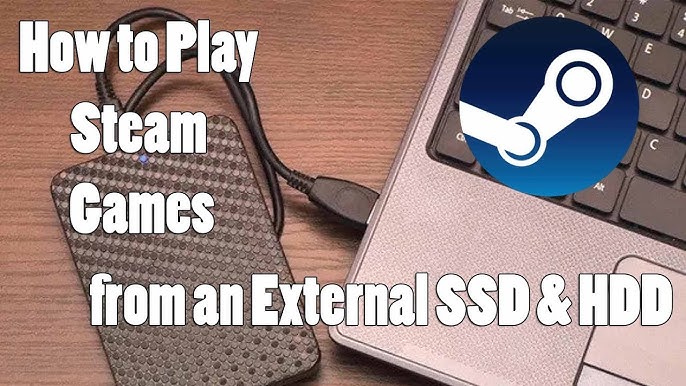
- Works great. Set your Steam/Epic/Xbox libraries to the external SSD.
- Use USB 3.2 Gen 2 or Thunderbolt for best results. Avoid USB 2.0 or slow hubs.
- DirectStorage titles benefit most from NVMe, but solid USB SSDs still deliver big wins over HDD.
macOS
- Works fine for native Mac games. Format as APFS or exFAT for cross-compatibility.
- Apple Silicon titles run well from external SSDs. Grant security permissions if prompted.
Steam Deck and handheld PCs (ROG Ally, Legion Go)
- Yes. Use a USB-C hub/dock for power pass-through and a short, quality cable.
- For on-the-go use, microSD is simpler, but a small external SSD is faster.
PlayStation 5
- PS5 games cannot run from USB storage. You can store them there and copy back.
- PS4 games can run from an external SSD and perform great.
- For PS5 games, add an internal NVMe per Sony’s spec.
PlayStation 4
- Yes, fully supported over USB 3.0. Use an external SSD for faster loads than HDD.
Xbox Series X|S
- Series X|S games must run from the internal SSD or the official expansion card.
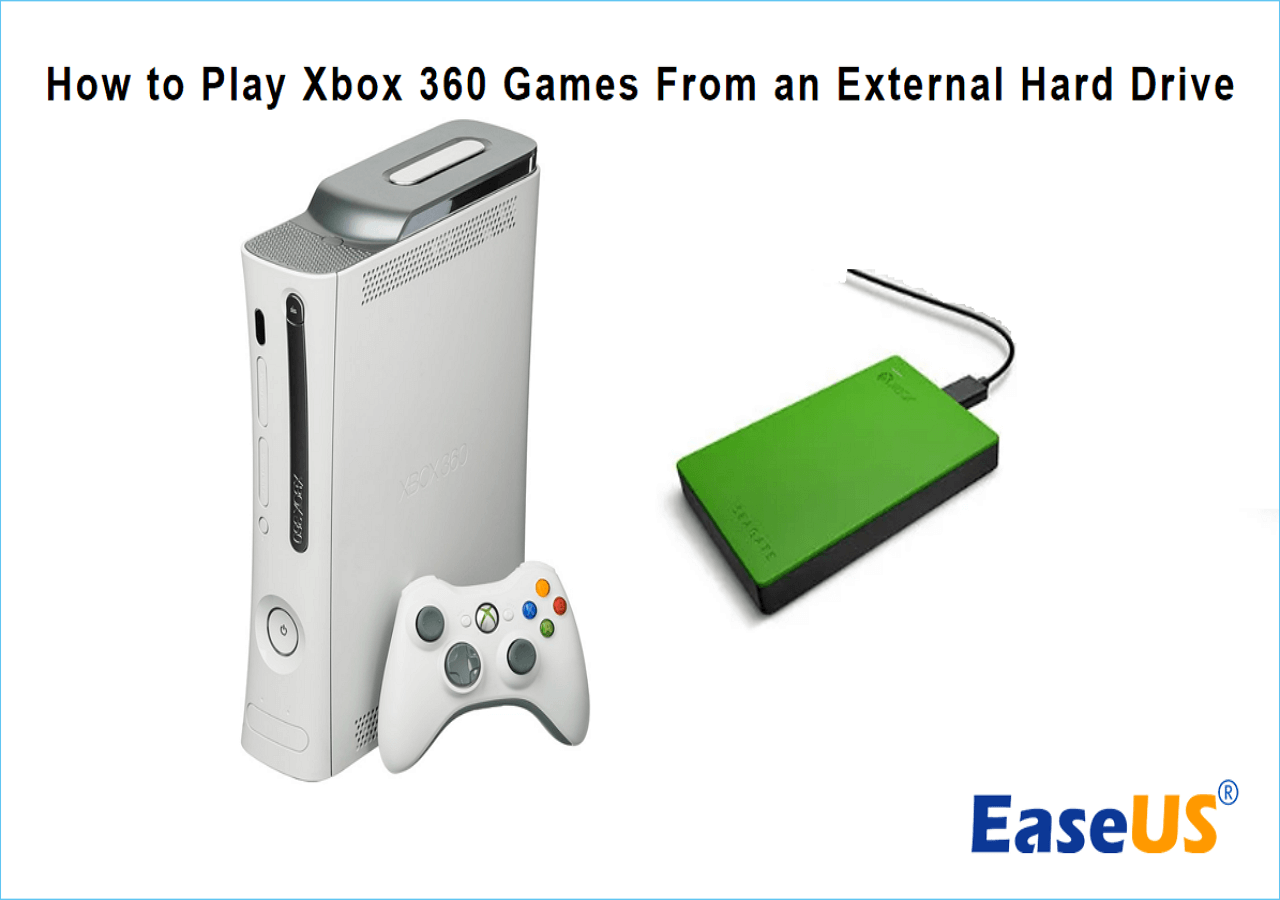
- Xbox One, 360, and original Xbox titles can run from USB external SSDs.
- You can store Series titles on USB and move them back as needed.
Xbox One
- Yes, works well. Set the external SSD as the default install location.
Nintendo Switch
- No USB external game storage. Use a fast microSD card.
On each platform, can you play games off an external SSD depends on the maker’s rules. Check your device’s support notes so you don’t buy the wrong setup.
What you need to play from an external SSD
- A fast interface
- USB 3.2 Gen 2 (10 Gbps) or better is ideal.
- Thunderbolt 3/4 or USB4 NVMe enclosures give top speeds on supported PCs.
- The right SSD
- For prebuilt externals: look for 1,000 MB/s or better.
- For DIY: a quality NVMe SSD in a UASP-enabled enclosure.
- Solid cable and port
- Use a short, certified cable. Plug into the fastest port on your device.
- File system
- Windows: NTFS. macOS: APFS or exFAT. Consoles have their own formats.
- Cooling and power
- Metal enclosures help avoid throttling. Keep drives ventilated.
- Capacity
- Modern games are huge. 1–2 TB hits the sweet spot for price and space.
If you’re asking can you play games off an external SSD reliably, this checklist is the base you need.
Step-by-step setup
Windows (Steam/Epic/EA/Xbox app)
- Connect the SSD and open Disk Management. Initialize and format as NTFS with a simple label.
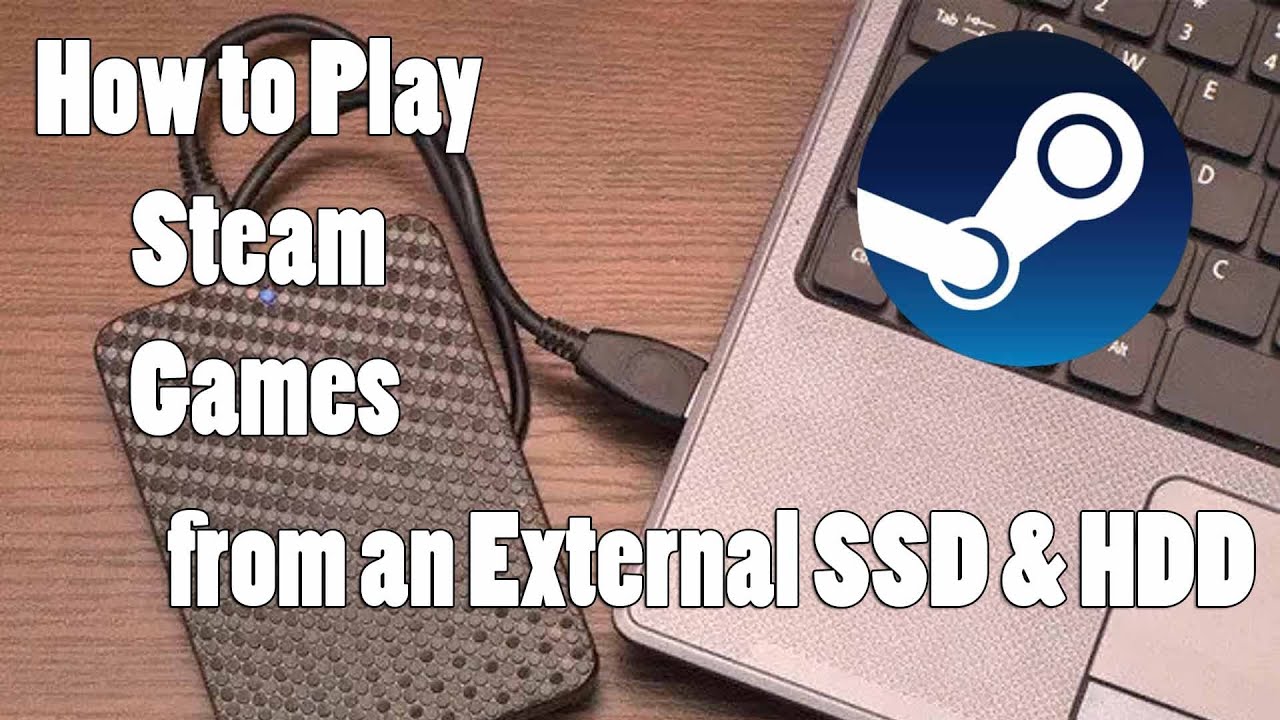
- In Steam: Settings > Downloads > Steam Library Folders > Add Library Folder on the external SSD. Move or install games there.
- In Epic Games: Settings > change Install Location, or move an existing game by copying folders and verifying.
- Xbox app: Settings > General > Change folder where this app installs games.
macOS (Steam/GOG)
- Format the drive to APFS or exFAT in Disk Utility.
- In Steam: Preferences > Downloads > Steam Library Folders > Add Library Folder on the external drive.
- Grant Security & Privacy permissions if macOS prompts you.
PlayStation 4
- Plug in the SSD. Go to Settings > Devices > USB Storage Devices > Format as Extended Storage.
- Set as default install location.
PlayStation 5
- Plug in the SSD. Format as USB Extended Storage.
- Run PS4 games from it. Store PS5 games there and copy back to internal when you want to play.
Xbox One / Xbox Series X|S
- Plug in the SSD. Format for games and apps when prompted.
- On Series X|S, run backward-compatible games from USB. Store Series titles and move as needed.
For anyone still wondering can you play games off an external SSD, follow these steps and you’ll be playing in minutes.
Tips, pitfalls, and real-world advice
- Avoid slow hubs. Plug the drive directly into the fastest port.
- Watch temps. Thin enclosures get hot under long transfers. A finned or metal case helps.
- Keep 10–20% free space. SSDs slow down when nearly full.
- Turn off USB selective suspend on Windows if the drive disconnects.
- Update firmware for both the SSD and enclosure if the vendor offers tools.
- Always use Safely Remove/Eject. It prevents file errors.
From my builds: I’ve run Cyberpunk 2077, Warzone, and Elden Ring off a Samsung T7 and a Sabrent NVMe in a USB 3.2 Gen 2 enclosure. Load times were close to an internal SATA SSD and felt great. If your question is can you play games off an external SSD without headaches, choose the right port, a good enclosure, and keep the cable short.

Buying guide: best external SSD options and specs that matter
- Prebuilt portable SSDs
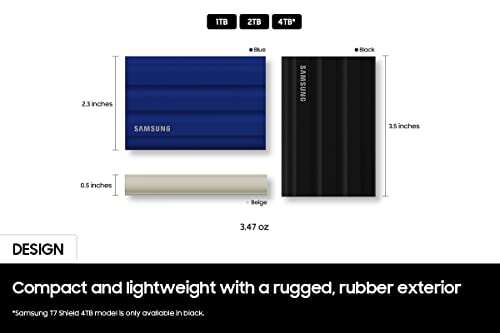
- Great mix of speed and simplicity. Look for 1,000+ MB/s rated speed, hardware encryption if you want it, and durable casing.
- DIY NVMe + enclosure
- Best for top speed and flexibility. Pick a PCIe 3.0 or 4.0 NVMe with good sustained performance and a UASP/USB 3.2 Gen 2 or Thunderbolt enclosure.
- What to prioritize
- Controller quality and thermal design.
- TLC NAND over QLC if you do lots of installs/moves.
- Warranty and software support.
If your main goal is can you play games off an external SSD with minimal fuss, a quality prebuilt USB 3.2 Gen 2 drive is enough. If you want near-internal speeds on PC, a Thunderbolt NVMe enclosure with a fast SSD is the move.

Frequently Asked Questions of can you play games off an external ssd
Can you play games off an external SSD on PS5?
You can play PS4 games from an external SSD on PS5. PS5-native games must run from the internal NVMe but can be stored on USB.
Does an external SSD improve FPS?
No. FPS is controlled by your CPU and GPU. An external SSD improves load times and reduces stutter from asset streaming.
Is USB 3.2 Gen 2 fast enough for modern games?
Yes. It delivers around 1,000 MB/s in real use, which is plenty for most titles. It’s a big upgrade over HDDs.
Will an external SSD work on Steam Deck?
Yes. Use a good USB-C cable or dock. It’s faster than microSD, though microSD is still very convenient on the go.
Can you play Xbox Series X|S games from a USB SSD?
Series X|S optimized games must run from the internal SSD or the official expansion card. You can run Xbox One and older games from USB.
Is Thunderbolt better than USB for gaming drives?
On supported PCs, Thunderbolt NVMe enclosures are faster. You’ll see the biggest benefit when moving or installing large games.
Is exFAT okay for gaming drives?
Yes for cross-platform use, but NTFS is better for Windows-only setups. Consoles will reformat the drive to their preferred file system.
Conclusion
You can absolutely play games off an external SSD, and for many setups, it’s the smartest upgrade you can make. Expect big wins in load times, smoother texture streaming, and far less waiting than any hard drive. The key is matching the right drive and connection to your platform’s rules.
If you’re ready, pick a solid USB 3.2 Gen 2 or Thunderbolt setup, follow the steps above, and move a few of your biggest games today. Have a question about your exact device or want tailored picks? Drop a comment, subscribe for more guides, and let’s get your library loading fast.

Jamie Lee is a seasoned tech analyst and writer at MyTechGrid.com, known for making the rapidly evolving world of technology accessible to all. Jamie’s work focuses on emerging technologies, product deep-dives, and industry trends—translating complex concepts into engaging, easy-to-understand content. When not researching the latest breakthroughs, Jamie enjoys exploring new tools, testing gadgets, and helping readers navigate the digital world with confidence.