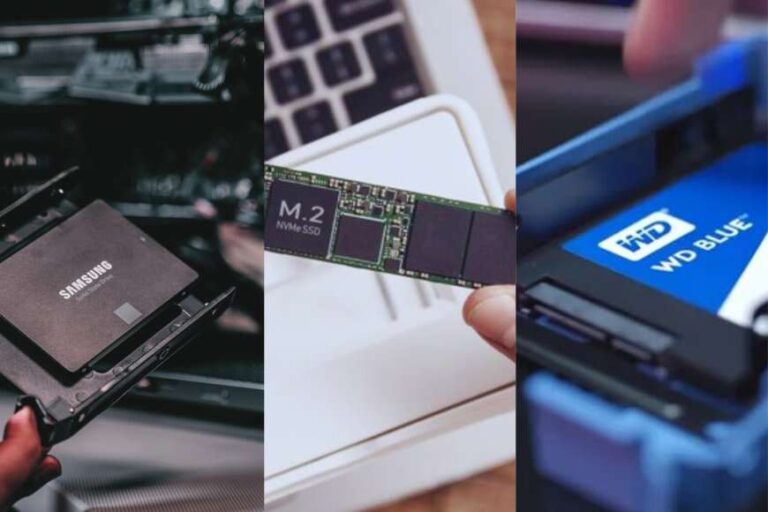
You can store PS5 games on an external SSD, but you cannot play them.
If you came here for a straight answer, there it is. Now, if you want the full picture, stick with me. I’ve set up many PlayStation 5 consoles and tested a stack of drives. In this guide, I’ll explain can you play ps5 games on external ssd, why Sony designed it this way, how to set things up the right way, and how to get the best speed and storage for your money. Short, clear, and based on hands-on use.

How the PS5 handles external SSDs
The PS5 has a custom internal NVMe SSD and a special I/O system. That combo is why PS5 games load so fast. It is also why can you play ps5 games on external ssd is not as simple as it sounds.
USB drives are great for storage. But they do not match the PS5’s built-in bandwidth or features. Sony allows you to store PS5 titles on a USB drive. You just cannot launch them from there. This rule is by design and confirmed by official guidance.
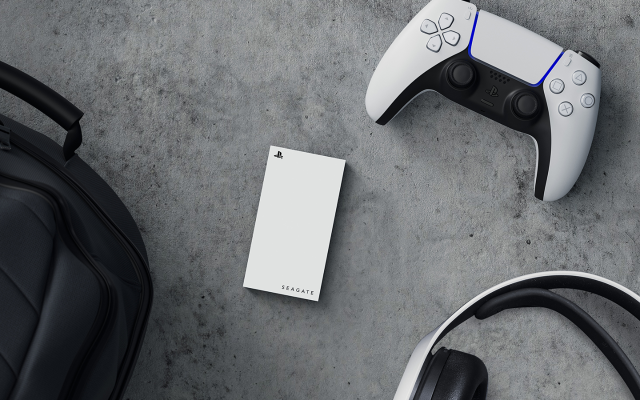
So where does an external SSD shine? It is perfect for PS4 games and for cold storage of PS5 games. You can play PS4 games from it right away. And you can move PS5 games to it when you need space, then copy them back fast when you want to play.
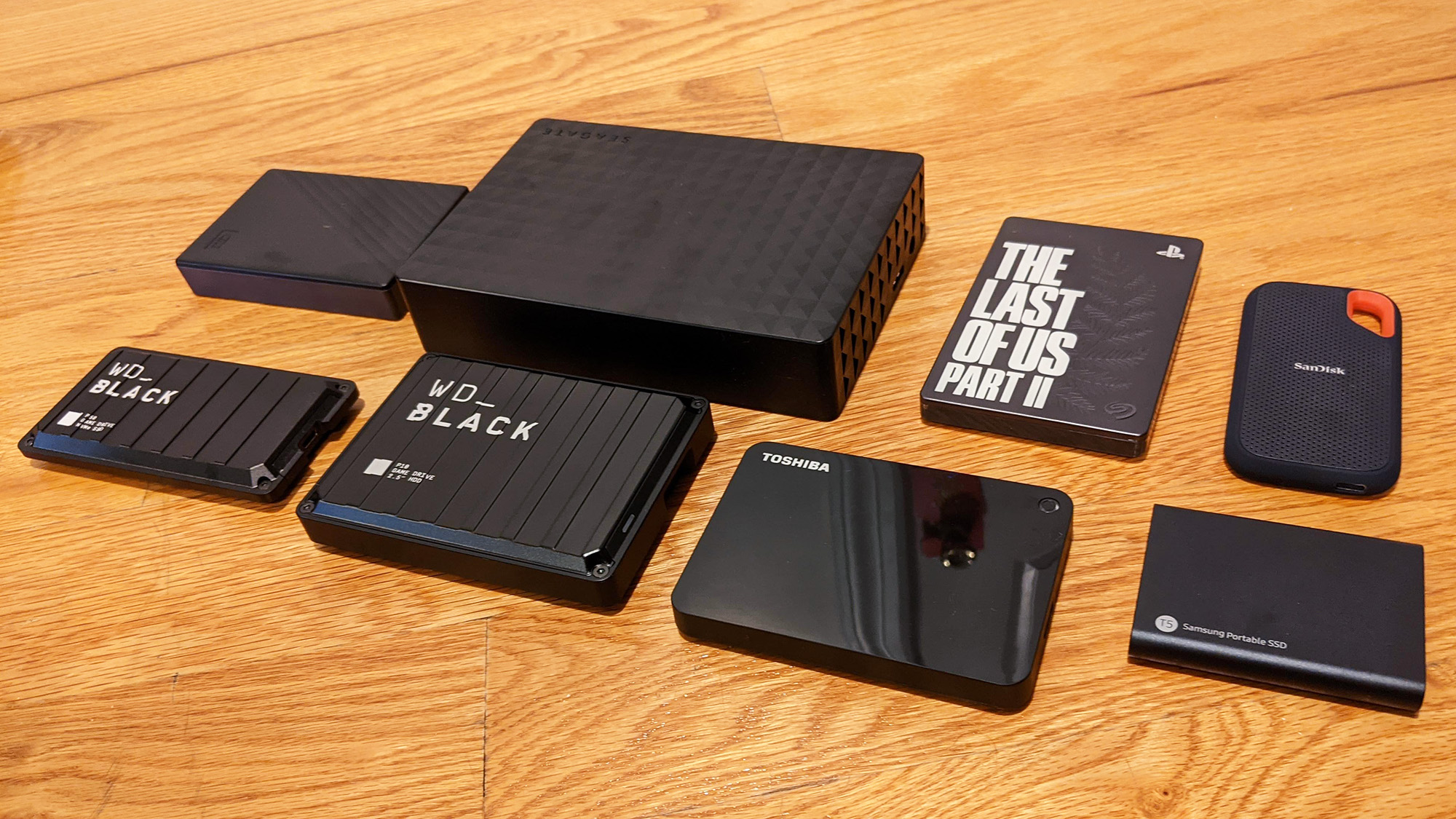
What you can and cannot do with an external SSD
You cannot play PS5 games from USB
- PS5 titles must run from the internal SSD or an approved M.2 NVMe drive.
- You can move them to USB to free space, but you must copy them back to play.
- This is the key reason people ask can you play ps5 games on external ssd.
You can play PS4 games from USB
- PS4 games run fine from an external SSD or HDD on PS5.
- Load times can be much faster on SSD than a hard drive.
- You can plug in the extended storage you used on PS4 and start playing.
You can store PS5 games on USB
- Use USB extended storage for backing up and organizing big PS5 titles.
- Copying back is much faster than re-downloading.
Ideal use cases
- Keep your PS4 library on an external SSD and save the internal space for PS5 titles.
- Use the external SSD as a “parking lot” for big PS5 games you are not playing this week.
- If you stream or record, use it to offload captures.
This setup answers the real intent behind can you play ps5 games on external ssd. You cannot run them, but you can use the drive in smart ways.
Setup guide: using an external SSD with PS5
Follow these steps for a smooth setup.
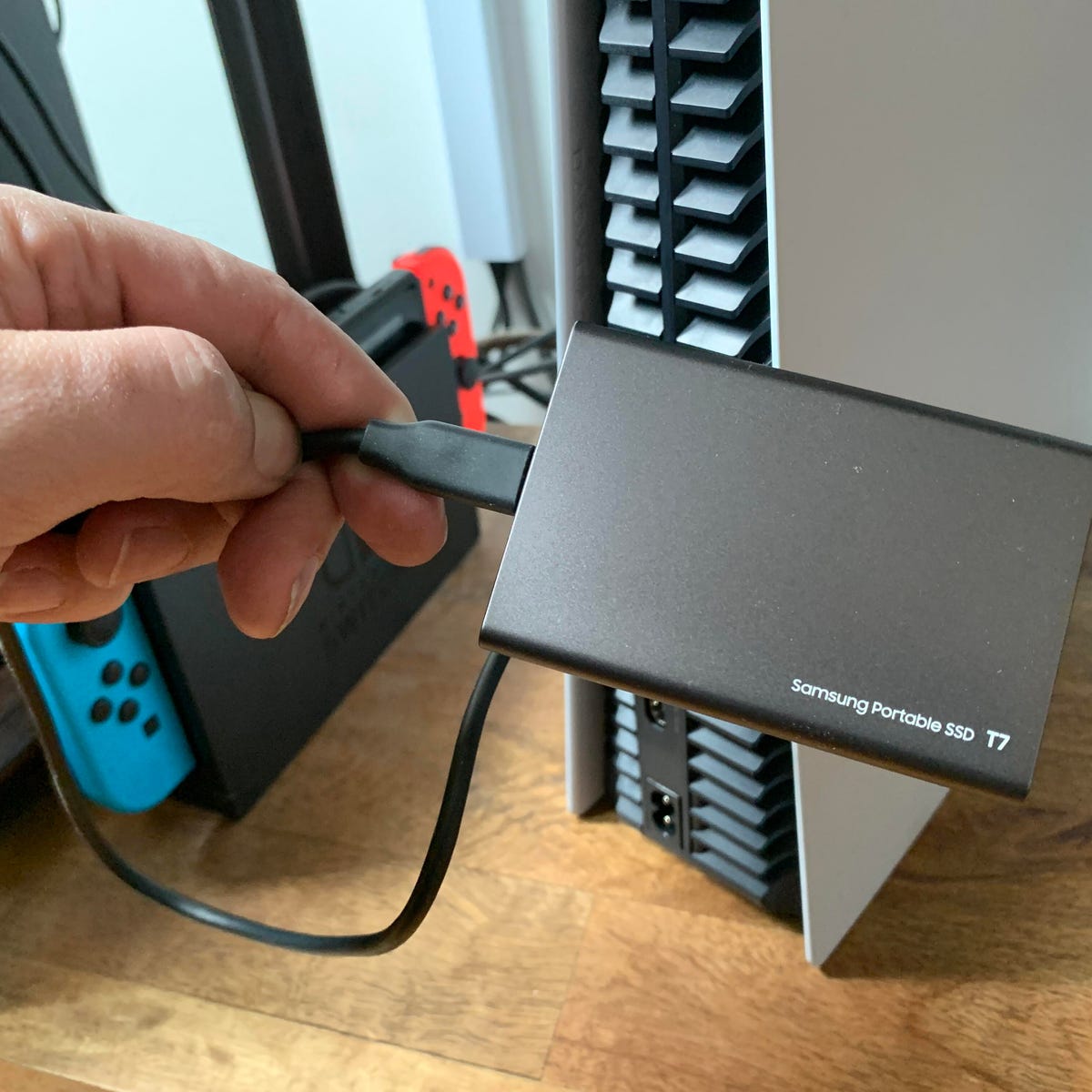
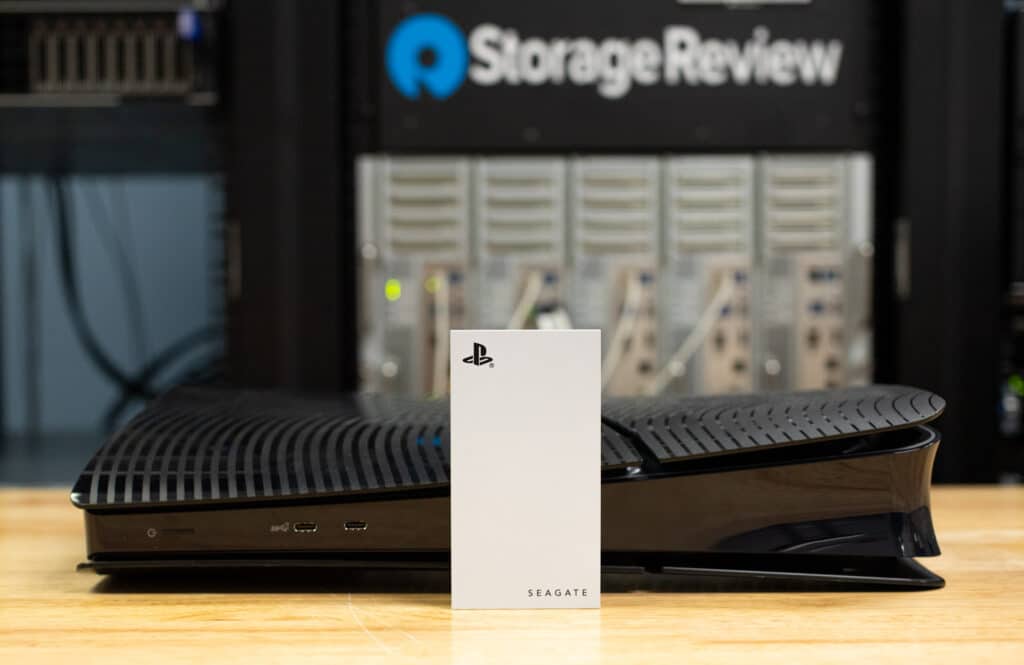
- Connect the SSD to a SuperSpeed USB port. Use the rear USB-A ports or the front USB-C. Avoid the front USB-A, which is slower.
- Turn on the PS5. If prompted, format the drive as USB extended storage. This process wipes the drive.
- Set PS4 games to install to USB. Go to Settings, Storage, Installation Location, then select USB Extended Storage for PS4 games and apps.
- Move PS4 games to USB. Go to Settings, Storage, Console Storage, Games and Apps. Select your PS4 titles and move them.
- Move PS5 games to USB for storage. Highlight a PS5 game, press Options, choose Move to USB Extended Storage.
- To play a PS5 game, move it back. Highlight the game in USB storage, press Options, select Move to Console Storage or M.2 Storage.
Tip from the field: some enclosures need good cables. If you see errors or slow speeds, swap the cable first.
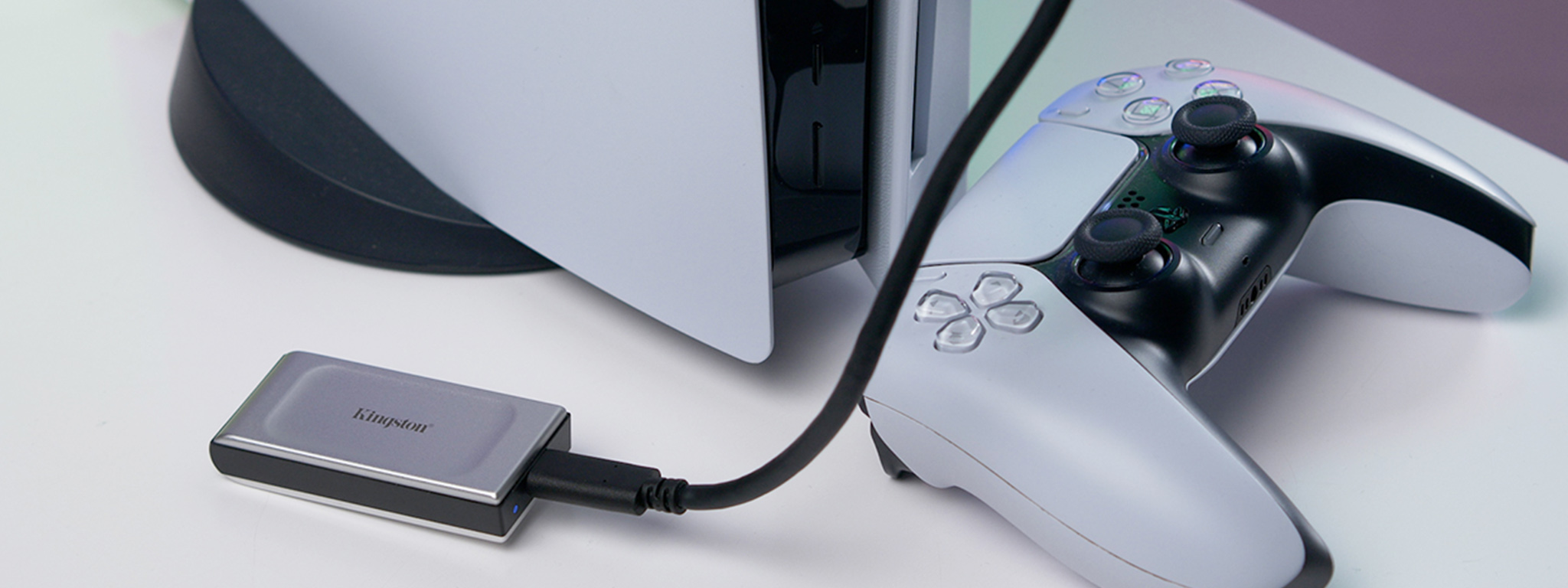
Performance: what to expect
External SSDs help in three big ways.
- Faster PS4 game loads. Many PS4 titles load much faster on an SSD than on a hard drive. You will feel the difference in open-world games and big levels.
- Quick PS5 game transfers. Copying large PS5 games to and from USB is often much faster than downloading again. In my tests with well-known portable SSDs, 100 GB moved in a few minutes, depending on the port and drive.
- Stable gameplay for PS4 titles. Frame rates depend on the game, not the drive. But texture pop-in and loads often improve with SSD.
Here is the bottom line for can you play ps5 games on external ssd. You cannot run PS5 games from USB, but you can speed up PS4 games and make PS5 storage painless.
Best practices and safety
Use these tips to avoid headaches.
- Use the right port. Rear USB-A or front USB-C work best for speed and power.
- Avoid USB hubs. Plug the drive into the console directly.
- Do not unplug during use. Use the safely remove option in Storage before pulling the cable.
- Keep plenty of free space. SSDs slow down when nearly full. Leave 10–20% free if you can.
- Update your console. System updates improve storage features and stability.
- Label your drives. If you rotate drives, add a sticker so you know what’s on each.
These habits keep your data safe and your setup simple. They also reduce the common “why can you play ps5 games on external ssd on YouTube but not me” confusion that comes from bad ports or hubs.
Troubleshooting common issues
If your PS5 does not like the drive, try this.
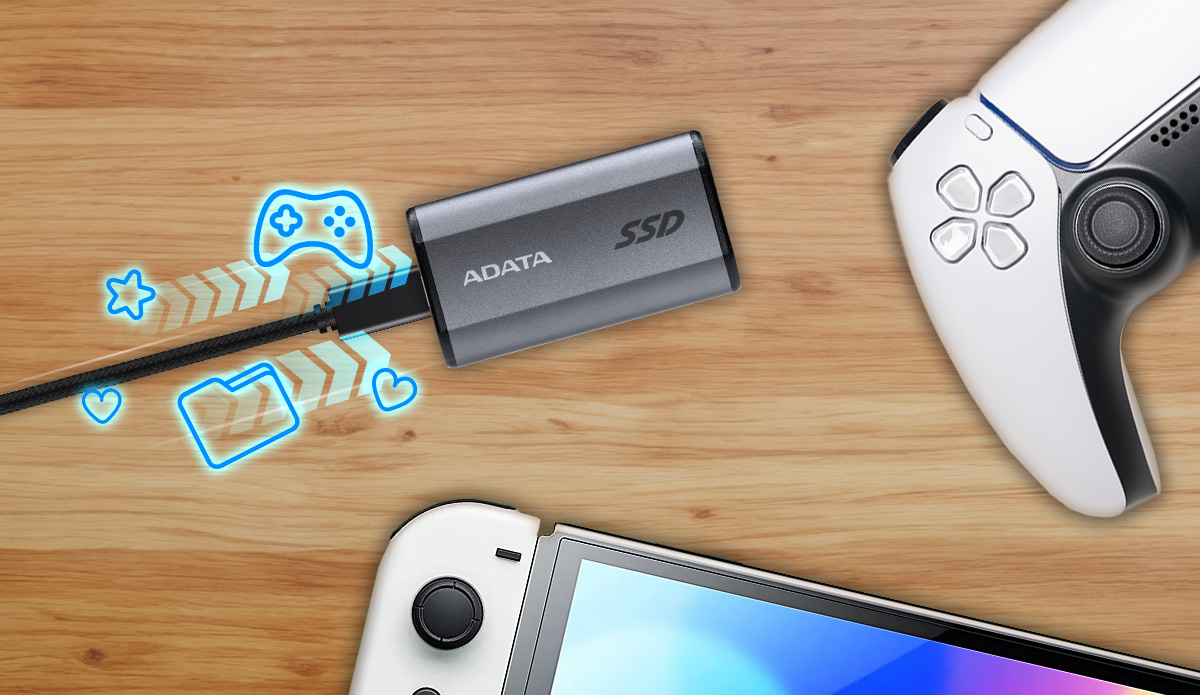
- Drive not recognized. Switch to a rear USB-A or the front USB-C port. Use a shorter, better cable.
- Too slow for extended storage. Some old drives are not SuperSpeed. Use SSDs or newer HDDs that support at least 5 Gbps.
- Reformat request. Back up the drive on a PC first, then let the PS5 format it.
- PS5 game will not launch from USB. That is normal. Copy it back to internal or M.2 storage.
- Frequent disconnects. Avoid hubs, clean the port, and try a different cable or enclosure.
When in doubt, test with a known good drive. That isolates whether the issue is the device or the console.
Buying guide: choosing the right external SSD
Look for these features when you shop.
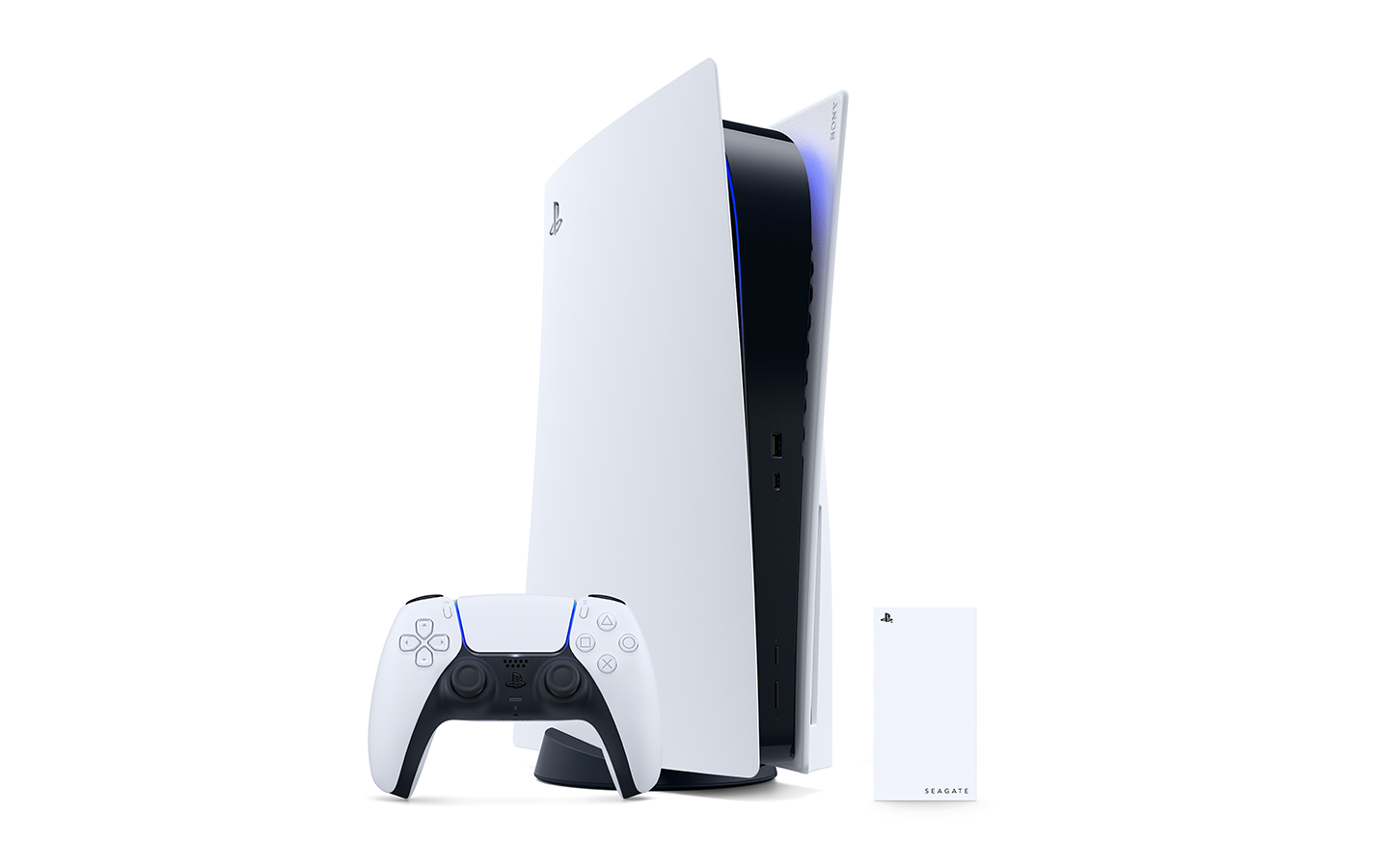
- USB 3.2 Gen 1 or Gen 2. You want at least 5 Gbps. Many top portable SSDs offer up to 10 Gbps.
- Capacity between 1 TB and 4 TB. The PS5 supports 250 GB to 8 TB on USB, but 1–4 TB is the sweet spot for value.
- Quality controller and UASP support. Good enclosures handle queues better and feel snappier.
- Rugged case and good thermals. A metal body helps sustain speed during long transfers.
- Warranty and price per TB. Balance cost with brand support.
Thinking about can you play ps5 games on external ssd for next-gen titles? Remember, you cannot. If you want to run PS5 games from faster storage, add an internal M.2 NVMe drive.

Alternatives: add an internal M.2 SSD for PS5 games
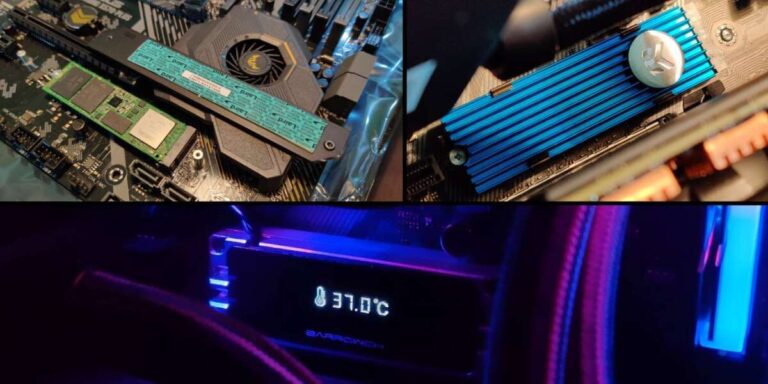
If your goal is to play PS5 games without juggling installs, install an M.2 NVMe drive.
- The PS5 supports PCIe Gen 4 x4 NVMe drives with a heatsink.
- Sony recommends 5,500 MB/s or faster. Choose a well-known model that meets this.
- Sizes from 250 GB to 8 TB are supported. 1–2 TB is a sweet spot for most users.
- Install is simple. Pop the faceplate, open the M.2 bay, insert the drive, and format.
This path solves the can you play ps5 games on external ssd question by sidestepping it. You still use a USB SSD for PS4 games and storage. You run PS5 titles from the fast M.2 drive or the internal SSD.
Frequently Asked Questions of can you play ps5 games on external ssd
Can you play PS5 games on external SSD?
No. You can store PS5 games on a USB SSD, but you must move them back to the console or M.2 SSD to play. PS4 games can run from the external SSD.
Why can’t PS5 games run from USB?
PS5 games rely on the internal NVMe speed and custom I/O systems. USB drives do not meet those needs, so Sony blocks launching PS5 titles from USB storage.
Is an external SSD worth it for PS5?
Yes, for PS4 games and PS5 storage. You get faster PS4 load times and fast backups, which saves time and bandwidth.
How fast is copying PS5 games to an external SSD?
It varies by drive and port. Large games often copy in minutes rather than hours, which is much faster than a fresh download.
Which port should I use for the external SSD?
Use the rear USB-A ports or the front USB-C port. These are SuperSpeed and offer stable power and speed.
Will my PS4 external drive work on PS5?
Yes. Plug it in, and your PS4 games should appear. You can play them right away from the drive.
Does the PS5 support multiple external drives at once?
You can connect more than one drive, but only one can be used as USB extended storage for games at a time. Others can hold media or captures.
Can you play ps5 games on external ssd after a firmware update?
No. Firmware updates allow storage and improvements, but the rule has not changed. You still cannot launch PS5 games from USB.
Is a portable SSD better than a hard drive for PS4 games?
Yes. Portable SSDs load PS4 games faster, feel smoother, and are more durable than hard drives.
Does an external SSD help with PS5 game performance at all?
Not for running PS5 games. It helps with storage and transfer speed, but PS5 titles must run from internal or M.2 storage.
Conclusion
You now know the clear answer to can you play ps5 games on external ssd. You cannot run PS5 games from USB. But you can store them there, and you can run PS4 games from an external SSD with great results. For true next-gen speed and convenience, add an M.2 NVMe drive for PS5 games and keep a portable SSD for PS4 titles and backups.
Set up your storage plan today. Free up space, cut load times, and play more. If this helped, subscribe or drop a comment with your setup and what worked best for you.

Jamie Lee is a seasoned tech analyst and writer at MyTechGrid.com, known for making the rapidly evolving world of technology accessible to all. Jamie’s work focuses on emerging technologies, product deep-dives, and industry trends—translating complex concepts into engaging, easy-to-understand content. When not researching the latest breakthroughs, Jamie enjoys exploring new tools, testing gadgets, and helping readers navigate the digital world with confidence.