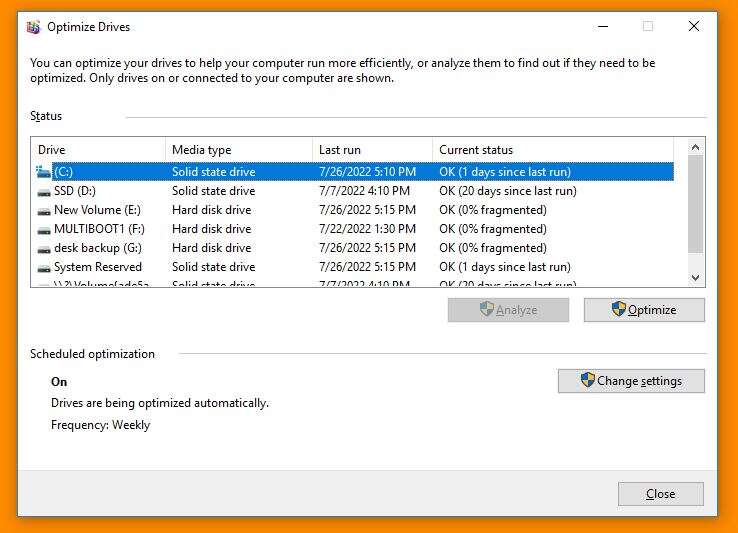
No — do ssd drives need to be defragmented? Not for normal use; defragmenting can reduce SSD lifespan.
I have worked with storage systems and tested SSDs across many devices. This guide answers do ssd drives need to be defragmented and explains why the old HDD rules do not apply to modern solid-state drives. You will get clear, practical steps to keep your SSD fast and healthy, backed by real-world experience and easy commands you can run today.
How SSDs work: the basics you need to know
Solid-state drives store data on flash memory chips. They have no moving parts, so they read data in near-constant time regardless of file location. SSDs use controllers that spread writes across many memory cells to avoid wearing any single cell out. Modern SSDs also use TRIM and wear-leveling to manage data and preserve performance.

Why traditional defragmentation exists
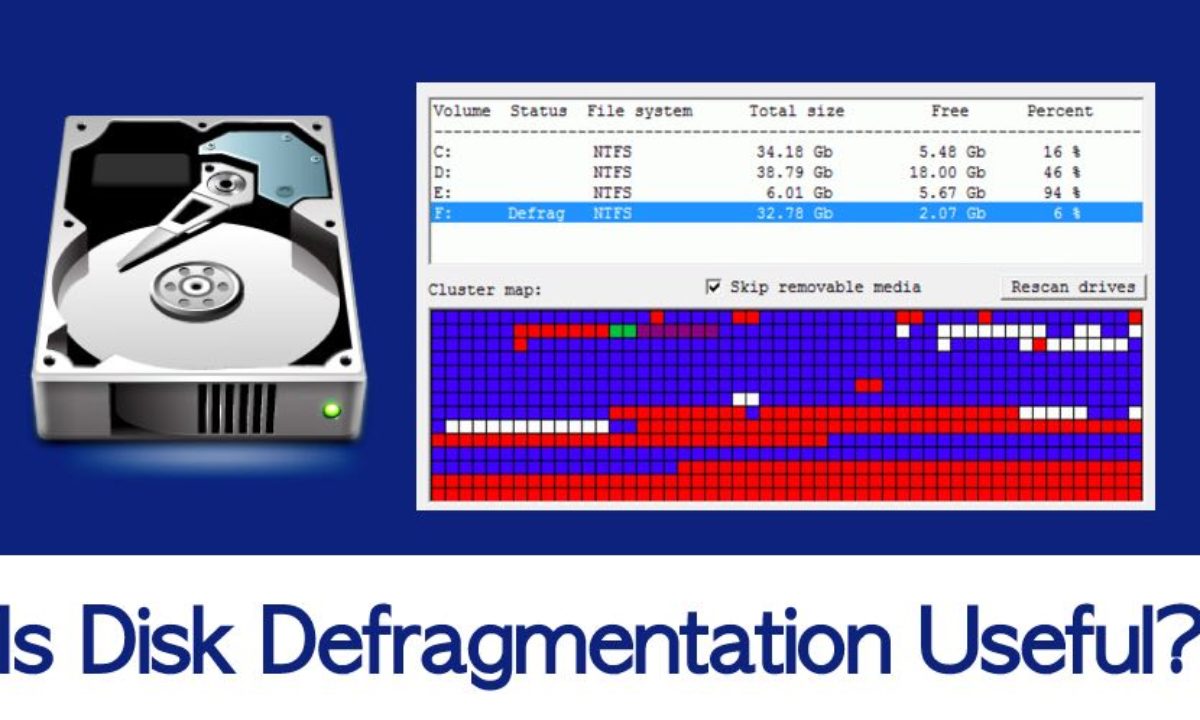
Defragmentation was created for hard disk drives. On HDDs, files split into fragments increase head movement and slow reads. Defragmentation rearranges files to be contiguous and reduce seek time. For HDDs this yields measurable speed gains, but the same approach does not match SSD architecture.
Do SSD drives need to be defragmented?
Short answer: do ssd drives need to be defragmented? No — not in the way HDDs do. Defragmentation tools rearrange blocks and increase write volume. On SSDs extra writes accelerate wear without meaningful speed benefit. SSD controllers already optimize access patterns and the seek penalty that defrag addresses on HDDs does not exist for SSDs.
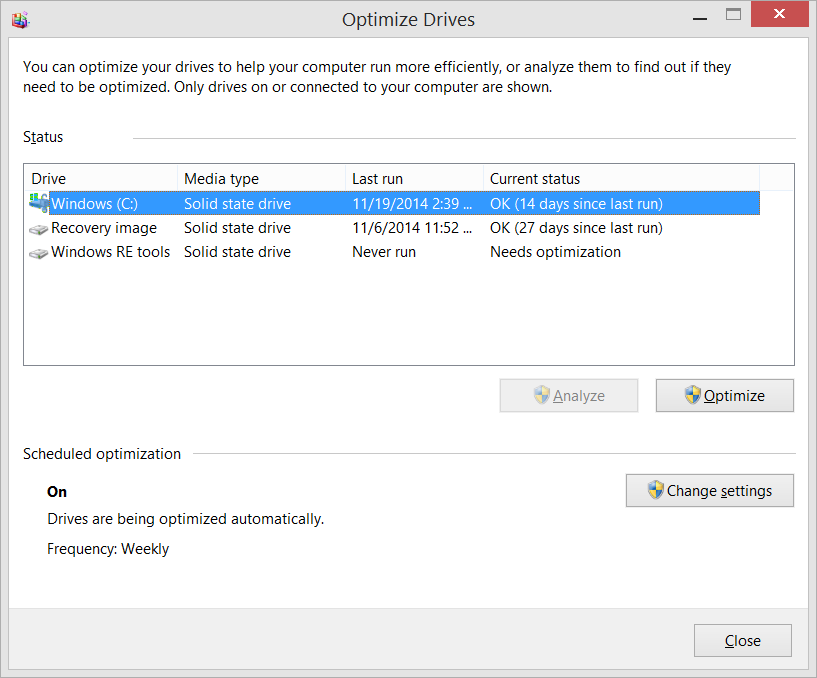
Windows and other OSes know this. They mark SSDs and run TRIM or a device-specific optimization rather than a full defrag. In my tests, running a classic defragmentation tool on an SSD produced no perceptible speed gain while increasing total bytes written. Over time, that harms drive health.
When to avoid manual defrag:
- When using consumer SATA and NVMe SSDs under modern OSes.
- When the SSD is the system disk and the OS already runs optimization tasks.
- When you want to maximize the SSD lifespan.
Exceptions exist for legacy setups and certain arrays, which I cover next. Follow the OS tools and use fstrim or TRIM instead of defragmentation when needed.
When defragmentation might be needed or acceptable
There are a few rare cases where you might consider addressing fragmentation on an SSD:
- Legacy operating systems that do not support TRIM or do not mark SSDs correctly. In this case, special maintenance can help.
- Extremely low free space on an SSD can make garbage collection less effective; consolidation tools might help. Use caution.
- Certain RAID controllers or older firmware can behave oddly and create performance issues; vendor guidance may suggest a one-time consolidation.
Even in those cases, use vendor-recommended tools and avoid repeated full-disk defragmentation. I once maintained an old workstation where a legacy RAID controller fragmented files badly; a single vendor-guided maintenance pass improved performance, but regular defragging would have harmed the drives.

How to maintain SSD health and performance
Follow these practical steps to keep an SSD fast and long-lived:
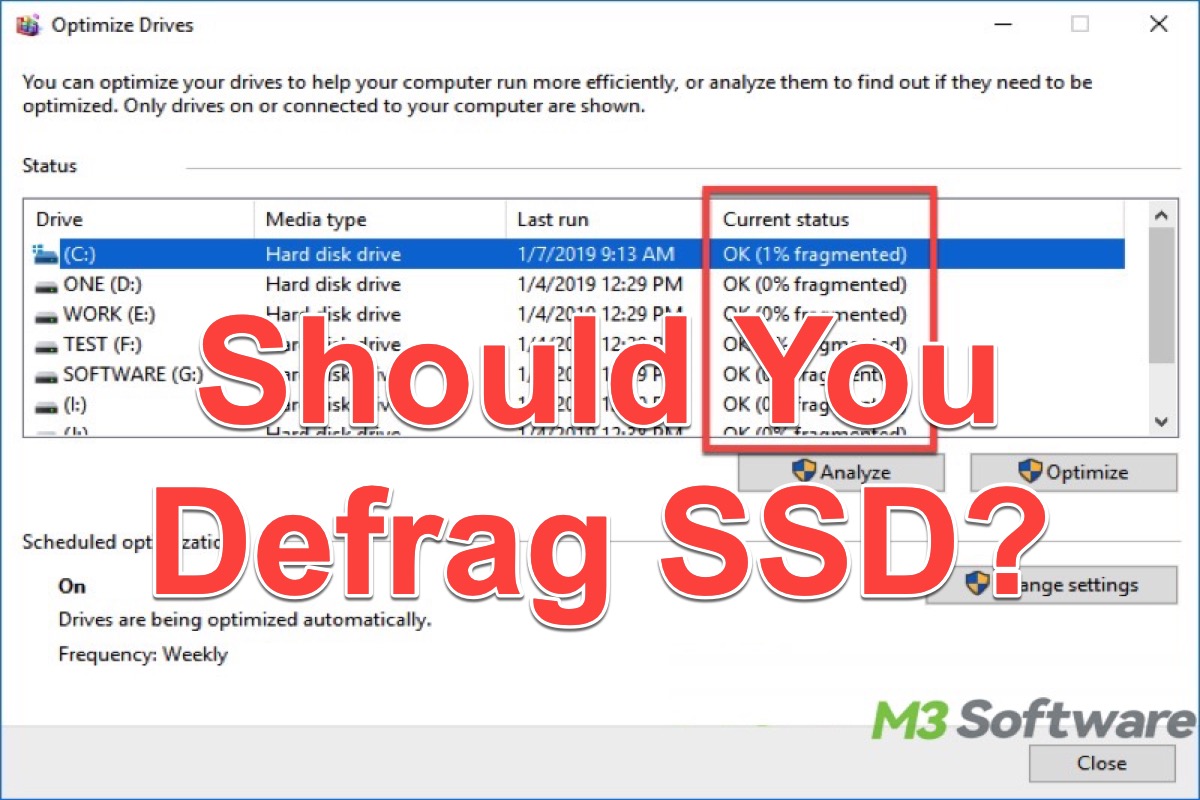
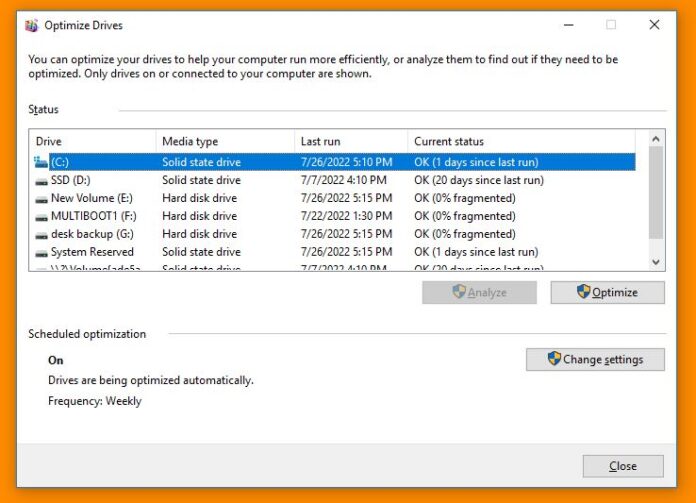
- Ensure TRIM is enabled. Use built-in OS utilities like Windows Optimize, macOS auto-TRIM, or Linux fstrim. TRIM signals the SSD which blocks are unused.
- Keep free space. Aim for 10–25% spare capacity to let the controller perform wear-leveling and garbage collection.
- Update firmware and drivers. SSD firmware and NVMe/AHCI drivers can fix performance and longevity issues.
- Avoid unnecessary full-disk defrags. Let the OS run SSD-aware maintenance.
- Use overprovisioning if supported. This reserves extra blocks for management tasks and reduces wear.
- Schedule periodic fstrim on Linux (for example, weekly) and check Windows Optimize Drive settings.
From my experience, a simple routine of TRIM + keeping free space solved most slowdowns I saw. It is low effort and yields steady performance.
Common myths about SSD defragmentation
- Myth: Defragging an SSD will speed it up a lot. Truth: Any speed gain is negligible; SSDs have near-constant access time.
- Myth: SSDs never wear out. Truth: SSDs have finite write cycles; excessive writes shorten life.
- Myth: OS defrag tools always harm SSDs. Truth: Modern OSs detect SSDs and perform TRIM/optimization instead of harmful defrag.
- Myth: Fragmentation on SSDs is the same problem as on HDDs. Truth: Fragmentation affects HDD seek times; SSDs don’t have that mechanical latency.
These simple clarifications help you avoid risky maintenance and focus on what truly matters for SSD care.
Frequently Asked Questions of do ssd drives need to be defragmented
Do I need to run defragmenter on my Windows SSD?
No. Windows detects SSDs and uses the Optimize Drive tool to run TRIM or other vendor-specific maintenance rather than a full defrag. Manual defrag is not necessary and can add unnecessary writes.
Can defragmenting an SSD reduce its lifespan?
Yes. Defragmentation performs many extra writes, which increase wear. Repeated full-disk defragmentation can shorten an SSD’s usable life over time.
How can I check if TRIM is enabled?
On Windows, run a system utility to check Optimize Drive settings. On Linux, use the command fstrim –all or check mount options. Most modern OSes enable TRIM by default on SSDs.
Is it OK to use third-party defrag tools on SSDs?
Generally no. Most third-party defraggers are designed for HDDs and can trigger many writes on SSDs. Only use SSD-aware tools or vendor-recommended utilities if needed.
What should I do if my SSD seems slow?
Check free space, confirm TRIM is active, update firmware and drivers, and run vendor diagnostic tools. If the drive is near full or firmware is old, those fixes often restore performance.
Conclusion
SSD technology changed how we care for storage. For typical users, do ssd drives need to be defragmented? No — modern SSDs use TRIM, wear-leveling, and smart controllers that make traditional defragmentation unnecessary and often harmful. Keep TRIM active, maintain free space, update firmware, and let the OS handle SSD-aware optimization. Try the practical steps from this guide this week: check TRIM, free some space, and schedule occasional maintenance. If this helped, subscribe, share your SSD story below, or ask a question so I can help troubleshoot your specific setup.

Everett Ashford is a tech reviewer at mytechgrid.com specializing in SSDs, cameras, TVs, earbuds, headphones, and other consumer electronics. He provides honest, data-driven reviews based on hands-on testing and real-world performance analysis. Everett simplifies complex tech details to help readers make smart, confident buying decisions.