Most M.2 SSDs do not require a SATA cable; they plug directly into an M.2 slot.
I’ve installed dozens of drives and tested many motherboards, so this guide breaks down exactly when and why do you need a sata cable for m 2 ssd. Read on to learn the clear, practical rules, how to identify your drive type, installation tips, and real-world examples to avoid costly mistakes.
What is an M.2 SSD?
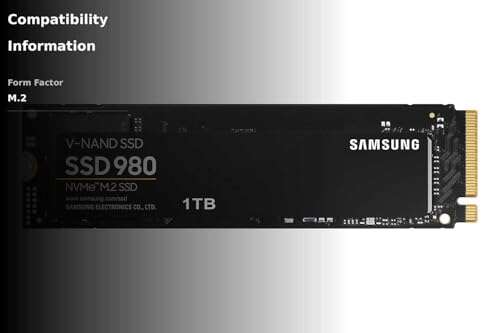
An M.2 SSD is a compact storage module that plugs into a motherboard socket. It can use two different data protocols: SATA or PCIe (NVMe). Knowing which protocol your M.2 drive uses is the first step in answering do you need a sata cable for m 2 ssd.

M.2 SATA vs M.2 NVMe: key differences
M.2 SATA drives use the SATA protocol and offer similar speeds to 2.5-inch SATA SSDs. M.2 NVMe drives use PCIe lanes and are much faster. When wondering do you need a sata cable for m 2 ssd, the right answer depends on whether the M.2 drive is SATA or NVMe.

do you need a sata cable for m 2 ssd?
Short answer: in most cases, do you need a sata cable for m 2 ssd? No — M.2 drives plug directly into the motherboard and do not use a separate SATA cable.
Why that is true:
- M.2 slots provide the necessary data and power through the connector on the motherboard.
- NVMe drives communicate over PCIe lanes; they never use a SATA cable.
- M.2 SATA drives speak the SATA protocol but still use the M.2 connector, not a SATA cable.
Exceptions and edge cases:
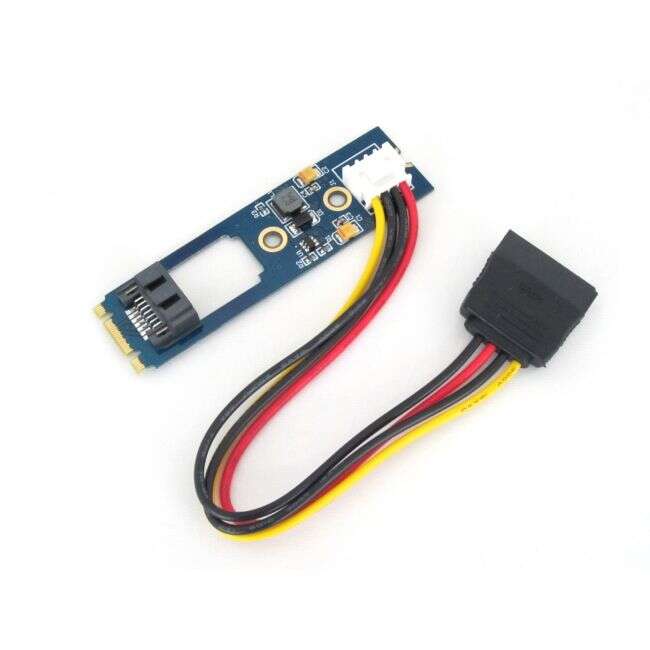
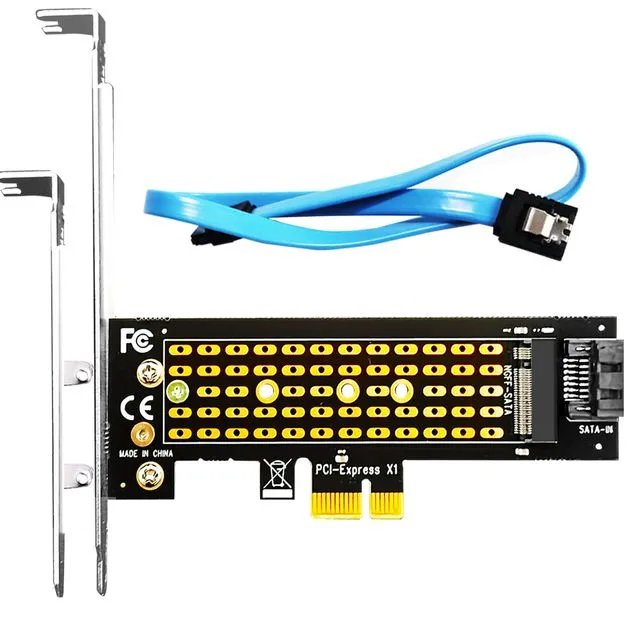
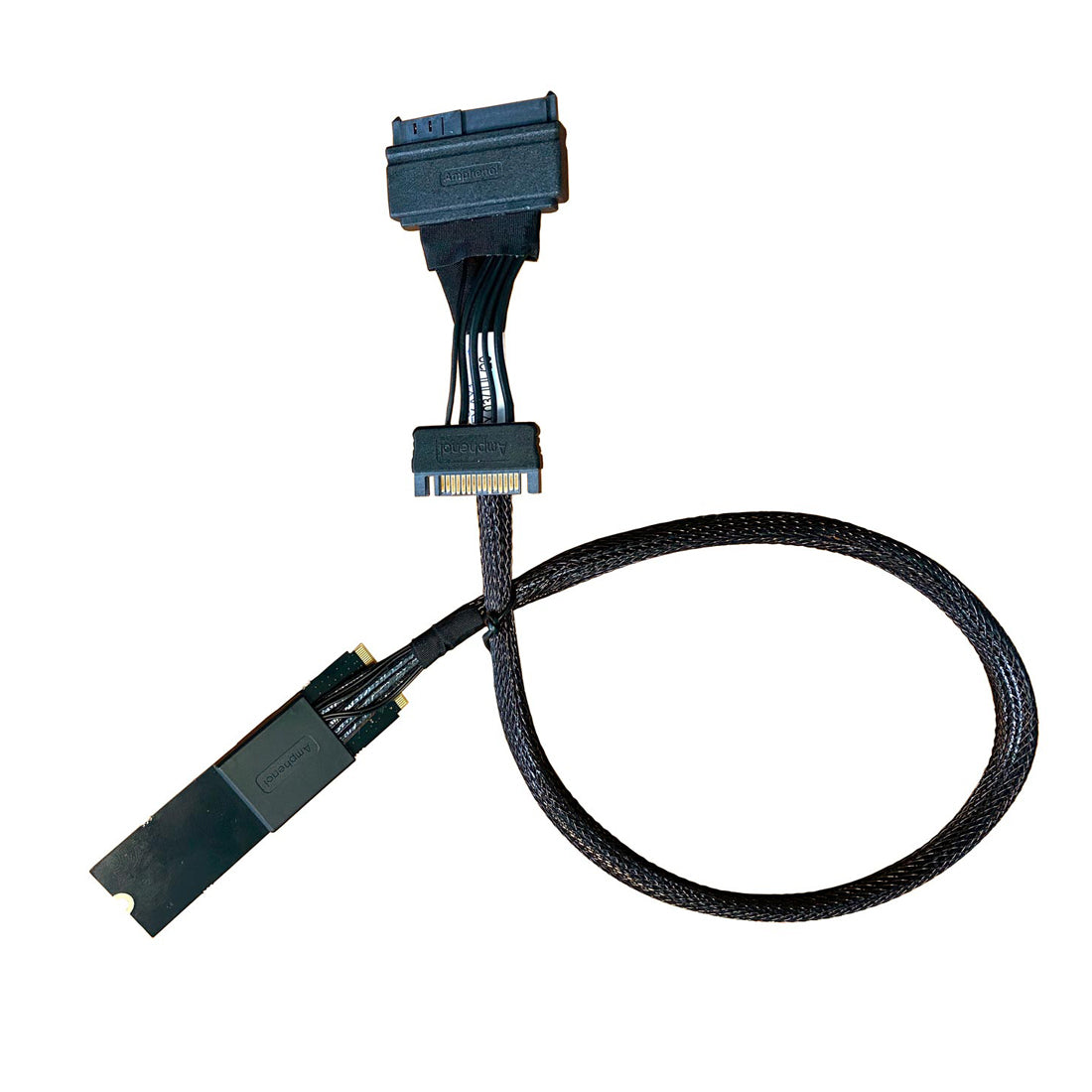
- If you use an adapter that converts an M.2 SATA module to a 2.5-inch or to a standard SATA port, then do you need a sata cable for m 2 ssd? Yes — the adapter may require a SATA data cable and power connection.
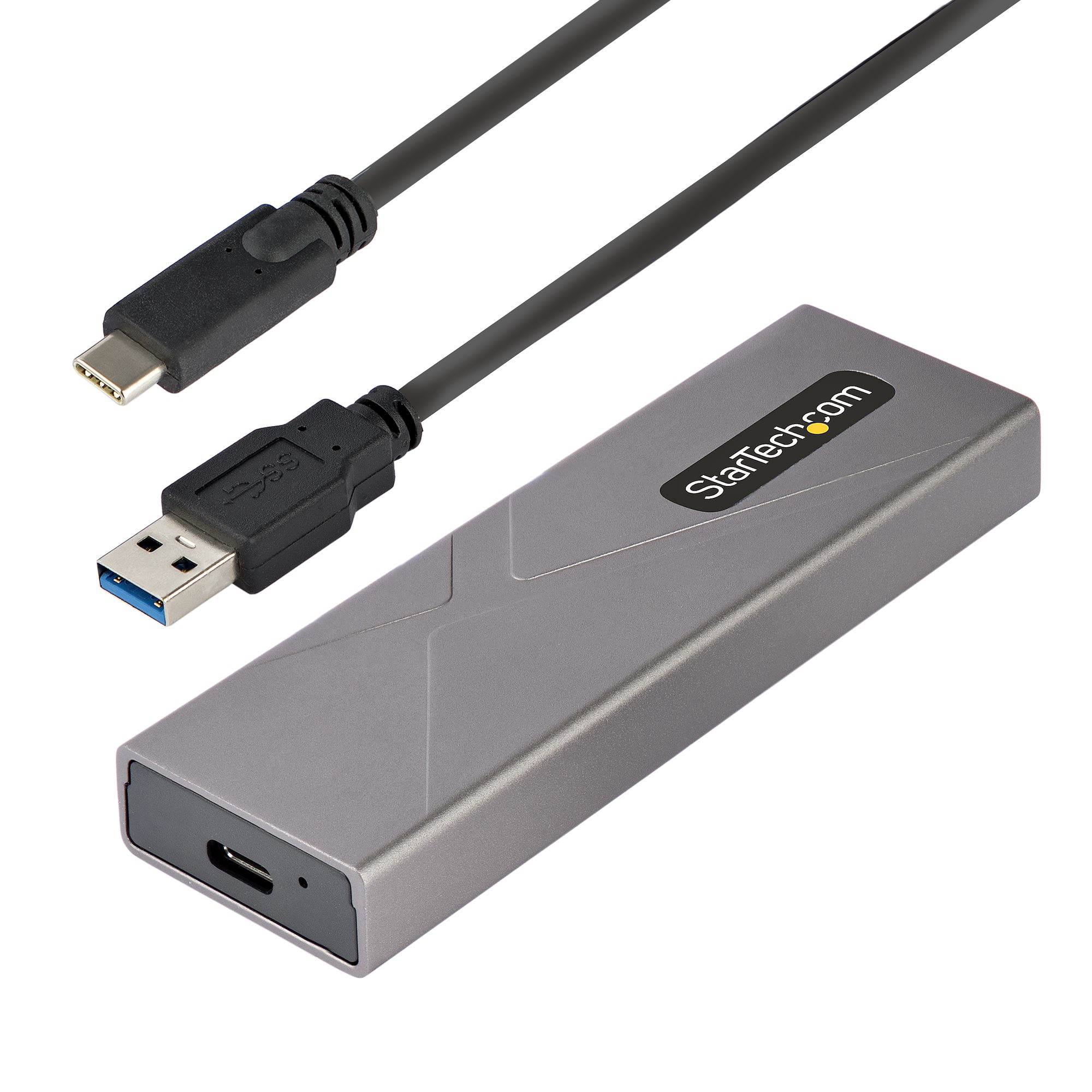
- Some external enclosures or PCIe adapter cards that accept M.2 drives will expose SATA ports or need cables. Always check the adapter documentation.
Real-world rule of thumb: if the M.2 drive goes directly into the motherboard slot, you do not need a SATA cable. If you move the M.2 drive to an adapter that converts it to a SATA interface, then you will need a SATA cable.
How to identify whether your M.2 needs a SATA cable
Step-by-step checks you can do right now:
- Inspect the drive label or product page to see if it lists “SATA” or “NVMe (PCIe).”
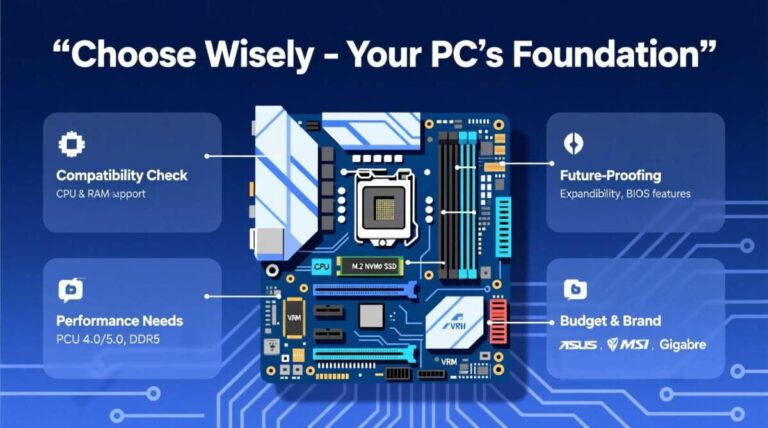
- Check the motherboard manual to confirm which M.2 slot types it supports.
- Look for keying: M-key often indicates NVMe (PCIe), B+M could be SATA or PCIe hybrid.
- If using an adapter, read its specs to see if it converts to SATA and requires a cable.
Quick examples:
- A laptop M.2 slot with a drive installed: no SATA cable needed.
- An M.2-to-2.5" adapter placed in a desktop bay: you will likely need a SATA cable and power.

Installation tips and troubleshooting
Before you install:
- Power down and unplug your PC to avoid shorts and data issues.
- Ground yourself to prevent static damage.
- Confirm whether the motherboard supports the height and length of the M.2 module.
If the drive is not detected:
- Re-check the M.2 slot and screw; poor seating is a common issue.
- Verify BIOS settings — some motherboards disable certain SATA ports when an M.2 slot is active.
- If you used an adapter, confirm the SATA cable is plugged into the correct SATA port and that power is connected.
From my experience, the most common mistake is assuming every M.2 is NVMe. That led me to buy a PCIe adapter when a simpler SATA adapter would have done the job. Ask “do you need a sata cable for m 2 ssd” before buying adapters or enclosures to avoid wasted parts.

When to buy adapters or cables
Buy a SATA cable when:
- You plan to use an M.2 SATA drive in an adapter that exposes a SATA data port.
- You are converting an M.2 module to a 2.5-inch form factor for an older desktop.
Avoid buying a SATA cable when:
- The M.2 drive will remain in a motherboard M.2 slot.
- You have an NVMe drive — SATA cables are irrelevant for NVMe.

Practical examples and lessons learned
Example 1: Upgrading a mini-PC
- I upgraded a mini-PC with an M.2 NVMe drive and did not need any SATA cable.
Example 2: Moving an M.2 SATA drive to a desktop bay - I used an M.2-to-2.5" adapter and needed a SATA data cable and a SATA power connection from the PSU.
Lesson: checking compatibility saves money. Asking “do you need a sata cable for m 2 ssd” before buying parts prevents needless purchases.
Frequently Asked Questions of do you need a sata cable for m 2 ssd
Do all M.2 SSDs require a SATA cable?
No. Most M.2 SSDs do not require a SATA cable when installed directly into an M.2 slot on the motherboard.
Can I use a SATA cable with an NVMe M.2 drive?
No. NVMe M.2 drives use PCIe lanes and are not compatible with SATA cables or SATA ports.
If my M.2 SSD is SATA, do I still plug it into the M.2 slot?
Yes. M.2 SATA SSDs plug into the M.2 slot on the motherboard and do not use a separate SATA cable unless placed in a SATA adapter.
Will a motherboard disable SATA ports if I install an M.2 drive?
Some motherboards disable certain SATA ports when specific M.2 slots are in use. Check your motherboard manual for port sharing details.
When would I need a SATA cable for an M.2 SSD?
You need a SATA cable only if you use an adapter or enclosure that converts the M.2 SSD to a SATA interface or to a 2.5-inch form factor.
Conclusion
Most of the time you do not need a SATA cable for an M.2 SSD because M.2 modules connect directly to the motherboard and receive power and data through the M.2 slot. If you plan to use an adapter that converts the M.2 to a SATA device or to a 2.5-inch bay, then a SATA cable and power are necessary. Take a moment before buying components to confirm the drive protocol and adapter type. If you found this helpful, try checking your drive label or motherboard manual now, subscribe for more practical hardware guides, or leave a comment with your setup questions.

Everett Ashford is a tech reviewer at mytechgrid.com specializing in SSDs, cameras, TVs, earbuds, headphones, and other consumer electronics. He provides honest, data-driven reviews based on hands-on testing and real-world performance analysis. Everett simplifies complex tech details to help readers make smart, confident buying decisions.