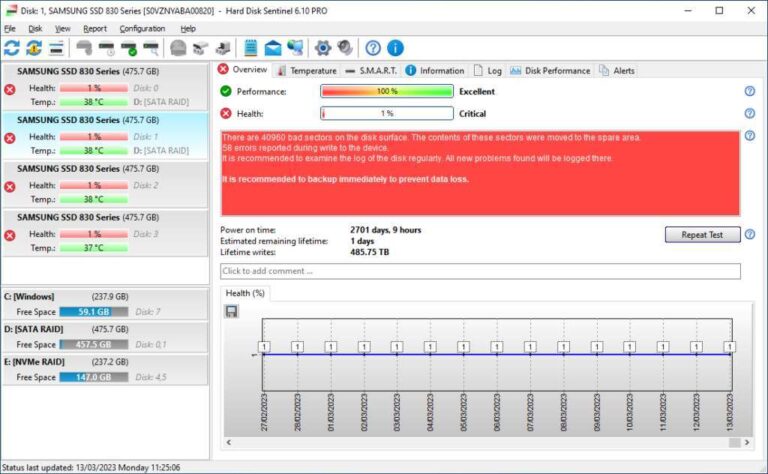
Yes — CHKDSK can repair file system errors on SSDs but not fix physical NAND wear.
As a systems engineer who has maintained Windows machines and SSDs for years, I will explain whether does chkdsk work on ssd, when it helps, and when it does not. This guide breaks down how CHKDSK interacts with SSDs, safe commands, real-world tips from my lab, and better tools for SSD health so you can make informed choices.
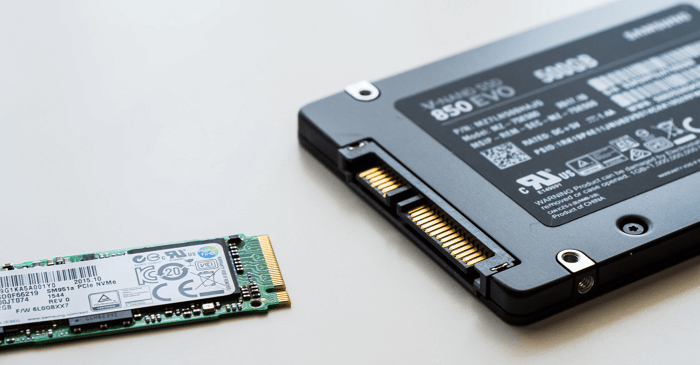
How CHKDSK works on Windows storage
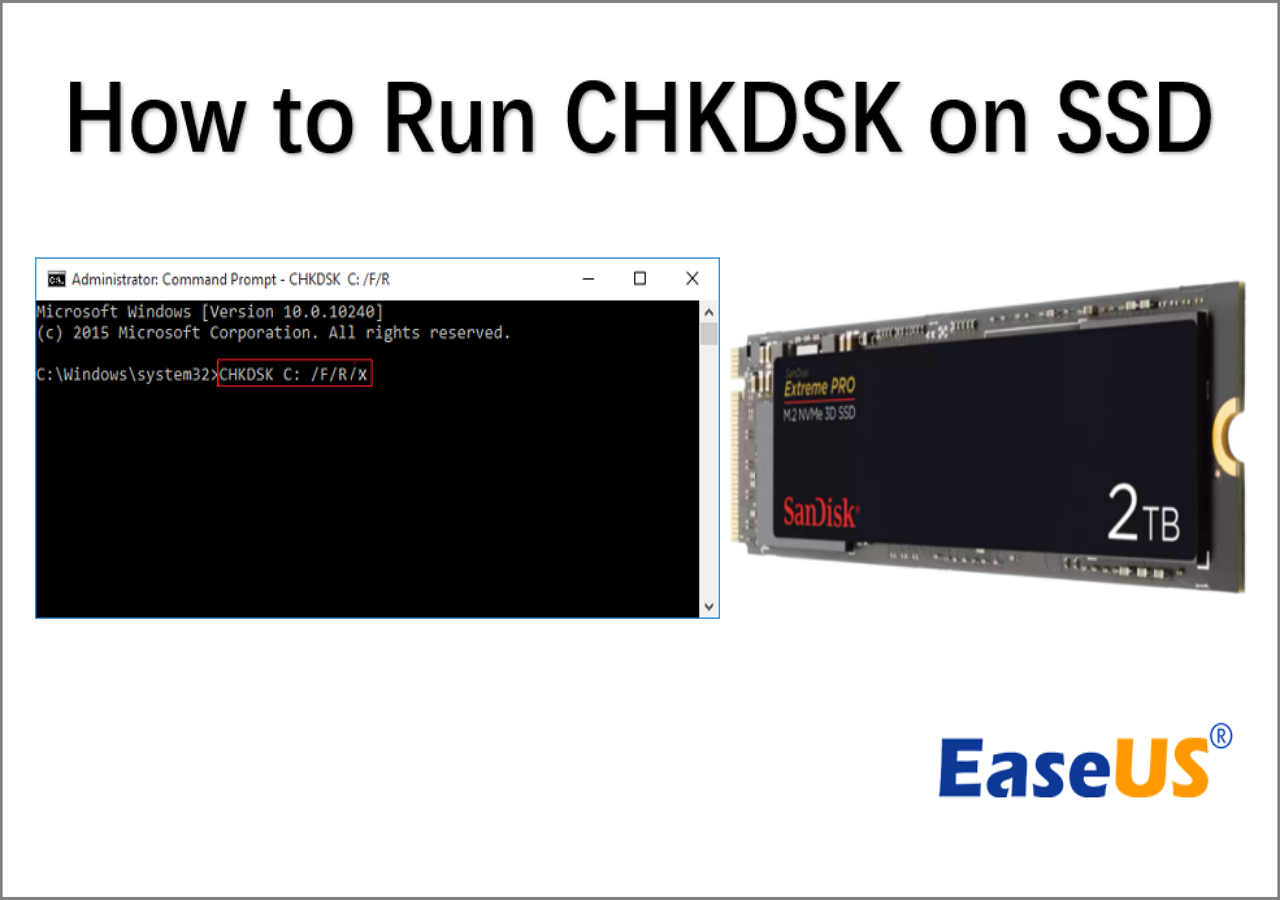
CHKDSK checks and repairs file system structures. It scans NTFS or FAT metadata. It looks for lost clusters, cross-linked files, and corrupt indexes. The command options matter. For example:
- chkdsk C: /f fixes logical file system errors.
- chkdsk C: /r finds bad sectors and attempts recovery. This implies a surface scan.
- chkdsk C: /x forces volume dismount before checking.
CHKDSK works at the OS level. It sees what the file system reports. It cannot alter SSD firmware or change how NAND is mapped. When asking does chkdsk work on ssd, remember CHKDSK addresses logical faults and file record issues, not physical flash cell wear or controller failure.
Does CHKDSK work on SSD? detailed answer
Yes, chkdsk works on SSD for file system fixes. It repairs corrupt metadata and restores file links. It is not a tool for fixing dead flash cells. SSDs use internal remapping and wear-leveling. The SSD firmware marks bad blocks and hides them from the OS. CHKDSK cannot force the SSD to remap blocks at the hardware level.
Running chkdsk /r on an SSD causes a full surface scan. That scan reads each sector. On an SSD, those reads are harmless but can increase write amplification if recovery writes occur. Frequent use of /r can add unnecessary wear. When you ask does chkdsk work on ssd, think: use CHKDSK for logical problems, and use SSD-specific tools for hardware health.
When you should run CHKDSK on an SSD
Run chkdsk when you see clear signs of file system damage. Common triggers:
- Windows prompts to scan drive after an improper shutdown.
- File names or folders disappear unexpectedly.
- Files return I/O errors when opened.
- Blue screen errors reference file system corruption.
Avoid using chkdsk for routine SSD health checks. If you are troubleshooting performance slowness or suspected hardware faults, check SMART data and run manufacturer diagnostics first. Keep asking does chkdsk work on ssd in mind: it helps for file system trouble, not most hardware failures.
How to run CHKDSK safely on an SSD
Follow these steps to reduce risk and avoid unnecessary wear:
- Backup important data before running any disk repair.
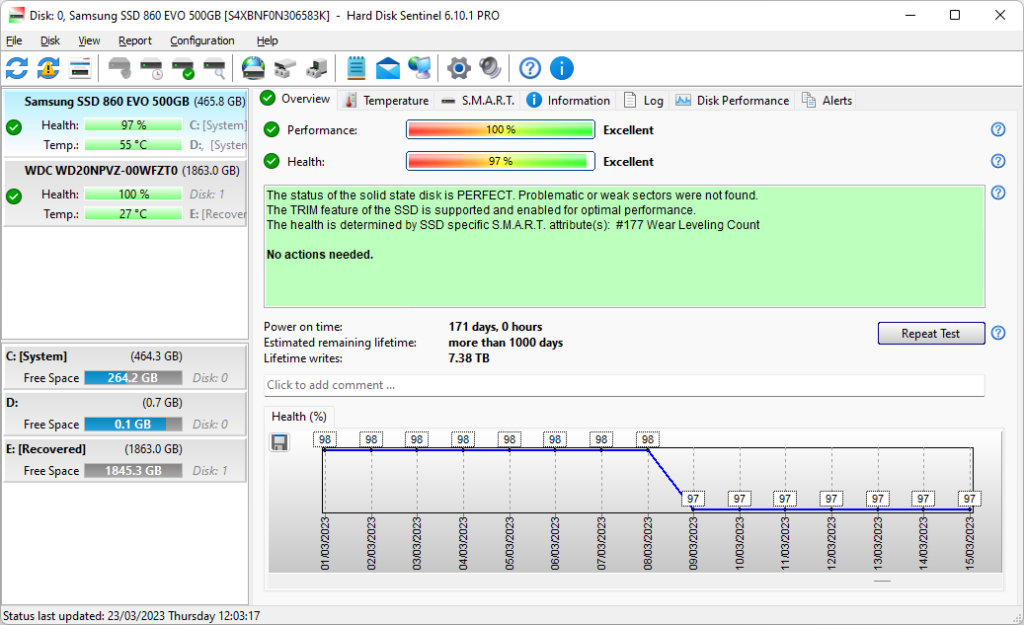
- Check SMART status with a tool or PowerShell. Confirm health before repair.
- Run a non-destructive check first:
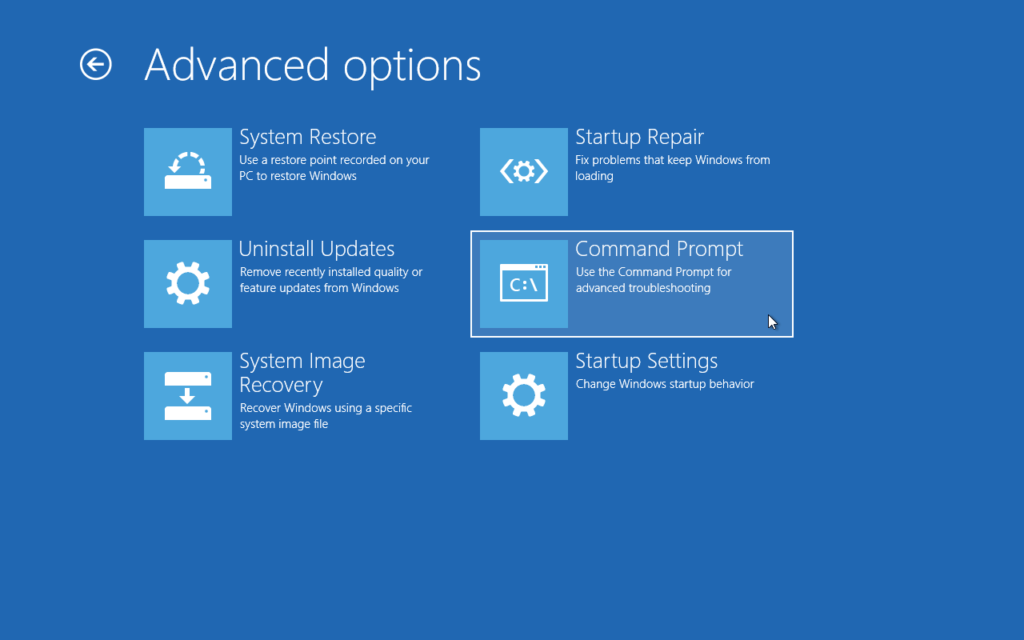
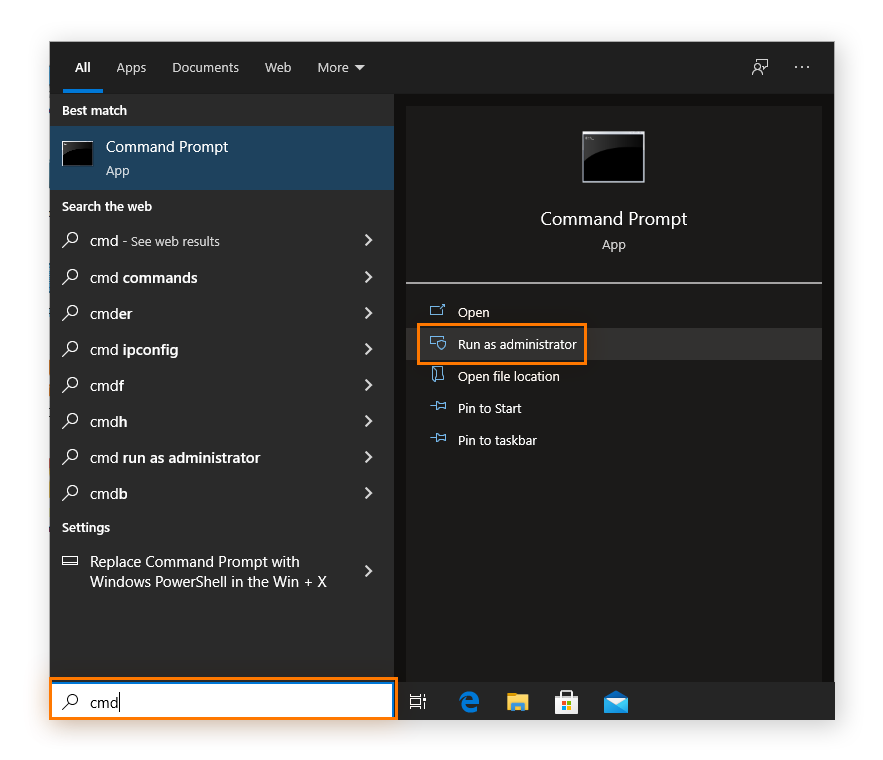
- Open Command Prompt as admin.
- Run: chkdsk C: /scan (where supported) or chkdsk C: /f for repair.
- Avoid /r unless you must recover unreadable data. /r runs a full sector scan.
- If chkdsk schedules at reboot, let it complete. Monitor the results.
- Review results in Event Viewer under Windows Logs > Application, look for Wininit events.
Example commands:
- chkdsk C: /f
- chkdsk D: /f /v
- chkdsk C: /r only if you suspect data recovery is required
I have used chkdsk C: /f to fix NTFS damage after power loss. That solved file link errors quickly without heavy stress on the SSD. Remember to ask does chkdsk work on ssd before choosing /r.

Alternatives and tools better suited for SSD health
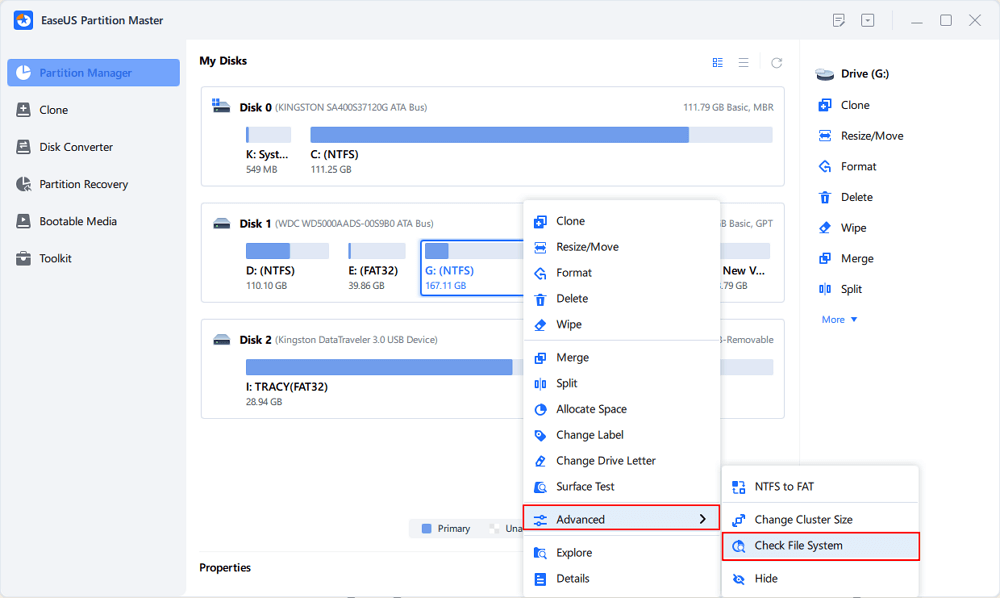
CHKDSK is not the only tool you need for SSDs. Use these for hardware and firmware diagnostics:
- Manufacturer toolbox for firmware updates and drive health checks.
- SMART utilities to read attributes like reallocated sectors and wear level.
- Windows Optimize Drives to confirm TRIM is active.
- Disk cloning tools for migration before failing drive replacement.
If you want to answer does chkdsk work on ssd from a health perspective, pair CHKDSK with SSD-specific tools. That gives both logical and physical views of your drive.
My experience and practical tips
I once ran chkdsk /r on an older SSD after a corrupt shutdown. The command recovered files but required hours to complete. The SSD showed normal SMART values. After that, I switched to chkdsk /f for regular fixes and used vendor tools for hardware checks.
Key lessons:
- Always backup first. Repairs can fail and cause data loss.
- Use chkdsk /f for filesystem fixes. Reserve /r for last-resort recovery.
- Do firmware updates and enable TRIM. These reduce wear and prevent many issues.
- Monitor SMART attributes weekly if you manage many drives.
These routines helped me maintain SSDs for years with minimal unexpected failures. Asking does chkdsk work on ssd became less urgent once proactive monitoring was in place.
Troubleshooting SSD problems CHKDSK cannot fix
CHKDSK cannot repair controller faults, bad firmware, or failing NAND that is not yet remapped. If you encounter these scenarios:
- Drive reports many SMART reallocated sectors or uncategorized failures. Stop using the drive and clone if possible.
- Drive disappears intermittently or mounts read-only. This suggests hardware or firmware faults.
- Slow writes even after TRIM and firmware updates. Consider secure erase or replacement.
When CHKDSK finds no errors but you still have trouble, use manufacturer diagnostics and prepare for RMA. Remember, does chkdsk work on ssd only partly answers the problem. Hardware tools will give the full picture.
Frequently Asked Questions of does chkdsk work on ssd
Does chkdsk work on ssd?
CHKDSK works on SSD to fix file system problems like corrupt metadata and lost clusters. It does not repair physical NAND wear or controller failures.
Is it safe to run chkdsk on an SSD?
Running chkdsk /f is safe for SSDs and commonly used after corruption. Avoid frequent use of chkdsk /r because the deep scan can add unnecessary wear.
Will chkdsk find bad blocks on an SSD?
CHKDSK can flag unreadable sectors reported by the OS, but SSD controllers usually remap bad blocks internally. CHKDSK cannot force hardware remapping.
Should I use chkdsk or manufacturer tools for SSD problems?
Use chkdsk for logical file system fixes. Use manufacturer tools for firmware, SMART checks, and physical diagnostics. Both have different roles.
How often should I run chkdsk on my SSD?
Only run chkdsk when you see errors or Windows prompts. Regular monitoring with SMART and vendor tools is a better routine than periodic chkdsk scans.
Conclusion
CHKDSK is a useful Windows tool for repairing file system errors on SSDs, but it is not a cure for physical drive wear or firmware issues. Use chkdsk /f for safe repairs, avoid routine /r scans, and complement CHKDSK with SMART checks and manufacturer utilities. Back up data before repair and monitor SSD health proactively. Try these steps on your drive, subscribe for updates, or leave a comment about your SSD repair experience.

Everett Ashford is a tech reviewer at mytechgrid.com specializing in SSDs, cameras, TVs, earbuds, headphones, and other consumer electronics. He provides honest, data-driven reviews based on hands-on testing and real-world performance analysis. Everett simplifies complex tech details to help readers make smart, confident buying decisions.