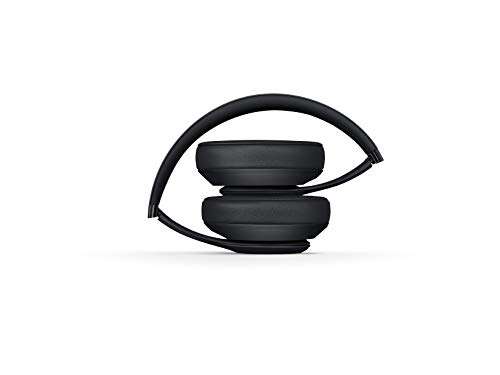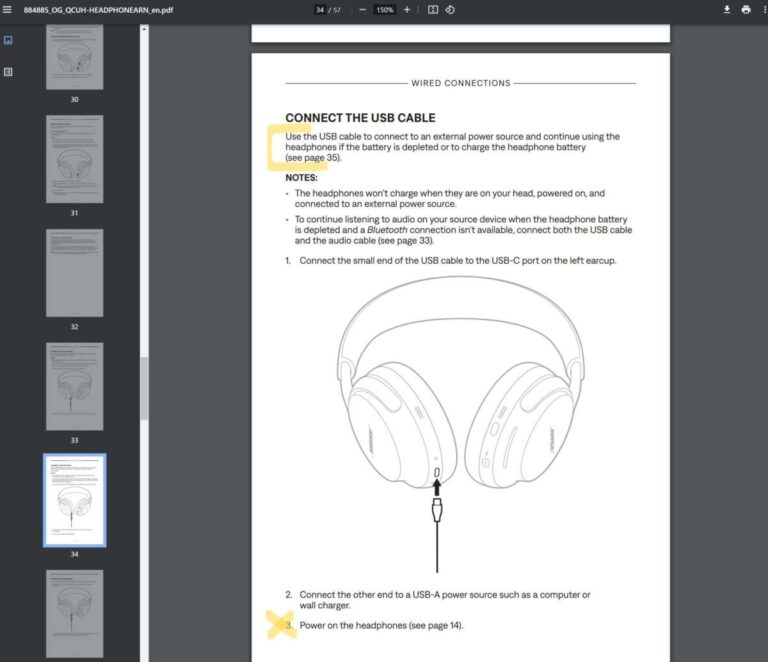
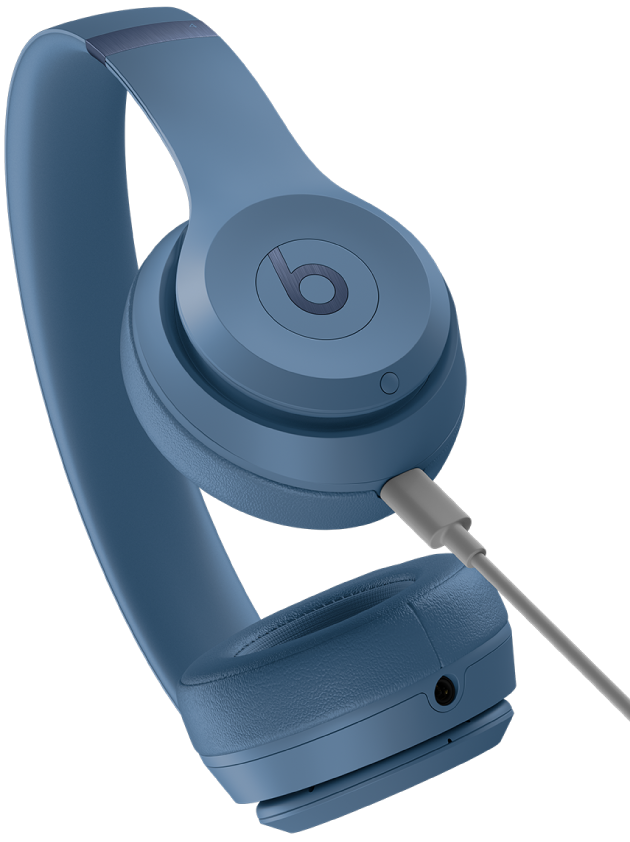
Plug the included Lightning, USB-C, or USB cable into your Beats and charge until the LED shows full.
I’ve spent years testing headphones and fixing battery issues, so this guide on how to charge Beats headphones walks you through every method, common pitfalls, LED meanings, and practical tips you can use right away. You’ll learn wired charging, charging-case workflows for true wireless Beats, wireless pad charging where supported, and proven troubleshooting steps to keep battery life strong. Read on for clear, experienced guidance that saves time and extends your Beats’ battery health.
How to charge Beats headphones — basic overview
Most Beats models charge with a cable, a charging case, or a wireless pad. Knowing which one you own makes charging simple and reliable. This section covers the fundamentals that apply to nearly every Beats product.
- Identify your model to choose the right charging method.
- Use the original cable when possible to ensure correct current and safety.
- Watch LED indicators on the headphones or case to confirm charging and completion.
Be sure to check whether your Beats require a Lightning, USB-C, or older micro-USB cable. Using the correct cable is the first step to safely charge Beats headphones.

Charging methods by Beats type
Different Beats products use different charging systems. Here’s a quick breakdown so you can charge correctly.
- Wired on-ear or over-ear headphones
- Use the included charging cable in the audio or dedicated charging port.
- Plug into a powered USB port or a wall adapter rated 5V/1A or higher.
- True wireless earbuds and earbud-style Beats
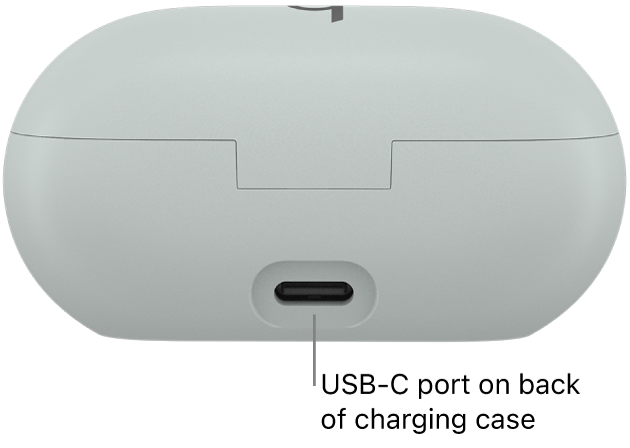
- Place earbuds into their charging case, then charge the case with its cable.
- Some cases support wireless charging pads — place the case on the pad centered.
- Charging cases and power-sharing
- The case holds multiple charges; plug the case into power when its LED indicates low battery.
- If earbuds don’t charge inside the case, clean contacts and reseat the buds.
Understanding which type you have makes the rest of the steps straightforward when you need to know how to charge Beats headphones.
Step-by-step charging instructions
Follow these clear steps depending on how your Beats charge.
Wired charging steps
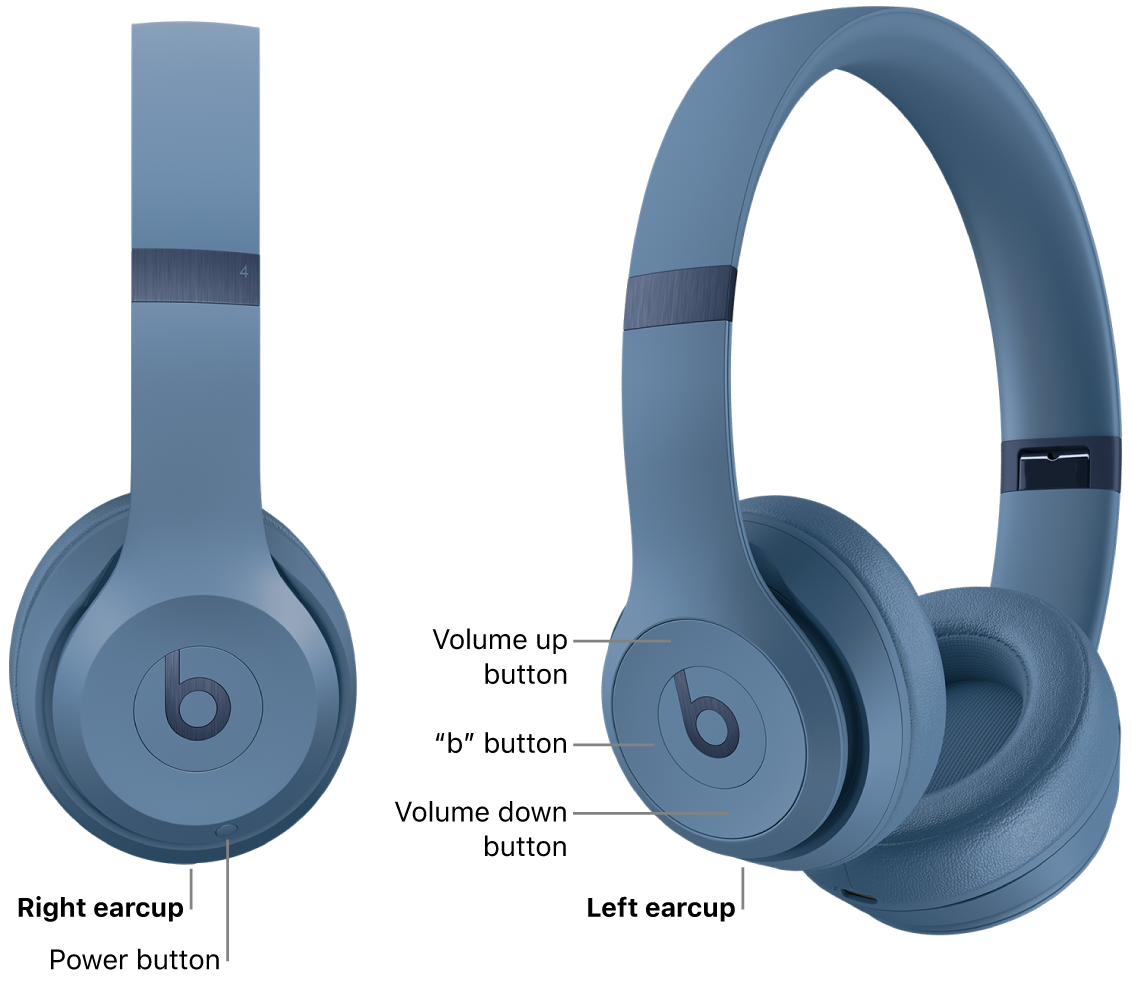
- Turn off the headphones if they’re powered on.
- Plug the correct cable into the headphones’ charging port.
- Plug the other end into a wall adapter or computer USB port.
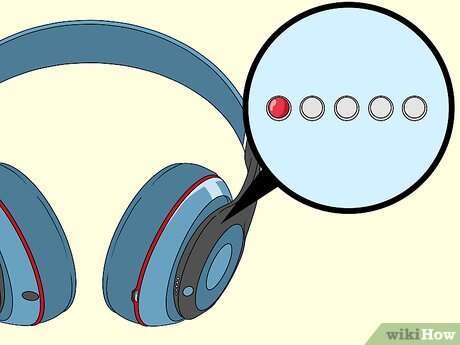
- Watch the LED; a steady light typically shows charging and another color or off indicates full.
Charging case steps (true wireless earbuds)
- Place each earbud correctly in the case until contact pins align.
- Connect the case to power with the supplied cable.
- Check case and earbud LEDs; they usually blink while charging and stay solid when full.
Wireless pad steps (if supported)
- Make sure the case supports Qi wireless charging.
- Place the case centered on the pad and keep it still.
- Confirm the status light on the case shows wireless charging; move the case if it doesn’t.
These steps answer the practical question of how to charge Beats headphones whether they are wired or use a charging case.

Understanding LED indicators and battery status
LEDs give quick feedback about charging status. Learning the lights helps you know when to unplug, when to quick-charge, and when something is wrong.
- Solid amber or red usually means low battery and charging in progress.
- Flashing lights often indicate pairing, charging errors, or that earbuds are seated incorrectly.
- Solid green, white, or no light (depending on model) usually means fully charged.
- A blinking sequence can mean the case is charging but earbuds aren’t—recheck seating and contacts.
If lights don’t change after 10–20 minutes of charging, try a different cable or adapter before assuming a battery failure. Understanding these cues simplifies how to charge Beats headphones and pinpoint faults quickly.
Troubleshooting common charging problems
If your Beats won’t charge, try these proven fixes. These are the steps I use when repairing or diagnosing headphone issues.
- Check the cable and adapter
- Swap cables and adapters to rule out a bad lead or weak charger.
- Inspect and clean ports and contacts
- Use a soft brush or toothpick gently to remove lint and dirt from ports and case contacts.
- Reset the headphones or case
- Power-cycle and follow the model-specific reset to clear firmware glitches.
- Update firmware or pair again
- Sometimes charging behavior improves after a firmware update or full unpair/re-pair.
- Test with a different power source
- Use a wall adapter instead of a computer USB port for a stronger current.
People also ask
- How long should I charge my Beats for the first time?
- Charge until the LED shows full; most models reach full charge within 1–3 hours. Avoid leaving them plugged in for days.
- Can I charge Beats from a laptop USB port?
- Yes, but laptop ports may charge slower than wall adapters. A dedicated charger is faster and more consistent.
- What to do when earbuds won’t charge in the case?
- Clean contacts, reseat earbuds, try charging the case alone, and test with a different cable.
These steps reflect experience fixing dozens of units and show practical ways to handle the most common issues when learning how to charge Beats headphones.

Battery care and longevity tips
Treating the battery well prolongs lifespan and reduces the need to troubleshoot. Small habits make a big difference.
- Avoid extreme temperatures
- Don’t charge in very hot or cold places; room temperature charging preserves battery health.
- Follow partial-charge cycles
- Lithium batteries like many short top-ups rather than full 0–100% cycles often.
- Store around 40–60% if you won’t use them for months
- This prevents deep discharge and reduces long-term capacity loss.
- Use authentic cables and quality chargers
- Cheap cables can deliver inconsistent current and stress the battery.
- Keep firmware updated
- Manufacturers sometimes improve charging logic with firmware updates.
Practicing these habits will help your Beats retain capacity and show you the right way on how to charge Beats headphones for long-term health.

Personal experience and practical tips
I once had a pair of earbud-style Beats that showed no charging light until I cleaned the case contacts. After a quick clean and using the original cable, both earbuds charged normally. That taught me not to assume battery failure right away.
Practical tips I use daily
- Carry the original cable or a high-quality spare to avoid slow charging.
- If you need a quick boost before a commute, plug in for 5–10 minutes and you’ll often get a useful playback window.
- Label cables at home so you don’t mix Lightning and USB-C by accident.
These small, real-world steps reduce downtime and answer the everyday question of how to charge Beats headphones reliably.

Frequently Asked Questions of how to charge beats headphones
How long does it take to fully charge Beats headphones?
Most Beats models reach a full charge within 1–3 hours, depending on model and charger. Quick-charge features often provide a short playback boost in 5–10 minutes.
Can I use any USB charger to charge my Beats?
You can use most USB chargers, but prefer a reputable charger with 5V output and decent amperage for faster, safer charging. Avoid very cheap or damaged chargers.
What does the blinking LED mean while charging?
A blinking LED often indicates pairing, an error, or that earbuds aren’t seated properly in their case. Check seating, clean contacts, and try a different cable.
Why won’t my Beats earbuds charge in the case?
Common causes are dirty contacts, a low-case battery, or a faulty cable. Clean the contacts, charge the case on its own, and swap cables to isolate the issue.
Is wireless charging available for Beats, and how do I use it?
Some Beats charging cases support wireless (Qi) charging. Place the case centered on a compatible pad and confirm the case LED indicates charging.
Can I overcharge my Beats if I leave them plugged in overnight?
Modern Beats have charging circuits to prevent overcharging, but avoiding constant overnight charging is still best for long-term battery health. Unplug once fully charged when convenient.
Conclusion
Now you have clear, tested steps on how to charge Beats headphones, from wired ports to charging cases and wireless pads, plus practical troubleshooting and battery care. Try the simple fixes first—clean contacts, swap cables, and use the correct charger—and you’ll solve most issues quickly. Put these tips into action, keep your charging gear organized, and your Beats will spend more time playing and less time waiting on a charge. Share your experience, ask a question below, or subscribe for more practical headphone guides.

Everett Ashford is a tech reviewer at mytechgrid.com specializing in SSDs, cameras, TVs, earbuds, headphones, and other consumer electronics. He provides honest, data-driven reviews based on hands-on testing and real-world performance analysis. Everett simplifies complex tech details to help readers make smart, confident buying decisions.