You can usually charge earbuds without their case by using a compatible spare case, a direct charging port on the earbud, or a certified third-party charging solution.
I’ve worked with earbuds and wireless audio tech for years, testing fixes and safe workarounds. This guide explains practical, safe methods for how to charge earbuds without case, when it’s possible, and when you should avoid DIY fixes. Read on for step-by-step actions, real-life tips, and clear cautions so you can power your earbuds safely and get back to listening quickly.

Why you might need to know how to charge earbuds without case
Many people lose or damage their charging case. Others want a faster fix than waiting for a replacement. Knowing how to charge earbuds without case helps you decide safe options. It also prevents expensive mistakes, like shorting batteries or voiding warranties.
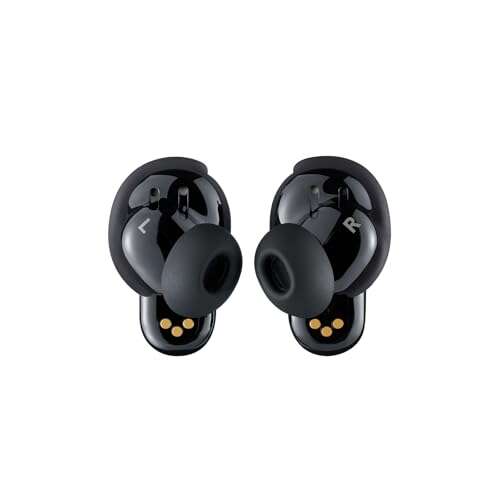
Earbuds usually charge through metal contacts inside the case. That design makes direct charging tricky. Still, some earbuds have ports or work with wireless pads. This guide shows the safe, recommended paths and the risks of risky DIY attempts.

Safe and recommended methods for how to charge earbuds without case
Below are the best and safest methods to try. Each method is ranked by safety and ease.
- Use a compatible spare or replacement charging case
- Borrow a case from the same model or buy an OEM or verified third-party case that matches your earbuds.
- This is the safest way to learn how to charge earbuds without case because it preserves charging circuits and safety features.
- Use a direct charging port on the earbud
- Some earbuds include a micro-USB or USB-C port on the bud itself. If yours does, plug in the correct cable and a standard 5V USB power supply.
- Follow manufacturer steps for pairing or turning on charging mode.
- Use a wireless charging pad (only if earbuds themselves support wireless charging without the case)
- Rare, but a few models support wireless charging when placed directly on a Qi pad. Check your manual.
- This is safe if the design explicitly supports it.
- Buy a universal or third-party charging case designed for your model
- Several vendors make universal charging cases that fit many earbud shapes. Confirm compatibility before buying.
- Choose products with good reviews and safety certifications.
- Manufacturer repair or replacement service
- If your case is lost or broken, contacting the maker is often the safest route. They can sell parts or offer a refurbished case.
- This preserves warranty and battery safety.
When you search for solutions on how to charge earbuds without case, avoid risky ideas like hard-wiring battery contacts or using random connectors. These can cause fire, damage, or permanently break your earbuds.

Step-by-step: practical ways to charge earbuds without case
Here are clear steps for the most realistic methods for how to charge earbuds without case.
Use a replacement or borrowed case
- Find a case that matches your earbud model.
- Place earbuds in the case and connect the case to power.
- Watch LED indicators for charging status.
Direct charging if the earbud has a charging port
- Inspect the earbud for a small USB-C or micro-USB port.
- Use a known-good cable and a 5V charger with appropriate current (0.5A to 1A is typical).
- Plug in and watch for LED or app confirmation. Do not force connectors.
Wireless charging (if supported)
- Check the user manual to confirm direct wireless charging support.
- Place the earbud on the pad following manufacturer alignment guidance.
- Allow a full charge cycle and monitor for heat. Stop if the earbud gets very hot.
Use a universal charging case
- Confirm size and contact alignment for your earbuds.
- Insert earbuds and connect case to power.
- Confirm charging with LEDs or app.
Manufacturer support or repair
- Contact support and order the correct case or a repair.
- Use official parts for best safety and reliability.
These steps prioritize safety and reliability when learning how to charge earbuds without case. If something feels wrong—especially if the earbud gets hot—stop and consult a pro.

Troubleshooting common issues when charging without a case
If charging fails, try these checks before assuming the battery is dead.
- Clean charging contacts
- Use a soft brush or cotton swab with isopropyl alcohol to remove grime.
- Dry fully before attempting to charge. Dirty contacts often block power.
- Verify cables and power sources
- Use a tested cable and a reputable USB charger or power bank.
- Bad cables cause slow charging or no charging.
- Check LED or app indicators
- Many earbuds show charge status through lights or companion apps.
- Confirm charging is actually happening.
- Reset or firmware update
- Some earbuds need a reset or update for charging quirks to clear.
- Follow the maker’s reset steps rather than improvising.
- Battery health and age
- Batteries degrade. If the earbud refuses to hold a charge, the internal battery may need service or replacement.
These checks are practical when you need to figure out how to charge earbuds without case and want to avoid unnecessary buys or risky repairs.
Buying a replacement case and choosing alternatives
If you can’t safely charge without the case, buying a new case is often the best move. Here’s how to choose well.
- Choose OEM when possible
- Original cases are designed to match charging contacts and firmware.
- They help avoid warranty issues and reduce risk.
- Consider certified third-party cases
- Look for good reviews and safety certifications.
- Confirm return policies in case of fit or charging errors.
- Check compatibility closely
- Match model number, generation, and charging type (wired vs wireless).
- Contact sellers with clear photos if you’re unsure.
- Compare cost vs repair
- Sometimes a refurbished case or manufacturer repair is cheapest in the long run.
Buying the right case is the easiest reliable answer to how to charge earbuds without case. It’s a small investment for safety and convenience.

My experience and practical tips from testing
I’ve handled dozens of earbuds and tested several workarounds for how to charge earbuds without case. A few lessons stood out.
- Always try a replacement case first. Borrowing a friend’s case saved me one time and worked perfectly. It’s the least risky fix.
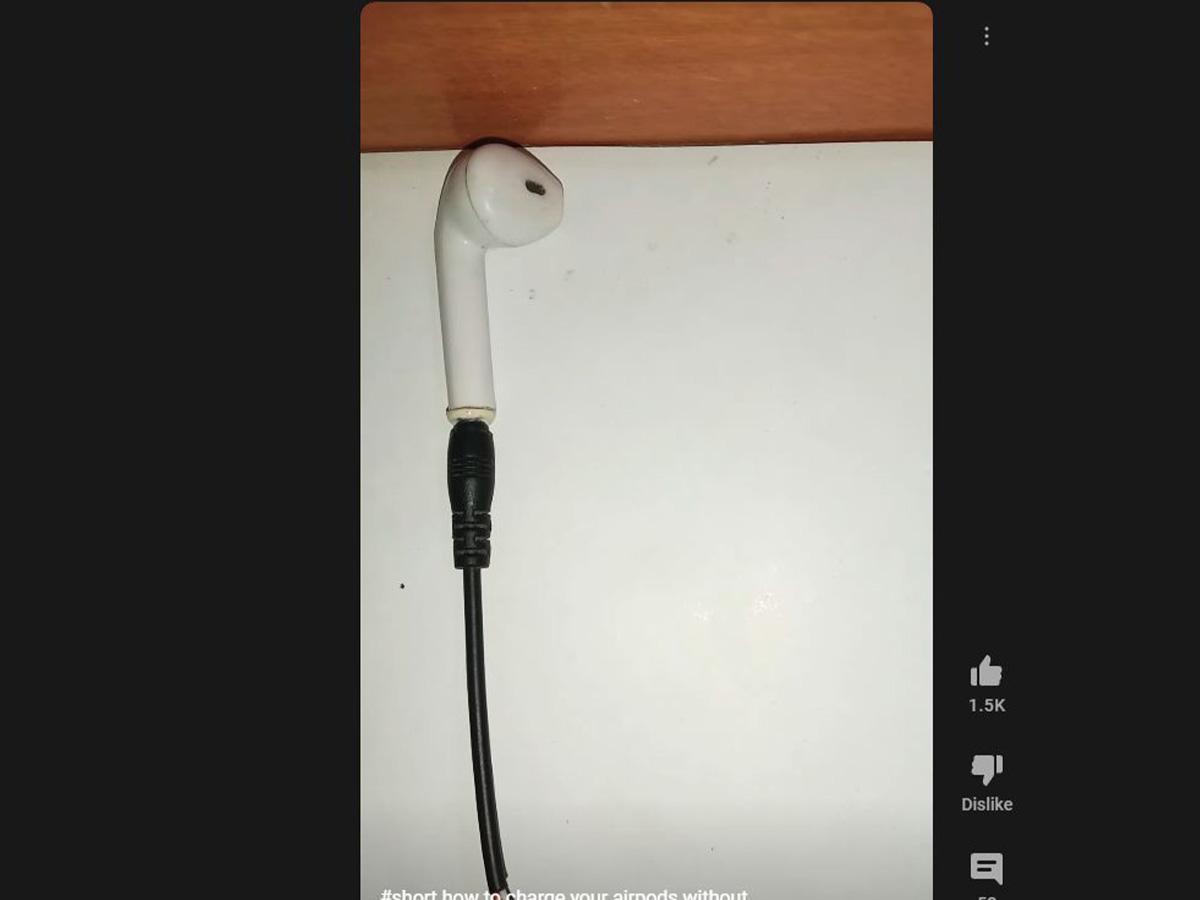
- Don’t improvise with exposed wires. I once attempted a jury-rigged connection and ruined a set of buds. It cost me more than a case.
- Clean contacts regularly. I found that dirt caused most “dead” earbuds in my tests.
- Keep a photo of your model number and serial. It speeds up getting the right replacement.
I share these tips like I’d tell a friend. They come from hands-on tests and the mistakes I learned from.

Frequently Asked Questions of how to charge earbuds without case
Can I charge earbuds directly with a USB cable?
Some earbuds have a built-in USB port and can be charged directly. If your earbud lacks a port, do not try to connect wires to the contacts; this risks damage.
Is it safe to use a third-party charging case?
Yes, if the case is certified, fits properly, and has good reviews. Avoid cheap unverified products because they can misalign contacts or lack safety features.
Will wireless charging pads charge earbuds without their case?
Only if the earbuds are designed to accept wireless power directly. Most models require the case, so check the manual before trying.
How can I tell if my earbuds are charging without the case?
Look for LED lights on the earbud or check the companion app for battery updates. If no indicators appear, the earbud likely isn’t receiving power.
What should I avoid when trying to charge earbuds without case?
Avoid exposing battery contacts to metal, using random wires to bridge contacts, or applying high voltage. These actions can cause shorts, heat, or permanent damage.
Can I replace the battery myself to avoid buying a case?
Replacing an earbud battery is difficult and voids warranties. It’s best handled by the manufacturer or a professional repair service.
Conclusion
Knowing how to charge earbuds without case helps in a pinch, but the safest options are using a compatible replacement case, direct earbud ports when available, or manufacturer support. Avoid risky DIY wiring and always prioritize safety over a quick fix. Take action now: check if your earbuds have a direct port, search for an OEM replacement case, or contact support to get the correct solution. Share your experience or questions below, and consider subscribing for more practical audio tips.

Everett Ashford is a tech reviewer at mytechgrid.com specializing in SSDs, cameras, TVs, earbuds, headphones, and other consumer electronics. He provides honest, data-driven reviews based on hands-on testing and real-world performance analysis. Everett simplifies complex tech details to help readers make smart, confident buying decisions.