Check visually, scan the Wi‑Fi, use a flashlight and an RF detector to reveal hidden cameras.
I’ve inspected dozens of hotel rooms for covert devices. This guide explains how to check your hotel room for cameras step by step, with practical checks, simple tools you can use, and what to do if you find something. I draw on hands‑on experience, common industry practice, and troubleshooting tips so you can protect your privacy fast and confidently.
Why you should know how to check your hotel room for cameras
Privacy matters. Hidden cameras in private spaces are rare but possible. Knowing how to check your hotel room for cameras gives you peace of mind and helps you act quickly if you find a device.
I’ve found that a calm, methodical sweep prevents panic and helps preserve evidence. Learn a simple routine and repeat it every time you check into a new room. This is especially important when staying in short‑term rentals or budget properties. The steps below are practical, quick, and repeatable.

Quick checklist: essential steps to check your hotel room for cameras
Use this checklist the moment you enter. These actions take 5–10 minutes and cover visual, electronic, and network checks.
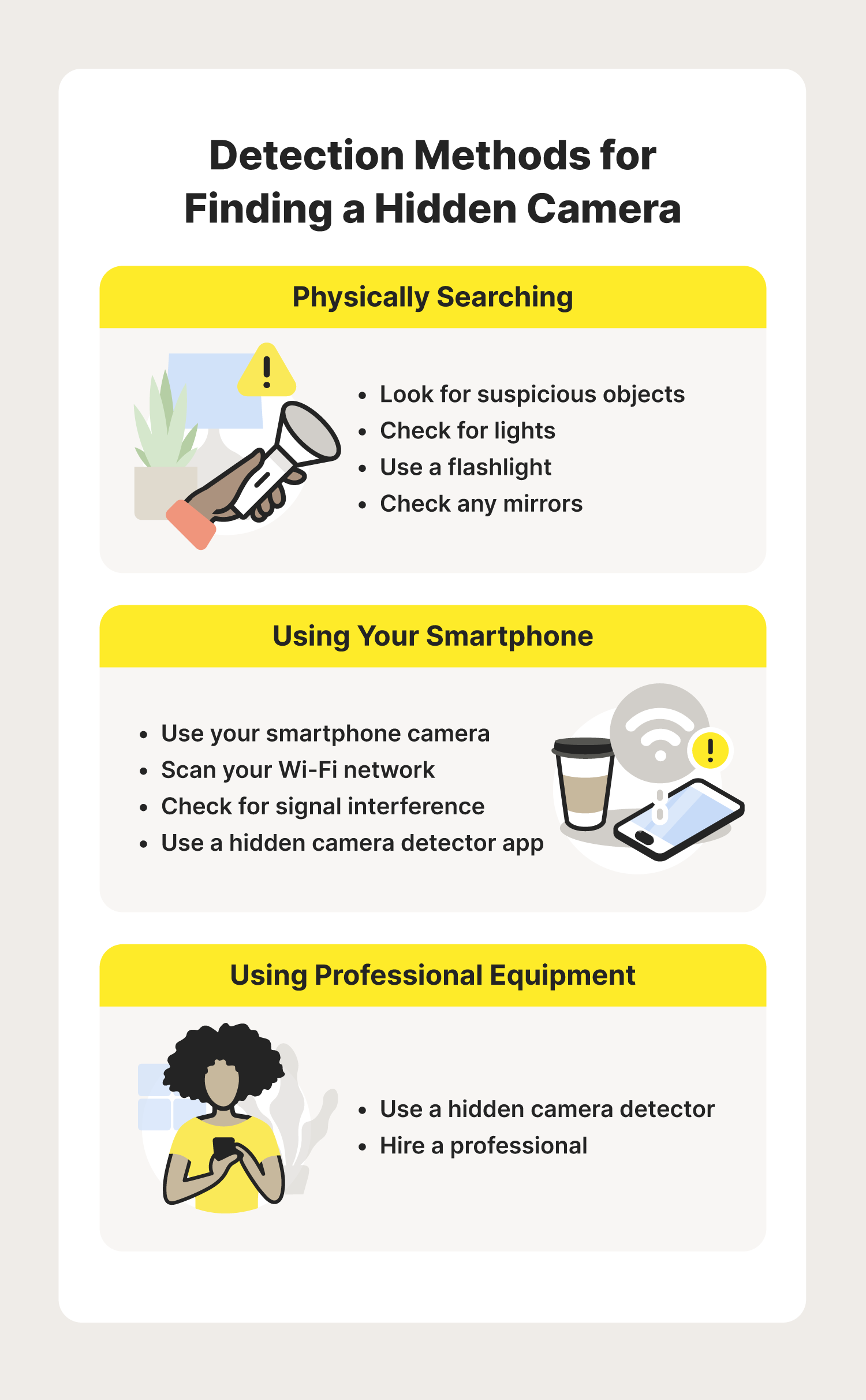
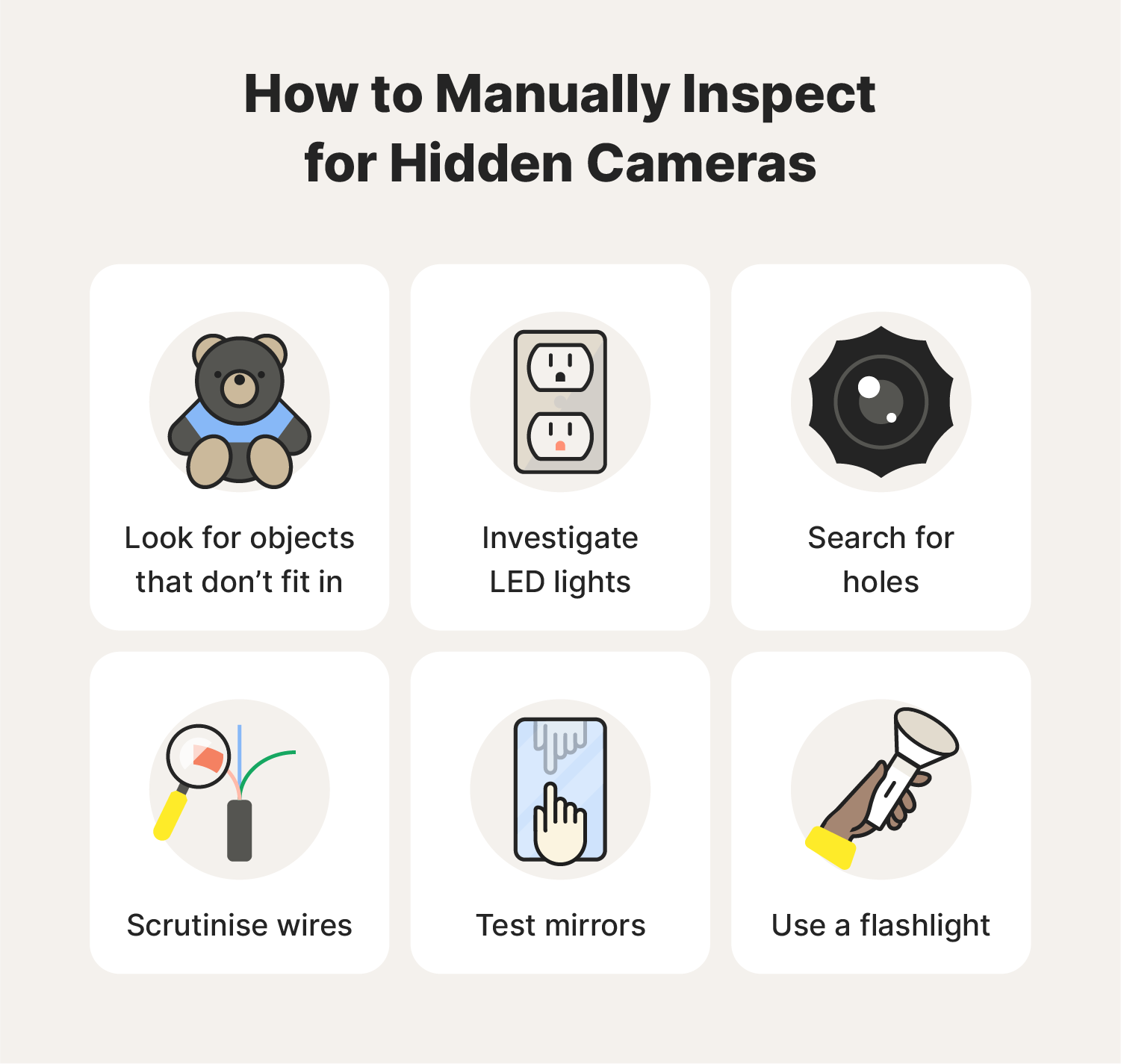
- Visually scan for anything out of place or small pinholes where a lens could be.
- Shine a flashlight across reflective surfaces to reveal camera lenses.
- Photograph suspicious items and note their location and time.
- Scan the local Wi‑Fi for unknown devices and hidden hotspots.
- Use your phone camera to spot infrared lights from active lenses.
- Use an RF detector or camera lens finder for a deeper electronic sweep.
Each step targets different types of devices. Combine them for the best results.
How to check your hotel room for cameras: step‑by‑step
Follow this order. It’s efficient and reduces the chance of missing a device.
-
Start with a calm visual sweep
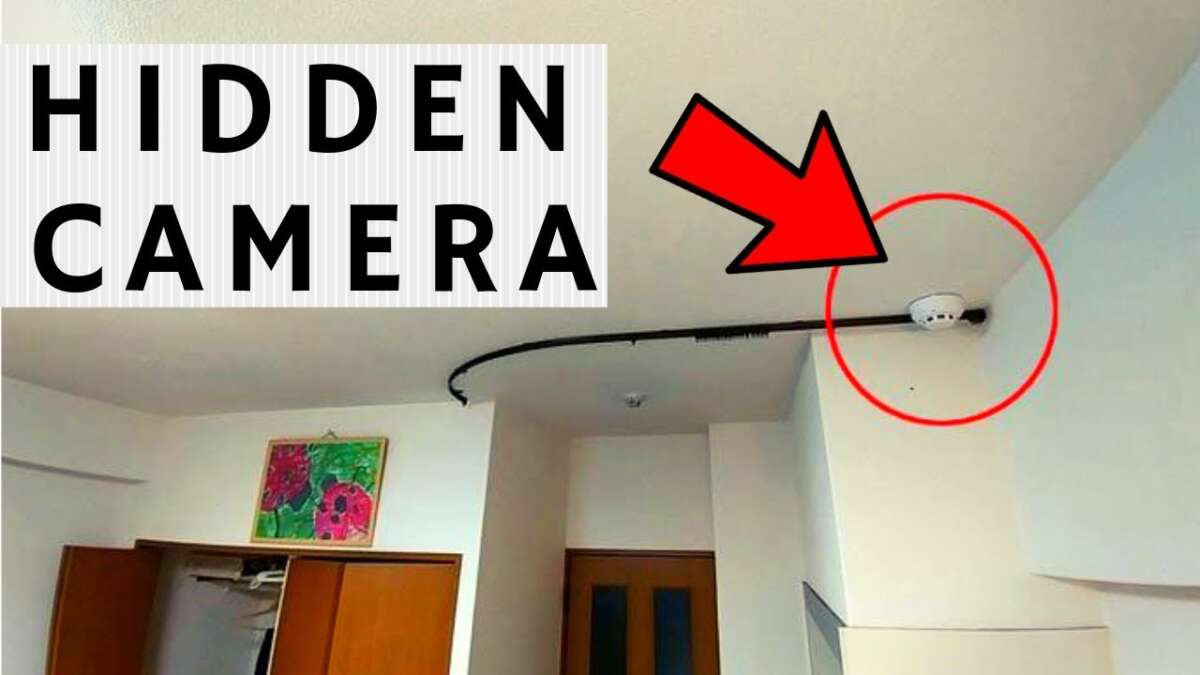
- Look at clock radios, smoke detectors, lamps, picture frames, air purifiers, and TV boxes. These are common hiding places.
- Check items facing the bed, bathroom, and dressing area. Cameras aim at people, not walls.
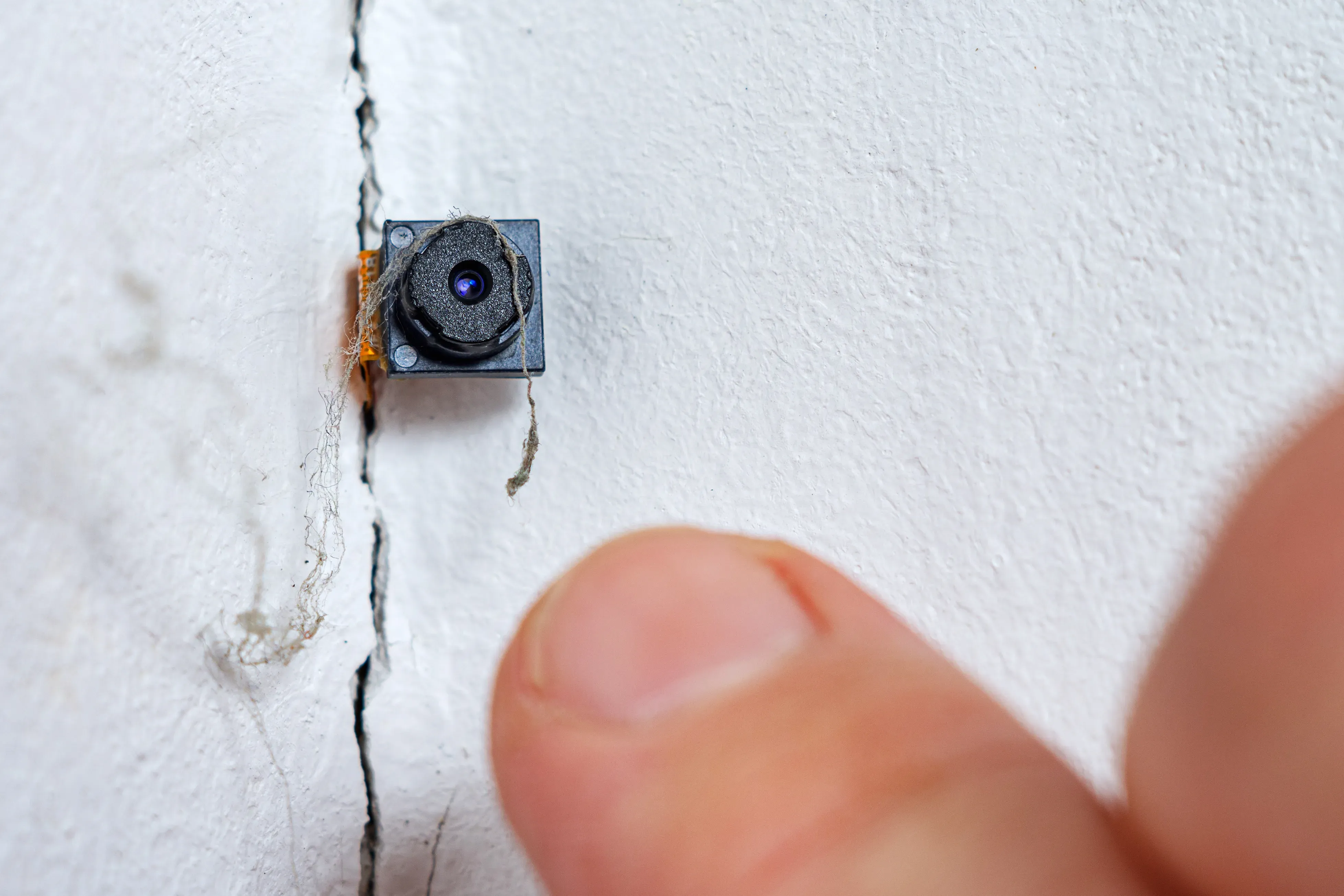
- Look for tiny pinholes or unusual seams in objects. A lens can be the size of a pinhead.
-
Use a bright flashlight to find reflections
- Turn off room lights and shine a strong light across surfaces.
- Move the light slowly and watch for a small, glinting reflection. A camera lens will reflect a pinpoint of light.
- Inspect at eye level and from odd angles; small lenses hide well.
-
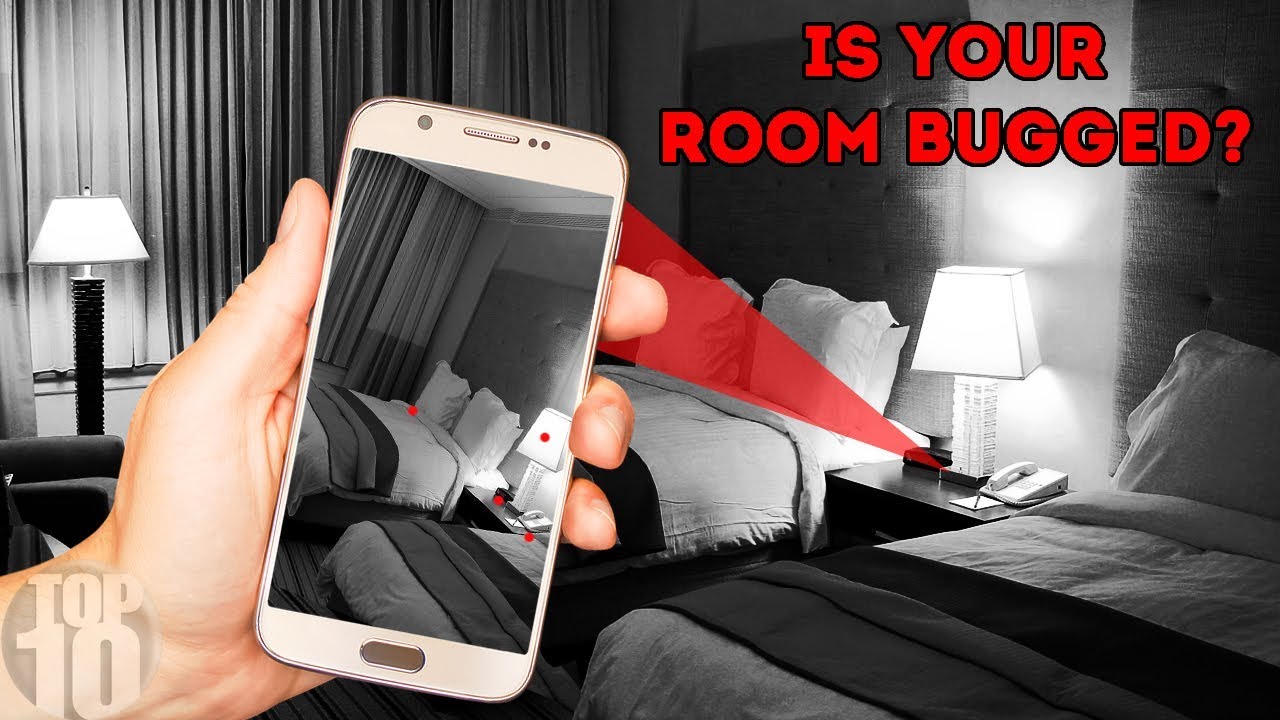
Scan for infrared (IR) light with your phone
- Switch your phone camera to the front or rear camera.
- Turn off room lights and point the camera at suspicious devices while zooming in.
- Look for a small purple or white dot. Many night‑vision cameras emit IR that shows up on phone sensors.
-
Check the Wi‑Fi and network
- Connect to the room Wi‑Fi or create a hotspot with your phone and scan for devices.
- Use a simple network scanner app to list connected devices. Look for unknown cameras, devices with strange names, or devices that share the network with a local IP on the same subnet.
- Be aware that some cameras use cellular or hidden hotspots, so absence on Wi‑Fi isn’t proof of safety.
-
Use an RF detector or camera lens finder
- RF detectors find wireless transmitters that send video. Sweep slowly near likely hiding spots.
- Camera lens finders use LEDs to show reflective lenses. Follow the device instructions and scan at close range.
- These tools aren’t perfect. Some cameras are wired or powered off and won’t show a signal.
-
Inspect vents, decorative items, and electrical outlets
- Check vents, smoke detectors, air purifiers, and outlet plates. These spots can conceal wired or battery cameras.
- Remove batteries if a device is easily opened and the action feels safe; otherwise document and report.
-
Document and report if you find something
- Photograph the device and the room layout. Note the date and time.
- Contact hotel management calmly and ask for an explanation or a room change.
- If the response is inadequate, call local law enforcement and preserve evidence.
Follow these steps each time you want to check how to check your hotel room for cameras. Short, repeatable checks make a big difference.

Tools and gadgets that help you check your hotel room for cameras
You don’t need expensive gear to check a room. Here are commonly used tools and how to use them.
-
Flashlight
- A strong LED flashlight is the simplest tool. Use it to reveal lens reflections and odd seams.
-
Smartphone
- Camera apps can detect IR. Network scanner apps help list devices on Wi‑Fi. These are free and fast.
-
RF detector
- Detects radio signals from wireless cameras and transmitters. Sweep slowly and check close to suspect objects.
-
Camera lens finder
- Uses LED light to reflect off lenses. Works well on concealed lenses in frames or smoke detectors.
-
Portable Wi‑Fi scanner
- Shows device names, MAC addresses, and manufacturers. Look for unfamiliar camera brands or unknown devices.
-
Thermal camera (optional)
- Shows heat patterns. A powered camera may show a heat signature. This is less common and more costly.
Each tool has limits. For example, wired cameras or devices turned off will not show RF signatures. Use several methods together to be thorough.

Real‑world tips, mistakes to avoid, and personal experience
I once found a small camera hidden inside a decorative clock. The clock looked ordinary until a flashlight showed a tiny lens. That taught me two lessons: always check common props, and document everything.
Tips from experience:
- Don’t accuse staff aggressively. Stay calm and document first.
- Ask for a new room or a refund if you find a device and management is unhelpful.
- If you’re uncomfortable, leave and contact local authorities. Your safety comes first.
Common mistakes:
- Relying on only one method, like network scanning.
- Overlooking bathroom and dressing area items.
- Not documenting the device before touching it, which can destroy evidence.
Using a steady routine helps. I now carry a small flashlight and use my phone camera first. These two items catch most issues quickly.
What to do if you find a camera in your hotel room
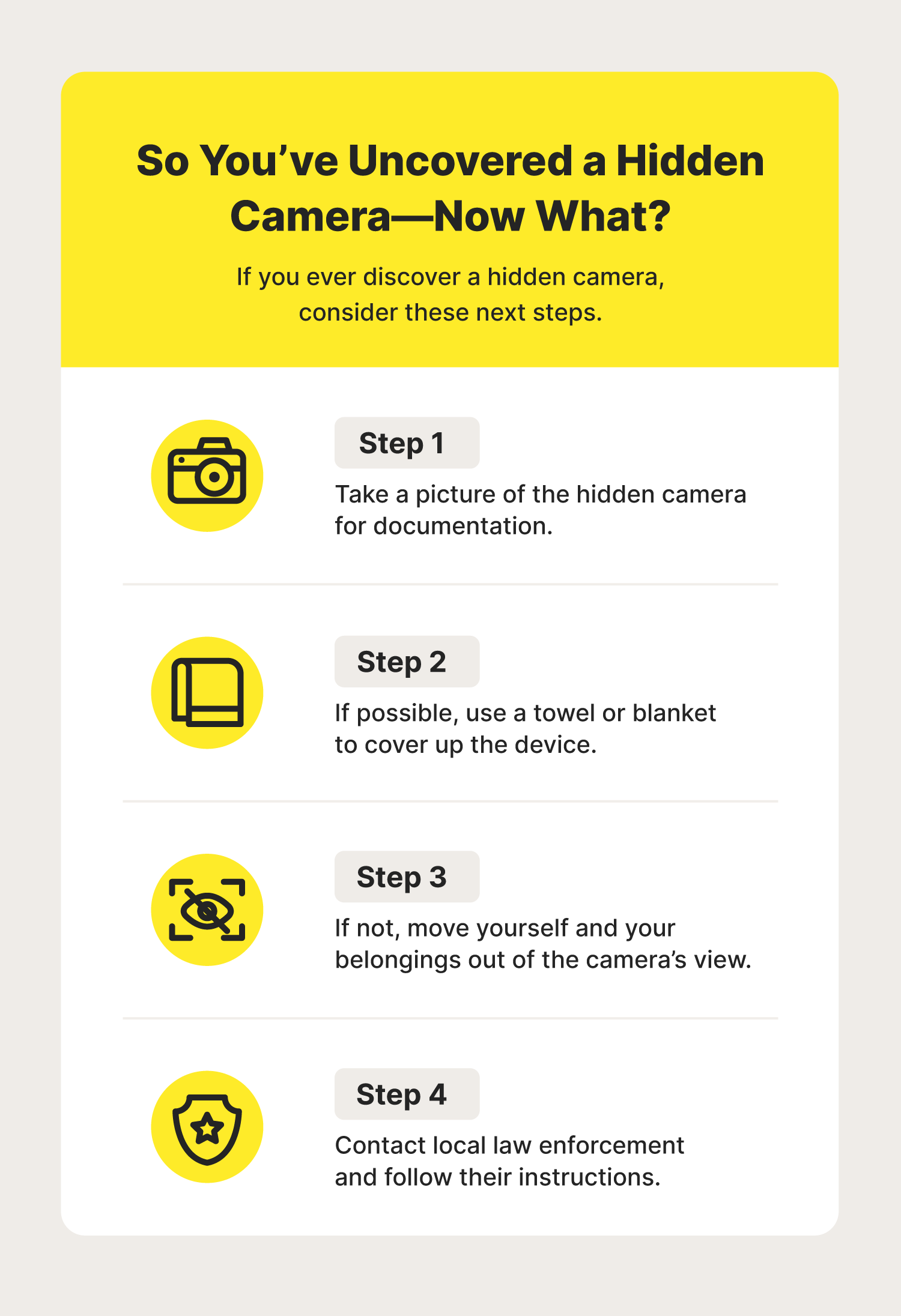
If you find a suspected camera, follow these steps to stay safe and protect evidence.
- Stay calm and don’t confront anyone loudly.
- Photograph the device and its surroundings. Note date and time on your phone.
- Notify hotel management and request immediate action or a room change.
- Preserve the device if possible, but avoid tampering if you plan to involve police.
- Contact local law enforcement if the device appears malicious or if management refuses to help.
- If you’re traveling internationally, contact your embassy or consulate if you need assistance.
Acting quickly and professionally helps you stay safe and increases the chance that authorities can investigate. Remember that laws vary, so let local police guide legal steps.
Tips to prevent risks before you check in
A few simple booking habits reduce the need to check every room intensively.
- Choose hotels with strong reputations and recent guest reviews.
- Book through reputable platforms and avoid unverified short‑term rentals.
- Request a room away from odd layouts or external access points.
- Ask the front desk about privacy policies and camera locations in common areas.
- Pack light inspection tools: a small flashlight and a phone with a network scanner app.
These steps lower your risk and make checking easier. Prevention saves time and stress.
Frequently Asked Questions of how to check your hotel room for cameras
How common is hidden camera placement in hotel rooms?
Hidden cameras in hotel rooms are rare but not impossible. Most hotels follow strict privacy rules, but isolated incidents have been reported in short‑term rentals and low‑traffic properties.
Can my phone camera detect all hidden cameras?
Your phone camera can spot many cameras that use infrared or have reflective lenses, but it won’t find wired cameras or devices that are turned off. Use additional methods like RF scanning and visual checks.
Is it legal to remove a suspected camera?
You should not remove or destroy a suspected camera. Photograph it and notify hotel staff and local police. Removing it can compromise evidence and put you at legal risk.
What if hotel staff dismiss my concerns?
Document everything and request to speak with management or security. If you still feel unsafe, leave the room and contact local law enforcement. Keep receipts and records if you plan to escalate the issue.
Do Wi‑Fi scanners always show hidden cameras?
Wi‑Fi scanners show devices connected to the network but not all cameras use the hotel Wi‑Fi. Some use cellular connections or separate hotspots, so network scanning is helpful but not definitive.
Conclusion
Checking your room is simple and empowering. Use visual sweeps, a flashlight, your phone, and basic detectors to learn how to check your hotel room for cameras. Document anything suspicious, notify management calmly, and involve police if needed. These steps protect your privacy and give you control.
Take one small habit: do a five‑minute sweep every time you check in. If you found this guide useful, try the routine on your next stay and share your experience or questions below.

Everett Ashford is a tech reviewer at mytechgrid.com specializing in SSDs, cameras, TVs, earbuds, headphones, and other consumer electronics. He provides honest, data-driven reviews based on hands-on testing and real-world performance analysis. Everett simplifies complex tech details to help readers make smart, confident buying decisions.