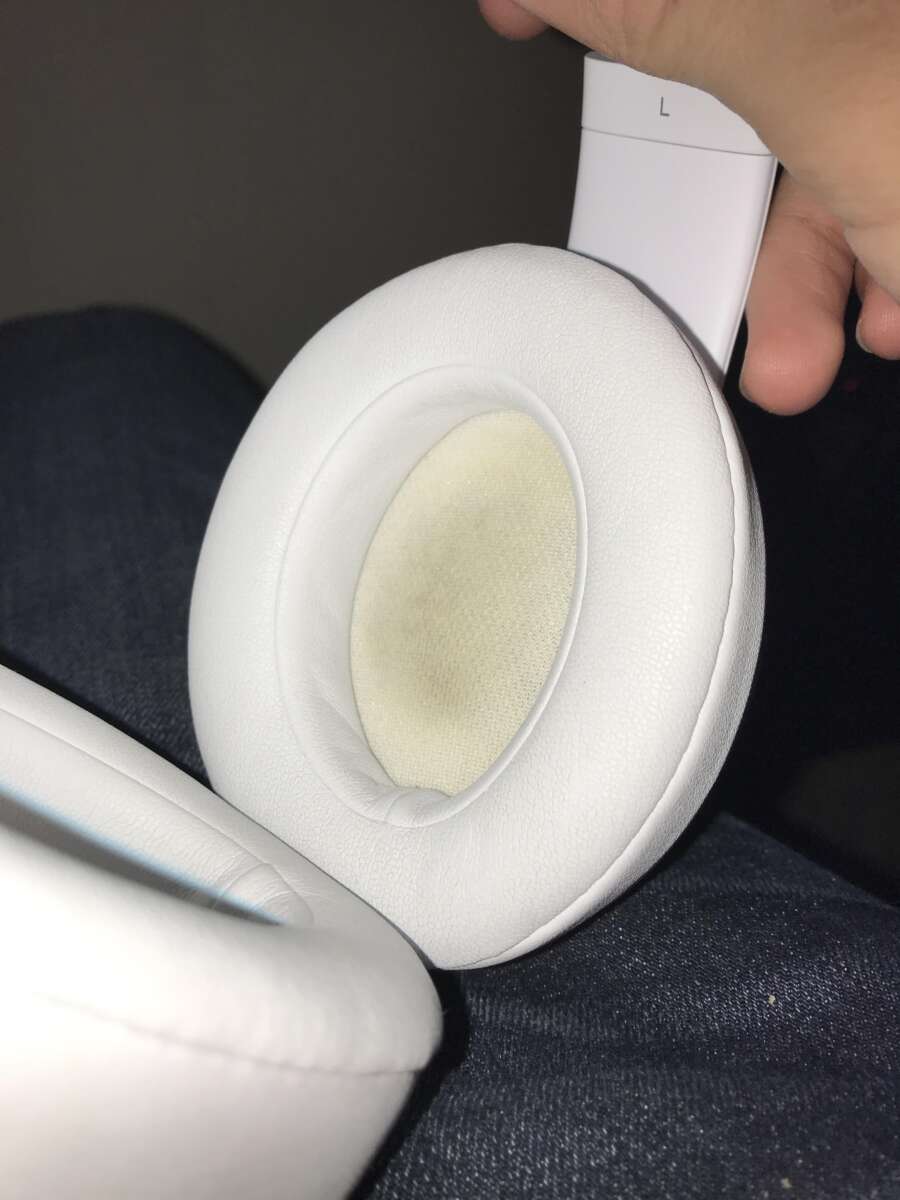
Use gentle tools, isopropyl alcohol, and soft brushes to clean Beats earbuds safely.
I have cleaned hundreds of earbuds in my work and at home. This guide on how to clean Beats earbuds shows clear, step-by-step methods for regular care, deep cleaning, and case maintenance. I explain the tools, the safest liquids, common mistakes, and quick fixes so you can keep sound crisp and extend the life of your Beats earbuds.

Why regular cleaning matters
Cleaning your earbuds keeps sound clear and helps them last. Earwax, oil, sweat, and dust block the mesh and change sound quality. Germs build up on tips and stems. Regular cleaning also reduces skin irritation and keeps microphones working well.

What you need before you start
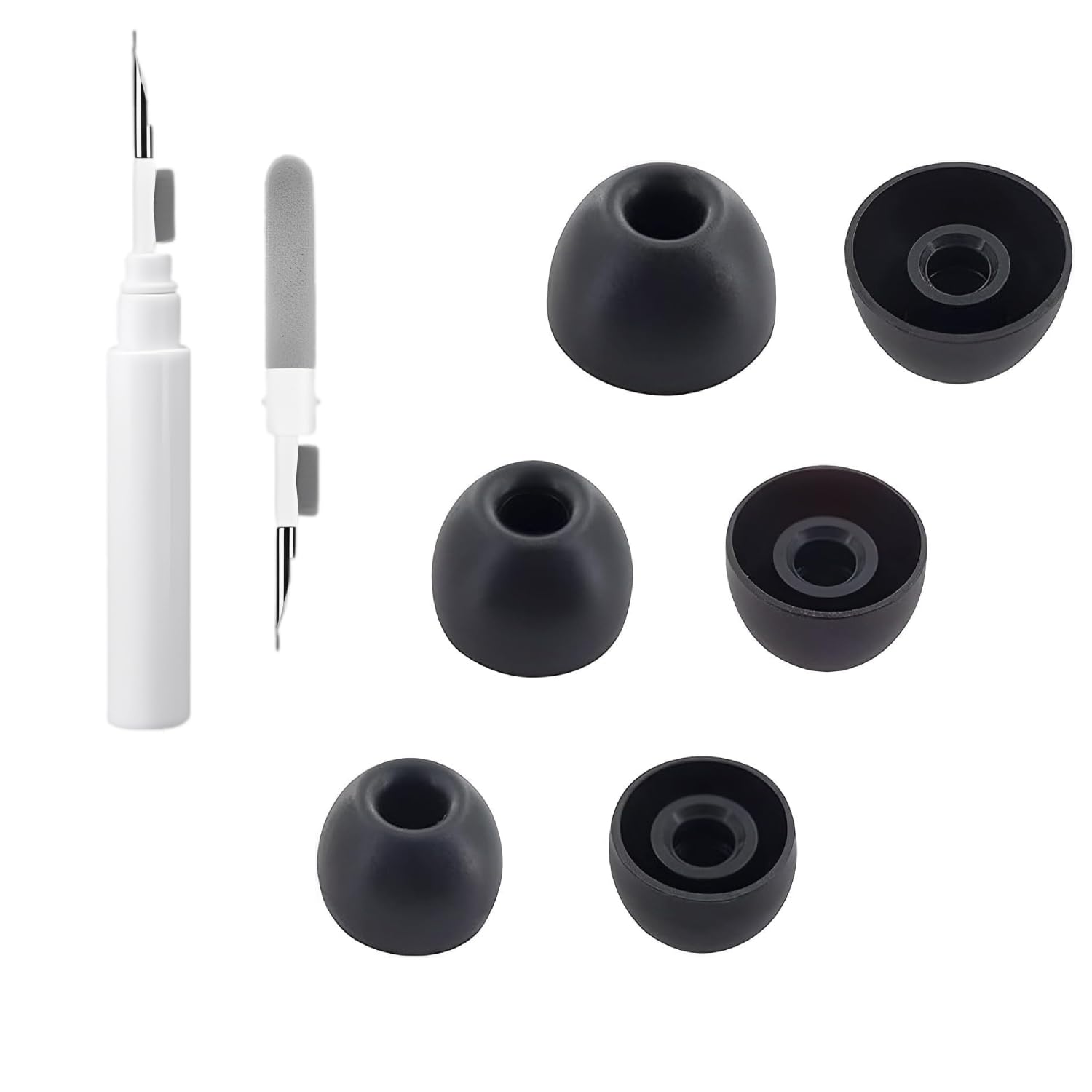
Use the right tools to avoid damage. Gather these items before you begin:
- Cotton swabs
- Soft, clean toothbrush or small brush
- 70% isopropyl alcohol on a lint-free cloth
- Mild dish soap or gentle hand soap
- Warm water bowl
- Replacement silicone tips if available
- Toothpick or wooden stick for lint (optional)
- Compressed air can (short bursts only)
Wear clean hands. Work on a flat, soft surface. Avoid strong solvents, acetone, or bleach. These can strip coatings and harm wiring.

Step-by-step: how to clean Beats earbuds safely
Follow a careful order. This keeps moisture away from delicate parts.
- Remove silicone or foam tips
- Gently pull tips off. Set them aside for washing.
- Clean the ear tips
- Mix a drop of mild soap with warm water. Swirl tips for 30–60 seconds. Rinse and air dry fully on a paper towel.
- Brush the mesh and stem
- Use a dry soft toothbrush to loosen earwax and dust. Brush away from the mesh so debris does not push inward.
- Wipe surfaces
- Dampen a lint-free cloth with 70% isopropyl alcohol. Wipe outer surfaces and stems. Do not allow liquid into mesh or charging ports.
- Clean mesh carefully
- Use a dry cotton swab or a bit of adhesive putty pressed lightly to lift wax from the mesh. Do not poke with metal tools.
- Reassemble when dry
- Ensure tips and earbuds are completely dry. Snap tips back on. Test audio at low volume first.
If you have Beats with removable filters or grills, consult the manual before removing them. Never submerge the earbuds themselves in water unless the model is explicitly water-resistant and manufacturer instructions allow it.
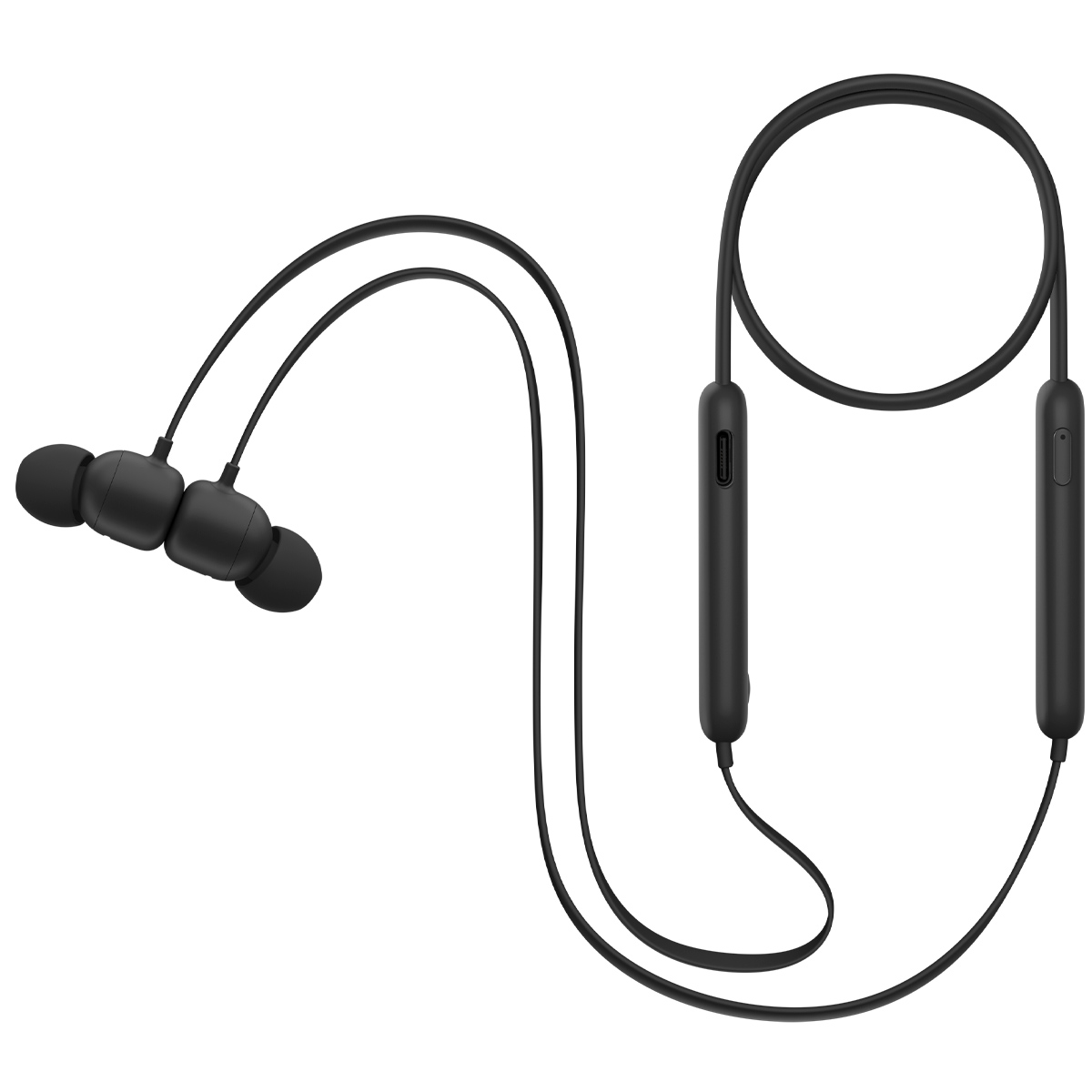
Deep cleaning and removing stubborn grime
Sometimes wax or grime clings tight. Use these safe options.
- Light adhesive method
- Use poster putty or a small blob of adhesive placed on a toothpick. Press gently to lift wax from the mesh.
- Micro-tool + care
- Use a wooden toothpick to nudge out visible lint from crevices. Work slowly to avoid puncturing the mesh.
- Alcohol swap for tough residue
- Lightly moisten a cotton swab with isopropyl alcohol and roll it gently over the outer mesh edge. Do not soak.
- When to seek professional help
- If sound is still muffled after careful cleaning, or if liquid entered the internals, stop and contact support or a repair shop.
I once over-poked a mesh and caused a tiny tear. The sound became fuzzy. Lesson learned: soft, rolling lifts work far better than poking.

Cleaning the charging case and contacts
A clean case keeps charging stable and looks fresh.
- Empty the case
- Remove earbuds and tips. Shake out loose debris over a soft cloth.
- Remove lint and dust
- Use a dry soft brush or compressed air in short bursts to clear the cavities.
- Wipe interior and exterior
- Lightly dampen a cloth with 70% isopropyl alcohol. Wipe the case’s interior and exterior. Avoid soaking the charging contacts.
- Clean charging contacts
- Use a dry cotton swab to remove grime from contacts. If contacts are tarnished, a tiny touch with a very lightly moistened swab can help. Dry fully before returning earbuds.
- Avoid submersion
- Do not immerse the case in water. Most cases are not fully waterproof and can be damaged by liquid.
I keep a microfiber cloth near my desk. A quick wipe of the case each week stops lint build-up and keeps charging steady.
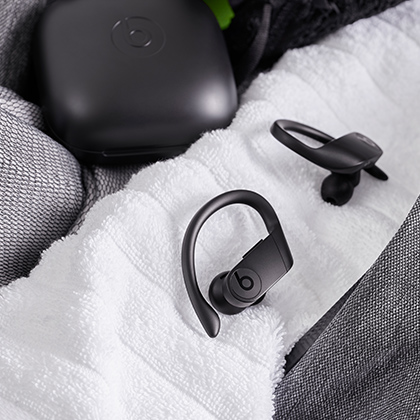
Maintenance schedule and best practices
A short routine prevents deep cleaning needs.
- Daily
- Wipe stems and case with a dry cloth after use.
- Weekly
- Remove tips and wash them. Brush mesh lightly.
- Monthly
- Do a deeper check. Clean charging contacts and case interior.
- Storage tips
- Store earbuds in their case when not in use. Keep case dry and cool.
- Personal hygiene
- Clean ears regularly. Less earwax means less buildup in the earbuds.
Avoid storing earbuds in pockets with lint or keys. Also avoid leaving them in hot cars. Heat harms batteries and adhesives.
Troubleshooting common cleaning problems
If cleaning causes issues, try these fixes.
- Muffled sound after cleaning
- Check for moisture in the mesh or blocked wax. Let earbuds air dry for several hours with vents open.
- Condensation inside earbuds
- Place earbuds in a dry, warm spot (not hot). Silica gel packs in a sealed bag can help draw out moisture.
- Charging problems after cleaning
- Ensure contacts are dry and clean. Remove all debris from case cavities and contacts.
- Tip fit or sound changes
- Replace worn silicone tips. A poor seal changes bass response.
If problems persist after 24 hours of drying and careful cleaning, contact Beats support or a certified repair service.
People also ask
What is the safest cleaner for earbuds?
- 70% isopropyl alcohol is safe when used sparingly on exterior surfaces and with quick drying.
Can I use soap and water on my Beats earbuds?
- Only wash removable silicone tips in mild soapy water. Never submerge the earbuds themselves.
How long should earbuds dry after cleaning?
- Let parts dry at least one to two hours. If any moisture remains, wait longer before use.

Source: reddit.com
Frequently Asked Questions of how to clean beats earbuds
How often should I clean my Beats earbuds?
Clean them with a quick wipe after each use and a deeper clean weekly. Tips and mesh deserve attention at least once a week.
Can I use rubbing alcohol on my Beats earbuds?
Yes, use 70% isopropyl alcohol on a lint-free cloth for outer surfaces. Avoid getting alcohol directly into the mesh or ports.
Are ultrasonic cleaners safe for Beats earbuds?
Ultrasonic cleaners can be risky for tiny drivers and electronics. Use them only for removable silicone tips, not for the earbuds themselves.
What if my Beats earbuds stop working after cleaning?
Stop using them and let them dry fully. If they do not recover, contact Beats support or a certified repair center.
How do I clean foam tips on Beats earbuds?
Remove foam tips and wipe gently with soapy water. Rinse and let them air dry completely before reattaching.
Can I use household cleaners on the charging case?
Avoid household cleaners with bleach or ammonia. Use 70% isopropyl alcohol or mild soap with water on a cloth for the case.
Will cleaning void my Beats warranty?
General cleaning done per manufacturer guidance should not void the warranty. Avoid disassembly beyond removable tips to stay safe.
Conclusion
Keeping your Beats earbuds clean is simple and rewarding. Follow gentle, step-by-step methods to protect sound quality and extend lifespan. Small daily habits—wiping stems and washing tips—prevent bigger problems and costly repairs. Try a weekly cleaning routine and replace tips when worn. Share your cleaning wins or questions in the comments, and subscribe for more hands-on gadget care tips.

Everett Ashford is a tech reviewer at mytechgrid.com specializing in SSDs, cameras, TVs, earbuds, headphones, and other consumer electronics. He provides honest, data-driven reviews based on hands-on testing and real-world performance analysis. Everett simplifies complex tech details to help readers make smart, confident buying decisions.