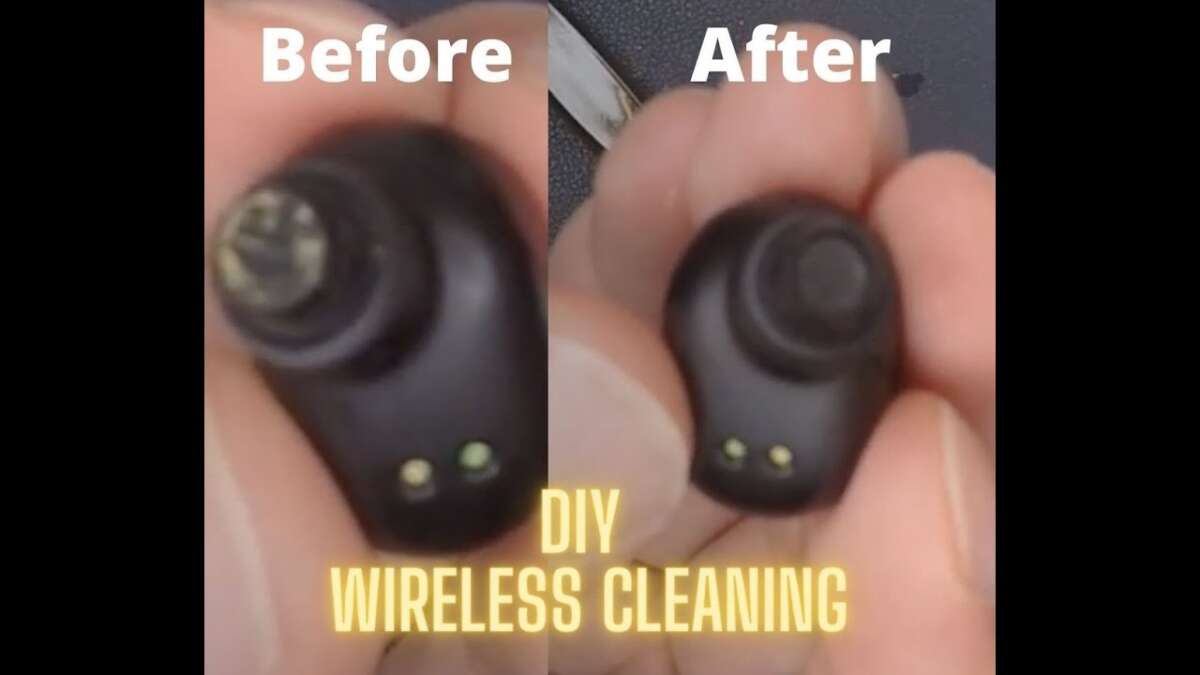
Wipe earbuds with a soft cloth, use cotton swabs and isopropyl alcohol.
I’ve cleaned dozens of earbuds in my work and at home. This guide on how to clean wireless earbuds shows safe, step-by-step methods. I mix hands-on experience with simple science to help you remove wax, grime, and bacteria without hurting sound or electronics. Read on to learn the right tools, gentle techniques, and routine habits that keep your earbuds fresh and working well.
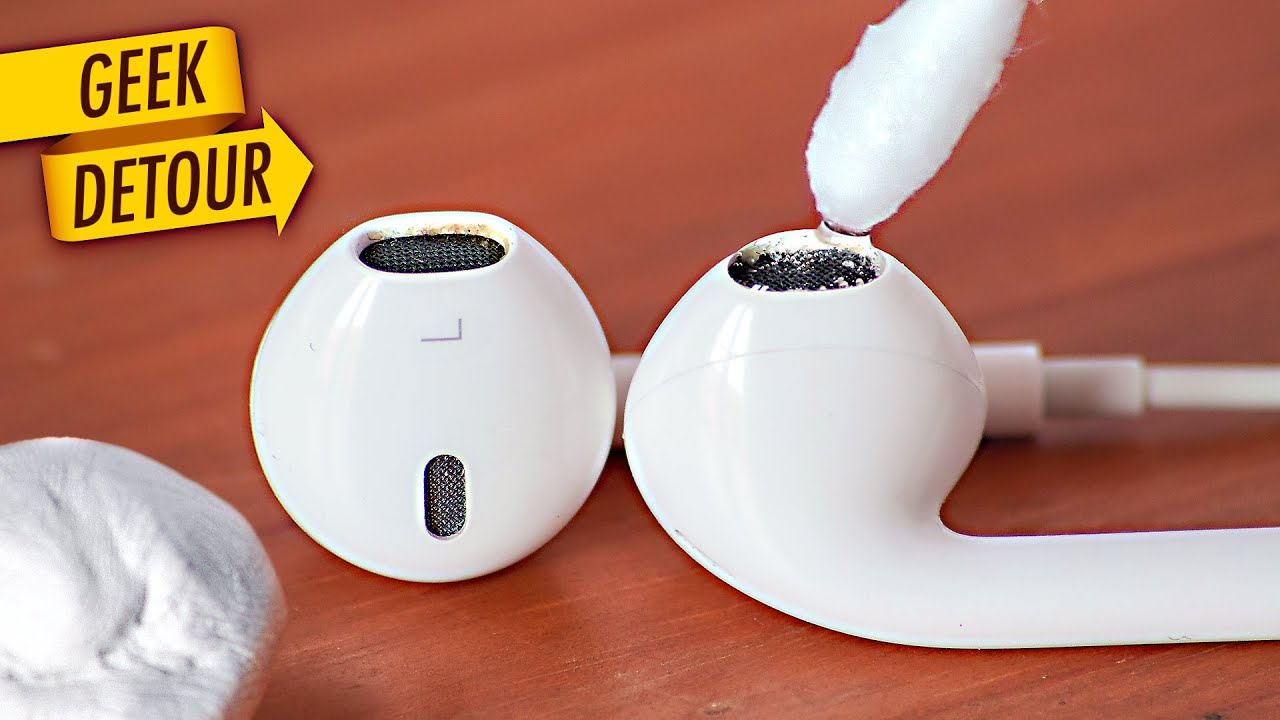
Why cleaning matters for wireless earbuds
Dirty earbuds reduce sound quality and can trap bacteria. Knowing how to clean wireless earbuds helps protect your hearing and the earbuds’ lifespan. Regular cleaning also keeps charging contacts clear so your case and buds charge normally. Small habits stop build-up before it affects performance or comfort.
Tools and supplies you need to clean wireless earbuds
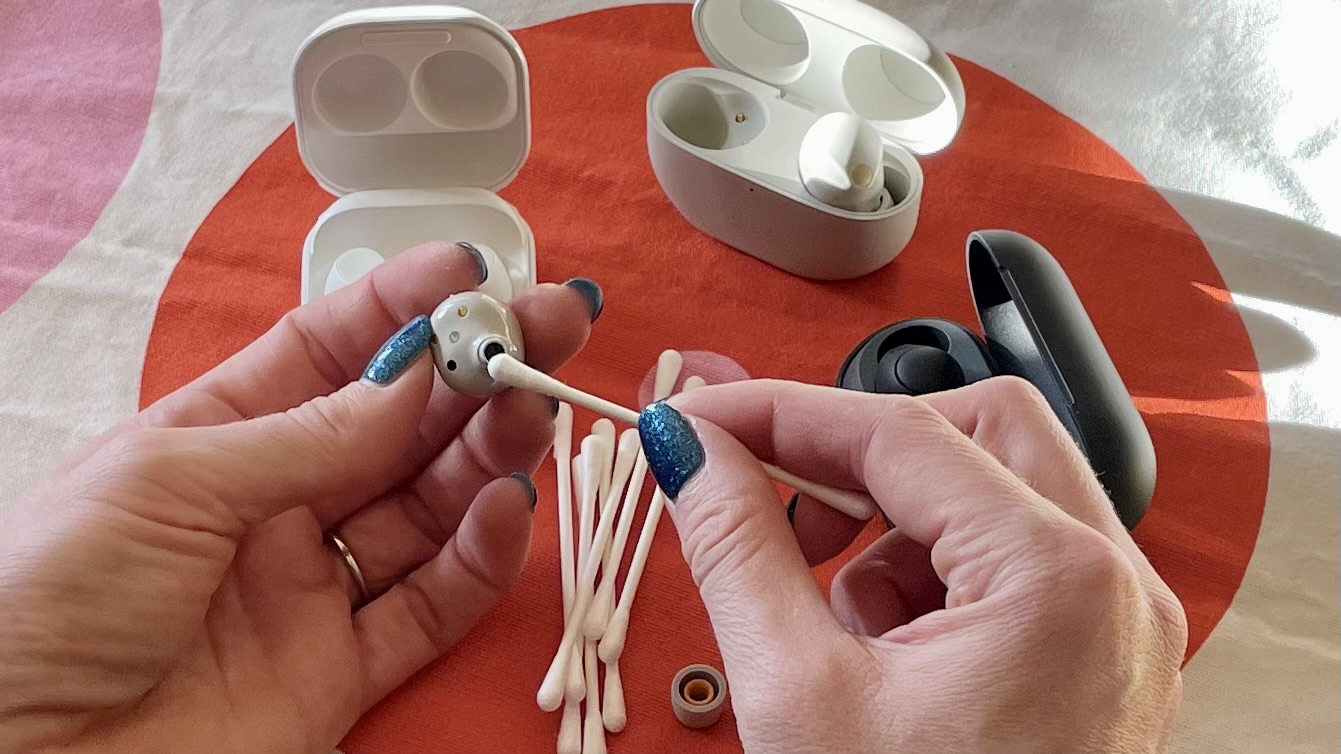
Gather a small kit. Use simple, safe items you likely already own.
- Soft lint-free cloth. Use for general wiping and drying.
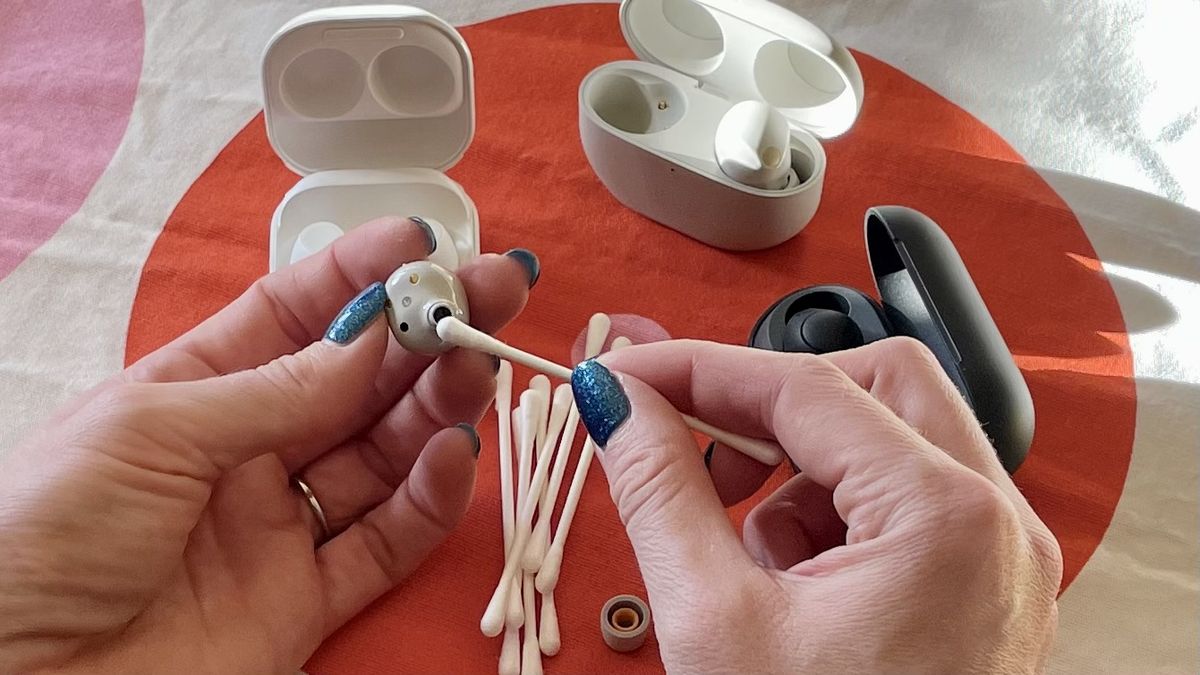
- Cotton swabs. Great for crevices and mesh edges.
- Soft-bristled brush. A clean toothbrush or electronics brush works well.
- Isopropyl alcohol 70% (not higher). Good for disinfecting and evaporates fast.
- Mild soap and water. For removable silicone tips only.
- Toothpick or wooden skewer. Use gently to lift wax from edges.
- Compressed air can (use short bursts). Helps push out loose debris.
I learned to keep a tiny kit near my desk. It saves time and prevents risky improvised cleaning.

Step-by-step guide: how to clean wireless earbuds
Follow these steps for quick cleaning that is safe and effective.
- Turn off earbuds and remove from the case. Power off to avoid accidental commands or damage.
- Remove silicone or foam tips. Wash them in warm, soapy water and let fully dry on a clean towel.
- Wipe the earbud body with a slightly dampened lint-free cloth. Use light pressure and avoid getting moisture into openings.
- Clean the mesh and crevices. Gently use a dry soft brush or a cotton swab to remove wax and dust.
- Disinfect surfaces. Lightly dampen a swab with 70% isopropyl alcohol and wipe exterior surfaces. Avoid soaking.
- Clear charging contacts. Use a dry cotton swab or a soft brush to remove debris from contacts in the buds and case.
- Reassemble only when everything is dry. Replace tips and store in the case.
These steps show how to clean wireless earbuds safely. Rushing or using liquids inside ports is a common mistake I’ve seen. Take your time and keep parts dry.

Deep-cleaning for different earbud types
Different earbuds need different care. Match the method to the design.
- Silicone-tipped earbuds. Remove tips and wash them. Clean the mesh gently and dry both parts fully before reassembly.
- Foam-tipped earbuds. Never soak foam. Lightly wipe with a damp cloth and allow long air-dry times.
- Hard-shell earbuds with exposed mesh. Use a soft brush and a light alcohol swab. Avoid pushing wax deeper.
- Water-resistant models. Even if rated water-resistant, avoid submerging. Use the same gentle tools but you can be a bit less fearful of brief damp contact.
I once soaked foam tips by mistake. They lost shape and muffled sound. That taught me to treat foam with extra care.

Safety tips and things to avoid when you clean wireless earbuds
Follow a few rules to avoid damage.
- Avoid submerging buds or the case in water. Water can reach internal parts and ruin electronics.
- Don’t use sharp metal tools inside the mesh. You can tear the speaker membrane.
- Skip household cleaners and bleach. They can strip coatings and damage plastics.
- Don’t use high-concentration alcohol directly on meshes. Excess liquid can seep inside.
If you are unsure about your model, check the manufacturer’s care notes. When in doubt, use the gentlest tools first.
Maintenance schedule and storage to keep earbuds clean
A small routine prevents heavy build-up and shows how to clean wireless earbuds easily.
- Daily: Wipe earbuds with a dry cloth after use if you sweat or wear makeup.
- Weekly: Remove tips and give a deeper clean with a brush and alcohol swab.
- Monthly: Inspect charging contacts and case interiors. Use a dry brush or swab to clear dust.
- Storage: Keep earbuds in their case. Use a clean pouch if you carry them in pockets with lint or crumbs.
I clean mine weekly. It takes five minutes and keeps sound crisp and batteries healthy.

Troubleshooting common problems after cleaning
Cleaning can solve many issues, but sometimes problems persist. Try these fixes.
- Muffled sound after cleaning. Check if tips are seated correctly or if moisture is trapped. Let parts dry overnight.
- One bud not charging. Clean the charging pin and case contact gently. Check for debris and reset the buds per manufacturer steps.
- Crackling or static. Test with a different device. If noise persists, a dirty mesh or internal damage may be the cause.
If the issue remains, contact support or a repair service. Avoid forcing parts open.
Frequently Asked Questions of how to clean wireless earbuds
Can I use water to clean wireless earbuds?
Use water only on removable silicone tips. Wipe the earbud bodies with a slightly damp cloth and avoid any openings to keep water out.
Is it safe to use rubbing alcohol on earbuds?
Yes, 70% isopropyl alcohol is safe for disinfecting outer surfaces. Use it sparingly and avoid soaking speaker meshes or charging ports.
How often should I clean wireless earbuds?
Wipe them daily if you sweat or use them often. Do a deeper clean weekly and inspect the case monthly for debris.
Will cleaning void my warranty?
Cleaning with gentle, manufacturer-recommended methods usually won’t void a warranty. Avoid opening the device or using corrosive chemicals to stay within warranty terms.
What removes earwax from the mesh without damage?
Use a soft-bristled brush or a dry cotton swab. Work gently to lift wax away instead of pushing it into the mesh.
Can I use compressed air to clean earbuds?
Yes, use short, gentle bursts of compressed air to remove loose dust. Hold the can upright and keep the nozzle a safe distance to avoid moisture spray.
Conclusion
Clean earbuds sound better, last longer, and are healthier to use. Use a soft cloth, cotton swabs, a brush, and 70% isopropyl alcohol with care. Follow the step-by-step routine here to learn how to clean wireless earbuds without causing harm. Start a simple weekly habit now to protect your ears and your gear. Try the routine today, subscribe for more practical tips, or leave a comment with your cleaning wins and questions.

Everett Ashford is a tech reviewer at mytechgrid.com specializing in SSDs, cameras, TVs, earbuds, headphones, and other consumer electronics. He provides honest, data-driven reviews based on hands-on testing and real-world performance analysis. Everett simplifies complex tech details to help readers make smart, confident buying decisions.