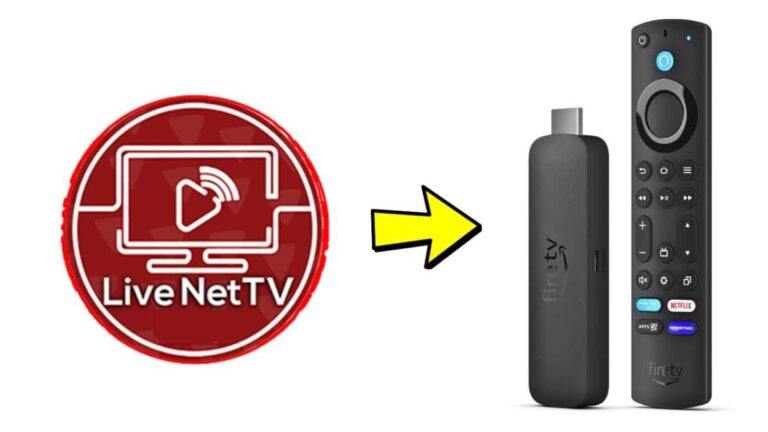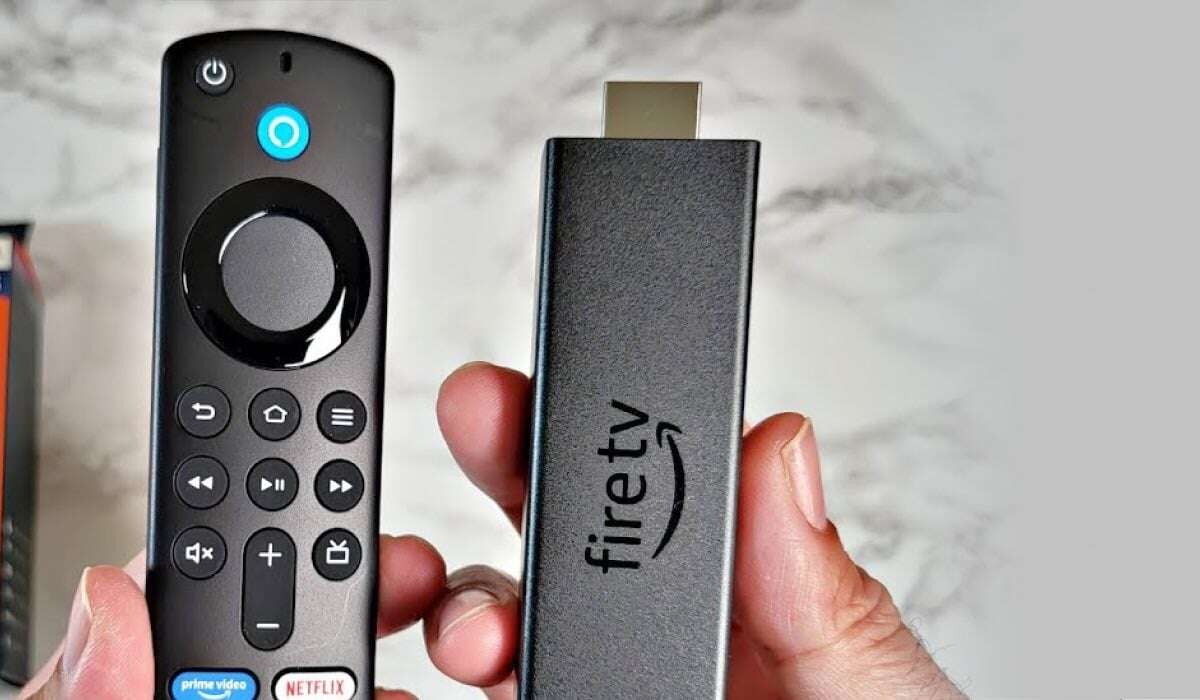
Hold the Fire TV remote batteries, power the Fire TV, then press and hold the Home button for 10 seconds to pair.
I’ve paired dozens of Fire TV remotes in real homes and offices. In this guide I explain how to connect Firestick remote to TV step by step, with checks, fixes, and tips that work. You’ll get clear instructions for pairing, setting up volume and power control, using the Fire TV app, and solving common problems. Follow this friendly, expert guide and you’ll have your Firestick remote working smoothly in minutes.
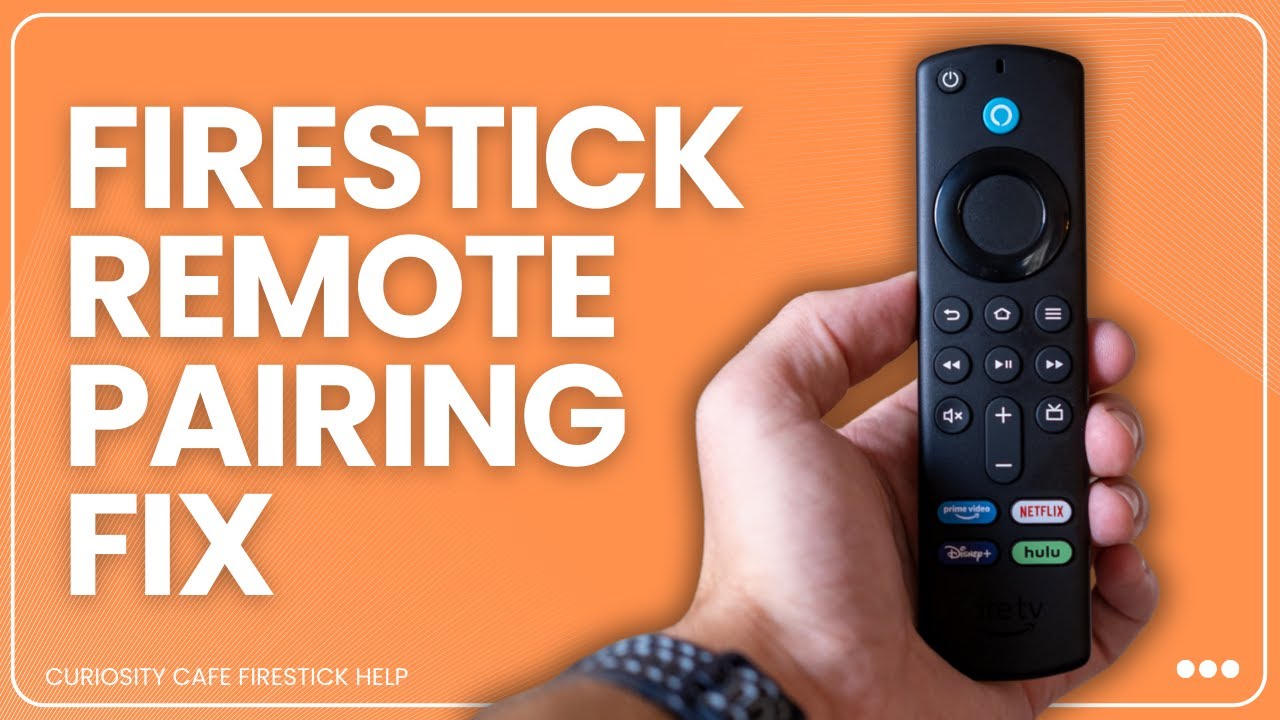
Why pairing matters and what pairing actually does
Pairing links the Firestick remote to your Fire TV device. When paired, the remote sends commands over Bluetooth. Pairing also lets the remote control power and volume if the Fire TV supports equipment control or HDMI-CEC. Knowing how to connect Firestick remote to TV saves time and avoids frustration. This section explains why pairing matters and what to expect after a successful connection.

What you need before you start
Keep these items ready. They make pairing quick and painless.
- A powered Fire TV or Firestick plugged into the TV.
- Two fresh AA or AAA batteries for the remote.
- The TV powered on and set to the HDMI input with the Firestick.
- A stable Wi-Fi connection for the Fire TV (for some troubleshooting steps).
- The Fire TV app on a phone as a backup control option.
I once tried pairing with weak batteries. The remote blinked but never connected. Fresh batteries fixed it right away. Small details matter when you learn how to connect Firestick remote to TV.
How to connect Firestick remote to TV — Step-by-step
Follow these steps for the standard Fire TV remote pairing. Keep sentences short and clear.
- Insert batteries into the remote.
- Use fresh batteries and ensure they face the right way.
- Plug in and power on your Firestick and TV.
- Set the TV to the HDMI port where the Firestick is connected.
- Wait for the Fire TV Home screen to appear.
- If you see a setup screen, complete the basic Wi-Fi steps first.
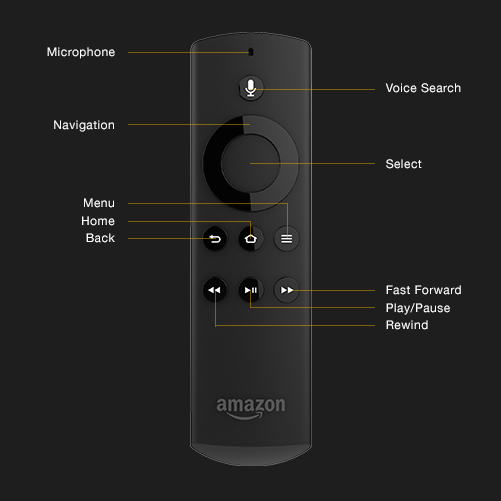
- Press and hold the Home button on the remote for 10 seconds.
- The Home button is the round button with a house icon.
- Watch for a pairing confirmation on screen.
- The Fire TV should show a message when it pairs.
If the remote does not pair after 10 seconds, try these quick retries:
- Remove and reinsert batteries.
- Restart the Firestick by unplugging its power for 10 seconds, then plug back in.
- Try the Home button hold again.
I use this exact routine when I set up new sticks for family members. It’s fast and reliable for most models. Knowing how to connect Firestick remote to TV with this simple method will save you time.
src="https://i.ytimg.com/vi/NfDMDPEAiSU/maxresdefault.jpg"
alt="Pairing a replacement remote or using the Fire TV app”
style=”max-width: 100%; height: auto; border: 2px solid black; border-radius: 10px; display: block; margin: 0 auto;”
loading=”lazy”
/>
Pairing a replacement remote or using the Fire TV app
Sometimes you need to pair a replacement remote. You can also control the Fire TV with a smartphone app.
- To add a replacement remote:
- Go to Settings > Controllers & Bluetooth Devices > Amazon Fire TV Remotes.
- Choose Add New Remote and press and hold the Home button on the new remote for 10 seconds.
- To use the Fire TV app:
- Install the Amazon Fire TV app on your phone.
- Connect the phone to the same Wi-Fi as the Fire TV.
- The app will find your Fire TV and let you control it while pairing.
If you don’t have a spare remote, the app saved me once when a physical remote failed. It’s a great backup while you learn how to connect Firestick remote to TV or order a replacement.

Setting up volume and power control for your TV
Many users want the Firestick remote to control TV volume and power. Do this after pairing.
- Go to Settings > Equipment Control > Manage Equipment.
- Select TV and follow the on-screen instructions to detect your TV brand.
- Test volume and power commands when prompted.
- Choose the option to learn or detect volume control if automatic detection fails.
If your TV supports HDMI-CEC, you may get power control without extra setup. Enable HDMI-CEC in your TV’s settings and in Fire TV’s Equipment Control if needed. This step is part of how to connect Firestick remote to TV for a seamless viewing experience.

Troubleshooting common pairing problems
If pairing fails, try these fixes in order. They work for most common issues.
- Replace batteries with fresh ones.
- Move closer to the Firestick and remove obstructions.
- Restart the Firestick: Settings > My Fire TV > Restart, or unplug power for 10 seconds.
- Unpair other remotes: Settings > Controllers & Bluetooth Devices > Amazon Fire TV Remotes, then remove old devices.
- Reset the remote: remove batteries, press and hold the Home button for 20 seconds, reinsert batteries, then try pairing.
- Use the Fire TV app to confirm the Fire TV is responsive and set up correctly.
I once had a stuck pairing because Bluetooth from nearby devices interfered. Turning off other Bluetooth devices fixed it. These steps cover most scenarios when you learn how to connect Firestick remote to TV and keep it working.
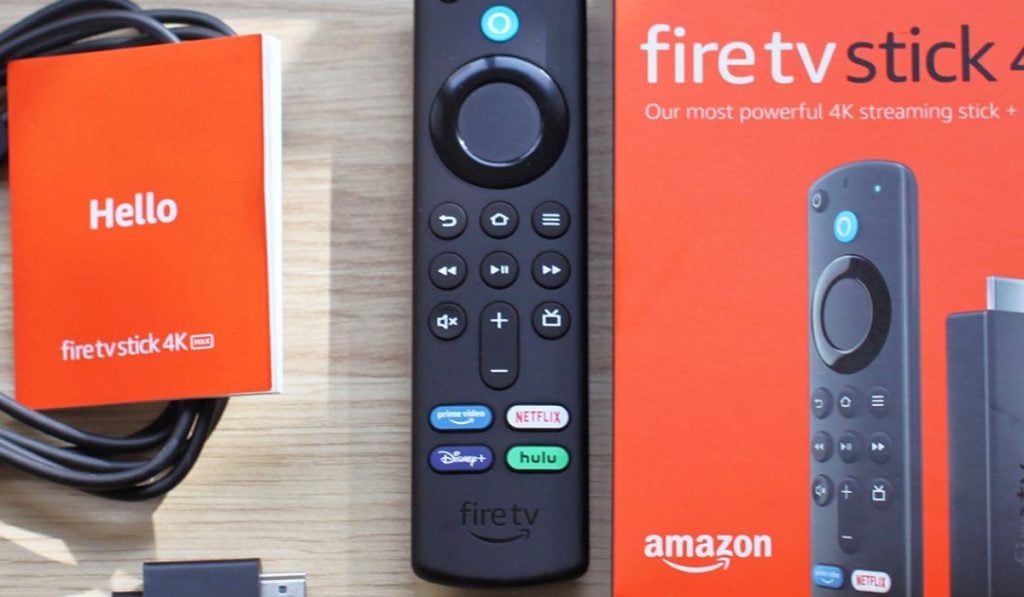
Tips and tricks for smoother control
Small habits make the experience better. Try these pro tips.
- Keep a spare set of batteries handy.
- Label the battery compartment with the date you installed batteries.
- Place the Firestick away from dense metal or crowded HDMI ports to reduce interference.
- Update Fire TV software: Settings > My Fire TV > About > Check for Updates.
- Use HDMI-CEC to allow the Firestick to power the TV on and off automatically.
These tips helped me avoid repeat setup trips. They make the process of how to connect Firestick remote to TV feel simple and reliable.

Frequently Asked Questions of how to connect firestick remote to tv
How long do I hold the Home button to pair the Firestick remote?
Hold the Home button for about 10 seconds. The Fire TV should show a confirmation message when the remote pairs.
My remote blinks but won’t pair. What should I do?
Replace the batteries, restart the Fire TV, and try holding the Home button again. If that fails, use the Fire TV app as a temporary controller.
Can the Firestick remote control my TV volume and power?
Yes. Go to Settings > Equipment Control and follow the setup steps to teach the Firestick remote your TV’s volume and power commands.
What if my TV doesn’t support HDMI-CEC?
If HDMI-CEC is not available, the Firestick remote can still use infrared or IR learning for power and volume on supported TV models. Follow Equipment Control to set this up if your remote supports IR.
How do I pair a replacement remote to the Firestick?
On the Fire TV, go to Settings > Controllers & Bluetooth Devices > Amazon Fire TV Remotes > Add New Remote, then press and hold the Home button on the new remote until it pairs.
Conclusion
You can get a paired Firestick remote quickly by using fresh batteries, powering the Fire TV, and holding the Home button for about 10 seconds. If problems appear, restart the Firestick, use the Fire TV app, or follow the troubleshooting steps above. Try the volume and power setup to make the remote do more than navigation. Now take a minute to pair your remote, test the volume and power, and enjoy a simpler streaming experience. If this guide helped, leave a comment or subscribe for more practical tips.

Jamie Lee is a seasoned tech analyst and writer at MyTechGrid.com, known for making the rapidly evolving world of technology accessible to all. Jamie’s work focuses on emerging technologies, product deep-dives, and industry trends—translating complex concepts into engaging, easy-to-understand content. When not researching the latest breakthroughs, Jamie enjoys exploring new tools, testing gadgets, and helping readers navigate the digital world with confidence.