Check obvious places first, then use a calm, room-by-room search and tech tools to locate it.
I’ve spent years helping people solve small but annoying home problems, and finding a lost remote is one of the most common. This guide on how to find your TV remote pulls together simple habits, a clear search method, tech fixes, and real-world tips that actually work. Read on to save time, stop the couch-panic, and get back to watching TV fast.

Why your TV remote keeps disappearing and how to find your TV remote more easily
Most remotes go missing because we carry them between rooms, drop them in couch gaps, or leave them near cluttered surfaces. Pets and kids move them. Batteries die and make remotes less likely to flash or beep when you try to use them, which makes the remote seem lost even when it’s nearby.
Knowing the common hiding spots helps you focus your search. If you learn how to find your TV remote using a method, you will waste less time and feel less stressed. Small habits prevent repeats and make it easier the next time the remote vanishes.
Fast, step-by-step plan: how to find your TV remote right now
- Stay calm and pause for a deep breath. Panic makes searches scattershot and slow.
- Check obvious surfaces first: coffee table, armrests, TV stand, nightstand.
- Sweep the couch systematically: cushions, under cushions, between seams, under the couch skirt.
- Scan nearby clutter zones: piles of mail, magazines, laundry baskets, and pet beds.
- Look in unusual pockets: jacket pockets, blanket folds, children's toy bins, and backpacks.
- Use light to help: turn on a lamp or use your phone flashlight to look under furniture.
- If the remote has sound or a light feature, try pressing buttons while listening or watching the TV for a response.
- Retrace your recent steps and ask anyone in the house where they last saw the remote.
This order reduces the time you spend searching and makes your search more logical. Follow it rather than hopping around the room randomly.

Room-by-room checklist to find your TV remote
- Living room: between couch cushions, under cushions, on shelves, behind pillows, under rugs.
- Kitchen: countertops, table, sink area, on top of the fridge, near snack bowls.
- Bedroom: nightstands, under pillows, between sheets, in drawers.
- Bathroom and laundry: near laundry piles, on dryer or washer, inside pockets of clothes.
- Car and entryway: inside purses, backpacks, or left in the car after bringing in groceries.
- Kids’ rooms and play areas: inside toy boxes, under stuffed animals, or in craft bins.
- Office and home workspace: desk drawers, under keyboard trays, near chargers and cables.
Work room to room. Spend no more than five minutes per room on your first pass. If you still can’t find it, return for a slower, hands-on search.

Tech and tools that help you find your TV remote
- Use your phone camera and flashlight: shine light into dark gaps and watch for reflective buttons.
- Try the TV’s mobile app: many smart TVs and streaming devices let you use your phone as a remote.
- Pair a smart speaker or voice assistant: say “Hey” to wake the TV or check connected devices that can locate a paired remote.
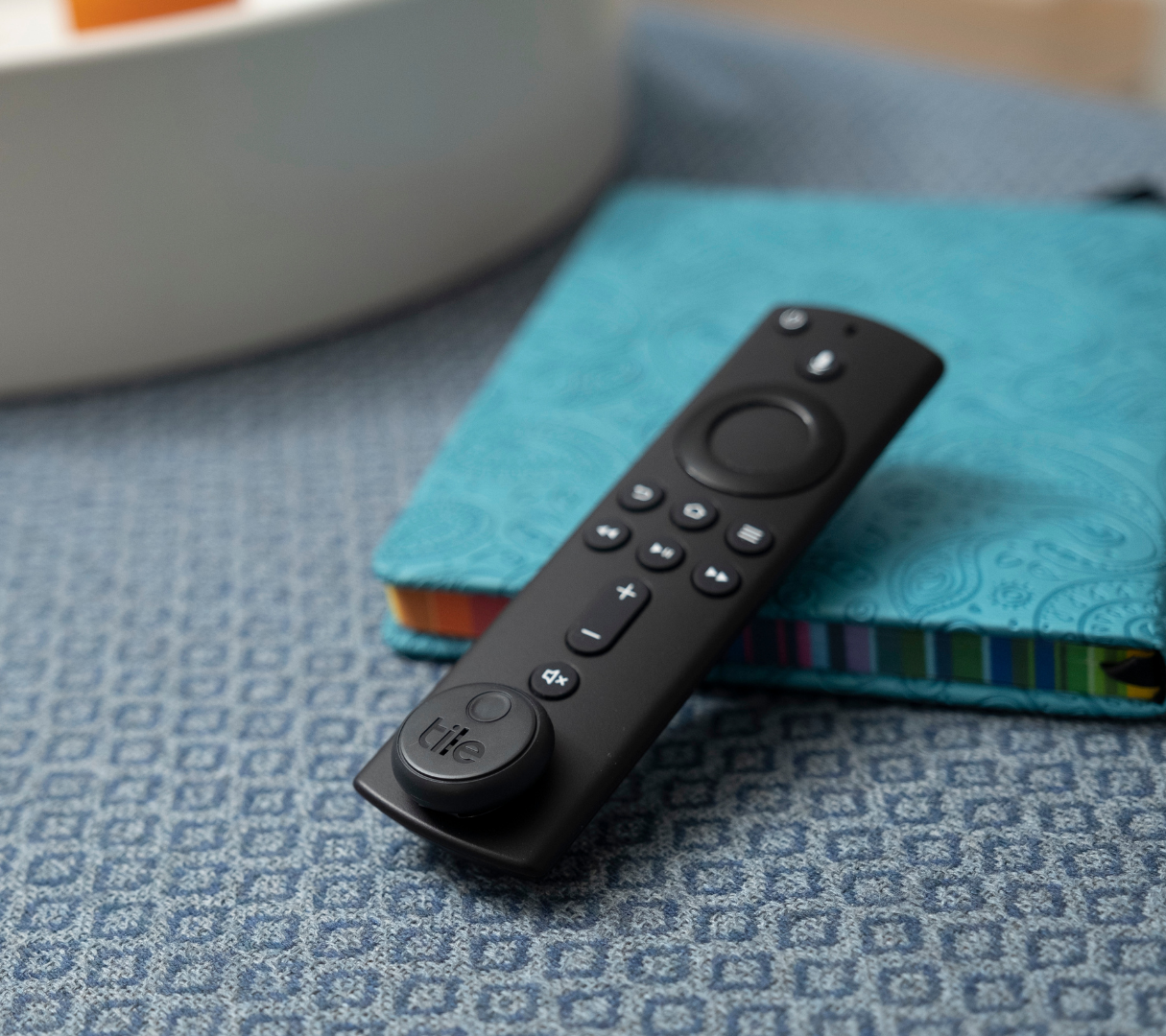
- Attach a Bluetooth tracker: small tags like Tile or similar make it easy to ring the remote from your phone.
- Use universal remote features: some modern remotes will light up or beep when paired to the TV’s find-remote function.
- Use a metal detector app or electromagnetic sensor: rare but can help for remotes with metal backing.
Tech choices depend on your remote type. If your remote is infrared and dead, phone apps and trackers are your best bet. If it’s Bluetooth, the remote might be locatable directly.
Battery and responsiveness checks when you can’t find the remote
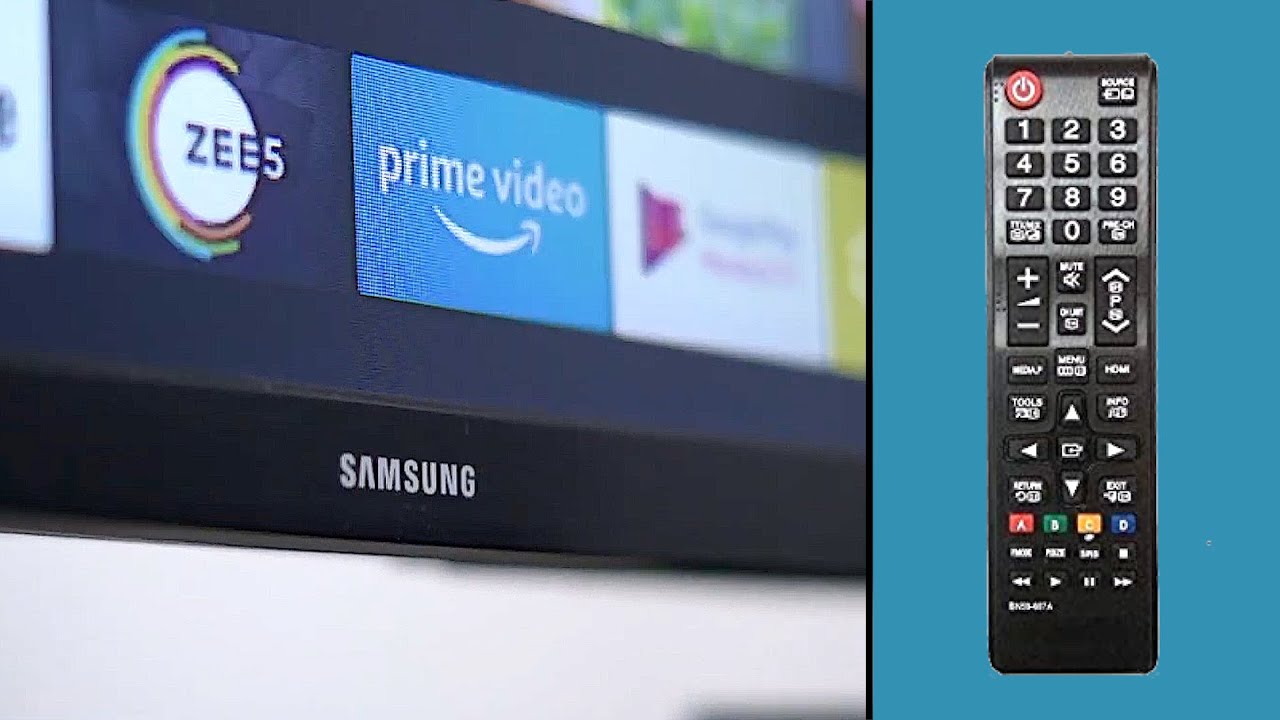
Sometimes the remote isn’t lost — it’s just not working. Check these quick fixes.
- Test the batteries: swap in fresh batteries to see if the remote wakes.
- Inspect the battery contacts: corrosion or bent contacts can block power.
- Clean buttons gently: dust and grime can stop contacts from registering.
- Re-pair the remote: follow the TV or device steps to re-sync a Bluetooth or RF remote.
If your remote still won’t control the TV, use a phone app or the TV’s physical buttons to keep watching while you continue to search.

How to prevent losing your remote — habits and solutions that work
- Create a dedicated home: always place the remote in a tray, caddy, or pocket on the armrest when not in use.
- Use visible color or a bright skin: a colorful cover makes it easier to spot.
- Attach a tracker: a small Bluetooth tag reduces future panic.
- Establish a 30-second reset: before you get up, look at your seat and surrounding surfaces briefly.
- Train family members: agree on a spot and make it a small house rule.
- Use storage solutions: a small basket on the coffee table or a mounted remote dock near the TV.
Small rituals beat random luck. Make a clear habit and your future searches will likely be rare.

Personal experience: lessons, mistakes, and practical tips that helped me when I learned how to find your TV remote
Early in my household life I kept haphazardly placing remotes. That taught me two things. First, a calm plan beats frantic searching. When I followed a room-by-room checklist, I saved time. Second, using a cheap Bluetooth tag changed everything; I could ring the remote from my phone and stop wasting minutes.
A mistake I made was ignoring kids’ play zones. My remote ended up in a toy box several times. Now I check those places first. Another tip: label a specific cup or tray for remotes. It sounds silly, but it helps.
Frequently Asked Questions of how to find your TV remote
How long should I search a room before moving on?
Search for about five minutes in each room on your first pass. If you don’t find the remote, take a short break then do a second, slower pass.
Can I locate an infrared remote with a phone?
You cannot track an infrared signal, but you can use your phone’s flashlight and camera to look into dark gaps. Phone apps that mimic remote functions can also help if your TV supports them.
Will a Bluetooth tracker work with any remote?
Bluetooth trackers work if you can attach one to the remote. They only function within Bluetooth range and when the tag has power. Choose a slim tracker for small remotes.
What if the remote is unresponsive but nearby?
Replace the batteries and clean the contacts. Re-pair the remote if it connects by Bluetooth. If it still won’t respond, try using the TV buttons or an app to confirm the remote’s location.
Is it worth buying a universal remote or app?
Yes. A universal remote or phone app can be a great backup. They help you watch TV while you look for the original remote and can reduce the need to search frequently.
How do pets often hide remotes?
Pets can carry remotes to beds, under furniture, or into toy piles. Check pet beds, behind furniture, and near favorite pet lounging spots when searching.
Conclusion
Finding your TV remote is mostly about method, not luck. Use a calm, room-by-room search, test the batteries, and leverage simple tech like phone apps or Bluetooth tags to speed the hunt. Build one small habit — a dedicated spot or a tracker — and you’ll cut future searches to almost zero. Try one tip today, set a home for your remote, and enjoy less stress and more screen time. If this guide helped, leave a comment with your best remote-finding trick or subscribe for more practical home tips.

Everett Ashford is a tech reviewer at mytechgrid.com specializing in SSDs, cameras, TVs, earbuds, headphones, and other consumer electronics. He provides honest, data-driven reviews based on hands-on testing and real-world performance analysis. Everett simplifies complex tech details to help readers make smart, confident buying decisions.