Check firmware, enable TRIM, update drivers, and fix thermal or caching issues quickly.
I’ve spent years fixing storage problems for friends, clients, and my own rigs. In this guide I’ll show you, step by step, how to fix slow ssd write speed issue with clear checks, practical fixes, and real troubleshooting examples. Expect easy-to-follow tools, settings, and trade-offs so you can get reliable write performance from your SSD again.

Why SSD write speed slows down
SSDs feel fast until writes slow. Several common causes explain this drop in write speed. Some are software issues like old firmware, disabled TRIM, or a full drive. Others are hardware or system-level causes such as thermal throttling, a filled SLC cache, or a slow SATA/PCIe link. Bad or mismatched drivers and power settings also chip away at write throughput.
Knowing the root cause narrows the fix quickly. This article explains how to fix slow ssd write speed issue by diagnosing causes, applying software and hardware corrections, and testing results. You’ll learn what to check first and how to avoid the same problem later.
Quick checks before you start
Run a few quick tests to save time. These checks often reveal the obvious problem.
- Check free space
- Keep at least 10–20% free; full SSDs slow because garbage collection and wear-leveling can’t work well.
- Verify interface and cable
- Confirm the SSD is on the fastest port and the cable supports the drive’s speed.
- Check TRIM and driver status
- Ensure the OS supports TRIM and the NVMe/SATA driver is up to date.
- Look for thermal throttling
- High temperatures reduce throughput; feel the drive or check temps with software.
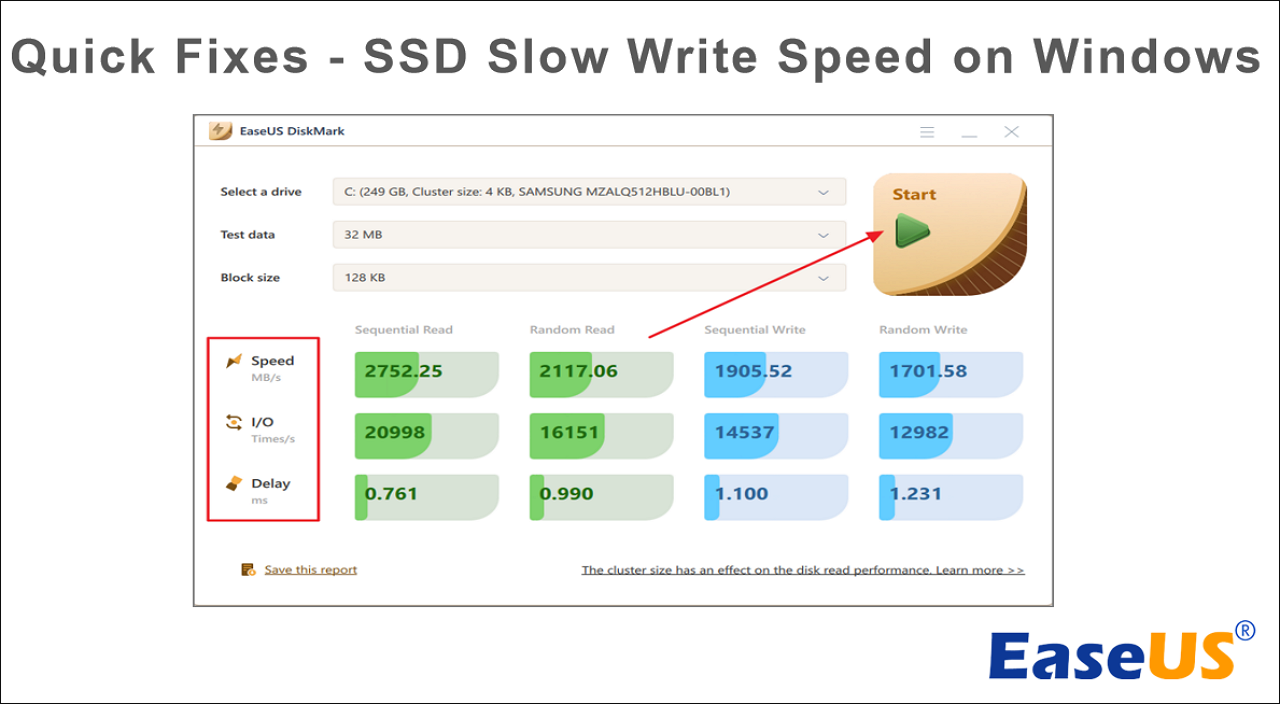
- Run a simple benchmark
- A quick sequential write test shows if write speed is far below spec.
These quick checks often reveal what you need to do next and are the first steps to learn how to fix slow ssd write speed issue.

Software fixes to improve SSD write speed
Most fixes are software-level and safe to try. They’re quick and often free.
- Update firmware and drivers
- Flash firmware from the manufacturer and update the NVMe/SATA driver. Firmware fixes bugs and improves performance.
- Enable TRIM
- On Windows, run "fsutil behavior query DisableDeleteNotify". If TRIM is disabled, enable it; on Linux, ensure mount options include discard or run fstrim periodically.
- Check for background tasks
- Pause heavy antivirus scans, indexers, or backup jobs during benchmarks or large writes.
- Reset power plan
- Use a balanced or high-performance plan; laptop power saving modes can reduce SSD write speeds.
- Manage caching and write-back settings
- For SATA AHCI or older controllers, ensure write caching is enabled in device manager, but be aware of power-failure risk without a UPS.
- Trim the partition alignment and filesystem
- Mismatched partition alignment or wrong block sizes on older drives can harm writes. Repartition carefully if needed.
I once fixed a client’s slow NVMe writes by updating firmware and switching from an old vendor driver to the OS native driver. Throughput doubled and latency dropped. These are practical, low-risk steps to master how to fix slow ssd write speed issue.

Hardware and configuration fixes
Sometimes the bottleneck is hardware or setup. These fixes can be decisive.
- Use the correct slot and lanes
- On desktops, ensure the NVMe drive is in an x4 PCIe slot. Some motherboard slots share lanes with SATA ports.
- Replace damaged cables or adapters
- Cheap or faulty M.2 standoffs, SATA cables, or M.2 to PCIe adapters can limit speed.
- Check for thermal throttling and cooling
- Add an M.2 heatsink, improve case airflow, or move the drive away from heat sources.
- Upgrade interface if needed
- Moving from SATA to NVMe or from PCIe 2.0 to 3.0/4.0 increases max write speed.
- Consider drive endurance and controller limits
- Budget SSDs with weaker controllers or low DRAM may show poor sustained write speed once caches fill.
If your SSD’s SLC or DRAM cache fills, sequential writes drop to low speeds. I’ve swapped a failing cheap SATA SSD for a modern NVMe and saw consistent write improvements on everyday workloads. This is practical work toward how to fix slow ssd write speed issue when hardware is the limiter.

Optimization, maintenance, and best practices
Keep SSDs healthy and fast with routine habits.
- Leave free space
- Maintain 10–25% free space for optimal garbage collection.
- Schedule regular TRIM
- Use built-in OS tasks or cron jobs to run TRIM weekly or daily depending on workload.
- Avoid unnecessary write-heavy tasks
- Move large temp files, caches, or VM images to a secondary drive if possible.
- Use correct file system and allocation settings
- For many setups, NTFS on Windows and ext4 or f2fs on Linux are good choices with defaults tuned to SSDs.
- Backup before risky changes
- Firmware updates and partition changes can go wrong. Always backup important data first.
These habits reduce the need to ask how to fix slow ssd write speed issue later. Routine care keeps the SSD fast and reliable.
Monitoring and benchmarking tools
Measure before and after fixes. Numbers prove whether a change helped.
- Lightweight health checks
- Use SMART tools to read media health, temperature, and wear-level indicators.
- Simple benchmarks
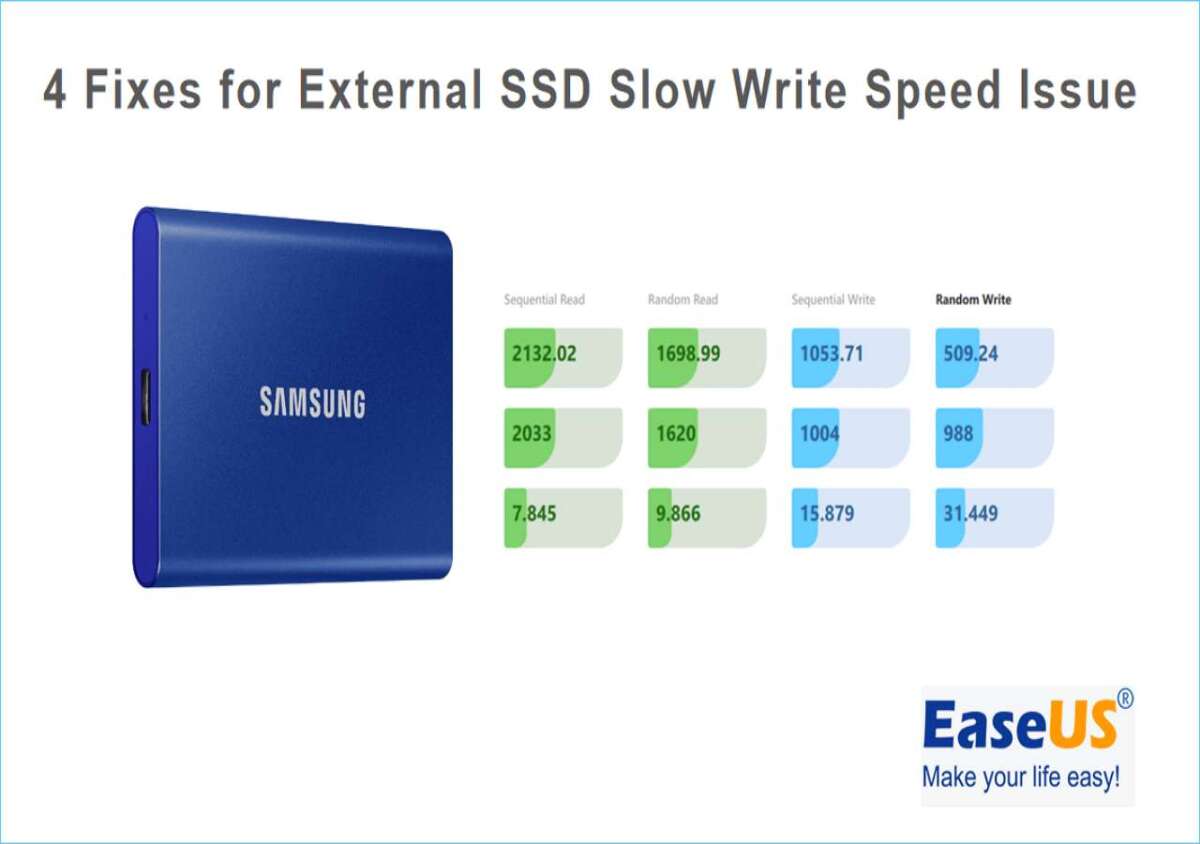
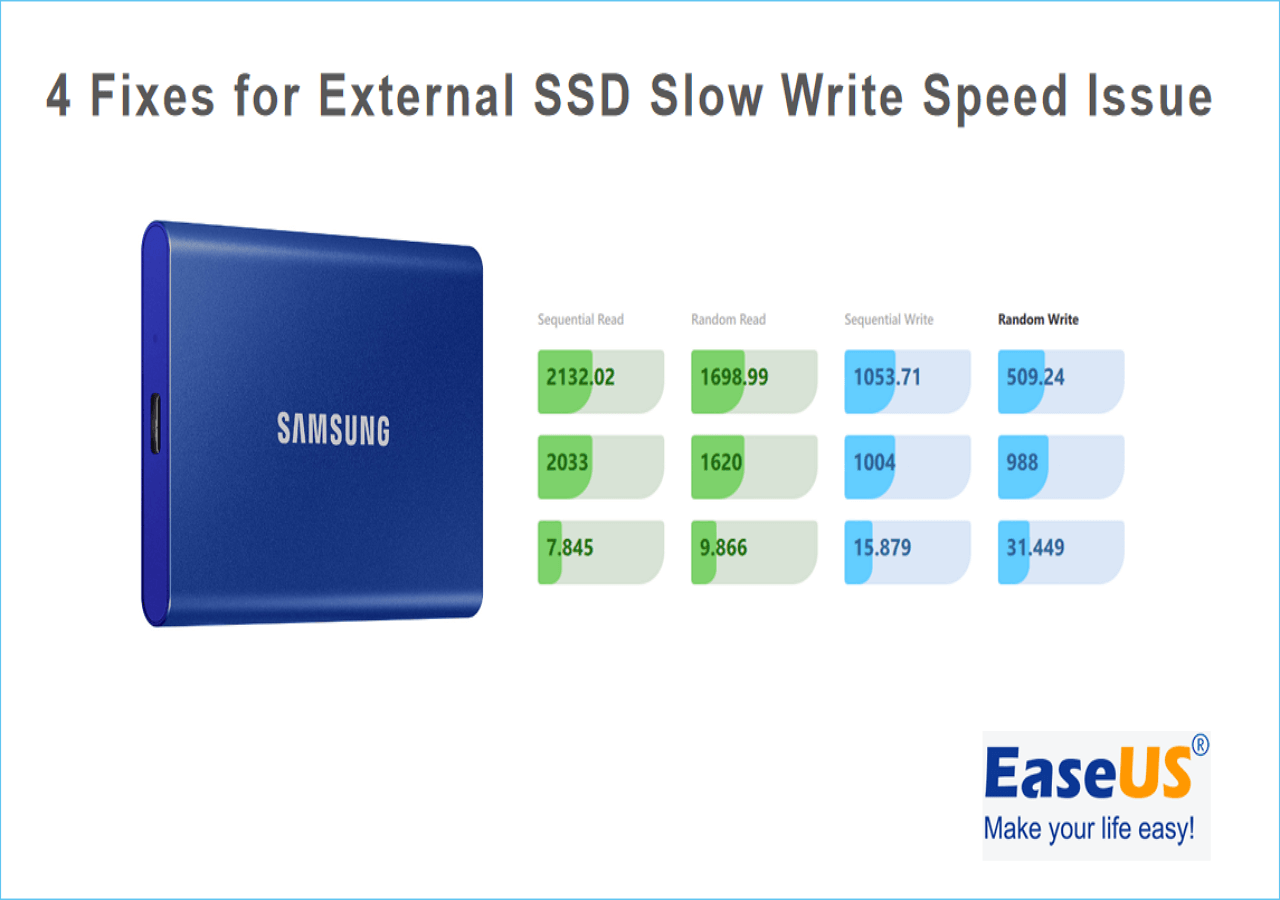
- Run short sequential and random write tests with tools like CrystalDiskMark or fio.
- Real-world tests
- Copy a large file or run your usual workload to judge real performance.
- Log and compare
- Note baseline scores before changes, then re-run tests for comparison.
I recommend keeping a simple log: baseline write speed, firmware version, driver, temperature, and free space. That history helps you track improvements and gives context when you need to revisit how to fix slow ssd write speed issue again.
Real-life troubleshooting examples and lessons learned
Here are compact case examples from my work.
- Case 1: Firmware bug
- Symptom: NVMe writes dropped after Windows update. Fix: Firmware update from manufacturer restored expected speeds.
- Case 2: Full drive + background backups
- Symptom: Drive near 95% full and nightly backup spikes set the drive to constant high writes. Fix: Moved backup to a larger drive and scheduled backups during idle hours.
- Case 3: Thermal throttling in a compact laptop
- Symptom: Short burst speeds then sharp drop. Fix: Thinner laptop could not cool NVMe; adding software fan profile and an external cooling pad improved sustained writes.
- Case 4: Wrong driver
- Symptom: Stalled throughput and timeouts. Fix: Replaced vendor driver with OS native NVMe driver and updated BIOS.
Lessons learned
- Always start with firmware, drivers, and free space.
- Measure before changing settings.
- Cooling and slot choice matter as much as software tweaks.
These stories are practical pointers on how to fix slow ssd write speed issue and how to prevent repeats.

Frequently Asked Questions of how to fix slow ssd write speed issue
What is the most common cause of slow SSD write speed?
Most common causes are a full drive, disabled TRIM, outdated firmware or drivers, and thermal throttling. Start by checking free space, TRIM status, and drive temperature.
Will updating SSD firmware improve write speed?
Yes. Firmware updates often fix controller bugs and improve performance, especially for sustained writes. Back up data before a firmware update.
Does TRIM really affect write performance?
Yes. TRIM allows the SSD to clean blocks proactively, which keeps write speeds high over time. Make sure TRIM is enabled and run periodically.
Can a full SSD cause slow write speeds?
Absolutely. When an SSD is nearly full, garbage collection and wear-leveling become less efficient, which slows writes. Free at least 10–20% space.
Should I worry about thermal throttling?
Yes. High temps reduce write speed to protect the drive. Improve airflow or add a heatsink if sustained writes are important.
Conclusion
You can fix slow SSD write speed issue by following a clear diagnosis path: check free space, update firmware and drivers, enable TRIM, verify the connection and slot, and address thermal or cache limits. Start with simple checks, measure, apply one fix at a time, and re-test. These steps save time and protect your data.
Try the checks and fixes listed above on your drive this week. Track results, and if you still see issues, share your benchmark numbers or system details below so I can help further.

Everett Ashford is a tech reviewer at mytechgrid.com specializing in SSDs, cameras, TVs, earbuds, headphones, and other consumer electronics. He provides honest, data-driven reviews based on hands-on testing and real-world performance analysis. Everett simplifies complex tech details to help readers make smart, confident buying decisions.