Increase volume by adjusting device settings, using a DAC/amp, or improving fit and firmware.
I’ve spent years testing Sony headphones across phones, laptops, and portable amps, so I know what actually works. This guide on how to make sony headphones louder walks you through safe, practical steps. You’ll get device tweaks, app fixes, hardware options, and troubleshooting checks that work for popular Sony models. Read on and pick the methods that match your gear and comfort level.

Why your Sony headphones might sound quiet
There are a few common reasons Sony headphones play quietly. Some Sony models use built-in volume limits, especially on Bluetooth to save battery or meet regional regulations. Your phone, laptop, or streaming app can also cap output with software limits or low-volume codecs. Poor ear seal, degraded pads, or weak source power will make even loud headphones seem soft. Knowing the root cause helps you apply the right fix for how to make sony headphones louder.

Quick checks and fixes you can try right now
Start with simple steps before buying gear. These quick fixes often solve the problem fast.
- Check device volume and app volume separately. Many players have independent sliders.
- Disable any power-saving or volume-limiting settings on your phone or app. Look for “volume limiter” or “safe listening.”
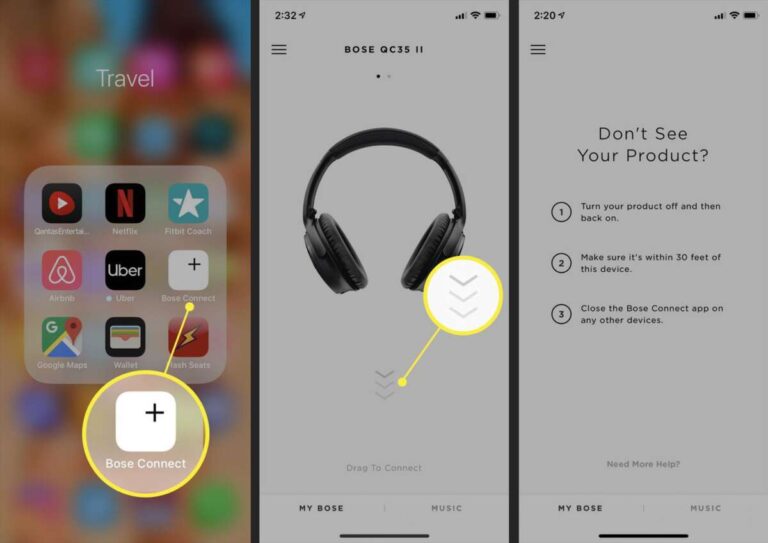
- Update headphone firmware via the Sony Headphones Connect app. Firmware can unlock codec optimizations.
- Switch Bluetooth codec to a higher-quality option like LDAC if available on both devices.
- Test wired connection if your model supports it. Wired often gives higher volume than Bluetooth.
These actions address the most common obstacles when you search how to make sony headphones louder.
Adjust device and app settings step-by-step
Tweaking the source device often yields the best immediate gain. Follow these short steps for each platform.
Android
- Open Settings > Sound and check Bluetooth volume when connected.
- In the Sony Headphones Connect app, disable “Volume Limit” and enable the highest codec (LDAC/aptX).
- Use the phone’s equalizer or a third-party app to boost perceived loudness.
iPhone
- Go to Settings > Sounds & Haptics and ensure volume is at max.
- Disable Sound Check and any volume-limiting features in Settings > Music.
- Use wired mode or a compatible DAC if Bluetooth codec options are limited.
Windows and Mac
- Set system volume to 100% and app volume to max.
- In Windows, open Sound Settings > Device Properties and check enhancements like Loudness Equalization.
- On Mac, use Audio MIDI Setup to increase bit depth or sample rate if needed.
These steps are the low-cost path when you want to learn how to make sony headphones louder without extra hardware.
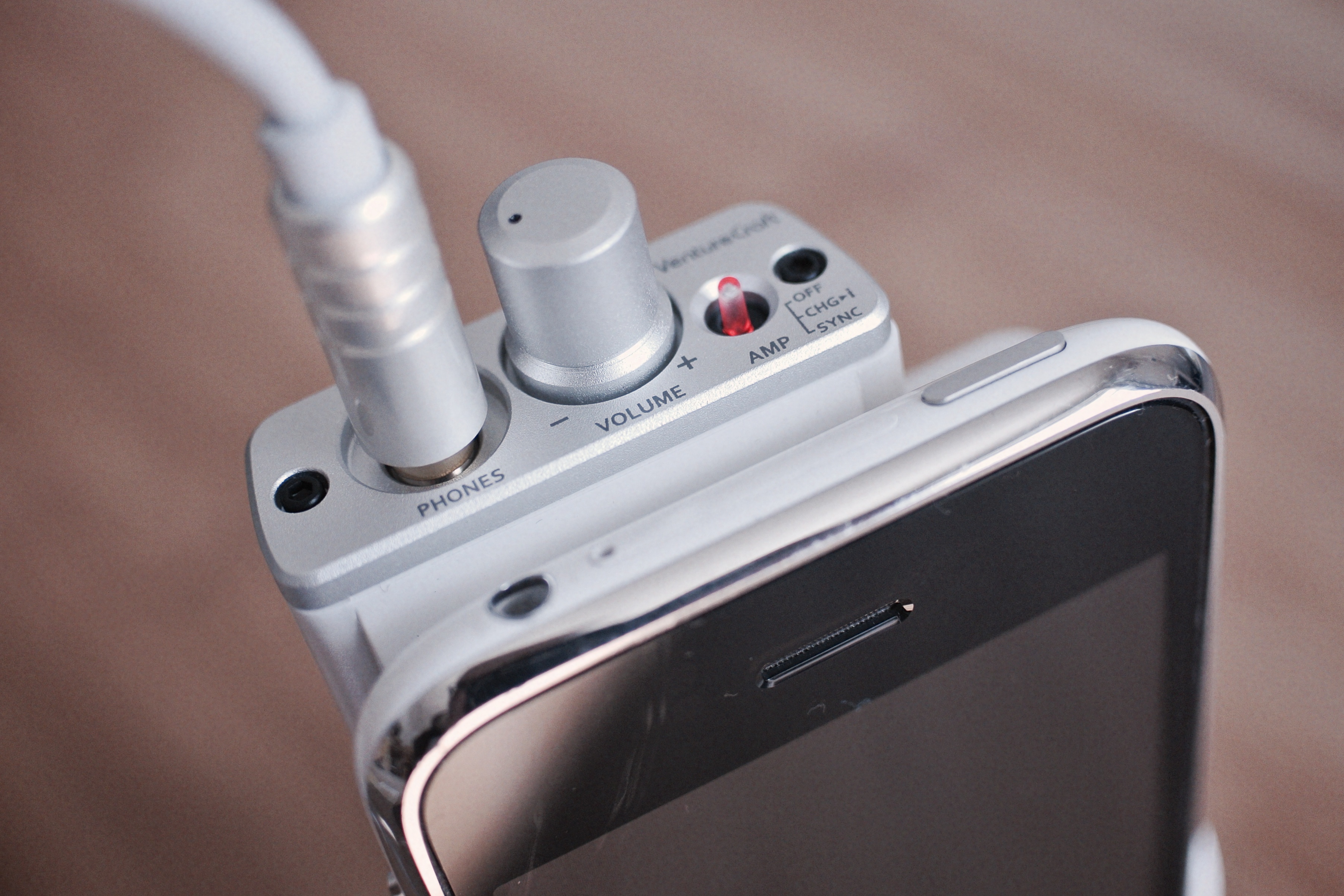
Use a DAC or portable headphone amplifier
When source power is the bottleneck, an external DAC or amp helps. This is common with high-impedance or hard-to-drive Sony models.
- Choose a portable amp with enough power for your headphones’ impedance and sensitivity.
- Use a USB DAC for phones or a small desktop DAC/amp for laptops to bypass weak headphone jacks.
- Match the amp’s output to the headphone’s needs; too much power is wasteful, too little won’t help.
- Look for compact models with gain switches so you can fine-tune loudness without distortion.
I’ve taken Sony over-ears to a portable amp and gained clean headroom with no distortion. If you regularly need louder volume, a DAC/amp is often the most reliable route to make sony headphones louder.

Improve fit, seals, and physical maintenance
Physical issues often reduce loudness more than you expect. Fixing fit is quick and free in many cases.
- Replace worn ear pads to restore proper seal and bass response.
- Adjust headband tension for a snug but comfortable fit.
- Clean the audio jack and connectors to remove debris and oxidation.
- Try foam tips or different pads if you use in-ears to improve isolation and perceived volume.
A good seal can make headphones sound noticeably louder. I once restored loudness to a Sony set by swapping old pads — the change was dramatic.

Advanced and risky options (firmware hacks and mods)
There are advanced options, but they carry risk. Proceed only if you accept the potential voided warranty or damage.
- Custom firmware or modded headphones can remove region volume caps but may brick the device.
- Hardware mods like replacing amplifiers or swapping drivers demand technical skill and soldering.
- Using third-party apps that boost gain can introduce distortion and noise.
I rarely recommend risky mods. They can work, but weigh the benefits against lost warranty and possible damage when exploring how to make sony headphones louder.
Safety and hearing health
Louder isn’t always better. Protect your hearing while seeking more volume.
- Keep average listening below 85 dB for long sessions to reduce hearing risk.
- Use short breaks and the 60/60 rule: 60% volume for no more than 60 minutes at a stretch.
- If you need near-max volume to hear clearly, check for hearing issues and consult a professional.
Manufacturers and hearing experts agree that safety matters. Boost volume responsibly when trying to make sony headphones louder.
Troubleshooting checklist — follow in order
If you need a clear path, follow this checklist. It helps isolate the issue quickly.
- Try another source device to rule out phone or laptop limits.
- Test wired vs Bluetooth to see if the connection is the cause.
- Update firmware and app settings, and check codecs.
- Replace pads or tips and clean connectors.
- Use a DAC/amp if the headphones remain underpowered.
- Consider professional repair if a driver or internal fault is suspected.
Work through these steps. They usually find the weak link when you want to make sony headphones louder.
Frequently Asked Questions of how to make sony headphones louder
How can I increase volume on Sony WH-1000XM4?
Check device and app volume, enable LDAC in the Sony app, update firmware, and try wired mode. If still quiet, use a portable amp designed for headphones.
Will changing Bluetooth codec make Sony headphones louder?
Yes, switching to a higher-bandwidth codec like LDAC can improve perceived loudness and clarity if your source supports it. Codec changes help audio quality and dynamic range.
Can a headphone amp damage my Sony headphones?
A properly matched amp will not damage them; however, using excessive gain or poor-quality amps can cause distortion or stress drivers. Use gain settings conservatively and match impedance.
Are there software apps that safely boost headphone volume?
Some equalizer and gain apps can raise perceived volume, but too much gain causes clipping and noise. Use apps with limiters and avoid extreme boosts.
Is it safe to modify headphone firmware to remove volume limits?
Firmware mods can void warranty and risk bricking your headphones. They may work, but proceed only if you accept the risks and have technical know-how.
Conclusion
You can make sony headphones louder with a mix of simple checks, device tweaks, and hardware upgrades. Start with software settings and fit fixes, then consider a DAC or amp if needed. Keep safety and warranty in mind before attempting risky mods. Try one change at a time, note the results, and you’ll find the best, safest path to better volume and sound. Share your experience, ask questions, or subscribe for more headphone tips and guides.

Everett Ashford is a tech reviewer at mytechgrid.com specializing in SSDs, cameras, TVs, earbuds, headphones, and other consumer electronics. He provides honest, data-driven reviews based on hands-on testing and real-world performance analysis. Everett simplifies complex tech details to help readers make smart, confident buying decisions.