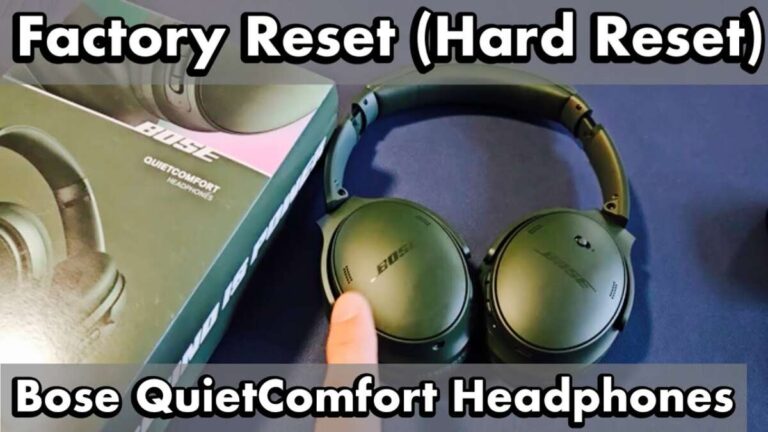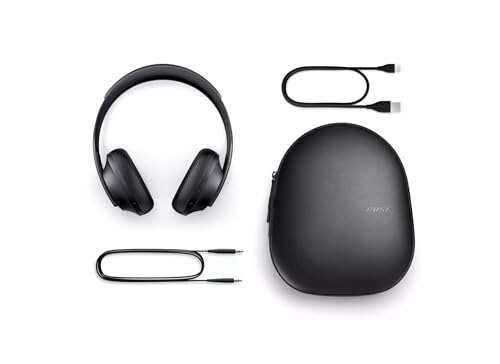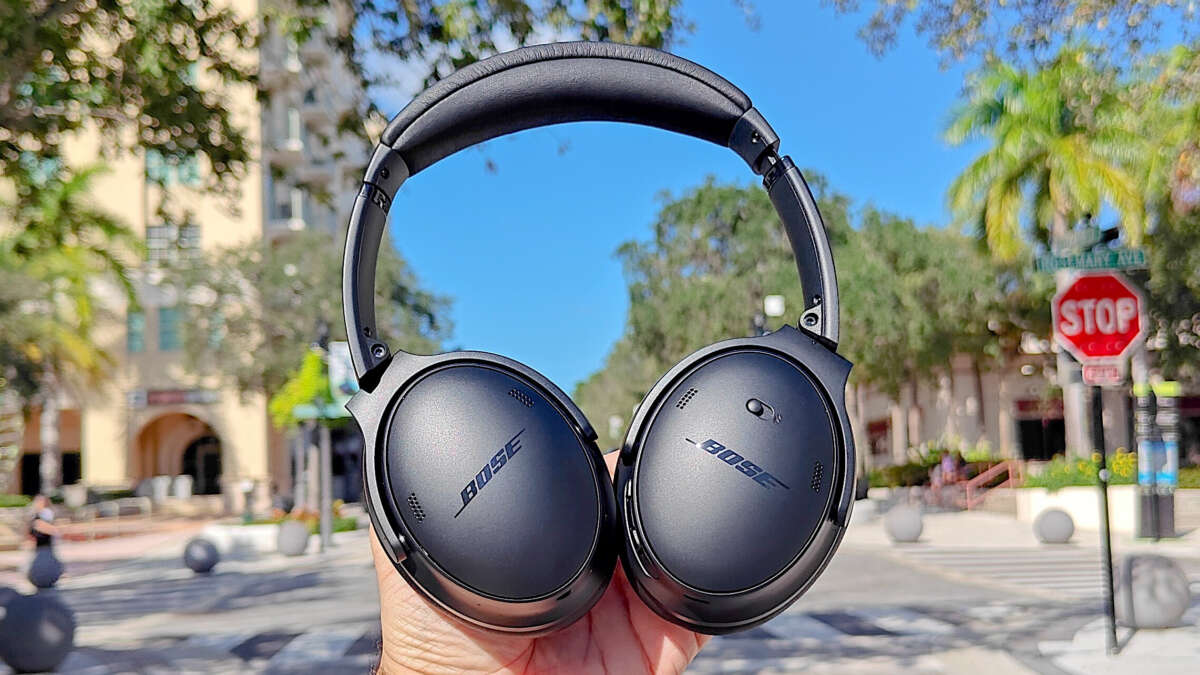
Hold the power/Bluetooth button for about 10 seconds to clear pairing or power-cycle your Bose headphones.
I’ve spent years fixing and testing headphones, and I’ll walk you step-by-step through how to reset Bose headphones so they work like new. This guide covers quick restarts, Bluetooth list clears, factory resets where available, and model-specific tips for QC35, QC45, Bose 700, QuietComfort Earbuds, and SoundLink. Read on for clear, tested steps, troubleshooting advice, and simple tips to avoid common mistakes when you reset Bose headphones.

Why reset your Bose headphones
Resetting fixes many common problems. You can resolve pairing issues, stuck firmware states, odd audio glitches, and unresponsive controls. A reset is often faster than full troubleshooting.
Resetting can mean different things. It can be a soft restart, clearing the Bluetooth device list, or a factory-style reset. Knowing which reset you need saves time and avoids data loss.
What to do before you reset Bose headphones
Preparation avoids lost settings and wasted time. Do these simple checks first.
- Charge the headphones to at least 30 percent.
- Use the Bose Music app to check firmware updates and settings.
- Remove the device from your phone’s Bluetooth list before re-pairing.
- Note equalizer or custom settings you want to restore later.
If you have earbuds, keep the case and both buds handy. If you rely on saved voice settings or paired devices, make a short list. This makes recovery after the reset fast and painless.

How to reset Bose headphones — step-by-step methods
Below are the most reliable reset methods I use. Each covers common Bose models. Try the simple options first. If one method doesn’t help, move to the next.
Soft restart (works for almost every model)
- Turn off the headphones.
- Wait 20 to 30 seconds.
- Turn them back on.
This quick restart often clears minor bugs. Use this before doing anything more drastic. The phrase how to reset bose headphones often begins here for most users.
Clear Bluetooth pairing list (common on QC35, QC35 II, QC45, and similar)
- Power off the headphones.
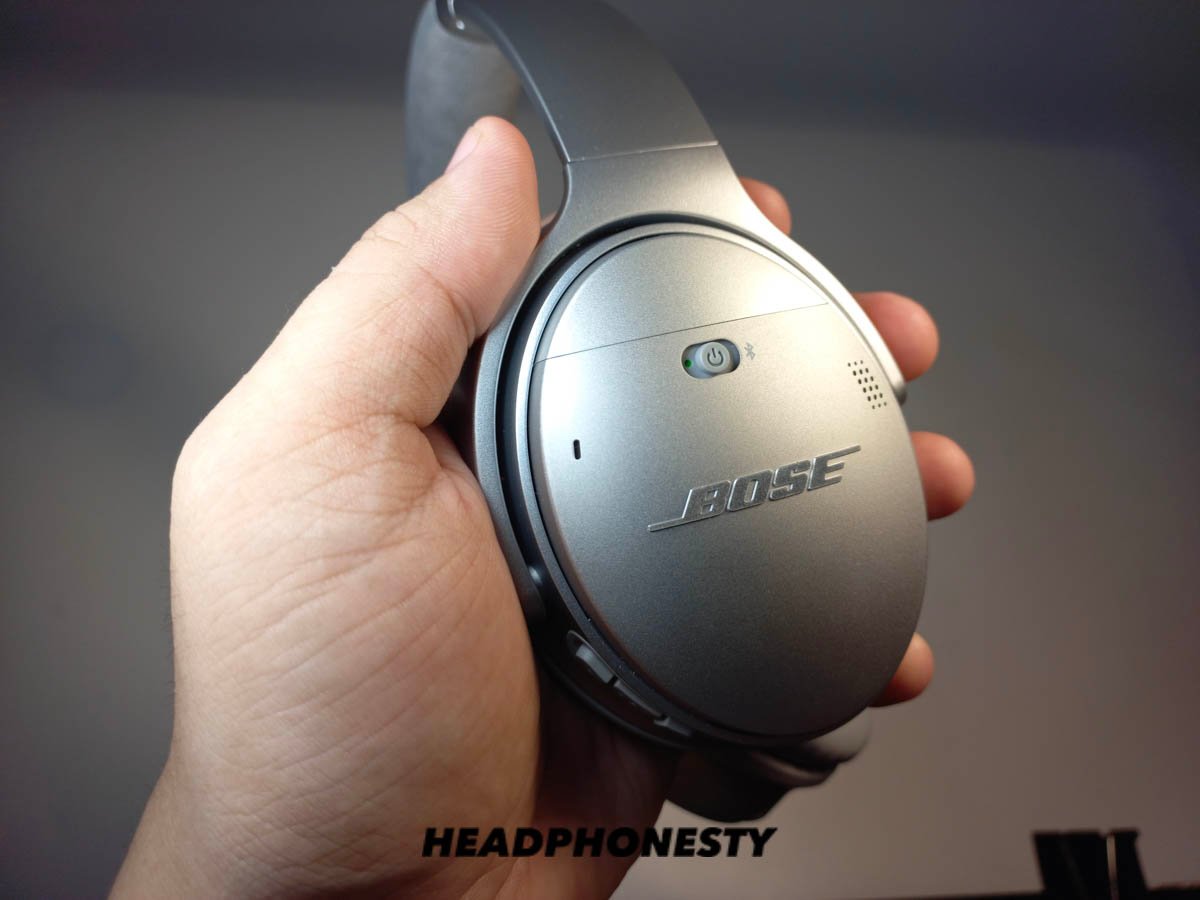
- Slide the power switch to the Bluetooth symbol and hold it for about 10 seconds.
- Wait for a voice prompt or for the Bluetooth light to blink indicating the list is cleared.
- Re-pair with your device.
This clears stored devices and fixes stubborn pairing problems. This is the go-to when learning how to reset bose headphones for pairing issues.
Reset via Bose Music app (for Bose 700, QC Earbuds, new models)
- Open the Bose Music app.
- Select your device and check settings or options for “Remove” or “Factory reset.”
- Follow on-screen prompts to reset the device and reconfigure.
The app can push firmware updates after the reset. If you are unsure which reset to pick, the app’s guided steps help. This method is part of modern how to reset bose headphones approaches.
Reset QuietComfort Earbuds (and many Bose earbuds)
- Put both earbuds in the case and close the lid for 5 seconds.
- Open the case.
- Press and hold the Bluetooth or case button for 10 seconds until the LED flashes or shows the reset pattern.
- Re-pair the earbuds to your device.
I’ve used this on QuietComfort Earbuds to restore lost touch control behavior. It’s a common path for how to reset bose headphones that are earbuds.
Reset Bose Headphones 700 (tips and steps)
- Turn the headphones off.
- Press and hold the Power/Bluetooth button for 10 seconds until the Bluetooth LED blinks and you hear a voice prompt that the device list was cleared.
- Re-pair with your phone.
If that does not help, use the Bose Music app to remove the device and re-add it. This model often responds to app-driven resets when button methods don’t work. Knowing how to reset bose headphones 700 helps reduce frustration.
Older wired or auxiliary Bose models (QC25, etc.)
- Disconnect any cable and power source.
- Turn off the inline module or controls.
- Wait 10–20 seconds and then reconnect.
Wired models rarely need a reset beyond cycling power and checking the cable. Still, learning how to reset bose headphones that are wired can avoid unnecessary steps.
After trying each method, test audio and Bluetooth. If pairing fails, remove the headphone entry from your phone’s Bluetooth list and retry the pairing sequence. This is often the final step in how to reset bose headphones successfully.

Troubleshooting if a reset doesn’t fix the issue
If the headphones still misbehave, follow these checks.
- Confirm firmware is up to date with the Bose Music app.
- Test with another phone or computer to rule out the source device.
- Try a different USB cable and charger if charging or firmware update fails.
- Check for physical damage or moisture, which a reset won’t fix.
If none of this works, contact support or consider service. Be honest about what you tried. It helps the technician and speeds up repairs. Resetting is powerful, but it can’t fix hardware faults.

Tips, mistakes to avoid, and personal experience
I’ve reset dozens of Bose models. Here’s what I learned.
- Always update firmware after a reset. Old firmware can reintroduce bugs.
- Don’t reset mid-update. Interrupting firmware can brick devices.
- Remove paired devices from phones. Re-pairing cleans old profiles and solves most Bluetooth issues.
- If you have multiple Bose products, label them in the app to avoid confusion when re-pairing.
A mistake I made early on was skipping a simple restart. I spent an hour on a factory reset when a 30-second power cycle fixed things. When you start with the simplest how to reset bose headphones step, you save time.

Frequently Asked Questions of how to reset bose headphones
How long does a reset take for Bose headphones?
Most resets take under a minute. App-based resets and firmware updates may take longer, often 5 to 15 minutes total.
Will resetting delete saved settings like EQ or voice prompts?
Yes. Clearing paired devices and factory resets remove saved preferences. Take a note of settings you want to restore before resetting.
Can I reset Bose headphones without the Bose Music app?
Yes. Many models allow button-based resets and Bluetooth list clears without the app. The app is useful for firmware and guided resets.
My headphones won’t turn on after a reset. What now?
Charge them with a known good cable and power source for at least 30 minutes. Try a different USB port or charger if they still don’t power up.
Does resetting fix audio dropouts?
Often yes, if the issue is pairing or firmware. If dropouts persist across devices, it might be hardware or interference, which a reset won’t fix.
Is there any risk to resetting my Bose headphones?
A reset can remove custom settings and paired devices, but it rarely damages software. The main risk is interrupting a firmware update, which can cause bigger issues.
Conclusion
Resetting is the fastest way to fix many headphone issues. Start with a soft restart, then clear Bluetooth pairings, and use the Bose Music app or model-specific steps if needed. Keep firmware current, back up settings mentally, and avoid interrupting updates. Try these practical how to reset bose headphones methods and you’ll likely have working headphones in minutes.
Take action now: try the simplest reset first, then move to the model-specific steps above. If you found this helpful, leave a comment about your model and issue, or subscribe for more hands-on headphone tips.

Everett Ashford is a tech reviewer at mytechgrid.com specializing in SSDs, cameras, TVs, earbuds, headphones, and other consumer electronics. He provides honest, data-driven reviews based on hands-on testing and real-world performance analysis. Everett simplifies complex tech details to help readers make smart, confident buying decisions.