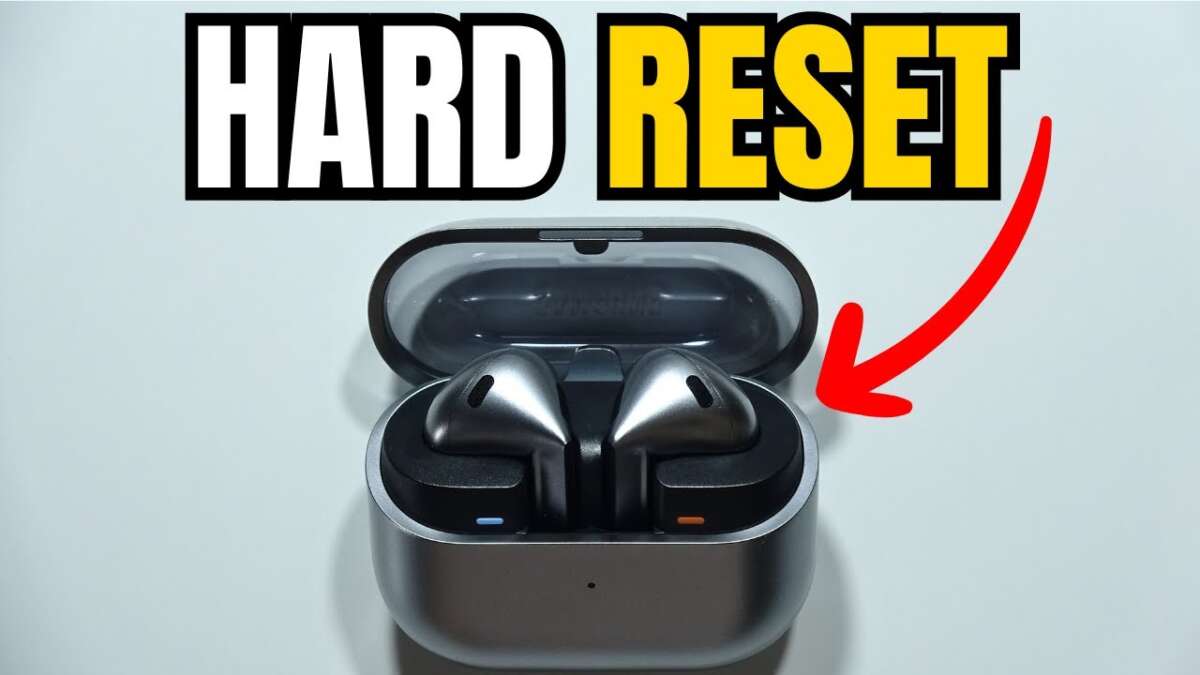
To reset Samsung earbuds, use the case button or the Galaxy Wearable app to perform a factory reset.
I’ve spent years repairing and testing earbuds, including many Samsung Galaxy Buds models. This guide shows clear, step-by-step methods for how to reset Samsung earbuds, why each method matters, and what to do if a reset does not fix the issue. Read on to regain stable connections, fix audio glitches, and return your earbuds to a known good state.

Why reset Samsung earbuds?
Resetting can clear glitches that cause audio dropouts, pairing failures, or uneven sound. Most problems are software-related and a reset often resolves them quickly.
A reset also helps when you want to pair the earbuds with a new device. If one bud won't connect, a reset brings both to a fresh starting point.
Resetting is safe when done correctly, but you may lose customized settings like EQ or touch controls. Keep that in mind before you reset Samsung earbuds.
Types of reset and what each one does
Soft reset
- Brief power cycle that reconnects the buds to the case.
- Good for quick fixes like momentary audio cutouts.
Factory reset via case or app
- Erases pairing data and restores defaults.
- Use when persistent bugs or pairing issues happen.
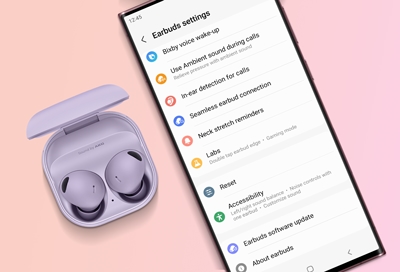
Reset via Galaxy Wearable app
- Uses software to factory reset and check firmware.
- Helpful when the case button is hard to use.
Firmware update as alternative
- Not a reset but often fixes bugs without losing settings.
- Try updating firmware before a factory reset.
Quick disconnect and re-pair
- Manual unpair on phone, then re-pair earbuds.
- Simple and effective for many pairing errors.

How to reset Samsung earbuds: step-by-step
Below are tested steps that cover most Galaxy Buds models. Follow the method that matches your model. I’ve reset Galaxy Buds Pro and Buds Live dozens of times and these steps work reliably.
General quick reset (all models)
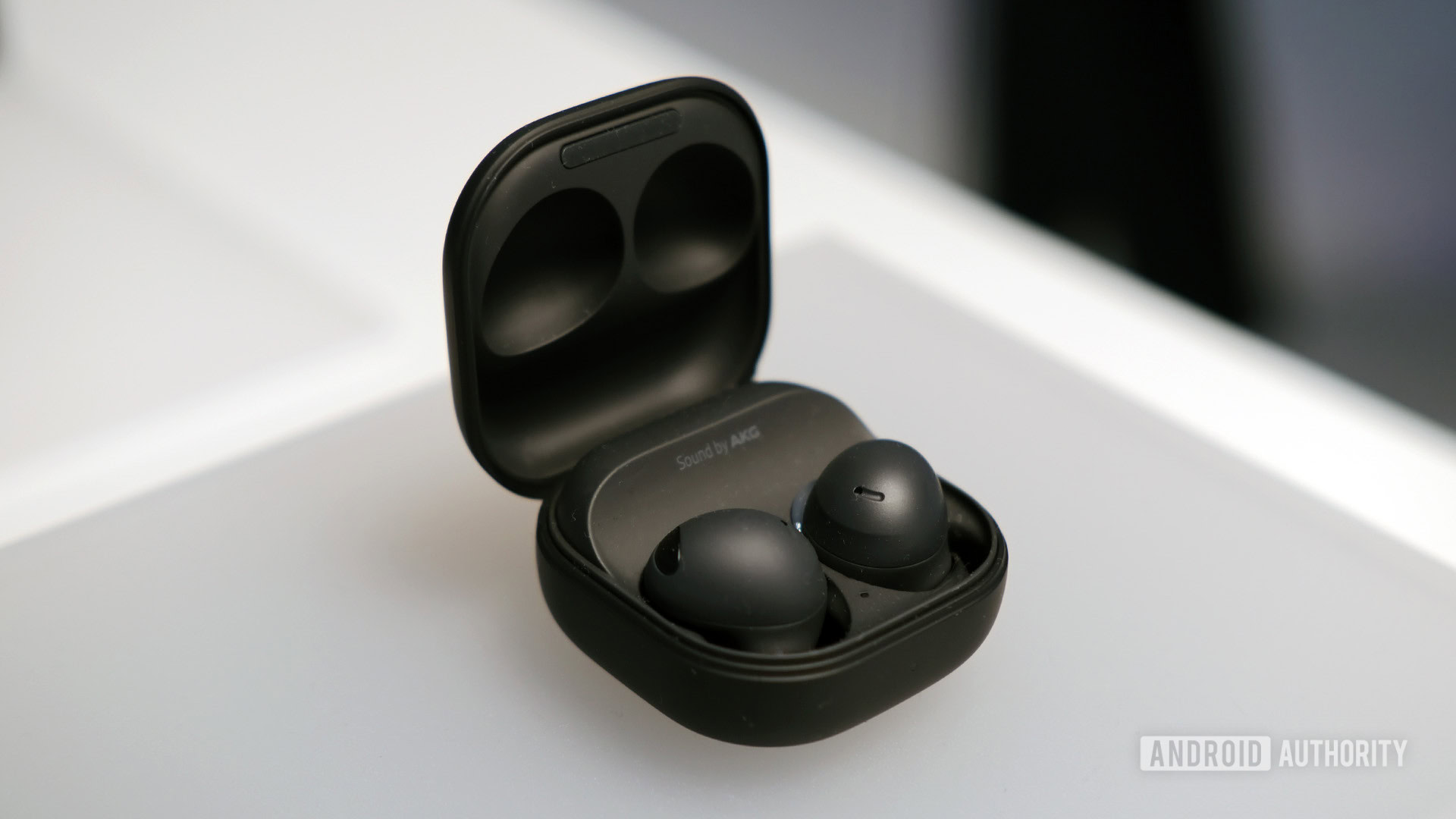
- Place both earbuds in the charging case and close the lid.
- Wait 10–15 seconds, then open the case.
- Remove the buds and try reconnecting to your device.
- If connection fails, move to a factory reset.
Factory reset using the case button (for models with a case button)
- Place both earbuds in the case and keep the lid open.
- Press and hold the case button for 10–15 seconds until the LED flashes or the buds indicate reset.
- Close the lid, wait 5 seconds, then reopen and re-pair the buds.
Galaxy Buds, Buds+, Buds Live, Buds Pro, Buds2 via Galaxy Wearable app
- Open the Galaxy Wearable app on your connected Android device.
- Select your earbuds from the device list.
- Scroll to and tap Reset, then confirm Reset.
- Wait for the app to finish. Re-pair the earbuds when prompted.
Resetting without the app (iPhone or non-Wearable users)
- Forget the earbuds in your phone’s Bluetooth settings.
- Put the earbuds in the charging case.
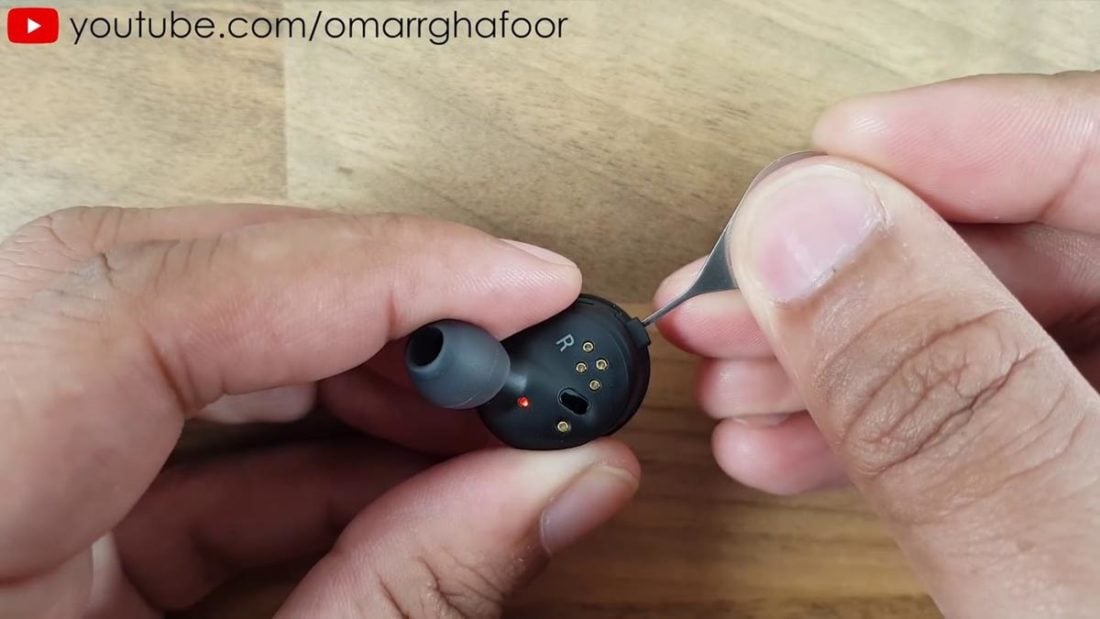
- Press and hold the touchpads on both buds for about 10–12 seconds until LEDs flash (model-dependent).
- Re-pair from the Bluetooth menu.
Model-specific tips
- Galaxy Buds Live: Case-based reset is common; hold the case button until the buds blink. Then re-pair.
- Buds Pro and Buds2: Use the Galaxy Wearable app for the cleanest factory reset.
- Older Galaxy Buds: Long-press both touchpads while in the case to trigger reset.
I once had a Buds Pro that would only pair to one ear after a fall. A Wearable app reset fixed it instantly. That experience taught me to try app-based resets first when possible.
Troubleshooting after a reset
If your earbuds still misbehave, try these steps.
- Update firmware through the Galaxy Wearable app.
- Fully charge both earbuds and the case.
- Clear Bluetooth cache on Android: Settings > Apps > Show system apps > Bluetooth > Storage > Clear cache.
- Test the buds with a different phone to isolate device issues.
If one ear is quiet after reset
- Ensure both buds are fully charged.
- Reinsert both in the case for 10–15 seconds to re-sync them.
- If problem persists, try resetting again or contact support.
When to contact Samsung support
- Hardware damage such as water or impact issues.
- Repeated failures after multiple resets and firmware updates.
- Warranty or repair inquiries.

Benefits and limitations of resetting
Benefits
- Fast fix for connectivity and audio glitches.
- Clears pairing conflicts and corrupted settings.
- Easy to perform at home.
Limitations
- You will lose custom EQ and saved touch settings.
- Not a fix for hardware failures like a broken speaker.
- Some issues may require a firmware update rather than a reset.
Personal tip: Before a reset, take screenshots of any custom settings in the Wearable app. It saves time recreating them later.
Best practices to avoid frequent resets
Keep firmware updated
- Regular updates reduce bugs that force resets.
- Check the Galaxy Wearable app periodically.
Store and charge properly
- Avoid extreme temperatures and keep contacts clean.
- Dirt on charging pins can cause sync issues.
Proper pairing workflow
- Forget old pairings on devices you no longer use.
- Pair with one device at a time when troubleshooting.
Use gentle handling
- A fall or water exposure often looks like a software bug.
- Treat your earbuds like small precision tools.

People also ask
Q: How long does a factory reset take on Samsung earbuds?
A: A factory reset usually completes in under a minute. Firmware reinstallation may add several minutes if prompted.
Q: Will resetting erase firmware updates?
A: No, resetting restores settings but does not roll back firmware. Firmware stays at the installed version.
Q: Can I reset Samsung earbuds without the case?
A: Most full resets require the case. Some models allow touchpad resets, but the case is typically needed to re-sync both buds.
Q: Does resetting fix one-sided audio issues?
A: Often yes. A factory reset commonly re-syncs both buds, fixing one-sided audio in many cases.
Q: Is a reset required before sending for repair?
A: It’s a good step. Providers may ask you to reset before they accept service to rule out software causes.
Frequently Asked Questions of how to reset samsung earbuds
How do I reset Galaxy Buds to factory settings?
Use the Galaxy Wearable app or hold the case button with earbuds inside for 10–15 seconds. Then re-pair the earbuds with your device.
Will resetting Samsung earbuds delete my saved settings?
Yes, a factory reset erases custom EQ and touch control settings, but firmware versions remain unchanged.
Can I reset my Samsung earbuds from an iPhone?
You can forget the device in Bluetooth settings and use touchpad or case methods. Some resets work best with the Galaxy Wearable app on Android.
Why do my earbuds still fail after a reset?
If issues persist, it could be hardware damage, low battery, or outdated firmware. Try updates, full charging, or testing with another phone.
How often should I reset Samsung earbuds?
Only reset when you face persistent problems. Regular firmware updates and good care reduce the need for resets.
Conclusion
Resetting is a fast, effective way to fix many problems with Samsung earbuds. Use the Galaxy Wearable app when possible, try a case or touchpad reset if needed, and update firmware to prevent recurring issues. Take care of your earbuds to limit resets, and back up settings where you can before a factory reset. Try these steps today, and leave a comment with your model and problem if you need personalized help.

Everett Ashford is a tech reviewer at mytechgrid.com specializing in SSDs, cameras, TVs, earbuds, headphones, and other consumer electronics. He provides honest, data-driven reviews based on hands-on testing and real-world performance analysis. Everett simplifies complex tech details to help readers make smart, confident buying decisions.