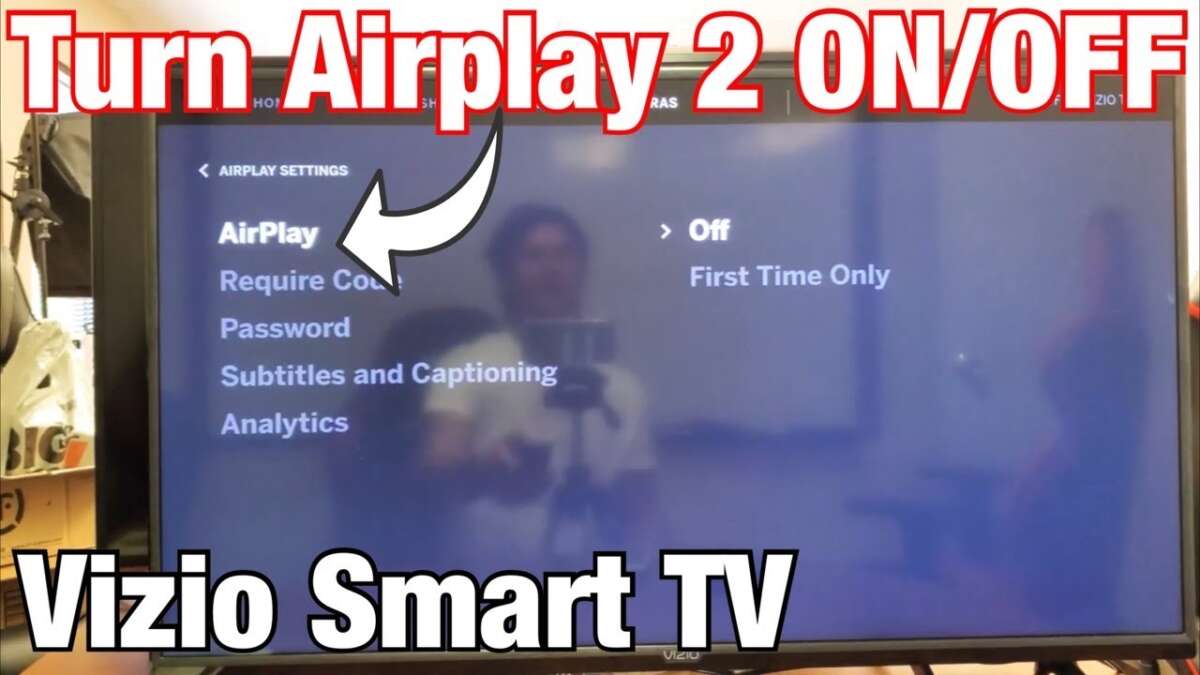
Turn on AirPlay on your Vizio TV from Settings, update firmware, and use Screen Mirroring.
I’ve helped dozens of people set up AirPlay on Vizio TVs and fixed the common snags. This guide shows exactly how to turn airplay on vizio tv step by step, with simple checks, clear troubleshooting, and real tips from my hands-on experience. Read on and you’ll be streaming video and audio in minutes.
Do I have AirPlay on my Vizio TV?
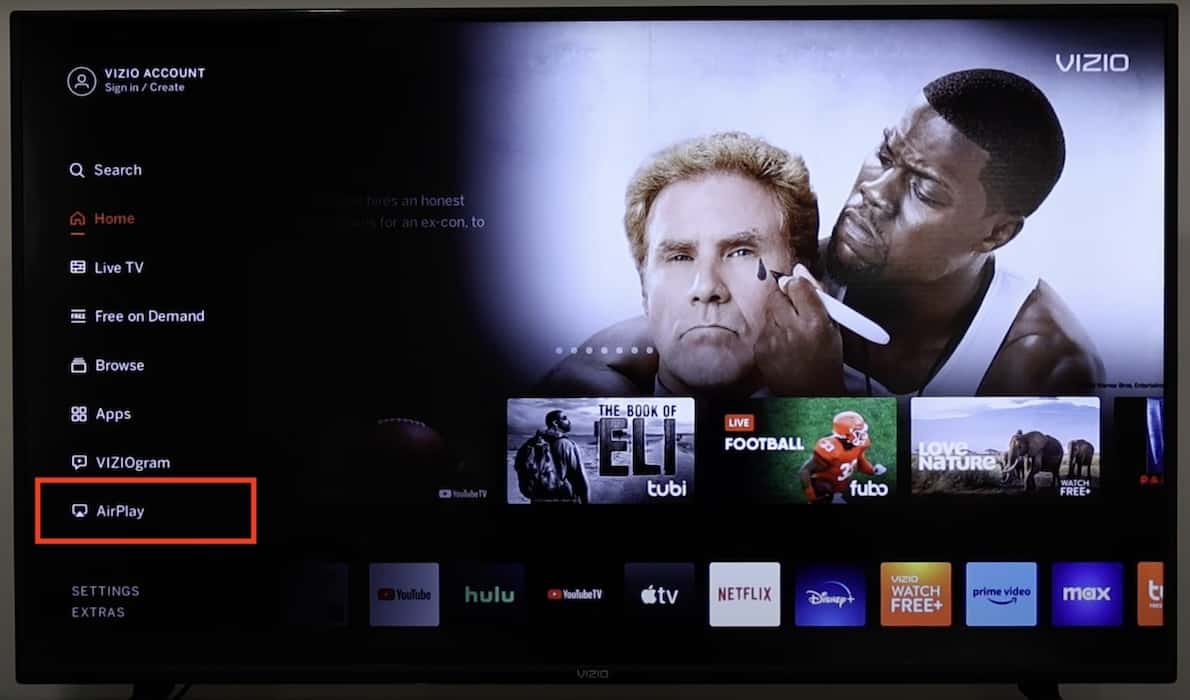
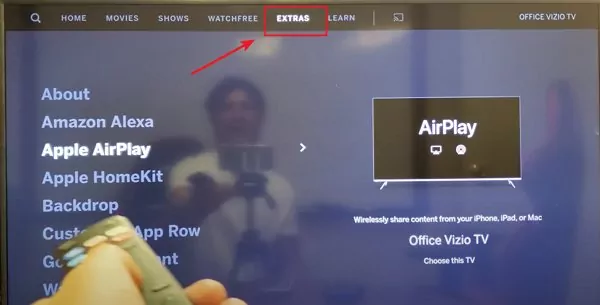
Many Vizio SmartCast TVs support AirPlay 2. Newer models from around 2018 onward usually include AirPlay. To confirm, check your model’s specs or look for an Apple AirPlay or HomeKit option in the TV settings.
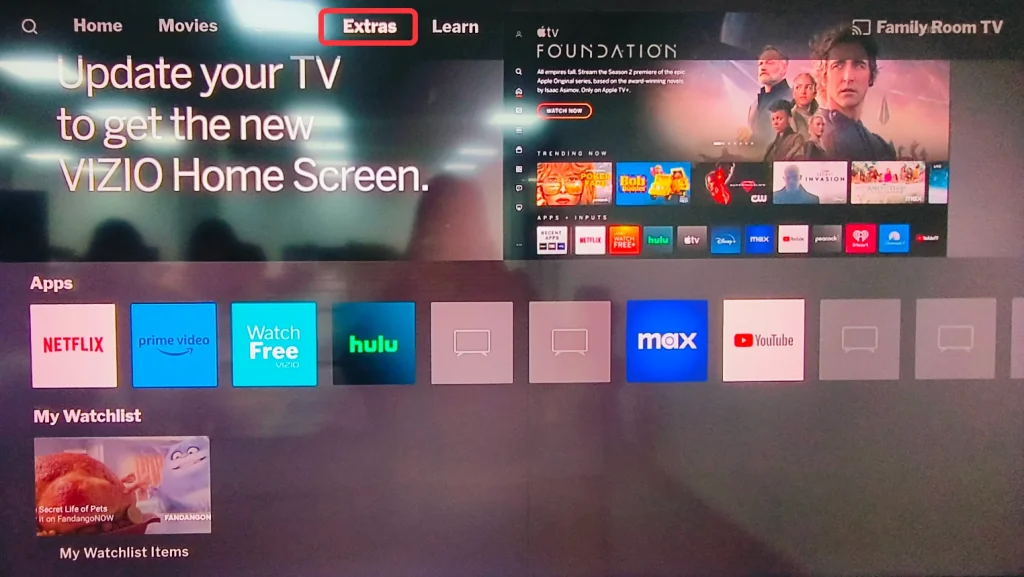
If your TV doesn’t show AirPlay options, a firmware update can add support on some models. If the update doesn’t help, your TV may be too old and you’ll need an external Apple TV or other adapter.

How to turn AirPlay on Vizio TV — step-by-step for iPhone and iPad
Follow these clear steps to learn how to turn airplay on vizio tv from an iPhone or iPad.
- Confirm compatibility and update
- Turn on your Vizio TV. Go to Settings > System > Check for Updates. Install any available firmware.
- On your iPhone or iPad, update iOS to the latest stable version.
- Connect to the same Wi-Fi
- Make sure your iPhone or iPad and Vizio TV are on the same Wi-Fi network. AirPlay requires the same network to find the TV.
- Avoid guest networks or isolated client modes that block device discovery.
- Enable AirPlay on the TV
- On the Vizio remote, press the Menu or Settings button. Go to AirPlay & HomeKit or Apple AirPlay settings.
- Turn AirPlay on and set permissions (Everyone, Anyone on the Same Network, or Require Code).
- Start mirroring or casting
- On iPhone or iPad, open Control Center. Tap Screen Mirroring. Select your Vizio TV from the list.
- If prompted, enter the on-screen code shown on the TV.
- Stop AirPlay
- To stop, open Control Center and tap Screen Mirroring again, then choose Stop Mirroring. Or use the AirPlay icon in the app you used.
Tips from my experience
- If Screen Mirroring doesn’t list the TV, toggle Wi-Fi off and on for both devices. A quick restart of your router often helps.
- Set AirPlay to “Require Code” for guests, and “Anyone on the Same Network” for family convenience.
How to turn AirPlay on Vizio TV from a Mac
Here’s how to turn airplay on vizio tv when you’re using a Mac.
- Prepare devices
- Update macOS and the Vizio TV firmware. Connect both to the same Wi-Fi network.
- Use the menu bar
- Click the AirPlay icon in the Mac menu bar. If you don’t see it, go to System Settings > Displays and enable “Show mirroring options in the menu bar when available.”
- Select your Vizio TV from the AirPlay list.
- Use Display settings
- Open System Settings > Displays. Choose your Vizio TV as an AirPlay Display. Pick Mirror or Use As Separate Display.
- Enter the code if required
- If the TV shows a code, enter it on your Mac to pair and start streaming.
Personal note
- I often choose “Use As Separate Display” when working with two screens. It keeps notifications on my Mac while I watch media on the Vizio.

Troubleshooting: common problems and fixes
If you can’t get AirPlay to work, try these quick fixes to get how to turn airplay on vizio tv working smoothly.
- Same network, same problems
- Ensure both devices use the same Wi-Fi band (2.4 GHz vs 5 GHz) and the same SSID. Some routers isolate bands or guest networks.
- Restart devices
- Reboot the TV, phone, or Mac. A soft restart often resolves discovery issues.
- Check AirPlay settings
- On the TV, confirm AirPlay is On and permissions allow your device to connect.
- Disable VPNs or firewalls
- VPNs or strict firewalls on your network can block AirPlay. Temporarily disable them to test.
- Software and firmware updates
- Install the latest updates on both devices. Old firmware or OS versions can prevent pairing.
- Reset network settings
- If nothing works, reset the TV network settings and reconnect to Wi-Fi. Then try pairing again.
From my mistakes
- Early on, I tried pairing while the TV was on a guest SSID. It never showed up. Switching both devices to the main network fixed it instantly.
- Also, some routers block device discovery between wired and wireless clients. If the TV is wired and your phone is wireless, try both on Wi-Fi.
Alternatives if your Vizio TV doesn’t support AirPlay
If you can’t enable AirPlay or your TV is not compatible, these options work well.
- Use an Apple TV device
- Plug an Apple TV into an HDMI port. It gives native AirPlay and a full Apple TV experience.
- Use an HDMI adapter from your iPhone
- Lightning-to-HDMI or USB-C-to-HDMI adapters let you mirror without network issues.
- Use Chromecast or a casting app
- Chromecast or similar dongles can cast from many apps. They don't use AirPlay but achieve the same result.
- Use the Vizio SmartCast Mobile app
- Some streaming and casting functions are available through the SmartCast app as an alternative.
I have used an Apple TV when a client’s Vizio would not receive AirPlay. It took ten minutes to set up and solved the problem without swapping TVs.

Frequently Asked Questions about how to turn airplay on vizio tv
How do I know if my Vizio TV supports AirPlay?
Check Settings on the TV for an AirPlay or Apple HomeKit menu. You can also look up your model’s specs online to confirm AirPlay 2 support.
Why won’t my iPhone find my Vizio TV for AirPlay?
Most often the devices are on different networks or the TV’s AirPlay is off. Restart both devices and ensure they share the same Wi-Fi network.
Do I need a code to connect my device with AirPlay?
You may need a code if AirPlay is set to require one. The code appears on your TV and you enter it on the sending device to allow pairing.
Can I use AirPlay with apps like Netflix on a Vizio TV?
Yes. Supported apps show an AirPlay icon. You can also mirror your entire screen with Screen Mirroring if needed.
What if AirPlay keeps cutting out on my Vizio TV?
Check Wi-Fi signal strength and router settings. Move devices closer to the router or use a wired Ethernet connection for the TV if possible.
Conclusion
You now have a clear path for how to turn airplay on vizio tv, whether you use an iPhone, iPad, or Mac. Update firmware, confirm the same Wi-Fi network, enable AirPlay on the TV, and use Screen Mirroring or the AirPlay icon. If things fail, the troubleshooting steps and alternatives will get you streaming fast. Try these steps today, and leave a comment about how it went or what device you used — your feedback helps others pick the best setup.

Jamie Lee is a seasoned tech analyst and writer at MyTechGrid.com, known for making the rapidly evolving world of technology accessible to all. Jamie’s work focuses on emerging technologies, product deep-dives, and industry trends—translating complex concepts into engaging, easy-to-understand content. When not researching the latest breakthroughs, Jamie enjoys exploring new tools, testing gadgets, and helping readers navigate the digital world with confidence.