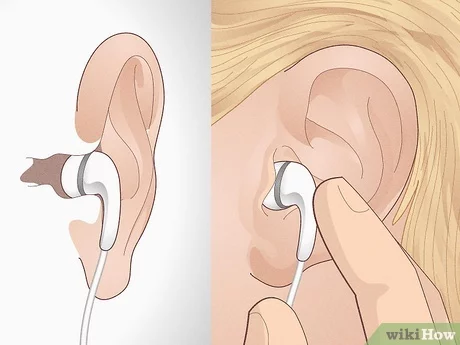
Hold the bud's button for 5–10 seconds or return both to the case to power off.
I’ve used several JLab earbuds and helped friends fix power problems. This guide explains how to turn off JLab earbuds step by step. You will learn model-specific moves, quick fixes, and battery tips. Read on to save time and protect your earbuds.
Quick methods to turn off JLab earbuds
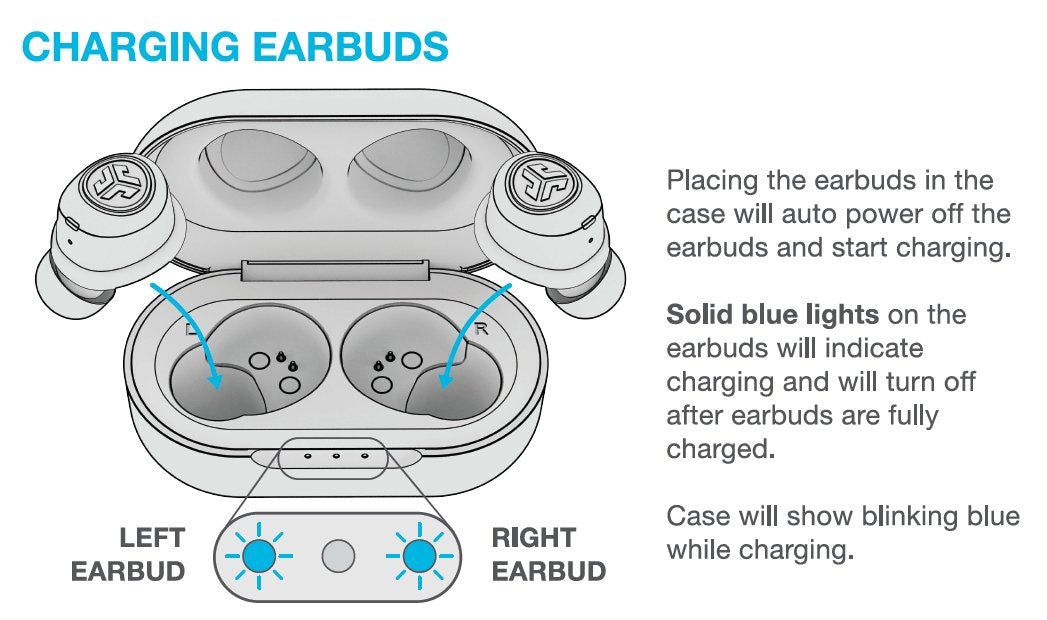
Most JLab models turn off in one of two ways. You can return both earbuds to their charging case. Or you can press and hold the earbud button or touch area for several seconds until it powers down. If you need model-specific steps, follow the sections below for clear actions and timings.

Step-by-step: turn off most JLab true wireless earbuds
- Place both earbuds in the charging case. Close the lid for 3–5 seconds. This triggers auto-off on most JLab models.
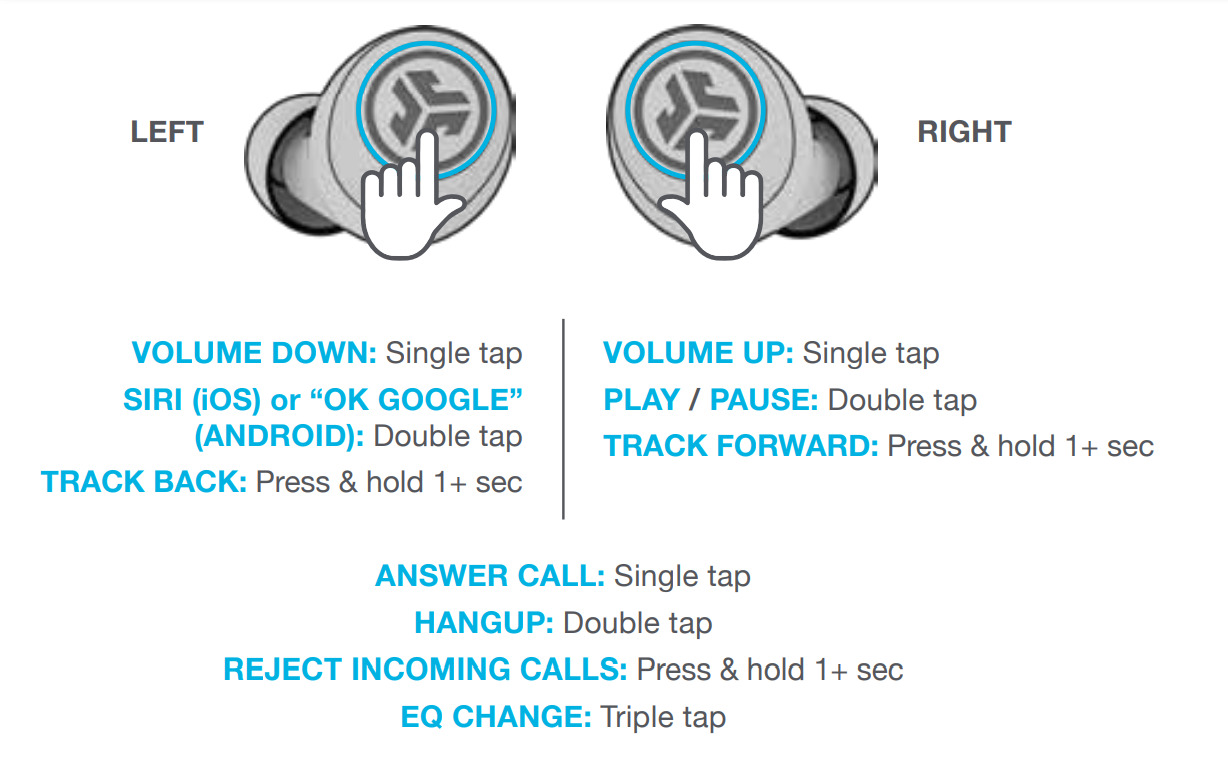
- If no case is available, press and hold the multi-function button or touch surface on each earbud for 5–10 seconds. Wait for the LED to go off or hear a “power off” voice prompt.
- For single-ear use, place the active earbud in the case or press and hold its button for the same time. If it won’t power off, move to troubleshooting.
Using these steps ensures a clean shutdown. Practicing them helps you learn the exact hold time for your model. The steps above show how to turn off JLab earbuds fast and reliably.
Model-specific instructions and tips
JLab JBuds Air and JBuds Air True Wireless
- Place both buds in the case to power off automatically.
- Or press and hold the touch area on each bud for about 8 seconds until a voice says “power off.”
JLab Go Air and Go Air Pop
- Return both earbuds to the case to shut them down.
- If you use a single bud, press and hold its button for 5–8 seconds.
JLab Epic Air and Epic Air ANC
- Use the case for auto-off.
- For manual off, press and hold the main button for about 10 seconds. ANC models may have an extra step for toggling noise control before power down.
JBuds Sport and wired-plus-clip designs
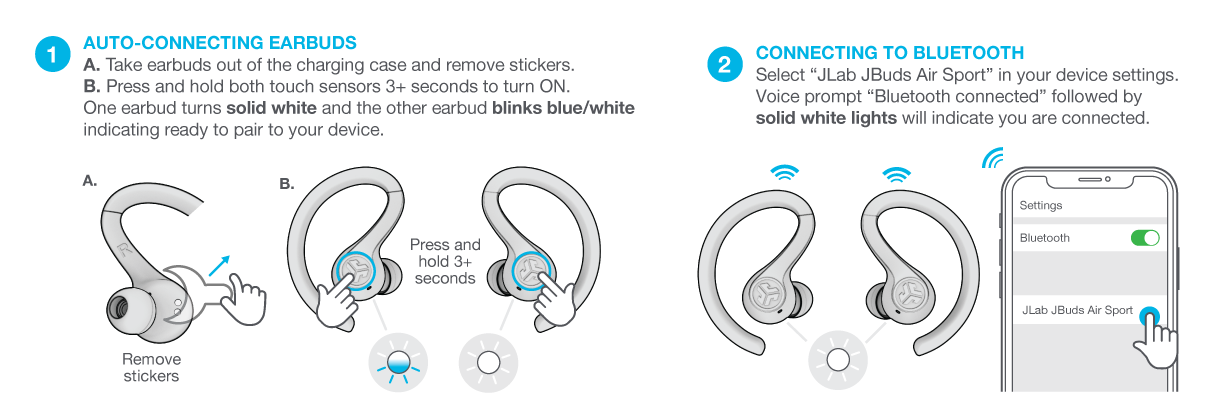
- These often use a physical power button. Press and hold the button for 3–8 seconds to turn off.
- If the earbud uses one-button control, a long hold is standard.
These model notes make it easier to learn how to turn off JLab earbuds by name. If your model is not listed, follow the general hold-or-case rule.

If earbuds won’t turn off: troubleshooting
- Place both earbuds in the charging case and wait 30 seconds. This clears many glitches.
- Fully drain the battery if the earbud is stuck on. Charge it again and test power down.
- Reset the earbuds using the factory-reset steps in the manual. Reset often fixes persistent power issues.
- Check for firmware updates through the JLab app or official instructions. Firmware can fix power bugs.
- Inspect the charging pins for dirt. Clean gently with a dry cotton swab to ensure proper contact.
These fixes cover most problems when learning how to turn off JLab earbuds. If none work, seek professional support.
Battery care and best practices
- Store earbuds in the case when not in use to force auto-off and save battery.
- Avoid leaving earbuds out for long periods. Idle earbuds drain battery and can stay on.
- Keep firmware up to date. Updates can add smarter power management.
- If you travel, power off and pack the case to prevent accidental taps or pairing.
- Use low-power or sleep modes if your model supports them to extend battery life.
Good habits make it simple to manage power and learn how to turn off JLab earbuds without stress.

When to contact JLab support or consider replacement
- If earbuds remain powered on after reset and case checks, contact support. Persistent power draw can signal hardware failure.
- If the charging case won’t charge or the earbuds do not register in the case, the case may be faulty. Support can help with warranty steps.
- Consider replacement if battery life has dropped sharply and the unit fails basic power cycles.
Support can confirm warranty status and offer repair or replacement options when you can’t resolve how to turn off JLab earbuds on your own.

Frequently Asked Questions of how to turn off jlab earbuds
How do I turn off JLab earbuds without the charging case?
Press and hold the earbud’s multi-function button or touch area for 5–10 seconds until the LED goes off or you hear “power off.” If that fails, drain the battery and recharge.
Why won’t my JLab earbuds turn off when I place them in the case?
Dirty charging pins or a misaligned fit can stop auto-off. Clean the contacts and ensure the earbuds sit snugly in the case.
Can I power off one JLab earbud while the other stays on?
Yes. Place the bud you want to turn off in the case or press and hold its button. Some models require both to be in the case to auto-off.
What if holding the button doesn’t power them off?
Try a factory reset and firmware update. If that fails, fully discharge the earbuds and then charge them; this often clears firmware hangs.
How long should I hold JLab earbuds to power them off?
The common range is 5–10 seconds. Higher-end or ANC models may require up to 10 seconds for a full power off.
Conclusion
You now have clear, practical steps that show how to turn off JLab earbuds across models. Use the case first, then try a long press, and move to resets or firmware updates if needed. Try the tips above today to save battery and avoid frustration. If this helped, leave a comment, subscribe for more guides, or check your user manual for model-specific details.

Everett Ashford is a tech reviewer at mytechgrid.com specializing in SSDs, cameras, TVs, earbuds, headphones, and other consumer electronics. He provides honest, data-driven reviews based on hands-on testing and real-world performance analysis. Everett simplifies complex tech details to help readers make smart, confident buying decisions.