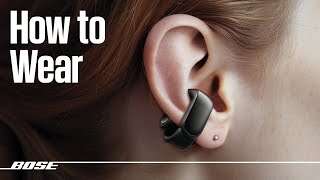
Pair, charge, pair, fit, and use touch controls to enjoy your Bose earbuds quickly and reliably.
I’ve helped hundreds of people get the most from their audio gear, and this guide shows exactly how to use Bose earbuds step by step. You’ll find clear setup steps, daily tips, troubleshooting, and real-world advice so you can use your Bose earbuds with confidence and get better sound right away.
Getting started: what's in the box and first steps
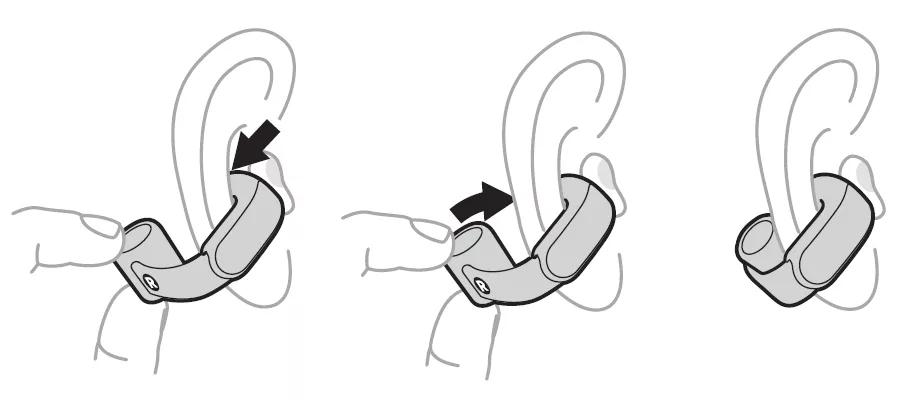
Most Bose earbuds come with a compact charging case, multiple ear tips, and a USB charging cable. Inspect the contents, choose the right ear tip, and read the quick start guide for model specifics. Knowing these basics makes learning how to use Bose earbuds faster and less frustrating.
- Choose the ear tip that seals well in your ear for good bass and stable fit.
- Charge the case before first use to ensure the battery calibration is smooth.
- Keep the serial number and model info handy if you need support or firmware updates.

Charging and battery basics
Bose earbuds use the case to charge and protect the buds. Place earbuds in the case until a light shows charging. A full case usually gives several full charges for the earbuds.
- Check the LED on the case for battery status: green for full, amber for medium, red or flashing for low.
- Use the supplied cable or a certified USB-C cable for safe charging.
- Calibrate battery readings by fully charging once a month to keep battery reporting accurate.
Pairing and connectivity: connect to phone, tablet, or laptop
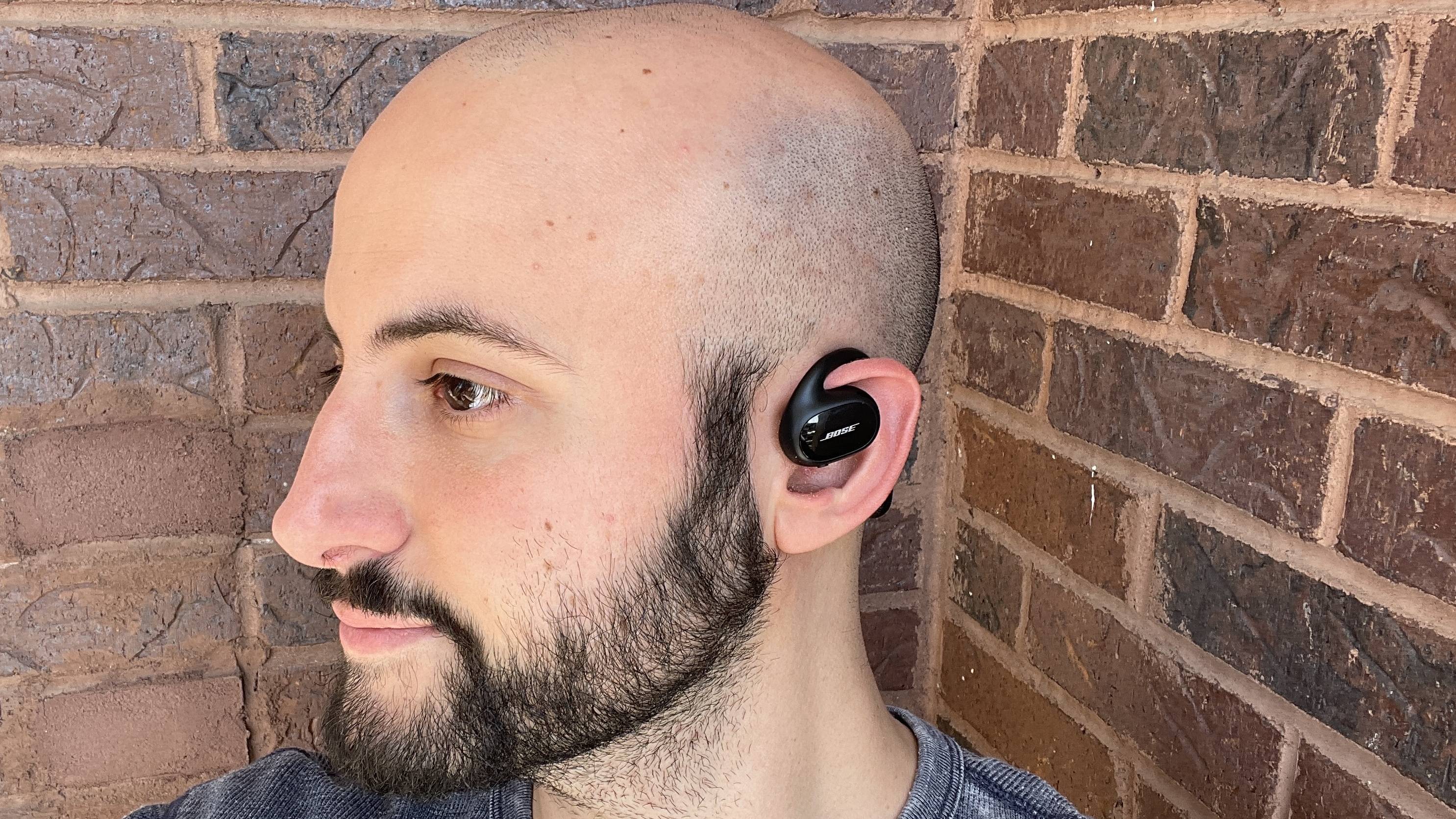
Pairing is often the first step people ask about when learning how to use Bose earbuds. Most Bose models use Bluetooth and pair via the device’s Bluetooth settings or the Bose Music app. The app can simplify setup and add features like firmware updates and EQ.
- Open the case with earbuds inside to power them on.
- Put the earbuds in pairing mode (usually hold a touch area or button until a tone or blinking LED shows).
- On your phone, open Bluetooth settings and select your Bose earbuds from the list.
- Use the Bose Music app for guided pairing and extra settings if available.
If you have trouble, unpair and forget the device on your phone, then retry. In my experience, the app fixes many pairing hiccups quickly.

Controls, voice assistant, and features
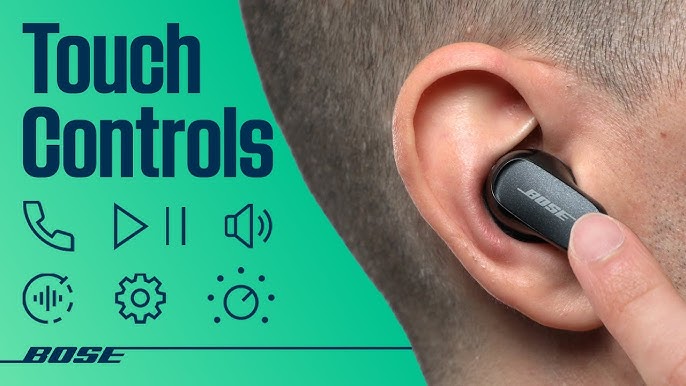
Knowing the controls helps you use Bose earbuds without touching your phone. Controls vary by model but cover play/pause, skip, volume, call handling, and voice assistant access. Practice the gestures so they become second nature.
- Play/pause and answer calls use a single tap or press.
- Skip tracks use double or triple taps depending on the model.
- Long press or hold usually activates voice assistants or toggles noise modes.
- Use the Bose Music app to customize touch controls where the option exists.
I once kept skipping tracks by accident because I had the wrong ear tip. A better fit stopped that issue and made touch commands more reliable.
Fit, sound tuning, and real-world tips
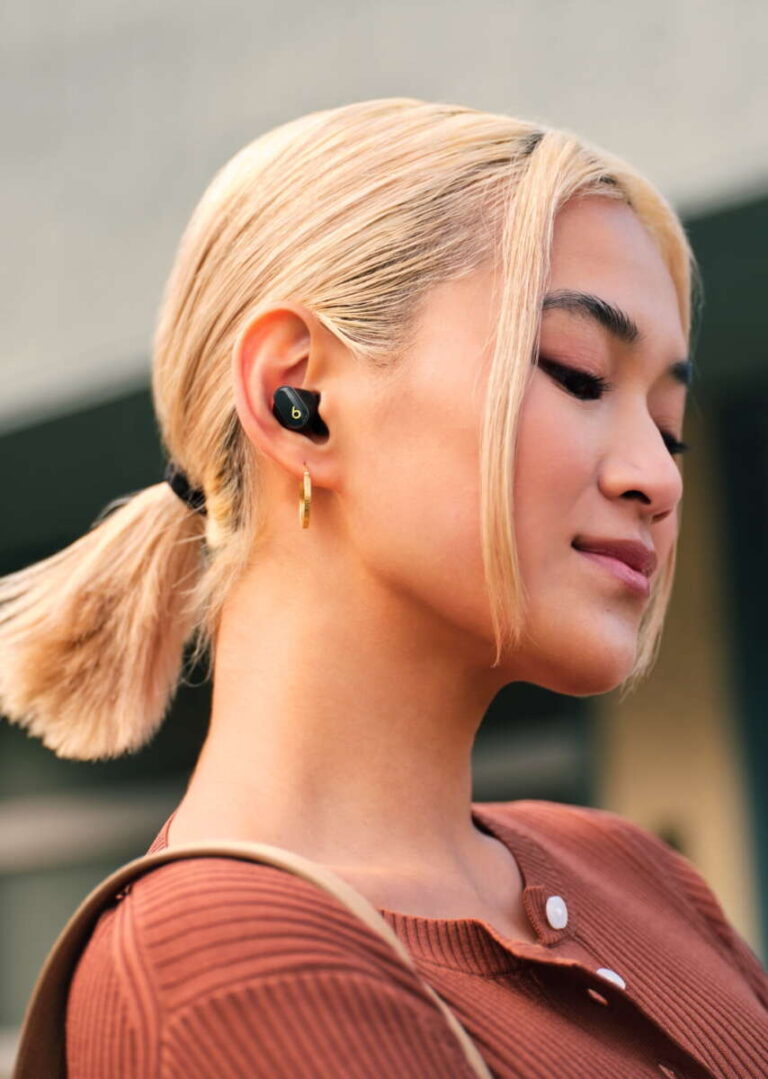
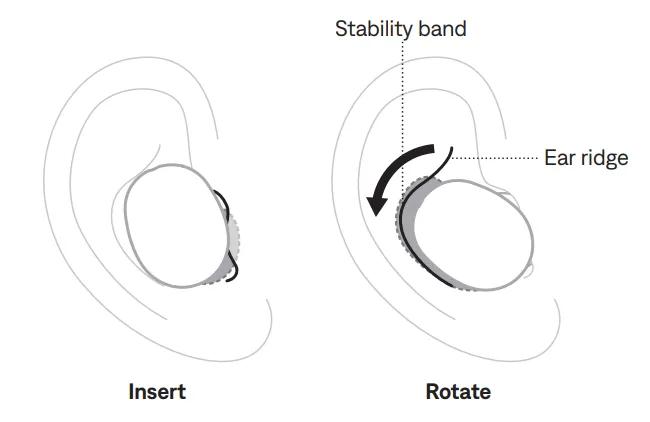
A good fit improves sound, noise cancellation, and call clarity. Test different ear tips and wear the earbud snugly. Use ear tip fit tests in the app when available.
- Try small, medium, and large tips to find a proper seal.
- Use the Bose Music app to adjust EQ or enable presets.
- Switch to aware or transparency modes when you need to hear your surroundings.
- If calls sound thin, position the bud microphone toward your mouth and check wind reduction mode.
From personal testing, swapping to foam tips on long runs reduced wind noise and improved bass. Small changes make a big difference.
Troubleshooting common issues
When learning how to use Bose earbuds, common problems are easy to fix. Battery, pairing, audio dropouts, and one-side-only sound are the top complaints. Try these quick fixes first.
- No sound: check device volume and disconnect/reconnect Bluetooth.
- One earbud silent: clean contacts, reseat the bud in the case, or reset the earbuds.
- Frequent dropouts: move closer to the device, remove interference, update firmware.
- Poor call quality: ensure microphone ports are clear and try a different ear tip for a better seal.
Quick questions (PAA-style)
Can I use Bose earbuds with two devices at once?
Most Bose earbuds can remember multiple devices but will not actively stream from two at the same time; switch manually between connected devices.
How long does pairing take?
Pairing usually takes less than a minute when you follow manufacturer pairing steps in Bluetooth settings or the app.
Will firmware updates improve performance?
Yes. Firmware updates often fix bugs, improve connectivity, and add features, so check the Bose Music app regularly.
Care, cleaning, and maintenance
Proper care extends the life of your earbuds and keeps them sounding their best. Clean them often and store them in the case when not in use.
- Wipe earbuds with a soft dry cloth after use and gently remove earwax from tips and mesh.
- Avoid water exposure unless your model is rated water-resistant.
- Don’t leave the case in extreme heat or cold to protect battery health.
- Replace ear tips when they wear out for the best fit and sound.
I learned to carry a small cleaning brush and cloth in my bag. It saved me from poor sound during a commute once.
Frequently Asked Questions of how to use bose earbuds
How do I pair my Bose earbuds with an Android phone?
Open the case to power the earbuds, press the pairing button if needed, and select the earbuds in your phone’s Bluetooth settings. Use the Bose Music app for a guided setup and extra options.
Why do my Bose earbuds disconnect randomly?
Interference, low battery, or outdated firmware often causes disconnects. Move closer to your device, charge the earbuds, and update firmware to reduce drops.
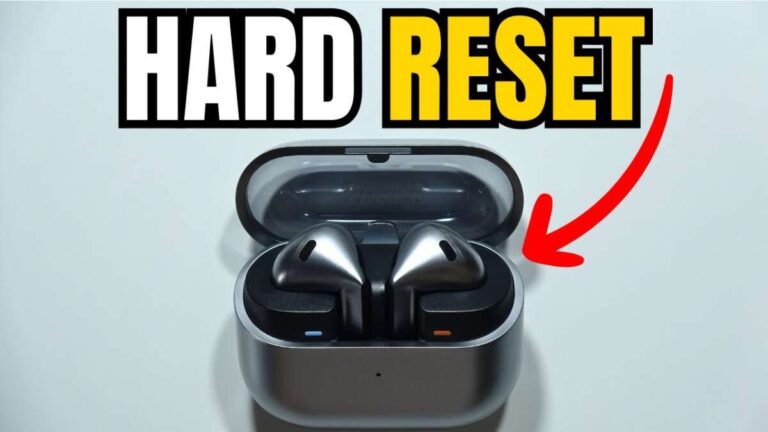
How do I reset my Bose earbuds?
Reset procedures vary by model but usually involve holding a button on the case or earbuds for 10–30 seconds. Check the quick start guide or use the Bose Music app for model-specific steps.
Can I use only one earbud at a time?
Yes, many Bose models allow mono use. Take one bud out of the case and leave the other charging; pairing will keep the single bud active.
How to improve call quality on Bose earbuds?
Ensure a good ear tip fit, keep microphone ports clean, and use the latest firmware. Speak toward the mic and minimize background wind or noise.
Conclusion
You now have a practical, step-by-step plan for how to use Bose earbuds from unboxing to daily care. Try the tips, test fits and controls, and keep firmware updated to get the best sound and reliability. Take action: set up your earbuds today, try the app, and leave a comment about what worked for you or any issues you want help with.

Everett Ashford is a tech reviewer at mytechgrid.com specializing in SSDs, cameras, TVs, earbuds, headphones, and other consumer electronics. He provides honest, data-driven reviews based on hands-on testing and real-world performance analysis. Everett simplifies complex tech details to help readers make smart, confident buying decisions.