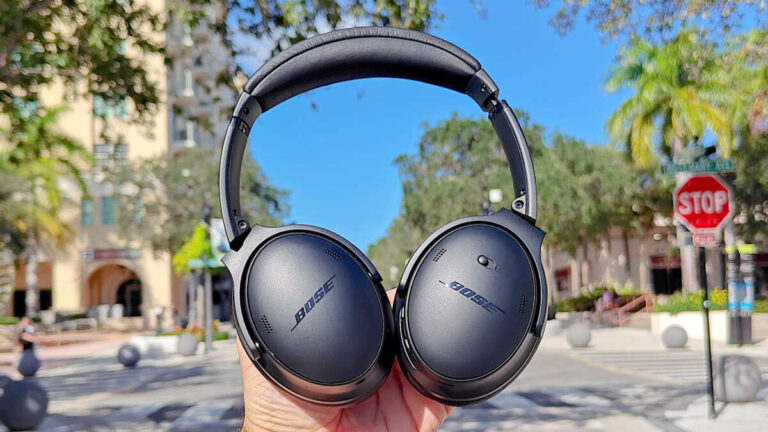
Use Bose QuietComfort headphones by pairing via Bluetooth, learning controls, charging, and using ANC.
I’ve used Bose QuietComfort headphones for years in studios, on flights, and during long commutes. This guide shows exactly how to use Bose QuietComfort headphones step by step. You’ll get clear pairing steps, button and touch control tips, ANC tuning, battery habits, troubleshooting, and real-world advice I learned the hard way. Read on and you’ll be fully comfortable using your QuietComforts in minutes.

Quick start: unbox, charge, and power on
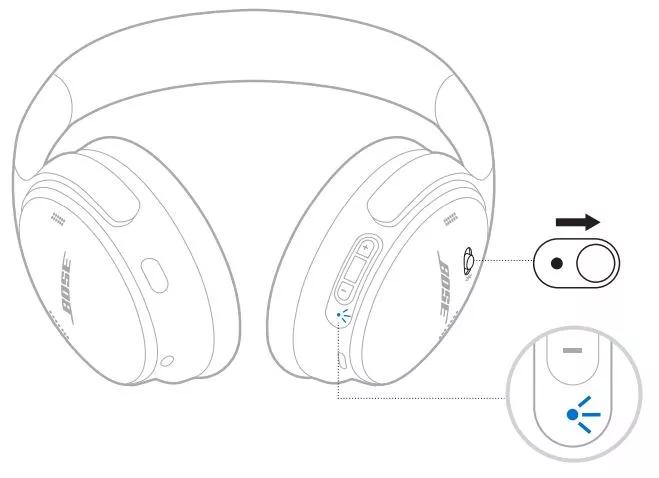
Start simple. Unbox your headphones and check the case for cables and guides. Turn the earcups outward. Plug the provided USB-C cable into the headphones and a power source. Let them charge for at least one hour before first use.
Steps to power on and off:
- Power on: press and hold the power/Bluetooth button until you hear a voice prompt.
- Power off: press and hold the power/Bluetooth button until the unit shuts down.
From my experience, a full initial charge helps the first firmware update go smoothly. New units sometimes ship with low battery.
Pairing: connect to your phone, tablet, or laptop
Pairing is the first key step to how to use Bose QuietComfort headphones with your devices. Follow this clear path to pair quickly.
Pair via Bluetooth:
- Power on the headphones.
- Press and hold the Bluetooth button until the LED flashes and a voice says "Ready to pair."
- On your device, open Bluetooth settings and select "Bose QC" or similar from the list.
- Confirm pairing if prompted.
Pair multiple devices:
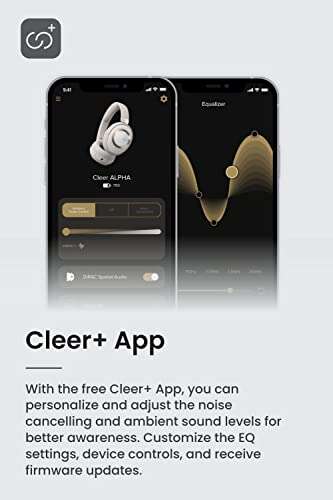
- Use the Bose Music app to manage paired devices and firmware updates.
- QuietComfort headphones can remember several devices. Switch by pausing on one device and playing on another or using the device Bluetooth menu.
Tip from testing: If pairing fails, turn off Bluetooth on the other saved devices first. This clears automatic reconnect confusion.

Controls and gestures: play, pause, skip, and volume
Learning the controls is central to how to use Bose QuietComfort headphones every day. Controls vary by model, but here are the common methods.
On-ear button layout:
- Power/Bluetooth button: hold to power on/off and to enter pairing.
- Multifunction button or touch area: press once to play/pause, twice to skip forward, three times to skip back.
- Volume: use dedicated volume buttons or swipe on the right earcup touch surface depending on model.
- Action button: switch noise-canceling modes or summon voice assistant.
Practical tips:
- A long press on the action button often toggles ANC or Quiet Mode.
- Customize controls in the Bose Music app for convenience.
Personal note: I accidentally muted calls twice before learning the exact press durations. Take a few minutes to practice the presses and swipes to avoid that awkward pause during calls.
Active Noise Cancellation (ANC) and Quiet Mode
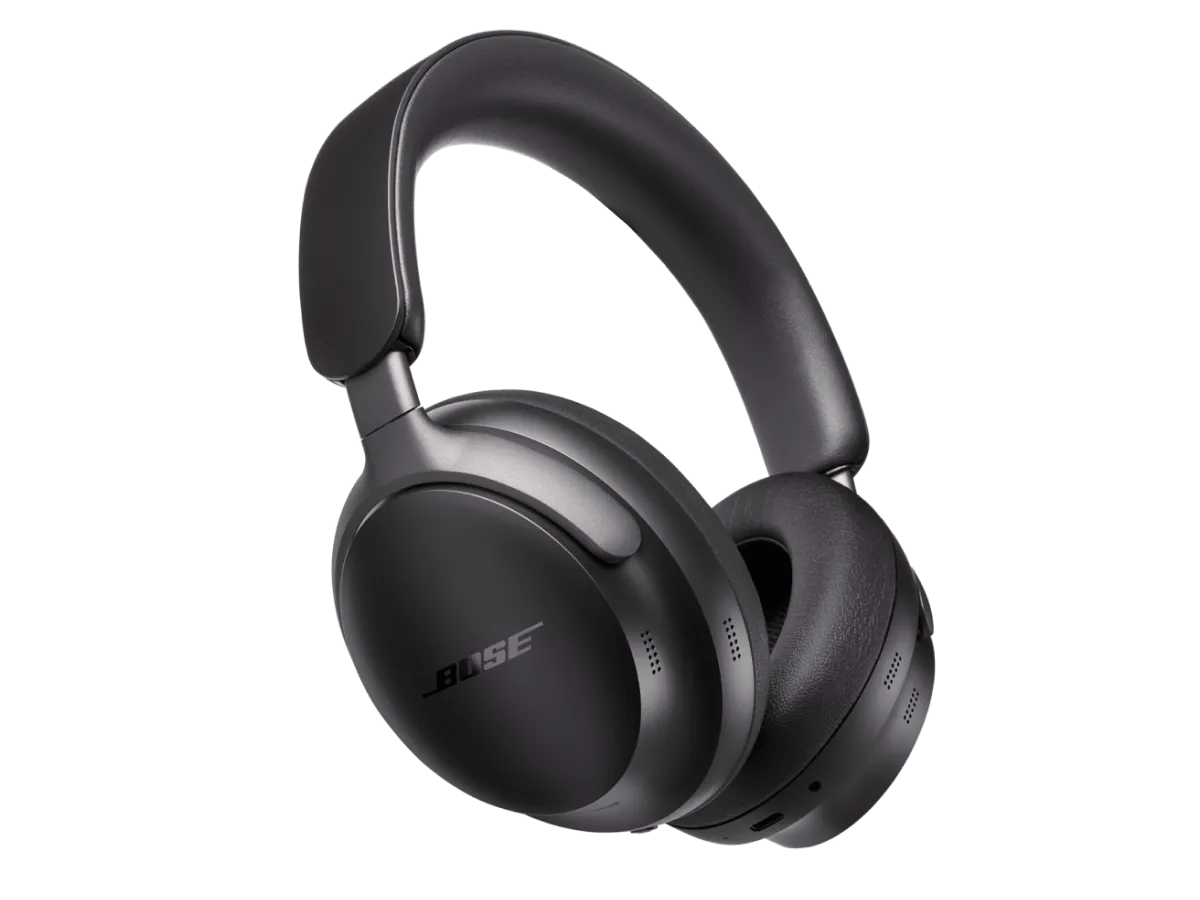
ANC is the headline feature when learning how to use Bose QuietComfort headphones. Use it to cut outside noise and focus on your audio.
How to use ANC:
- Toggle ANC with the action button or via the Bose Music app.
- Choose between full noise cancellation, Aware Mode (lets in ambient sounds), or Off.
- Use Aware Mode in cities or when you need situational awareness.
Best practices:
- Try different ANC levels in different environments. On planes, full ANC helps. On streets, Aware Mode is safer.
- ANC uses battery. Turn it off when power saving is needed.
From my experience flying, ANC made a ten-hour flight far more restful. But I always switch to Aware Mode when moving through an airport.

Voice assistants and calls
Your QuietComforts can handle calls and voice assistants easily. Knowing how to use Bose QuietComfort headphones for these tasks saves time.
Use voice assistant:
- Press or hold the dedicated voice assistant button or use the touch command.
- Say “Hey Siri,” “OK Google,” or let the assistant wake via the app settings.
Make and answer calls:
- Tap the multifunction button to answer or end calls.
- During calls, use volume buttons to adjust call volume and the action button to mute in some models.
Real tip: Test the microphone in a quiet room first. If callers say you’re faint, adjust the mic position or use a secondary device for calls.
Charging, battery life, and firmware updates
Good battery habits are part of how to use Bose QuietComfort headphones for long-term satisfaction. Keep them updated and charged.
Charging basics:
- Use the USB-C cable to charge. A full charge often takes about 2 hours.
- Quick charge: 15 minutes of charge can give several hours of playback, depending on model.
Check and update firmware:
- Use the Bose Music app to check battery level and install firmware updates.
- Firmware updates can add features and fix stability issues.
Personal routine: I charge overnight and plug in a quick 15-minute boost before long trips. Updating firmware once a month keeps performance stable.
Troubleshooting common issues
Even great gear can hiccup. Here are clear fixes for common problems when you learn how to use Bose QuietComfort headphones.
No sound or low volume:
- Check device volume and headphone volume separately.
- Confirm Bluetooth is connected and not paired to another device.
Bluetooth won’t pair:
- Turn off other Bluetooth devices.
- Reset the headphones by holding power and Bluetooth buttons (refer to manual for reset steps).
ANC sounds odd or hisses:
- Try toggling ANC off and on.
- Update firmware through the app.
Dropped calls or poor mic:
- Move to a quieter spot or re-pair the device.
- Ensure microphone openings are not blocked by hair or clothing.
From my testing, a simple reset fixed pairing issues more than once. Keep the manual handy for model-specific reset steps.
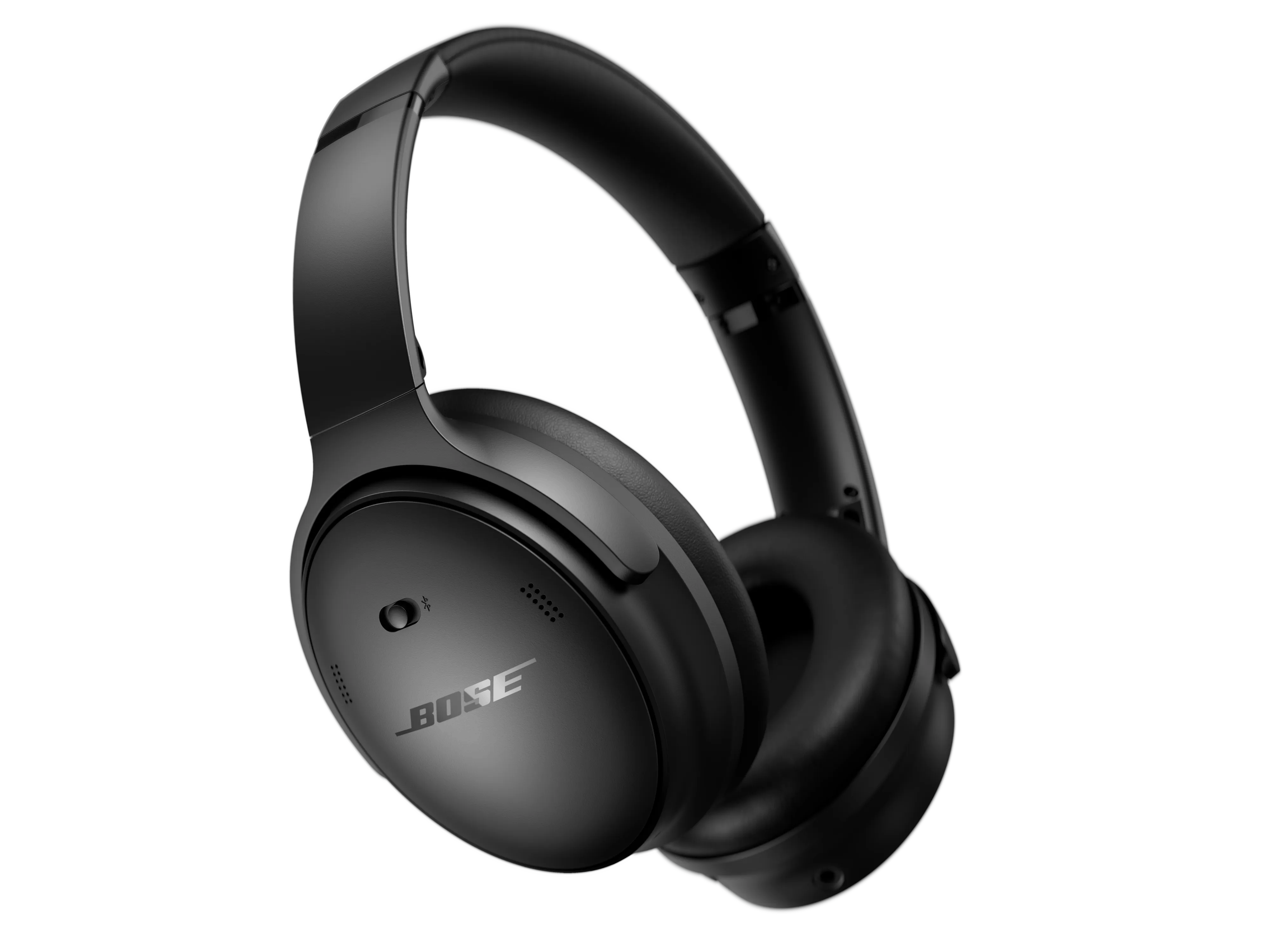
Care, storage, and travel tips
How you care for your headphones affects sound and longevity. Follow these practical steps to protect your investment.
Storage and cleaning:
- Store in the case when not in use.
- Wipe ear cushions with a damp cloth. Avoid solvents.
- Keep ports free of dust and lint.
Travel tips:
- Carry the charging cable and a small adapter.
- Use flight adapter if you want wired audio on a plane.
- Turn off ANC if you need to save battery during long trips.
Mistake to avoid: Leaving them in hot cars. Heat can damage battery and ear cushions.

Advanced tips and personalization
Once you know the basics of how to use Bose QuietComfort headphones, personalize them for the best experience.
Use the Bose Music app:
- Customize button functions.
- Set preferred noise modes.
- Access firmware updates and support.
Optimize sound:
- Some models let you adjust EQ. Try small tweaks for better bass or clarity.
- Use high-quality audio sources for best sound.
Pairing with multiple devices:
- Disconnect one device manually to ensure another device connects smoothly.
- Use the app to manage device priority if your model supports it.
From my experience, spending 10 minutes in the app pays off with better controls and cleaner sound.
Frequently Asked Questions of how to use bose quietcomfort headphones
How do I pair my Bose QuietComfort headphones with my phone?
Power on the headphones, hold the Bluetooth button until it says "Ready to pair," then select the headphones in your phone’s Bluetooth menu. Use the Bose Music app for guided pairing and extra features.
Why won’t my Bose QuietComfort headphones connect to Bluetooth?
Ensure Bluetooth is on and the headphones are in pairing mode. Turn off Bluetooth on other nearby devices and try a reset if needed.
How do I update the firmware on my QuietComfort headphones?
Open the Bose Music app, connect your headphones, and follow prompts to update firmware. Keep your device charged and close to your phone during updates.
How long does the battery last on Bose QuietComfort headphones?
Battery life varies by model and ANC use but typically ranges from 20 to 24 hours on a full charge. Turning off ANC or using wired mode can extend battery life.
Can I use my Bose QuietComfort headphones wired?
Yes, many models include a 3.5mm audio cable for a wired connection, which can also save battery and avoid Bluetooth issues.
Conclusion
Mastering how to use Bose QuietComfort headphones takes a few simple steps: charge, pair, learn the controls, and tune ANC for your needs. Practice the button presses and use the Bose Music app to personalize settings. Small habits—like nightly charging, firmware updates, and proper storage—make a big difference. Try the tips above on your next trip or commute, and leave a comment about what trick helped you most.

Everett Ashford is a tech reviewer at mytechgrid.com specializing in SSDs, cameras, TVs, earbuds, headphones, and other consumer electronics. He provides honest, data-driven reviews based on hands-on testing and real-world performance analysis. Everett simplifies complex tech details to help readers make smart, confident buying decisions.