Place the right tip, pair via Bluetooth, adjust fit, and follow volume limits for safe use.
I have used and tested dozens of earbuds over many years, so I know what works and what fails. This guide on how to use earbuds gives clear, practical steps you can follow right now. You will learn how to use earbuds safely, pair them, get a secure fit, control audio, clean them, and troubleshoot common problems. My goal is to help you get better sound, longer battery life, and fewer headaches when using your earbuds.
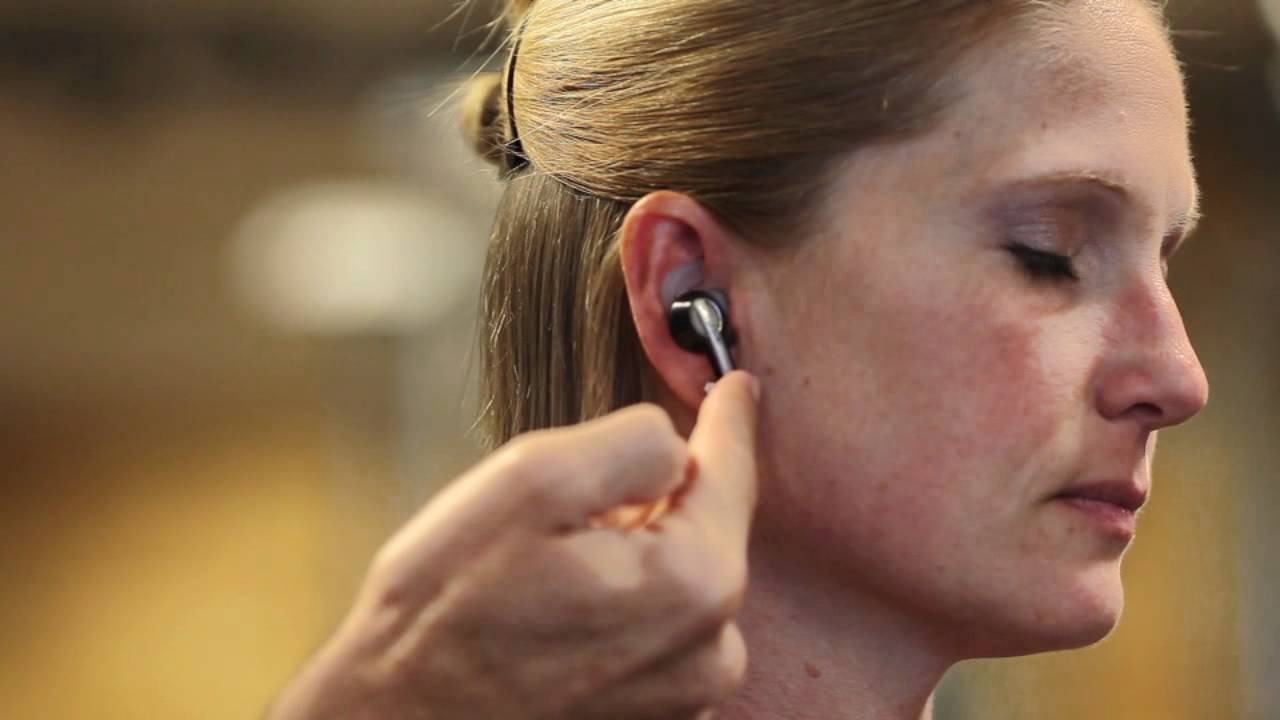
Understanding different earbud types
Earbuds come in several designs. The main types are true wireless earbuds, wired in-ear buds, neckband buds, and earbuds with ear hooks. Each type changes how you will use, fit, and care for them. Knowing the type helps you decide exactly how to use earbuds for best sound and comfort.
True wireless earbuds sit fully inside the ear canal and use a charging case. Wired earbuds need a compatible jack or adapter and often deliver consistent sound with little latency. Neckband and hook designs add stability for sports. Choosing the right design affects fit, control, and battery habits.
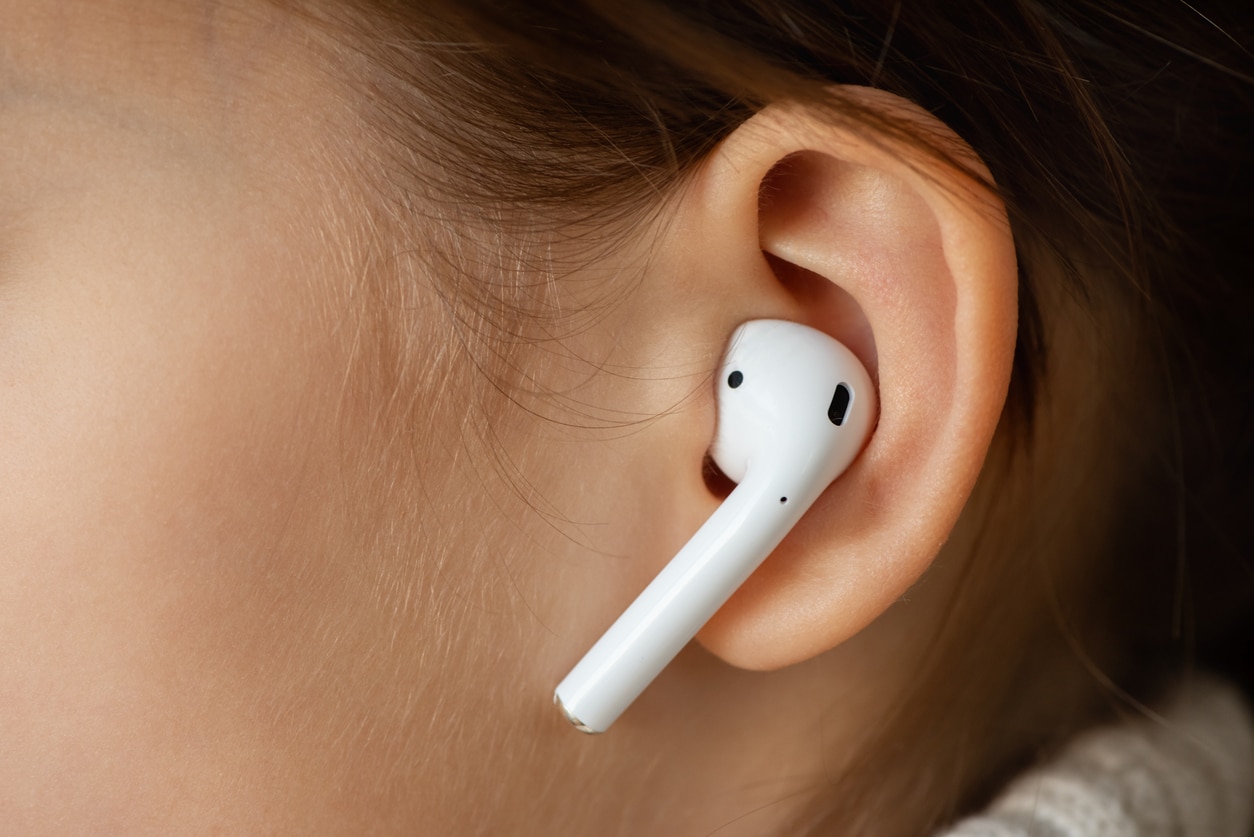
Choosing the right earbuds for your needs
Pick earbuds that match how you plan to use them. Think about commuting, workouts, office calls, or casual listening. Consider comfort, sound profile, battery life, and noise control features.
- Comfort and fit: Try foam or silicone tips in multiple sizes for a seal that feels secure.
- Sound and latency: Look for low-latency modes for gaming and codecs like AAC or aptX for better wireless sound.
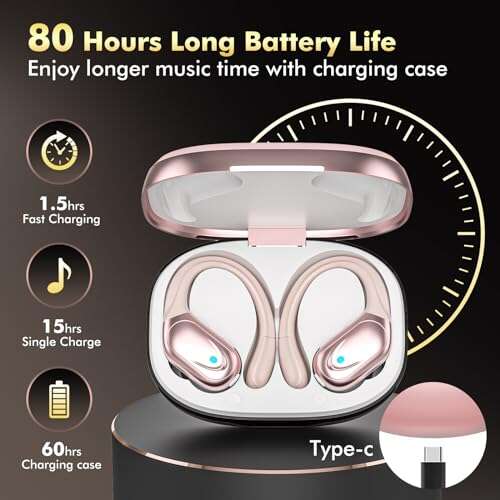
- Battery life: Check single-charge time and case capacity if you travel often.
- Features: Active noise cancellation, transparency mode, and water resistance matter for different activities.
Selecting well makes learning how to use earbuds much easier. A good match reduces adjustments and improves longevity.

How to wear earbuds correctly
A correct fit improves sound, bass, and passive noise isolation. Follow these steps to learn how to use earbuds properly.
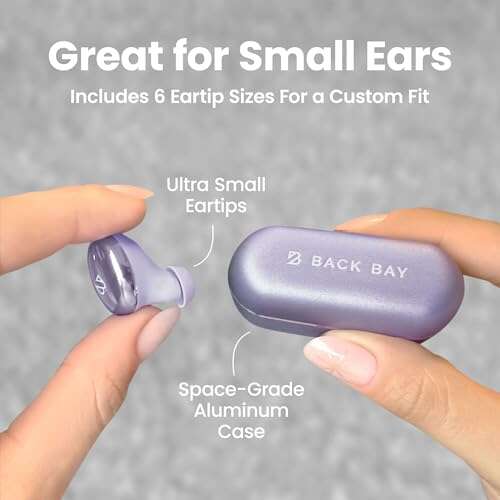
- Choose the correct tip size: Try all included tips and pick the one that seals the canal without pain.
- Insert gently and twist: For in-ear buds, insert at a slight angle and give a quick twist to lock them in place.
- Check the seal: Play a familiar track. Good bass usually means a good seal.
- Secure for activity: Use ear hooks or wing tips if you plan to run or train.
- Re-check during long sessions: Ears can shift; adjust if sound drops or pressure builds.
Practice these steps to make putting earbuds in an automatic habit. When you know how to use earbuds to get a stable seal, sound and comfort improve dramatically.
src="https://www.wikihow.com/images/thumb/8/83/Wear-Wireless-Earbuds-Step-2.jpg/v4-460px-Wear-Wireless-Earbuds-Step-2.jpg"
alt="Pairing and setup for wireless earbuds”
style=”max-width: 100%; height: auto; border: 2px solid black; border-radius: 10px; display: block; margin: 0 auto;”
loading=”lazy”
/>
Pairing and setup for wireless earbuds
Pairing is straightforward but varies by brand. The basics of how to use earbuds with Bluetooth are consistent.
- Charge first: Make sure both earbuds and case are charged before pairing.
- Enable pairing mode: Open the case or hold the power button until the LED flashes or voice prompt says "pairing."
- Use your device: Open Bluetooth on your phone and select the earbud name. Accept any prompts.
- Confirm stereo audio: Play audio to confirm both sides sound. If only one side plays, re-pair the earbuds.
- Update firmware: Check the companion app for updates to improve performance and fix bugs.
For iOS, the pairing dialog may show additional features like spatial audio. For Android, allow location access if prompted to improve scanning and connection stability. Learning these steps ensures you understand how to use earbuds with any device.

Controls, calls, and voice assistant use
Most earbuds rely on taps, presses, or gestures. Understanding controls helps you use earbuds without pulling out your phone.
- Single tap: Play or pause audio.
- Double tap: Skip track or answer calls.
- Triple tap: Go back a track or decline calls.
- Long press: Activate noise cancellation or voice assistant.
- Touch-and-hold: Adjust volume or switch modes depending on the model.
Practice these gestures and review the manual. For calls, position the mic toward your mouth and pause to avoid background noise. Learning gestures is part of mastering how to use earbuds efficiently.

Cleaning and care for longevity
Regular care keeps sound quality and hygiene strong. A simple routine prevents wax buildup and extends battery life.
- Clean tips weekly: Remove silicone or foam tips and wash with mild soap. Air dry completely.
- Clean driver ports: Use a soft dry brush or a micro swab to clear debris gently.
- Wipe contacts: Use a dry cloth on charging pins to ensure good contact.
- Avoid moisture: Do not submerge earbuds. Use IP rating as a guide for sweat resistance.
- Store properly: Keep them in their case when not in use to protect drivers and preserve battery.
A little maintenance goes a long way. Proper care helps when trying to learn how to use earbuds for both sound and safety.

Troubleshooting common issues
Problems happen. Here are quick fixes for the most common issues people face when learning how to use earbuds.
- No sound from one side: Re-seat the earbuds, re-pair, and check balance settings on your device.
- Poor fit or low bass: Try a different tip size or foam tips for a better seal.
- Connection drops: Move closer to the source, remove interference, or reset Bluetooth on both devices.
- Low battery life: Reduce volume, disable extra features like ANC, and update firmware.
- Microphone issues: Ensure the mic hole is clean and check app permissions for call access.
These steps resolve most issues quickly. If problems persist, contact support for warranty service or replacements.

Hearing safety and best practices
Protecting your ears is crucial when you learn how to use earbuds. Follow safe listening habits to avoid long-term damage.
- Limit volume: Keep playback at 60% or lower for long sessions.
- Use the 60/60 rule: Listen at 60% volume for no more than 60 minutes before a break.
- Turn on transparency for awareness: Use ambient modes when walking or commuting.
- Prefer passive isolation over max volume: A proper seal reduces the need to raise volume.
- Get checked: See an audiologist if you experience ringing or persistent hearing changes.
Good habits let you enjoy sound now and preserve hearing for later.

Personal tips, lessons learned, and mistakes to avoid
From years of testing, here are real tips that helped me and mistakes I fixed.
- Tip: Always try foam tips once; they improved fit and bass for many models I tested.
- Tip: Carry a small case cleaner brush to remove debris before it builds up.
- Mistake: I once charged earbuds in a dusty pocket; it reduced contact quality. Use the case.
- Lesson: Firmware updates often fix strange audio glitches. Check the app monthly.
- Advice: Label your case or pair with your main device first to avoid accidental pairing with other devices.
These are practical pointers from hands-on experience that simplify how to use earbuds every day.
Frequently Asked Questions of how to use earbuds
How do I pair my earbuds with my phone?
Turn on the earbuds and enable pairing mode, then open Bluetooth settings on your phone and select the earbud name. Confirm the connection and test audio to ensure both sides play.
Why do my earbuds keep disconnecting?
Interference, low battery, or outdated firmware often cause drops. Move closer to the source, charge both earbuds, and update firmware to fix the issue.
How often should I clean my earbuds?
Clean tips weekly and wipe the earbuds and charging contacts every one to two weeks, depending on use. Regular cleaning prevents wax buildup and sound degradation.
Can earbuds damage my hearing?
Yes, listening at high volumes for long periods can cause hearing loss. Use moderate volume, take breaks, and follow the 60/60 rule to reduce risk.
What to do if only one earbud plays sound?
Re-seat and re-pair the earbuds, check mono/stereo settings, and reset the earbuds if needed. If the problem persists, test with another device to isolate the issue.
Conclusion
Mastering how to use earbuds comes down to fit, correct pairing, careful controls, and ongoing care. Follow the steps above to get better sound, longer life, and safer listening. Try small changes like swapping tips or updating firmware this week to notice immediate improvements. If you found this guide helpful, leave a comment, subscribe for more practical guides, or explore additional resources to fine-tune your listening experience.

Everett Ashford is a tech reviewer at mytechgrid.com specializing in SSDs, cameras, TVs, earbuds, headphones, and other consumer electronics. He provides honest, data-driven reviews based on hands-on testing and real-world performance analysis. Everett simplifies complex tech details to help readers make smart, confident buying decisions.