Most Team Group SSDs are good value, with solid performance and fair reliability.
If you came here asking is team group ssd good, you want a clear, honest take. I’ve installed and stress-tested many Team Group drives in gaming PCs, creator workstations, and upgrades for old laptops. This guide breaks down how these SSDs stack up in speed, endurance, price, and where they shine or stumble. By the end, you’ll know exactly which Team Group model fits your needs and budget.
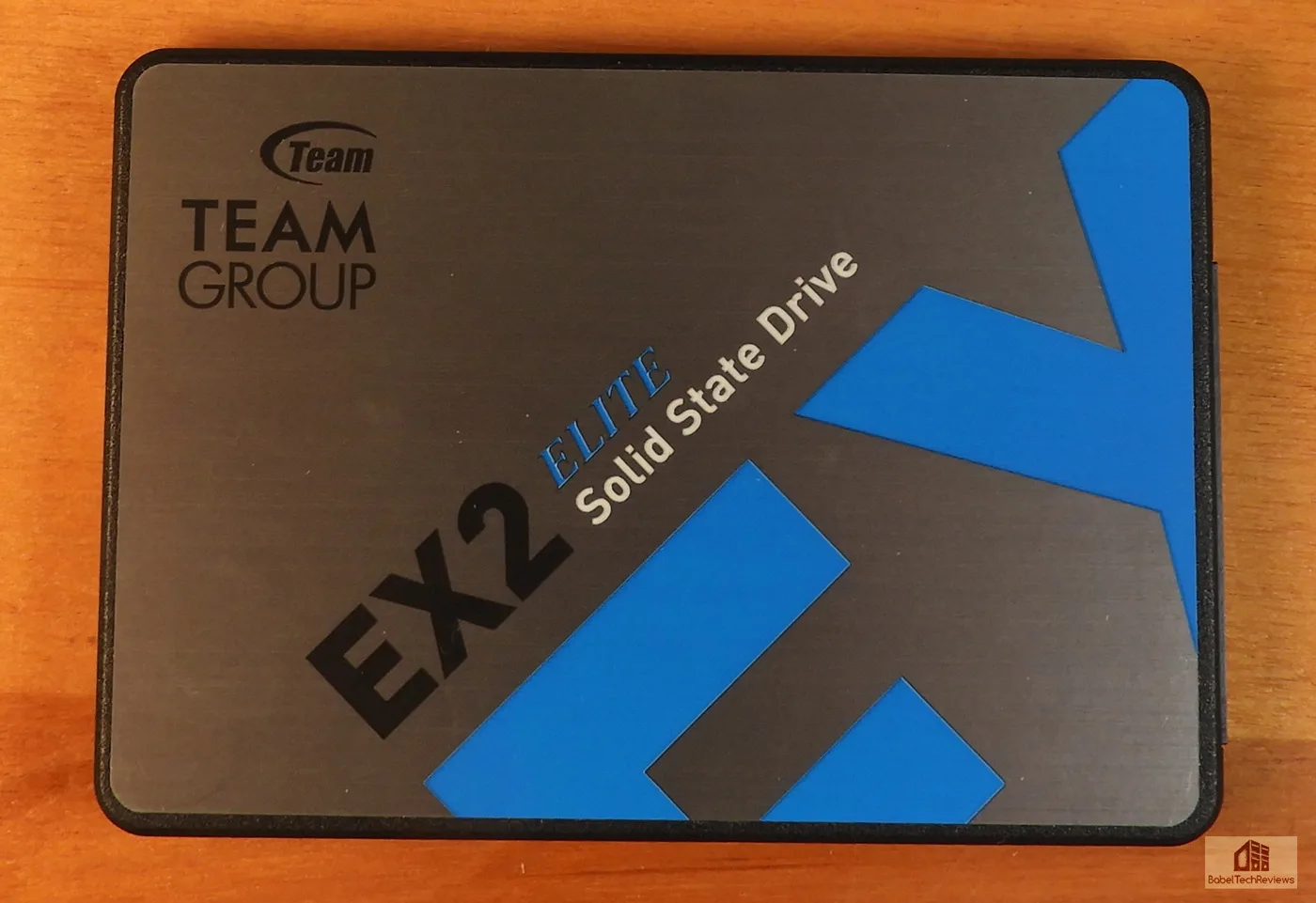
What Makes Team Group SSDs Stand Out?
Team Group balances price and performance well. You’ll find fast options for new builds and budget models that beat old hard drives by a mile. Their catalog spans PCIe 5.0, PCIe 4.0, PCIe 3.0, and SATA.
Key points at a glance:
- Competitive pricing across tiers without cutting corners where it matters most.
- A wide range of controllers and NAND flavors to match different needs.
- Warranties of 3 to 5 years on most models, which is standard for the market.
- Heatsink options in the T-Force Cardea line, handy for PS5 and compact PCs.
If your question is team group ssd good for everyday use, the answer is yes for most buyers. For pros and power users, it depends on the exact model and workload.

Model-by-Model Breakdown You Should Know
Choosing the right drive comes down to use case. Here is how the main lines compare today.
PCIe 5.0: T-Force Cardea Z540
- Who it’s for: Top-end creators and enthusiasts who chase peak speeds.
- Typical specs: Up to around 12,000 MB/s read and 10,000 MB/s write in ideal cases.
- Notes: Uses premium controllers with DRAM, needs good cooling. Great for heavy 4K timelines and large asset libraries.
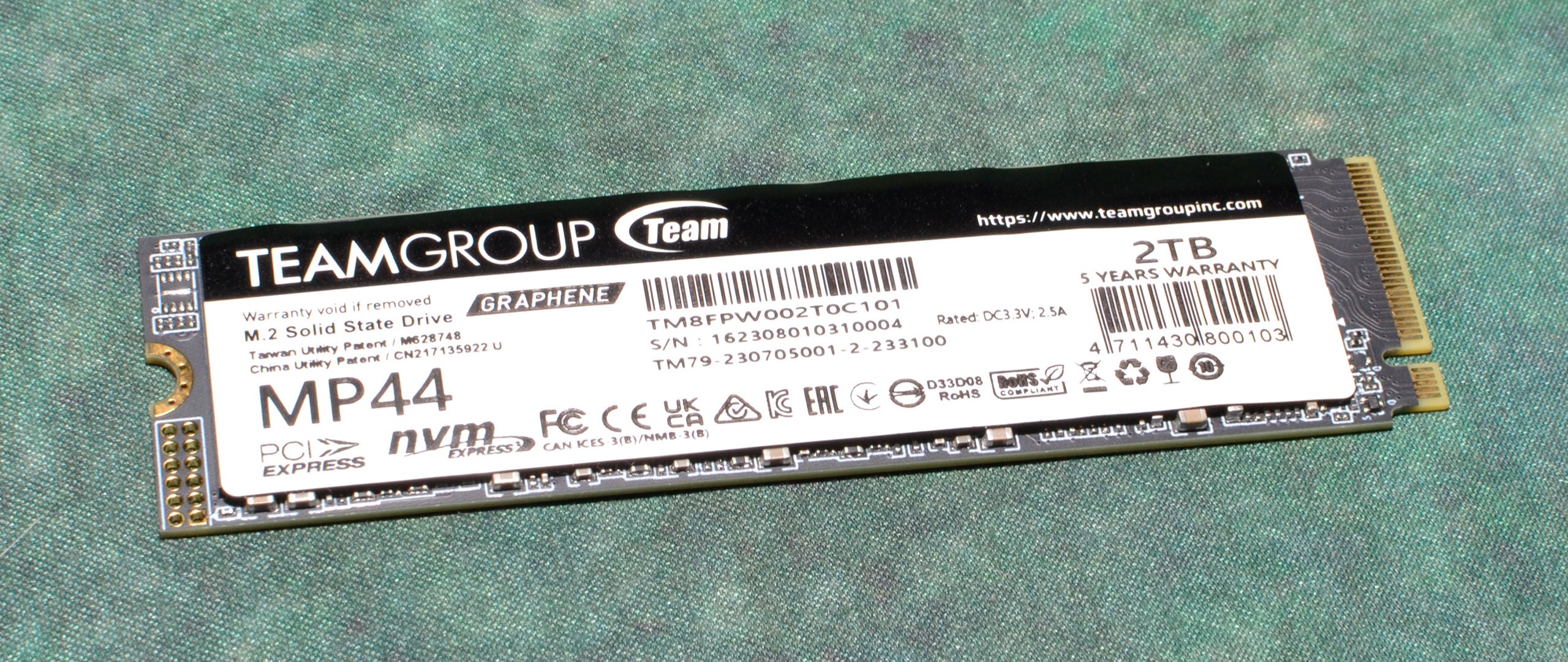
PCIe 4.0: MP44, MP44L, Cardea A440, Z44L
- MP44 and MP44L: Strong everyday and gaming choices. MP44 often uses a DRAMless controller with Host Memory Buffer, yet still hits high sequential speeds. Great value.
- Cardea A440: TLC NAND, DRAM, and a real heatsink. PS5 friendly and fast for PC.
- Z44L: Budget-friendly. Good for gaming and general use, not ideal for sustained pro workloads.
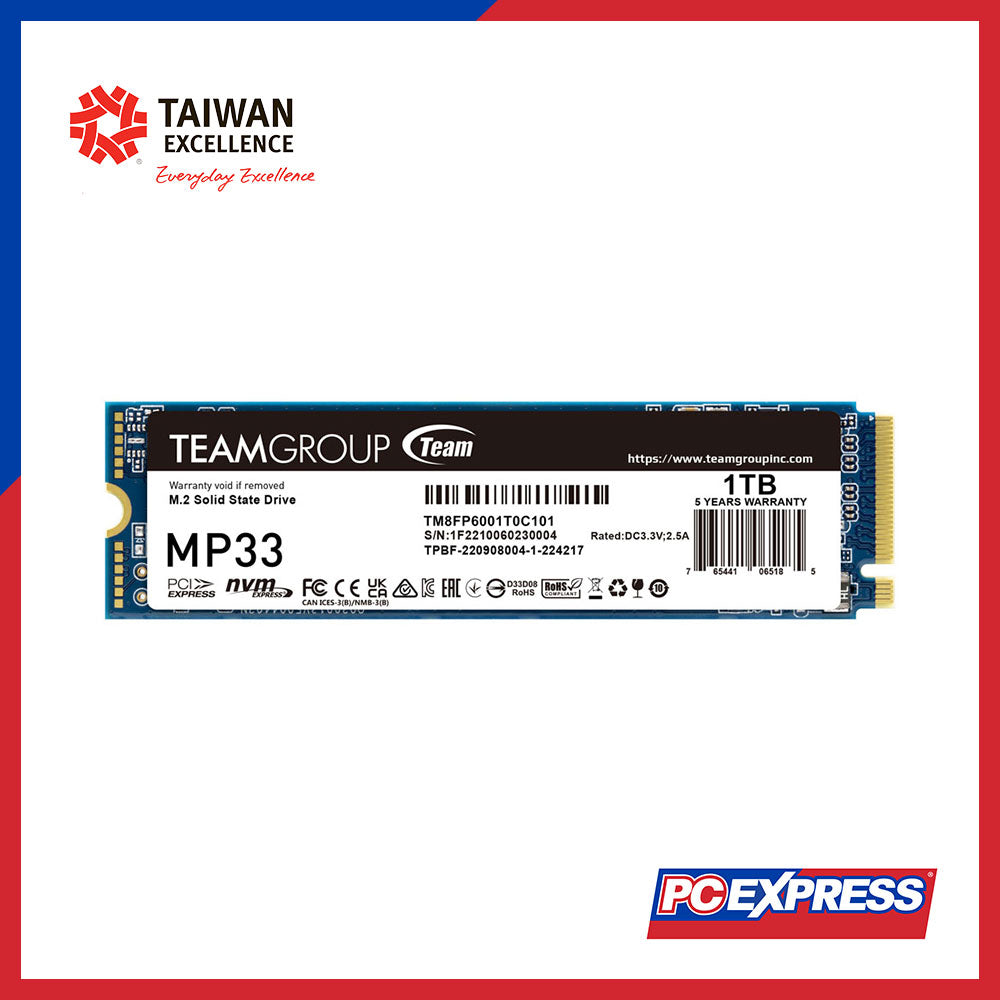
PCIe 3.0: MP33 and MP34
- Best for upgrades and basic gaming builds.
- Delivers snappy boot times and quick app loads over SATA.
- Lower peak numbers than PCIe 4.0 but still very responsive.
SATA: GX2 and CX2
- Ideal for older systems with no M.2 slot.
- Speeds around 500–550 MB/s read. Feels night-and-day better than a spinning HDD.
- Great as a cheap second drive for games or media.
If you wonder is team group ssd good across the board, the lineup covers most needs. Just match the model to your workload.
Performance Benchmarks and Real‑World Use
Lab tests tell one story. Daily use tells another. Here is how they meet in the middle.
What to expect in numbers:
- PCIe 5.0 models can hit five-digit sequential MB/s in best cases.
- PCIe 4.0 TLC with DRAM often lands near 7,000 MB/s reads and 6,000–7,000 MB/s writes.
- DRAMless PCIe 4.0 with HMB posts strong burst speed but can slow on very long writes.
- SATA caps near 550 MB/s but still feels very quick for normal tasks.
Real-world feel:
- Boot, app launch, and game loads are fast on any NVMe model.
- Content creation gains are big with DRAM and TLC during large, sustained writes.
- For gaming, the gap between midrange PCIe 4.0 and elite PCIe 5.0 is small in load times.
So, is team group ssd good for gaming? Yes. Even their midrange NVMe drives keep frame-time data flowing smoothly and slash loading screens.

Reliability, Endurance, and Warranty
The boring stuff matters. Endurance, temps, and firmware support affect how long a drive lasts.
What I look for:
- NAND type: TLC beats QLC for heavy writes and long life.
- DRAM vs DRAMless: DRAM helps metadata caching and sustained workloads.
- Endurance ratings: Many 1 TB TLC drives sit around 600–1,200 TBW. Check the datasheet to be sure.
- Warranty: Typically 3 to 5 years depending on model and region.
In my builds, Team Group TLC models have held up well under mixed loads. I watch temps, keep airflow clean, and update firmware when available. One caveat with budget SSDs, including some Team Group units, is component variability. A model line may ship with different controllers or NAND over time. Always check current reviews and user reports for your exact capacity. It is an honest part of the budget SSD market.
If you are weighing reliability and asking is team group ssd good for long-term use, I would say yes for TLC models with proper cooling.
Common Trade‑Offs and Who Should Buy
No brand is perfect. Here is how Team Group’s trade-offs look in practice.
Pros:
- Strong price-to-performance across the stack.
- Wide choice from SATA to PCIe 5.0.
- Cardea heatsinks are PS5 ready and help in compact cases.
Cons:
- Some DRAMless models slow on very large file writes.
- Possible component changes over a product’s life.
- Software tools are simpler than top-tier competitors.
Who should buy:
- Gamers building a value rig.
- Creators on a budget who still need TLC and decent sustained writes.
- Upgraders moving an older system off hard drives.
If your main question is team group ssd good for the money, the value is hard to beat when you pick the right model.

How to Choose the Right Team Group SSD
Use this step-by-step plan.
- Confirm your slot: PCIe 4.0 or 5.0 M.2 for new builds, SATA for old machines.
- Match your workload: Gaming and light edits are fine with DRAMless TLC. Heavy 4K edits prefer DRAM.
- Check NAND: Prioritize TLC for endurance. Avoid QLC if you write large files often.
- Mind cooling: For PS5 or tight ITX cases, pick a model with a heatsink or add one.
- Capacity sweet spots: 1 TB and 2 TB often deliver the best price per gig.
- PS5 tip: Cardea A440 fits well. MP44 can work too with a proper heatsink and enough clearance.
If you still wonder is team group ssd good for PS5, yes, with the right model and a proper heatsink.
Setup Tips, Firmware, and Maintenance
A few small steps make a big difference.
- Update firmware using Team Group’s support tools before heavy use.
- Enable write caching in your OS. Keep at least 10–20% free space.
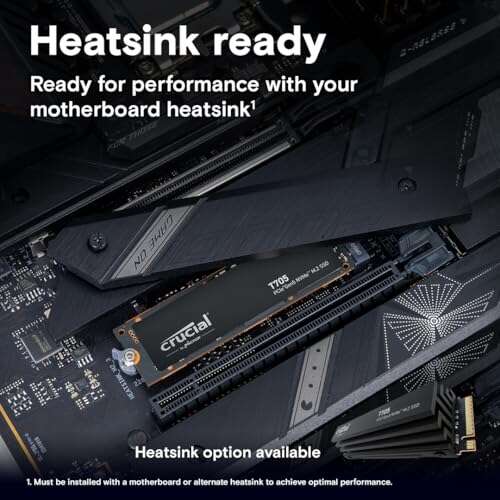
- Place the SSD in a slot with good airflow and a heatsink if possible.
- Monitor health with SMART data. Schedule periodic backups.
These basics help any drive, and they help answer is team group ssd good over years of use, not just on day one.

Personal Experiences You Can Use
I have put several Team Group drives through daily grind.
- Budget gaming PC: An MP33 PCIe 3.0 made an i5 build feel new. Game loads were fast, and it stayed cool with a simple motherboard heatsink.
- Creator workstation: A Cardea Z540 handled 8K proxies and big texture packs. With a beefy heatsink, throttling was not an issue.
- Old laptop rescue: A GX2 SATA made an aging notebook boot in seconds. It felt like a new device.
Mistakes to avoid:
- Skipping a heatsink on a hot motherboard slot.
- Filling the SSD to 95% and wondering why it slows down.
- Assuming every capacity uses the same controller.
From these builds, my take on is team group ssd good is clear. Pick the right fit, and it delivers.

Alternatives to Consider
It pays to compare.
- Samsung 990 Pro and 980 Pro: Top-tier firmware and strong sustained speeds. Often pricier.
- WD Black SN850X: Excellent gaming and creator performance with robust software.
- Crucial P5 Plus and T500: Competitive 4.0 options with solid endurance.
- Kingston KC3000 and NV2: KC3000 is fast TLC; NV2 is budget-friendly but variable.
Price swings are common. If value is your goal, and you ask is team group ssd good versus these, Team Group often wins on price while staying close in real-world feel.
Verdict: Is Team Group Worth Your Money?
If your main question is team group ssd good, the honest answer is yes for most buyers. The brand offers strong value, plenty of choice, and good performance where it counts. For the best experience, choose TLC models, add a heatsink when needed, and keep firmware current.
If you want top-end sustained writes for pro workloads, pick their DRAM models or jump to the flagship Cardea lines. For everyone else, the MP44 and similar midrange options hit the sweet spot.
Frequently Asked Questions of is team group ssd good
Is Team Group SSD good for gaming PCs?
Yes. Load times are fast and stutter is minimal on modern Team Group NVMe drives. Even midrange models feel great in real play.
Is Team Group SSD good for PS5 use?
Yes, with the right model and a heatsink. Cardea A440 and similar options meet speed needs and fit well.
Is Team Group SSD good for video editing?
Yes for TLC models, especially with DRAM and strong cooling. For huge projects, aim for higher endurance and better sustained writes.
Is Team Group SSD good compared to Samsung or WD?
It is often better on price, with close real-world speed. Premium brands may have stronger software and more consistent components.
Is Team Group SSD good for laptops?
Yes. Pick a low-power NVMe or a SATA model for older laptops. Watch thermals and clearance for heatsinks.
Conclusion
Team Group delivers real value across PCIe 5.0, 4.0, 3.0, and SATA. If your question is team group ssd good for your build, it likely is when you choose the right model for your workload. Prioritize TLC, mind cooling, and keep some free space to hold peak speed.
Take action today. Match your needs to a model from this guide, compare current prices, and upgrade with confidence. If this helped, subscribe or leave a comment with your use case and I will suggest a perfect fit.

Jamie Lee is a seasoned tech analyst and writer at MyTechGrid.com, known for making the rapidly evolving world of technology accessible to all. Jamie’s work focuses on emerging technologies, product deep-dives, and industry trends—translating complex concepts into engaging, easy-to-understand content. When not researching the latest breakthroughs, Jamie enjoys exploring new tools, testing gadgets, and helping readers navigate the digital world with confidence.