Managing a team spread across different countries can feel like juggling a dozen balls at once. You want everyone to stay connected, share ideas smoothly, and avoid confusion—but time zones, language barriers, and distance often get in the way.
That’s where the right remote work communication tools come in. They don’t just keep your team talking—they help you build trust, boost productivity, and make collaboration feel natural no matter where your teammates are. Ready to discover which tools can transform your cross-border team’s communication?
Keep reading to find out how to turn challenges into seamless teamwork.

Credit: wfa.team
Top Video Conferencing Tools
Video conferencing tools play a vital role for cross-border teams. They help team members see and hear each other clearly. This boosts understanding and teamwork despite distance. Choosing the right tool can improve meeting quality and reduce technical issues.
Many options suit different team sizes and needs. Some tools offer advanced features like screen sharing and recording. Others focus on simplicity and ease of use. Knowing the features and benefits of popular platforms helps teams pick the best fit.
Zoom Features And Benefits
Zoom is a popular choice for remote teams. It supports large meetings with up to 1,000 participants. The video and audio quality stays clear even with many users. Zoom offers easy screen sharing and virtual backgrounds.
Breakout rooms allow small group discussions within a meeting. Hosts can record sessions for later review. Zoom integrates with calendars and other apps. Its user-friendly interface helps new users join quickly.
Skype And Google Meet Alternatives
Skype and Google Meet also provide solid video call options. Skype allows free calls between users and supports group video chats. It has instant messaging and file sharing features.
Google Meet works well for teams already using Google Workspace. It offers real-time captions and screen sharing. Google Meet integrates smoothly with Google Calendar and Gmail.
Both tools are good for smaller teams or quick meetings. They require less setup and no additional software for many users.
Choosing The Right Platform
Consider team size and meeting frequency before choosing a tool. Check if the platform supports your needed meeting length and participant count. Look for features like recording, screen sharing, and chat.
Ease of use matters to avoid delays and technical problems. Integration with other tools like calendars or task apps can boost productivity. Also, review pricing plans to fit your budget.
Testing different tools with your team helps find the best match. A good video conferencing tool makes remote work communication smoother and clearer.
Instant Messaging Platforms
Instant messaging platforms play a key role in remote work for cross-border teams. They allow team members to send quick messages and share files instantly. These platforms reduce delays in communication and keep everyone connected despite time zone differences.
Instant messaging tools also support group chats and private conversations. They help organize discussions by topics or projects. This makes it easier for teams to follow updates and respond fast.
Slack For Real-time Communication
Slack offers a simple way to chat with team members in real time. It supports channels for different projects, making conversations clear and focused. Users can send direct messages or group messages easily.
Slack also allows sharing files and integrating with other apps. This helps teams keep all their work in one place. The search feature lets users find past messages quickly.
Microsoft Teams Integration
Microsoft Teams combines chat, meetings, and file sharing in one platform. It works well with other Microsoft 365 apps. This integration helps teams collaborate on documents without leaving the chat.
Teams supports video calls and voice chats, adding more ways to communicate. Channels and threads keep conversations organized. This helps teams stay on track with their tasks.
Clariti For Organized Conversations
Clariti focuses on organizing conversations by topics automatically. It collects emails, chats, and files related to one subject in a single thread. This reduces confusion and saves time searching for information.
The platform also supports real-time messaging and task management. Teams can follow up on important messages and keep work moving smoothly. Clariti fits well with cross-border teams needing clear communication.
Project And Task Management
Managing projects and tasks effectively is crucial for cross-border teams. Clear organization and tracking keep everyone aligned. Remote teams rely on digital tools to handle workflows smoothly. These tools help assign duties, set deadlines, and monitor progress in real time. The right project management platform reduces confusion and boosts productivity.
Asana And Trello Overview
Asana and Trello are popular tools for remote project management. Asana offers a detailed task list and timeline view. Trello uses boards and cards to visualize tasks simply. Both tools support team collaboration across different locations. They integrate with other apps, making task handling easier.
Assigning And Tracking Tasks
Assign tasks clearly to specific team members. Include deadlines and priorities for each task. Track progress using status updates or checklists. Use notifications to remind team members of due dates. Regular updates help avoid missed deadlines and overlap.
Collaborative Workflow Tips
Break projects into smaller, manageable tasks for clarity. Encourage team members to comment and share updates. Use labels or tags to categorize tasks by type or urgency. Schedule regular review meetings to discuss task progress. Keep workflows transparent to build trust and accountability.

Credit: transparian.com
Document Sharing And Collaboration
Effective document sharing and collaboration are vital for cross-border teams. Working across countries means team members must access and work on files seamlessly. Choosing the right tools ensures smooth communication and project progress.
These tools help teams edit, share, and store documents in one place. They reduce confusion and keep everyone updated. Teams avoid duplicate work and keep tasks on track.
Google Workspace Tools
Google Workspace offers easy-to-use apps like Google Docs, Sheets, and Slides. These apps let team members edit documents together in real-time. Changes appear instantly, so everyone stays on the same page.
Google Drive stores files securely in the cloud. Teams can share folders and control who can view or edit files. This setup helps prevent data loss and keeps documents organized.
File Access Across Time Zones
Cross-border teams work in different time zones. Cloud-based storage allows team members to access files anytime. No need to wait for others to send updates.
Teams can leave comments or suggestions in documents. This asynchronous communication speeds up collaboration. Everyone can review and respond when they start their workday.
Version Control Best Practices
Version control prevents confusion over document changes. Teams should name files clearly with dates and version numbers. This habit makes it easy to find the latest file.
Using version history tools in apps like Google Docs tracks changes automatically. Teams can restore earlier versions if needed. Clear communication about updates avoids overlapping edits and errors.
Setting Communication Expectations
Setting clear communication expectations is vital for cross-border remote teams. It reduces confusion and boosts productivity. Teams in different time zones and cultures benefit from well-defined rules. Clear expectations help everyone stay aligned and connected. This section explains how to set these expectations effectively.
Establishing Work Hours
Agree on specific work hours that suit all team members. Consider time zones and local holidays. Set core hours when everyone should be available. This overlap helps quick responses and smooth collaboration. Share work hours openly to avoid misunderstandings. Respect each other’s working times to build trust.
Regular Reporting And Updates
Set a routine for sharing progress and challenges. Decide how often reports should be sent. Use simple formats to keep updates clear and brief. Regular updates keep the whole team informed and focused. They also help managers track tasks and deadlines. Encourage honesty and clarity in every report.
Meeting Agendas And Scheduling
Create agendas before meetings to stay on track. Share agendas early so team members can prepare. Schedule meetings at times suitable for all participants. Keep meetings short and focused to respect time zones. Use digital calendars and reminders to avoid confusion. Clear agendas lead to productive and efficient meetings.
Building Team Engagement
Building team engagement is essential for remote cross-border teams. It helps create a sense of belonging and shared purpose. Engagement keeps members motivated and connected despite the distance. Using the right communication tools supports this goal effectively.
Virtual Team-building Activities
Virtual team-building activities bring remote members closer. These activities can include quizzes, online games, or virtual coffee breaks. They break the ice and lighten the mood. Fun, interactive sessions boost morale and encourage collaboration. Teams that enjoy working together perform better.
Fostering Trust Remotely
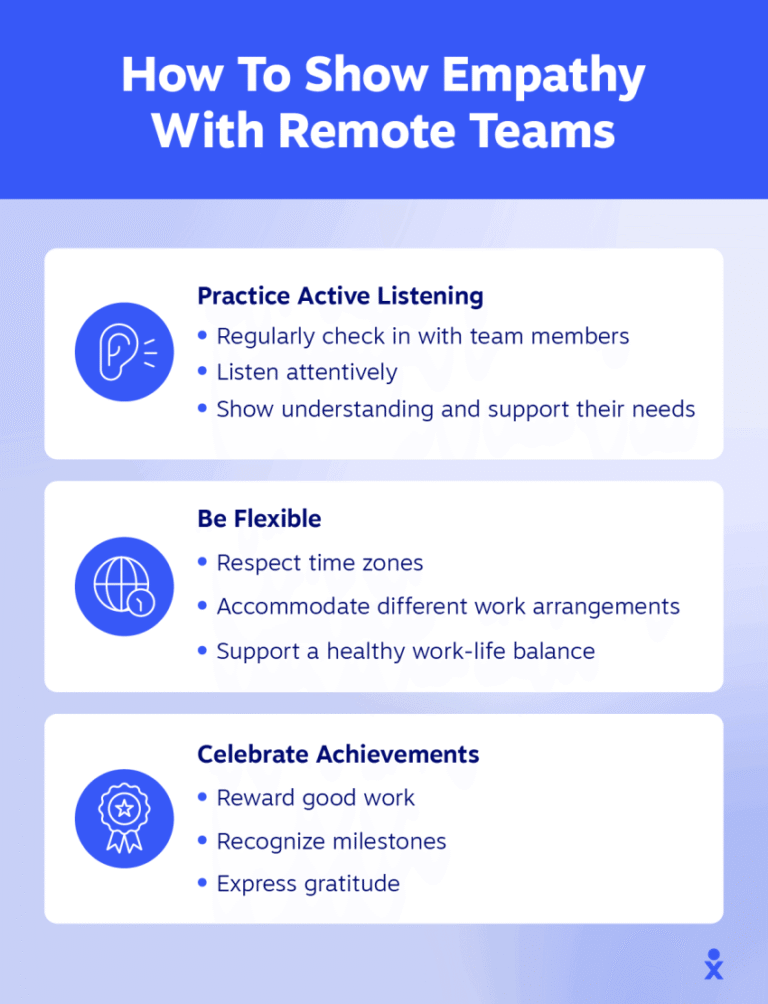
Trust is the foundation of any successful team. Remote teams must build trust through consistent communication and reliability. Sharing progress and challenges openly helps. Leaders should recognize efforts and celebrate achievements. Trust grows when team members feel valued and heard.
Encouraging Open Dialogue
Open dialogue creates a safe space for sharing ideas and feedback. Team members should feel comfortable expressing opinions without fear. Use chat apps and video calls to maintain ongoing conversations. Regular check-ins allow addressing concerns early. Transparent communication prevents misunderstandings and strengthens teamwork.
Overcoming Cross-border Challenges
Working with cross-border teams brings unique communication challenges. Different time zones, languages, and cultures can create barriers. Using the right tools and strategies helps teams stay connected and productive. Understanding and addressing these challenges is key to smooth remote collaboration.
Managing Time Zone Differences
Time zones can disrupt communication and delay responses. Schedule meetings at times that suit most team members. Use tools that show everyone’s local time clearly. Record meetings for those who cannot join live. Plan deadlines with time zones in mind to avoid confusion.
Addressing Language Barriers
Language differences may cause misunderstandings. Use simple and clear language in messages. Avoid jargon and complex words. Use translation tools to support communication when needed. Encourage team members to ask questions for clarity. Visual aids like charts or images can improve understanding.
Cultural Sensitivity In Communication
Cultures shape how people communicate and interpret messages. Respect different communication styles and habits. Be patient with different ways of expressing ideas. Learn about cultural norms to avoid unintentional offense. Encourage open dialogue about cultural differences to build trust. This awareness strengthens team collaboration and respect.
Credit: www.globalization-partners.com
Security And Privacy Considerations
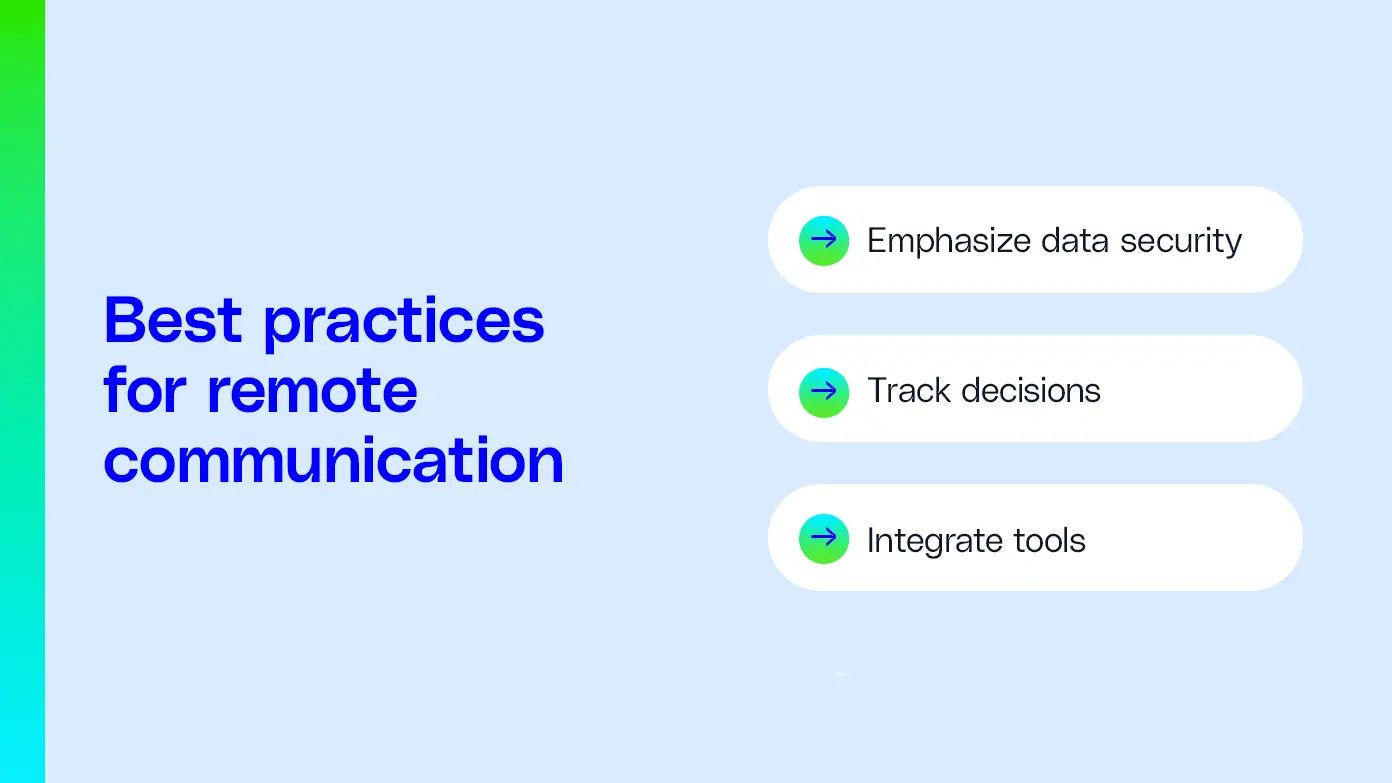
Security and privacy are crucial for remote work communication tools. Cross-border teams share sensitive information daily. Protecting data builds trust and prevents breaches. Choosing tools with strong security features keeps communication safe. Understanding privacy risks helps teams handle data carefully. These considerations ensure smooth collaboration without exposing information.
Secure Communication Channels
Use communication tools that offer end-to-end encryption. Encryption protects messages from unauthorized access. Select platforms with multi-factor authentication for added security. Avoid tools that store data without proper safeguards. Secure channels reduce the risk of hacking and leaks. Always verify the security protocols before adopting a tool.
Data Protection Practices
Implement strict data handling and storage policies. Limit data access to authorized team members only. Regularly update software to patch security vulnerabilities. Backup data to prevent loss during cyber attacks. Train employees on recognizing phishing and other threats. Good practices reduce chances of accidental data exposure.
Compliance With Global Regulations
Follow data privacy laws relevant to all countries involved. Common regulations include GDPR, CCPA, and others. Ensure communication tools comply with these legal standards. Non-compliance can lead to fines and reputational damage. Stay informed about changes in privacy laws worldwide. Compliance protects both the company and its employees.
Frequently Asked Questions
Which Tool Is Commonly Used For Team Communication In Remote Teams?
Slack is commonly used for team communication in remote teams, offering real-time messaging and easy collaboration.
How To Communicate Effectively With Remote Teams?
Communicate clearly by setting expectations and schedules. Use tools like Zoom, Slack, and Google Workspace for seamless interaction. Hold regular meetings and encourage open feedback. Foster trust with team-building activities. Ensure access to real-time communication channels for collaboration.
How Do You Manage Your Tasks And Communication When Working Remotely With International Teams?
I manage tasks using Asana and Trello for clear tracking. For communication, I use Slack and Zoom for real-time messaging and video calls. Setting clear expectations and regular check-ins keeps the team aligned across time zones.
What Digital Tools And Platforms Facilitate Seamless Cross-border Communication And Collaboration?
Slack enables real-time messaging, Zoom supports video calls, Microsoft Teams offers enterprise communication. Asana and Trello manage tasks, while Google Workspace allows seamless document sharing. These tools enhance cross-border collaboration and communication effectively.
Conclusion
Choosing the right communication tools helps teams work smoothly across borders. Clear and simple tools reduce misunderstandings and save time. Regular video calls keep everyone connected and engaged. Messaging apps allow quick updates and fast problem-solving. Task management tools help track progress and deadlines.
Combining these tools builds trust and improves teamwork. Every team should find what fits their needs best. Good communication creates a strong and productive remote team. Keep tools easy and communication open for best results.