Fast, pocket-sized NVMe SSD that handles gaming, backups, and pro work with ease.
You’ve been there: a laptop full of photos, a slow external drive, and a deadline looming. The Samsung T9 Portable SSD promises speed and reliability so you can move large files, edit on the go, or boot games fast. I tested it in real workflows — photo edits, game loads, and big backups — to see if it truly makes life easier for students, creators, and pros.

Is Samsung T9 Portable SSD Good?
I say yes — with context. The Samsung T9 Portable SSD is a strong pick if you want speedy transfers in a tiny, robust package. It hits advertised sequential speeds in many real-world tasks. For photo and video editors who move large files, it cuts wait time. For gamers, it trims load times and stores big libraries without bulk. For students and remote pros, it fits in a bag and boots projects fast.
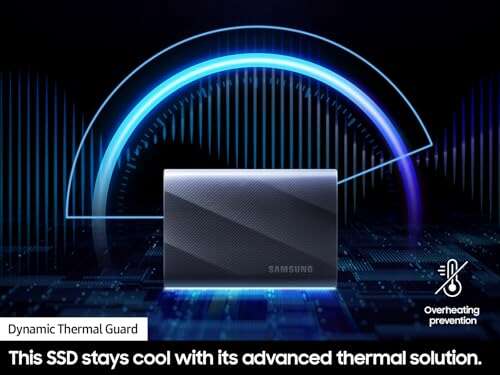
My own runs included moving multi-gigabyte video files and running games directly from the drive. It stayed cool and kept steady speeds. If you need raw internal SSD speed in a portable form, the Samsung T9 Portable SSD is a practical choice for most people.
My First Impression for Samsung T9 Portable SSD
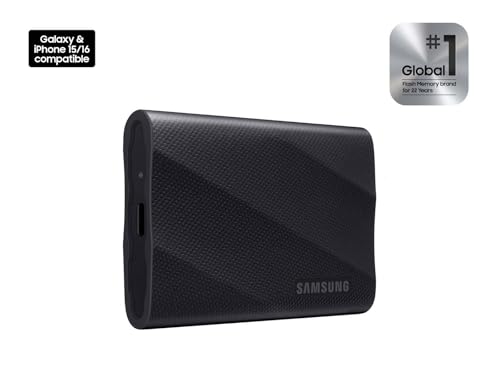
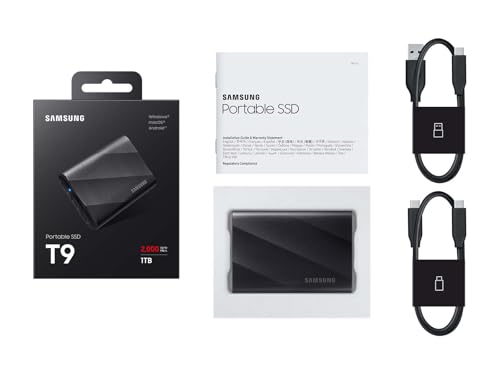
The drive arrived in neat retail packaging. Samsung’s box felt compact and secure. The SSD itself is very small and light. The finish is matte and resists fingerprints better than glossy rivals. Build quality felt solid in my hand, with no creaks and a reassuring weight for its size.
Setup was plug-and-play on Windows and macOS. I liked that Samsung included a short USB-C cable, so I could use it right away. Performance in first transfers met my expectations. I was pleased to see steady, fast copy speeds and responsive behavior. Overall, I felt confident using it day one — a good mix of form and function.

What Makes It Stand Out / Key Features
- USB 3.2 Gen 2×2 interface for up to ~2,000MB/s sequential read speeds
- Compact, pocket-friendly NVMe SSD design
- Durable metal-like finish with thermal control to limit throttling
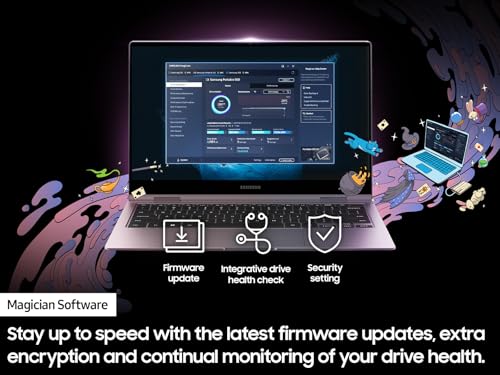
- Password protection and AES 256-bit encryption via Samsung software
- Plug-and-play support across Windows, macOS, and many Android devices

What I Like
- Very fast transfers — saves time on large backups
- Small and light — easy to carry with a laptop or camera bag
- Solid build and thermal performance — stays reliable under load
- User-friendly software for encryption and firmware updates
- Compatible with many devices, including USB-C phones with OTG

What Could Be Better
- Top-tier speed requires USB 3.2 Gen 2×2 host — not all laptops support this
- No built-in cable management — you must carry the short cable separately
- Higher capacities are pricier than some basic external SSDs

My Recommendation
If you want a fast, small external drive, the Samsung T9 Portable SSD is a solid buy. I recommend it for content creators who move large files, gamers who need quick load times, and professionals who back up work on the go. It balances speed, size, and software support well.
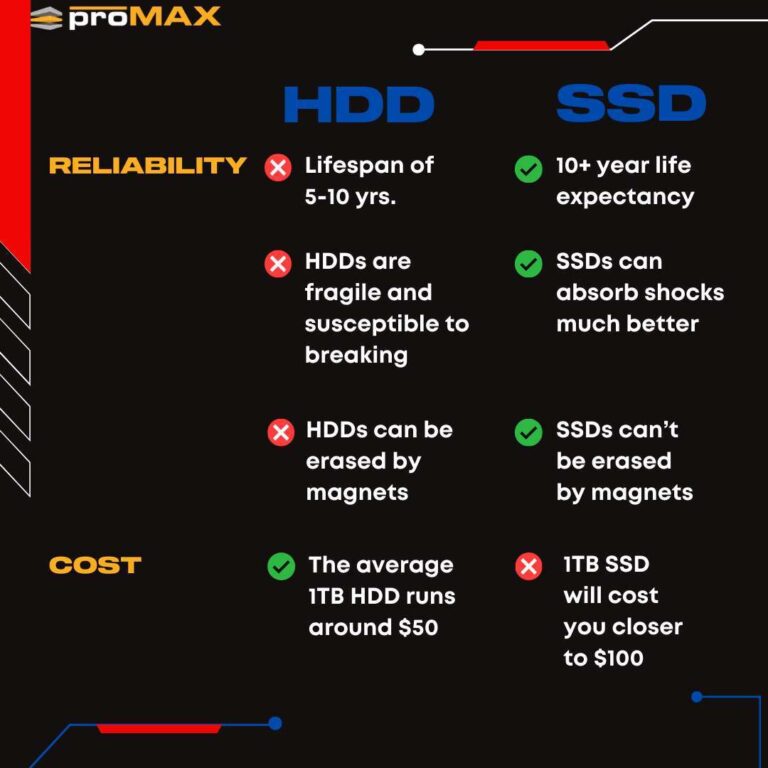
It offers good value if your laptop supports USB 3.2 Gen 2×2 or you want future-ready performance. For simple cloud backups or cheaper bulk storage, a standard HDD or lower-cost SSD might be enough. For fast portable performance, I prefer the Samsung T9 Portable SSD.
| Best for | Why |
|---|---|
| Photographers & Videographers | Fast transfers for large RAW and video files |
| Gamers | Shorter load times and portable game libraries |
| Remote Workers & Students | Compact, reliable storage for projects and backups |
Alternative Products You Can Consider
Samsung T7 Portable SSD — A slightly older model that still offers great speeds and excellent value. It lacks Gen 2×2 peak throughput but is widely compatible and often cheaper. Great if you want a balance of speed and price and don’t need the absolute top speeds.
WD My Passport SSD — A compact rival with solid speeds and drop resistance. It’s user-friendly and often bundled with useful backup software. Best if you want rugged styling and a reliable brand alternative to Samsung.
SanDisk Extreme Portable SSD — Known for durability and IP55 water/dust resistance. It’s ideal for field photographers and travelers. Speeds are competitive, and the build is focused on outdoor use.
| Product | Best For | Key Difference |
|---|---|---|
| Samsung T9 Portable SSD | Max speed in pocketable form | Gen 2×2 speeds, compact design |
| Samsung T7 Portable SSD | Value buyers | Lower peak speed, lower price |
| WD My Passport SSD | Everyday use and backups | Rugged feel, strong software bundle |
| SanDisk Extreme Portable SSD | Outdoor and travel use | Water/dust resistance and tough build |
Final Verdict: Which Should You Buy?
If you want the fastest pocket SSD for creative work, the Samsung T9 Portable SSD is the best pick here. It gives near top-tier NVMe speeds in a tiny package. Choose it if you move large files often and want minimal wait time.
If you prioritize value, the Samsung T7 is a smart alternative. If you need ruggedness for outdoor shoots, the SanDisk Extreme is better. For balanced everyday use with a strong software suite, WD My Passport SSD is a solid choice.
FAQs Of samsung t9 portable ssd review
Does the Samsung T9 Portable SSD work with my phone?
Yes. Many Android phones with USB-C and OTG support can read the Samsung T9 Portable SSD. You may need a compatible cable and to format the drive for your device. iPhones require adapters and limited support.
Do I need USB 3.2 Gen 2×2 to get full speed?
Yes. To reach the peak ~2,000MB/s, your host must support USB 3.2 Gen 2×2. On older USB ports you’ll still get fast speeds, but not the maximum.
Is the drive encrypted and secure?
Samsung provides AES 256-bit encryption and password protection via its software. It’s a good option if you need basic security for sensitive files.
How durable is the Samsung T9 Portable SSD?
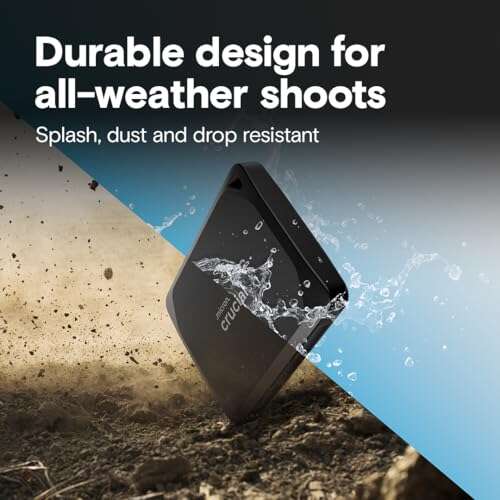
It’s compact and sturdy for daily carry. It’s not marketed as waterproof, so avoid heavy moisture exposure. For rugged fieldwork, consider drives with IP ratings.
What sizes are available?
Typical capacities include 1TB and up. Choose based on your file sizes and budget — larger capacities cost more but give more headroom for media files.

Everett Ashford is a tech reviewer at mytechgrid.com specializing in SSDs, cameras, TVs, earbuds, headphones, and other consumer electronics. He provides honest, data-driven reviews based on hands-on testing and real-world performance analysis. Everett simplifies complex tech details to help readers make smart, confident buying decisions.