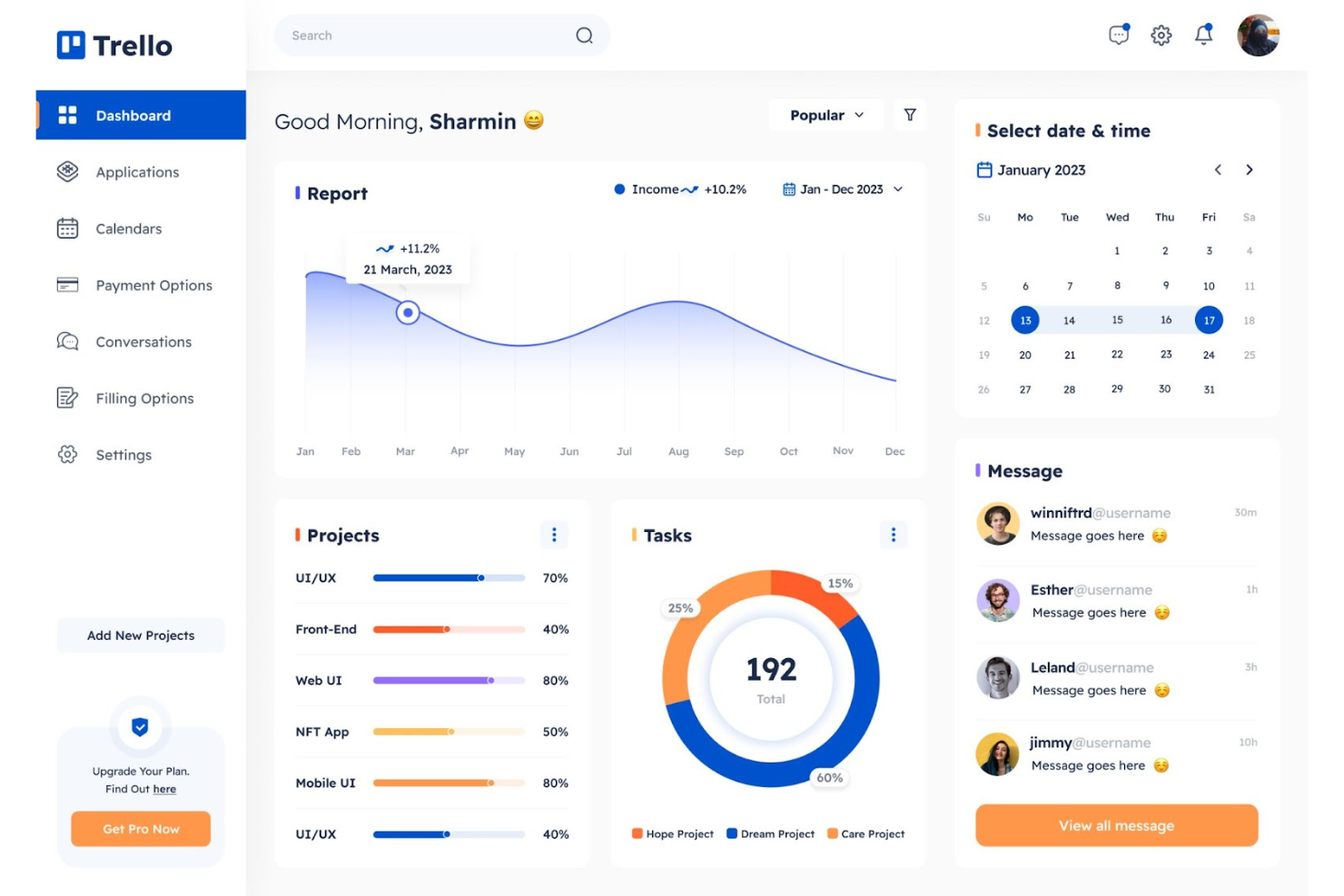
Are you tired of the hassle that comes with managing design files across different locations and time zones? Imagine being able to edit your remote design files instantly alongside your team, no matter where everyone is.
Real-time editing tools make this possible, saving you time, reducing errors, and boosting creativity. You’ll discover the best tools that let you collaborate on design projects live, ensuring your ideas come to life faster and smoother. Ready to transform how you work on remote design files?
Keep reading to find the perfect solution for your needs.
Real-time Editing Essentials
Real-time editing is essential for teams working on design files from different locations. It allows multiple users to make changes at the same time. This keeps the workflow smooth and reduces delays. Remote teams can see updates instantly, making collaboration easier and faster.
Effective tools for real-time editing focus on clear communication and instant feedback. They help avoid version conflicts and keep the project organized. Choosing the right tool boosts productivity and supports creative teamwork across distances.
Key Features To Look For
Look for tools that offer live editing with no lag. The ability to track changes and leave comments is important. Version control helps revert to earlier designs if needed. Easy sharing options and access controls protect your files. Compatibility with popular design formats ensures smooth integration.
Benefits For Remote Teams
Real-time editing tools bring remote teams closer. They reduce confusion by showing updates immediately. Teams save time by avoiding back-and-forth emails. Everyone stays aligned on project goals and deadlines. These tools foster creativity and teamwork despite physical distance.
Credit: www.bynder.com
Top Tools For Design Collaboration
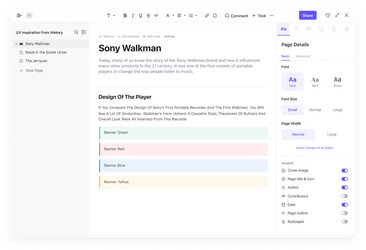
Design teams need tools that allow smooth collaboration on files, no matter the location. Real-time editing helps teams share ideas instantly and make quick changes. It boosts productivity and keeps projects on track. Here are some top tools for design collaboration that support remote teams effectively.
Figma
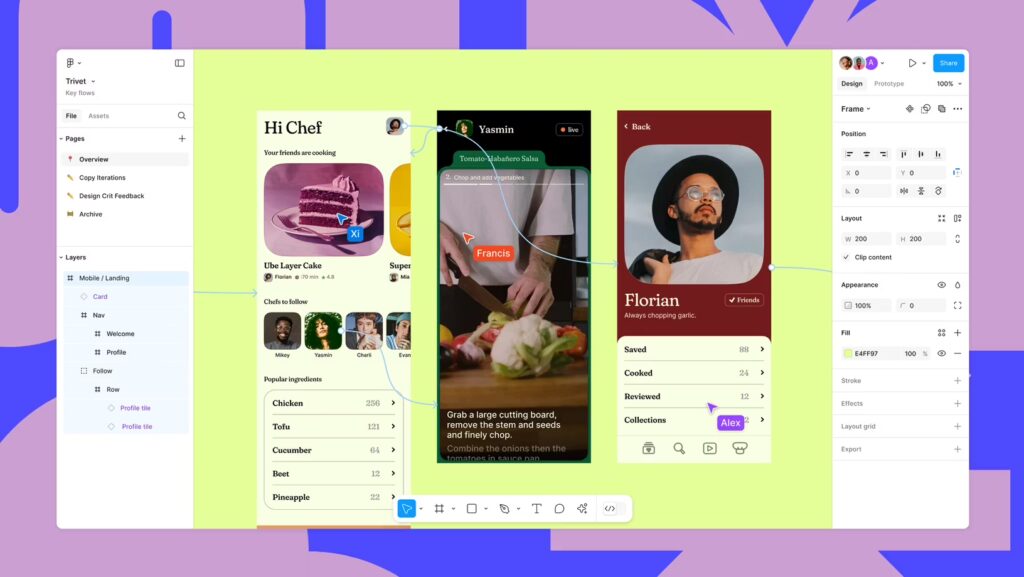
Figma is a popular design tool for teams working together online. It allows multiple users to edit a design file at the same time. Comments and feedback can be added directly on the design. Figma also supports prototyping, so teams can test and refine ideas quickly. Its cloud-based platform means no files need to be sent back and forth.
Uxpin
UXPin offers real-time collaboration focused on user experience design. Teams can edit wireframes and prototypes together. It includes features like version control and design systems. UXPin helps maintain consistency across projects while allowing fast feedback. Remote teams can stay connected and aligned during the entire design process.
Miro
Miro is an online whiteboard tool ideal for brainstorming and planning. It supports live collaboration with sticky notes, drawings, and diagrams. Teams can map out ideas and workflows in real time. Miro integrates with many design and project management tools. This makes it easy to link creative work with other parts of a project.
Document Collaboration Platforms
Document collaboration platforms make teamwork on design files easier and faster. They allow multiple users to edit and comment on files at the same time. This real-time editing helps avoid confusion and saves time. These platforms support remote teams by keeping everyone connected and updated.
These tools often include chat, version control, and file sharing. Users can track changes and see who made them. The platforms work on different devices, including computers and smartphones. This flexibility helps teams stay productive anywhere.
Dropbox Paper
Dropbox Paper lets teams create and edit documents together in real time. It supports text, images, and even videos in one place. Users can leave comments and assign tasks inside the document. The simple interface keeps focus on the work without distractions.
It works well with other Dropbox files, making sharing easy. You can use templates to speed up the creation process. The platform keeps all updates synced for every collaborator instantly.
Google Workspace
Google Workspace offers powerful tools like Docs, Sheets, and Slides for live collaboration. Multiple users can edit the same document simultaneously. Changes appear immediately on all screens without delay.
It saves all versions automatically, so no work is lost. The built-in chat and comments help teams discuss ideas without leaving the document. Google Workspace works on any device with internet access.
Microsoft Word Online
Microsoft Word Online brings familiar Word features to the web for real-time editing. Teams can work together on documents without installing software. It highlights each person’s changes in different colors to avoid mix-ups.
Users can comment and reply inside the document to communicate clearly. The platform saves work continuously and syncs changes across devices. It integrates well with other Microsoft 365 apps for a smooth workflow.
Project Management And Communication
Effective project management and clear communication are vital for editing remote design files in real time. Teams spread across different locations need tools that keep everyone on the same page. These tools help organize tasks, share updates, and chat instantly. This ensures smooth collaboration and faster decision-making.
Slack
Slack offers instant messaging designed for teams. It supports channels for different projects or topics. Users can share files and links quickly. Real-time notifications keep everyone informed about updates. Integration with other apps boosts productivity. Slack makes team communication clear and fast.
Trello
Trello uses boards, lists, and cards to manage tasks visually. It helps track project progress at a glance. Team members can assign tasks and set deadlines. Comments and attachments keep all details together. Trello’s simple interface makes task management easy. It improves organization for remote teams.
Notion
Notion combines notes, databases, and project tracking in one place. Teams can create shared documents and wikis. It supports real-time editing and comments. Notion helps store all project information centrally. Its flexible structure adapts to different workflows. This tool keeps remote work organized and clear.
Remote Video And Design Editing
Remote video and design editing lets teams work together from different places. It saves time and helps finish projects faster. Teams can view, edit, and share files live. This keeps everyone updated with the latest changes.
These tools reduce the need for endless emails and file versions. They make the editing process clear and smooth. Designers and editors can give feedback instantly. This improves creativity and quality in the final work.
Evercast
Evercast allows real-time collaboration for video editors and designers. It supports live video review and feedback sessions. Users can watch edits as they happen and suggest changes. It works well with popular editing software. Teams can communicate through chat and video calls inside the app.
Deskin
DeskIn offers remote access to powerful design tools and files. It lets users edit large files without downloading them. The platform supports screen sharing and live collaboration. It helps teams work on complex projects from anywhere. DeskIn keeps files safe with strong security features.
Davinci Resolve Cloud
Davinci Resolve Cloud connects editors to work on the same video projects. It offers real-time editing with color correction and effects. The cloud system stores files securely and allows instant updates. Teams can review changes and approve edits quickly. It suits both small and large production teams.
Credit: projectmanagers.net
Handling Large Design Files
Handling large design files during real-time editing is a major challenge. These files often require significant storage space and fast access speeds. Slow file transfers can disrupt collaboration and slow down the creative process. Choosing the right tools to manage these files remotely is essential.
Efficient handling of large files improves teamwork and keeps projects on schedule. It reduces waiting time and ensures everyone works on the latest version. Let’s explore the best options to store and access large design files remotely.
Remote File Servers
Remote file servers provide centralized storage accessible from anywhere. They allow team members to upload, download, and edit large files securely. These servers often support high-speed connections, reducing delays.
Using a remote file server keeps files organized and backed up. Teams can control access permissions to protect sensitive designs. Many servers integrate with design software, enabling smooth real-time editing.
Cloud Storage Solutions
Cloud storage offers scalable space for large design files. It supports automatic syncing, ensuring files update instantly for all collaborators. Cloud platforms handle file versioning to prevent data loss.
Popular cloud solutions work well with various design tools. They provide easy sharing options and mobile access. Cloud storage reduces the need for physical hardware and maintenance.
Free Tools For Real-time Collaboration
Free tools for real-time collaboration make teamwork easier and faster. They let multiple users edit remote design files at once. These tools help reduce confusion and speed up project delivery. No need to wait for file versions or emails. Everyone stays on the same page.
Open Source Options
Open source tools offer free access to real-time editing features. They allow customization to fit specific project needs. Examples include Penpot and Krita. Penpot supports vector design collaboration directly in the browser. Krita lets users work on digital painting files together. These tools often have active communities for support and updates. Open source options are ideal for teams with technical skills.
Freemium Platforms
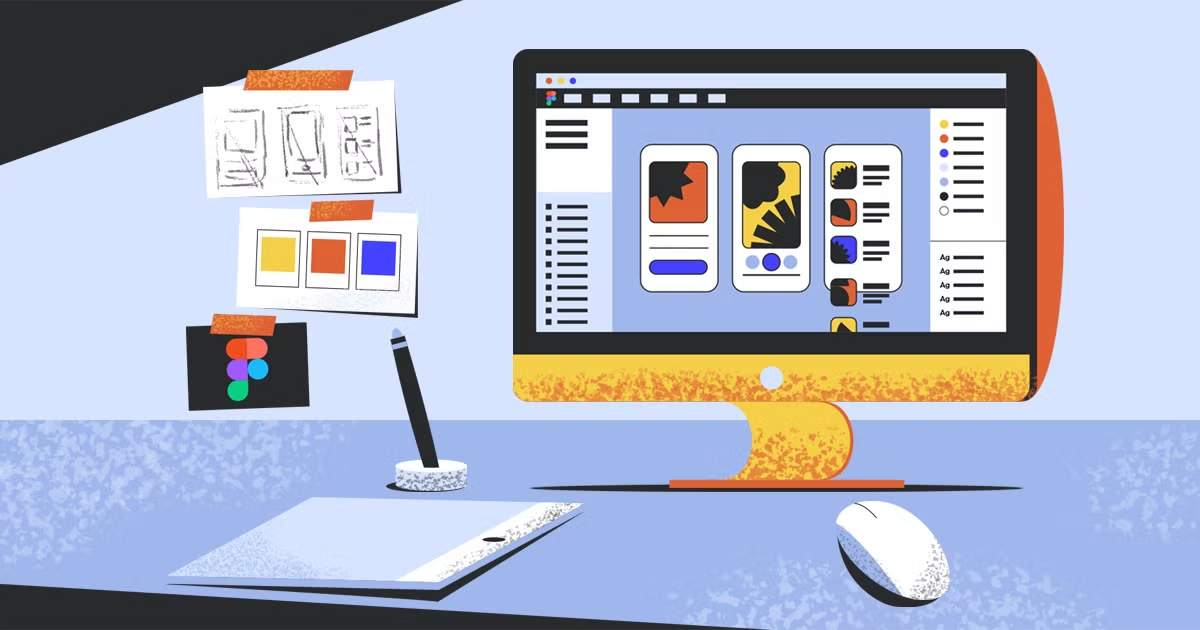
Freemium platforms provide free basic plans with real-time editing. Teams can upgrade for more storage or advanced features. Figma is a popular choice for interface and graphic design. It offers live collaboration and easy sharing. Canva also allows multiple users to edit designs simultaneously. These platforms have user-friendly interfaces and strong cloud support. Freemium tools suit teams needing simple setup and flexible options.
Credit: www.domestika.org
Best Practices For Remote Editing
Editing design files remotely requires smart habits to keep work smooth and efficient. Best practices help teams avoid confusion and save time. Clear steps improve how people work together online.
Following good methods ensures files stay safe and everyone has the right access. It also helps teams share ideas and updates faster. These practices build trust and speed up design projects.
Workflow Optimization
Plan a clear order for editing tasks. Assign roles to avoid overlapping work. Use tools that show changes instantly to all team members.
Keep file names and versions organized. Use comments to explain edits or questions. Set deadlines to keep the project on track.
Security And Access Control
Limit access only to needed team members. Use strong passwords and two-step verification. Regularly review who can see or edit files.
Back up files often to prevent data loss. Use encryption to protect sensitive designs. Train your team on safe sharing habits.
Frequently Asked Questions
Which Tool Is Best For Real-time Collaboration On Documents?
Google Docs stands out as the best tool for real-time document collaboration. It offers seamless editing, commenting, and sharing. Users can work together instantly from any device. Its integration with Google Workspace enhances productivity and ease of use.
Which Collaboration Technology Allows For Real-time Editing Of Shared Documents?
Google Workspace, Dropbox Paper, and Microsoft Word enable real-time editing of shared documents. These tools allow multiple users to collaborate simultaneously, track changes, and comment instantly. They improve teamwork efficiency by providing seamless, live updates accessible from any device with internet access.
Which Tool Allows You To Collaborate With Coworkers In Real-time?
Google Workspace, Dropbox Paper, Figma, and Miro enable real-time collaboration with coworkers on documents and designs.
What Are The Best Tools For Real-time Design Editing?
Top tools include Figma, UXPin, and Miro. They enable simultaneous editing and commenting. These platforms enhance collaboration on remote design files efficiently.
Conclusion
Choosing the right tools helps teams edit design files together easily. Real-time editing boosts teamwork and speeds up projects. Clear communication and instant updates keep everyone on the same page. Simple, reliable tools reduce errors and save time. Use tools that fit your team’s needs and skills.
This way, remote design work feels smooth and efficient. Collaboration becomes natural, no matter where each person works.