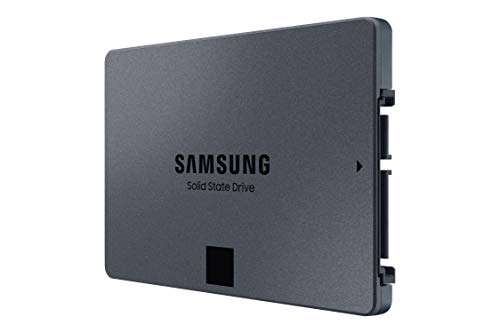
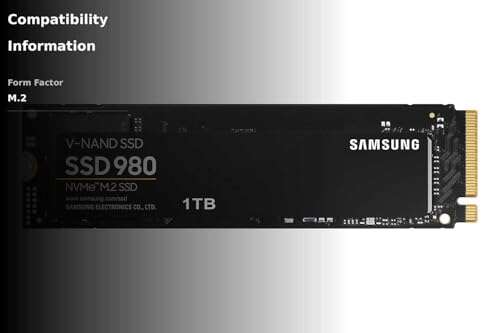
Because drive makers use decimal units and your OS reports binary units, 1TB shows as ~931GB.
If you’ve ever asked yourself why is my 1tb ssd only 931gb, you’re not alone. I’ve set up thousands of drives in real-world builds, and I’ll walk you through the exact reasons with clear math, simple examples, and practical tips. By the end, you’ll understand why the number looks “short,” what you can safely change, and what you cannot.
The real reason your 1TB shows 931GB
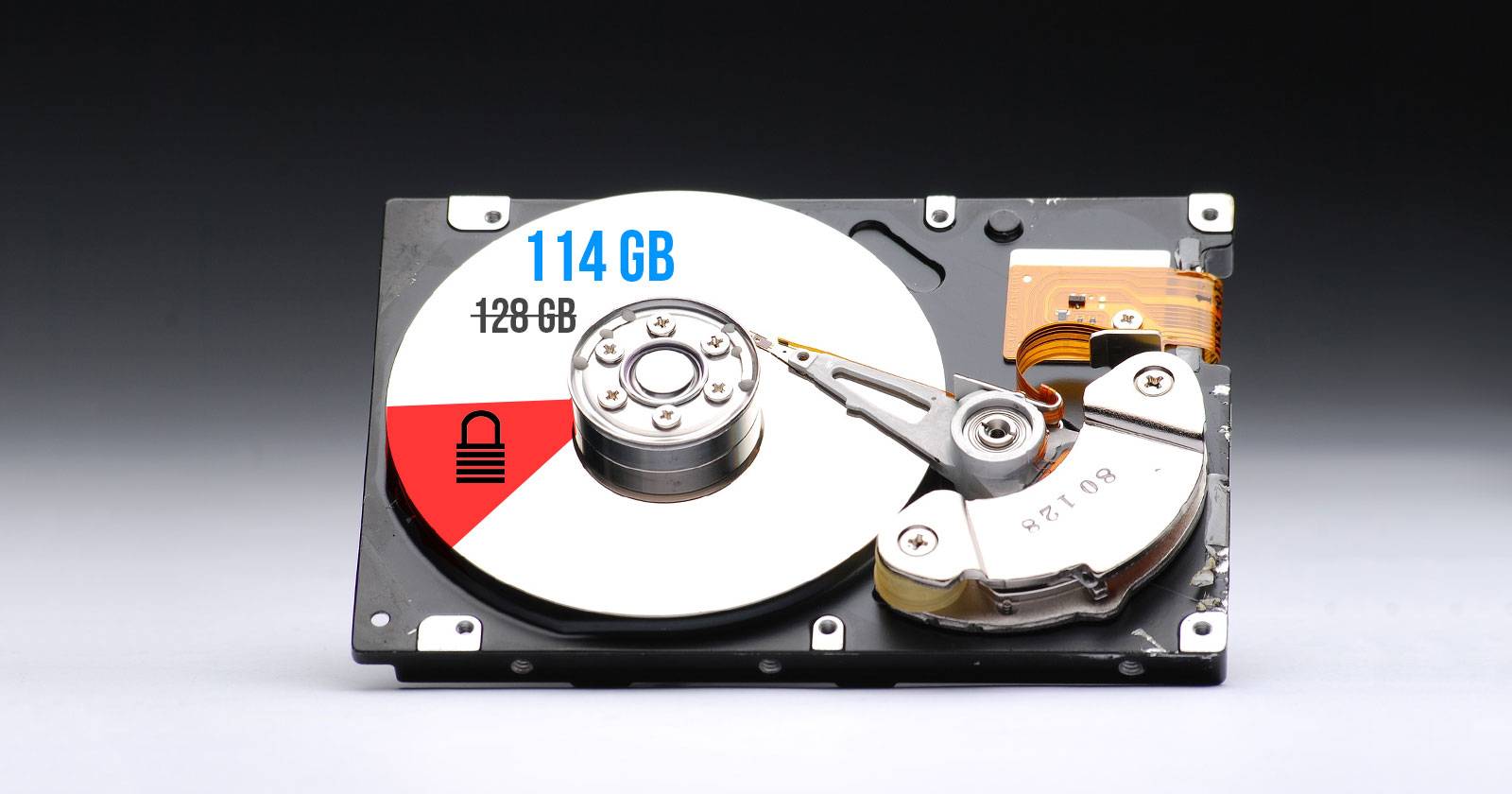
This all comes down to two ways of counting. Drive makers use decimal units. Operating systems often show binary units but label them as GB. That mix makes your 1TB drive look smaller.
Here is the simple math. 1TB from the box is 1,000,000,000,000 bytes. Your OS divides by 1,073,741,824 (which is 1024 × 1024 × 1024). The result is about 931.32. That is why your screen shows about 931 GB.
Think of it like metric vs. binary. The label uses base-10. Your computer uses base-2 under the hood. They are both correct, just different rulers. This is the core of why is my 1tb ssd only 931gb.

What else reduces space on a 1TB SSD
Beyond the decimal vs. binary math, a little space goes to housekeeping. This is normal and expected.
Here is what eats a bit more capacity:
- File system metadata. NTFS, APFS, and ext4 reserve space for indexes and journals.
- Partition tables. GPT or MBR take small but real space. OEM recovery and system partitions can take several GB.
- Alignment and block size. Cluster size and alignment can affect reported free space.
- Hidden system features. Hibernation files, pagefiles, and snapshots grow with RAM and usage.
A note on SSD over-provisioning. Many SSDs ship with spare NAND that you never see. That extra area boosts performance and endurance. It does not reduce the 1TB label; it sits outside what the OS can see. Still, leaving a bit of free unallocated space can improve drive health over time.
How Windows, macOS, and Linux report capacity
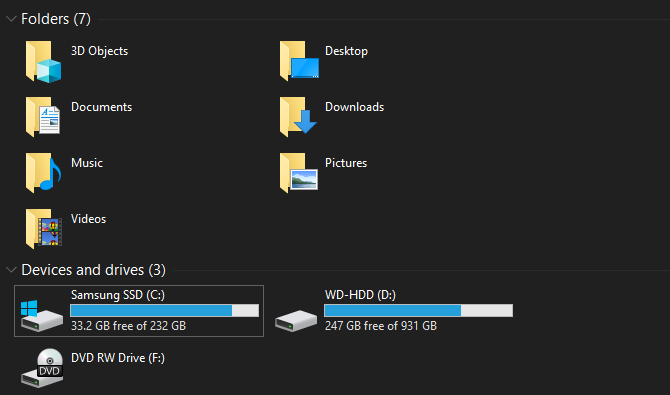
Different systems display capacity in different ways. The number is the same drive. The rounding and labels vary.
Windows
- File Explorer shows about 931 GB for a 1TB SSD.
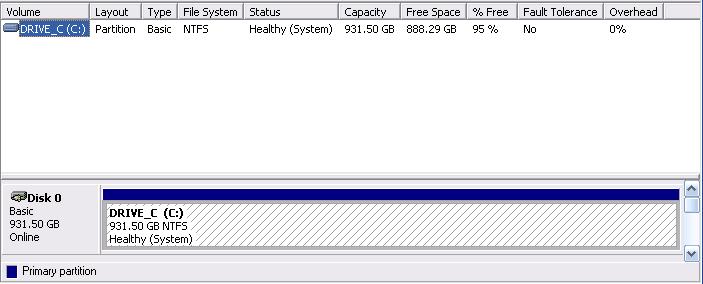
- Disk Management reveals partitions that may hide space, like recovery partitions.
macOS
- Disk Utility shows values in decimal. It may look closer to 1 TB, but free space shifts after formatting.
- APFS snapshots can reduce available space until they are cleaned.
Linux
- Use df -h or lsblk to view capacity and partitions.
- Depending on the tool, you may see GiB or GB. The actual capacity is the same.
On every platform, why is my 1tb ssd only 931gb comes down to the same reason. The OS and the box use different unit systems.

Quick math: Convert TB to the number you see
You can run the numbers yourself. It only takes one formula.
- 1 TB on the box equals 1,000,000,000,000 bytes.
- Divide by 1,073,741,824 bytes per GiB.
- Result: about 931.32 GiB, shown as ~931 GB in many tools.
That is the exact reason behind why is my 1tb ssd only 931gb.
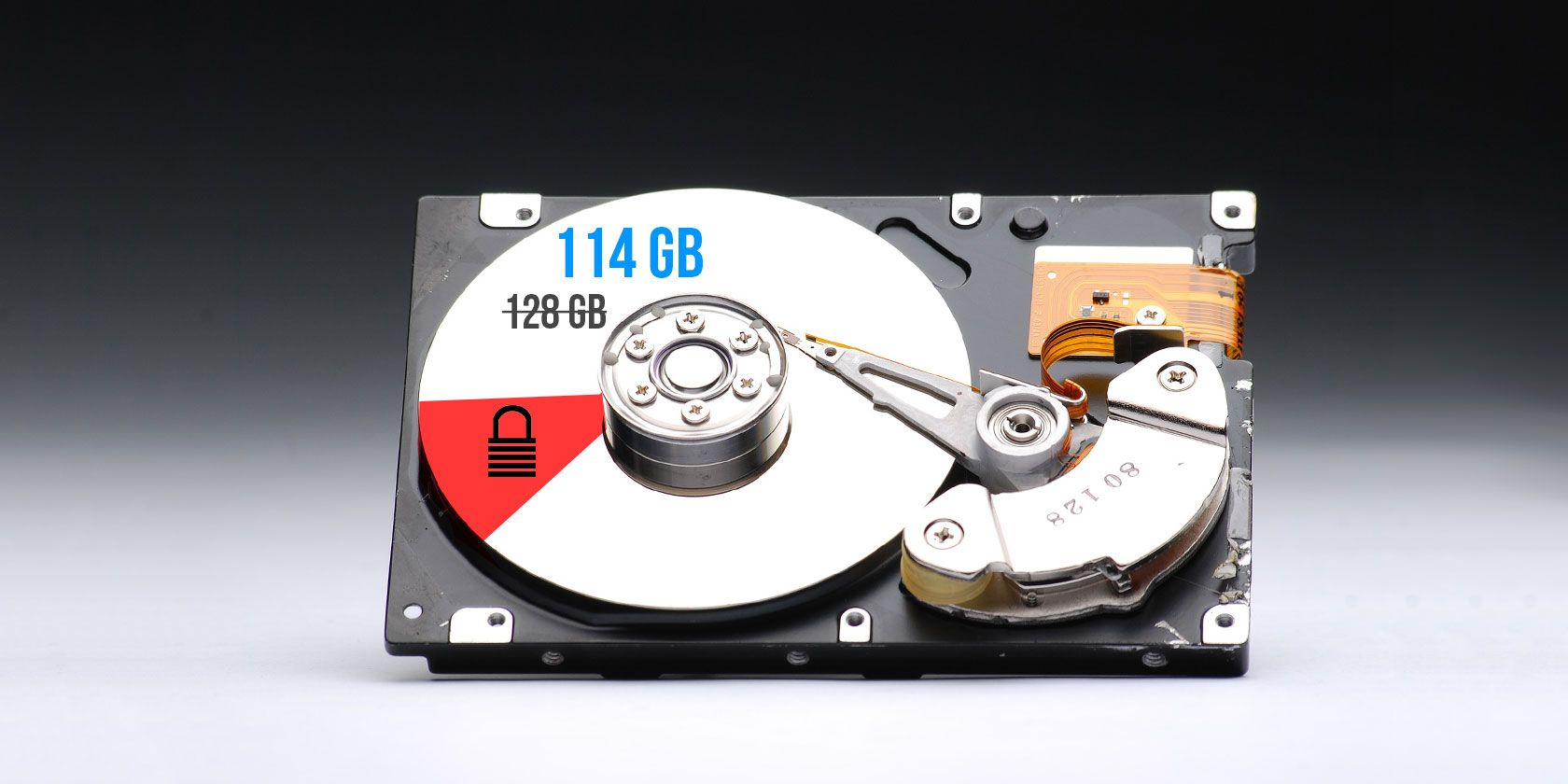
My field notes: Why is my 1TB SSD only 931GB in real builds
In my lab, every new 1TB SSD shows about 931 GB after formatting. On Windows, a fresh NTFS volume lands around 930–931 GB depending on cluster size. On macOS with APFS, it can look closer to 1.0 TB before snapshots and metadata settle.
Common curveballs I see in the wild:
- New laptops ship with recovery partitions that use 500 MB to several GB.
- Cloned drives inherit tiny hidden partitions that stack up over upgrades.
- Confusion rises when tools label GiB as GB. The math still checks out.
These hands-on cases all point back to the same truth. The core answer to why is my 1tb ssd only 931gb is the decimal vs. binary mismatch, plus small overheads.
Can you get that space back? Safe ways to reclaim a bit
You cannot beat the math. You will not get 1,000 GB in binary units. Still, you can trim some overhead that you do control.
Try these safe steps:
- Remove old recovery partitions. Use Disk Management or Disk Utility. Back up first.
- Clean up snapshots and restore points. Limit System Restore space or prune APFS snapshots.
- Adjust hibernation and page file sizes. On systems with lots of RAM, this can free tens of GB.
- Uninstall OEM bloatware that holds large caches.
- Keep 10–20% free space. This helps SSDs stay fast and healthy.
Note the limits:
- Formatting is required. You will always lose some space to metadata.
- Do not delete active system partitions. You could break recovery or boot.
- Over-provisioning is good for SSD life. Keep some free space unallocated for best results.
With these tips, you will understand why is my 1tb ssd only 931gb and still squeeze out a bit more usable space.
Myths busted about 1TB vs. 931GB
Let’s clear up the biggest myths that cause stress or costly returns.
- The drive is defective. Not if it shows about 931 GB. That is normal and expected.
- The manufacturer scammed me. No. They use decimal TB by industry standard labeling.
- TRIM or wear leveling “eats” my space. These features manage flash health. They do not reduce the labeled capacity you see.
- I lost space during cloning. You may have extra partitions or alignment issues. The base math remains the same.
- Mac shows the “right” size and Windows the “wrong” one. They display the same drive with different unit rules and rounding.
Once you see the pattern, the answer to why is my 1tb ssd only 931gb becomes simple and repeatable.
Buying and planning storage the smart way
Plan capacity with real numbers. It saves time and money.
Use these rules of thumb:
- 1TB SSD shows about 931 GB. 2TB shows about 1.86 TB. 4TB shows about 3.72 TB.
- After formatting and system files, expect a bit less than those numbers.
- For video, VMs, or games, round up your needs. Buy more than you think you need.
- Leave headroom. SSDs run best with some free space for wear leveling and peak speed.
- Consider backup strategies. Use external drives or cloud storage for large libraries.
This approach avoids surprises and answers why is my 1tb ssd only 931gb before it becomes a support ticket.

Frequently Asked Questions of why is my 1tb ssd only 931gb
Why does Windows say my 1TB SSD is 931GB?
Windows reports capacity in binary units but labels them as GB. A 1TB drive equals about 931 GiB, so you see 931 GB.
Is my 1TB SSD defective if it shows only 931GB?
No. That is the expected value after decimal-to-binary conversion. Small differences also come from formatting and partitions.
Can formatting change 931GB back to 1TB?
No. Formatting always takes space for metadata. The 931GB figure comes from the unit mismatch and will remain.
Why does macOS sometimes show closer to 1TB?
macOS often displays decimal units, which look larger. After formatting and snapshots, available space still ends up lower.
How can I check what is using space on my SSD?
Use Disk Management or Disk Utility to see partitions. Use storage analyzers to find large files, snapshots, and caches.
Will over-provisioning make me lose space?
You do not lose labeled capacity because of factory over-provisioning. Leaving some unallocated space can improve performance and drive life.
Why is my 1tb ssd only 931gb after cloning to a new drive?
Cloning copies partitions and metadata, including hidden ones. The base 931GB number is still normal for a 1TB device.
Conclusion
You see about 931GB on a 1TB SSD because manufacturers use decimal units while your OS shows binary units, plus a bit of overhead from formatting and partitions. That is normal, repeatable, and not a defect. Now that you know why is my 1tb ssd only 931gb, you can plan your storage smarter and keep your SSD healthy.
Take action today. Check your partitions, clean up old snapshots, and leave some free space for best performance. Want more hands-on guides like this? Subscribe, share this with a friend, or drop your questions in the comments.

Jamie Lee is a seasoned tech analyst and writer at MyTechGrid.com, known for making the rapidly evolving world of technology accessible to all. Jamie’s work focuses on emerging technologies, product deep-dives, and industry trends—translating complex concepts into engaging, easy-to-understand content. When not researching the latest breakthroughs, Jamie enjoys exploring new tools, testing gadgets, and helping readers navigate the digital world with confidence.