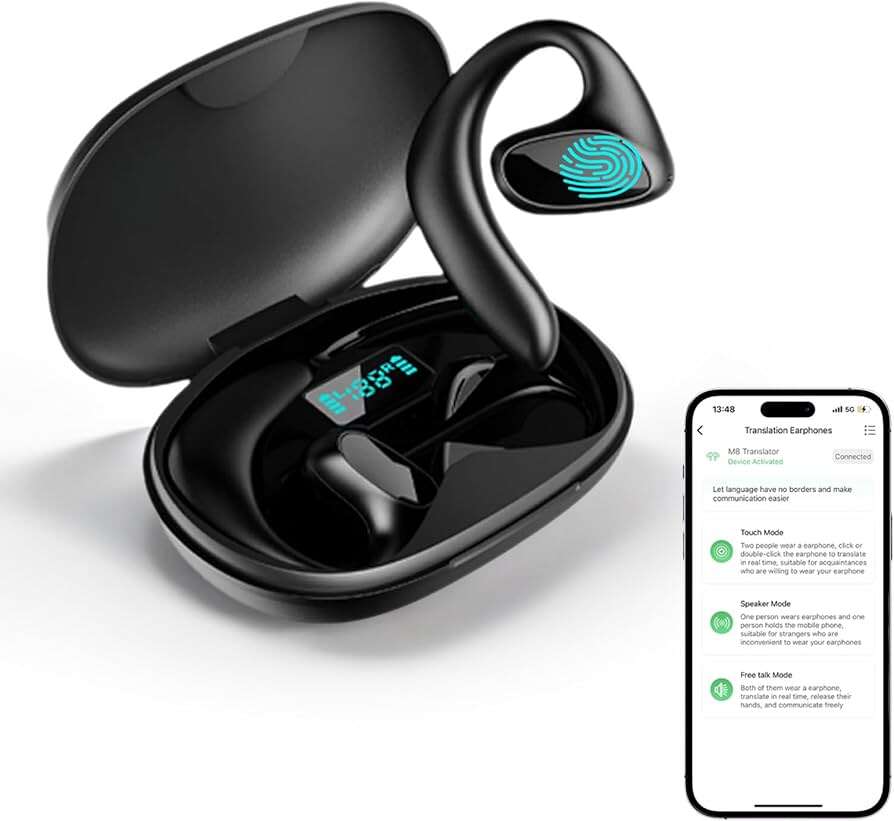
Translation earbuds work by capturing speech, sending it to a cloud or on-device translator, and playing near-instant translated audio.
I have tested multiple models in real travel, meetings, and crowded markets, and I will walk you through how to use translation earbuds step by step. This guide explains the tech, setup, real-world tips, and common pitfalls so you can confidently use translation earbuds for travel, work, and daily life. Expect clear instructions, practical examples, and honest pros and cons based on hands-on experience and industry best practices.
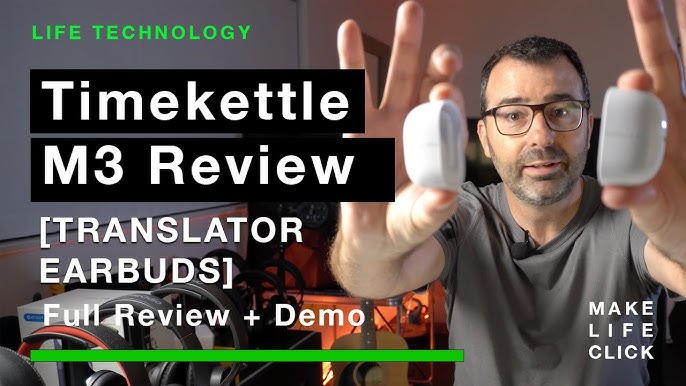
How translation earbuds work: a quick overview
Translation earbuds combine microphones, wireless earbuds, and translation engines. They capture spoken words, send audio to a speech-recognition system, convert to text, translate the text, and synthesize speech back into your ear. Some models do this on-device, which is faster and more private, while others rely on cloud services for higher accuracy and more languages.
Key components
- Microphones to pick up speech from the speaker and wearer.
- Bluetooth or wireless connection to a phone or base device.
- Speech-to-text and machine-translation engines.
- Text-to-speech for spoken output.

Source: soundcore.com
Getting started: setup and first-use checklist
Follow these steps to get the best results when learning how to use translation earbuds.
- Charge earbuds and any base device
- Fully charge both earbuds and the case before your first use.
- Install the companion app
- Download the official app on your phone and allow microphone and Bluetooth permissions.
- Pair earbuds and test sound
- Pair via Bluetooth, check volume, and play test audio to confirm fit and left/right channels.
- Select languages and modes
- Choose the source and target languages in the app. Pick conversation mode if available for two-way talks.
- Calibrate if needed
- Run voice training or calibration steps in the app to improve recognition for your voice and accent.
Practical tip: Do a short test with a native speaker or voice sample to confirm the translation speed and clarity before any important conversation.

Step-by-step: how to use translation earbuds in a live conversation
This simple flow works for most models and covers common use cases.
- Prepare both parties
- Ask the other person to speak normally and a bit slower than usual. Clear, short sentences work best.
- Start conversation mode
- Activate conversation or translate mode in the app. Some earbuds enter this automatically when paired.
- Speak and listen in turns
- One person speaks. The earbuds capture and translate the speech into the listener’s language. The listener hears the translation through their earbud.
- Confirm meaning
- After a translation, confirm key details to avoid errors. Repeat only if needed.
- Adjust on the fly
- If the translation lags, switch to text display in the app or use a quieter location for better accuracy.
My experience: In a busy market, I asked vendors to speak slowly and used short phrases. That pared down errors and sped up translation. I also learned to repeat numbers and names twice, which prevented common mistakes.
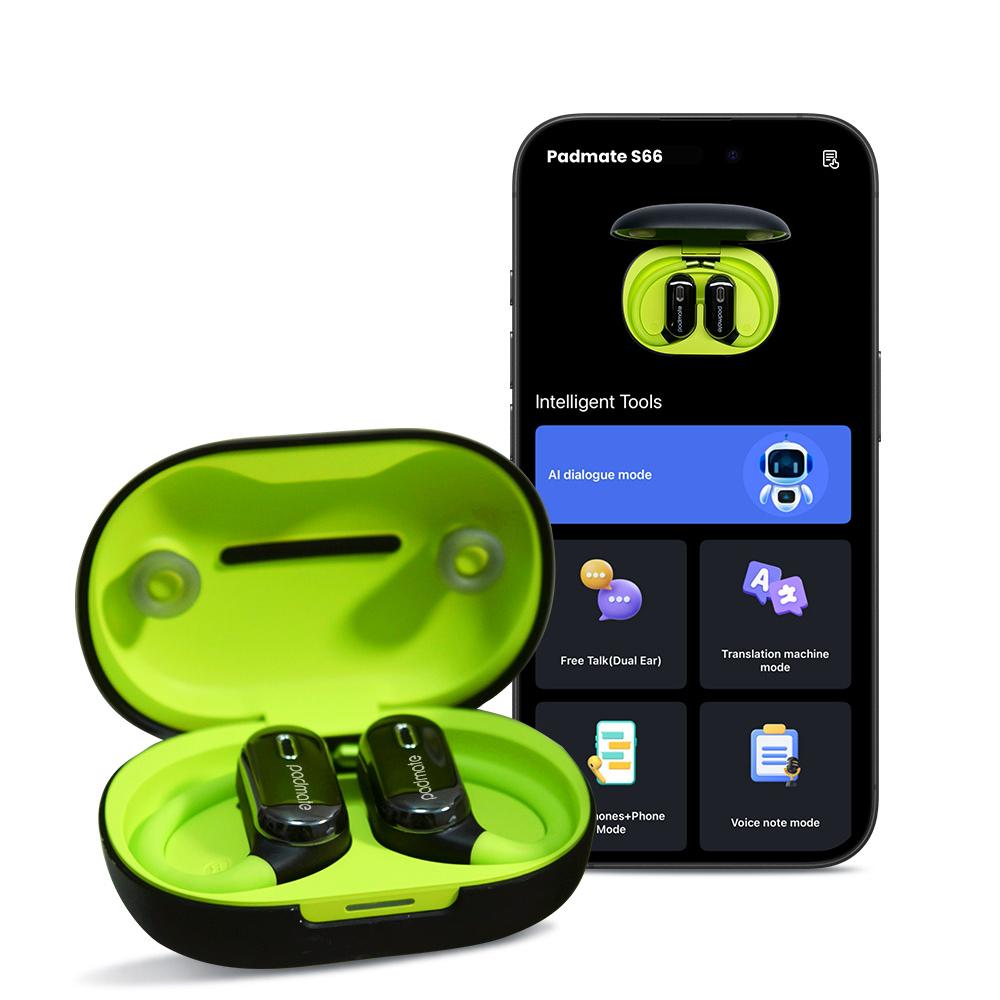
Best practices and tips for accuracy and speed
Small adjustments make a big difference when you learn how to use translation earbuds.
- Choose quiet spots for sensitive talks to reduce background noise.
- Speak clearly and avoid slang or idioms that machine translation may misinterpret.
- Use short sentences to improve recognition and reduce latency.
- Prefer on-device translation when privacy is important or when you have poor internet.
- Keep firmware and apps updated for improved translation models.
- Use headphones mode if the earbuds support mono/stereo switching for a clearer feed.
Avoid these common mistakes
- Expecting word-for-word perfection. Machine translation is great but not flawless.
- Letting two people talk at once. Overlapping speech confuses the software.
- Ignoring battery levels during long conversations. Low charge can drop connectivity or speed.

Source: amazon.com
Troubleshooting common problems
Here are quick fixes when things go wrong while you learn how to use translation earbuds.
Problem: Poor translation accuracy
- Fix: Recalibrate, choose clearer audio, switch to the correct dialect or language variant, or enable cloud mode for more powerful models.
Problem: Long lag between speech and translation
- Fix: Turn off power-saving features, use a better internet connection, or try on-device mode if available.
Problem: Microphone picks up too much background noise
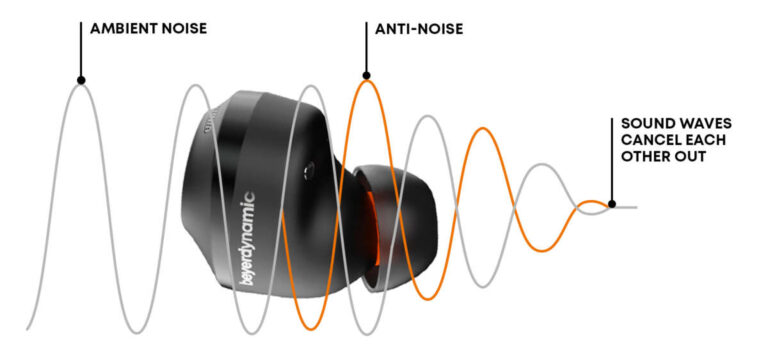
- Fix: Move closer to the speaker, reduce ambient noise, or use a microphone boost or noise-cancel feature in the app.
Problem: Pairing or Bluetooth dropouts
- Fix: Re-pair the earbuds, remove interference from other devices, or update Bluetooth drivers on your phone.

Source: apple.com
Use cases and practical examples
Here are real situations where knowing how to use translation earbuds will help.
Travel and tourism
- Ordering food, asking for directions, and chatting with locals become faster and less stressful with earbuds translating in near real time.
Remote business calls
- Use earbuds as a backup for multilingual meetings. They help when official interpreters are not available.
Learning a language
- Pause to check the translation text to learn new words and see alternate phrasings.
Healthcare and emergencies
- In clinics or during emergencies, earbuds can convey critical info quickly; double-check translations for vital instructions.
Source: iflytek.com
Limitations and privacy considerations
Be aware of where translation earbuds fall short and how to protect data.
Accuracy limits
- Slang, strong accents, fast speech, and domain-specific terms can lead to errors. Always confirm critical facts.
Privacy and data handling
- Cloud-based translations may send audio to servers. If privacy matters, prefer on-device models or read the app’s privacy policy.
Legal and ethical limits
- Do not rely solely on earbuds for legal, medical, or safety-critical translation without human verification.
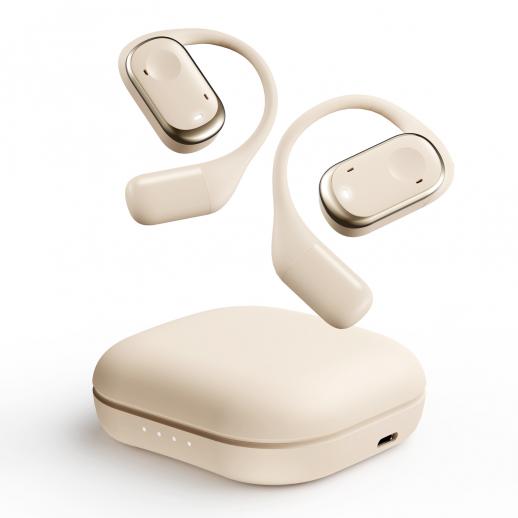
Source: kentfaith.com
Personal lessons, mistakes to avoid, and quick wins
From my testing and travel experience, I learned a few things that will save you time and frustration when figuring out how to use translation earbuds.
Lessons learned
- Carry a small power bank for long days; low battery was my biggest issue.
- Teach locals to pause after a sentence—this simple habit improved translation reliability.
- Use text display in the app when tone or nuance is important.
Mistakes to avoid
- Assuming every model supports the same languages or dialects. Check before you travel.
- Using earbuds in noisy, crowded places for legal or medical talks. Always switch to a verified human interpreter for critical needs.

Source: apple.com
Frequently Asked Questions of how to use translation earbuds(make it h2 tag)
How fast are translation earbuds?
Most earbuds translate within one to three seconds, depending on the model and internet connection. On-device models can be faster but may support fewer languages.
Do translation earbuds work offline?
Some models support offline translation for popular languages, but accuracy often improves with an online connection. Download language packs ahead of travel to use offline modes.
Can translation earbuds handle group conversations?
Group conversations are challenging because multiple voices overlap; best results come from one speaker at a time. Use a designated speaker system or short turns to improve quality.
Are translation earbuds accurate for specialized topics?
They are less accurate for technical, legal, or medical language without tailored glossaries. For critical topics, verify translations with a human translator.
Will translation earbuds invade my privacy?
Cloud-based translation can send audio to servers, which has privacy implications. Choose on-device translation or review app privacy settings to limit data sharing.
How do I improve voice recognition with earbuds?
Speak slowly, enunciate, and keep sentences short. Calibrate the earbuds and update firmware to benefit from newer speech models.
Can I use translation earbuds for language learning?
Yes, they help by showing translated text and offering alternate phrasings, but combine them with study for deeper learning. They are a good practice companion, not a replacement for lessons.
Conclusion
You can use translation earbuds to break language barriers in travel, meetings, and learning if you set them up correctly and follow a few practical habits. Start by charging and pairing your device, choose the right mode, speak clearly, and verify important details. Use on-device modes for privacy and cloud modes for extra accuracy, and always be ready to switch to a human interpreter for critical conversations. Try these tips on your next trip, update your app, and share your experience—leave a comment or subscribe for more real-world tech guides.

Jamie Lee is a seasoned tech analyst and writer at MyTechGrid.com, known for making the rapidly evolving world of technology accessible to all. Jamie’s work focuses on emerging technologies, product deep-dives, and industry trends—translating complex concepts into engaging, easy-to-understand content. When not researching the latest breakthroughs, Jamie enjoys exploring new tools, testing gadgets, and helping readers navigate the digital world with confidence.