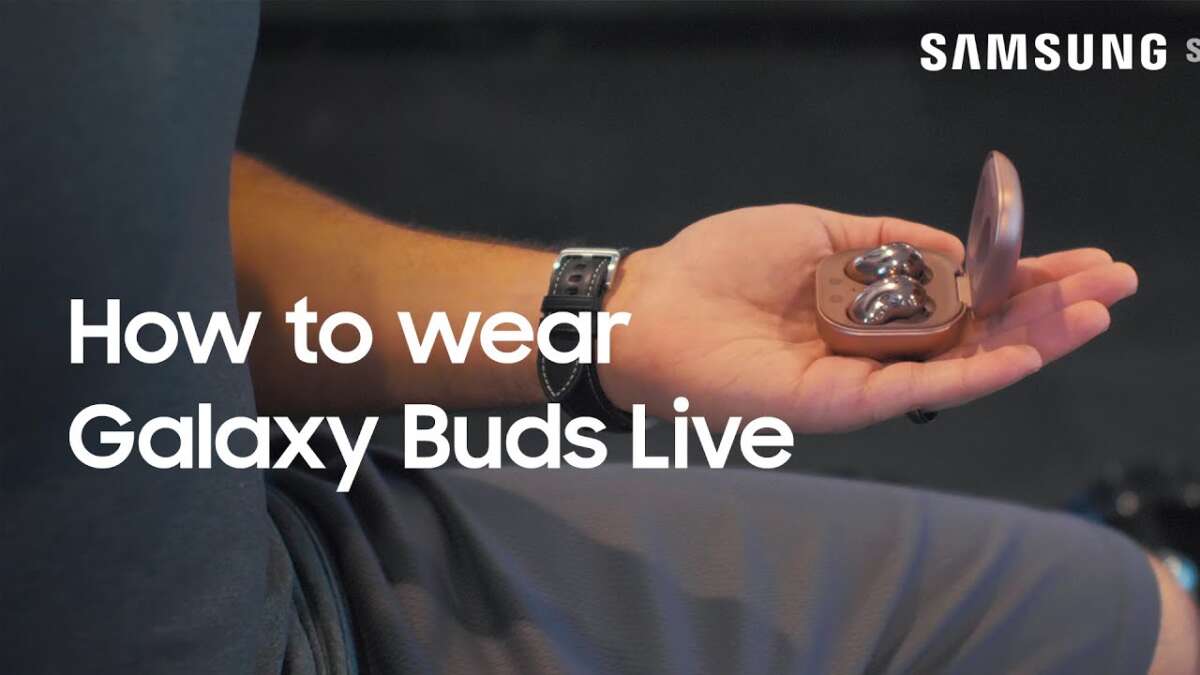
How to wear Samsung earbuds: insert, twist, and secure with the right ear tip size.
I’ve spent years testing true wireless earbuds, including many Samsung models. I’ll walk you through exactly how to wear Samsung earbuds for the best fit, sound, noise cancellation, and comfort. This guide covers step-by-step fitting, ear tip choice, common mistakes, troubleshooting, and real-world tips from my experience. Read on and you’ll know how to wear Samsung earbuds confidently and comfortably.
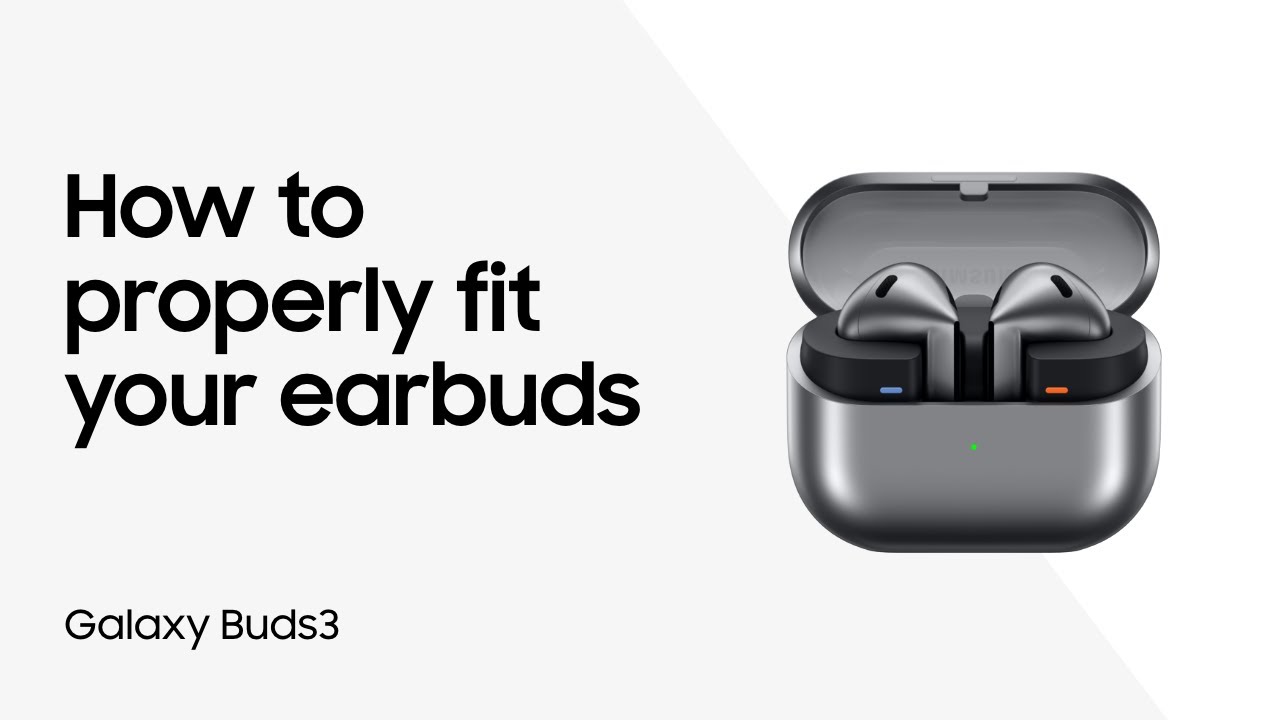
Why fit matters for Samsung earbuds
A good fit affects sound, bass, and noise cancellation. Poor fit makes earbuds fall out and sounds thin. For Samsung models, the right seal unlocks active noise cancellation and rich audio. I’ll show simple checks and fixes you can use in seconds.

Know your Samsung earbuds and ear shapes
Samsung sells many earbuds. Each needs a slightly different approach.
- Galaxy Buds Live have a bean shape. They sit in the outer ear and need alignment, not deep insertion.
- Galaxy Buds and Buds+ use silicone tips and need a seal in the ear canal.
- Buds Pro and Buds2 Pro aim for a snug canal fit for ANC to work.
Your ear shape matters. Try sizes and styles to match your anatomy. I’ve found medium tips work for most people, then tweak from there.

Step-by-step: how to wear Samsung earbuds correctly
Follow these simple steps to fit most Samsung earbuds.
- Choose the right tip size
- Try small, medium, and large tips. Fit should feel snug but not painful.
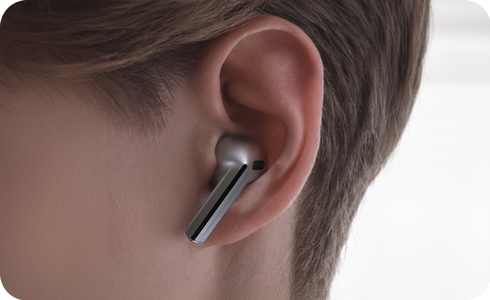
- Position with slight rotation
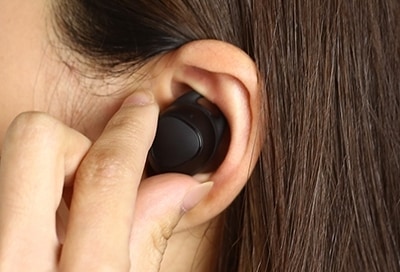
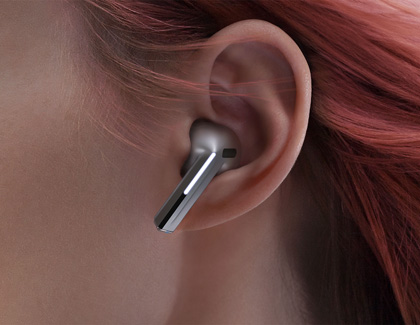
- Insert the earbud then twist it back and up to lock in place. This creates a seal.
- Check the seal
- Play music. Bass should be full and external noise reduced. If sound is thin, try a larger tip.
- Adjust stem or wing (if present)
- For earbuds with wings or fins, tuck the wing under the ridge of the ear for extra security.
- Test with movement
- Walk, nod, and jog lightly. If an earbud loosens, change tip size or re-seat it.
How to wear Samsung earbuds means practicing these steps until insertion feels automatic. I still follow this routine every time I wear mine.
Tips to improve comfort and sound
Small changes make a big difference.
- Swap tips until you get a good seal. Comfort and ANC improve with the right tip.
- Try foam tips for better passive isolation and fit. They compress then expand to your ear canal.
- Use the Samsung Wearable app to run the fit test on supported models. It checks the seal and suggests adjustments.
- Clean tips and ear canals regularly. Dirt affects seal and hygiene.
These tweaks helped me reduce listening fatigue and keep the earbuds secure during workouts.

Troubleshooting common fit and falling-out problems
If your earbuds slip or sound thin, try these fixes.
- Change tip size. Many fit issues stem from the wrong tip.
- Reposition the earbud and twist to lock it in the groove of your ear.
- Replace worn tips; silicone can harden over time and lose grip.
- For Buds Live, angle the bean toward your ear canal entrance instead of pushing it deep.
If problems persist, try a different model designed for active use or consider aftermarket tips.
Cleaning and maintenance to preserve fit
Clean earbuds weekly for best fit and hygiene.
- Remove ear tips and wash silicone tips in warm soapy water. Dry fully before reattaching.
- Gently brush mesh with a soft, dry brush to remove earwax.
- Wipe stems and contact points with a dry cloth.
- Replace tips every few months if they become misshapen or sticky.
A clean earbud seals better and lasts longer. I once avoided muffled sound by deep-cleaning and found the fit improved immediately.

Accessories and upgrades that help fit
Accessories can solve fit problems quickly.
- Foam tips improve seal and comfort for many users.
- Ear fins or third-party wings add security for sports.
- Travel or memory-foam tips offer better passive isolation on flights.
- Custom-fit tips are available for a perfect seal if you need a premium solution.
I used foam tips during a marathon and avoided any slippage. They made a significant difference.
Personal experience: mistakes I made and lessons learned
I’ve worn many Samsung earbuds in daily life. Here are honest lessons.
- Mistake: Using the default tip without testing sizes. Lesson: Always try all sizes before deciding.
- Mistake: Ignoring cleaning. Lesson: Earwax ruins seals and sound fast.
- Mistake: Forcing earbuds in. Lesson: Gentle insertion and twist works better than force.
These small habits saved me time and improved comfort. Treat fit as part of the daily routine.

Advanced tips and final checks
A few advanced checks before you head out.
- Use the fit test in the Samsung app for supported models. It’s fast and accurate.
- If ANC feels weak, try a larger tip or foam tips to improve passive seal.
- For calls, reposition mic-side toward your mouth for clearer voice pickup.
- If one bud sounds quieter, clean the mesh and run Bluetooth reconnection or firmware update.
Practicing these checks takes less than a minute and improves everyday use.
Frequently Asked Questions of how to wear samsung earbuds
How tight should I insert Samsung earbuds?
Insert until the earbud feels secure but not painful. Aim for a snug seal that reduces outside noise. If it hurts, try a smaller tip.
Can I use foam tips on Samsung earbuds?
Yes. Foam tips often improve seal and comfort and can enhance bass and ANC. Make sure the tip fits the earbud nozzle.
Why does only one earbud fit well?
Uneven fit often comes from ear shape differences or a dirty mesh. Try different tip sizes, clean the earbud, and run a fit test.
How do I keep Galaxy Buds Live from falling out?
Align the bean shape with the outer ear groove and rotate gently to lock it. Use the correct angle rather than pushing deeply into the canal.
Will a poor fit damage the earbuds?
A poor fit won’t usually damage the earbuds, but it can harm sound quality and wear out tips faster. Clean tips and replace worn ones regularly.
Is there a way to test the fit?
Yes. Use the Samsung Wearable app fit test on supported models or listen for fuller bass and reduced outside noise as a quick check.
Conclusion
Fitting Samsung earbuds is quick when you follow a simple routine: pick the right tip, insert gently, twist to lock, and test with music. Small changes—cleaning, tips, and slight repositioning—deliver big gains in comfort, sound, and ANC performance. Try the steps today and make fit a habit. Share your experience, try the fit test if available, and leave a comment with your favorite tip or question.

Jamie Lee is a seasoned tech analyst and writer at MyTechGrid.com, known for making the rapidly evolving world of technology accessible to all. Jamie’s work focuses on emerging technologies, product deep-dives, and industry trends—translating complex concepts into engaging, easy-to-understand content. When not researching the latest breakthroughs, Jamie enjoys exploring new tools, testing gadgets, and helping readers navigate the digital world with confidence.